Publishing content at scale has become essential for brands competing in both traditional search and AI-powered discovery. Whether you're managing multiple client sites, running a content-heavy publication, or trying to maintain consistent output across channels, manually publishing each piece is no longer viable.
The right bulk content publishing software eliminates bottlenecks, automates scheduling, and ensures your content reaches audiences faster. This guide covers top platforms that handle high-volume publishing workflows—from AI-powered content generation with auto-publishing to enterprise CMS solutions built for scale.
1. Sight AI
Best for: Teams combining AI content generation with automated CMS publishing and search indexing
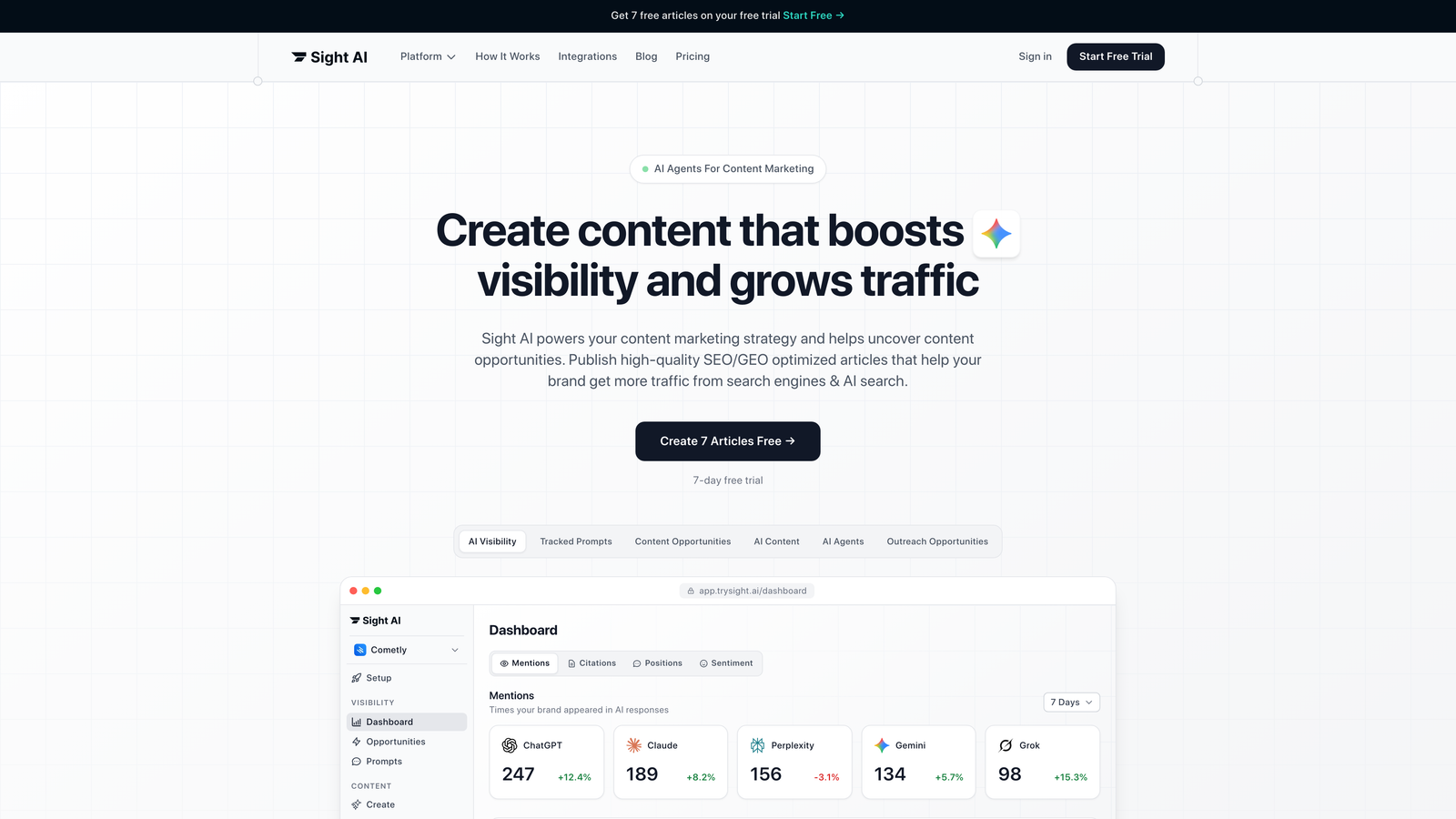
Sight AI is an integrated platform that handles content creation and distribution in one workflow.
Where This Tool Shines
Sight AI bridges the gap between content generation and publication that most platforms leave open. Instead of generating content in one tool and manually copying it to your CMS, the platform writes SEO-optimized articles and pushes them directly to your site.
The IndexNow integration means search engines get notified the moment your content goes live, eliminating the traditional waiting period for crawlers to discover new pages. For teams focused on AI visibility, the platform tracks how models like ChatGPT and Claude reference your brand, turning those insights into content opportunities.
Key Features
13+ Specialized AI Agents: Different agents handle listicles, guides, explainers, and other content formats with SEO and GEO optimization built in.
Auto-Publishing: Direct integration with WordPress, Webflow, and other CMS platforms eliminates manual content transfer.
IndexNow Integration: Automatic search engine notification ensures content gets discovered immediately after publishing.
Autopilot Mode: Schedule bulk content publication across multiple days or weeks with automated workflows.
AI Visibility Tracking: Monitor brand mentions across ChatGPT, Claude, Perplexity, and other AI platforms to identify content gaps.
Best For
Marketing teams and agencies that need both content creation and publishing automation in one platform. Particularly valuable for brands focused on organic traffic growth through AI-optimized content and faster indexing.
Pricing
Plans available at trysight.ai/pricing with options scaled for different team sizes and publishing volumes.
2. WordPress with Jetpack
Best for: Publishers already using WordPress who need enhanced scheduling and social distribution
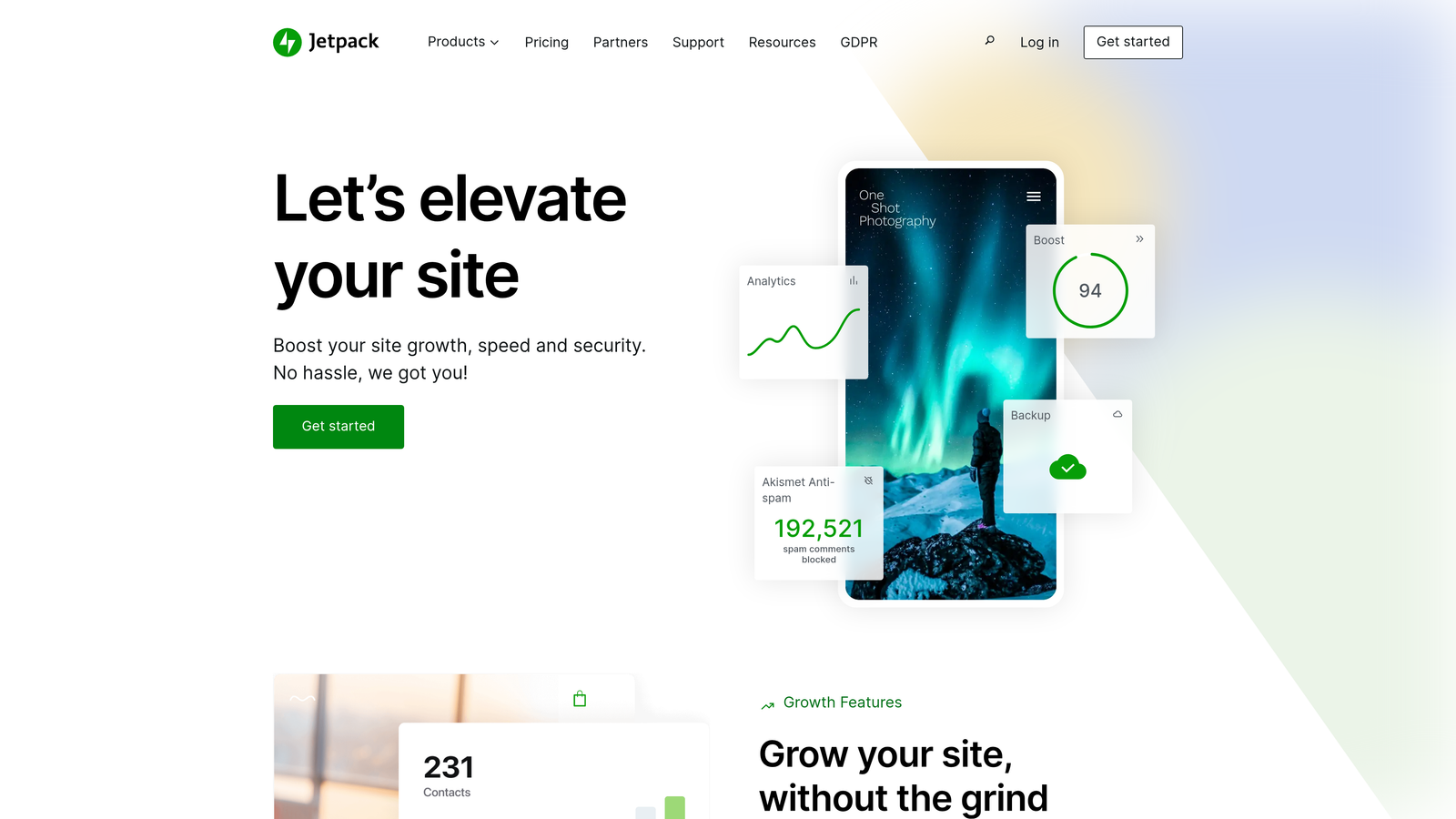
Jetpack is the most widely adopted enhancement suite for WordPress, adding professional publishing features to the core CMS.
Where This Tool Shines
If you're already running WordPress, Jetpack extends your publishing capabilities without forcing a platform migration. The bulk editing interface lets you schedule dozens of posts in minutes, while the Publicize feature automatically shares new content across social channels.
The extensive plugin ecosystem means you can layer additional automation on top of Jetpack's foundation. Teams appreciate the familiar WordPress interface combined with enterprise-grade features like automatic backups and security scanning.
Key Features
Native Post Scheduling: Built-in calendar view with drag-and-drop scheduling and bulk editing capabilities.
Automatic Social Sharing: Publicize feature pushes new posts to connected social media accounts without manual intervention.
Multi-Platform Distribution: Connect Facebook, Twitter, LinkedIn, and other platforms for simultaneous publishing.
Plugin Ecosystem: Thousands of workflow automation plugins extend core functionality for specific needs.
Security and Performance: Integrated site protection, CDN, and automated backups protect your content infrastructure.
Best For
Content teams already invested in WordPress who want to add professional scheduling and social distribution without switching platforms. Works well for publishers managing multiple WordPress sites from a central dashboard.
Pricing
WordPress core is free. Jetpack plans start at $4.95/month for basic features, with higher tiers adding advanced security and performance tools.
3. ContentStudio
Best for: Teams managing both blog content and social media from a unified calendar
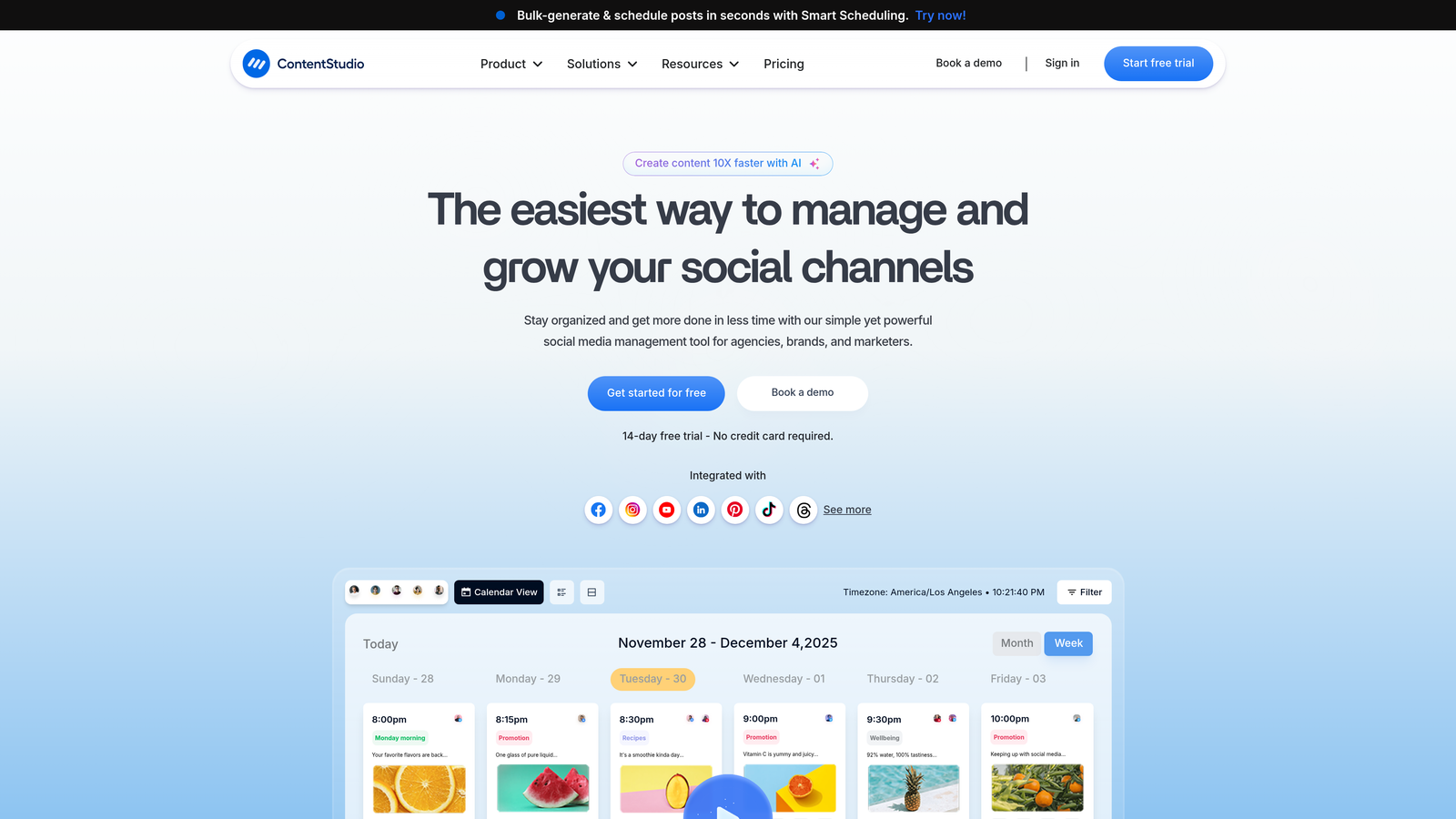
ContentStudio is a unified marketing platform that treats blog posts and social updates as part of the same content strategy.
Where This Tool Shines
ContentStudio eliminates the disconnect between blog publishing and social promotion. The unified calendar shows all content types in one view, making it easier to coordinate launches across channels.
The content discovery tools surface trending topics and competitor content, helping teams identify what to create next. Team approval workflows ensure quality control without slowing down production, with configurable review stages that match your organization's structure.
Key Features
Multi-Channel Calendar: Single view showing blog posts, social updates, and scheduled campaigns across all platforms.
Unified Dashboard: Manage WordPress, Medium, social media, and other channels without switching tools.
Content Discovery: Built-in curation engine surfaces trending topics and competitor content for inspiration.
Team Workflows: Configurable approval chains with role-based permissions and revision tracking.
Analytics Integration: Performance metrics from all channels consolidated in one reporting dashboard.
Best For
Marketing teams managing both long-form blog content and social media who want to coordinate campaigns across channels. Particularly useful for agencies handling multiple client accounts.
Pricing
Plans start at $25/month for individual users, with team and agency tiers adding collaboration features and additional social accounts.
4. Publer
Best for: High-volume social media scheduling with CSV bulk upload capabilities
Publer is a social scheduling platform built around bulk operations and automation.

Where This Tool Shines
Publer's CSV bulk upload feature is a standout for teams scheduling hundreds of posts at once. Export your content calendar from a spreadsheet, upload the CSV, and Publer handles the rest. The auto-schedule function analyzes your audience engagement patterns and selects optimal posting times automatically.
The watermark and signature automation saves time for teams that need consistent branding across posts. Link-in-bio pages consolidate multiple destinations into a single shareable URL, useful for Instagram and TikTok where link options are limited.
Key Features
CSV Bulk Upload: Schedule hundreds of posts at once by uploading a spreadsheet with your content calendar.
Auto-Schedule: AI-powered timing recommendations based on when your audience is most active.
Watermark Automation: Automatically add logos or signatures to images before publishing.
Link-in-Bio Pages: Create custom landing pages that consolidate multiple links for Instagram and TikTok bios.
Recycling Queues: Automatically republish evergreen content at specified intervals.
Best For
Social media managers handling high post volumes across multiple accounts. Teams that plan content in spreadsheets will appreciate the seamless CSV import workflow.
Pricing
Free tier supports basic scheduling. Paid plans start at $12/month with additional social accounts and team collaboration features.
5. CoSchedule
Best for: Editorial teams coordinating content campaigns across marketing channels
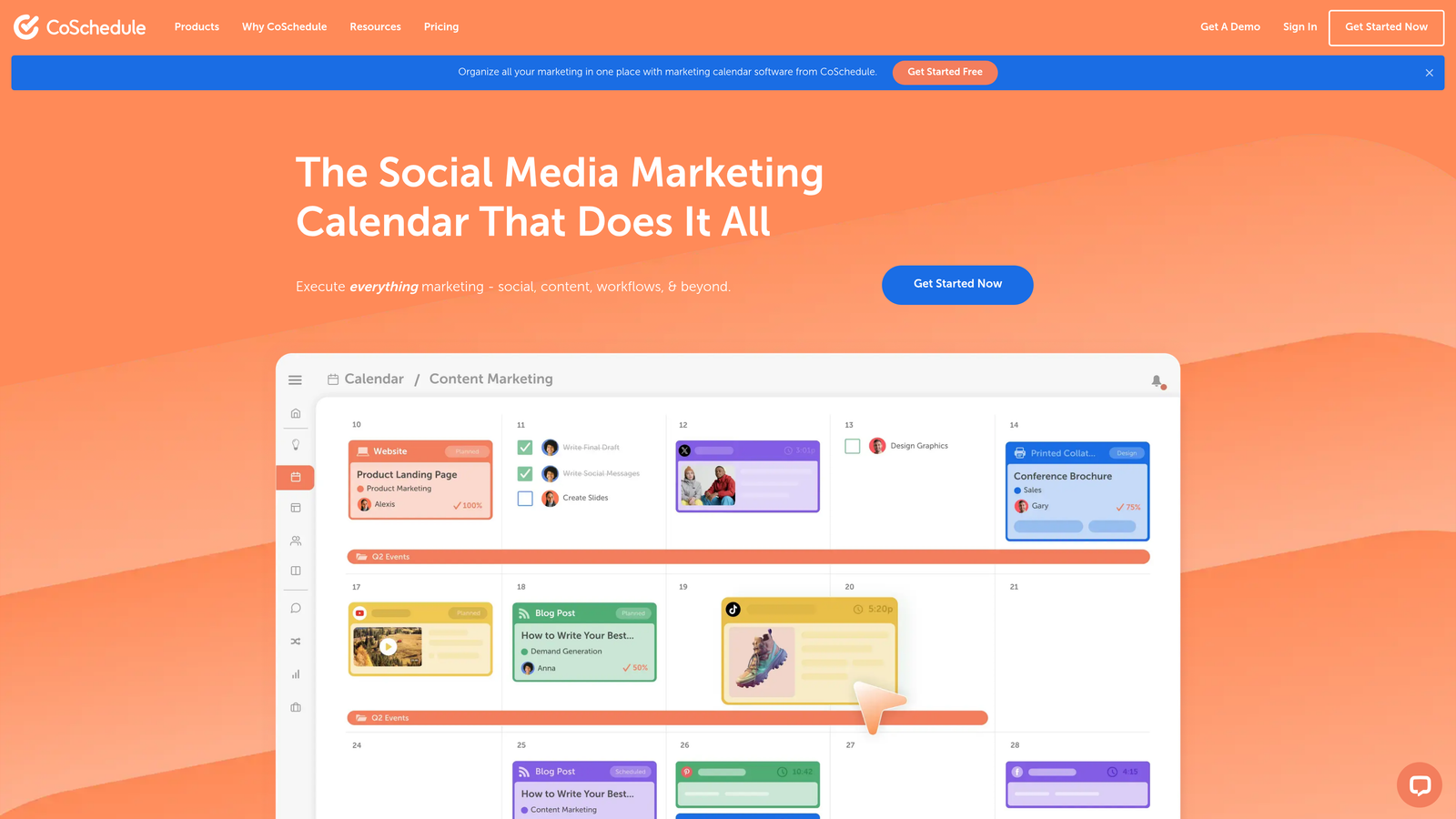
CoSchedule is a marketing calendar platform designed for teams managing complex editorial workflows.
Where This Tool Shines
CoSchedule treats your content calendar as the central hub for all marketing activities. Blog posts, social promotions, email campaigns, and product launches all appear in one timeline, making it easier to spot conflicts and coordinate launches.
The ReQueue feature automatically reshares evergreen content when your queue runs low, maintaining consistent social presence without constant manual scheduling. WordPress and HubSpot integrations sync your publishing workflow with your content management system.
Key Features
Unified Marketing Calendar: All content types and campaigns displayed in a single timeline view.
CMS Integrations: Direct connections to WordPress and HubSpot for seamless content publishing.
ReQueue: Automated evergreen content resharing that fills gaps in your social schedule.
Headline Analyzer: Built-in tool scores headlines for engagement potential before you publish.
Task Management: Assign responsibilities and track progress on content projects within the calendar interface.
Best For
Marketing teams managing editorial calendars with multiple content types and campaign dependencies. Works well for organizations where content creation involves multiple stakeholders and approval stages.
Pricing
Free marketing calendar available with basic features. Marketing Suite pricing provided on request based on team size and feature requirements.
6. Contentful
Best for: Enterprise teams publishing content across web, mobile, and IoT through a headless CMS
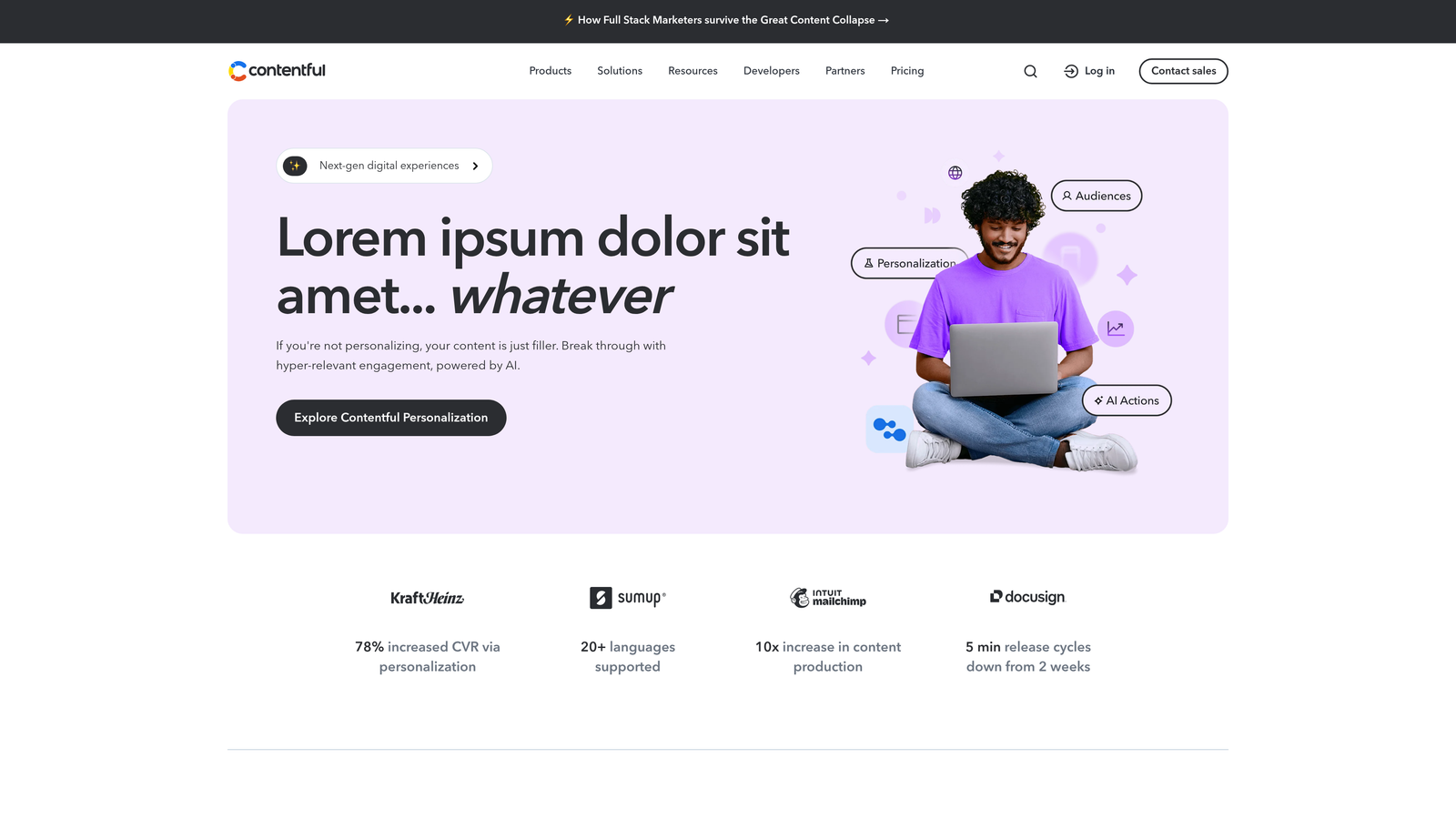
Contentful is an API-first content platform that enables omnichannel publishing from a single source.
Where This Tool Shines
Contentful's headless architecture separates content from presentation, allowing the same content to appear on websites, mobile apps, digital signage, and any other platform with an API connection. For enterprises managing content across dozens of touchpoints, this eliminates duplication and ensures consistency.
The composable content modeling lets technical teams structure content exactly how their applications need it. Enterprise-grade security, compliance certifications, and global CDN delivery make it suitable for organizations with strict requirements.
Key Features
API-First Architecture: Content delivered via RESTful and GraphQL APIs to any frontend or application.
Omnichannel Publishing: Single content source feeds websites, mobile apps, digital displays, and emerging platforms.
Composable Content Models: Flexible content structures adapt to complex organizational needs without technical debt.
Enterprise Security: SOC 2 Type II, ISO 27001, and GDPR compliance with role-based access controls.
Global CDN: Content delivery optimized for performance across geographic regions.
Best For
Enterprise organizations publishing content across multiple digital properties and platforms. Requires technical resources to implement but provides maximum flexibility for complex content operations.
Pricing
Free tier available for small projects. Team plans start at $489/month with enterprise pricing based on content volume and feature requirements.
7. Buffer
Best for: Straightforward social media scheduling with a clean, reliable interface
Buffer is a social scheduling tool known for its simplicity and consistent performance.

Where This Tool Shines
Buffer's queue-based system makes scheduling intuitive. Add content to your queue, set posting times, and Buffer handles the rest. The interface stays clean even when managing multiple accounts, avoiding the feature bloat that makes other platforms overwhelming.
The analytics dashboard provides engagement metrics without requiring advanced interpretation. The browser extension lets you share content as you discover it, adding items to your queue without opening the main application.
Key Features
Queue-Based Scheduling: Set posting times once, then add content that automatically fills available slots.
Analytics Dashboard: Track engagement, reach, and clicks across all connected social accounts.
Start Page: Customizable link-in-bio landing pages for Instagram and TikTok profiles.
Browser Extension: Share web content directly to your Buffer queue from any page.
Team Collaboration: Multiple users can contribute to queues with approval workflows on higher-tier plans.
Best For
Small teams and solopreneurs who want reliable social scheduling without complexity. Buffer's simplicity makes it accessible for users who find other platforms overwhelming.
Pricing
Free tier supports basic scheduling for limited accounts. Essentials plans start at $6/month per social channel with additional features.
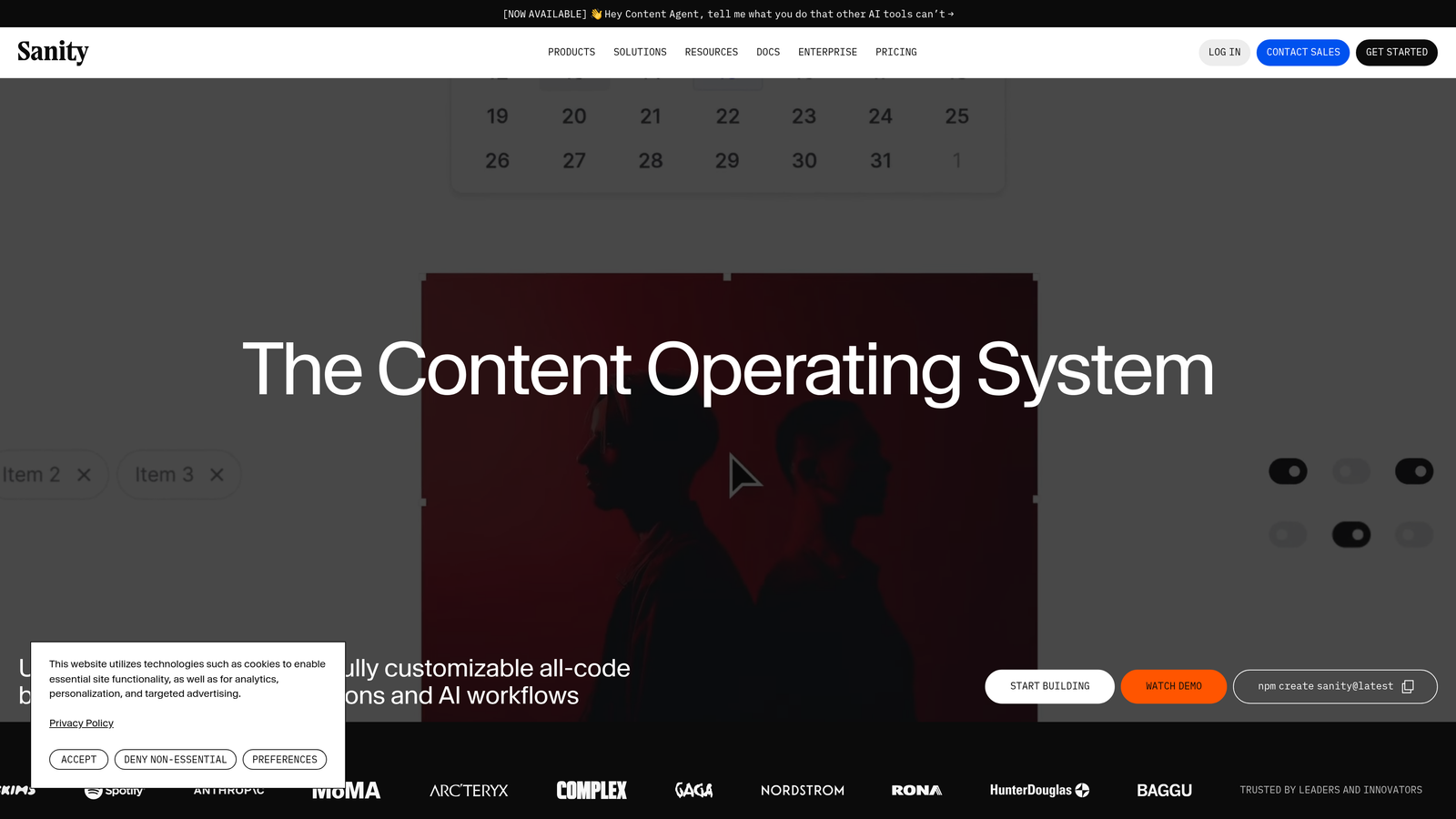
8. Sanity
Best for: Development teams needing customizable content infrastructure with real-time collaboration
Sanity is a flexible content platform that treats content as structured data with real-time editing capabilities.
Where This Tool Shines
Sanity's real-time collaborative editing means multiple team members can work on the same content simultaneously without conflicts. Changes appear instantly for all users, similar to Google Docs but for structured content.
The GROQ query language gives developers precise control over how content is retrieved and displayed. Portable text format ensures rich content works consistently across any frontend framework. For teams with technical resources, Sanity provides flexibility that traditional CMSs can't match.
Key Features
Real-Time Collaboration: Multiple editors can work simultaneously with changes appearing instantly for all users.
Structured Content: Content modeled as data that can be queried and displayed by any frontend application.
GROQ Query Language: Powerful content queries that give developers precise control over data retrieval.
Portable Text: Rich text format that works consistently across platforms without vendor lock-in.
Customizable Studio: Content editing interface can be tailored to match specific workflow requirements.
Best For
Development teams building custom content experiences who need flexibility beyond traditional CMS constraints. Best suited for organizations with technical resources to implement and maintain custom integrations.
Pricing
Free tier available for personal projects and small teams. Team plans start at $99/month with enterprise pricing for larger organizations.
9. HubSpot Content Hub
Best for: Marketing teams wanting CRM-connected content publishing with built-in personalization
HubSpot Content Hub is an all-in-one marketing platform that connects content publishing with customer relationship management.
Where This Tool Shines
HubSpot's CRM integration enables content personalization based on visitor data. The platform knows which content resonates with specific audience segments and can automatically show different versions to different visitors. Built-in SEO recommendations analyze your content as you write, suggesting improvements before publication.
Multi-language content management makes it easier to maintain consistent messaging across regions. The comprehensive analytics tie content performance directly to business outcomes like lead generation and revenue, showing which pieces contribute to growth.
Key Features
CRM-Integrated Personalization: Content adapts based on visitor data and behavior tracked in HubSpot's CRM.
Built-In SEO Recommendations: Real-time suggestions for optimizing content while you write.
Multi-Language Management: Coordinate content across multiple languages with translation workflows.
Marketing Analytics: Track content performance alongside lead generation, conversion, and revenue metrics.
Landing Page Builder: Create and publish landing pages without developer involvement.
Best For
Marketing teams already using HubSpot's CRM or email tools who want to consolidate their content operations. Most valuable when you need tight integration between content publishing and lead management.
Pricing
Free tools available with basic features. Starter plans begin at $20/month with professional and enterprise tiers adding advanced automation and personalization.
Making the Right Choice
The bulk content publishing software you choose depends on where you publish, how you create content, and what level of automation you need.
For teams focused on SEO and AI visibility, platforms that combine content generation with publishing eliminate workflow gaps. Sight AI stands out here by handling creation, publication, and search indexing in one system. If you're already deep in the WordPress ecosystem, Jetpack extends your existing infrastructure without forcing a platform change.
Social media teams should consider whether they need pure scheduling tools like Buffer and Publer, or unified platforms like ContentStudio that coordinate blog and social content together. Enterprise organizations publishing across multiple digital properties benefit from headless solutions like Contentful and Sanity, though these require technical resources to implement effectively.
Marketing teams wanting CRM integration should evaluate HubSpot, while editorial teams coordinating complex campaigns across channels will find CoSchedule's unified calendar valuable. The key differentiator isn't features—it's how well the platform matches your specific publishing workflow.
Stop guessing how AI models like ChatGPT and Claude talk about your brand—get visibility into every mention, track content opportunities, and automate your path to organic traffic growth. Start tracking your AI visibility today and see exactly where your brand appears across top AI platforms.