Getting your content discovered by search engines faster can mean the difference between capturing trending traffic and missing the wave entirely. Traditional crawling can take days or even weeks—time your competitors are using to rank ahead of you. Content indexing acceleration tools solve this by pushing your pages directly to search engines through protocols like IndexNow, automated sitemap pinging, and real-time submission APIs.
Whether you're publishing daily blog posts, managing a large e-commerce catalog, or running content at scale for clients, the right indexing tool ensures your pages enter search results within hours, not weeks. This guide covers the top indexing acceleration solutions for 2026, evaluated on speed, automation capabilities, integration options, and value for different use cases.
1. Sight AI
Best for: Teams wanting end-to-end content workflow from creation through indexing automation
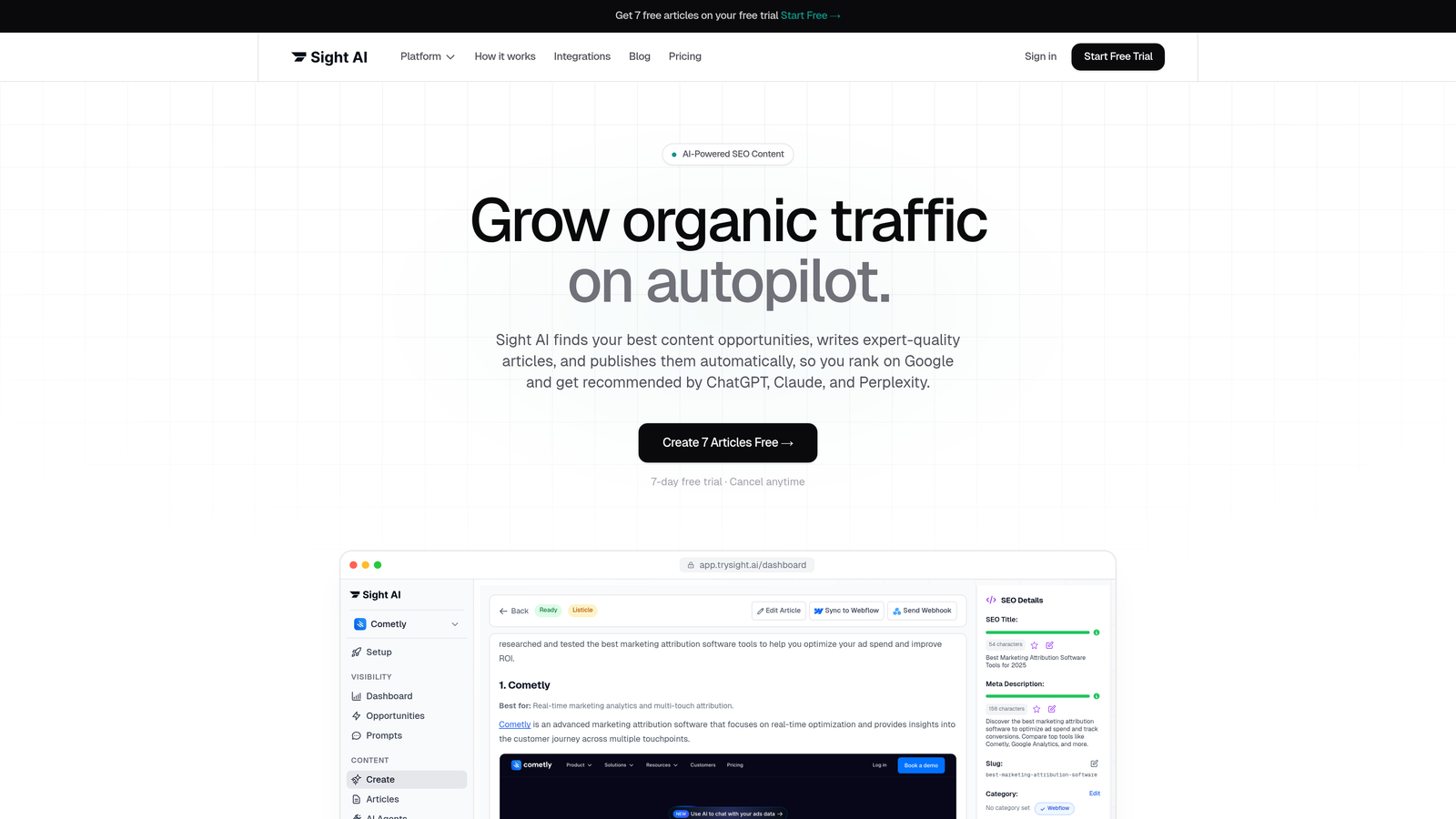
Sight AI combines AI-powered content generation with automated indexing capabilities, creating a streamlined workflow from draft to search engine discovery.
Where This Tool Shines
The platform's standout feature is its integrated approach—you're not juggling separate tools for content creation, SEO optimization, and indexing. When you publish content through Sight AI, IndexNow submissions happen automatically, and your sitemap updates in real-time without manual intervention.
For agencies and marketing teams managing multiple properties, the CMS auto-publishing feature eliminates the manual step of copying content between systems. Content flows from the AI writer directly to WordPress or other platforms with indexing notifications triggered instantly.
Key Features
IndexNow Integration: Automatic notifications to Bing, Yandex, and other participating search engines the moment content publishes.
Automated Sitemap Updates: Your XML sitemap refreshes automatically with new URLs, ensuring crawlers always find your latest content.
CMS Auto-Publishing: Direct publishing to WordPress and other platforms eliminates copy-paste workflows and manual indexing steps.
AI Content Generation: 13+ specialized AI agents create SEO-optimized content designed for both traditional search and AI search visibility.
Real-Time Indexing Status: Track which pages have been submitted and monitor indexing progress across search engines.
Best For
Content teams publishing regularly who want a single platform handling creation, optimization, and indexing. Particularly valuable for agencies managing multiple client sites or in-house teams running high-volume content operations where automation directly impacts productivity.
Pricing
Plans start at $49/month with indexing features included across all tiers. No separate indexing add-ons or per-submission fees.
2. IndexNow by Microsoft Bing
Best for: Technical teams implementing direct protocol-level indexing without third-party dependencies
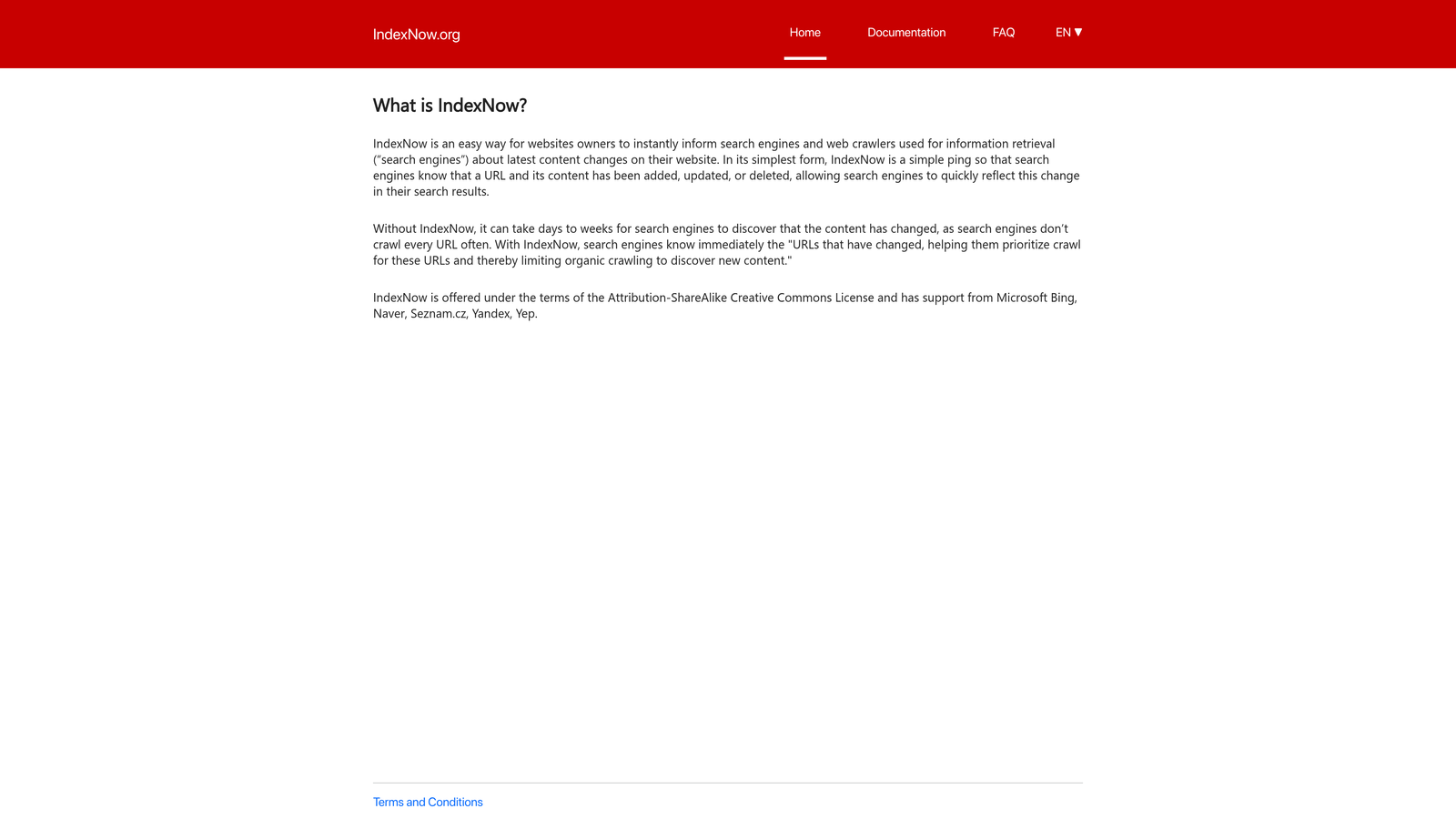
IndexNow is an open protocol that lets websites notify participating search engines instantly when content changes, eliminating the wait for traditional crawling cycles.
Where This Tool Shines
This isn't a tool you install—it's a protocol you implement. That technical nature is both its strength and limitation. Once configured, a single API call notifies multiple search engines simultaneously. No monthly fees, no per-submission costs, no vendor lock-in.
The protocol's adoption by major search engines like Bing and Yandex means your implementation reaches a significant portion of global search traffic. For developers comfortable with API integration, this represents the most direct path to indexing acceleration.
Key Features
Open Protocol: Free specification anyone can implement without licensing fees or vendor agreements.
Multi-Engine Notification: One submission reaches Bing, Yandex, Seznam, Naver, and other participating engines simultaneously.
Simple API: Straightforward HTTP POST requests make implementation accessible for most development teams.
Growing Adoption: Major search engines continue joining the protocol, expanding your reach with each implementation.
No Rate Limits: Submit as many URLs as needed without hitting artificial caps or throttling.
Best For
Development teams with in-house technical resources who want maximum control over indexing workflows. Ideal for custom CMS implementations or high-volume sites where per-submission pricing would become prohibitive.
Pricing
Completely free. The protocol is open-source, though you'll need technical resources for implementation and maintenance.
3. Rank Math SEO
Best for: WordPress users wanting comprehensive SEO features with one-click indexing acceleration
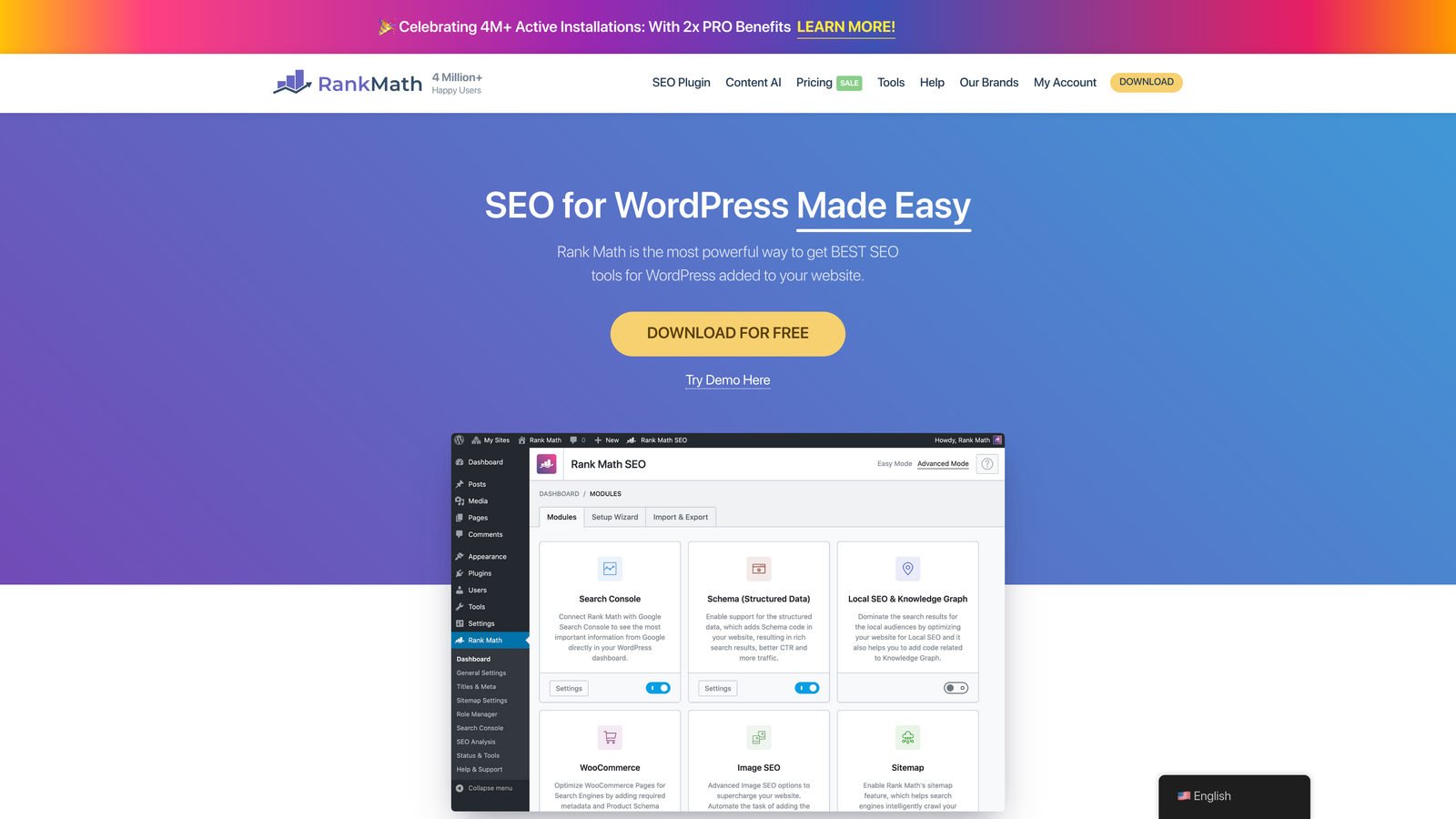
Rank Math SEO brings IndexNow support directly into WordPress through a plugin that handles everything from on-page optimization to automatic search engine notifications.
Where This Tool Shines
The plugin's IndexNow integration requires literally one click to activate. After that, every time you publish or update content, Rank Math automatically notifies participating search engines. No API keys to manage, no separate dashboards, no manual submissions.
Beyond indexing, you're getting a full SEO suite—schema markup, keyword optimization, internal linking suggestions, and detailed analytics. For WordPress sites, this consolidates tools you'd otherwise pay for separately.
Key Features
One-Click IndexNow: Enable automatic search engine notifications through a single toggle in settings.
Publish-Triggered Submissions: New and updated content automatically triggers IndexNow submissions without manual intervention.
Comprehensive SEO Tools: Keyword tracking, content analysis, schema markup, and technical SEO features in one plugin.
Schema Integration: Structured data markup helps search engines understand your content faster and more accurately.
Performance Optimized: Lightweight code ensures indexing features don't slow down your site.
Best For
WordPress site owners who want professional-grade SEO capabilities without managing multiple plugins. The free version includes IndexNow support, making it accessible for small sites and bloggers just starting with indexing acceleration.
Pricing
Free version includes IndexNow functionality. Pro plans start at $59/year, adding advanced features like video SEO and WooCommerce optimization.
4. Yoast SEO Premium
Best for: Established WordPress sites already using Yoast wanting to add indexing acceleration
Yoast SEO Premium adds IndexNow support to the industry-standard WordPress SEO plugin, bringing indexing acceleration to sites already relying on Yoast's optimization features.
Where This Tool Shines
If you're already using Yoast for SEO, upgrading to Premium for IndexNow integration makes sense—you're staying within a familiar interface rather than learning new tools. The plugin's maturity shows in polish and reliability that comes from years of refinement.
Yoast's content analysis remains its core strength. The traffic light system for readability and SEO makes optimization accessible even for non-technical users. Adding IndexNow to this workflow means optimized content reaches search engines faster.
Key Features
IndexNow in Premium: Automatic search engine notifications included in the premium tier, not the free version.
XML Sitemap Generation: Automatic sitemaps update as you publish, giving crawlers a complete map of your content.
Content Optimization: Real-time suggestions for improving readability and SEO before you hit publish.
Redirect Manager: Handle URL changes without losing indexing status or creating broken links.
Internal Linking Suggestions: Contextual recommendations help search engines discover related content faster.
Best For
WordPress sites with established Yoast implementations who want to add indexing acceleration without switching SEO tools. The premium tier makes sense for content-heavy sites where the additional features justify the investment.
Pricing
Premium starts at $99/year for a single site. IndexNow support is exclusive to the paid tier.
5. Cloudflare Crawler Hints
Best for: Sites already using Cloudflare wanting zero-configuration indexing acceleration
Cloudflare Crawler Hints automatically submits IndexNow notifications at the CDN edge level, requiring absolutely no setup if you're already using Cloudflare.
Where This Tool Shines
This is indexing acceleration on autopilot. If your site runs through Cloudflare, Crawler Hints detects content changes at the edge and automatically sends IndexNow submissions. You don't install anything, configure anything, or manage anything.
The edge-level implementation means submissions happen incredibly fast—the moment Cloudflare's network detects a change, search engines get notified. This works with any CMS, static site generator, or custom platform behind Cloudflare.
Key Features
Automatic Detection: Cloudflare's edge network identifies content changes without requiring CMS integration.
Zero Configuration: If you use Cloudflare, Crawler Hints works immediately—no setup, no API keys, no toggles.
CMS Agnostic: Works with WordPress, static sites, custom platforms, or anything else behind Cloudflare.
Edge-Level Speed: Submissions happen at Cloudflare's global edge network, minimizing latency.
Included Feature: Available across all Cloudflare plan tiers, including the free plan.
Best For
Any site already using Cloudflare for CDN, security, or performance. Particularly valuable for static sites or custom platforms where plugin-based solutions aren't available. The zero-configuration aspect makes this ideal for teams without dedicated technical resources.
Pricing
Included in all Cloudflare plans at no additional cost. Free tier users get full access to Crawler Hints.
6. Google Search Console URL Inspection API
Best for: Direct programmatic access to Google's indexing queue for custom workflows
Google Search Console URL Inspection API provides official API access for requesting indexing of specific URLs, giving you direct communication with Google's crawling infrastructure.
Where This Tool Shines
This is Google's official channel for indexing requests. While Google hasn't adopted IndexNow, they offer this API for programmatic submissions. The feedback loop is valuable—you don't just submit URLs, you get status information about indexing progress and any issues blocking inclusion.
For sites where Google represents the majority of search traffic, focusing on this official channel makes strategic sense. The API integrates with Google Cloud workflows, making it natural for teams already using Google's ecosystem.
Key Features
Direct Google Submission: Official API for requesting indexing rather than waiting for natural crawling.
Programmatic Access: Build custom workflows that trigger submissions based on your specific publishing logic.
Status Feedback: Receive information about indexing progress and any issues preventing inclusion.
Google Cloud Integration: Natural fit for workflows using Google Cloud Platform services.
Priority Crawling: Submitted URLs typically get crawled faster than relying on natural discovery.
Best For
Development teams building custom publishing workflows who need direct Google integration. Particularly useful for sites where Google represents the dominant traffic source and other search engines are secondary priorities.
Pricing
Free to use, though daily quota limits apply. Most sites won't hit the limits unless publishing hundreds of pages daily.
7. Screaming Frog SEO Spider
Best for: Technical SEO audits identifying indexability issues before they impact rankings
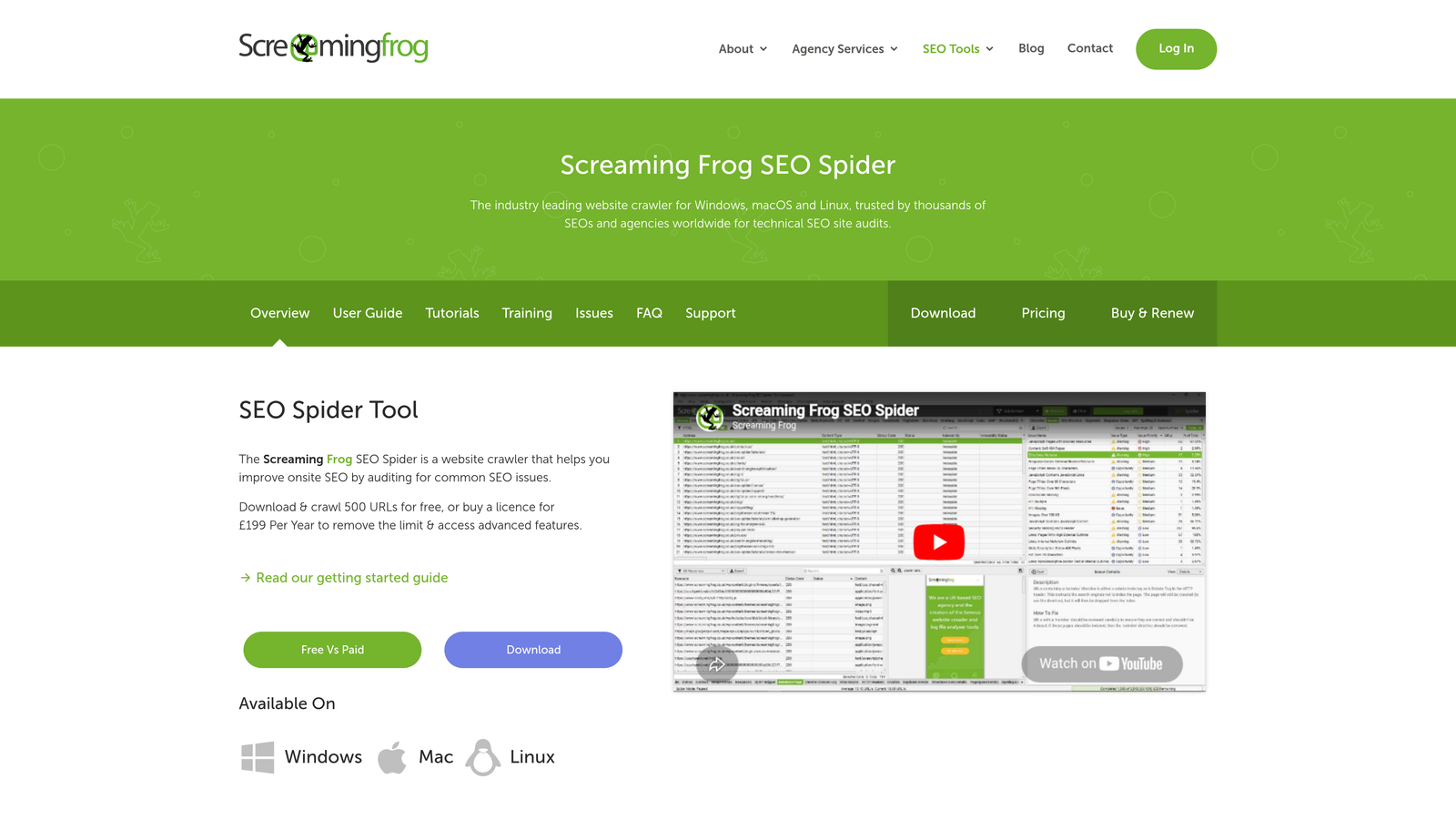
Screaming Frog SEO Spider crawls your site like a search engine would, identifying technical issues that prevent indexing and generating optimized sitemaps.
Where This Tool Shines
This desktop crawler shows you exactly what search engines see when they visit your site. Blocked pages, redirect chains, broken links, missing metadata—Screaming Frog surfaces indexability problems you didn't know existed.
The sitemap generation feature creates optimized XML files based on actual crawl data rather than generic CMS output. You can exclude problematic URLs, prioritize important pages, and ensure your sitemap guides crawlers to content that's actually ready for indexing.
Key Features
Comprehensive Crawling: Desktop application that mimics search engine behavior to identify indexability issues.
Sitemap Generation: Create optimized XML sitemaps based on crawl data rather than automatic CMS output.
Indexability Diagnostics: Identify robots.txt blocks, noindex tags, canonical issues, and other barriers to indexing.
Google API Integration: Connect to Search Console and Analytics for combined technical and performance data.
Custom Extraction: Pull specific data from pages using CSS selectors or XPath for advanced analysis.
Best For
Technical SEO professionals and agencies conducting site audits. The free version handles up to 500 URLs, making it accessible for small site analysis. Larger sites and professional use cases benefit from the paid license's unlimited crawling.
Pricing
Free for crawling up to 500 URLs. Full license costs £199/year for unlimited crawling and advanced features.
8. ContentKing
Best for: Real-time monitoring of indexability issues across large sites with immediate alerts
ContentKing continuously crawls your site 24/7, detecting indexability changes the moment they occur and alerting you before they impact rankings.
Where This Tool Shines
Most tools crawl your site periodically. ContentKing monitors constantly, detecting changes within minutes rather than days. When a developer accidentally adds a noindex tag to an important category page, you get an alert immediately—not after rankings drop.
The historical tracking shows exactly when changes occurred, making it easy to correlate indexability issues with ranking fluctuations. For enterprise sites where a single indexing mistake can cost thousands in lost traffic, this real-time oversight provides critical protection.
Key Features
24/7 Monitoring: Continuous crawling detects indexability changes within minutes of occurrence.
Instant Alerts: Notifications when critical pages become unindexable or important content changes unexpectedly.
Historical Tracking: Complete timeline showing when indexability issues appeared and were resolved.
Change Detection: Identifies modifications to titles, descriptions, canonical tags, and other elements affecting indexing.
Segment Analysis: Group pages by type to monitor indexability patterns across different content categories.
Best For
Enterprise sites and agencies managing large properties where indexing mistakes have significant business impact. The monthly cost makes sense when you're protecting six or seven figures of organic traffic revenue.
Pricing
Starts at $99/month for smaller sites. Pricing scales with page count and monitoring frequency.
9. Jetpack
Best for: WordPress beginners wanting basic sitemap functionality without complexity
Jetpack provides automatic XML sitemap generation and search engine pinging for WordPress sites, offering a straightforward entry point to indexing acceleration.
Where This Tool Shines
Jetpack's strength is simplicity. Install the plugin, and it automatically creates sitemaps and pings search engines when you publish. No configuration menus, no API keys, no technical setup.
For small blogs and personal sites, this no-fuss approach removes barriers. You're not paying for advanced features you won't use, and you're not spending hours learning complex tools. The plugin bundles sitemap functionality with security and performance features, making it a practical all-in-one solution for simple sites.
Key Features
Automatic Sitemaps: XML sitemaps generate and update automatically as you publish content.
Publish Pinging: Search engines receive notifications when new content goes live.
Beginner-Friendly: Minimal configuration required—works out of the box for most sites.
Bundled Features: Includes security scanning, performance optimization, and backup capabilities alongside indexing features.
Automatic Updates: Plugin maintains itself, reducing maintenance burden for non-technical users.
Best For
WordPress beginners, personal blogs, and small business sites that need basic indexing functionality without advanced features. Not ideal for high-volume publishers or sites requiring sophisticated indexing workflows.
Pricing
Free plan includes basic sitemap functionality. Paid plans start at $4/month, adding features like real-time backups and malware scanning.
Making the Right Choice
Your ideal indexing acceleration tool depends on your technical setup and content velocity. For teams wanting an integrated solution that handles content creation through indexing, Sight AI offers the most streamlined workflow with its IndexNow integration and auto-publishing capabilities—particularly valuable when you're managing multiple properties or client sites.
WordPress users can leverage Rank Math or Yoast Premium for built-in IndexNow support without adding separate tools to their stack. Both plugins deliver professional SEO features alongside indexing acceleration, though Rank Math includes IndexNow in the free tier while Yoast reserves it for premium subscribers.
Enterprise sites on Cloudflare get automatic indexing acceleration with zero setup through Crawler Hints. This edge-level implementation works regardless of your CMS or platform, making it ideal for complex technical environments or static sites where plugin-based solutions aren't available.
Technical teams comfortable with APIs should consider direct IndexNow implementation for maximum control, or Google's URL Inspection API if Google represents your primary traffic source. The protocol-level approach eliminates vendor dependencies and per-submission costs at the expense of requiring development resources.
For monitoring indexability issues before they impact rankings, ContentKing provides the most comprehensive real-time oversight. The investment makes sense for sites where a single indexing mistake could cost significant traffic revenue.
Start with the tool that matches your current stack—most offer free tiers or trials to test indexing speed improvements before committing. The right choice accelerates your path from publish to discovery, turning content velocity into ranking momentum.
Beyond traditional search indexing, understanding how AI models like ChatGPT and Claude reference your brand opens entirely new visibility opportunities. Start tracking your AI visibility today and see exactly where your brand appears across top AI platforms—then use those insights to create content that gets mentioned in AI responses alongside traditional search results.