Content teams in 2026 are publishing more than ever before. Maintaining organic visibility across traditional search, social platforms, and AI-powered discovery tools like ChatGPT, Claude, and Perplexity requires a volume and consistency of output that manual workflows simply cannot sustain.
That's where automated publishing tools come in. But not all of them are built the same. Some handle scheduling. Some handle distribution. A growing number now tackle the full content lifecycle: creation, optimization, publishing, indexing, and tracking how your content performs across AI models.
To build this comparison, we evaluated each tool across six criteria: depth of publishing automation, CMS and platform integrations, content optimization capabilities, indexing and discovery features, pricing transparency, and scalability for growing teams. Whether you're a solo founder, a marketing agency, or an enterprise content team, there's a tool here for your workflow.
1. Sight AI
Best for: Teams that need AI content generation, CMS auto-publishing, IndexNow indexing, and AI visibility tracking in one platform.
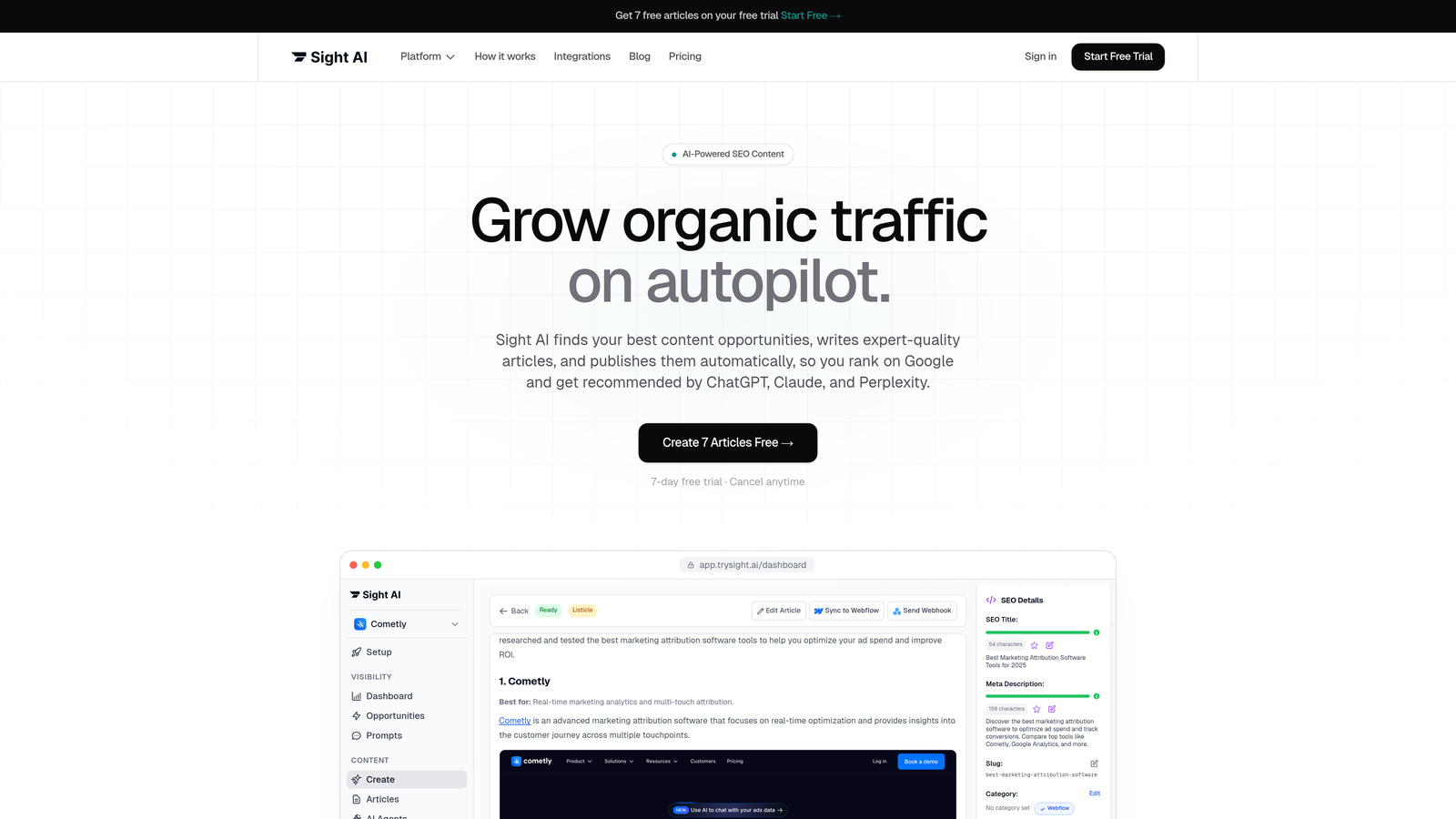
Sight AI is an AI-native platform that combines content creation, automated publishing, fast indexing, and brand visibility tracking across AI search models.
Where This Tool Shines
Most publishing tools stop at scheduling. Sight AI goes several steps further. It generates SEO and GEO-optimized content using 13+ specialized AI agents, then pushes that content directly to your CMS without requiring manual intervention. The Autopilot Mode is particularly valuable for teams running high-frequency publishing calendars: you define the parameters, and the platform handles the rest.
The feature that sets Sight AI apart from every other tool on this list is its AI visibility layer. After content is published, Sight AI tracks how your brand is mentioned across ChatGPT, Claude, Perplexity, and other major AI platforms. With the AI Visibility Score and sentiment analysis, you can see not just whether your content is being indexed, but whether it's actually influencing how AI models talk about your brand. That's a capability no traditional CMS or scheduling tool offers.
Key Features
13+ AI Writing Agents with Autopilot Mode: Generate listicles, guides, explainers, and more with specialized agents, then let Autopilot handle publishing on a set schedule.
CMS Auto-Publishing: Push finished content directly to WordPress and other platforms without manual copy-paste workflows.
IndexNow Integration with Automated Sitemap Updates: Newly published content is submitted to search engines immediately, reducing the lag between publishing and discovery.
AI Visibility Score: Track brand mentions and sentiment across 6+ AI models including ChatGPT, Claude, and Perplexity, with prompt tracking to see what queries surface your brand.
SEO/GEO-Optimized Content: Content is structured to rank in traditional search and to be cited by AI models, addressing both discovery channels simultaneously.
Best For
Marketers, founders, and agencies who need to grow organic traffic through both traditional SEO and AI search visibility. Especially well-suited for teams that want a single platform to handle content creation, publishing, indexing, and performance tracking rather than stitching together multiple tools.
Pricing
Free tier available. Paid plans with full automation and AI visibility tracking are detailed at trysight.ai/pricing.
2. WordPress + Jetpack
Best for: WordPress site owners who need reliable scheduled publishing with social sharing automation and site performance tools.
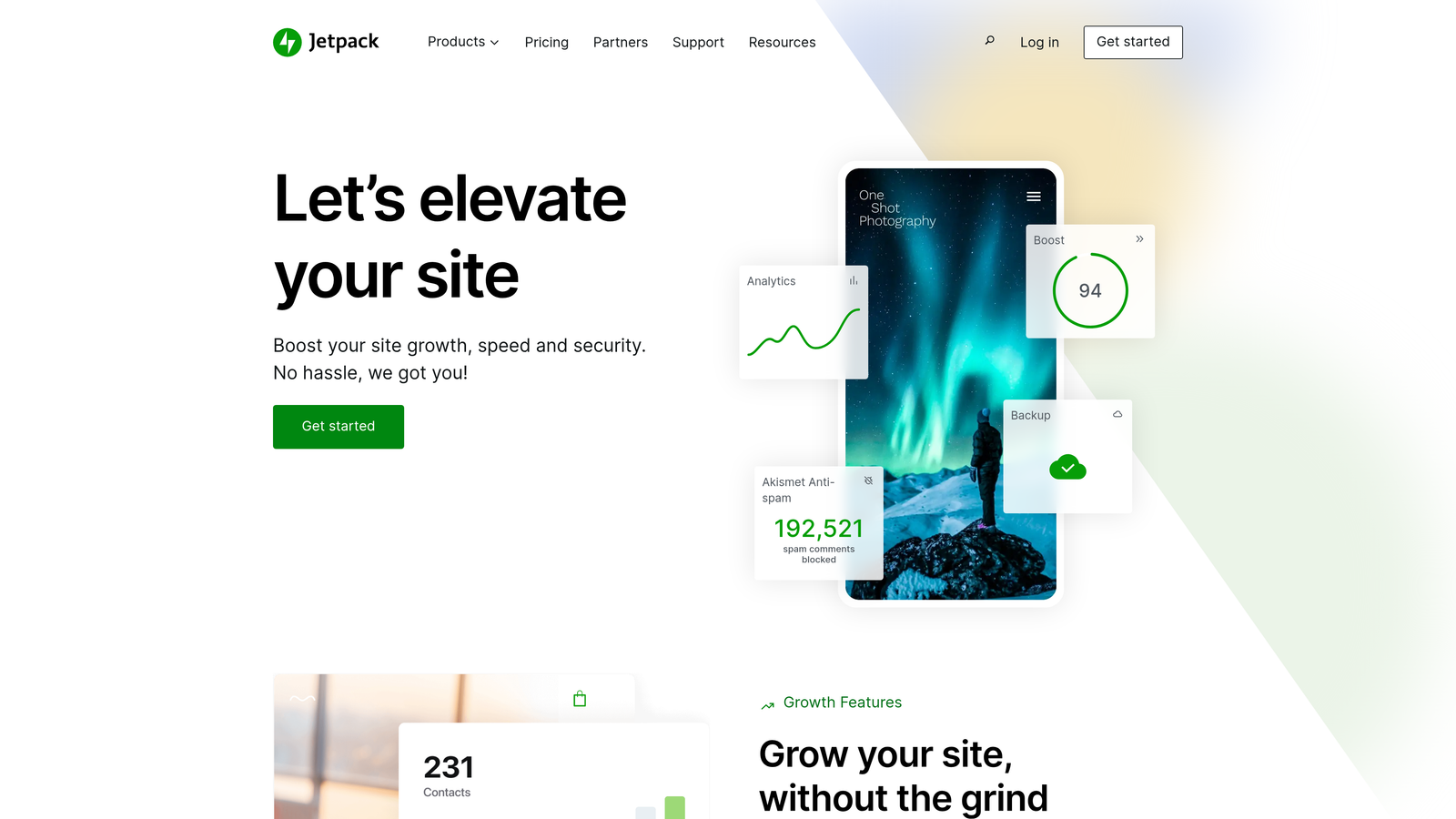
Jetpack is a WordPress plugin suite that extends native scheduling with social automation, analytics, and performance optimization.
Where This Tool Shines
WordPress's native scheduling is already solid. Jetpack elevates it by automating what happens after you hit publish. When a post goes live, Jetpack can automatically share it across your connected social profiles, removing a repetitive manual step from your workflow. The combination is a natural fit for content teams already operating inside WordPress who don't want to introduce a separate scheduling platform.
Jetpack also adds uptime monitoring, CDN delivery, and image optimization, which means your published content loads faster and stays available. For teams managing high-traffic editorial sites, these performance features are as important as the scheduling itself.
Key Features
Native WordPress Scheduled Publishing: Set precise publish times with full revision history and draft management built into the WordPress editor.
Auto-Share to Social Platforms: Automatically distribute published posts to connected social accounts without leaving WordPress.
Site Analytics and Uptime Monitoring: Track post performance and get notified if your site goes down, all from within the Jetpack dashboard.
CDN and Image Optimization: Serve published content faster with Jetpack's global CDN and automatic image compression.
Best For
WordPress-native teams and individual publishers who want to automate post-publishing distribution without adopting a new platform. A strong choice for editorial blogs, news sites, and small marketing teams running on WordPress.
Pricing
The core Jetpack plugin is free. Paid plans that include advanced social sharing, analytics, and security features start at approximately $4 per month.
3. HubSpot Content Hub
Best for: Enterprise and mid-market teams running CRM-connected content strategies with complex approval workflows.
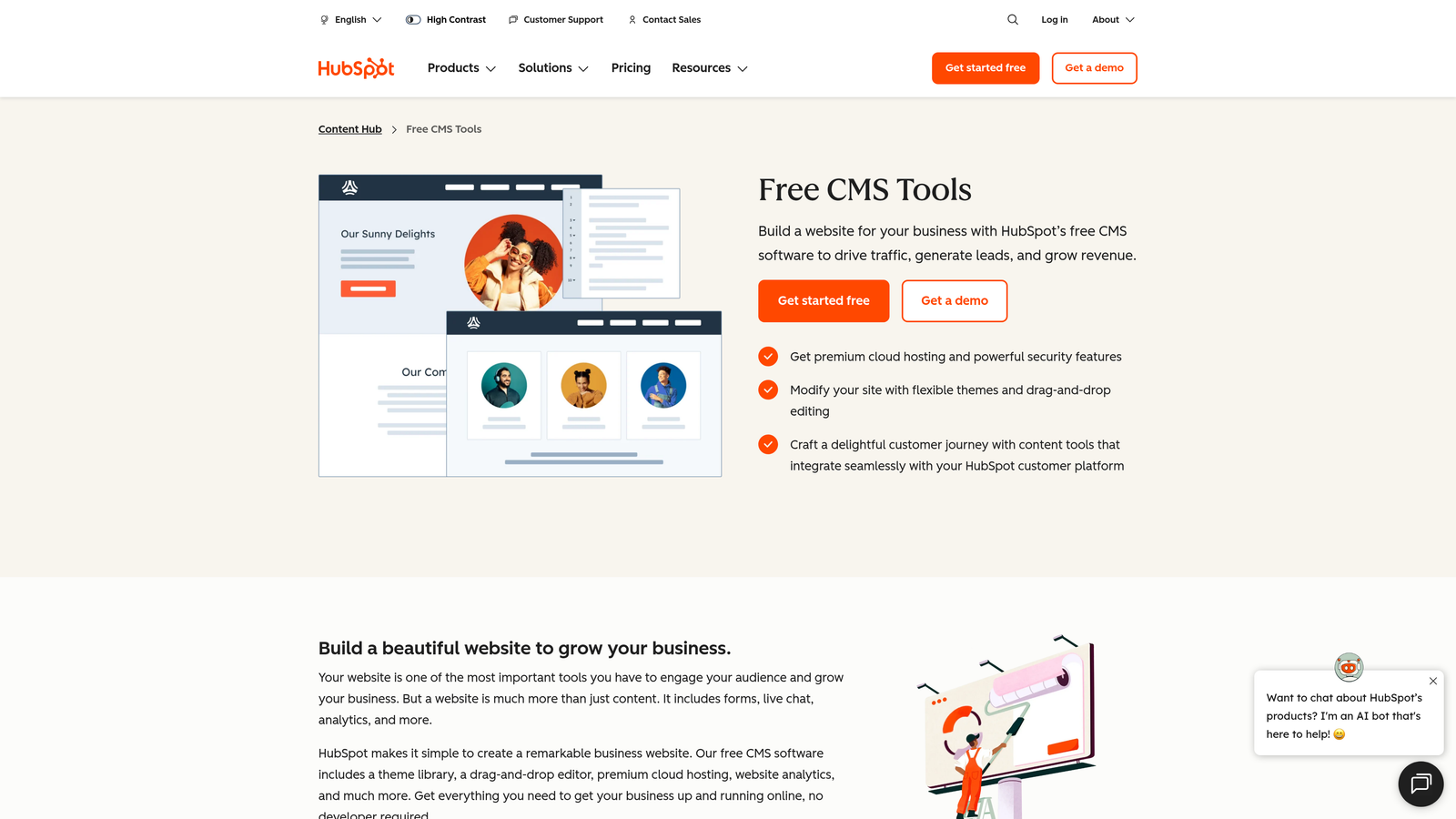
HubSpot Content Hub is an enterprise content management platform that connects publishing directly to CRM data, lead tracking, and marketing automation.
Where This Tool Shines
HubSpot Content Hub is built for teams where content publishing is inseparable from lead generation and customer lifecycle management. Smart content personalization lets you serve different versions of a page to different audience segments based on CRM data, a capability that goes well beyond what traditional publishing tools offer. For teams running account-based marketing or lead-nurturing content programs, this integration is genuinely powerful.
The built-in approval workflows and team collaboration tools make HubSpot particularly strong for larger organizations where multiple stakeholders need to review content before it goes live. A/B testing is native to the platform, so you can test headlines and CTAs without adding a third-party tool.
Key Features
CRM-Connected Publishing with Smart Content: Personalize published pages and blog posts dynamically based on visitor data pulled from HubSpot CRM.
Built-In A/B Testing: Test variations of published pages and blog posts directly within the platform without additional tools.
Multi-Language Content Management: Manage and publish content across multiple languages from a single interface.
Approval Workflows and Team Collaboration: Route content through structured review and sign-off processes before publishing.
Integrated SEO Recommendations: Get on-page optimization suggestions directly inside the content editor as you write.
Best For
Mid-market and enterprise marketing teams that run content as part of a broader inbound or account-based marketing strategy. Best suited for organizations already using HubSpot CRM who want publishing tightly integrated with their pipeline data.
Pricing
Free tools available. Content Hub Starter begins at $20 per month; Professional plans start at $500 per month with full automation and A/B testing capabilities.
4. CoSchedule
Best for: Marketing teams that want a unified calendar view across blog, social, and email publishing with automated content resharing.
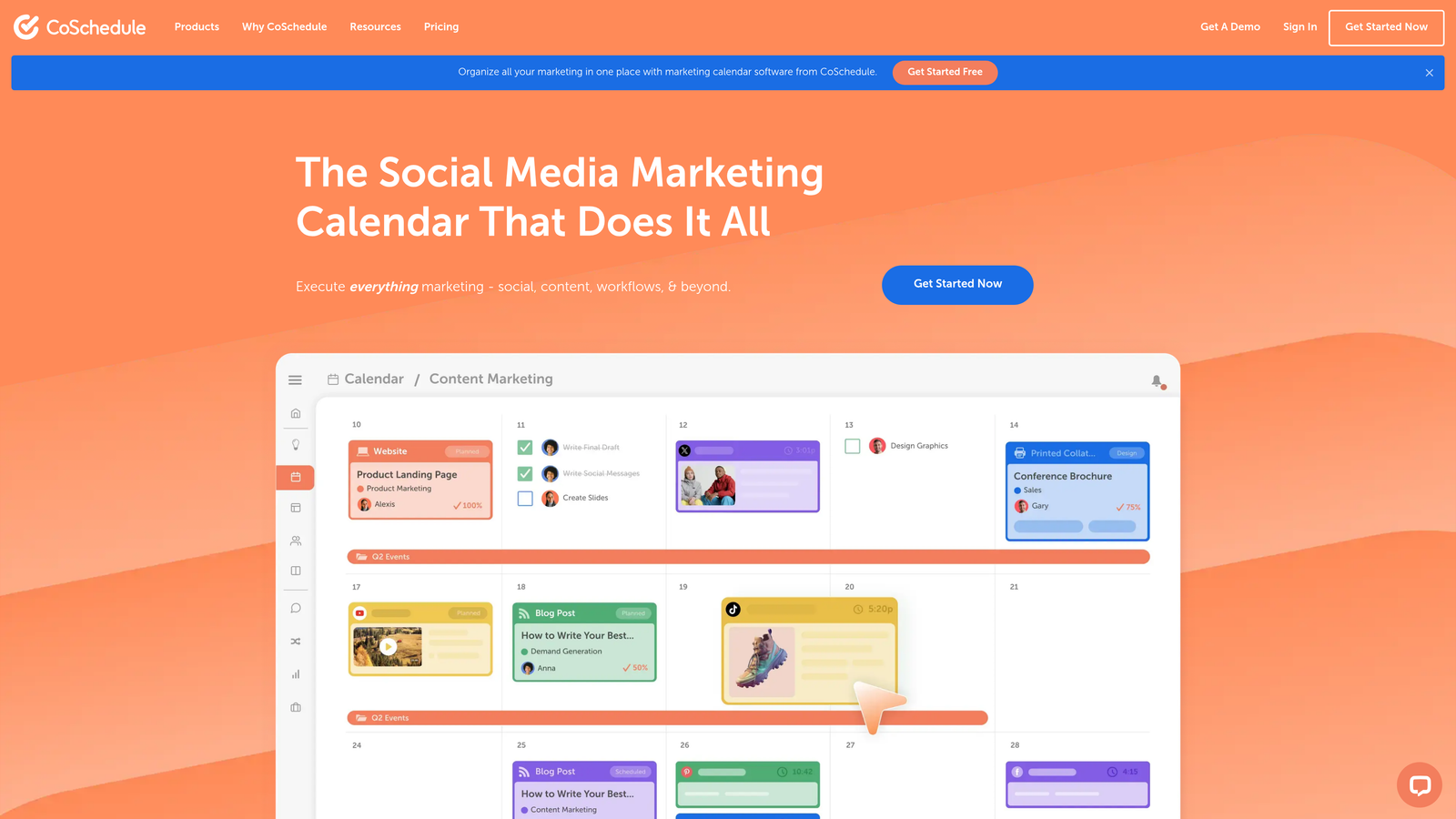
CoSchedule is a marketing calendar platform that centralizes blog publishing, social scheduling, and email campaigns in a single visual workspace.
Where This Tool Shines
CoSchedule's core value is visibility. When your blog posts, social shares, and email sends all live on one calendar, coordination becomes dramatically easier. The ReQueue feature is particularly useful for content teams with a growing archive: it automatically identifies your top-performing social posts and reshares them on a recurring schedule, extending the reach of content you've already created without additional manual effort.
The WordPress integration means you can draft, schedule, and publish blog posts directly from the CoSchedule interface, keeping your editorial calendar and your CMS in sync without switching between platforms.
Key Features
Unified Marketing Calendar: Visualize and manage blog, social, and email publishing from a single drag-and-drop calendar interface.
ReQueue Automated Resharing: Automatically recycle top-performing social content on a customizable resharing schedule.
WordPress Integration: Draft, schedule, and publish blog posts directly from CoSchedule with two-way sync.
Team Workflow Management: Assign tasks, set deadlines, and manage approval stages within the calendar interface.
Best For
Marketing teams of 2 to 20 people who need to coordinate across multiple content channels and want a calendar-centric view of their publishing pipeline. Particularly useful for agencies managing multiple client calendars simultaneously.
Pricing
A free calendar plan is available. Marketing Calendar Pro starts at $29 per month per user, with higher-tier plans for larger teams and additional automation features.
5. Contentful
Best for: Developer-led teams publishing structured content to multiple frontends including websites, mobile apps, and digital displays.
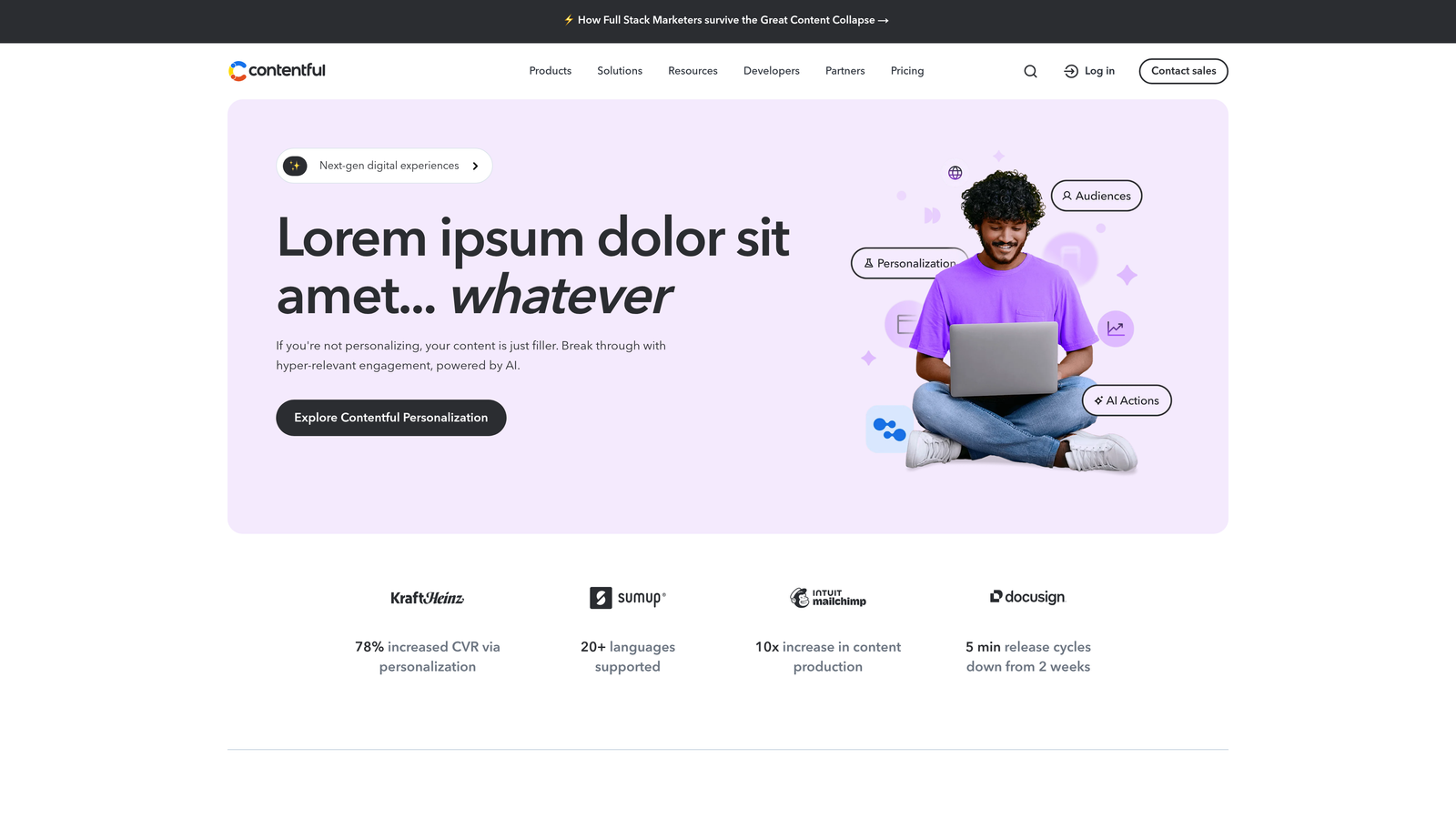
Contentful is a headless CMS that separates content from presentation, enabling API-driven publishing to any channel through a single content repository.
Where This Tool Shines
Contentful is purpose-built for omnichannel publishing. A single piece of content can be authored once and delivered to a website, a mobile app, a digital kiosk, and any other channel your frontend team has built. This architecture eliminates the duplication problem that plagues teams managing content across multiple traditional CMS platforms.
The webhook system is where Contentful's publishing automation gets genuinely sophisticated. When content is published, webhooks can trigger automated build and deploy pipelines, meaning your Jamstack or headless site rebuilds and goes live automatically without manual developer intervention. For engineering-forward content teams, this is a significant workflow advantage.
Key Features
Headless Architecture with RESTful and GraphQL APIs: Deliver content to any frontend through flexible API queries, decoupling content from presentation.
Structured Content Models: Define reusable content types that enforce consistency across all published channels.
Webhooks for Automated Build Pipelines: Trigger CI/CD deployments automatically when content is published or updated.
App Marketplace and Extension Ecosystem: Extend the platform with integrations for translation, DAM, SEO, and more.
Granular Role-Based Permissions: Control who can create, edit, and publish content at a detailed level across teams and environments.
Best For
Engineering teams and digital product organizations that need structured, API-driven content publishing across multiple channels. Less suited for non-technical users who need a visual publishing experience without developer support.
Pricing
Free Community tier available for small projects. The Team plan starts at $300 per month, with Enterprise pricing available for larger organizations with custom requirements.
6. Buffer
Best for: Creators and small marketing teams that need straightforward multi-platform social publishing with AI-assisted caption writing.
Buffer is a social media scheduling platform that automates publishing across major social networks with built-in AI assistance and engagement analytics.

Where This Tool Shines
Buffer's strength is its simplicity. The interface is clean and intuitive, making it easy to schedule content across Instagram, X, LinkedIn, Facebook, and TikTok without a steep learning curve. For small teams and individual creators who need to maintain a consistent social presence without a dedicated social media manager, Buffer removes the friction from the daily publishing workflow.
The AI Assistant is a practical addition for teams that struggle with the volume of caption writing that social publishing demands. It generates draft captions and hashtag suggestions that you can edit and approve, speeding up the content creation step without fully automating it.
Key Features
Multi-Platform Scheduling and Auto-Publishing: Queue and automatically publish content to Instagram, X, LinkedIn, Facebook, TikTok, and additional platforms from one dashboard.
AI Assistant for Caption Generation: Generate social captions and hashtag suggestions using Buffer's built-in AI writing tool.
Optimal Timing Recommendations: Get data-informed suggestions for the best times to publish based on your audience's engagement patterns.
Link-in-Bio Landing Page Builder: Create a simple landing page to consolidate links for platforms like Instagram that restrict link placement.
Best For
Freelancers, creators, and small marketing teams managing social media presence across multiple platforms on a limited budget. Not designed for blog or website publishing automation.
Pricing
Free plan available for up to 3 social channels. The Essentials plan starts at $6 per month per channel, making it one of the most affordable options on this list.
7. Zapier + CMS Integrations
Best for: Teams that need custom multi-step publishing workflows connecting tools that don't natively integrate with each other.
Zapier is a no-code automation platform that connects content creation tools, CMS platforms, and distribution channels through customizable multi-step workflows.
Where This Tool Shines
Zapier isn't a publishing tool in the traditional sense. It's the connective tissue between your existing tools. If your workflow involves moving content from Google Docs to WordPress, then notifying your Slack channel, then posting to LinkedIn, Zapier can automate the entire sequence without any custom code. With over 7,000 app integrations, it can connect almost any combination of tools your team already uses.
The conditional logic and filtering capabilities are what make Zapier genuinely powerful for content routing. You can set up rules that send different types of content to different destinations based on tags, categories, or other attributes, giving you a level of workflow customization that no single publishing platform can match.
Key Features
7,000+ App Integrations: Connect WordPress, Webflow, Ghost, Contentful, and thousands of other tools in multi-step publishing pipelines.
Multi-Step Zaps for Complex Pipelines: Build workflows that move content from creation through CMS publishing to social distribution in a single automated sequence.
Conditional Logic and Filters: Route content to different destinations based on defined criteria, enabling sophisticated content distribution logic.
Scheduled Triggers and Webhook Support: Trigger publishing workflows on a schedule or in response to events from other tools.
Best For
Operations-minded marketing teams and agencies that need to connect disparate tools into a cohesive publishing pipeline. Best used as a complement to dedicated CMS or content platforms rather than as a standalone publishing solution.
Pricing
Free plan includes 100 tasks per month. The Starter plan begins at $19.99 per month, with higher-tier plans for teams needing more tasks and advanced automation features.
8. Sanity
Best for: Developer teams that need a fully customizable, composable content platform with real-time collaboration and programmable publishing pipelines.
Sanity is a composable content platform with a customizable studio, real-time collaborative editing, and deep integration with modern deployment pipelines.
Where This Tool Shines
Sanity gives development teams a level of customization that traditional headless CMS platforms don't offer. The content studio is built in React, meaning developers can extend and modify the editing interface to match exactly how their team works. Real-time collaborative editing with presence indicators makes it practical for multiple editors to work in the same document simultaneously, which is a genuine workflow improvement for fast-moving content teams.
The GROQ query language is Sanity's technical differentiator. It allows for highly specific, flexible content retrieval that lets frontend developers pull exactly the content they need without over-fetching. Combined with webhook and CI/CD integration, Sanity's publishing pipeline can be fully automated within a modern development workflow.
Key Features
Real-Time Collaborative Editing: Multiple team members can edit documents simultaneously with live presence indicators showing who's working where.
GROQ Query Language: Retrieve content with precise, flexible queries that go beyond what standard REST APIs typically allow.
Fully Customizable React-Based Studio: Extend and redesign the content editing interface to match your team's specific workflow needs.
Webhooks and CI/CD Integration: Trigger automated deployments and build pipelines when content is published or updated.
Best For
Engineering teams building custom digital products who need a content platform that can be shaped to their exact requirements. Requires developer resources to set up and maintain. Less suitable for non-technical marketing teams looking for a ready-to-use publishing solution.
Pricing
Free plan available. Team plan starts at $15 per user per month. Enterprise pricing is available for organizations with advanced requirements and higher usage volumes.
9. Publer
Best for: Small teams and agencies that need affordable all-in-one publishing across blogs, social platforms, and RSS feeds with content recycling.
Publer is a budget-friendly scheduling and auto-publishing platform covering social media, WordPress, Medium, and RSS-driven content distribution.
Where This Tool Shines
Publer packs a lot of publishing functionality into a price point that's accessible for small teams and solo operators. The RSS feed automation is particularly useful for content aggregators and niche publishers: connect your RSS feed, and Publer will automatically share new posts as they're published, keeping your social presence active without manual effort.
The content recycling and evergreen scheduling features extend the value of your existing content library. Rather than letting older posts go dormant, Publer can automatically resurface them on a rotating schedule, a similar concept to CoSchedule's ReQueue but at a lower price point.
Key Features
Blog Auto-Posting to WordPress and Medium: Automatically publish or cross-post blog content to WordPress and Medium without manual steps.
Social Scheduling with Bulk Upload: Schedule social content across major platforms in bulk using CSV upload or the visual calendar interface.
RSS Feed Automation: Connect RSS feeds to automatically share new content to social profiles as it's published.
Content Recycling and Evergreen Scheduling: Keep high-performing content circulating automatically on a customizable resharing schedule.
Workspace Management for Multiple Brands: Organize publishing across multiple brands or client accounts within a single Publer workspace.
Best For
Freelancers, small agencies, and independent content creators managing multiple brands or client accounts on a limited budget. A strong choice when you need broad platform coverage without paying enterprise-tier pricing.
Pricing
Free plan available for up to 3 social accounts. The Professional plan starts at $12 per month, making it one of the most cost-effective multi-platform publishing tools available.
Which Automated Publishing Tool Fits Your Workflow?
The right tool depends entirely on what "publishing" means for your team. Let's break it down by use case.
If you're building a content engine designed to grow organic traffic and AI visibility simultaneously, Sight AI is the clear choice. It's the only platform on this list that handles content generation, CMS publishing, IndexNow indexing, and AI visibility tracking in one place. For teams that want to know not just whether their content is published but whether it's being cited by ChatGPT or Claude, that combination is difficult to replicate with any other single tool.
If you're running a WordPress-native editorial operation and want a simple, low-cost upgrade to your publishing workflow, WordPress + Jetpack handles scheduling and social distribution without requiring you to adopt a new platform.
For enterprise teams where publishing is deeply connected to CRM data and lead generation, HubSpot Content Hub offers a level of personalization and workflow control that standalone publishing tools can't match.
If your team is developer-led and publishing to multiple frontends, Contentful or Sanity give you the API-driven, composable architecture that modern digital products require. Sanity wins on customizability; Contentful wins on ecosystem maturity.
For teams that need to connect existing tools into a custom publishing pipeline without writing code, Zapier is the most flexible option, though it works best alongside a dedicated CMS rather than as a replacement for one.
And for social-first teams and creators managing multi-platform presence on a budget, Buffer and Publer both deliver strong value, with Buffer offering a cleaner interface and Publer offering broader feature coverage at a comparable price.
Here's the broader point worth holding onto: the publishing tools landscape has moved beyond "schedule and post." The teams gaining ground in 2026 are the ones ensuring their content gets indexed quickly, surfaces in AI search results, and is tracked for performance across both traditional and AI-powered discovery channels. That's the bar that matters now.
Start tracking your AI visibility today and see exactly where your brand appears across top AI platforms. Stop guessing how ChatGPT and Claude talk about your brand, and start building the content strategy that puts you in the conversation.