Creating comprehensive guides that rank well and genuinely help readers requires more than just writing skills—it demands the right tools. Whether you're building how-to tutorials, ultimate guides, or step-by-step walkthroughs, the software you choose directly impacts your content quality, production speed, and search visibility.
The landscape has shifted dramatically. Modern guide creation now means optimizing for both traditional search engines and AI platforms that increasingly surface and cite content. Your tools need to handle everything from initial research and outlining to visual design, SEO optimization, and understanding how AI models reference your work.
Here are the top guide content creation tools that can transform your workflow in 2026.
1. Sight AI
Best for: Teams creating SEO/GEO-optimized guides while tracking AI visibility across platforms
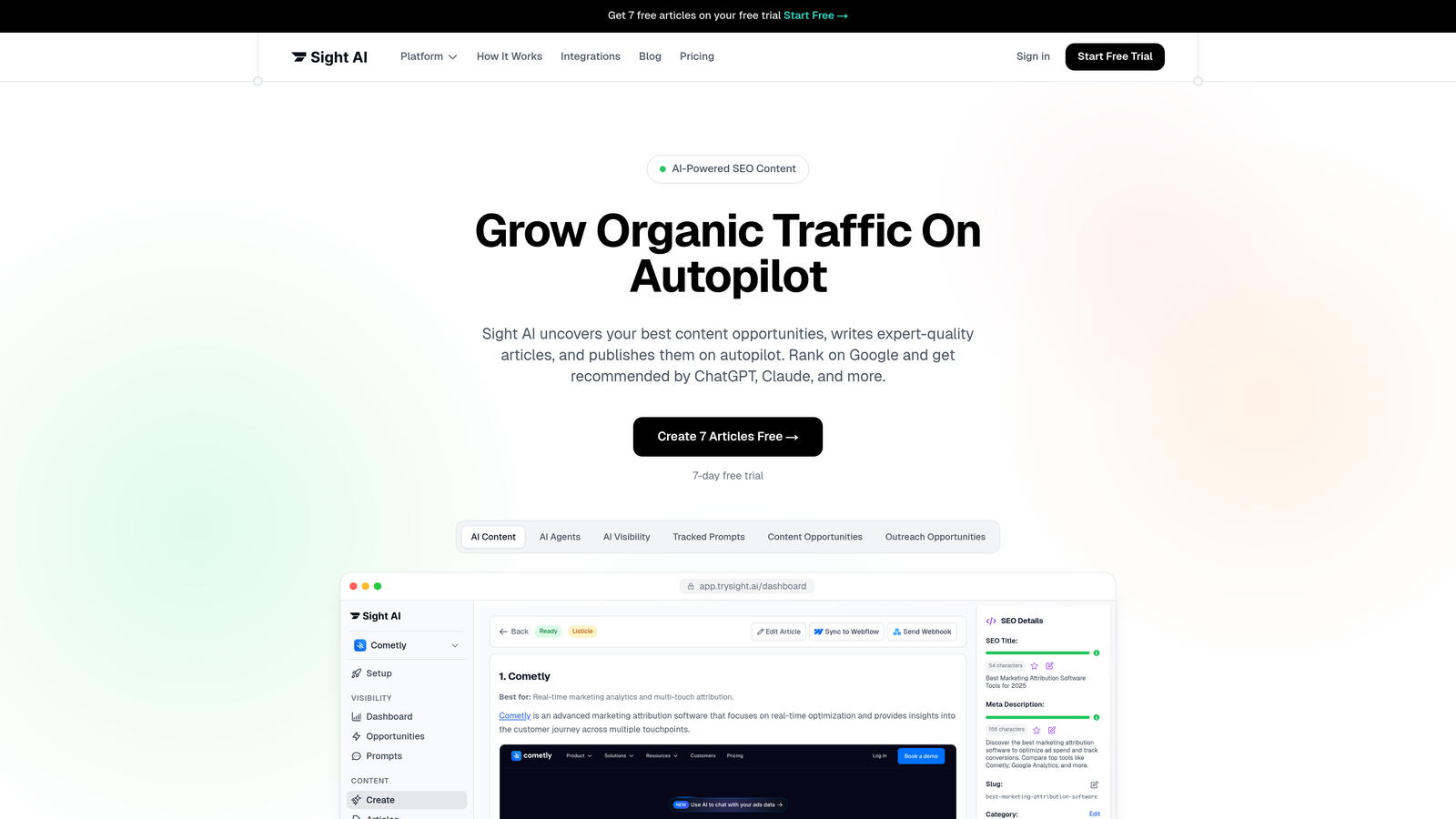
Sight AI combines AI-powered content generation with visibility tracking across major AI models like ChatGPT, Claude, and Perplexity.
Where This Tool Shines
What sets Sight AI apart is its dual focus on content creation and AI visibility monitoring. While most tools handle one or the other, Sight AI lets you generate optimized guides and immediately see how AI platforms mention your brand.
The platform deploys 13+ specialized AI agents, each trained for different content types. When you're creating a guide, you're not working with a generic AI—you're using an agent specifically designed for long-form instructional content. The Autopilot Mode streamlines production by handling research, outlining, and drafting with minimal input.
Key Features
13+ Specialized AI Agents: Different agents for guides, listicles, explainers, and other content formats with optimized prompts for each type.
AI Visibility Score: Track how ChatGPT, Claude, Perplexity, and other AI models mention your brand with sentiment analysis and prompt tracking.
IndexNow Integration: Automatically notify search engines about new content for faster discovery and indexing.
Autopilot Mode: Streamlined content production workflow that handles research through publishing with minimal manual intervention.
CMS Auto-Publishing: Direct publishing to your website with automated sitemap updates and content distribution.
Best For
Marketing teams and agencies managing multiple clients who need to produce SEO-optimized guides at scale while monitoring how AI platforms reference their content. Particularly valuable if you're optimizing for both traditional search and generative AI engines.
Pricing
Contact for pricing. Offers tiered plans designed for agencies and teams with varying content production needs.
2. Jasper
Best for: Enterprise teams needing brand voice consistency across long-form guides
Jasper is an enterprise-focused AI writing platform with brand voice training and collaborative workflows.

Where This Tool Shines
Jasper excels at maintaining brand voice consistency across teams. You can train it on your existing content, style guidelines, and brand personality, then trust it to generate guides that sound authentically like your company.
The long-form assistant understands guide structure intuitively. It doesn't just generate paragraphs—it helps you build comprehensive sections, maintain logical flow, and ensure each part of your guide serves a clear purpose. For teams with approval processes, the collaboration features let stakeholders review, comment, and approve content without leaving the platform.
Key Features
Brand Voice Memory: Train the AI on your writing style, terminology, and tone for consistent output across all content.
Long-Form Assistant: Specialized mode for creating comprehensive guides with built-in templates for common guide formats.
Team Workflows: Collaboration tools with approval processes, commenting, and version control for content teams.
Chrome Extension: Write and edit content directly in Google Docs, WordPress, or any web-based editor.
Marketing Integrations: Connect with Surfer SEO, Grammarly, and other tools in your content stack.
Best For
Enterprise marketing teams with established brand guidelines who need multiple contributors creating guides while maintaining voice consistency. Works well for organizations with formal approval workflows.
Pricing
Creator plan starts at $49/month for individual users. Teams plan begins at $125/month with collaborative features and brand voice training.
3. Surfer SEO
Best for: Data-driven optimization of guides targeting competitive keywords
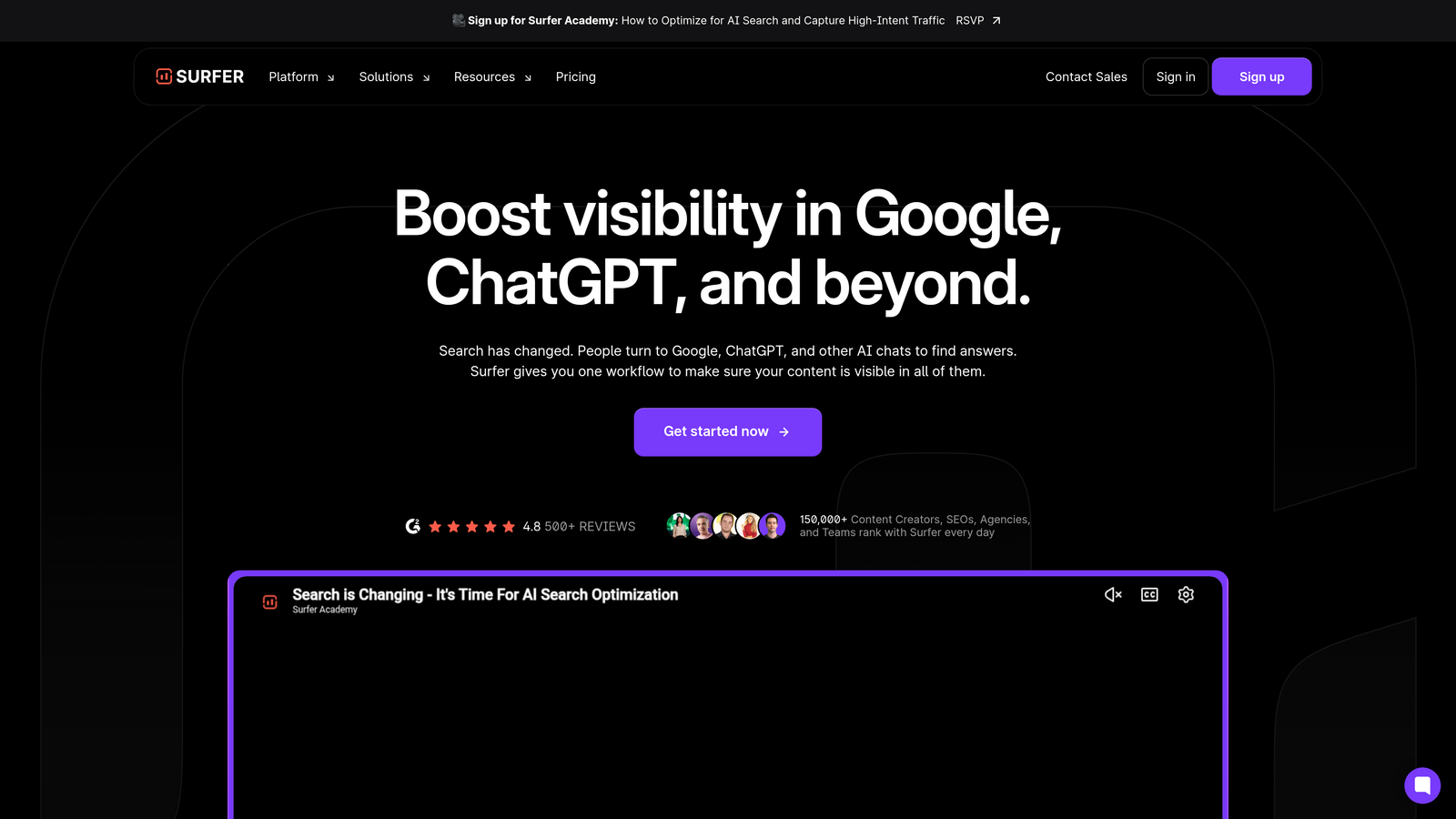
Surfer SEO analyzes top-ranking content and provides real-time scoring to help your guides compete in search results.
Where This Tool Shines
Surfer removes the guesswork from SEO optimization. Instead of wondering if your guide covers the right topics, you get a numerical score that updates as you write. The platform analyzes the top 50 results for your target keyword and identifies patterns in structure, word count, heading usage, and keyword density.
The Outline Builder is particularly valuable for guides. It uses NLP to suggest section headings based on what's working for competitors, giving you a research-backed structure before you write a single word. You're not copying competitors—you're learning from what search engines reward.
Key Features
Content Editor: Real-time optimization score that updates as you write, with suggestions for improving search competitiveness.
SERP Analyzer: Detailed analysis of top-ranking pages showing word count, keyword usage, and structural patterns.
Outline Builder: NLP-powered heading suggestions based on competitor analysis and search intent.
Keyword Research: Identify related keywords and cluster them into topic groups for comprehensive coverage.
Integration Options: Works directly in Google Docs and WordPress for in-platform optimization.
Best For
Content marketers focused on ranking for competitive keywords who want data-backed optimization guidance. Ideal if you're creating guides in crowded niches where every SEO advantage matters.
Pricing
Essential plan starts at $89/month with basic optimization features. Scale plan begins at $129/month with advanced analysis and team collaboration.
4. Notion
Best for: Collaborative planning and organizing multi-part guide series
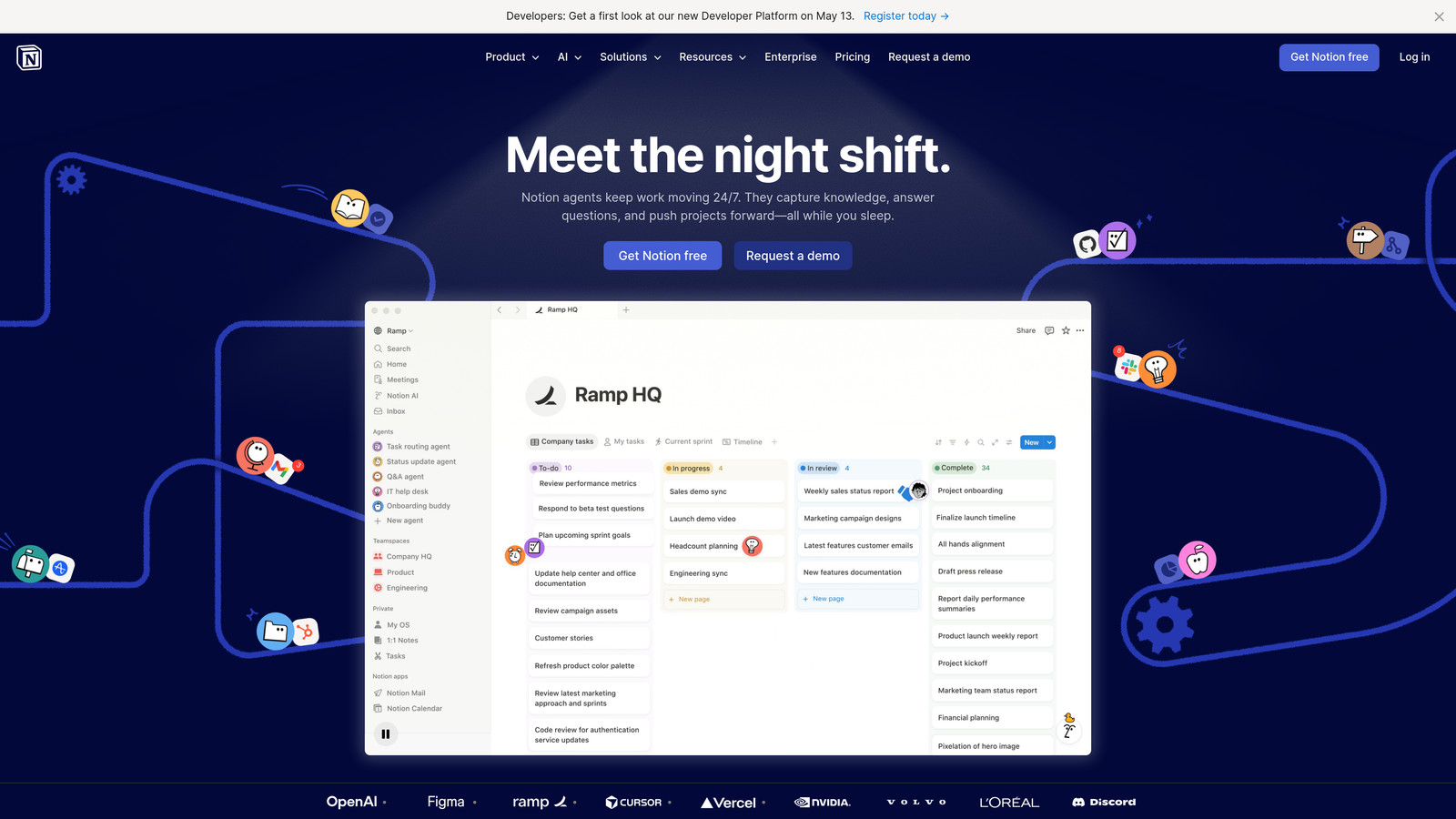
Notion is an all-in-one workspace that combines documents, databases, and project management for content teams.
Where This Tool Shines
Notion's flexibility makes it perfect for managing complex guide projects. You can create a database of all your guides, track their status from ideation to publication, store research materials alongside drafts, and build interconnected wikis of related content.
The real-time collaboration feels natural. Multiple team members can work on the same guide simultaneously, leave inline comments, and reference related pages without switching contexts. For guide series that build on each other, Notion's linking system lets you create a knowledge base where each guide connects to relevant resources.
Key Features
Flexible Structure: Combine pages, databases, kanban boards, and calendars in whatever configuration fits your workflow.
Real-Time Collaboration: Multiple editors working simultaneously with inline comments and mentions for feedback.
Content Calendars: Built-in templates for planning guide publication schedules and tracking progress.
Wiki Organization: Create interconnected guide series with easy cross-referencing and hierarchical structure.
API Integrations: Connect with other tools in your stack for automated workflows and data syncing.
Best For
Teams managing multiple guide projects simultaneously who need a central hub for planning, drafting, and organizing content. Particularly valuable for creating interconnected guide series or knowledge bases.
Pricing
Free tier available for personal use. Plus plan starts at $10 per user per month with unlimited file uploads and version history.
5. Canva
Best for: Creating visual elements that enhance guide comprehension
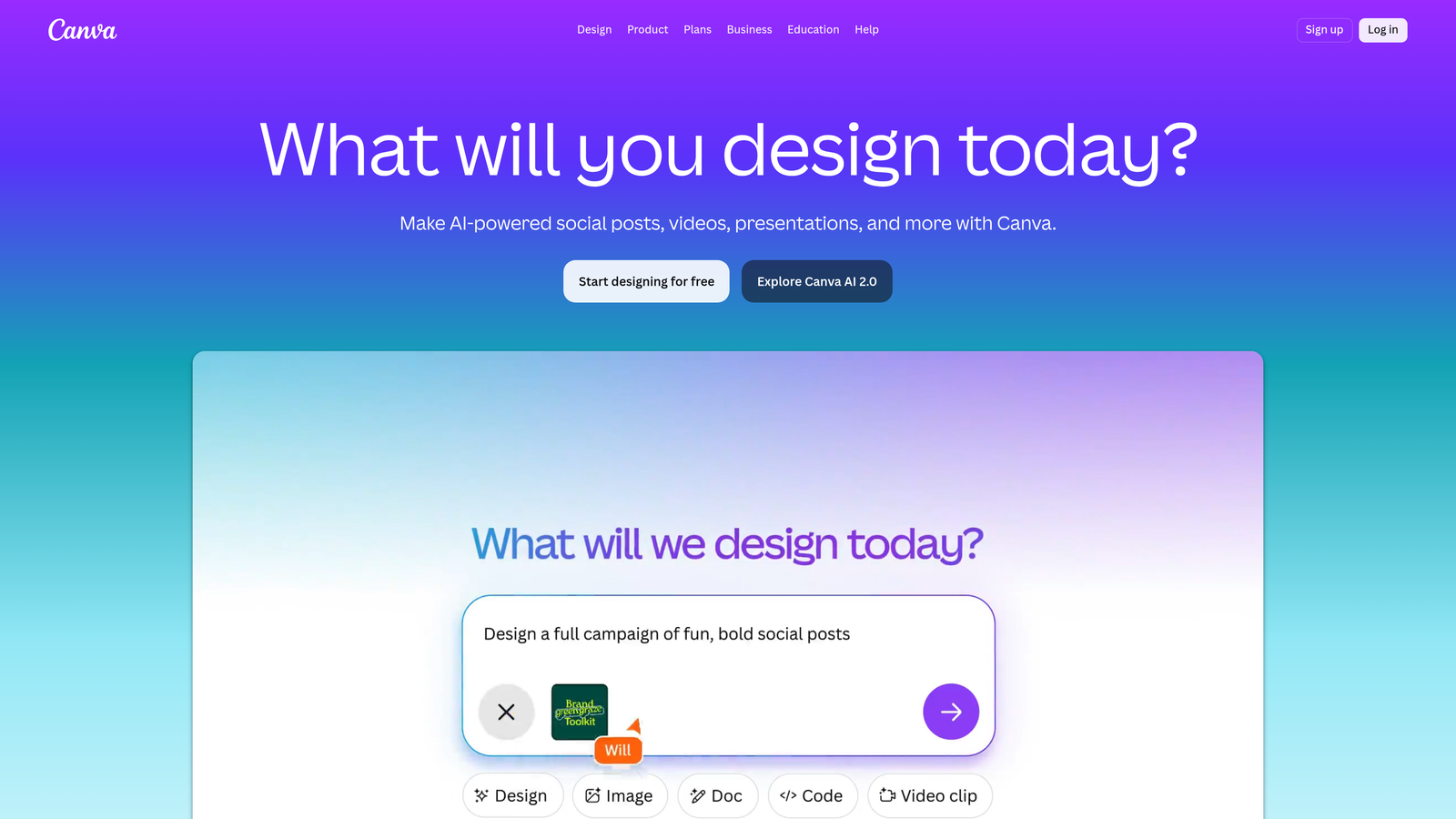
Canva is a visual design platform for creating infographics, diagrams, headers, and other graphics that make guides more engaging.
Where This Tool Shines
Comprehensive guides need visual breaks—diagrams that clarify processes, infographics that summarize key points, and custom images that reinforce concepts. Canva makes this accessible without requiring design expertise.
The template library includes formats specifically designed for guide content: process diagrams, comparison charts, step-by-step visuals, and before/after layouts. The Brand Kit feature ensures all your visual elements maintain consistent colors, fonts, and logos across every guide you publish. For teams without dedicated designers, Canva's AI features can generate initial concepts that you refine to match your needs.
Key Features
Guide-Specific Templates: Pre-designed infographics, diagrams, and visual frameworks optimized for instructional content.
Brand Kit: Store your colors, fonts, and logos for consistent visual identity across all guide elements.
Drag-and-Drop Editor: Intuitive interface with AI-powered design suggestions and smart layout adjustments.
Stock Library: Access millions of photos, icons, and illustrations to enhance your guide visuals.
Web Optimization: Export images in web-optimized formats with proper sizing for fast page loads.
Best For
Marketing teams creating visual-heavy guides who need professional graphics without hiring designers. Essential for guides explaining complex processes that benefit from visual representation.
Pricing
Free tier available with basic features. Pro plan starts at $12.99/month with Brand Kit, premium templates, and advanced export options.
6. Clearscope
Best for: Comprehensive keyword coverage in competitive guide topics
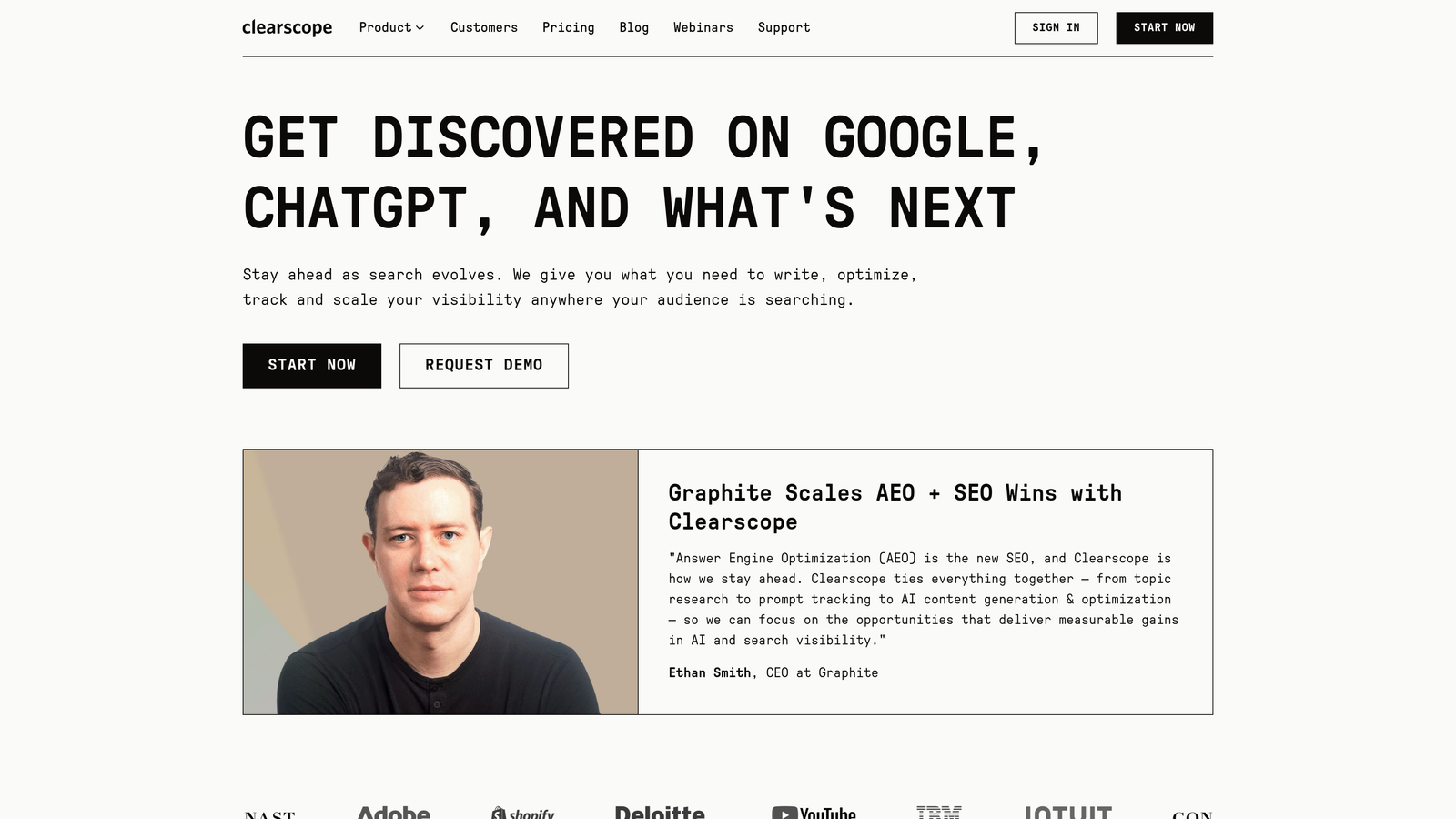
Clearscope focuses on content optimization through detailed keyword analysis and letter-grade scoring.
Where This Tool Shines
Clearscope takes a different approach to optimization than Surfer. Instead of a numerical score, you get a letter grade (A+, B, C, etc.) that reflects how comprehensively your guide covers the topic. The platform identifies not just primary keywords but semantic relationships and related concepts that top-ranking content includes.
The Google Docs add-on is particularly smooth. You write directly in Docs while Clearscope provides real-time feedback in a sidebar, showing which terms you're missing and how your coverage compares to competitors. For teams managing content libraries, the inventory tracking feature helps identify guides that need updates based on changing search landscapes.
Key Features
Content Grading: Letter-based scoring system that evaluates topic coverage and keyword comprehensiveness.
Competitive Analysis: Detailed breakdown of what top-ranking guides cover and how your content compares.
Topic Discovery: Identify related concepts and keywords that strengthen your guide's authority on the subject.
Google Docs Integration: Real-time optimization feedback directly in your writing environment without context switching.
Content Inventory: Track all your published guides and monitor when they need refreshing based on search trends.
Best For
Content teams focused on comprehensive topic coverage who prefer qualitative grading over numerical scores. Works well for organizations maintaining large guide libraries that require periodic updates.
Pricing
Essentials plan starts at $189/month with core optimization features and limited content reports.
7. Scrivener
Best for: Managing complex guide structures with extensive research materials
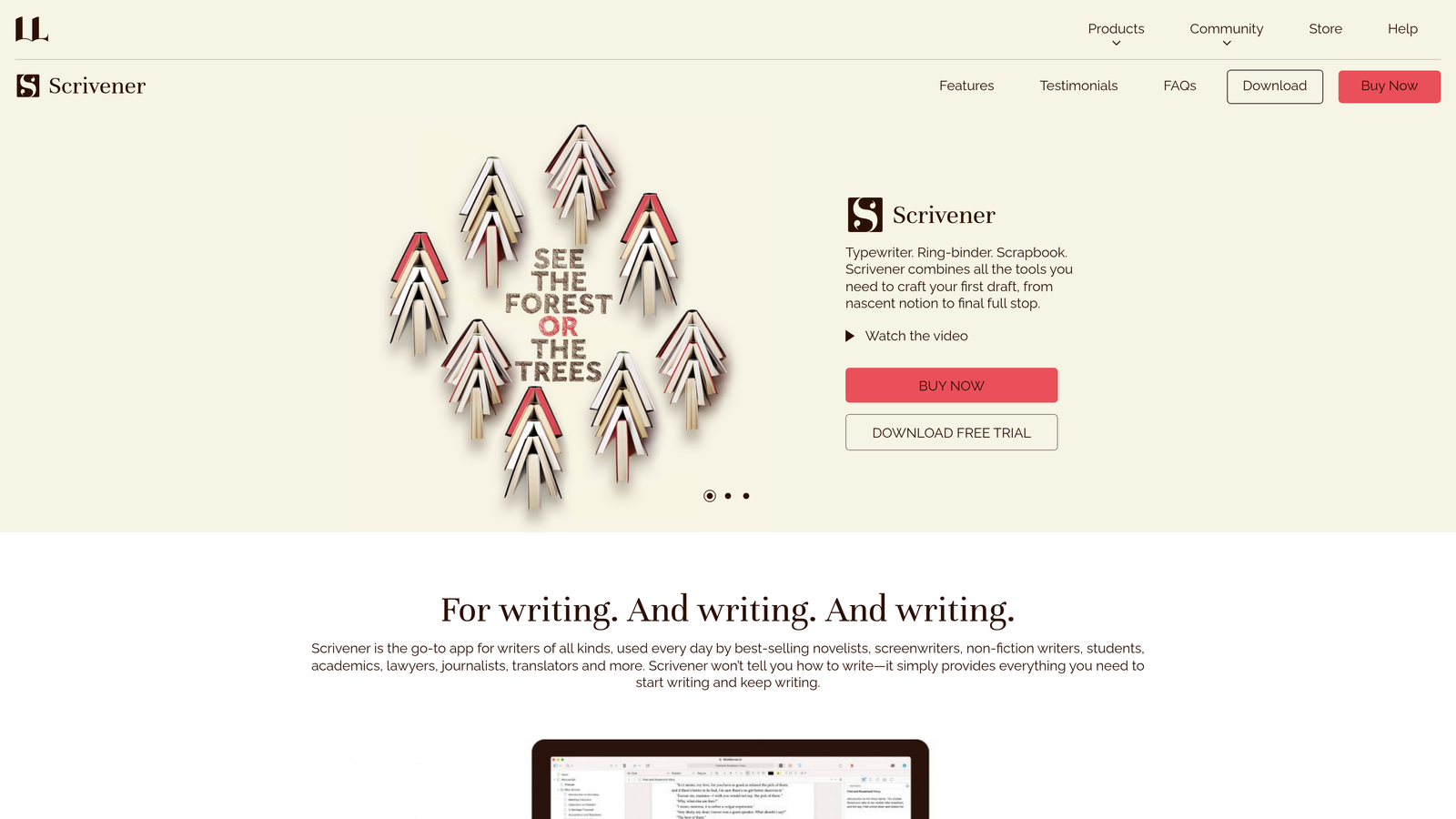
Scrivener is writing software designed for long-form content with powerful organization capabilities.
Where This Tool Shines
Scrivener treats your guide as a project, not just a document. The binder system lets you break your guide into individual sections—introduction, chapters, subsections—and rearrange them effortlessly. You can write out of order, focusing on whichever section you're inspired to tackle, then reorganize later.
The research folder is invaluable for comprehensive guides. Store reference materials, screenshots, source articles, and notes directly alongside your writing. No more switching between tabs or losing track of sources. The corkboard view lets you see your entire guide structure at a glance, with each section represented as an index card you can shuffle and reorganize visually.
Key Features
Binder Organization: Hierarchical structure for breaking guides into manageable sections with easy rearrangement.
Research Folder: Store reference materials, images, and source documents directly within your project file.
Corkboard View: Visual planning interface showing your guide structure as movable index cards.
Compile Feature: Export to multiple formats (Word, PDF, web) with customizable styling and formatting.
Snapshot Versioning: Save versions of sections to experiment with different approaches without losing earlier drafts.
Best For
Writers creating exceptionally detailed guides with extensive research requirements. Ideal for ultimate guides, comprehensive tutorials, or multi-chapter instructional content where organization is critical.
Pricing
One-time purchase of $49 for Windows or $59 for macOS. No subscription required.
8. Grammarly
Best for: Improving guide clarity and professional polish
Grammarly is an AI writing assistant that improves clarity, correctness, and tone across your guide content.
Where This Tool Shines
Grammarly catches the mistakes that undermine credibility—grammar errors, unclear phrasing, inconsistent tone. For guides, where readers trust you to teach them something, these details matter enormously.
The clarity suggestions go beyond basic grammar. Grammarly identifies wordy sentences, passive voice, and complex phrasing that might confuse readers. It suggests simpler alternatives that maintain your meaning while improving comprehension. The tone detection helps ensure your guide strikes the right balance between authoritative and approachable, adjusting based on your intended audience.
Key Features
Grammar and Spelling: Catches errors in real-time with context-aware suggestions for corrections.
Tone Detection: Analyzes how your writing comes across and suggests adjustments for your target audience.
Clarity Suggestions: Identifies wordy or complex sentences and recommends simpler, clearer alternatives.
Browser Extension: Works in Google Docs, WordPress, Gmail, and virtually any web-based writing environment.
Style Guide Enforcement: Teams can create custom rules for terminology, formatting, and brand-specific guidelines.
Best For
Content teams who need consistent quality across multiple writers creating guides. Particularly valuable for organizations with style guidelines that need enforcement across contributors.
Pricing
Free tier available with basic corrections. Premium starts at $12/month with advanced suggestions. Business plan begins at $15 per member per month with style guide features.
9. Loom
Best for: Adding video walkthroughs to enhance written guides
Loom is a video recording tool for creating quick screen recordings and demonstrations.
Where This Tool Shines
Some processes are easier to show than describe. Loom lets you record your screen while narrating, creating video supplements that enhance your written guides. The beauty is in the simplicity—click record, walk through the process, stop recording, and you have a shareable video link.
The automatic transcription feature is particularly valuable. Loom generates a text transcript of your narration, which you can repurpose as written instructions or use for accessibility. The embed-ready links make it trivial to add video demonstrations directly into your guide content. Viewer analytics show you which parts of your video people watch and where they drop off, helping you identify confusing sections that need clarification.
Key Features
Screen and Camera Recording: Capture your screen, webcam, or both simultaneously for comprehensive demonstrations.
Automatic Transcription: AI-generated transcripts of your narration for repurposing or accessibility compliance.
Embed-Ready Links: Simple sharing links that work in any content management system or document.
Engagement Analytics: See how many people watched your video and where they stopped watching.
Video Editing: Trim unnecessary sections and add call-to-action buttons directly in the Loom interface.
Best For
Teams creating software tutorials, technical guides, or any instructional content where visual demonstration adds clarity. Essential for guides explaining interfaces, workflows, or processes that benefit from seeing them in action.
Pricing
Free tier allows up to 25 videos. Business plan starts at $12.50 per creator per month with unlimited videos and advanced features.
Making the Right Choice
Your ideal guide content creation stack depends on your specific bottlenecks and priorities. For teams focused on AI visibility alongside traditional SEO, Sight AI offers the unique combination of optimized content generation and tracking how AI platforms reference your work. If you're prioritizing data-driven optimization, Surfer SEO and Clearscope provide different approaches to the same goal—comprehensive keyword coverage backed by competitive analysis.
Visual-heavy guides demand Canva, while teams managing complex research benefit from Scrivener's organizational power. Notion excels for collaborative planning across multiple guide projects. Most successful content teams don't rely on a single tool—they combine complementary platforms into a cohesive workflow.
Consider starting with your biggest challenge. If production speed is the issue, AI writing assistants like Sight AI or Jasper accelerate drafting. If guides aren't ranking despite quality content, optimization tools like Surfer or Clearscope identify gaps. For teams struggling with consistency across contributors, Grammarly and brand voice training become essential.
The guide content landscape has evolved beyond simple writing. You're now optimizing for both traditional search engines and AI platforms that increasingly surface and cite content. Stop guessing how AI models like ChatGPT and Claude talk about your brand—get visibility into every mention, track content opportunities, and automate your path to organic traffic growth. Start tracking your AI visibility today and see exactly where your brand appears across top AI platforms.
The right tools don't just make guide creation faster—they make it more strategic, more measurable, and more aligned with how both search engines and AI models discover and recommend content in 2026.