Managing a content operation in 2026 means juggling ideation, drafting, editing, optimization, publishing, and distribution—often across multiple channels and team members. When any of those stages relies on manual handoffs, bottlenecks form fast.
Content workflow automation tools eliminate those bottlenecks by connecting each stage of the pipeline, reducing repetitive tasks, and letting your team focus on strategy and creativity instead of copy-pasting between apps. But the category has exploded: some tools automate just the writing step, others handle project management, and a few cover the entire lifecycle from brief to published page.
This guide compares nine standout platforms across the full spectrum. We evaluated each on automation depth, integration ecosystem, ease of setup, and pricing transparency so you can find the right fit for your team size and content goals.
1. Sight AI
Best for: Teams that want to automate the entire content lifecycle from generation to indexing.
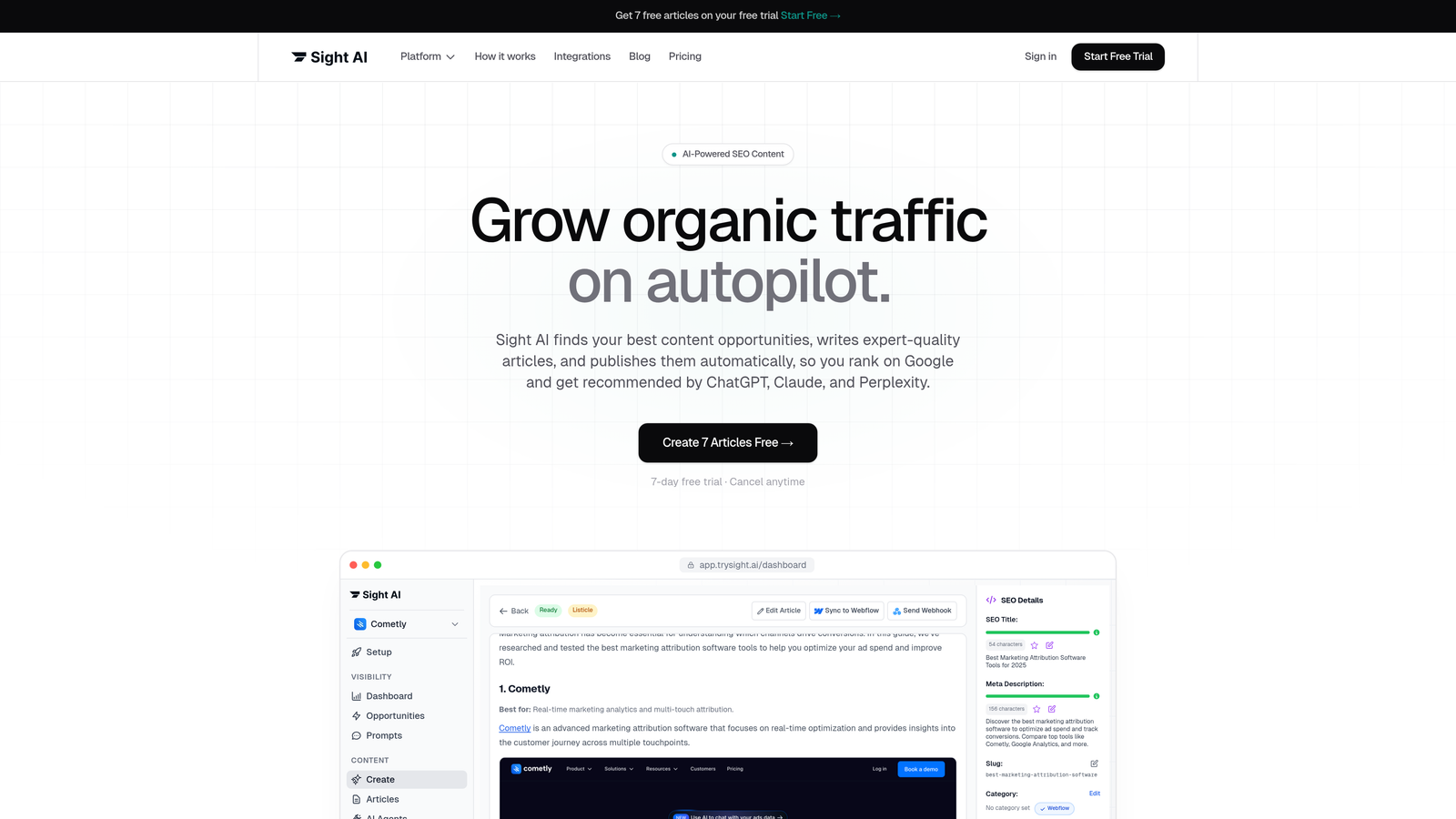
Sight AI is an all-in-one platform that automates content creation, SEO optimization, CMS publishing, and AI brand visibility tracking in a single workflow.
Where This Tool Shines
Most content automation tools force you to stitch together separate products for writing, optimizing, publishing, and tracking. Sight AI handles all four stages natively. Its 13+ specialized AI agents can produce SEO and GEO-optimized articles—listicles, guides, explainers—without requiring a separate drafting tool or optimization layer on top.
The AI Visibility tracking component is genuinely unique in this category. While competitors focus purely on search engine rankings, Sight AI monitors how AI models like ChatGPT, Claude, and Perplexity reference your brand, giving content teams insight into a distribution channel that most tools completely ignore.
Key Features
13+ Specialized AI Agents: Purpose-built agents for different content formats—listicles, how-to guides, explainers—each tuned for SEO and GEO optimization.
Autopilot Mode: Hands-off content production that moves articles from brief to published without manual intervention at each stage.
AI Visibility Tracking: Monitors brand mentions across ChatGPT, Claude, Perplexity, and other major AI platforms with sentiment analysis and prompt tracking.
IndexNow Integration: Automated sitemap updates and IndexNow-powered indexing push new content to search engines faster than standard crawl cycles.
CMS Auto-Publishing: Direct publishing to WordPress and other platforms, eliminating the copy-paste step between your drafting environment and your live site.
Best For
Marketers, founders, and agencies that need to scale organic content output without proportionally scaling headcount. Particularly valuable for teams that want visibility into how AI search platforms represent their brand—not just traditional SERP rankings.
Pricing
Free tier available. Paid plans are detailed at trysight.ai/pricing. Enterprise options available for agencies managing multiple client accounts.
2. Monday.com
Best for: Content teams that need flexible project management with built-in workflow automation.
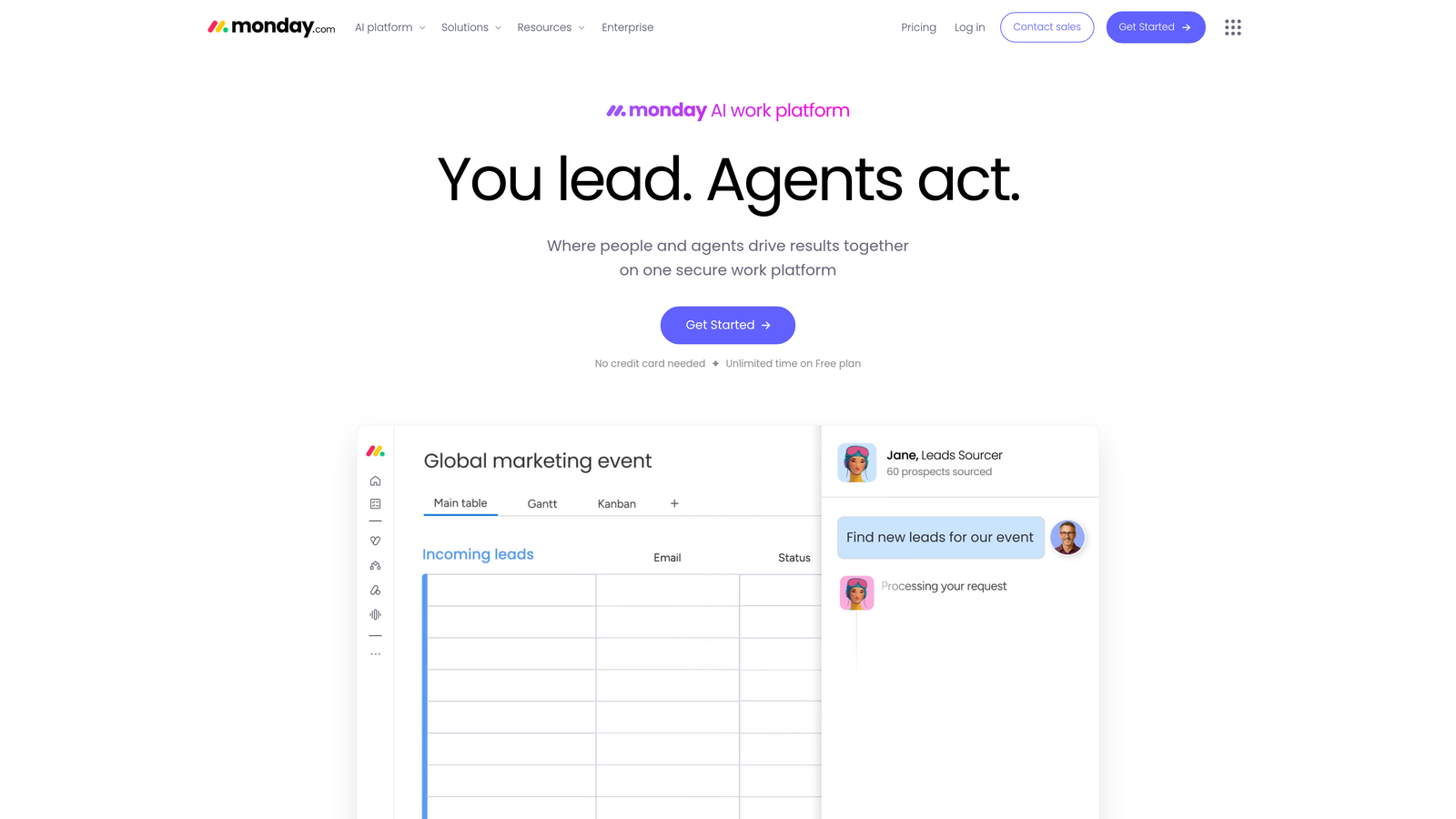
Monday.com is a work operating system with customizable boards, 200+ automation recipes, and deep integrations across creative and marketing tools.
Where This Tool Shines
Monday.com's strength is adaptability. Whether your editorial workflow involves three people or thirty, you can model it on a board without writing a single line of code. Status-based automations handle the repetitive coordination work: notifying editors when drafts are ready, reassigning tasks when deadlines shift, and escalating overdue items automatically.
The range of calendar views—Kanban, Gantt, timeline—makes it easy to visualize your content pipeline in whatever format your team prefers. For content operations managers who need both visibility and control, this flexibility is hard to match.
Key Features
200+ Automation Recipes: Pre-built triggers and actions for status changes, notifications, due date reminders, and task assignments.
Editorial Calendar Views: Switch between Kanban, Gantt, and timeline views to match how your team thinks about content scheduling.
Native Integrations: Connects directly with Slack, Google Drive, Figma, and several CMS platforms without requiring a middleware tool.
Workload Management: Team capacity planning helps prevent bottlenecks before they happen by surfacing who is overloaded.
Custom Dashboards: Aggregate content performance data across boards for executive-level reporting.
Best For
Mid-size to large content teams that need structured project management and workflow automation but already have separate tools for writing and SEO. Less suited to solo creators or small teams who want an all-in-one solution.
Pricing
Free plan for up to 2 seats. Paid plans start at $9 per seat per month, billed annually.
3. Jasper
Best for: Enterprise marketing teams producing high-volume, brand-consistent AI content across multiple channels.
Jasper is an enterprise-grade AI content platform with brand voice controls, knowledge base integration, and campaign-level content generation.
Where This Tool Shines
Jasper's Brand Voice and Brand Knowledge features solve one of the most common complaints about AI-generated content: it doesn't sound like you. By training the platform on your existing content, style guidelines, and product information, Jasper produces output that stays on-brand even when multiple team members are generating assets simultaneously.
The campaign-level workflow is another standout. Rather than generating a single blog post, you can brief an entire campaign and have Jasper produce blog content, ad copy, email sequences, and social posts in one pass—all tonally consistent.
Key Features
Brand Voice and Knowledge: Train the AI on your brand's tone, terminology, and product details for consistent output at scale.
Campaign-Level Generation: Brief a campaign once and generate assets across multiple formats and channels simultaneously.
Template Library: Pre-built templates for blog posts, paid ads, emails, and social copy accelerate production for common content types.
Approval Workflows: Team collaboration features with review and approval stages before content is finalized.
Integrations: Browser extension plus direct connections to Google Docs, Webflow, and other writing environments.
Best For
Marketing teams at growth-stage or enterprise companies that produce content across many channels and need AI output to stay brand-consistent without heavy editing. Less suitable for teams that also need publishing automation or SEO indexing built in.
Pricing
Creator plan starts at $49 per month. Teams plan starts at $125 per month. Enterprise pricing available on request.
4. CoSchedule
Best for: Marketing teams that want a unified calendar for blog, social, and email content with scheduling automation.
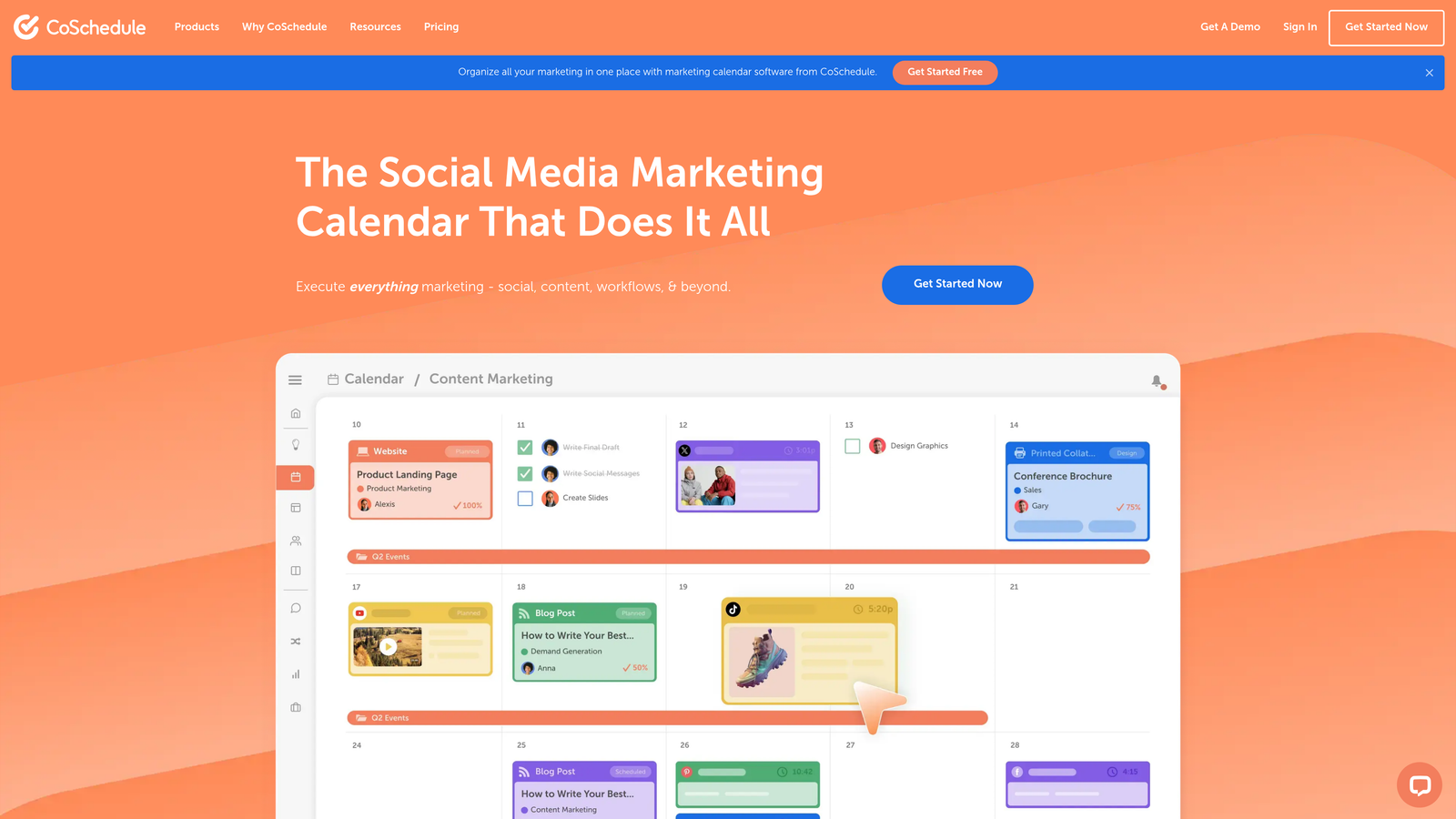
CoSchedule is a marketing calendar and workflow platform that unifies content scheduling with drag-and-drop automation and task management.
Where This Tool Shines
CoSchedule's core value is visibility across content types. Instead of managing a blog calendar in one tool, a social media scheduler in another, and email campaigns in a third, CoSchedule pulls everything into a single timeline. That single-view approach dramatically reduces the coordination overhead that plagues multi-channel content teams.
The ReQueue feature is particularly clever for social media: it automatically reshares evergreen content during gaps in your publishing schedule, ensuring your social channels stay active without requiring manual effort every time a slot opens up.
Key Features
Unified Marketing Calendar: Manage blog posts, social media, email campaigns, and events from a single timeline view.
ReQueue Automation: Intelligently recycles evergreen social content to fill scheduling gaps without manual intervention.
Task Templates: Repeatable workflow templates with approval stages for standard content types like blog posts or product launches.
Headline Analyzer: Built-in tool for scoring and improving post titles before publishing.
WordPress and HubSpot Integrations: Publish directly to your CMS or marketing platform from within the calendar.
Best For
Small to mid-size marketing teams managing content across blog, social, and email simultaneously. Teams that are primarily focused on scheduling and coordination rather than AI-assisted content generation will get the most value here.
Pricing
Free calendar plan available. Marketing Suite pricing is available on request from CoSchedule's sales team.
5. Zapier
Best for: Content teams that need to connect disparate tools into a custom workflow without writing code.
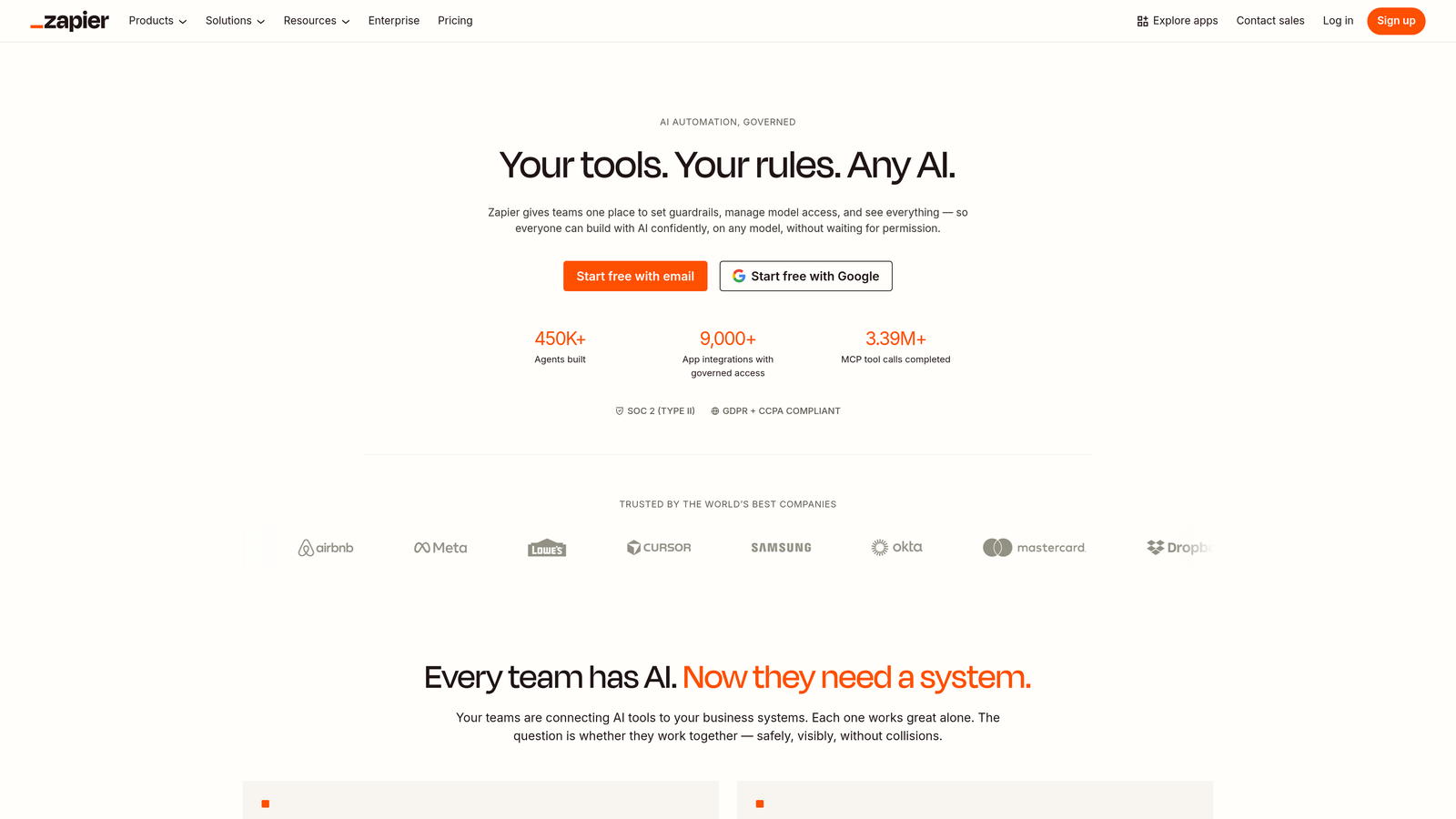
Zapier is a no-code automation platform connecting 7,000+ apps, enabling content teams to build custom pipelines between their CMS, writing tools, and distribution channels.
Where This Tool Shines
Zapier's superpower is flexibility. It doesn't impose a workflow on you—it connects whatever tools you're already using. If your team writes in Google Docs, manages tasks in Asana, publishes to WordPress, and announces new posts in Slack, Zapier can automate the handoffs between every one of those steps without anyone manually moving files or pinging teammates.
The AI-powered Zap builder has made setup considerably faster. Describe what you want to automate in plain language and Zapier will suggest the trigger-action structure, which you can then refine. For teams with unique workflow requirements, this is often faster than evaluating purpose-built tools that don't quite fit.
Key Features
7,000+ App Integrations: Connects WordPress, Google Docs, Slack, Airtable, social platforms, and thousands of other tools in the content stack.
Multi-Step Zaps with Paths: Build conditional logic into workflows so different content types or statuses trigger different downstream actions.
Tables Feature: A lightweight database for tracking content assets, briefs, or publication schedules directly within Zapier.
AI Zap Builder: Describe your automation goal in natural language and Zapier generates the workflow structure.
Webhooks and API Support: For teams with custom-built tools or proprietary systems that need to plug into the broader workflow.
Best For
Content teams with heterogeneous tool stacks who need a universal connector. Zapier works best as a layer on top of existing tools rather than as a standalone content platform—teams that want an all-in-one solution will need to pair it with other products.
Pricing
Free plan includes 100 tasks per month. Paid plans start at $19.99 per month, billed annually.
6. Notion + Notion AI
Best for: Content teams that want a flexible, all-in-one workspace for planning, drafting, and documentation.
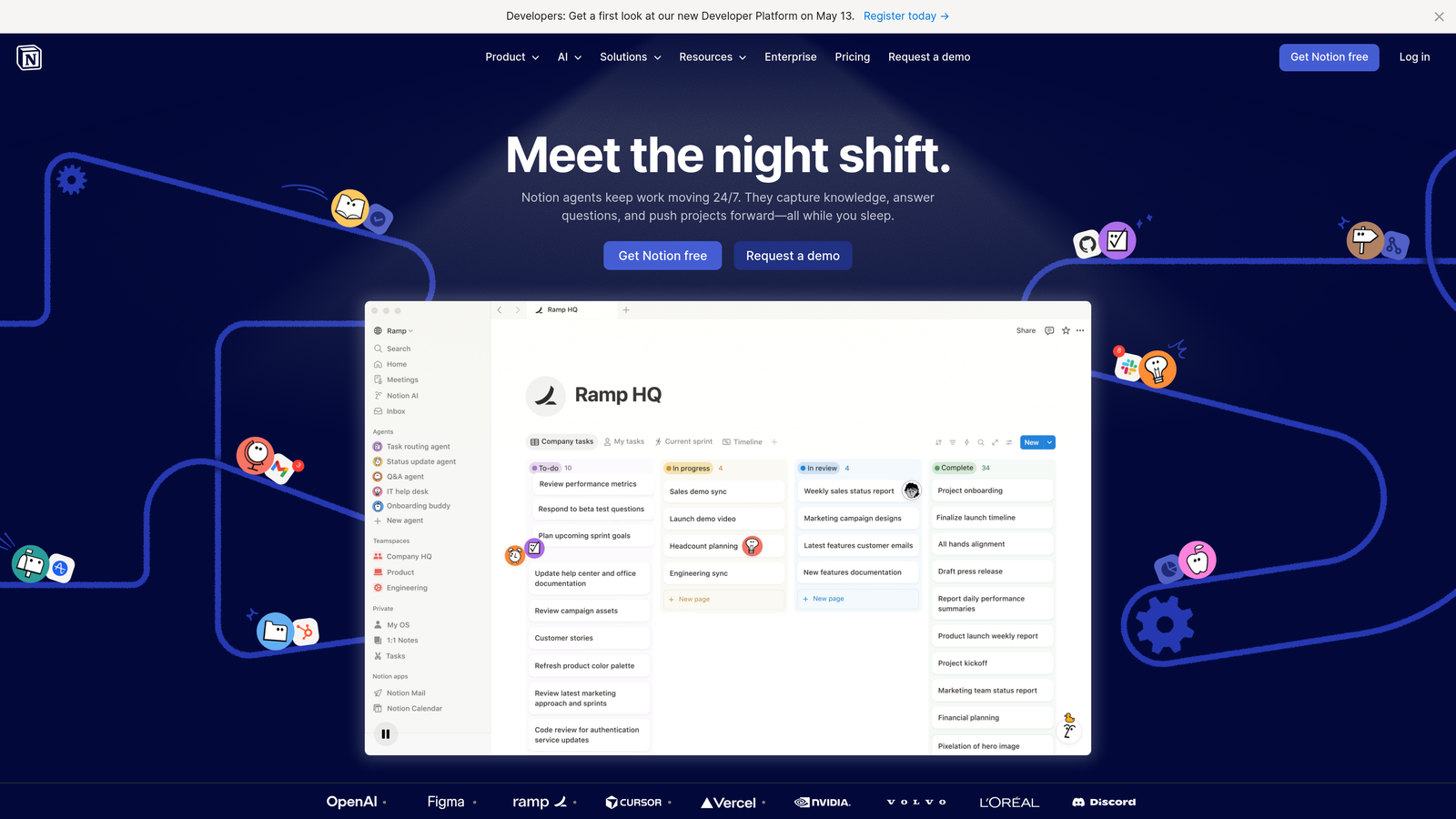
Notion is a collaborative workspace combining wikis, databases, and project management with built-in AI writing assistance for content planning and drafting.
Where This Tool Shines
Notion's flexibility makes it genuinely useful for content teams at almost any stage. You can build an editorial calendar, store your style guide, draft articles, and track publication status—all in the same environment. The absence of context-switching between apps is a real productivity gain for smaller teams.
Notion AI integrates directly into the writing environment rather than functioning as a separate tool. Highlighting a section and asking the AI to rewrite, summarize, or expand it feels natural in a way that switching to a separate AI writing tab doesn't. For teams that do a lot of their drafting and editing inside Notion, this integration is genuinely useful.
Key Features
Flexible Database Views: Build editorial calendars, content pipelines, and asset libraries using the same database with different view configurations.
Notion AI: In-context AI for drafting, summarizing, translating, and editing content without leaving the workspace.
Templates: Community and official templates for content briefs, SOPs, style guides, and editorial calendars accelerate setup.
Real-Time Collaboration: Comments, mentions, and live editing make Notion functional as a collaborative drafting environment.
API Access: Build custom automations and integrations using Notion's API, often combined with Zapier or Make.
Best For
Small teams and startups that want a single workspace for content planning, drafting, and documentation. Teams that need robust publishing automation or deep SEO tooling will need to supplement Notion with additional tools.
Pricing
Free for personal use. Plus plan at $10 per member per month. Notion AI is an add-on at $10 per member per month.
7. Airtable
Best for: Content operations teams that need structured data management alongside workflow automation triggers.
Airtable is a relational database platform with built-in automations, scripting, and an interface designer for managing complex content pipelines.
Where This Tool Shines
Where Notion prioritizes flexibility and Zapier prioritizes connectivity, Airtable prioritizes structure. Its relational database model lets you link content assets to campaigns, authors, keywords, and publication dates in ways that a simple spreadsheet or project board cannot. For content operations teams managing large volumes of assets with many interdependencies, that structure pays dividends.
The Interface Designer allows teams to build custom dashboards and intake forms on top of their Airtable data without exposing the underlying database complexity to stakeholders. A content requester can fill out a brief form; the operations team sees it automatically populate the production pipeline.
Key Features
Relational Database Structure: Link records across tables to model complex content pipelines with multiple dependencies.
Built-In Automations: Trigger actions based on record changes, scheduled times, or form submissions—no third-party tool required for basic automation.
Interface Designer: Build custom dashboards and content intake forms on top of your database for different team roles.
Scripting and API Access: Write custom scripts or connect via API for advanced workflow logic beyond what built-in automations support.
Integrations: Native connections to Slack, Google Workspace, Salesforce, and Figma cover most content team toolstacks.
Best For
Content operations managers and agencies handling high volumes of content with complex metadata requirements. Less suited to teams that need AI-assisted writing or direct CMS publishing built into the same platform.
Pricing
Free tier available. Team plan starts at $20 per seat per month, billed annually.
8. Surfer SEO
Best for: Content teams that want data-driven SEO optimization integrated directly into the drafting process.
Surfer SEO is an SEO content optimization platform that automates keyword research, brief generation, and real-time on-page scoring to ensure drafts are competitive before publishing.
Where This Tool Shines
Surfer SEO's real-time Content Editor is where most users spend the majority of their time. As you write or paste in a draft, the editor scores your content against top-ranking pages for your target keyword, surfacing which terms you're missing, where your word count falls short, and how your heading structure compares to competitors. The feedback loop is immediate and actionable.
The automated brief generation is a genuine time-saver for content managers who need to brief writers at scale. Rather than manually analyzing SERPs and compiling keyword lists, Surfer generates a structured brief with keyword clusters, recommended headings, and word count targets in minutes.
Key Features
Real-Time Content Editor: NLP-powered scoring that benchmarks your draft against top-ranking SERP results as you write.
Automated Content Briefs: Generate keyword clusters, heading suggestions, and structure recommendations from a single keyword input.
SERP Analyzer: Deep competitive analysis of top-ranking pages to identify content gaps and structural opportunities.
Surfer AI: Generate optimized first drafts directly within the platform, informed by the same SERP data that powers the Content Editor.
Google Docs and WordPress Integrations: Optimize content inside your existing drafting environment without copying it into a separate tool.
Best For
SEO-focused content teams and agencies that produce articles at volume and need a systematic approach to on-page optimization. Surfer handles the optimization layer exceptionally well but doesn't automate publishing, indexing, or project management—you'll need other tools for those stages.
Pricing
Essential plan starts at $89 per month. Scale plan at $129 per month. Both billed annually.
9. Contently
Best for: Enterprise brands that need to manage external content production with editorial governance and performance attribution.
Contently is an enterprise content marketing platform combining a vetted freelancer talent network with editorial workflow management, brand governance, and analytics.
Where This Tool Shines
Contently occupies a unique position in this list: it's the only platform that directly addresses the talent sourcing problem alongside the workflow problem. Rather than assuming you already have writers, Contently connects you with a curated network of freelancers matched to your industry and content type—then manages the entire assignment-to-publication workflow within the same platform.
For enterprise content teams that work heavily with external contributors, this integration eliminates significant coordination overhead. Briefs, assignments, revisions, approvals, and payments all happen inside one system rather than across email, Google Docs, and a separate invoicing tool.
Key Features
Curated Freelancer Marketplace: Talent matching connects brands with vetted writers, designers, and strategists relevant to their industry.
Editorial Workflow Management: Assignment, review, and approval stages managed within the platform from brief to final asset.
Performance Analytics: Content performance tracking with ROI attribution to connect content investment to business outcomes.
Brand Governance Tools: Compliance and style controls ensure external contributors stay within brand guidelines.
Strategic Planning: SEO and audience insights inform content planning at the program level, not just the individual article level.
Best For
Enterprise marketing teams and publishers that rely heavily on freelance contributors and need governance, compliance, and performance attribution built into the workflow. The custom pricing model puts it out of reach for most small teams and startups.
Pricing
Custom enterprise pricing. Contact Contently's sales team for a quote.
Choosing the Right Tool for Your Content Pipeline
The honest answer is that the right tool depends almost entirely on where your biggest bottleneck sits right now. There's no single platform that's best for every team—but there are clear patterns in which tools suit which situations.
If your bottleneck is the entire pipeline from ideation to live page, Sight AI is the most complete solution in this list. It's the only platform that combines AI content generation, SEO and GEO optimization, CMS auto-publishing, IndexNow-powered indexing, and AI visibility tracking in one place. For teams that want to reduce the number of tools they're managing while accelerating organic content output, that breadth matters.
If your bottleneck is project coordination and your team already has writing tools they love, Monday.com or Airtable will give you the structure and automation depth you need without displacing your existing stack. Monday.com is more accessible for non-technical users; Airtable rewards teams willing to invest in setup.
If AI-assisted writing at scale is the priority and brand consistency is non-negotiable, Jasper is the strongest dedicated option. Pair it with Surfer SEO for optimization and Zapier for publishing automation, and you have a capable (if multi-tool) stack.
If you're primarily a scheduler and coordinator managing blog, social, and email from a single calendar, CoSchedule is purpose-built for that workflow. And if you need a universal connector to automate handoffs between the tools you already use, Zapier is the obvious choice.
For enterprise teams managing external contributors with governance requirements, Contently is in a category of its own. And for teams that want a flexible, low-cost workspace to centralize planning and drafting, Notion remains a strong starting point.
The larger trend worth noting: as AI search platforms like ChatGPT, Claude, and Perplexity become significant traffic sources, content teams need to think beyond traditional SERP rankings. Tools that help you understand and influence how AI models represent your brand are becoming as important as tools that optimize for Google. That's a capability gap most platforms in this list don't address.
Start tracking your AI visibility today and see exactly where your brand appears across top AI platforms—then use that insight to build a content workflow that drives organic growth from every channel, not just search.