Content teams face a relentless challenge: producing high-quality, SEO-optimized content at scale while managing complex workflows across writers, editors, and strategists. The right productivity tools can transform chaotic content operations into streamlined systems that boost output without burning out your team.
This guide covers top tools that address different aspects of content team productivity—from AI-powered content creation and visibility tracking to project management and collaboration. Whether you're a lean startup team or an agency managing multiple client accounts, these tools help you ship more content, faster, while maintaining quality standards.
1. Sight AI
Best for: AI-powered content creation with visibility tracking across AI platforms
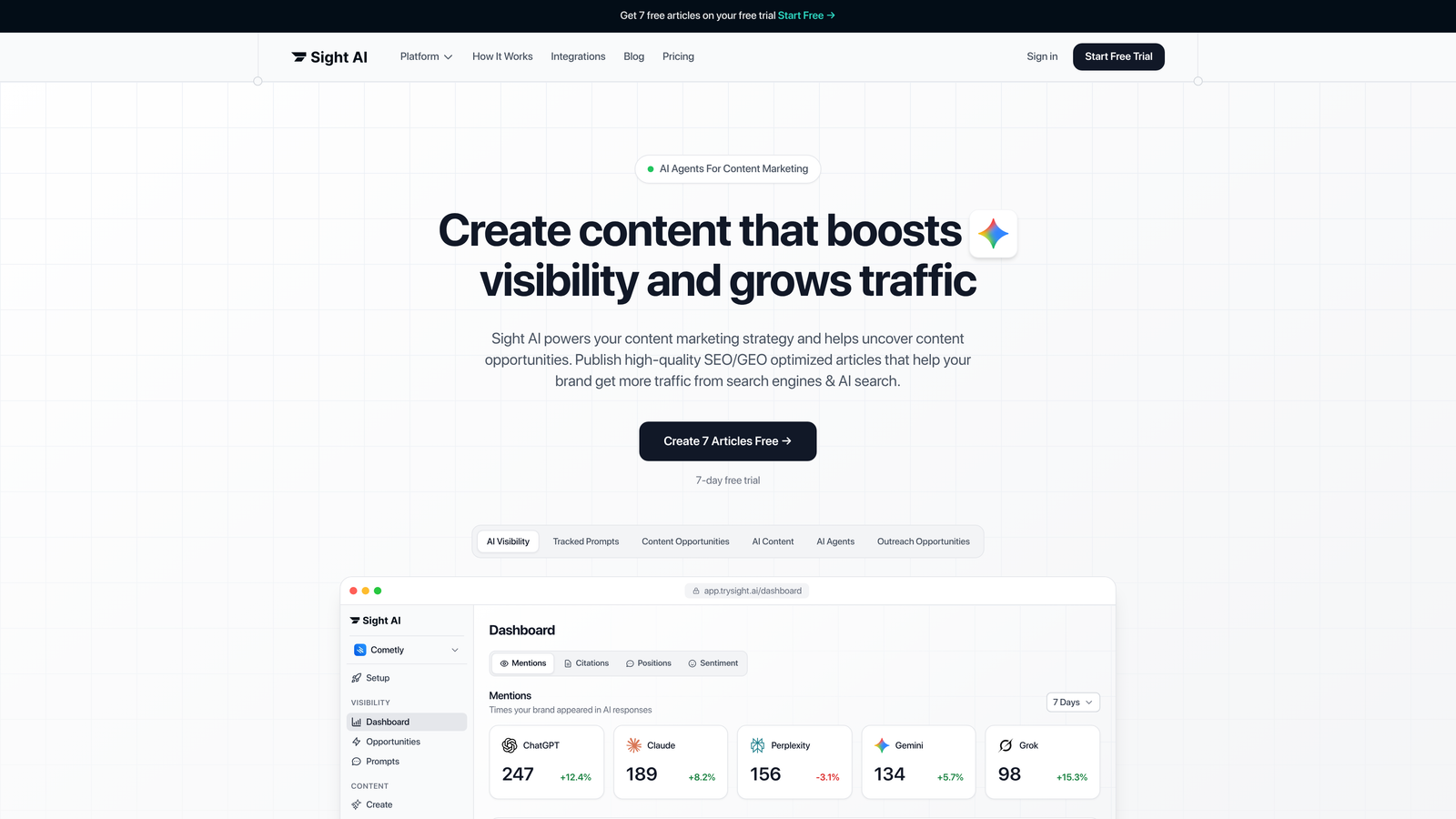
Sight AI is a comprehensive content operations platform combining AI content generation with brand visibility tracking across major AI models.
Where This Tool Shines
What sets Sight AI apart is its dual approach to content productivity. While most tools focus on either creation or distribution, Sight AI tackles both simultaneously. The platform's 13+ specialized AI agents handle different content formats—listicles, guides, explainers—each optimized for both traditional SEO and emerging AI search platforms.
The visibility tracking component solves a growing challenge for content teams: understanding how AI models like ChatGPT, Claude, and Perplexity reference your brand. This insight reveals content gaps and opportunities that traditional analytics miss entirely.
Key Features
Autopilot Mode: Hands-off content generation that produces SEO and GEO-optimized articles without constant oversight.
AI Visibility Tracking: Monitors brand mentions across six AI platforms with sentiment analysis and prompt tracking.
IndexNow Integration: Automatically submits content for faster discovery by search engines and AI crawlers.
CMS Auto-Publishing: Publishes directly to your website, eliminating manual upload steps.
Specialized AI Agents: Purpose-built agents for different content types ensure format-appropriate output.
Best For
Marketing teams and agencies focused on organic traffic growth who need to scale content production while tracking brand visibility across AI platforms. Particularly valuable for teams struggling to keep up with content demand or wanting insights into AI-driven search behavior.
Pricing
Contact for pricing based on team size and content volume requirements.
2. Notion
Best for: All-in-one content planning and team knowledge management
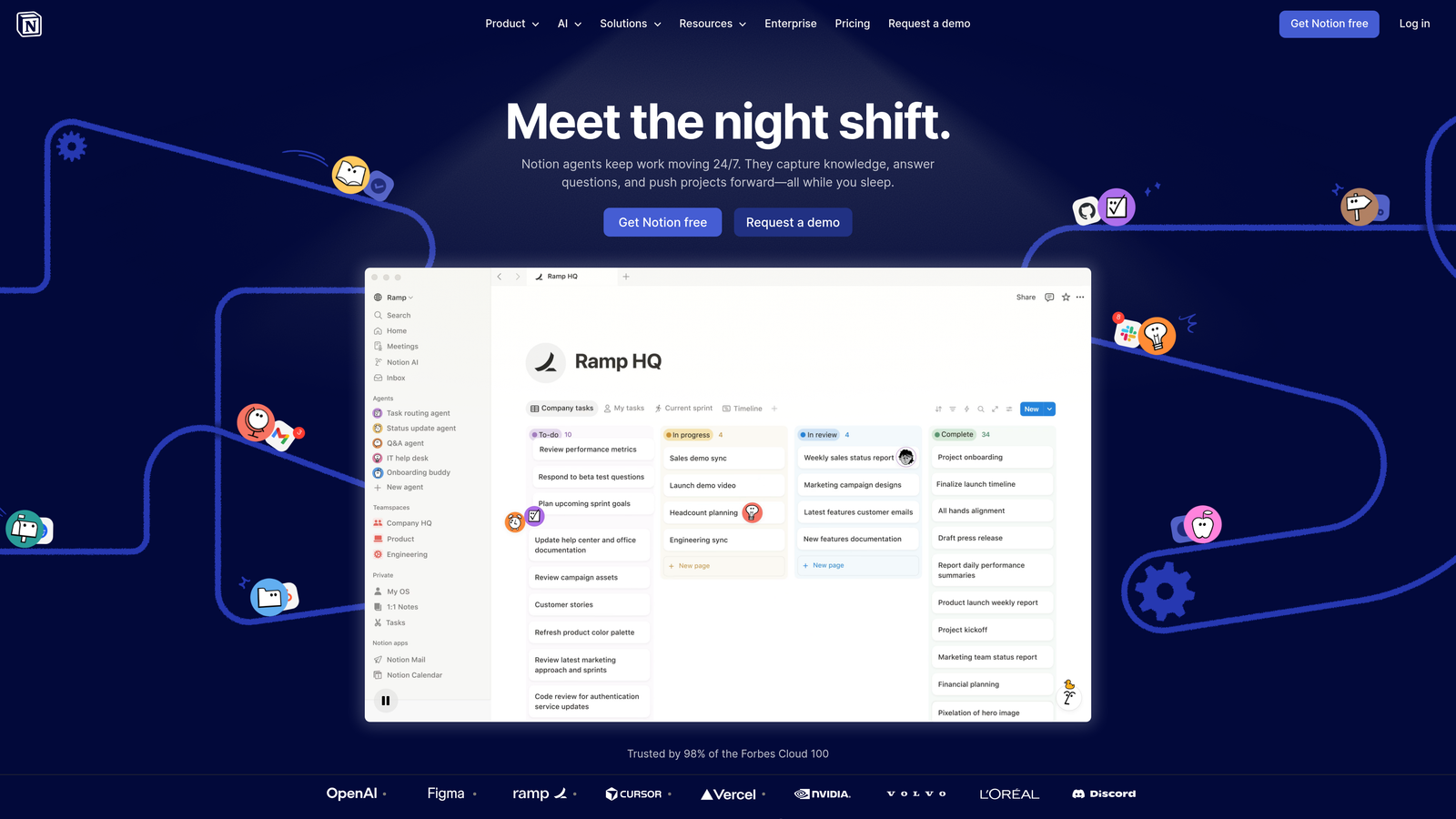
Notion is a flexible workspace that serves as your content team's central hub for planning, documentation, and collaboration.
Where This Tool Shines
Notion excels at replacing multiple disconnected tools with a single, customizable workspace. Content teams use it to build editorial calendars, maintain style guides, track content performance, and manage briefs—all in one place. The database functionality is particularly powerful for content operations.
The template library accelerates setup, but the real value emerges when teams customize Notion to match their specific workflows. Real-time collaboration means multiple team members can update content status, add notes, or refine briefs simultaneously without version control headaches.
Key Features
Flexible Databases: Create custom editorial calendars with filtering, sorting, and multiple views tailored to your workflow.
Real-Time Collaboration: Multiple team members can edit content briefs and documents simultaneously with no conflicts.
Template Library: Pre-built templates for common content workflows speed up team onboarding and process standardization.
Wiki-Style Knowledge Base: Centralize style guides, brand guidelines, and process documentation in searchable pages.
Embedded Content: Pull in files, links, and media directly into pages for comprehensive content briefs.
Best For
Content teams needing a centralized workspace for planning and documentation. Works especially well for remote teams requiring a single source of truth for content operations and brand standards.
Pricing
Free for individuals with unlimited pages and blocks. Plus plan starts at $10 per user per month, adding unlimited file uploads and version history.
3. Asana
Best for: Complex content workflows and cross-functional team coordination
Asana is a project management platform designed to handle multi-stage content pipelines with dependencies and handoffs.
Where This Tool Shines
Asana's strength lies in managing content workflows with multiple contributors and approval stages. When a single article passes through research, writing, editing, design, and approval phases, Asana keeps everyone aligned on status and next steps. The visual timeline view prevents bottlenecks by surfacing workload imbalances before they become problems.
Custom workflow automation eliminates repetitive manual updates. Set up rules that automatically move tasks, assign team members, or trigger notifications based on status changes—reducing administrative overhead that drains content team productivity.
Key Features
Custom Workflow Automation: Build rules that automatically route content through your pipeline based on status changes and dependencies.
Timeline and Calendar Views: Visualize content schedules and identify conflicts or capacity issues across your editorial calendar.
Workload Management: Monitor team member capacity to prevent burnout and distribute assignments more evenly.
Forms for Intake: Standardize content requests from stakeholders with custom forms that create properly formatted tasks.
Portfolio Tracking: Aggregate multiple content projects for high-level visibility into team performance.
Best For
Content teams with complex, multi-stage workflows involving multiple contributors per piece. Particularly valuable for agencies managing client work or enterprise teams coordinating across departments.
Pricing
Free basic plan for up to 15 team members. Starter plan at $10.99 per user per month adds timeline views, workflow automation, and advanced search.
4. Slack
Best for: Real-time team communication and quick content feedback loops
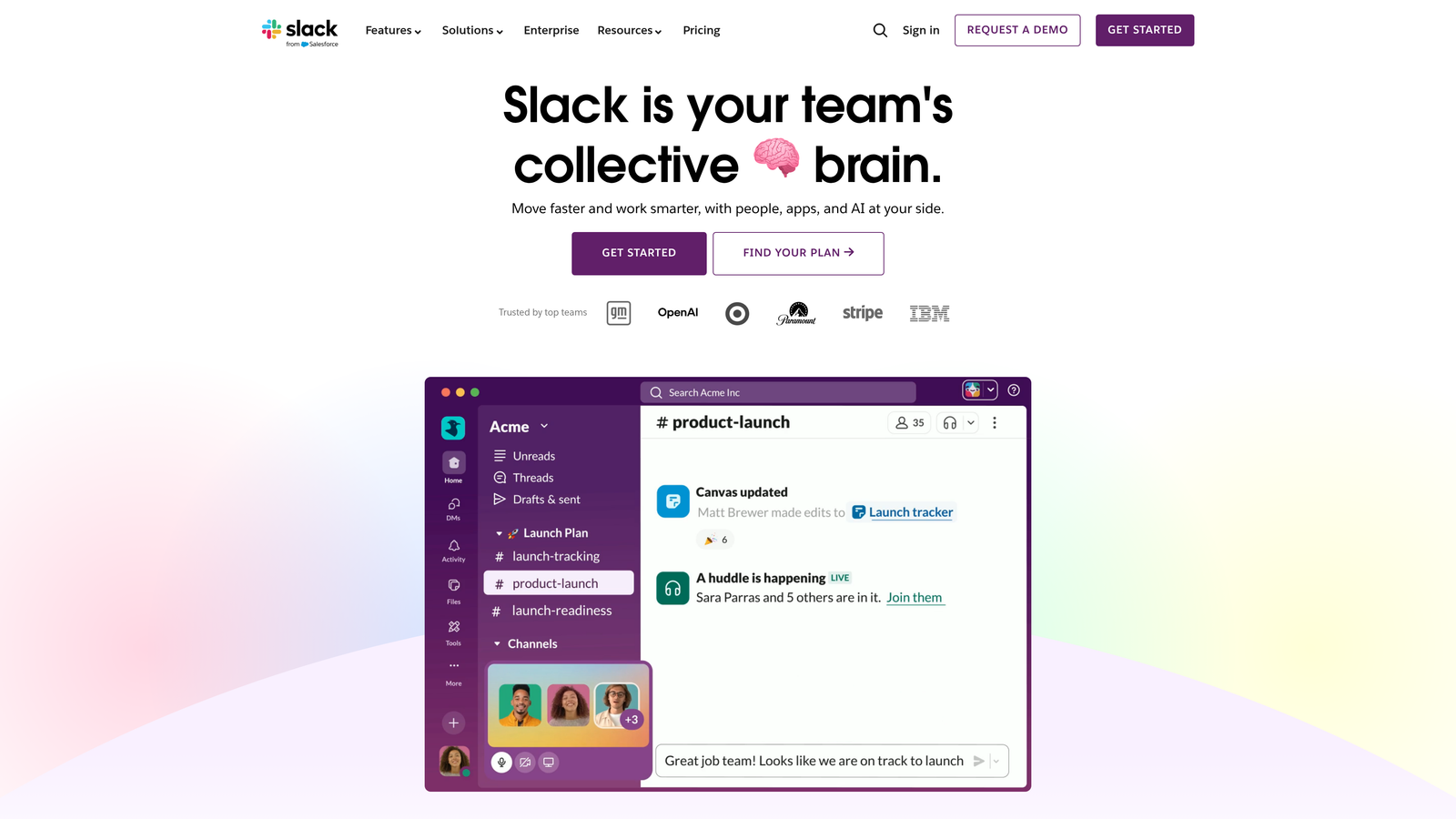
Slack is a messaging platform that keeps content teams connected without drowning in email threads or unnecessary meetings.
Where This Tool Shines
Slack transforms how content teams communicate by organizing conversations into channels dedicated to specific projects, clients, or content types. This structure keeps discussions focused and searchable—no more digging through email to find that feedback from two weeks ago.
The platform's integration ecosystem connects your entire content stack. Receive notifications when content moves through your workflow, get alerts on publishing milestones, or pull in analytics updates—all without switching between apps. Huddles enable quick voice conversations for complex topics that don't warrant a full meeting.
Key Features
Organized Channels: Create dedicated spaces for projects, clients, or content types to keep conversations focused and findable.
Huddles for Voice: Launch quick audio conversations without scheduling formal meetings, perfect for resolving content questions fast.
App Integration Ecosystem: Connect 2,400+ productivity tools to centralize notifications and updates in your communication hub.
Canvas for Collaboration: Draft and iterate on content directly within Slack using the built-in collaborative document editor.
Search Functionality: Find past conversations, shared files, and decisions quickly with powerful search across all channels.
Best For
Distributed content teams needing fast communication and feedback cycles. Especially valuable for remote teams where quick questions and async updates replace in-person conversations.
Pricing
Free plan includes 90-day message history and 10 app integrations. Pro plan at $7.25 per user per month adds unlimited message history and integrations.
5. Grammarly Business
Best for: Maintaining content quality and brand voice consistency across teams
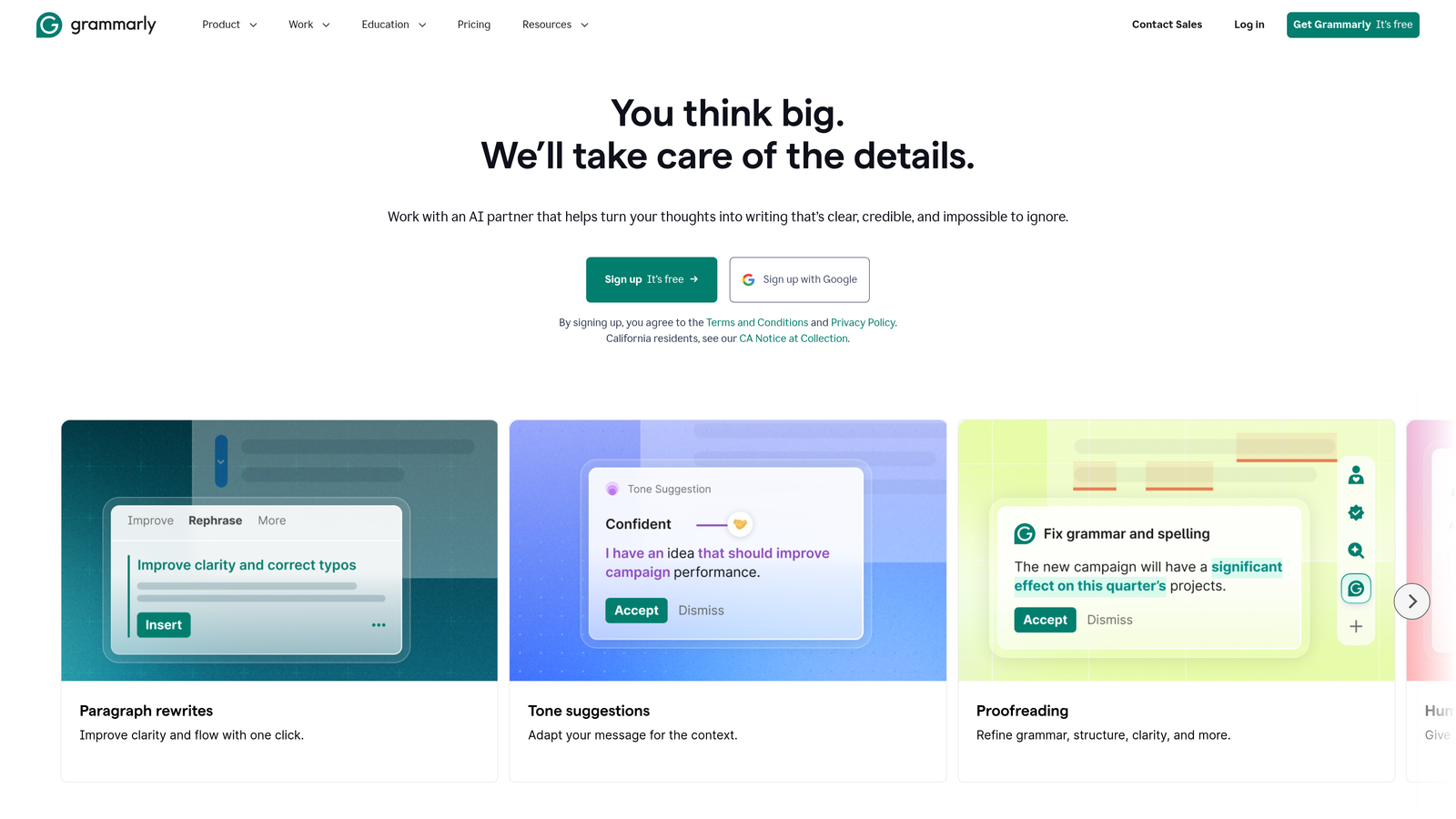
Grammarly Business is an AI writing assistant that enforces quality standards and brand voice guidelines across your entire content team.
Where This Tool Shines
Think of Grammarly Business as your always-on editor catching mistakes before they reach readers. The platform goes beyond basic grammar checking to analyze tone, clarity, and adherence to your brand's style guide. This consistency is crucial when multiple writers contribute to your content output.
The custom style guide feature lets you define terminology preferences, banned words, and voice guidelines that Grammarly automatically enforces. New team members instantly write in your brand voice without memorizing a 50-page style manual. The analytics dashboard surfaces writing patterns across your team, helping identify training opportunities.
Key Features
Custom Style Guide Enforcement: Define brand-specific terminology, tone preferences, and writing rules that Grammarly applies automatically.
Tone Detection and Adjustment: Analyze content tone and receive suggestions to match your intended communication style.
Plagiarism Detection: Scan content against billions of web pages to ensure originality and avoid duplicate content issues.
Analytics Dashboard: Track team writing quality metrics, identify common errors, and measure improvement over time.
Cross-Platform Availability: Works across browsers, desktop apps, and popular writing tools for consistent quality everywhere.
Best For
Content teams with multiple writers who need to maintain consistent quality and brand voice. Particularly valuable for agencies managing different client voices or companies with strict editorial standards.
Pricing
Starts at $15 per member per month with annual billing. Includes custom style guides, brand tone detection, and team analytics.
6. Airtable
Best for: Content operations, asset tracking, and custom editorial management systems
Airtable is a flexible database platform that content teams use to build custom content management systems tailored to their workflows.
Where This Tool Shines
Airtable bridges the gap between simple spreadsheets and complex database systems. Content teams use it to track article inventories, manage content assets, coordinate freelancer assignments, and monitor performance metrics—all with relational database power wrapped in a spreadsheet-like interface.
The multiple view options transform how you interact with content data. Switch from a Kanban board for workflow management to a calendar for publication scheduling to a gallery view for visual content assets—all viewing the same underlying data. Automation capabilities trigger actions based on status changes, reducing manual administrative work.
Key Features
Relational Databases: Link related content pieces, track author contributions, and manage complex content inventories with proper database relationships.
Multiple Views: Display the same data as Kanban boards, calendars, galleries, or traditional grids depending on your current task.
Workflow Automation: Trigger status updates, notifications, or record changes based on field values or time-based conditions.
Interface Designer: Build custom dashboards for stakeholders showing content metrics without exposing the full database complexity.
Forms for Data Collection: Create intake forms for content requests that automatically populate your database with structured information.
Best For
Content operations teams needing customizable systems for tracking articles, managing freelancers, or coordinating complex content inventories. Works well for teams outgrowing basic spreadsheets but not ready for enterprise CMS platforms.
Pricing
Free plan includes unlimited bases with up to 1,000 records per base. Team plan at $20 per seat per month adds 50,000 records and automation.
7. Loom
Best for: Async video feedback and reducing content review meeting overhead
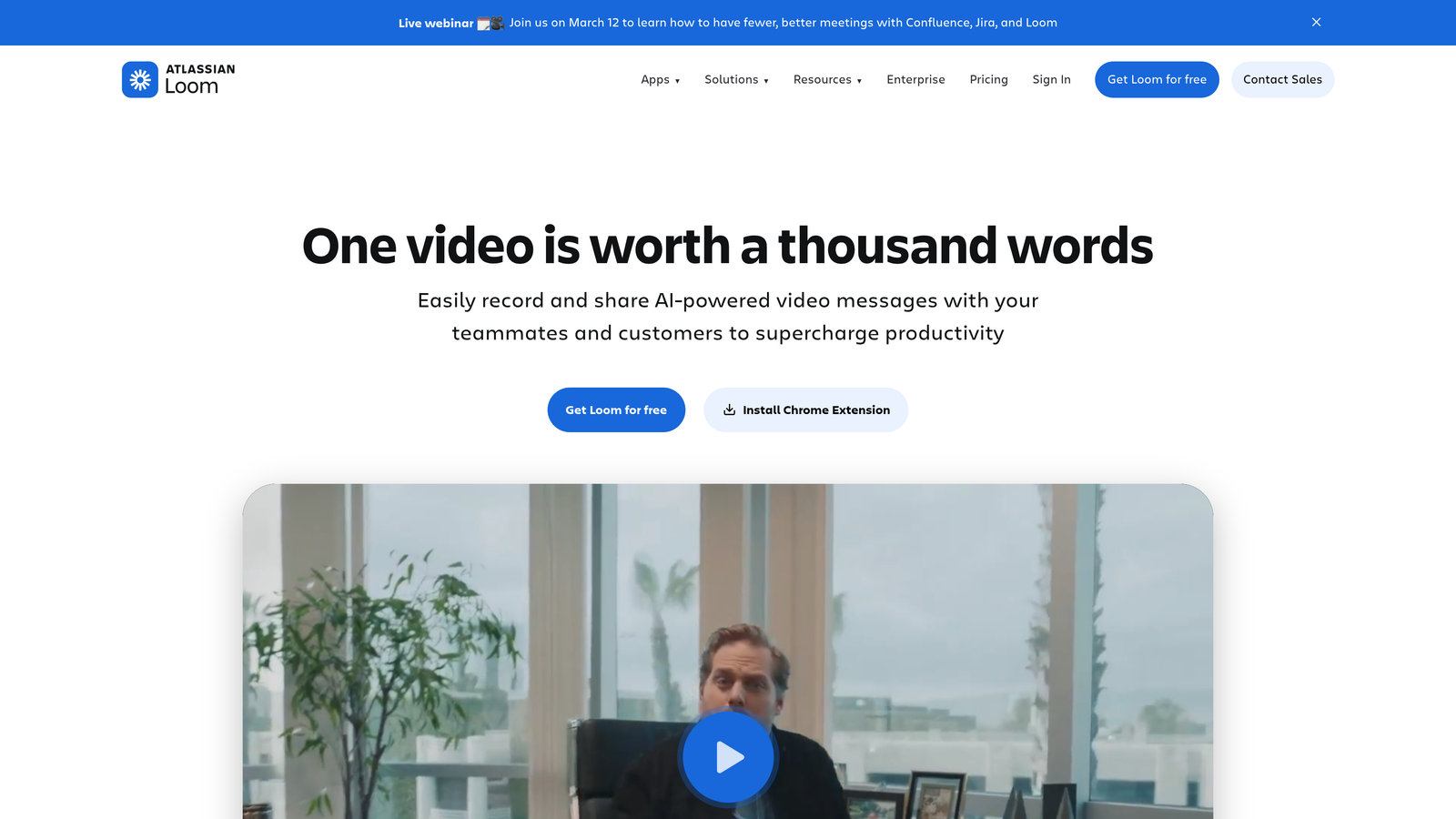
Loom is an async video messaging tool that replaces lengthy meetings with quick screen recordings and visual feedback.
Where This Tool Shines
Loom eliminates the productivity drain of scheduling meetings for simple content reviews. Instead of coordinating calendars for a 30-minute feedback session, record a 5-minute walkthrough highlighting specific changes or concerns. Reviewers watch on their own schedule and respond with timestamped comments.
The platform's auto-generated transcripts make videos searchable and accessible. Team members can quickly scan the transcript to find relevant sections without watching the entire recording. Viewer engagement analytics show who watched your feedback and where they paused or rewatched, helping you understand which points resonated or caused confusion.
Key Features
Quick Screen and Camera Recording: Capture your screen, camera, or both with one click—no complex setup or video editing required.
Timestamped Comments: Leave feedback tied to specific moments in the video, creating clear, actionable review notes.
Auto-Generated Transcripts: Every video includes searchable transcripts and AI-generated summaries for quick reference.
Viewer Analytics: See who watched your video, completion rates, and engagement patterns to measure communication effectiveness.
Video Editing Tools: Trim recordings, remove filler words, and add calls-to-action directly in the platform.
Best For
Remote content teams drowning in review meetings and approval cycles. Particularly effective for visual content feedback, onboarding new writers, or explaining complex edits that benefit from screen sharing.
Pricing
Free starter plan with 25 videos per person and basic features. Business plan at $12.50 per creator per month adds unlimited videos and advanced analytics.
8. Figma
Best for: Collaborative visual content creation and brand asset management
Figma is a collaborative design platform that content teams use for creating graphics, maintaining brand consistency, and visual brainstorming.
Where This Tool Shines
Figma revolutionizes how content and design teams collaborate on visual assets. Multiple team members can edit designs simultaneously—writers adding copy while designers adjust layouts in real-time. This eliminates the back-and-forth of traditional design handoffs where feedback requires new file versions and email threads.
The design systems feature maintains brand consistency across all visual content. Define colors, typography, and component styles once, then use them across unlimited projects. When you update the design system, changes propagate to all connected files automatically—ensuring brand guidelines stay current across your entire content library.
Key Features
Real-Time Collaborative Editing: Multiple team members work on the same design file simultaneously with live cursor tracking and instant updates.
Design Systems: Create reusable component libraries and brand style guides that ensure visual consistency across all content.
FigJam for Brainstorming: Visual whiteboarding space for content planning, mind mapping, and collaborative ideation sessions.
Dev Mode: Streamline design-to-development handoff with automated specs and asset export for web content.
Version History: Access previous design iterations and restore earlier versions without manual file management.
Best For
Content teams creating visual assets in-house or collaborating closely with designers. Especially valuable for teams producing infographics, social media graphics, or content requiring consistent brand application.
Pricing
Free for individuals with unlimited personal files. Professional plan at $15 per editor per month adds unlimited version history and team libraries.
9. Zapier
Best for: No-code automation connecting content tools and eliminating repetitive tasks
Zapier is an automation platform that connects your content stack and handles repetitive workflows without requiring development resources.
Where This Tool Shines
Zapier acts as the connective tissue between your content tools, automating handoffs that otherwise require manual copying and pasting. When a content piece reaches "approved" status in your project management tool, Zapier can automatically create a social media post, update your analytics spreadsheet, and notify the publishing team—all without human intervention.
The platform's 7,000+ app integrations mean you can connect virtually any combination of content tools. Multi-step workflows with conditional logic handle complex scenarios: if content type equals "case study" then route to design team, else publish directly. This automation reclaims hours previously lost to administrative busy work.
Key Features
7,000+ App Integrations: Connect virtually any combination of content, marketing, and productivity tools without custom development.
Multi-Step Workflows: Chain multiple actions together to automate complex content processes across different platforms.
Conditional Logic: Build intelligent automation that takes different actions based on content type, status, or other field values.
Tables for Data Storage: Create lightweight databases to store content metadata, track metrics, or manage simple content inventories.
Scheduled Automation: Trigger workflows at specific times for recurring content tasks like weekly reports or scheduled publishing.
Best For
Content teams with multiple disconnected tools who waste time on manual data entry and status updates. Particularly valuable for teams without dedicated developers who need custom workflow automation.
Pricing
Free plan includes 100 tasks per month with single-step workflows. Starter plan at $19.99 per month adds multi-step workflows and 750 monthly tasks.
Making the Right Choice
Choosing the right productivity tools depends on your content team's specific bottlenecks. For teams struggling with content creation speed and AI visibility, Sight AI offers a unique combination of automated content generation and brand monitoring across AI platforms—solving both production and discoverability challenges simultaneously.
Teams needing better organization should consider Notion for flexible planning and documentation, while Airtable excels when you need custom database functionality for complex content operations. Asana handles multi-stage workflows with dependencies better than simpler tools, making it ideal for enterprise content pipelines.
Grammarly Business maintains quality standards at scale—particularly valuable when onboarding new writers or managing large teams. Slack keeps communication flowing and reduces email overhead, while Loom eliminates meeting bloat with async video feedback. Figma streamlines visual collaboration for teams creating graphics in-house, and Zapier connects everything together through no-code automation.
Start by identifying your biggest productivity drain. Is it content creation capacity? Workflow coordination? Quality consistency? Communication overhead? Match that challenge to the tool designed specifically to solve it, then expand your stack as new bottlenecks emerge.
The content landscape is shifting toward AI-assisted workflows and cross-platform visibility. Traditional SEO optimization alone no longer captures the full picture of content discoverability. Start tracking your AI visibility today and see exactly where your brand appears across top AI platforms—then use those insights to guide your content strategy and identify gaps your team should fill next.