Managing content operations at scale has become one of marketing's toughest challenges. You need to plan, create, publish, and track content across multiple channels—all while keeping teams aligned and maintaining quality. Content ops automation platforms solve this by connecting your entire workflow: from ideation and production through publishing, indexing, and performance tracking. The best platforms reduce manual handoffs, automate repetitive tasks, and give teams visibility into what's working.
We evaluated platforms based on automation depth, integration capabilities, AI features, and practical value for marketing teams. Here are the top content ops automation platforms in 2026.
1. Sight AI
Best for: AI-optimized content creation with visibility tracking and automated publishing
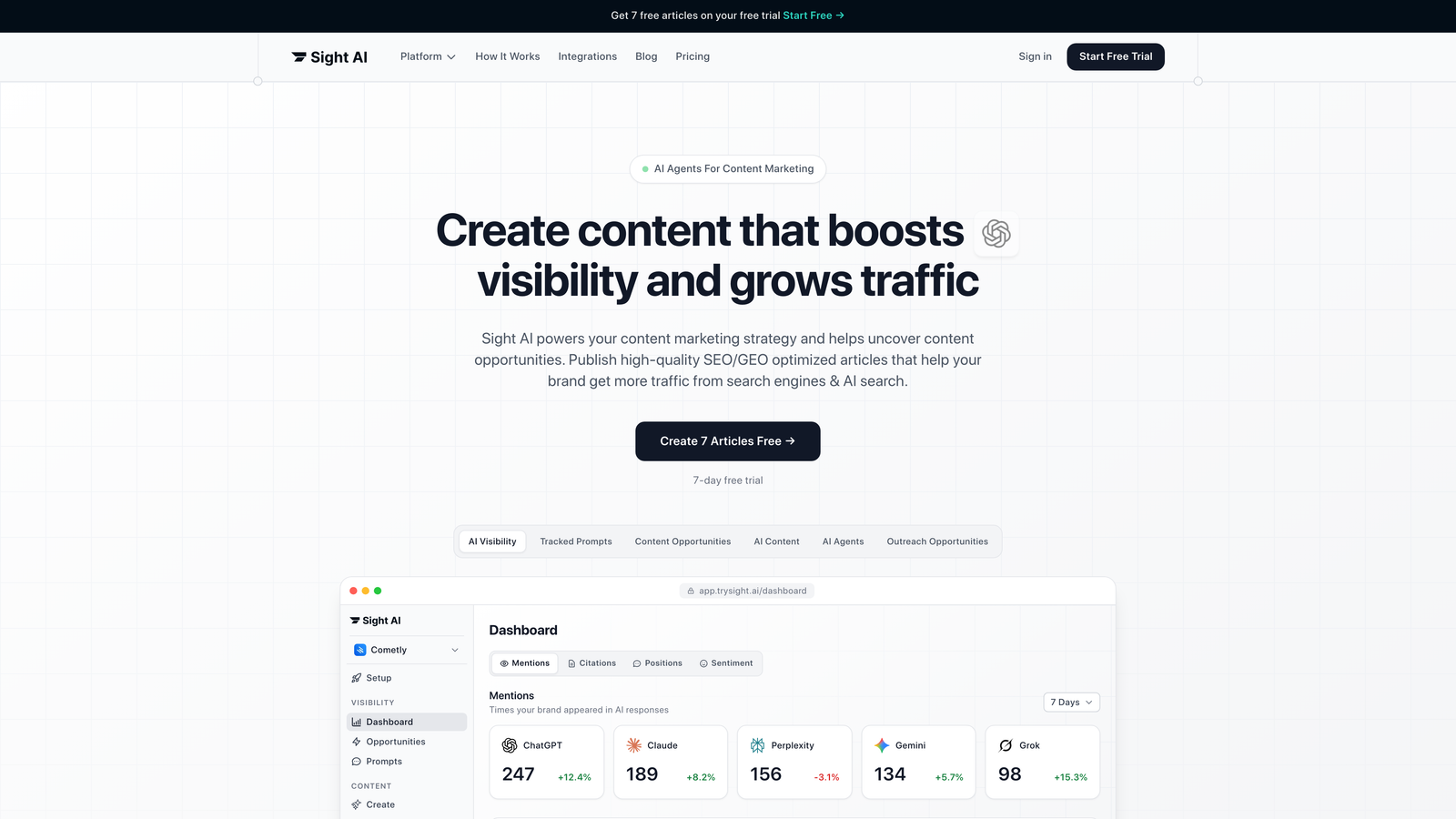
Sight AI combines three critical content operations functions into one platform: tracking how AI models mention your brand, generating SEO/GEO-optimized content, and automating website indexing and publishing.
Where This Tool Shines
Sight AI addresses a challenge most content ops platforms ignore: understanding how your brand appears in AI-generated responses. The platform monitors mentions across ChatGPT, Claude, Perplexity, and other AI models, giving you an AI Visibility Score that tracks sentiment and prompt patterns.
The content generation system uses 13+ specialized AI agents designed for different content types—listicles, guides, explainers—with built-in SEO and GEO optimization. Autopilot Mode handles the entire process from research through publishing, while IndexNow integration ensures search engines discover your content faster.
Key Features
AI Visibility Tracking: Monitor brand mentions across 6+ AI platforms with sentiment analysis and prompt tracking.
13+ Specialized AI Agents: Purpose-built agents for different content formats with SEO/GEO optimization built in.
Autopilot Mode: Hands-off content generation that handles research, writing, and optimization automatically.
IndexNow Integration: Automated indexing that gets content discovered by search engines faster than traditional methods.
CMS Auto-Publishing: Direct publishing to WordPress and other platforms without manual uploads.
Best For
Marketing teams and agencies focused on organic traffic growth through AI-optimized content. Particularly valuable if you're concerned about brand visibility in AI search results or need to scale content production without expanding headcount.
Pricing
Contact for pricing. Offers plans tailored for marketers, founders, and agencies with different content volume needs.
2. Contentful
Best for: Enterprise teams needing headless CMS with complex content architecture
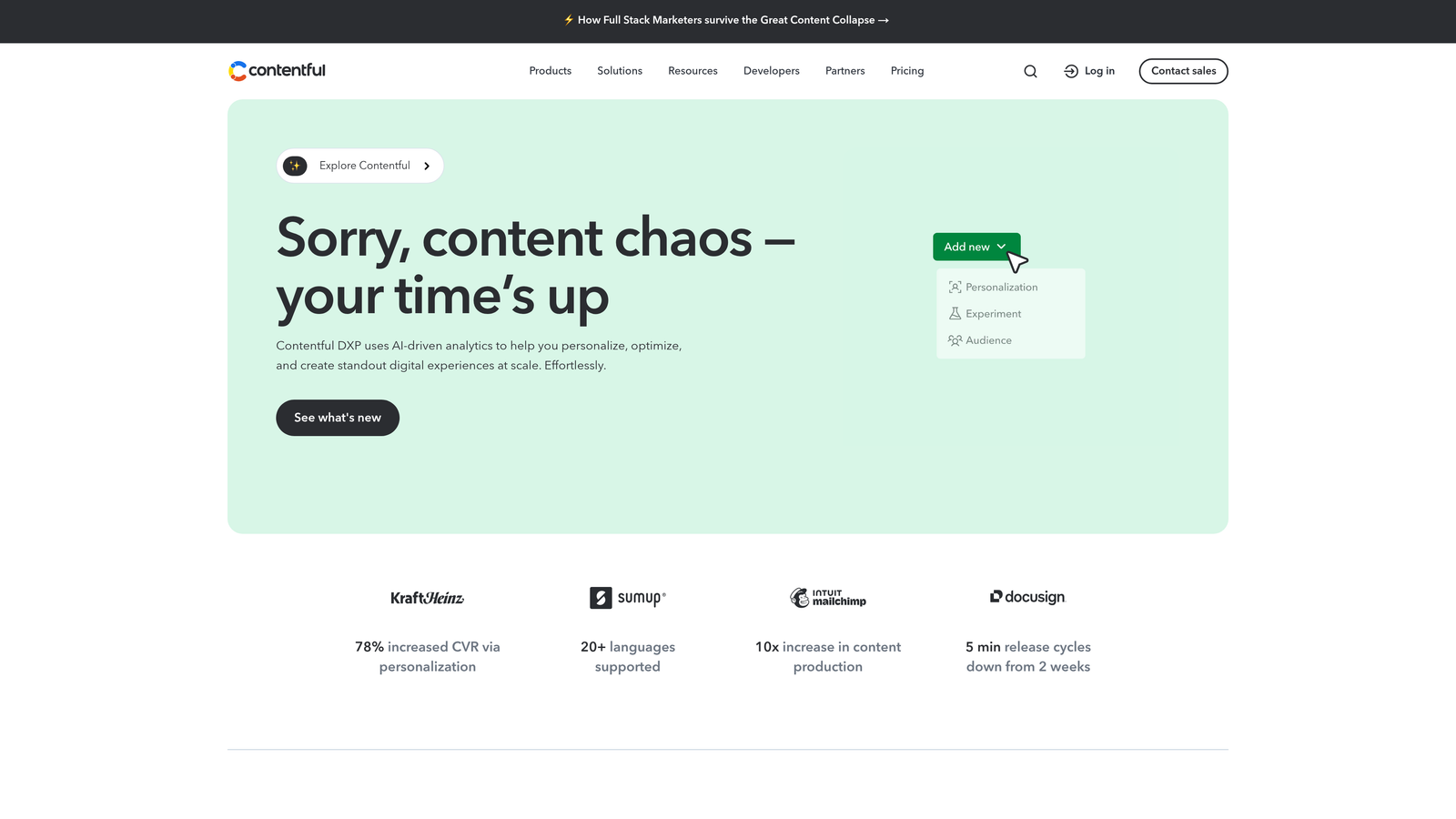
Contentful is a composable content platform that separates content from presentation, enabling omnichannel delivery through powerful APIs.
Where This Tool Shines
Contentful excels when you need to deliver the same content across websites, mobile apps, digital displays, and other channels. The structured content modeling approach means you define content once and deliver it everywhere, with each platform rendering it appropriately.
The API-first architecture gives developers flexibility to build custom integrations and workflows. For content ops teams, this means you can connect Contentful to virtually any tool in your stack and automate complex publishing workflows.
Key Features
Composable Content Platform: Structured content modeling that separates content from presentation for maximum flexibility.
API-First Architecture: Robust REST and GraphQL APIs for custom integrations and omnichannel delivery.
Workflow Automation: Scheduled publishing, approval chains, and custom workflow states.
App Marketplace: Extensive library of pre-built integrations with marketing and content tools.
Enterprise Security: Role-based permissions, audit logs, and compliance features for large organizations.
Best For
Enterprise teams with complex content requirements, multiple digital properties, and developer resources to leverage the platform's technical capabilities. Works well for organizations prioritizing content reuse and omnichannel delivery.
Pricing
Free tier available for small projects. Team plans start at $489/month. Enterprise pricing available with custom features and support.
3. CoSchedule
Best for: Marketing teams managing editorial calendars and social media workflows
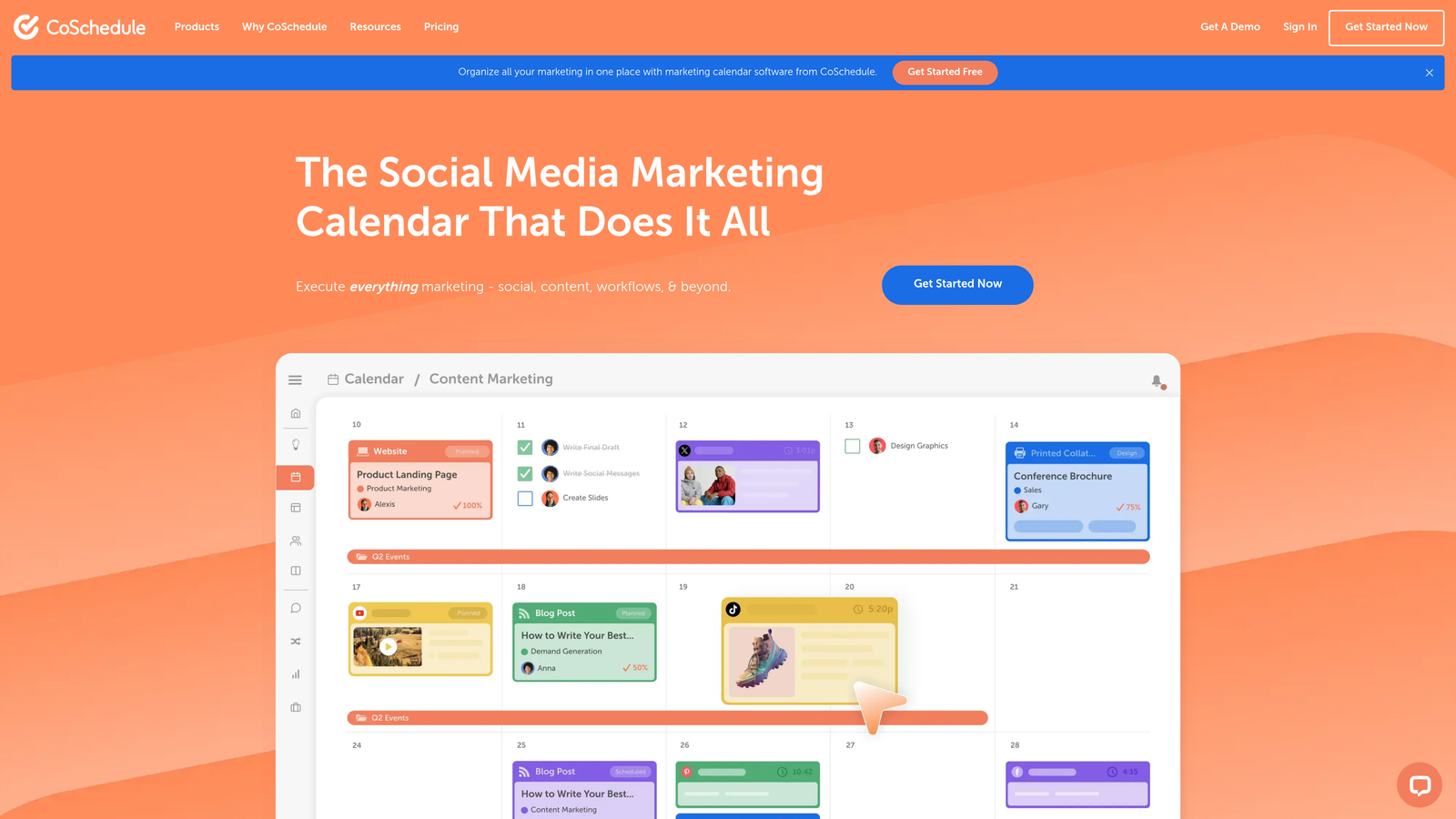
CoSchedule provides a unified marketing calendar that connects content planning, social media scheduling, and campaign execution in one visual interface.
Where This Tool Shines
CoSchedule simplifies the chaos of managing multiple content types and distribution channels. The visual calendar gives teams a single source of truth for all marketing activities, from blog posts and social updates to email campaigns and events.
ReQueue automates social media by continuously recycling your best-performing content, filling gaps in your schedule without manual intervention. The approval workflows keep stakeholders aligned without endless email threads.
Key Features
Unified Marketing Calendar: Visual planning interface that shows all content activities across channels in one view.
ReQueue Automation: Automatically schedules and recycles top-performing social media content to maintain consistent posting.
Workflow Automation: Team collaboration features with approval chains and task assignments.
Marketing Suite Integrations: Native connections to WordPress, HubSpot, Mailchimp, and major social platforms.
Performance Analytics: Track content performance and social engagement directly in the platform.
Best For
Content and social media teams that need visual planning tools and automation for editorial calendars. Particularly effective for teams managing both owned content and social distribution.
Pricing
Free calendar available with basic features. Marketing Calendar Pro starts at $29/user/month. Marketing Suite with advanced features uses custom pricing.
4. Kapost (Upland)
Best for: B2B marketing teams managing complex content supply chains
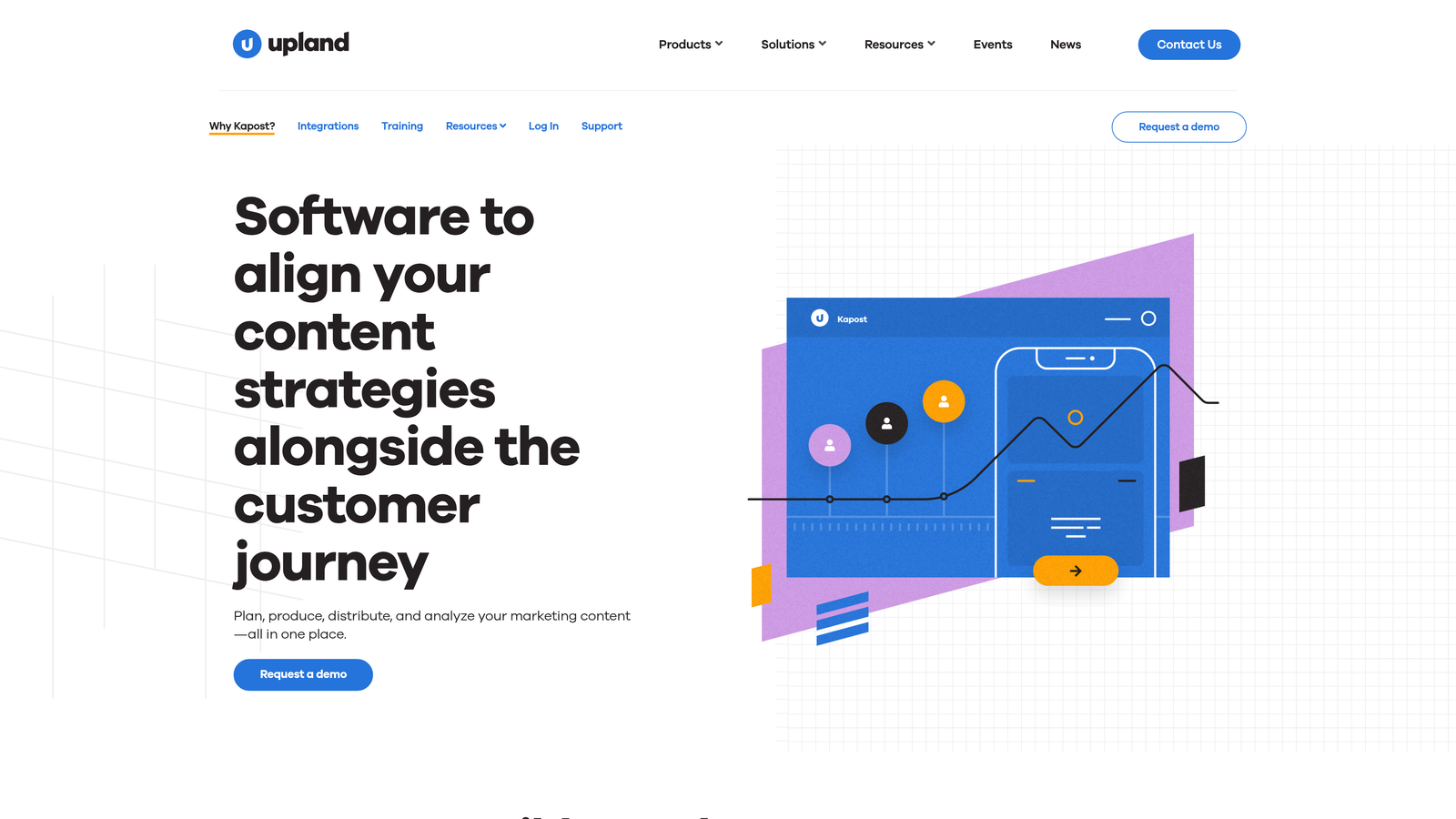
Kapost focuses specifically on B2B content operations, from planning and production through distribution and measurement.
Where This Tool Shines
Kapost treats content as a supply chain, providing visibility into every stage from ideation through performance measurement. The content gallery becomes a central repository where teams can find, reuse, and repurpose existing assets instead of recreating content.
Distribution automation ensures content reaches the right channels at the right time, while analytics connect content efforts to business outcomes. The platform integrates with marketing automation systems to track how content influences pipeline and revenue.
Key Features
Content Production Workflow: End-to-end workflow management from brief creation through final approval and publishing.
Content Gallery: Centralized asset library with tagging and search for easy content discovery and reuse.
Distribution Automation: Automated publishing across websites, social media, email, and other channels.
ROI Analytics: Performance measurement that connects content to business metrics and revenue impact.
Marketing Automation Integration: Deep connections with platforms like Marketo and Eloqua for lead tracking.
Best For
B2B marketing organizations with significant content volume, multiple stakeholders, and a need to demonstrate content ROI. Works well for teams that struggle with content silos and asset discoverability.
Pricing
Enterprise pricing model. Contact Upland for custom quotes based on team size and feature requirements.
5. Airtable
Best for: Teams wanting flexible, customizable content workflow databases
Airtable is a flexible database platform that teams customize into content calendars, production trackers, and automated workflow systems.
Where This Tool Shines
Airtable's strength is adaptability. You're not locked into someone else's idea of how content operations should work. Build exactly the system your team needs, whether that's a simple editorial calendar or a complex multi-stage production tracker with custom fields and relationships.
The automation features let you trigger actions based on specific conditions—assign tasks when content moves to review, send notifications when deadlines approach, update related records automatically. Interface Designer creates custom dashboards that show stakeholders exactly what they need to see.
Key Features
Customizable Database Views: Switch between grid, kanban, calendar, and gallery views to visualize content in different ways.
Built-In Automation: Trigger-based automations that handle repetitive tasks without code or external tools.
Interface Designer: Build custom dashboards and portals for different team members and stakeholders.
Integration Ecosystem: Native integrations plus Zapier connectivity to thousands of content and marketing tools.
Sync Capabilities: Keep data synchronized across multiple bases and external sources automatically.
Best For
Teams that need flexibility to design workflows matching their specific processes. Ideal for organizations with unique requirements that off-the-shelf solutions don't address, or teams that want to start simple and add complexity over time.
Pricing
Free tier available for basic use. Team plan at $20/seat/month. Business plan at $45/seat/month adds advanced features and increased limits.
6. Monday.com
Best for: Visual project management adapted for content team collaboration
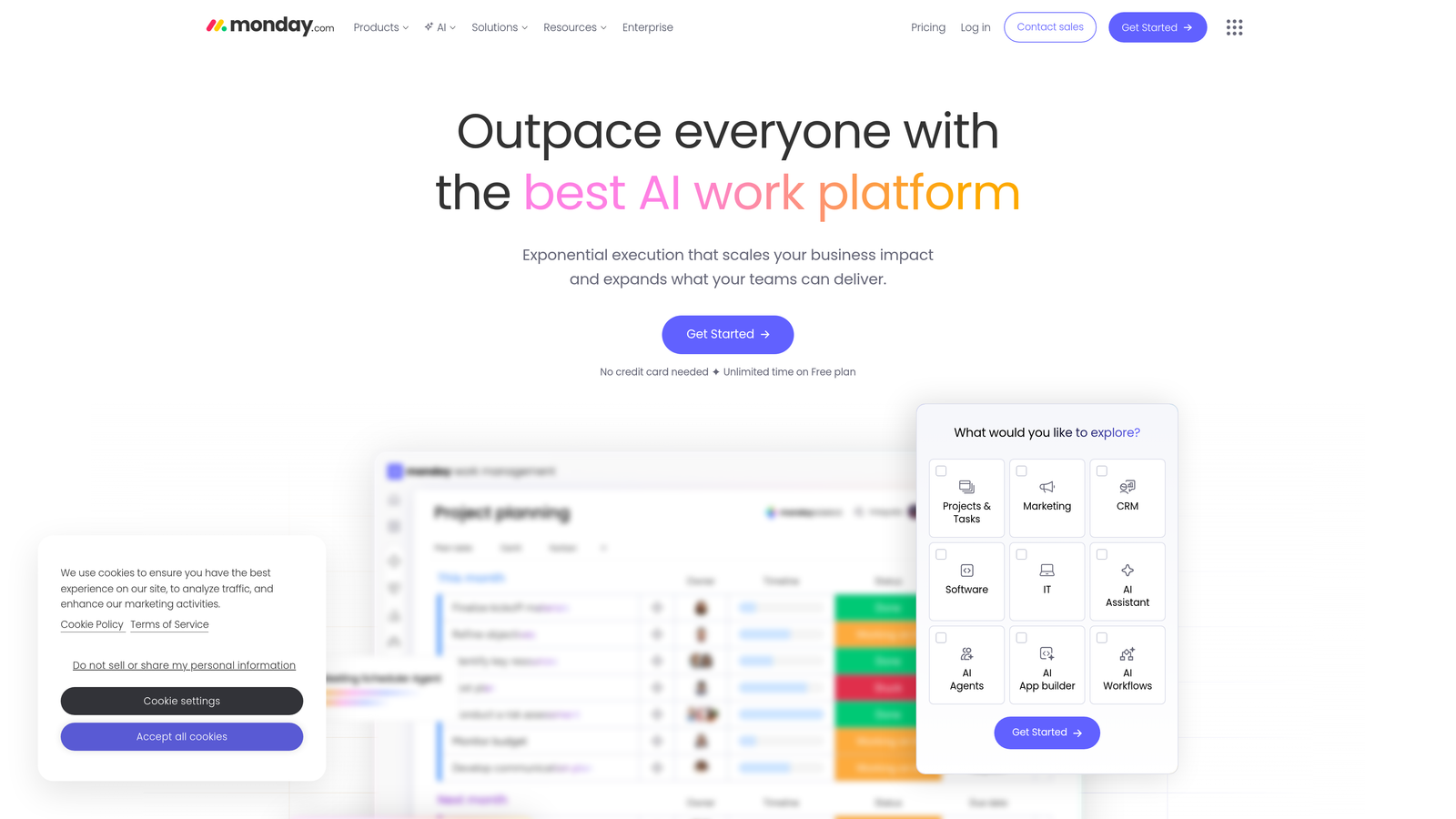
Monday.com provides visual work management boards with automations and integrations designed for team collaboration.
Where This Tool Shines
Monday.com makes content pipelines visible. Color-coded boards show exactly where every piece of content sits in your workflow—what's in draft, what's awaiting review, what's scheduled for publication. The visual approach helps teams spot bottlenecks and balance workloads at a glance.
No-code automation recipes handle routine tasks: move items between stages, notify team members, update fields, create recurring tasks. Workdocs bring collaborative writing directly into the platform, reducing tool-switching between planning and drafting.
Key Features
Visual Pipeline Boards: Customizable boards with timeline, kanban, calendar, and other views for content tracking.
No-Code Automation: Pre-built automation recipes that trigger actions based on board changes and status updates.
Workdocs Integration: Collaborative document editing directly within the platform for content drafting.
Tool Integrations: Connect to design tools, CMS platforms, communication apps, and marketing software.
Performance Dashboards: Aggregate data across boards to track content velocity and team productivity.
Best For
Content teams that value visual workflow management and need straightforward automation without technical complexity. Works well for teams coordinating across multiple content types and channels.
Pricing
Free for up to 2 users. Basic at $9/seat/month, Standard at $12/seat/month, Pro at $19/seat/month with increasing automation and integration capabilities.
7. Notion
Best for: Smaller teams wanting an all-in-one workspace for content operations
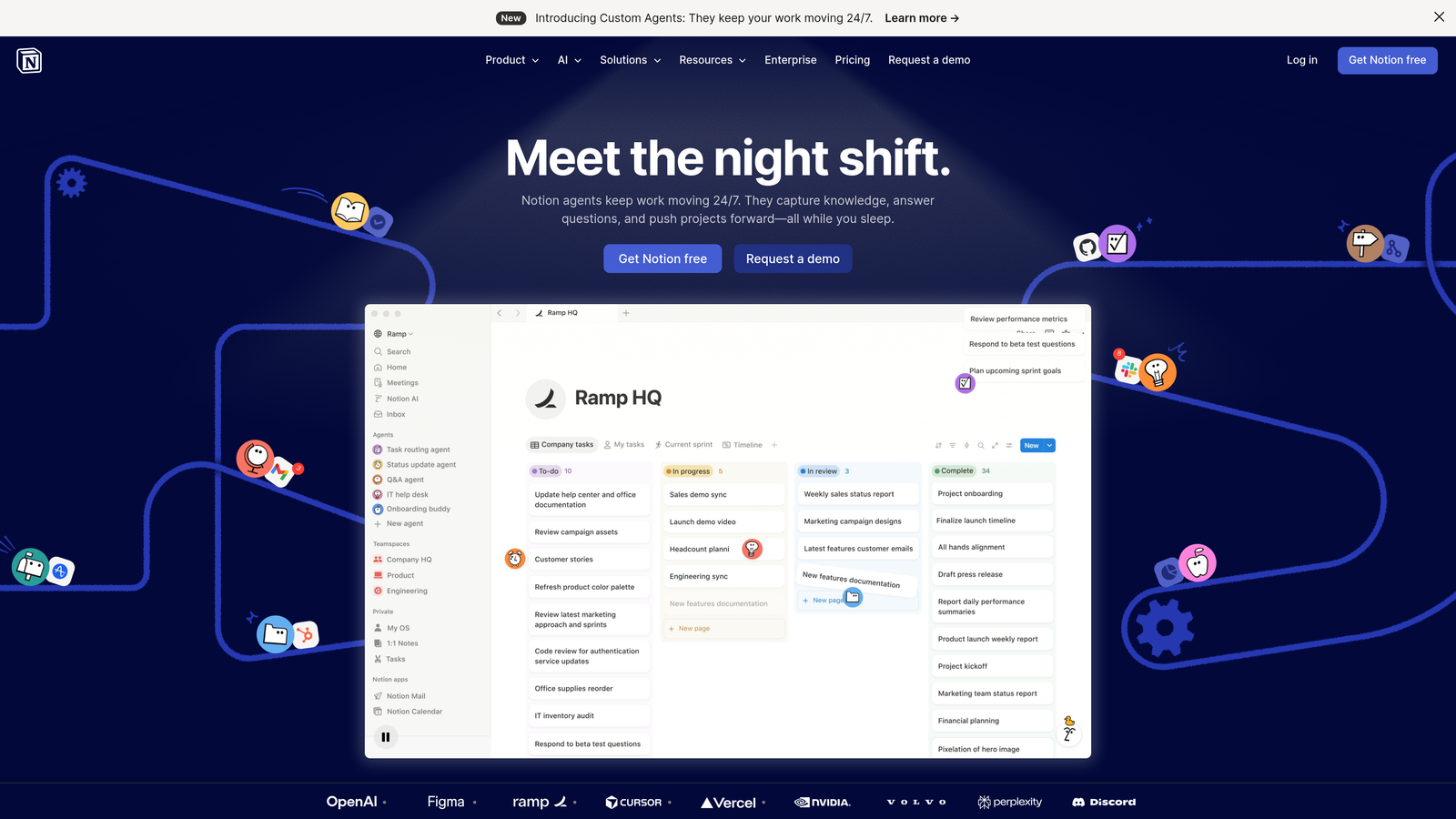
Notion combines documents, databases, and project management in a flexible workspace that smaller teams customize for content operations.
Where This Tool Shines
Notion's appeal is simplicity combined with power. You can start with basic documents and databases, then gradually add structure as your processes mature. The template system lets you create repeatable workflows—article templates, content briefs, review checklists—that maintain consistency without rigidity.
Notion AI adds content assistance directly in your workspace, helping with brainstorming, drafting, and editing. The collaborative editing keeps teams working together in real-time without version control headaches.
Key Features
Flexible Databases: Create content calendars and asset trackers with custom properties and views.
Collaborative Editing: Real-time document collaboration with comments and mentions for team coordination.
Template System: Build reusable templates for content briefs, articles, and workflow processes.
API Access: Connect Notion to other tools and build custom automations using the API.
Notion AI: Built-in AI assistance for content ideation, drafting, and editing tasks.
Best For
Smaller content teams and startups that want an affordable, flexible workspace without the complexity of enterprise platforms. Particularly effective for teams that value simplicity and want to avoid tool sprawl.
Pricing
Free for individuals. Plus at $10/user/month for small teams. Business at $15/user/month adds advanced collaboration and admin features.
8. GatherContent
Best for: Content production with structured workflows and governance requirements
GatherContent focuses specifically on content production, with structured templates, multi-stage workflows, and governance features.
Where This Tool Shines
GatherContent enforces structure in content production. Templates with structured fields ensure writers provide all required information, while content guidelines and style enforcement maintain brand consistency. This structure prevents the back-and-forth that happens when content arrives incomplete or off-brand.
The multi-stage workflow and approval automation keeps content moving through review cycles without manual tracking. Content audit tools help teams inventory existing content and plan migrations, making the platform valuable during website redesigns and content overhauls.
Key Features
Structured Content Templates: Define required fields and content structure to ensure completeness and consistency.
Multi-Stage Workflows: Automated approval chains with role-based permissions and status tracking.
Content Audit Tools: Inventory and analyze existing content for migration and improvement projects.
CMS Integrations: Direct publishing connections to WordPress, Drupal, and other content management systems.
Style Guidelines: Enforce brand voice and content standards with built-in guidelines and checks.
Best For
Organizations with complex approval requirements, multiple stakeholders, and a need for content governance. Particularly valuable for teams managing large-scale content projects or website migrations.
Pricing
Plans start at $99/month. Pricing scales based on number of projects and users, with custom enterprise options available.
9. Sprinklr
Best for: Enterprise organizations managing content at scale across global teams
Sprinklr provides a unified customer experience platform with content management, social publishing, and AI-powered insights for enterprise scale.
Where This Tool Shines
Sprinklr handles content operations at enterprise scale with global teams, multiple brands, and complex governance requirements. The unified content hub aggregates all digital content in one place, while global governance ensures brand consistency across regions and business units.
AI-powered content insights analyze performance across channels and recommend optimization strategies. The social media management capabilities rival standalone tools, making Sprinklr a comprehensive solution for enterprises that want to consolidate their content technology stack.
Key Features
Unified Content Hub: Centralized repository for all digital content across websites, social media, and other channels.
AI-Powered Insights: Machine learning analyzes content performance and provides optimization recommendations.
Global Governance: Multi-level approval workflows and permissions for managing content across regions and brands.
Social Media Management: Comprehensive social publishing, monitoring, and engagement tools integrated with content operations.
Advanced Analytics: Cross-channel reporting that connects content performance to business outcomes and customer experience metrics.
Best For
Large enterprises with global operations, multiple brands, and complex content governance needs. Best suited for organizations with significant budgets and dedicated teams to implement and manage the platform.
Pricing
Enterprise pricing model. Contact Sprinklr for custom quotes based on organization size, feature requirements, and implementation scope.
Making the Right Choice
Your ideal content ops automation platform depends on your specific workflow challenges and organizational needs. Sight AI stands out for teams focused on AI-optimized content creation and visibility tracking—particularly valuable if you're concerned about how your brand appears in AI-generated responses or need to scale content production with built-in SEO and automated publishing.
For enterprise teams with complex content architecture and omnichannel delivery requirements, Contentful provides the technical foundation and flexibility to build sophisticated content systems. CoSchedule excels at editorial calendar management and social media automation for marketing teams that need visual planning tools and straightforward workflows.
If you value flexibility and want to design workflows matching your specific processes, Airtable and Monday.com offer customizable approaches—Airtable for database-centric teams comfortable building their own systems, Monday.com for visual project management with pre-built automation. Notion serves smaller teams wanting an affordable all-in-one workspace without enterprise complexity.
Organizations with strict governance requirements and complex approval chains should consider GatherContent or Kapost, both designed specifically for structured content production. Sprinklr addresses enterprise-scale needs when you're managing content across global teams and multiple brands.
The content operations landscape has evolved significantly with AI integration becoming increasingly important. Stop guessing how AI models like ChatGPT and Claude talk about your brand—get visibility into every mention, track content opportunities, and automate your path to organic traffic growth. Start tracking your AI visibility today and see exactly where your brand appears across top AI platforms.
Evaluate platforms based on your existing tech stack, team size, automation depth requirements, and whether you need content creation capabilities or purely operational workflow management. Most platforms offer free trials or demos—test your actual workflows before committing to ensure the platform matches how your team works.