Building a startup means wearing multiple hats—and content marketing often falls on founders and lean teams already stretched thin. The right tools can transform a scrappy operation into a content engine that drives organic traffic, builds brand authority, and attracts customers without burning through runway.
This guide cuts through the noise to highlight tools specifically suited for startup constraints: limited budgets, small teams, and the need for rapid results. Whether you're bootstrapping or backed by investors, these platforms help you punch above your weight in content marketing.
1. Sight AI
Best for: Startups needing AI-optimized content that gets discovered across both traditional search and AI platforms
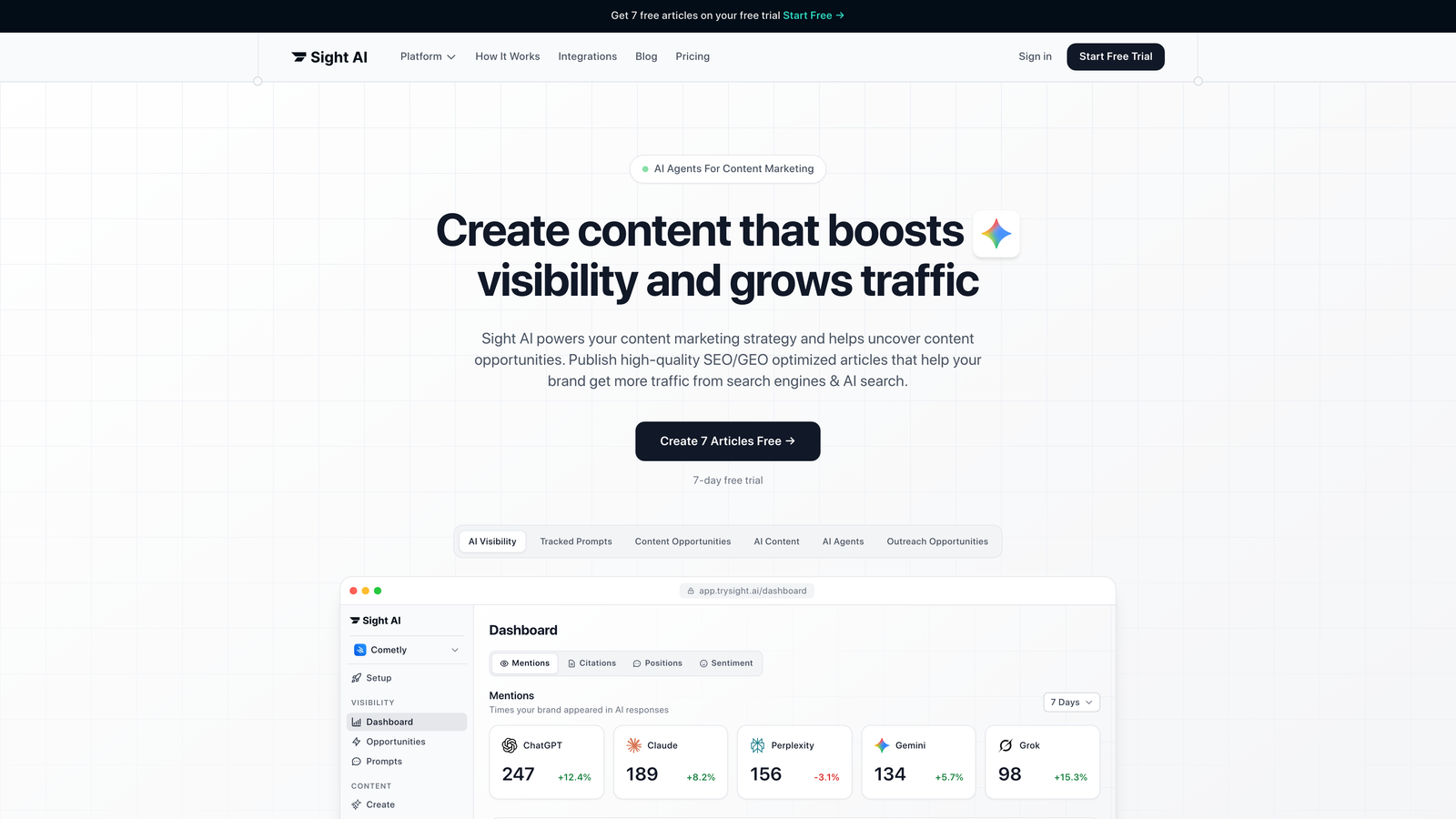
Sight AI combines content creation with AI visibility tracking—a critical advantage as more potential customers use ChatGPT, Claude, and Perplexity for research instead of Google.
Where This Tool Shines
The platform addresses a blind spot most startups don't even know they have: how AI models talk about their brand. While competitors focus solely on Google rankings, Sight AI tracks brand mentions across six AI platforms and provides an AI Visibility Score with sentiment analysis.
For resource-strapped teams, the 13+ specialized AI agents handle everything from listicles to explainer guides, with Autopilot Mode generating content hands-off. The automatic IndexNow integration ensures faster discovery without manual sitemap submissions.
Key Features
AI Visibility Tracking: Monitor how ChatGPT, Claude, Perplexity, and other AI models mention your brand with sentiment analysis.
13+ Content Agents: Specialized AI writers optimized for different content types with SEO and GEO optimization built in.
Autopilot Mode: Set content parameters once and let the system generate, optimize, and publish on schedule.
IndexNow Integration: Automatic content indexing for faster search engine discovery without manual intervention.
CMS Auto-Publishing: Direct publishing to WordPress and other platforms eliminates copy-paste workflows.
Best For
Early-stage startups that need to establish content authority quickly without hiring writers or SEO specialists. Particularly valuable for B2B SaaS companies where buyers increasingly research solutions through AI assistants rather than traditional search.
Pricing
Free tier available for testing core features. Paid plans start at competitive startup-friendly rates designed for bootstrapped teams.
2. Notion
Best for: Content planning, editorial calendars, and centralizing all marketing documentation
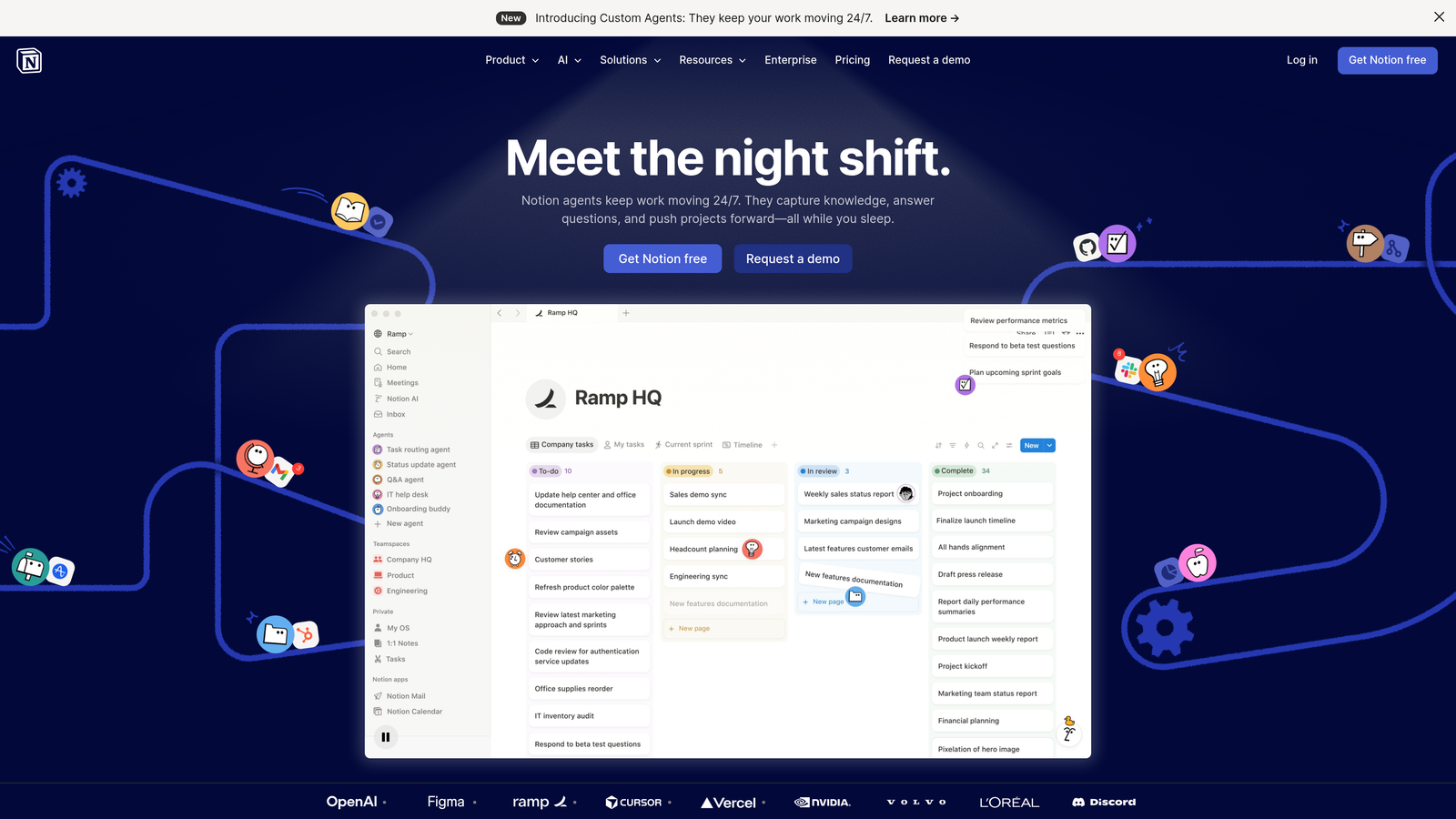
Notion functions as your content marketing command center—part database, part wiki, part project manager.
Where This Tool Shines
The flexibility is what makes Notion indispensable for startups. You can build a content calendar that tracks ideas from brainstorm to publication, create standardized content briefs, and maintain brand guidelines all in one workspace.
Real-time collaboration means your founder, contract writer, and designer all work from the same source of truth. No more version control nightmares or scattered Google Docs.
Key Features
Database Views: Switch between calendar, kanban, and table views of your content pipeline instantly.
Template Gallery: Pre-built templates for content briefs, editorial calendars, and campaign planning save setup time.
Wiki Functionality: Build a knowledge base for brand voice, style guidelines, and process documentation.
Real-Time Sync: Distributed teams collaborate without email chains or file version confusion.
Embedded Content: Pull in Google Docs, Figma files, and other tools directly into your workspace.
Best For
Startups with distributed teams or multiple contractors who need a single source of truth. Especially useful when you're building content processes from scratch and need flexibility to iterate.
Pricing
Free for individuals with unlimited pages and blocks. Team plans start at $8 per user monthly when billed annually.
3. Canva
Best for: Creating professional marketing visuals without design experience or expensive software
Canva democratizes design for teams that can't afford a full-time designer but need professional-looking content assets.
Where This Tool Shines
The template library is Canva's superpower. You get thousands of starting points for blog headers, social posts, infographics, and presentations. The drag-and-drop interface means anyone on your team can create on-brand visuals.
Magic Resize automatically reformats designs for different platforms—create an Instagram post, then instantly generate LinkedIn, Twitter, and Facebook versions. This single feature saves hours of manual resizing work.
Key Features
Template Library: Thousands of professionally designed templates across every content format and industry.
Brand Kit: Upload your logo, colors, and fonts once to maintain visual consistency across all assets.
Magic Resize: One-click reformatting for different platform dimensions without starting from scratch.
AI Design Tools: Background remover, photo enhancer, and design suggestions powered by machine learning.
Collaboration Features: Share designs with teammates, leave comments, and maintain version history.
Best For
Startups creating high volumes of social content, blog graphics, and presentation decks without dedicated design resources. Perfect for founder-led marketing teams.
Pricing
Free tier includes access to thousands of templates and basic features. Canva Pro starts at $12.99 monthly with Magic Resize, Brand Kit, and premium assets.
4. Buffer
Best for: Scheduling social content across platforms and tracking performance without complexity
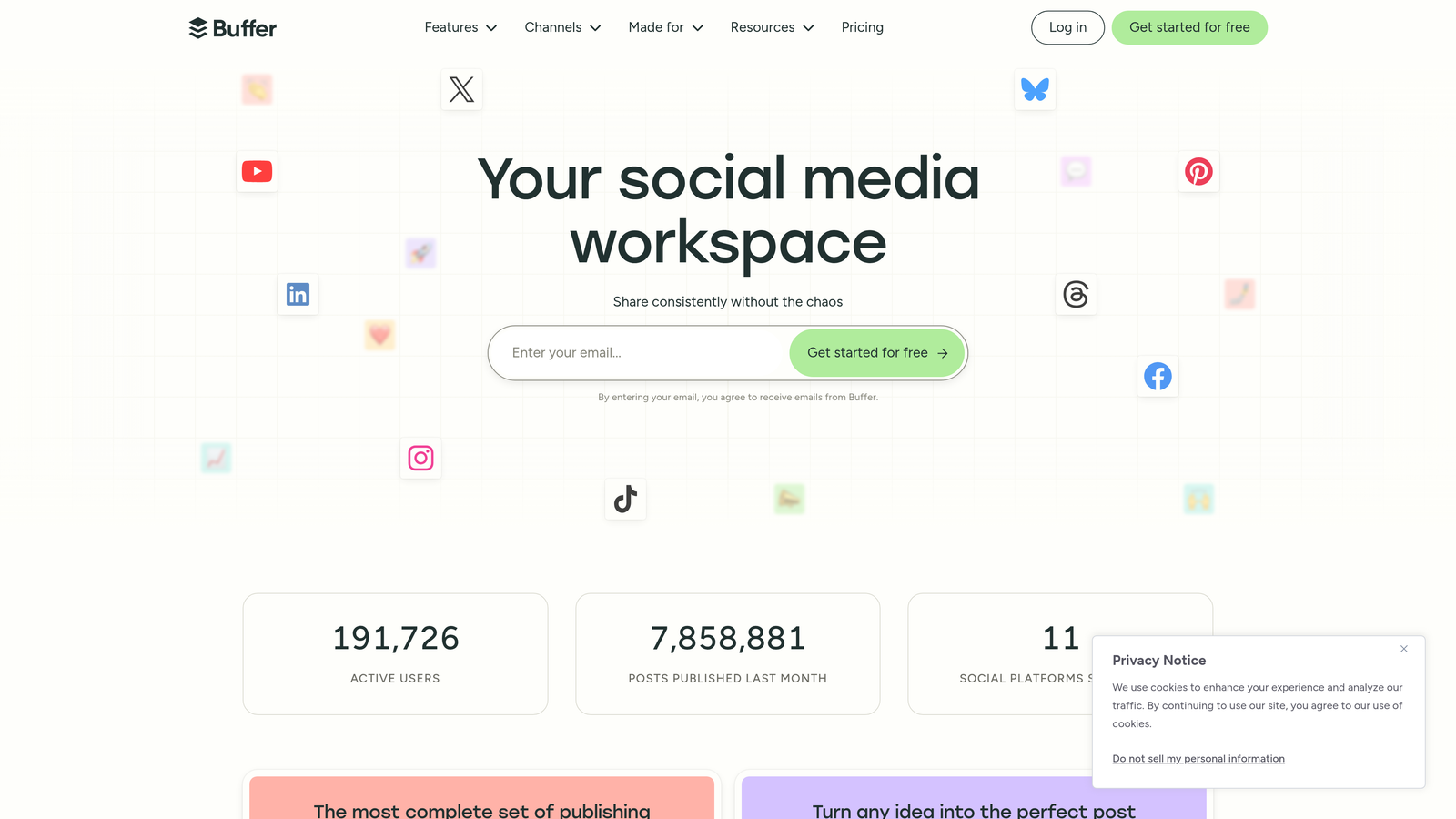
Buffer simplifies social media management with a clean interface focused on publishing and analytics rather than overwhelming features.
Where This Tool Shines
Buffer excels at the fundamentals: schedule posts across multiple channels, see what's performing, and adjust your strategy accordingly. The queue system lets you load content in batches and maintain consistent posting without daily manual work.
The AI Assistant helps overcome blank-page syndrome by generating caption variations based on your content. For startups without dedicated social managers, this removes a significant creative bottleneck.
Key Features
Multi-Channel Publishing: Manage Facebook, Instagram, Twitter, LinkedIn, and Pinterest from one dashboard.
Queue System: Load posts in advance and let Buffer publish on your optimized schedule automatically.
Analytics Dashboard: Track engagement, reach, and clicks across all channels without platform-hopping.
AI Caption Generator: Get caption suggestions and variations to overcome writer's block faster.
Start Page: Create a customizable link-in-bio page without third-party tools.
Best For
Small teams managing social presence across multiple platforms who need simplicity over advanced features. Ideal when social is important but not your primary growth channel.
Pricing
Free plan supports three social channels with basic scheduling. Essentials tier starts at $5 per channel monthly for teams needing more capacity.
5. Ahrefs
Best for: Deep SEO research, competitive analysis, and identifying high-value content opportunities
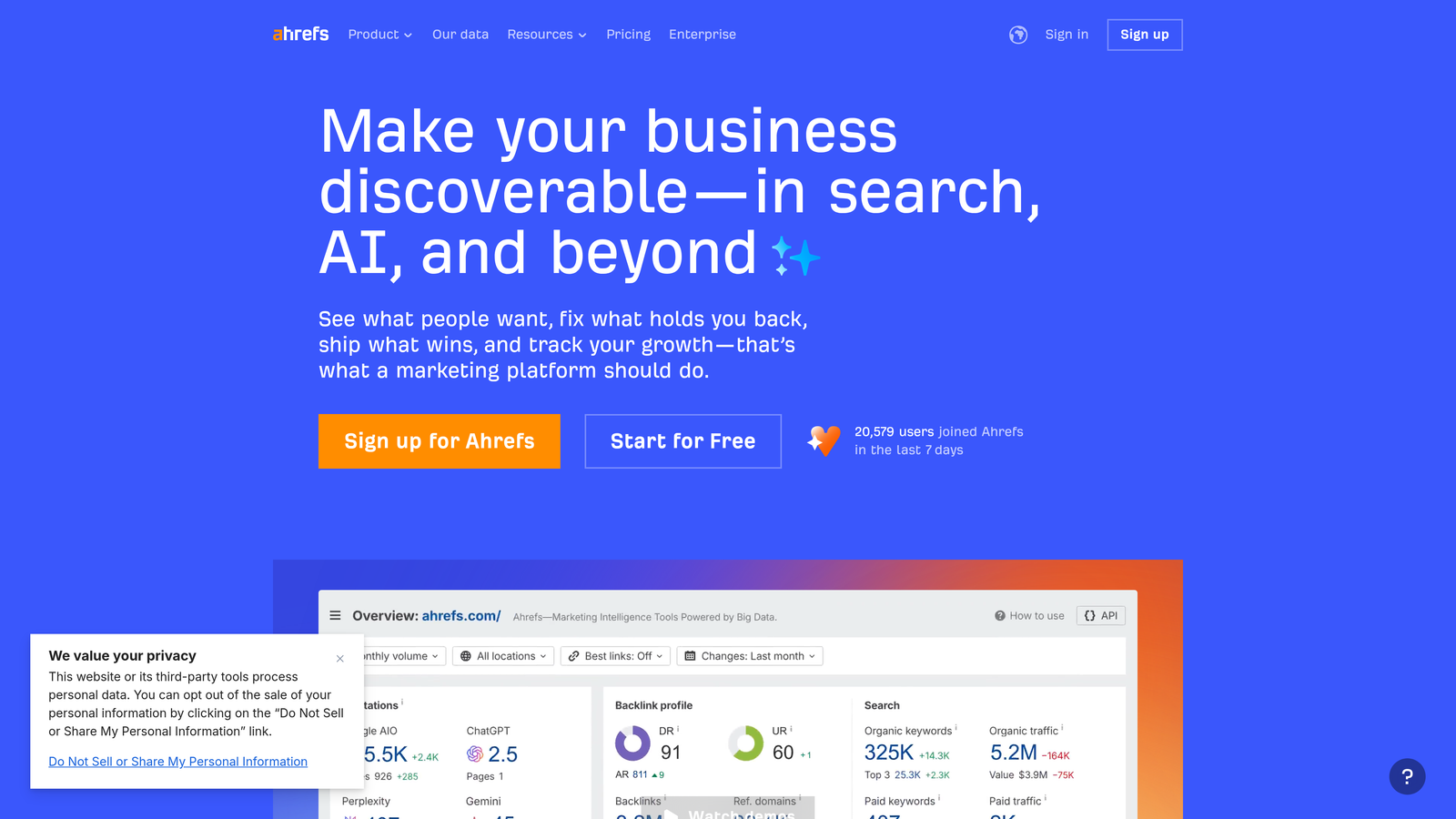
Ahrefs provides enterprise-level SEO intelligence at a price point accessible to funded startups serious about organic growth.
Where This Tool Shines
The keyword research goes beyond search volume to show you what you can actually rank for. Keyword Difficulty scores help startups avoid wasting resources targeting impossibly competitive terms. Instead, you find gaps where smaller players can win.
Content Explorer reveals what's already working in your space. See which topics generate backlinks, which headlines get shared, and which angles competitors haven't covered yet. This intelligence transforms content strategy from guesswork to data-driven decisions.
Key Features
Keyword Explorer: Search volume, difficulty scores, and click metrics help prioritize winnable opportunities.
Site Explorer: Analyze competitor backlink profiles and identify link-building targets worth pursuing.
Content Explorer: Discover top-performing content in your niche by social shares, backlinks, and organic traffic.
Rank Tracker: Monitor keyword positions across locations and devices with historical data.
Site Audit: Identify technical SEO issues impacting search performance with actionable recommendations.
Best For
Startups with some funding that can invest in SEO research tools and have the resources to execute on insights. Most valuable when content marketing is a primary growth channel.
Pricing
Lite plan starts at $99 monthly with limited features. Most startups need the Standard plan for full functionality and reasonable usage limits.
6. Grammarly
Best for: Maintaining writing quality and brand voice consistency across team members
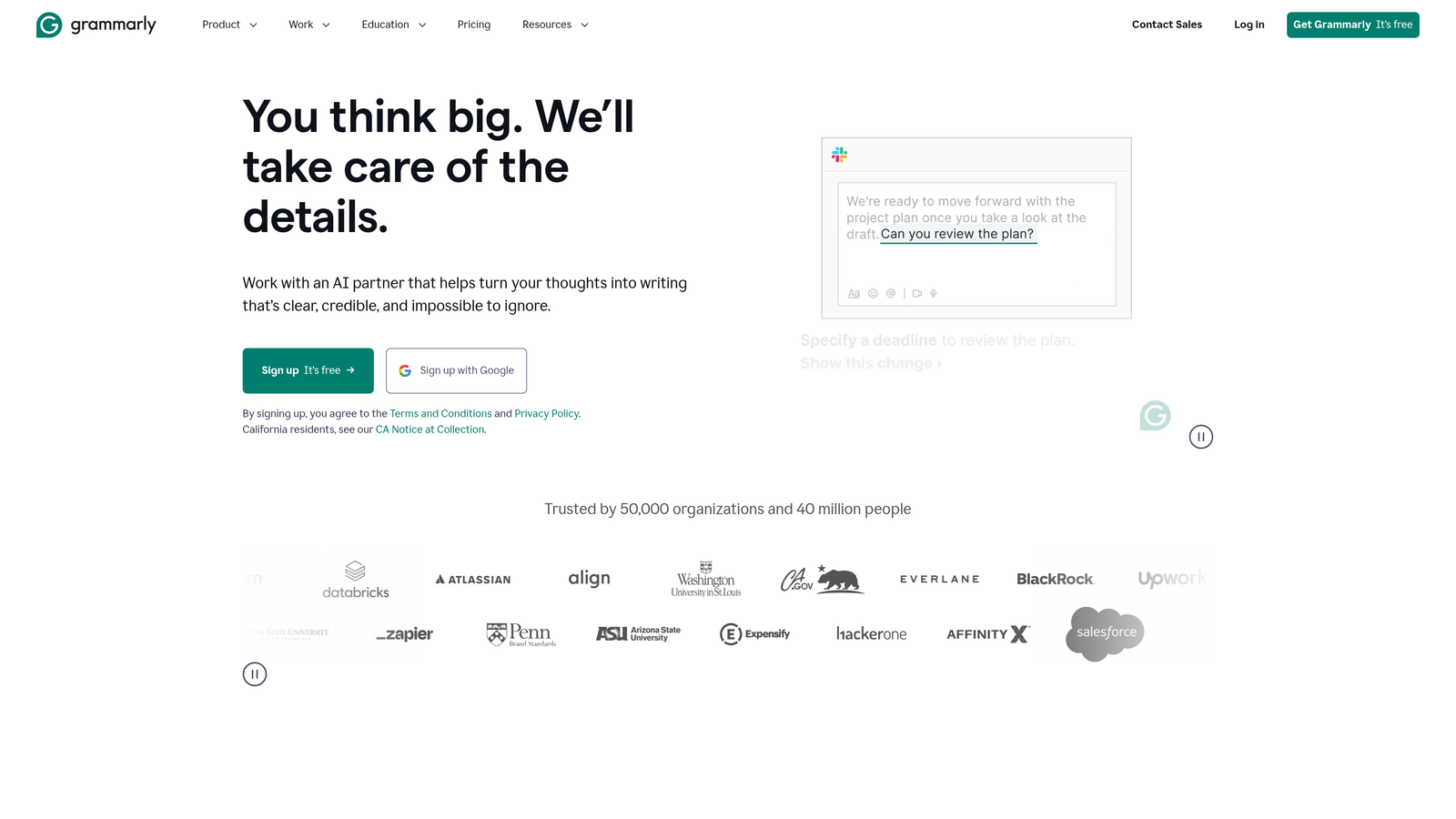
Grammarly functions as a writing coach for teams where not everyone is a trained content creator.
Where This Tool Shines
Beyond basic grammar checking, Grammarly catches clarity issues that make content harder to read. It suggests simpler alternatives to jargon, flags passive voice, and identifies sentences that ramble. For startups using contractors or non-writers for content, this maintains baseline quality.
The Business tier adds brand voice customization. Define your preferred terminology, tone, and style once, then Grammarly flags deviations automatically. This is crucial when multiple people contribute to your blog or social channels.
Key Features
Real-Time Suggestions: Grammar, spelling, punctuation, and clarity recommendations as you type across platforms.
Tone Detection: Understand how your writing comes across and adjust for different audiences or contexts.
Brand Voice Settings: Define company-specific terminology, style preferences, and tone guidelines for team consistency.
Plagiarism Detection: Check content against billions of web pages to avoid unintentional duplication.
Browser Extension: Works across Gmail, Google Docs, WordPress, and most web-based writing tools.
Best For
Teams with multiple content contributors who need to maintain consistent quality and voice. Particularly valuable when working with contractors or non-native English speakers.
Pricing
Free version covers basic grammar and spelling. Premium starts at $12 monthly for individuals; Business tier with brand voice features requires team pricing.
7. ConvertKit
Best for: Building and nurturing email audiences with creator-focused automation
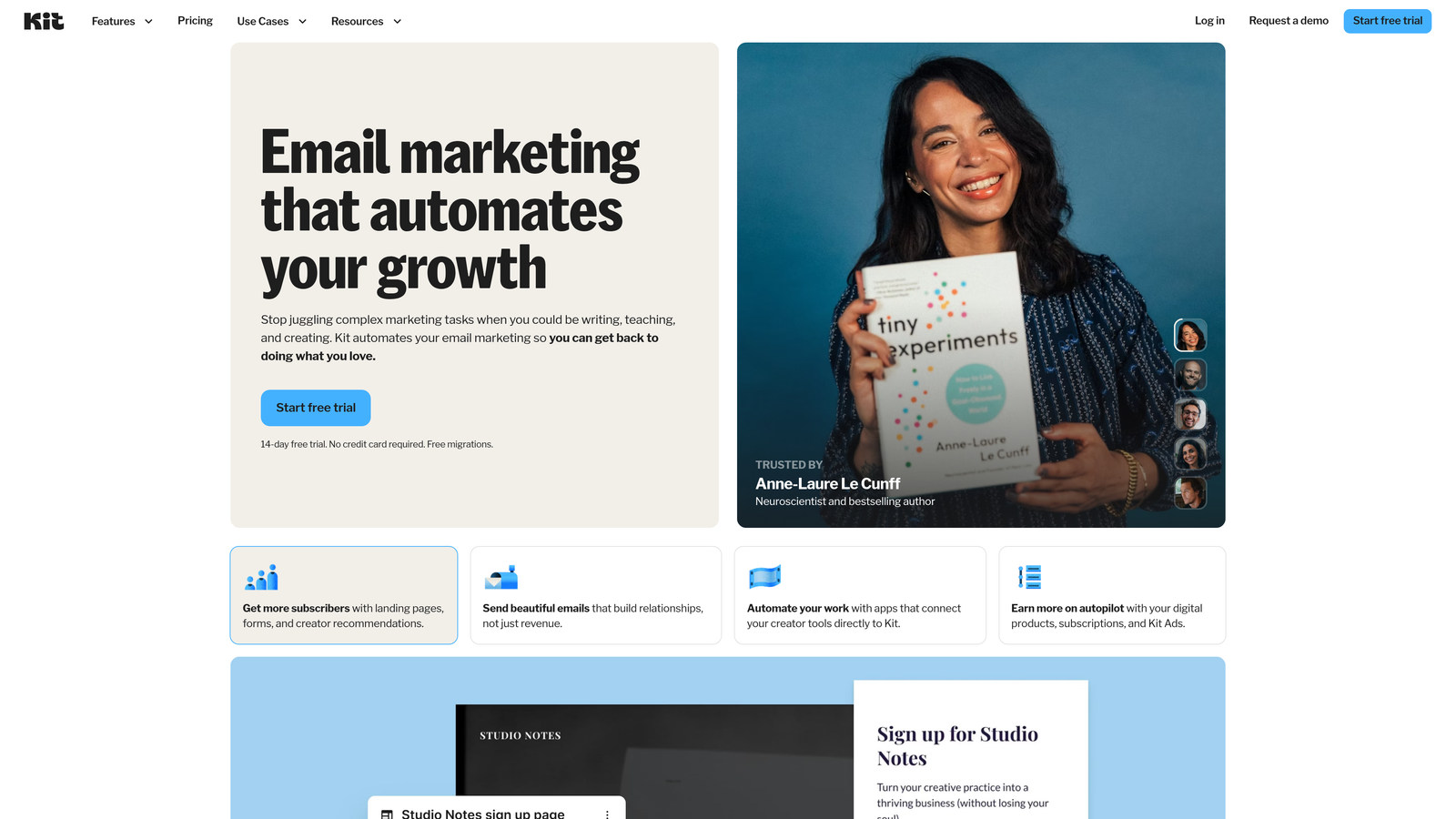
ConvertKit strips away enterprise email marketing complexity to focus on what creators and startups actually need.
Where This Tool Shines
The visual automation builder makes it easy to create subscriber journeys without technical skills. Tag someone based on link clicks, send different sequences based on interests, and segment your list without complicated logic.
Landing pages and forms are built in, eliminating the need for separate tools. The Creator Network feature lets you cross-promote with other creators, exposing your content to relevant audiences without paid advertising.
Key Features
Visual Automation: Drag-and-drop builder for creating subscriber sequences based on behavior and tags.
Landing Pages: Built-in page builder for lead magnets and content upgrades without external tools.
Subscriber Tagging: Organize audiences by interests and behavior for targeted content delivery.
Creator Network: Cross-promotion opportunities with other creators in your niche for audience growth.
Broadcast Scheduling: Write emails in advance and schedule delivery for optimal timing.
Best For
Content-driven startups building audiences through educational content, newsletters, or thought leadership. Works best when email is central to your distribution strategy.
Pricing
Free for up to 1,000 subscribers with basic features. Creator plan starts at $9 monthly and scales with list size.
8. Loom
Best for: Creating quick video content, tutorials, and product demos without production overhead
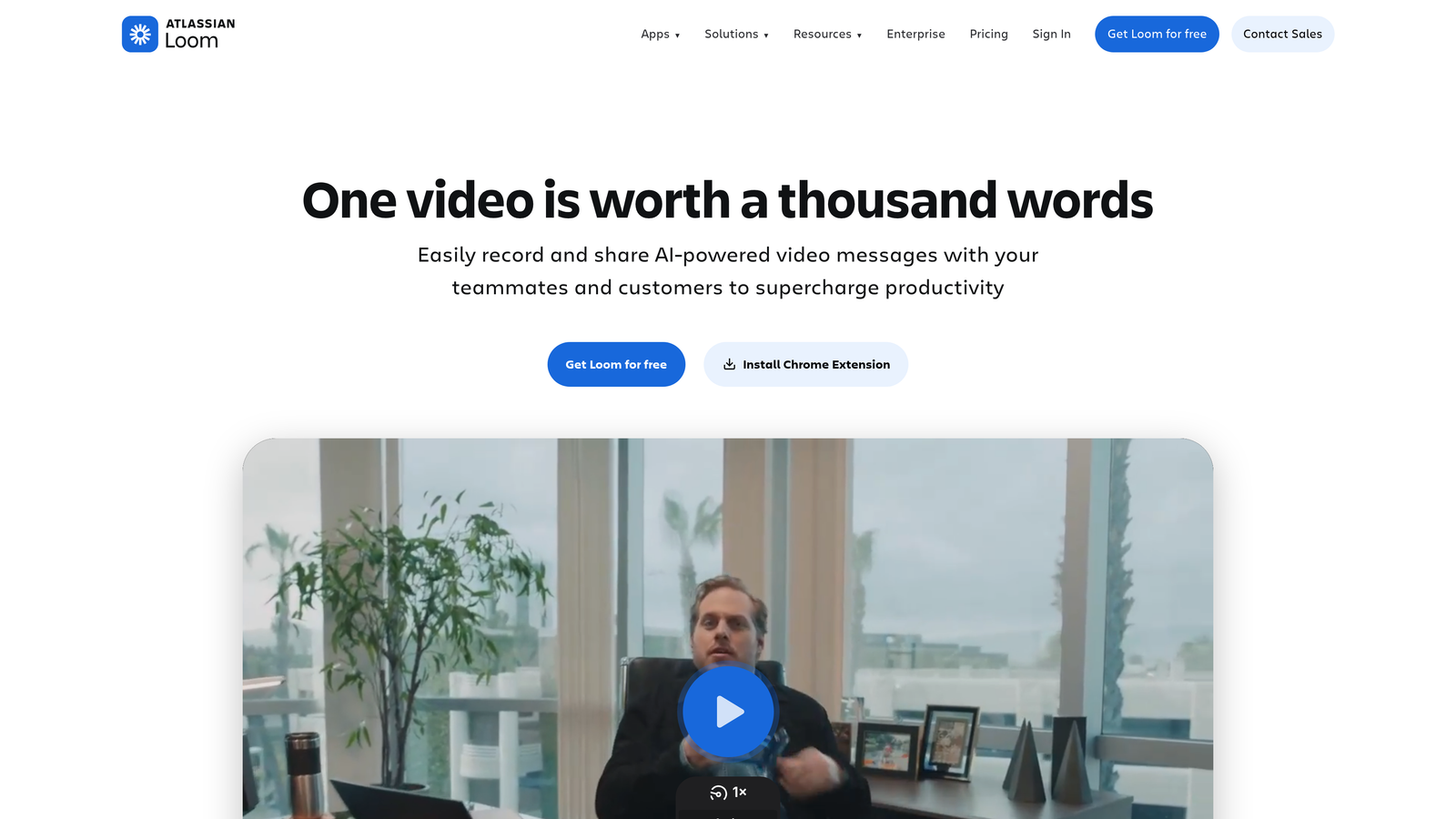
Loom turns screen and camera recording into a one-click process, making video content accessible to non-video teams.
Where This Tool Shines
The speed is what makes Loom transformative. Click record, explain your product or concept, and share a link—no editing, rendering, or uploading to YouTube. For startups, this means you can create product walkthroughs, how-to content, and customer education videos in minutes instead of days.
AI-generated summaries and chapters make longer videos navigable. Viewers can jump to specific sections or read the transcript instead of watching the full video, improving engagement and accessibility.
Key Features
One-Click Recording: Capture screen, camera, or both simultaneously without complex software setup.
AI Summaries: Automatically generated video summaries and chapter markers for easier navigation.
Viewer Analytics: See who watched your videos, how much they watched, and where they dropped off.
Easy Sharing: Share via link, embed on websites, or send directly through email and messaging apps.
Drawing Tools: Highlight and annotate during recording for clearer explanations.
Best For
SaaS startups creating product demos, customer onboarding content, or educational resources. Also valuable for internal team communication and async updates.
Pricing
Free tier allows 25 videos per person. Business plan starts at $12.50 per user monthly for unlimited videos and advanced features.
9. Hotjar
Best for: Understanding how visitors actually interact with your content and website
Hotjar reveals the gap between what you think users do and what they actually do on your site.
Where This Tool Shines
Heatmaps show exactly where visitors click, how far they scroll, and which content they ignore. This visual data is immediately actionable—you see that nobody scrolls past your third paragraph, or that visitors click non-clickable elements expecting them to be links.
Session recordings let you watch individual user journeys. You discover friction points in your content flow, confusing navigation, or technical issues that analytics alone wouldn't reveal. For startups optimizing conversion funnels, these insights are invaluable.
Key Features
Heatmaps: Visual representations of clicks, taps, and scrolling behavior across pages.
Session Recordings: Watch anonymized recordings of real user sessions to identify friction and confusion.
Feedback Widgets: Collect direct user input through on-page surveys and feedback tools.
Funnel Analysis: Identify where users drop off in conversion paths and content journeys.
Form Analytics: See which form fields cause abandonment and frustration.
Best For
Startups focused on conversion optimization and user experience improvements. Most valuable when you have meaningful traffic to analyze and specific hypotheses to test.
Pricing
Free basic plan includes limited daily sessions and heatmaps. Plus plan starts at $32 monthly for more sessions and advanced features.
10. Zapier
Best for: Automating repetitive tasks between apps without coding or engineering resources
Zapier connects your content marketing tools so data flows automatically instead of through manual copy-paste work.
Where This Tool Shines
The breadth of integrations is Zapier's competitive advantage. With over 7,000 apps supported, you can connect niche tools that would never build native integrations with each other. Publish a blog post in WordPress and automatically share it to social channels, add it to your email newsletter queue, and log it in your content calendar.
Multi-step Zaps handle complex workflows. When someone downloads your lead magnet, Zapier can add them to ConvertKit, send a Slack notification to your team, and create a follow-up task in your project management tool—all without human intervention.
Key Features
7,000+ Integrations: Connect virtually any web app to automate data flow between tools.
Multi-Step Workflows: Chain multiple actions together for complex automation without code.
AI Suggestions: Get workflow recommendations based on the apps you connect and common use cases.
Built-In Tables: Simple databases for storing and manipulating data within your automations.
Error Handling: Automatic retry logic and notifications when automations fail.
Best For
Startups with multiple tools that need to talk to each other but lack engineering resources for custom integrations. Most valuable when you're doing the same manual tasks repeatedly.
Pricing
Free tier includes 100 tasks monthly across single-step Zaps. Starter plan begins at $19.99 monthly for multi-step workflows and more tasks.
11. Google Search Console
Best for: Direct insights from Google on search performance and technical issues
Google Search Console provides data straight from the source about how your content performs in Google search.
Where This Tool Shines
This is the only tool that shows exactly which search queries bring users to your site, even queries you didn't specifically target. You discover content opportunities by seeing what people search for before landing on your pages, then create dedicated content for high-volume queries.
The index coverage reports reveal technical issues preventing your content from appearing in search results. You catch crawl errors, mobile usability problems, and security issues before they impact traffic. For startups without dedicated SEO teams, these alerts are critical.
Key Features
Performance Data: See exact search queries, impressions, clicks, and average positions for all your pages.
Index Coverage: Monitor which pages Google has indexed and identify crawl errors blocking content.
Core Web Vitals: Track page experience metrics that impact search rankings and user experience.
Manual Action Alerts: Get notified immediately if Google applies penalties or identifies security issues.
URL Inspection: Check how Google sees specific pages and request re-indexing after updates.
Best For
Every startup publishing content on the web. The free price point and direct Google data make this non-negotiable for content marketing operations.
Pricing
Completely free with no usage limits or premium tiers.
Building Your Content Stack
The key to choosing content marketing tools isn't building the most comprehensive stack—it's matching capabilities to your current stage and constraints.
Early-stage startups should prioritize Sight AI for AI-optimized content creation and visibility tracking, Notion for planning and collaboration, and Canva for visual assets. These three tools handle the core content workflow from ideation through publication without overwhelming complexity or cost.
As you scale and validate your content strategy, layer in specialized tools. Add Ahrefs when you're ready to invest in deeper SEO research. Bring in ConvertKit when email becomes a primary distribution channel. Integrate Hotjar when you have enough traffic to make behavior analytics meaningful.
The mistake most startups make is over-investing in tools before proving their content approach works. Start lean, measure results, and add capabilities as specific needs emerge. A focused stack of five well-used tools beats a bloated collection of twenty platforms you barely touch.
One critical consideration for 2026: traditional SEO tracking only tells part of the story. With more users turning to ChatGPT, Claude, and Perplexity for research, you need visibility into how AI models talk about your brand and industry. Start tracking your AI visibility today and see exactly where your brand appears across top AI platforms—because the next generation of search is already here.