Your website could have dozens—or even hundreds—of pages that Google simply hasn't indexed yet. Those pages? They're invisible in search results, generating zero organic traffic despite all the time and effort you invested in creating them. Monitoring indexing status isn't just a technical checkbox—it's the difference between content that drives traffic and content that sits in a digital void.
The challenge is that indexing happens behind the scenes. Without the right tools, you're flying blind, discovering problems only after weeks of missed opportunities. Modern indexing status monitoring tools solve this by providing real-time visibility, automated alerts, and proactive submission capabilities that keep your content discoverable.
We evaluated these tools based on automation capabilities, accuracy of indexing data, ease of use, integration with modern protocols like IndexNow, and how well they fit into existing SEO workflows. Here are the top tools for monitoring and improving your site's indexing status.
1. Sight AI
Best for: Teams wanting combined AI visibility tracking, content generation, and automated indexing in one platform
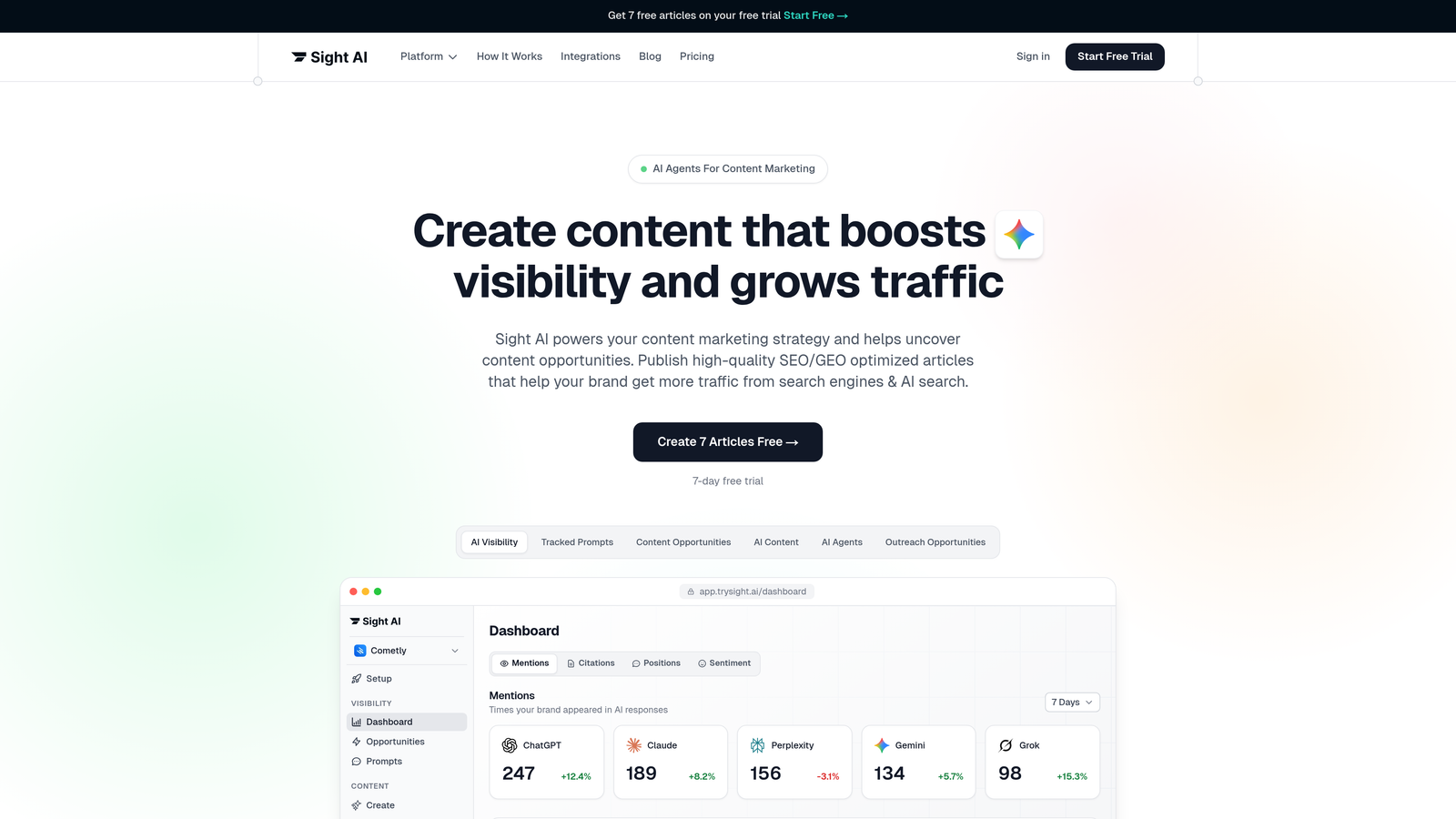
Sight AI is an all-in-one platform that connects content creation, indexing automation, and AI visibility tracking into a unified workflow.
Where This Tool Shines
Sight AI bridges the gap between content production and search visibility. When you publish content through the platform, it automatically triggers IndexNow notifications to supported search engines and updates your sitemap—no manual intervention required.
The platform's unique value comes from tracking how AI models like ChatGPT, Claude, and Perplexity reference your brand alongside traditional search indexing. This dual visibility approach helps you understand both classic SEO performance and emerging AI search presence.
Key Features
IndexNow Integration: Automatically notifies Bing, Yandex, and other IndexNow partners when content is published or updated.
Automated Sitemap Updates: Dynamically updates your sitemap as new content goes live, ensuring search engines always have current information.
CMS Auto-Publishing: Publishes content directly to your site with built-in indexing triggers, eliminating manual steps.
AI Visibility Tracking: Monitors brand mentions across 6+ AI platforms with sentiment analysis and prompt tracking.
Content Generation Workflow: Creates SEO/GEO-optimized articles with 13+ specialized AI agents that are pre-configured for indexability.
Best For
Marketing teams and agencies managing multiple content workflows who want to automate the entire process from content creation through indexing. Particularly valuable if you're tracking both traditional search visibility and AI model mentions.
Pricing
Check the website for current pricing tiers based on content volume and feature access.
2. Google Search Console
Best for: Direct access to Google's indexing data with zero cost
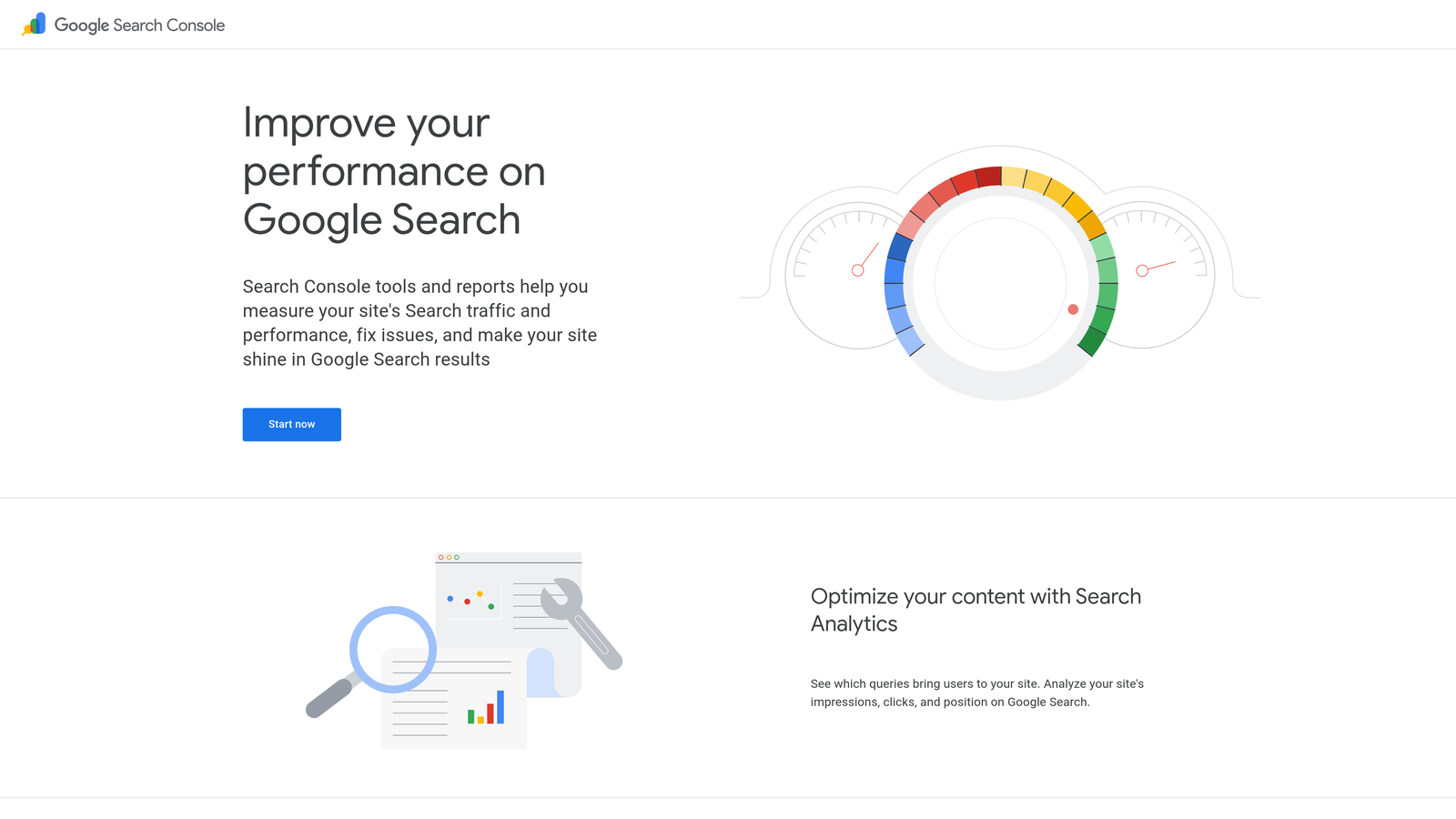
Google Search Console is the official tool from Google providing authoritative indexing status data directly from the source.
Where This Tool Shines
No third-party tool can match the accuracy of Google's own data. Search Console tells you exactly which pages Google has indexed, which are excluded, and why. The URL Inspection tool provides page-level diagnostics that reveal crawling issues, rendering problems, and indexing blockers.
For budget-conscious site owners, this is the non-negotiable baseline. Every website should have Search Console configured, regardless of what other tools you use.
Key Features
URL Inspection Tool: Provides detailed indexing status for individual URLs with the ability to request immediate indexing.
Index Coverage Report: Shows which pages are indexed versus excluded, with categorized reasons for exclusions.
Request Indexing: Allows you to manually request crawling and indexing for new or updated content.
Sitemap Submission: Submit and monitor sitemap processing status to help Google discover your content.
Core Web Vitals Data: Tracks page experience metrics that can impact indexing and ranking.
Best For
Everyone with a website. This is the foundational tool that provides direct insight into how Google sees your site.
Pricing
Completely free with no limitations on usage.
3. Screaming Frog SEO Spider
Best for: Deep technical audits revealing indexability issues across entire sites
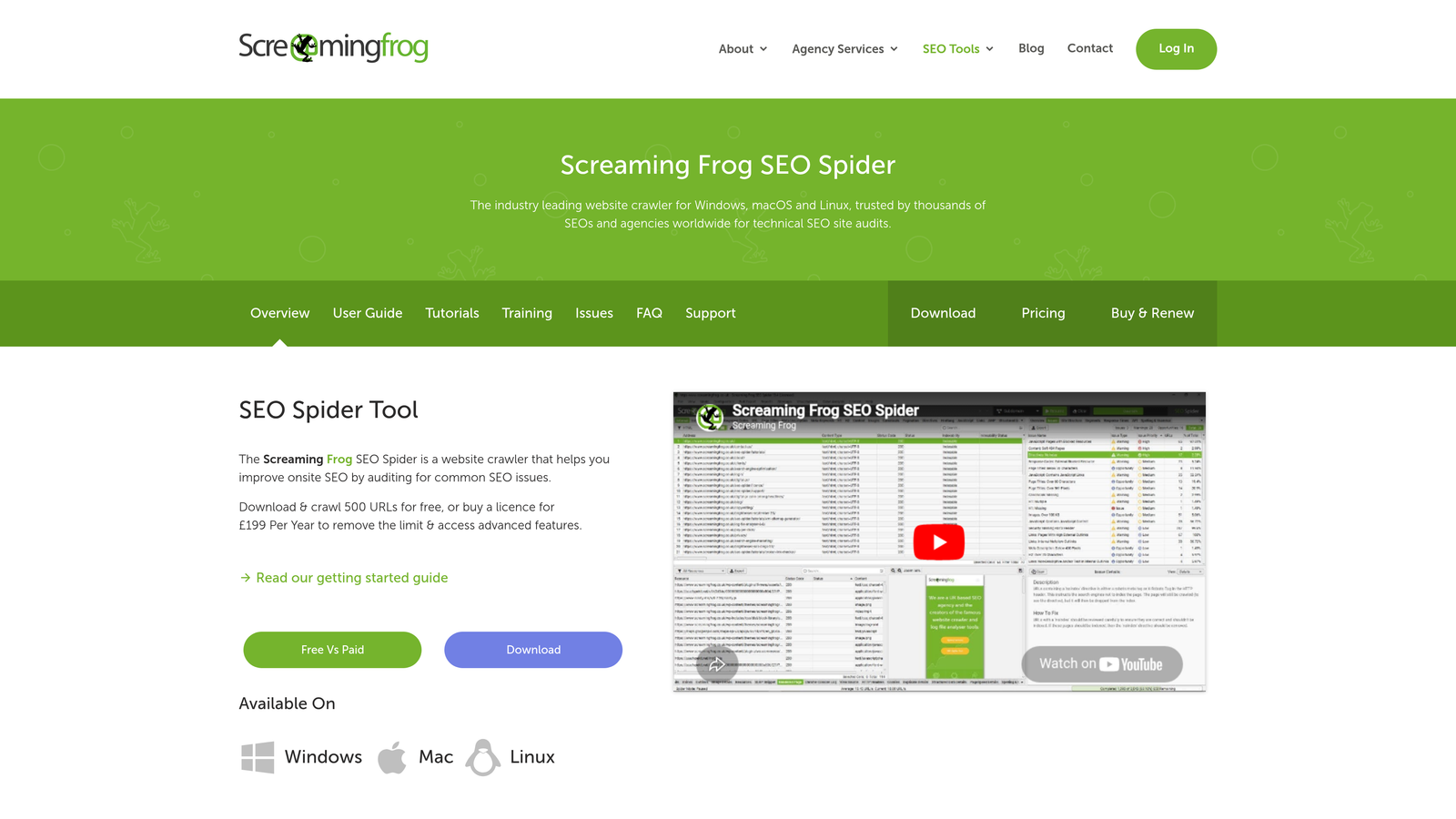
Screaming Frog SEO Spider is a desktop crawler that simulates how search engines discover and evaluate your content for indexing.
Where This Tool Shines
Screaming Frog excels at uncovering technical barriers to indexing that you might miss with browser-based tools. It detects robots.txt blocks, meta robots tags, canonical issues, and redirect chains that prevent pages from being indexed.
The integration with Google Search Console is particularly powerful—you can overlay actual indexing data onto your crawl results to identify discrepancies between what should be indexed and what actually is.
Key Features
Indexability Analysis: Identifies pages blocked by robots.txt, noindex tags, or canonical directives.
Robots.txt Testing: Shows exactly which pages are blocked by robots.txt rules before they're even crawled.
Canonical Validation: Detects canonical tag issues that might consolidate indexing signals incorrectly.
Search Console Integration: Imports indexing data to compare crawl results with actual Google index status.
JavaScript Rendering: Crawls JavaScript-heavy sites to identify rendering issues that might prevent indexing.
Best For
SEO professionals conducting comprehensive technical audits, particularly on large sites with complex architectures. Essential for diagnosing why specific pages aren't being indexed.
Pricing
Free version crawls up to 500 URLs. Paid license costs £199/year for unlimited crawling.
4. Ahrefs Site Audit
Best for: Combining indexing analysis with backlink and keyword data in one platform
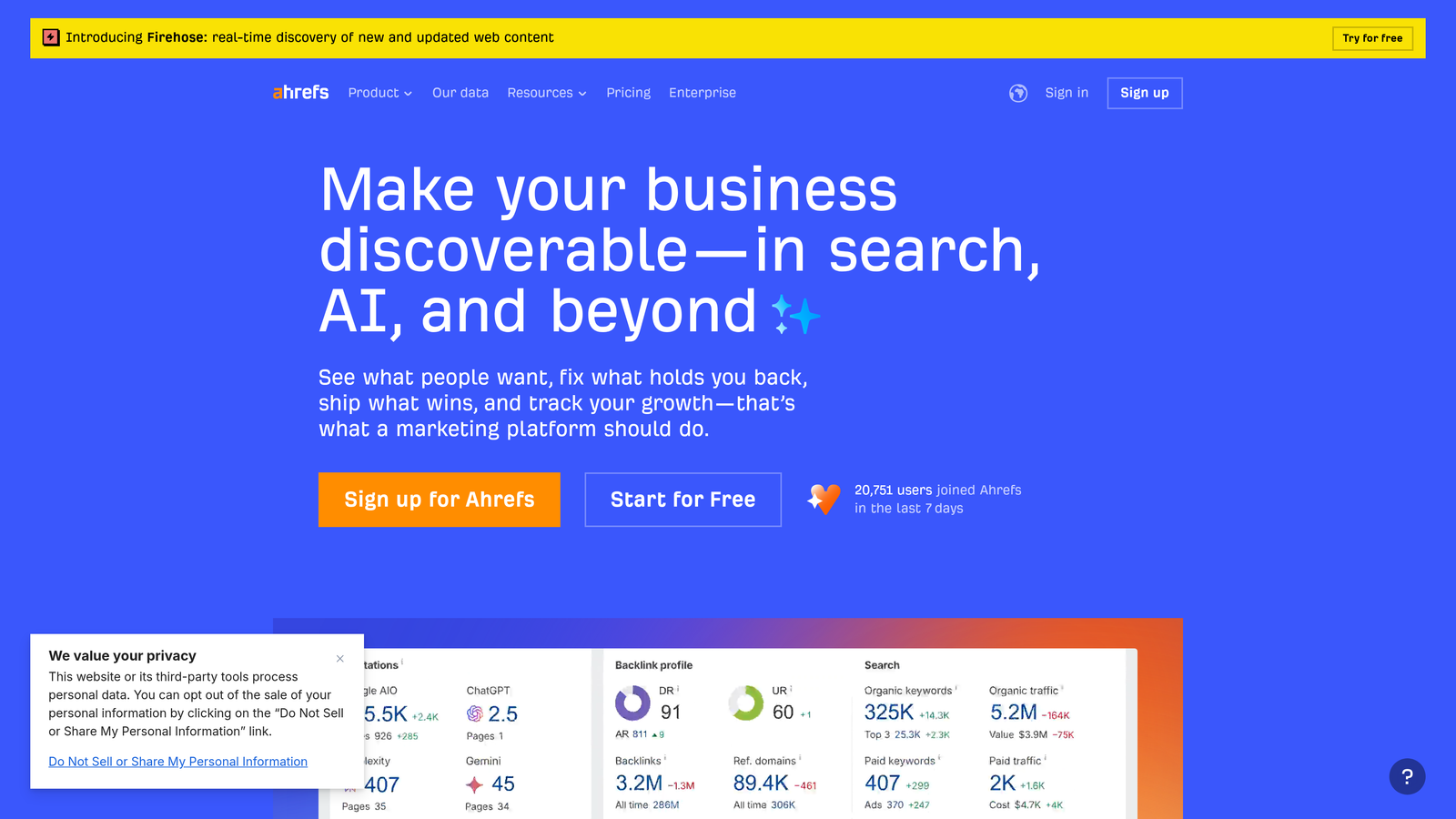
Ahrefs Site Audit is a cloud-based crawler that monitors indexing health alongside comprehensive SEO metrics.
Where This Tool Shines
Ahrefs contextualizes indexing issues within your broader SEO strategy. If pages with strong backlink profiles aren't indexed, you'll see that immediately. The scheduled crawl feature with change tracking helps you catch deindexing events quickly.
The platform's strength is connecting dots between indexing status, backlink equity, and organic traffic potential. You can prioritize fixing indexing issues based on which pages have the most SEO value.
Key Features
Automated Indexability Checks: Scans all crawled pages for common indexing blockers and technical issues.
Scheduled Crawls: Runs audits automatically at your preferred frequency with email alerts for new issues.
Backlink Integration: Shows which non-indexed pages have valuable backlinks that are going to waste.
Duplicate Content Detection: Identifies pages with duplicate content that might trigger indexing filters.
HTTP Status Monitoring: Tracks pages returning 4xx or 5xx errors that prevent indexing.
Best For
SEO teams already using Ahrefs for backlink analysis and keyword research who want to consolidate tools. Particularly useful when you need to prioritize indexing fixes based on link equity.
Pricing
Starts at $99/month for the Lite plan with limited crawl credits. Higher tiers offer more frequent crawls and larger site capacity.
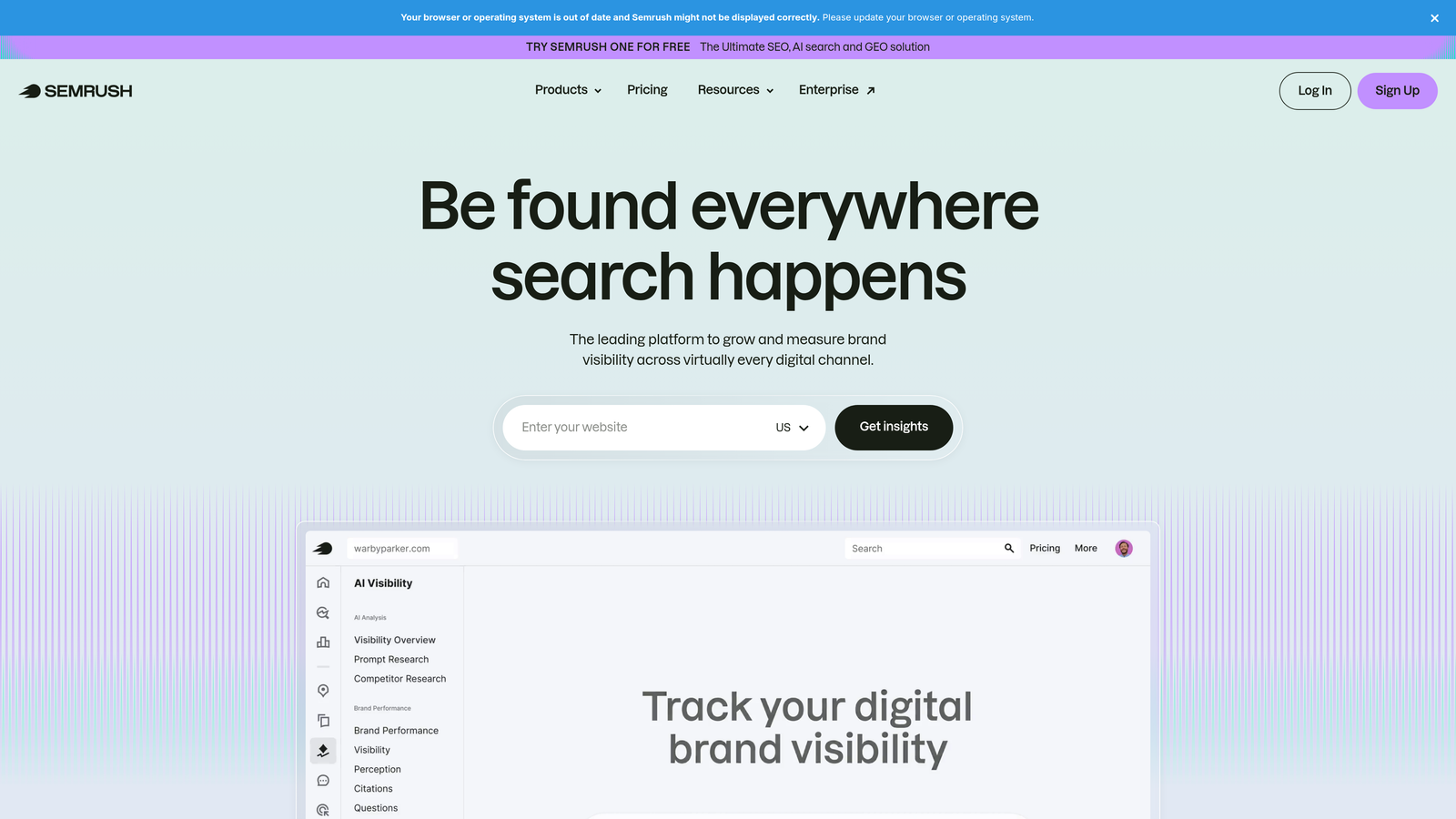
5. Semrush Site Audit
Best for: Enterprise sites needing detailed crawlability reports with log file analysis
Semrush Site Audit is a comprehensive auditing tool that combines indexing analysis with advanced diagnostics for large-scale sites.
Where This Tool Shines
Semrush provides thematic reports that group indexing issues by type, making it easier to identify patterns across large sites. The crawlability score gives you a single metric to track improvement over time.
The log file analyzer integration is particularly valuable for enterprise sites. You can compare what Semrush crawled with what Google actually crawled, revealing crawl budget issues that might prevent important pages from being indexed.
Key Features
Crawlability Score: Single metric summarizing overall site health including indexing barriers.
Thematic Reports: Groups issues by category so you can address all canonical problems or all robots.txt blocks at once.
Scheduled Audits: Runs crawls automatically with email alerts when new indexing issues are detected.
Log File Analyzer: Compares your crawl data with actual search engine bot activity from server logs.
Historical Comparison: Tracks how indexability metrics change over time to measure improvement.
Best For
Enterprise SEO teams managing large sites with complex technical requirements. The log file analyzer makes this especially valuable for sites with crawl budget concerns.
Pricing
Starts at $139.95/month for the Pro plan. Higher tiers support larger sites and more frequent crawls.
6. IndexNow Plugin for WordPress
Best for: WordPress sites wanting instant indexing notifications with zero configuration
IndexNow Plugin for WordPress is the official implementation of the IndexNow protocol for WordPress, enabling instant submission to supported search engines.
Where This Tool Shines
This plugin solves a specific problem: waiting for search engines to discover your new content. Instead of hoping crawlers find your sitemap updates, IndexNow actively notifies Bing, Yandex, and other partners the moment you publish or update a page.
Setup takes minutes, and the plugin works silently in the background with no ongoing maintenance. For WordPress sites publishing frequently, this accelerates the indexing process significantly.
Key Features
Automatic URL Submission: Sends notifications to IndexNow partners immediately when content is published or updated.
Multi-Engine Support: Notifies Bing, Yandex, and other search engines that support the IndexNow protocol.
One-Click Setup: Installs and activates with minimal configuration required.
No API Limits: Unlike manual submission tools, IndexNow has no quotas or rate limits.
Universal Compatibility: Works with any WordPress theme and most plugins without conflicts.
Best For
WordPress site owners who want faster indexing on Bing and Yandex without technical complexity. Essential for news sites, blogs, and any site publishing time-sensitive content.
Pricing
Completely free and open source.
7. Bing Webmaster Tools
Best for: Monitoring Bing indexing status and IndexNow submission tracking
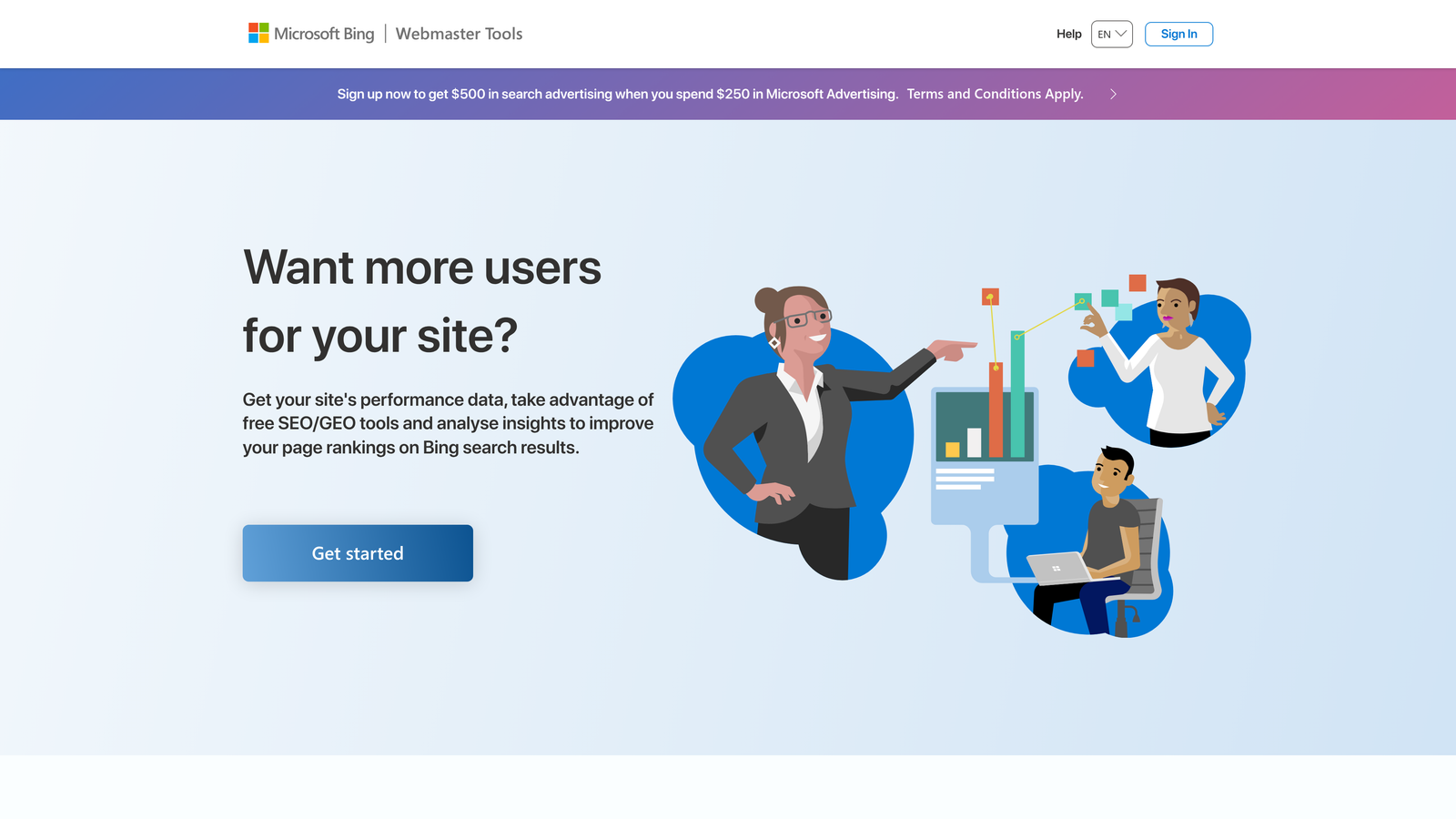
Bing Webmaster Tools is Microsoft's official webmaster platform providing indexing data, submission tools, and SEO insights for Bing search.
Where This Tool Shines
With Bing powering ChatGPT search results and gaining market share, monitoring your Bing indexing status has become increasingly important. Bing Webmaster Tools provides the same authoritative data for Bing that Google Search Console provides for Google.
The IndexNow submission tracking is unique to this platform—you can see exactly which URLs you've submitted via IndexNow and their processing status. The ability to import data from Google Search Console makes setup effortless.
Key Features
URL Inspection for Bing: Shows indexing status and crawl information specific to Bing's index.
IndexNow Tracking: Monitors URLs submitted through the IndexNow protocol with processing status.
Site Scan Tool: Identifies SEO issues including indexing blockers and technical problems.
Google Search Console Import: Imports your site verification and settings from Google with one click.
Backlink Data: Provides backlink information and keyword research tools specific to Bing.
Best For
Any site owner serious about multi-engine SEO. With Bing's growing presence in AI search, this tool has become essential rather than optional.
Pricing
Free with no usage limitations.
8. Sitebulb
Best for: Visual reporting and prioritized recommendations for indexing issues
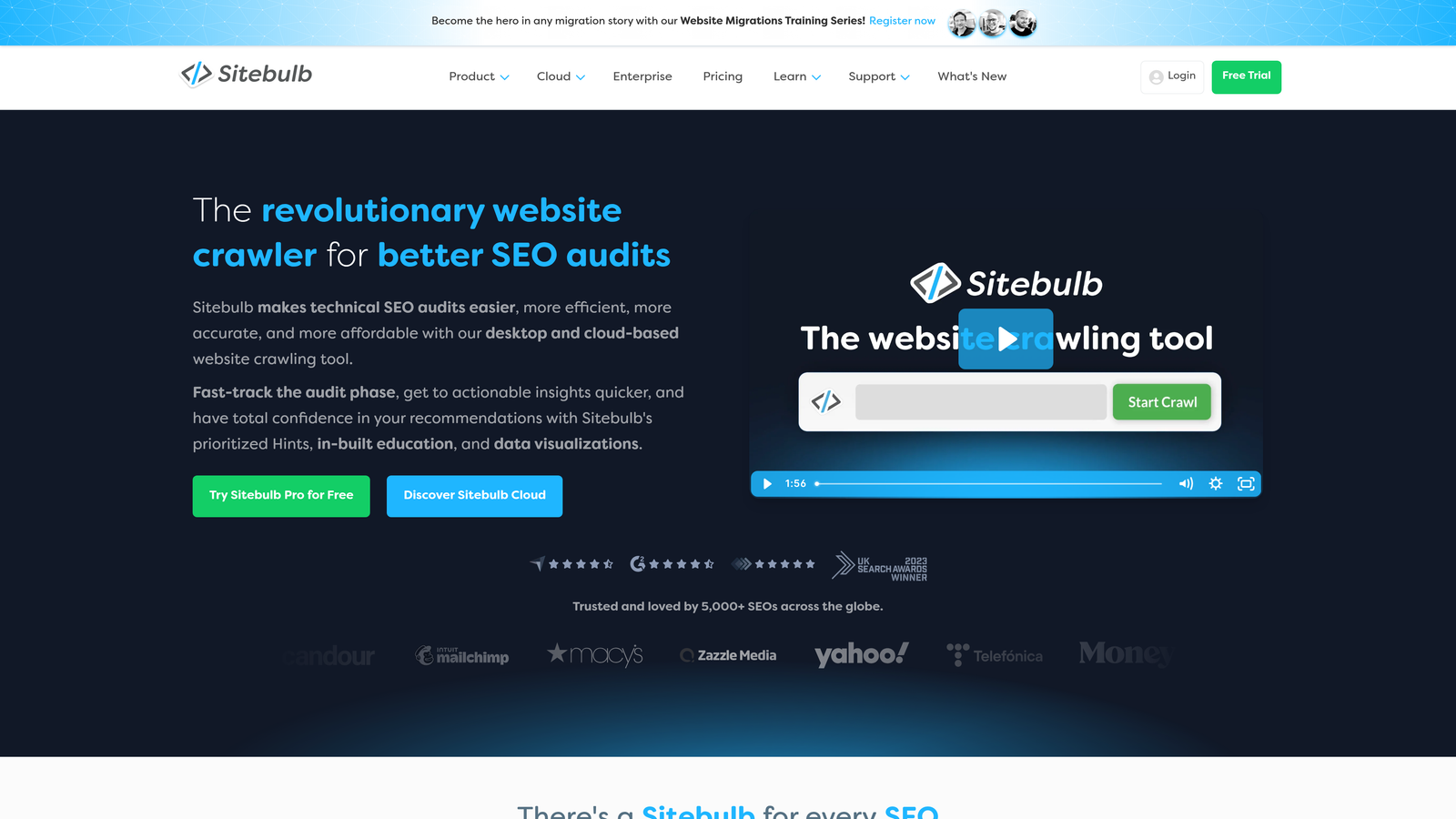
Sitebulb is a desktop crawler that transforms technical audit data into visual reports with clear priority rankings.
Where This Tool Shines
Sitebulb makes complex indexing data accessible through visual charts and graphs. The priority hints system ranks issues by potential impact, so you know which indexing problems to fix first. This is particularly valuable when presenting findings to clients or stakeholders who need to understand technical issues quickly.
The PDF report generation creates professional deliverables that explain indexing problems in plain language. Combined with the crawl comparison feature, you can demonstrate improvement over time with before-and-after metrics.
Key Features
Visual Indexability Reports: Transforms crawl data into charts and graphs that make patterns obvious at a glance.
Priority Hints: Ranks indexing issues by potential impact so you can focus on high-value fixes first.
PDF Report Generation: Creates professional reports explaining technical issues in client-friendly language.
Search Console Integration: Imports indexing data from Google to compare against crawl results.
Crawl Comparison: Shows how indexability metrics change between audits to measure progress.
Best For
Agencies and consultants who need to present technical audit findings to non-technical clients. The visual reporting makes indexing issues understandable without requiring technical expertise.
Pricing
Starts at $13.50/month for the Lite plan. Higher tiers support larger sites and more advanced features.
9. ContentKing
Best for: Real-time monitoring with instant alerts for indexing status changes
ContentKing is a continuous monitoring platform that tracks indexing status 24/7 without scheduled crawls.
Where This Tool Shines
ContentKing operates fundamentally differently from other tools. Instead of crawling your site periodically, it monitors continuously and alerts you the moment something changes. If a page suddenly gets a noindex tag or returns a 404, you'll know within minutes rather than waiting for the next scheduled audit.
This real-time approach is critical for large sites where accidental deindexing can cost thousands in lost traffic. The change tracking feature shows before-and-after comparisons, making it easy to identify what changed and when.
Key Features
Real-Time Monitoring: Tracks indexing status continuously without waiting for scheduled crawls.
Instant Alerts: Sends immediate notifications when indexing status changes or issues are detected.
Change Tracking: Records before-and-after states for every detected change with timestamps.
Multi-Channel Alerts: Integrates with Slack, email, and webhooks for flexible notification delivery.
Historical Data: Retains historical indexing data so you can analyze trends over time.
Best For
Enterprise sites and agencies managing high-value websites where indexing issues need to be caught and fixed immediately. The real-time monitoring justifies the premium pricing for sites where downtime or deindexing has significant revenue impact.
Pricing
Custom pricing based on the number of pages monitored. Contact their sales team for a quote.
Choosing the Right Tool for Your Needs
The best indexing monitoring setup depends on your budget, site size, and workflow preferences. Start with the free foundations—Google Search Console and Bing Webmaster Tools give you authoritative data directly from search engines at zero cost.
For WordPress sites publishing regularly, add the IndexNow plugin to accelerate indexing on supported search engines. This simple addition costs nothing and can significantly reduce the time between publishing and indexing.
Teams looking for an all-in-one solution that combines content creation, automated indexing, and AI visibility tracking should evaluate Sight AI. The platform's workflow automation eliminates manual steps between content production and search engine notification. Start tracking your AI visibility today and see exactly where your brand appears across top AI platforms while ensuring your content gets indexed efficiently.
For deep technical audits, Screaming Frog provides unmatched diagnostic capabilities at a reasonable price point. The free version handles most small to medium sites, and the paid license is a one-time annual fee rather than recurring monthly costs.
Enterprise sites with complex technical requirements and crawl budget concerns should consider Semrush or ContentKing. Semrush's log file analyzer helps optimize crawl efficiency, while ContentKing's real-time monitoring catches deindexing events before they impact traffic significantly.
The key is matching tool capabilities to your actual needs. A small blog doesn't need real-time monitoring, while a large e-commerce site can't afford to wait days for scheduled audits to catch indexing problems. Evaluate your current setup: Are you discovering indexing issues reactively through traffic drops, or are you monitoring proactively before problems impact visibility? The right tools transform indexing monitoring from a periodic check to a continuous optimization process.