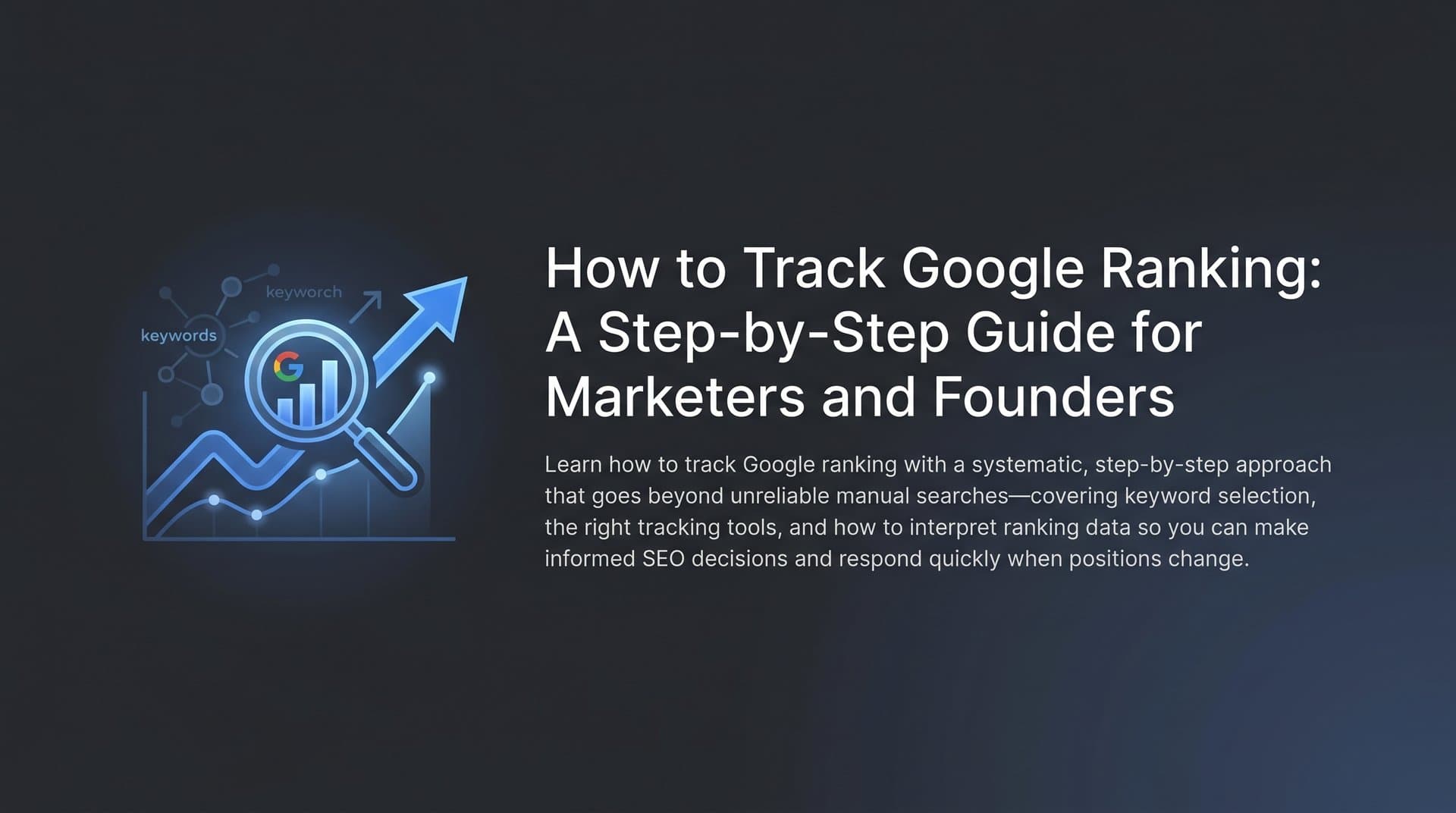
Knowing where your pages rank on Google is foundational to every SEO and content marketing decision you make. Without accurate ranking data, you're essentially flying blind: publishing content, optimizing pages, and building links with no reliable way to measure whether any of it is working.
Yet many marketers still rely on sporadic manual searches or gut feelings instead of systematic tracking. You search your target keyword in an incognito window, see your page on position three, and feel good about it. Then a week later, a competitor has overtaken you and you had no idea it was happening.
This guide walks you through the exact process of setting up reliable Google ranking tracking, from choosing the right keywords and tools to interpreting your data and taking action. By the end, you'll have a repeatable system that shows you precisely where your pages appear in search results, how those positions change over time, and what to do when rankings shift.
There's one more layer worth addressing upfront. In 2026, Google rankings are no longer the whole picture. AI-powered search platforms like ChatGPT, Claude, and Perplexity are increasingly how users discover brands, products, and content. Traditional rank tracking tools don't capture this dimension at all. So alongside the standard Google tracking setup, we'll cover how to monitor your AI visibility too, giving you a complete view of your organic discoverability across both traditional and AI-driven search.
Let's get into it.
Step 1: Build Your Core Keyword List Before You Track Anything
Before you open a single tracking tool, you need to know what you're tracking. This sounds obvious, but it's where most marketers make their first mistake: either tracking too many keywords with no strategic logic, or focusing exclusively on high-volume head terms while ignoring the queries that actually drive conversions.
Start with your seed keywords. Pull from your product pages, service pages, and top-performing blog posts. These are the topics your business is built around, and they should anchor your keyword list. From there, expand into variations, long-tail phrases, and question-based queries that reflect real search intent.
A useful way to organize your list is by category:
Branded keywords: Queries that include your company name or product names. These are important for monitoring brand health and catching reputation issues early.
Non-branded keywords: Generic terms related to your category where you compete for visibility against the broader market. These are often your highest-priority growth opportunities.
Transactional keywords: Queries with clear buying intent, such as "best CRM for small business" or "buy project management software." Rankings here often correlate most directly with revenue.
Informational keywords: Educational queries where you're building authority and capturing early-funnel traffic. Think "how to" guides, comparisons, and explainer content.
One of the most underutilized sources for building this list is Google Search Console's Performance report. Before you've set up any third-party tracker, GSC can show you every query your site already appears for in Google Search, including many you've never deliberately targeted. This is gold: it reveals real search demand you're already touching, and often surfaces long-tail keywords that are quietly driving traffic without appearing in your strategy.
For most marketers and founders starting out, aim for a focused list of 50 to 200 keywords. That range keeps your data actionable without overwhelming you with noise. You can always expand later, but starting with a tight, intentional list means every ranking movement you see is meaningful. If you're unsure about the right number, our guide on how many keywords to use for SEO breaks down the decision in detail.
The common pitfall here is over-indexing on volume. A keyword with 50,000 monthly searches sounds exciting, but if it's highly competitive and only loosely related to your offer, ranking for it won't move your business metrics. Prioritize keywords where ranking improvement translates directly into traffic, leads, or revenue.
Step 2: Set Up Google Search Console as Your Free Baseline Tracker
Google Search Console is the only free tool that gives you first-party ranking data directly from Google itself. It's not perfect, but it's essential, and it should be the first thing you set up before layering in any paid tools.
If you haven't already verified your website property in GSC, that's your first task. Google offers several verification methods including HTML file upload, DNS record, Google Analytics connection, and Google Tag Manager. Choose whichever fits your technical setup and complete verification before moving forward.
Once verified, navigate to the Performance report. This is where the ranking data lives. You'll see four core metrics for every query your site appears for: average position, clicks, impressions, and click-through rate. By default, GSC shows data for the last three months, but you can extend this to 16 months for trend analysis.
Here's how to get the most out of the Performance report:
Filter by page: Instead of looking at your entire site, filter down to a specific URL to see exactly which queries are driving traffic to that page and where it ranks for each.
Filter by country: If you serve multiple markets, segment by country to understand how your rankings vary by geography. A page that ranks well in the US might barely appear in the UK.
Filter by device: Separate mobile and desktop data. Given that Google uses mobile-first indexing, your mobile rankings matter enormously, and they often differ from desktop positions for the same query.
Export regularly: GSC doesn't store unlimited historical data in a format you can slice and dice freely. Export your Performance data on a regular cadence, or connect GSC to Looker Studio (formerly Google Data Studio) for automated, always-on reporting dashboards.
There are important limitations to understand. GSC shows average position over your selected date range, not exact daily positions. It also has a 2 to 3 day data delay, meaning what you see today reflects search activity from a few days ago. And because it shows averages, a page that fluctuates between position 3 and position 12 might show an average of position 7, which doesn't capture the volatility. For a more detailed walkthrough, see our guide on how to check your position in Google search.
The success indicator for this step: you can clearly see which queries are driving clicks to your site, identify your average positions for target keywords, and spot pages sitting on page two of Google that are ripe for optimization. Those page-two pages, ranking around positions 11 to 20, are your first quick-win opportunities.
Step 3: Choose a Dedicated Rank Tracking Tool for Daily Monitoring
Google Search Console is a powerful baseline, but it has real gaps that make it insufficient as your only tracking tool. It doesn't give you daily position snapshots. It doesn't show you where your competitors rank for the same keywords. It doesn't tell you whether you're appearing in featured snippets, People Also Ask boxes, or AI Overviews. And its averaging methodology can obscure the day-to-day fluctuations that signal something important is happening.
This is where a dedicated rank tracking tool becomes essential.
When evaluating tools, focus on these key features:
Daily tracking frequency: This is non-negotiable. Weekly tracking is too slow. Algorithm updates, competitor moves, and technical issues can tank your rankings in 24 to 48 hours. Daily snapshots let you catch problems before they compound.
Local vs. national tracking: If you serve specific cities or regions, you need a tool that can simulate searches from those locations. A national average ranking means nothing if your customers are searching from Chicago and your page doesn't appear there.
Mobile and desktop splits: Because rankings genuinely differ between devices, your tool needs to track both separately. Don't assume desktop rankings represent what mobile users see.
SERP feature detection: Modern search results pages are crowded with features beyond the traditional blue links. Featured snippets, People Also Ask panels, local packs, video carousels, and Google's AI Overviews all occupy real estate above or around organic results. Knowing whether you appear in these features is as strategically important as knowing your position number.
Competitor tracking: You should be able to add competitor domains and see their rankings for your target keywords alongside your own. This turns rank tracking into a competitive intelligence tool.
The tool landscape ranges from enterprise platforms like SEMrush and Ahrefs, which offer comprehensive SEO suites with rank tracking built in, to lightweight dedicated trackers suited for smaller keyword lists and tighter budgets. For a deeper comparison of approaches, our article on how to track keyword rankings covers the full spectrum of options available.
Once you've selected your tool, import the keyword list you built in Step 1. Configure your location settings to match the markets you serve and set up both mobile and desktop tracking. Add your top two or three competitors as benchmark domains.
The pitfall to avoid: choosing a tool that only tracks weekly. You'll miss the ranking fluctuations that matter most, and by the time you see a problem, you'll have lost a week of traffic you could have recovered faster with daily visibility.
Step 4: Configure Tracking for Location, Device, and SERP Features
Getting a rank tracker running is the easy part. Configuring it correctly is where many setups fall short. The default settings in most tools give you a national average for desktop, which is a useful starting point but misses the granularity that makes rank tracking genuinely actionable.
Start with location. Rankings vary dramatically depending on where the search originates. A local service business needs city-level tracking for every market they serve. A regional brand might need state or metro-area granularity. A global SaaS company needs country-level tracking for each major market. Set up tracking that reflects your actual customer geography, not just the broadest possible view.
Next, configure separate tracking for mobile and desktop. Google's mobile-first indexing means the mobile version of your site is what Google primarily evaluates when determining rankings. But mobile and desktop rankings for the same keyword can diverge significantly, especially for queries where the search intent or user behavior differs by device. Tracking both gives you a complete picture and helps you prioritize technical optimization efforts.
SERP feature monitoring deserves its own focus. When a featured snippet appears above position one, the page holding that snippet captures a disproportionate share of clicks regardless of its traditional ranking. People Also Ask boxes, local packs, and video carousels similarly reshape how traffic distributes across results. Configure your tracker to flag when you appear in or lose these features, and treat SERP feature changes as ranking events worth investigating. Understanding these dynamics is key to making sense of your SEO ranking data holistically.
Organize your keywords into logical groups within your tracking tool. Grouping by topic cluster, funnel stage, or business unit lets you analyze performance by segment rather than staring at hundreds of individual keywords. You might group all your bottom-of-funnel transactional keywords together so you can quickly see how your conversion-intent rankings are trending as a cohort.
Finally, set up automated alerts for significant ranking changes. Most dedicated rank trackers let you configure notifications when a keyword drops or rises by a set number of positions. A threshold of five or more positions is a reasonable trigger for most keyword lists. This means you don't have to check your dashboard every day to catch problems: the tool comes to you when something important happens.
The success indicator here is a dashboard that shows position data segmented by location, device, and keyword group, with alerts configured so you're notified when rankings move meaningfully.
Step 5: Analyze Ranking Data and Identify Optimization Opportunities
Data without interpretation is just noise. Once your tracking is running, the real work is turning ranking data into decisions. This is where many marketers stall: they have dashboards full of numbers but aren't sure what to do with them.
The first rule of ranking analysis is to look at weekly trends, not daily noise. Search rankings fluctuate constantly due to algorithm refreshes, personalization signals, and competitive shifts. A one-day drop of three positions is rarely meaningful. A sustained decline over seven to fourteen days is a signal worth investigating. Train yourself to look for directional trends rather than reacting to every blip.
Your highest-priority opportunities are what practitioners call "striking distance" keywords: queries where you currently rank somewhere between positions 5 and 15. These pages are already indexed, already relevant, and already earning some impressions. Moving them from position 8 to position 3, for example, can meaningfully increase the clicks they receive, because click-through rates increase substantially as you move toward the top of page one. For a complete playbook on moving those pages up, see our guide on how to improve organic search ranking.
When you see a ranking change, try to correlate it with actions you've taken. Did you update the content on that page recently? Build new backlinks pointing to it? Fix a technical issue like page speed or crawlability? Or did a major algorithm update roll out around the same time? Keeping a simple log of your optimization activities alongside your ranking data helps you understand what's working and what isn't over time.
Competitor comparison is another high-value analysis layer. Look for keywords where competitors rank in the top five and you don't appear at all. These gaps represent content opportunities: topics your audience is searching for where you have no presence. Conversely, look for keywords where you outrank competitors on page one, because these are your strengths to protect and build on.
One often-overlooked insight: pages that rank for unexpected keywords. Your tracker will surface queries you never deliberately targeted where your content has organically earned rankings. These reveal real search demand that your content is already addressing. Some of these unexpected rankings are worth doubling down on with more targeted optimization, turning accidental relevance into intentional authority. If your content isn't ranking at all despite your efforts, our article on content not ranking in search can help you diagnose the issue.
Use these insights to build a prioritized action list: pages to update, content gaps to fill, and technical issues to fix. Ranking data is most valuable when it drives a concrete next step.
Step 6: Expand Tracking Beyond Google—Monitor Your AI Visibility
Here's the part that most traditional rank tracking guides skip entirely, and it's increasingly the part that matters most in 2026.
Google rankings are only one dimension of organic discoverability. AI-powered search platforms including ChatGPT, Claude, Perplexity, and Google's own AI Overviews are now a significant and growing part of how users find information, compare products, and discover brands. When someone asks ChatGPT "what's the best project management tool for remote teams?" or asks Claude "which SEO platforms should I consider?", the brands that get mentioned in those responses are capturing real discovery opportunities. And traditional rank trackers have no visibility into this at all.
AI visibility tracking is the practice of monitoring whether AI models mention your brand, recommend your products, or cite your content when users ask relevant questions. Think of it as the AI equivalent of rank tracking: instead of knowing you're on position four for a Google query, you know whether your brand appears when someone asks an AI assistant about your category. Our detailed guide on how to track your brand in AI search walks through the full methodology.
This matters for a few reasons. AI models don't pull from the same signals as Google's ranking algorithm. A brand with strong topical authority, well-structured content, and broad citation across the web tends to get mentioned more frequently by AI systems. But without tracking, you have no way to know whether you're appearing, what sentiment those mentions carry, or how you compare to competitors in AI-generated responses.
Sight AI's AI Visibility Score addresses this directly. It tracks brand mentions across six or more AI platforms, including sentiment analysis and prompt tracking, so you can see not just whether you're mentioned but how you're described and in what context. This gives you a parallel visibility metric to your Google rankings that captures the AI-driven discovery layer your rank tracker misses.
The two tracking systems work together. Your Google rank tracker tells you where you appear in traditional search. Your AI visibility monitor tells you whether you're being recommended by AI assistants. Together, they give you a complete picture of your organic presence across both search paradigms.
The actionable step here is straightforward: set up AI visibility monitoring at the same time you configure your Google rank tracker, not as an afterthought. Treat it as a parallel channel with its own metrics and its own optimization strategy. Publishing content that's optimized for Generative Engine Optimization (GEO), using structured, authoritative, well-cited writing that AI models are more likely to reference, helps ensure your brand gets mentioned by AI systems, not just ranked by Google. Understanding the AI search engine ranking factors that drive these recommendations is essential to optimizing effectively for both audiences simultaneously.
Step 7: Build a Recurring Reporting Cadence and Act on Insights
A tracking system that nobody reviews is just expensive data storage. The final step is building the habit and the workflow that turns your ranking data into consistent action.
Set up two review rhythms. The first is a weekly ranking review that takes 15 to 20 minutes. This is a quick scan: which keywords moved significantly this week, which pages are gaining or losing ground, and are there any alerts that need immediate attention? This review keeps you aware of what's happening without consuming your week.
The second is a monthly deep-dive analysis. This is where you look at 30-day trends, compare your position against competitors, review your AI visibility metrics alongside your Google rankings, and identify the highest-priority optimization opportunities for the coming month. This session should produce a concrete action list.
A simple reporting template helps keep these reviews consistent:
Top movers up: Keywords that gained significant positions this week or month, and what might have caused it.
Top movers down: Keywords that dropped meaningfully, with a hypothesis about why and a proposed response.
Striking distance opportunities: Your current list of position 5 to 15 keywords that are closest to breaking into high-traffic territory.
Competitor shifts: Any significant changes in how competitors rank for your shared keywords.
AI visibility changes: Whether your brand mentions across AI platforms are increasing, decreasing, or shifting in sentiment.
Turn each insight into a specific action item. A declining page needs a content audit and update. A striking distance keyword needs targeted on-page optimization and potentially new internal links. A content gap identified through competitor analysis needs a new article or page. An updated page needs to be re-submitted for indexing, which is where search engine indexing optimization becomes useful: it ensures search engines discover your content changes immediately rather than waiting for the next crawl cycle.
When sharing reports with stakeholders, connect ranking improvements to business outcomes. Position improvements are interesting internally, but leadership and clients care about traffic, leads, and revenue. Build your reporting to show the chain: ranking improved, traffic increased, conversions followed.
Here's your setup checklist to confirm everything is in place: keyword list built and categorized, Google Search Console verified and Performance report reviewed, daily rank tracker configured with location and device splits, competitor domains added for benchmarking, SERP feature monitoring active, AI visibility tracking running alongside Google tracking, automated alerts configured for significant ranking changes, and weekly and monthly review cadences scheduled.
Your Complete Tracking System, Ready to Run
Tracking your Google rankings isn't a one-time setup. It's an ongoing discipline that compounds in value over time. The more history you accumulate, the better you understand how your site responds to algorithm changes, how your content investments translate into ranking gains, and where your best opportunities are hiding.
With your keyword list defined, Google Search Console configured, a daily rank tracker running with proper location and device segmentation, and AI visibility monitoring in place, you now have a complete system for understanding how your brand appears across both traditional and AI-powered search.
Use the weekly review cadence to stay on top of movements, and the monthly deep-dive to set your optimization priorities. The brands winning in 2026 aren't just tracking where they rank on Google. They're also tracking how AI models talk about them, and then optimizing for both dimensions simultaneously.
The data is only as valuable as the action it drives. Build the system, review it consistently, and let the insights guide your content and optimization decisions every week.
Stop guessing how AI models like ChatGPT and Claude talk about your brand. Start tracking your AI visibility today and see exactly where your brand appears across top AI platforms, alongside your Google rankings, in one complete view of your organic presence.