The best AI scheduling platform for content marketing depends on what you schedule. For teams that need advanced features (AI-optimized post timing, automated content generation, evergreen recycling and approval workflows), Sight AI covers SEO articles end to end, CoSchedule and Planable lead on unified calendars and approvals, and Sprout Social, Hootsuite and Later lead on AI timing for social. The comparison table below summarizes all nine tools, and the full reviews explain where each one fits.
Content Scheduling Software Comparison at a Glance
| Tool | Primary focus | Standout advanced feature | Starting price |
|---|---|---|---|
| Sight AI | SEO/GEO articles and CMS publishing | Autopilot generation, auto-publishing and IndexNow | Contact for pricing (free trial) |
| CoSchedule | Unified marketing calendar | ReQueue evergreen resharing | Free calendar; $29/user/mo |
| Buffer | Simple social scheduling | AI caption assistant | Free (3 channels); $6/channel/mo |
| Hootsuite | Enterprise social management | CSV bulk scheduling and content library | $99/mo |
| Sprout Social | Social engagement and analytics | ViralPost optimal timing | $249/seat/mo |
| Later | Visual social (Instagram, TikTok, Pinterest) | Grid preview and Best Time to Post | Free; $25/mo |
| Planable | Agency approvals and collaboration | Multi-level approval workflows | Free (50 posts); $33/user/mo |
| ContentCal (Adobe Express) | Design-to-schedule workflow | Creative Cloud integration | $9.99/mo (Express Premium) |
| Loomly | Growing social teams | Post ideas and optimization tips | $42/mo (2 users) |
Prices reflect published entry-level plans at the time of writing. Vendors change tiers frequently, so confirm current pricing before you buy.
1. Sight AI
Best for: Teams wanting AI-generated SEO content with automated publishing and instant indexing
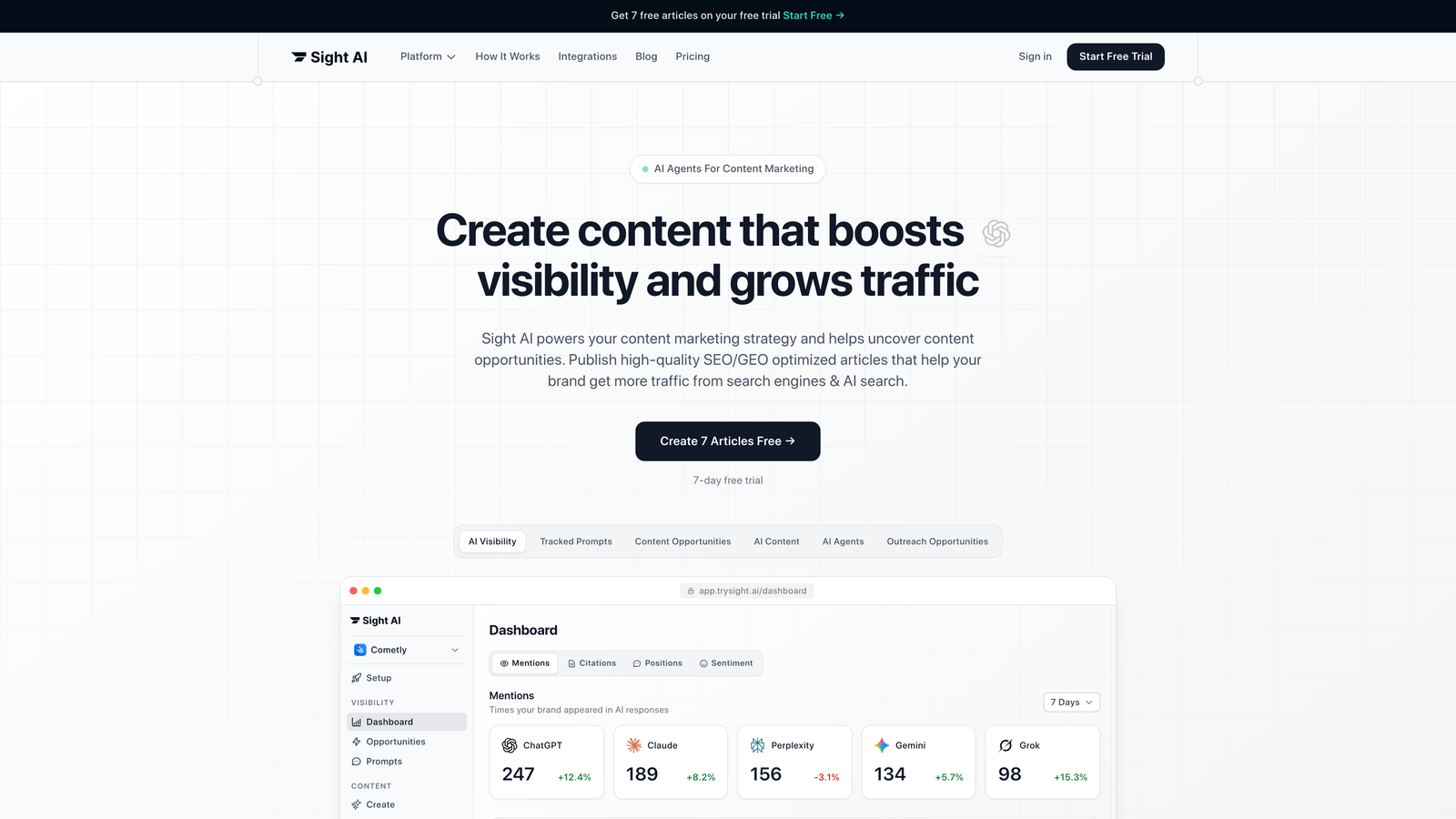
Sight AI is an AI-powered content platform that combines article generation with CMS auto-publishing and search engine indexing capabilities.
Where This Tool Shines
Sight AI addresses the entire content lifecycle, from creation to publication to search visibility. Rather than just scheduling existing content, it generates SEO and GEO-optimized articles using 13+ specialized AI agents, then automatically publishes to your CMS and triggers instant indexing through IndexNow integration.
The platform's Autopilot mode handles content production hands-off, while its AI visibility tracking shows how models like ChatGPT, Claude, and Perplexity mention your brand. This creates a feedback loop: track where you're mentioned, identify content gaps, generate optimized articles, and publish them automatically.
Key Features
13+ Specialized AI Agents: Purpose-built agents for listicles, guides, explainers, and other content formats with SEO/GEO optimization.
CMS Auto-Publishing: Direct integration with WordPress and other platforms for hands-free content deployment.
IndexNow Integration: Faster search engine discovery without waiting for crawlers to find new content.
Autopilot Mode: Automated content production with minimal manual intervention.
AI Visibility Tracking: Monitor brand mentions across ChatGPT, Claude, Perplexity, and other AI models.
Best For
Marketing teams and agencies focused on organic traffic growth through AI-optimized content. Ideal for brands wanting to improve their AI visibility while maintaining consistent content output across owned channels.
Pricing
Contact for pricing. A free trial is available to test the platform's content generation and publishing capabilities.
2. CoSchedule
Best for: Marketing teams needing unified calendar management across content and social channels
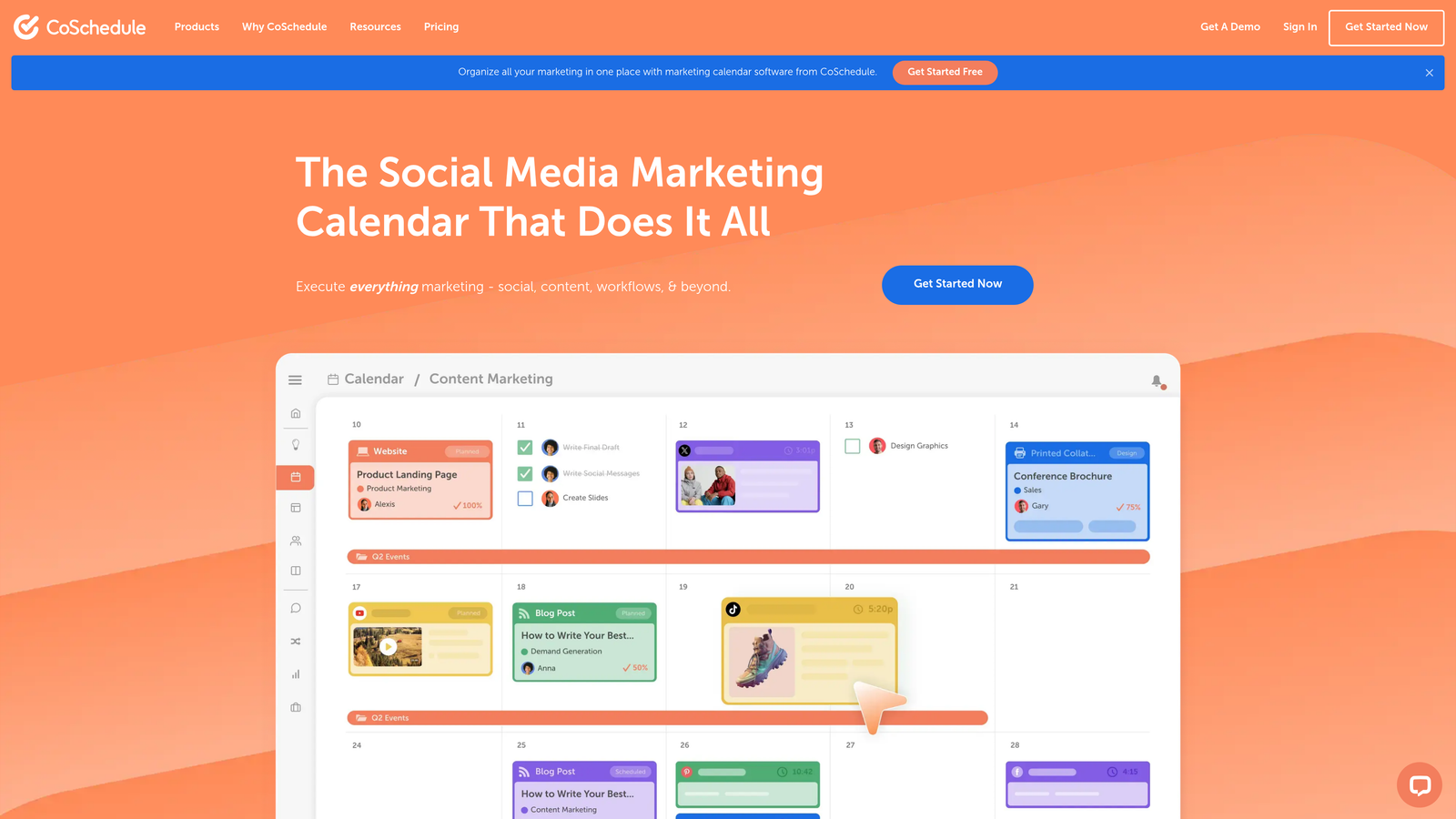
CoSchedule is a marketing calendar platform that centralizes content planning, social scheduling, and team collaboration in one workspace.
Where This Tool Shines
CoSchedule treats your entire marketing operation as an interconnected system rather than isolated channels. The unified calendar view shows blog posts, social updates, email campaigns, and team tasks in one place, making it easy to spot conflicts or gaps in your content strategy.
The ReQueue feature reshares your best-performing social content and fills gaps in your schedule automatically. This keeps your social presence active without constant manual intervention, which is particularly valuable for teams managing multiple brands or clients.
Key Features
Unified Marketing Calendar: All channels and content types visible in one centralized view.
ReQueue: Automated social resharing based on performance data and scheduling gaps.
Task Management: Built-in workflows and team assignments tied directly to content items.
Headline Analyzer: Optimization tool that scores headlines before publication.
WordPress and HubSpot Integrations: Direct connections to major content management and marketing platforms.
Best For
Marketing teams managing diverse content types across multiple channels who need visibility into the entire operation. Works well for agencies juggling several client calendars simultaneously.
Pricing
A free calendar is available for basic planning. Marketing Suite starts at $29 per user per month with advanced features.
3. Buffer
Best for: Small teams and solopreneurs wanting straightforward social media scheduling
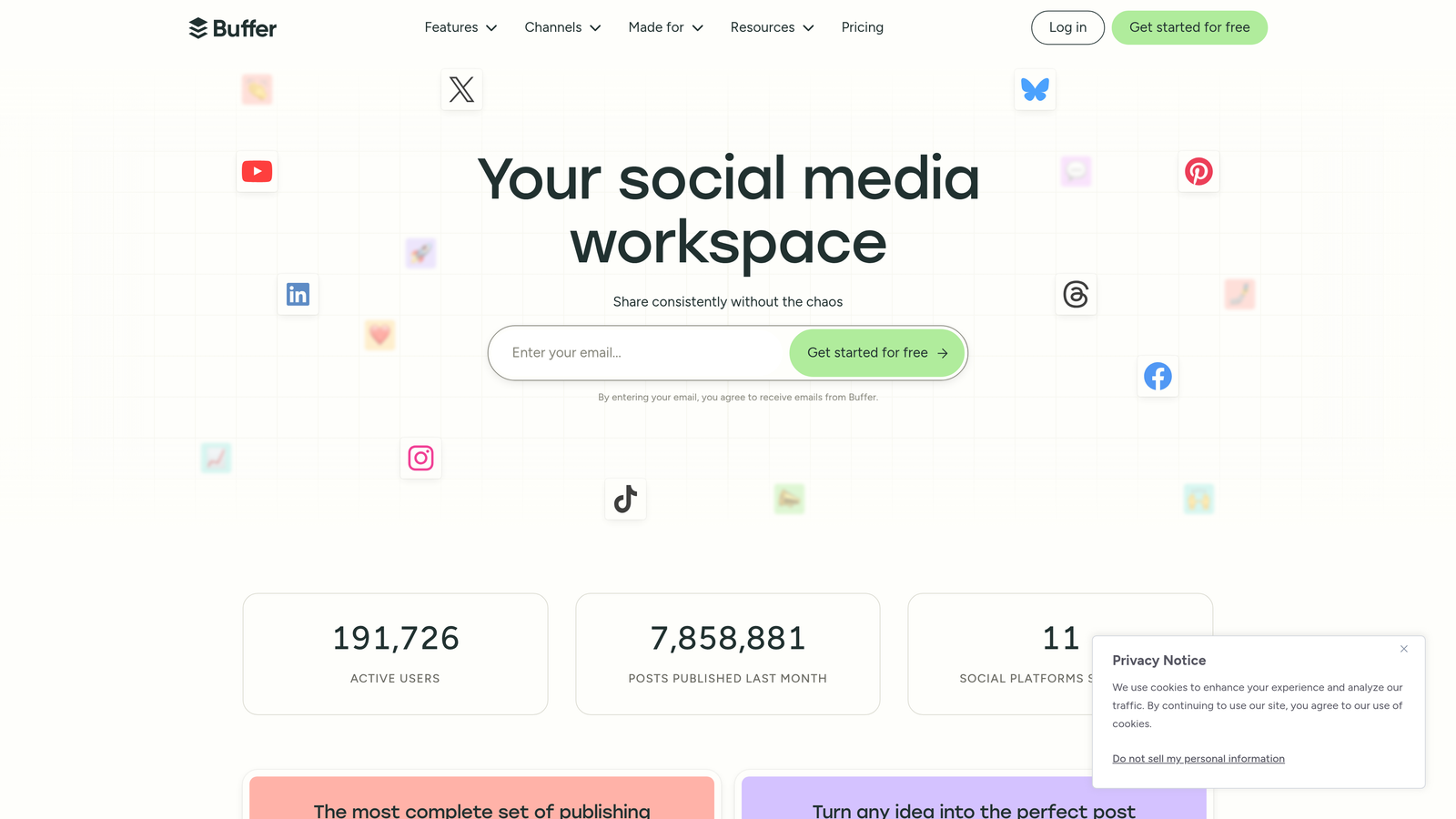
Buffer is a streamlined social media scheduling tool known for its clean interface and no-nonsense approach to content planning.
Where This Tool Shines
Buffer removes the complexity that plagues many scheduling platforms. The drag-and-drop interface makes rearranging your content queue effortless, while the AI assistant helps generate caption variations when you're stuck for ideas.
The browser extension deserves special mention. It lets you share content from anywhere on the web directly to your Buffer queue without opening the full app. For teams that curate content from multiple sources throughout the day, this saves significant time.
Key Features
Drag-and-Drop Scheduling: Intuitive interface for moving posts around your content calendar.
AI Caption Assistant: Generates caption variations and suggests improvements to existing copy.
Built-in Analytics: Performance tracking and reporting without third-party tools.
Browser Extension: Quick sharing from any website directly to your Buffer queue.
Start Page: Link-in-bio tool for Instagram and TikTok profiles.
Best For
Solopreneurs, small businesses, and lean marketing teams who value simplicity over advanced features. Perfect for those managing 3-5 social channels without complex approval workflows.
Pricing
The free plan covers basic scheduling for three channels. Essentials starts at $6 per channel per month.
4. Hootsuite
Best for: Enterprise teams requiring comprehensive social management with advanced governance
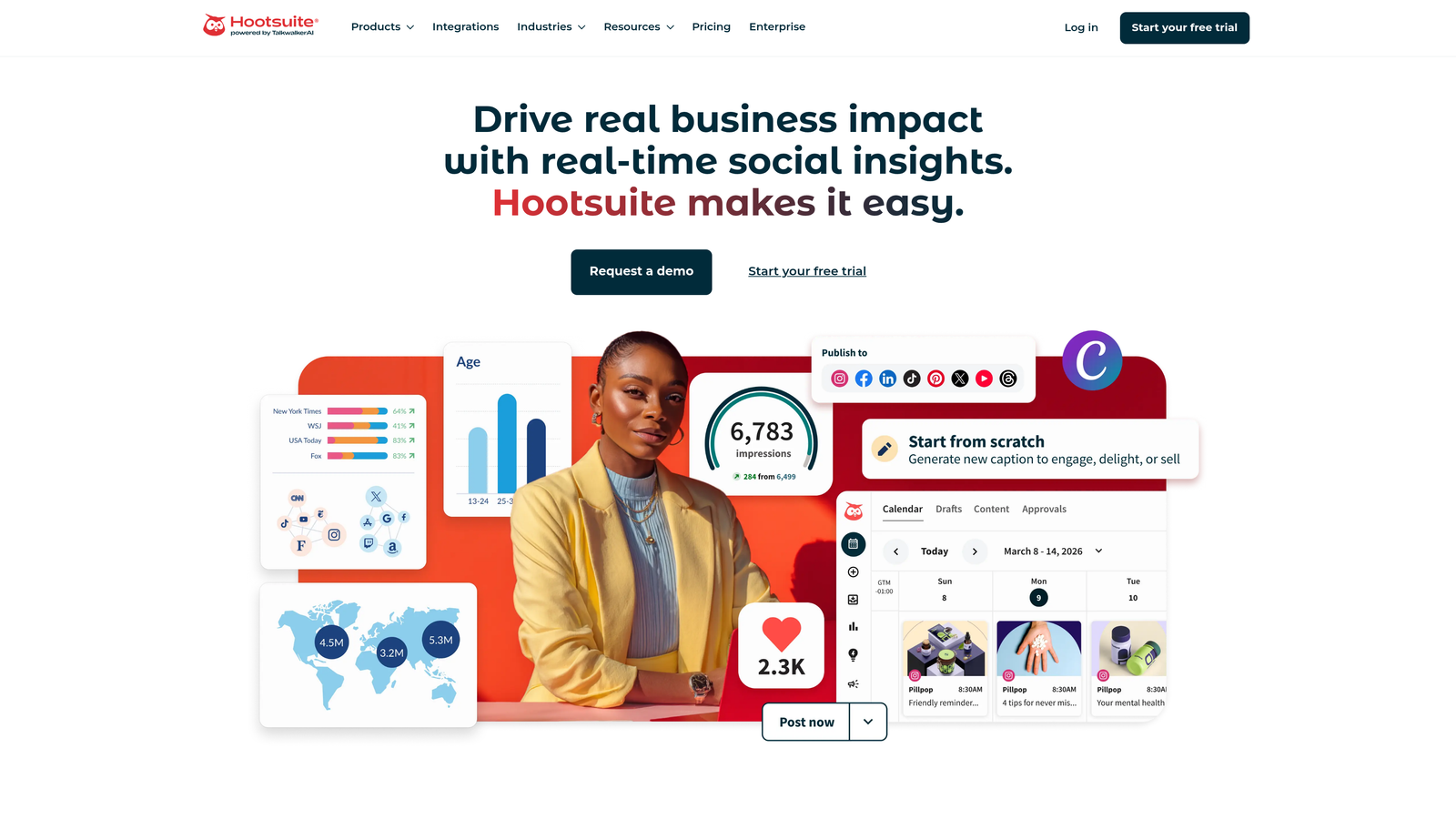
Hootsuite is an enterprise-grade social media management platform with extensive scheduling, monitoring, and team collaboration capabilities.
Where This Tool Shines
Hootsuite handles the complexity that comes with large-scale social operations. The bulk scheduling feature lets you upload hundreds of posts via CSV, while the content library stores approved assets that team members can access without hunting through shared drives.
The platform's team permissions system offers granular control over who can publish, approve, or draft content. For brands with strict compliance requirements or multi-tiered approval processes, this governance layer prevents costly mistakes before they reach your audience.
Key Features
Bulk Scheduling: CSV upload for scheduling large content batches at once.
Social Listening: Monitor brand mentions, keywords, and competitor activity across platforms.
Advanced Team Permissions: Granular control over publishing rights and approval workflows.
Comprehensive Analytics: Customizable dashboards tracking performance across all connected channels.
150+ App Integrations: Connections to major marketing, CRM, and analytics platforms.
Best For
Enterprise marketing teams, agencies managing numerous client accounts, and brands with complex approval requirements. Ideal when you need robust governance alongside scheduling capabilities.
Pricing
The Professional plan starts at $99 per month. Enterprise pricing is available on request for larger teams.
5. Sprout Social
Best for: Teams prioritizing customer engagement and deep social analytics alongside scheduling
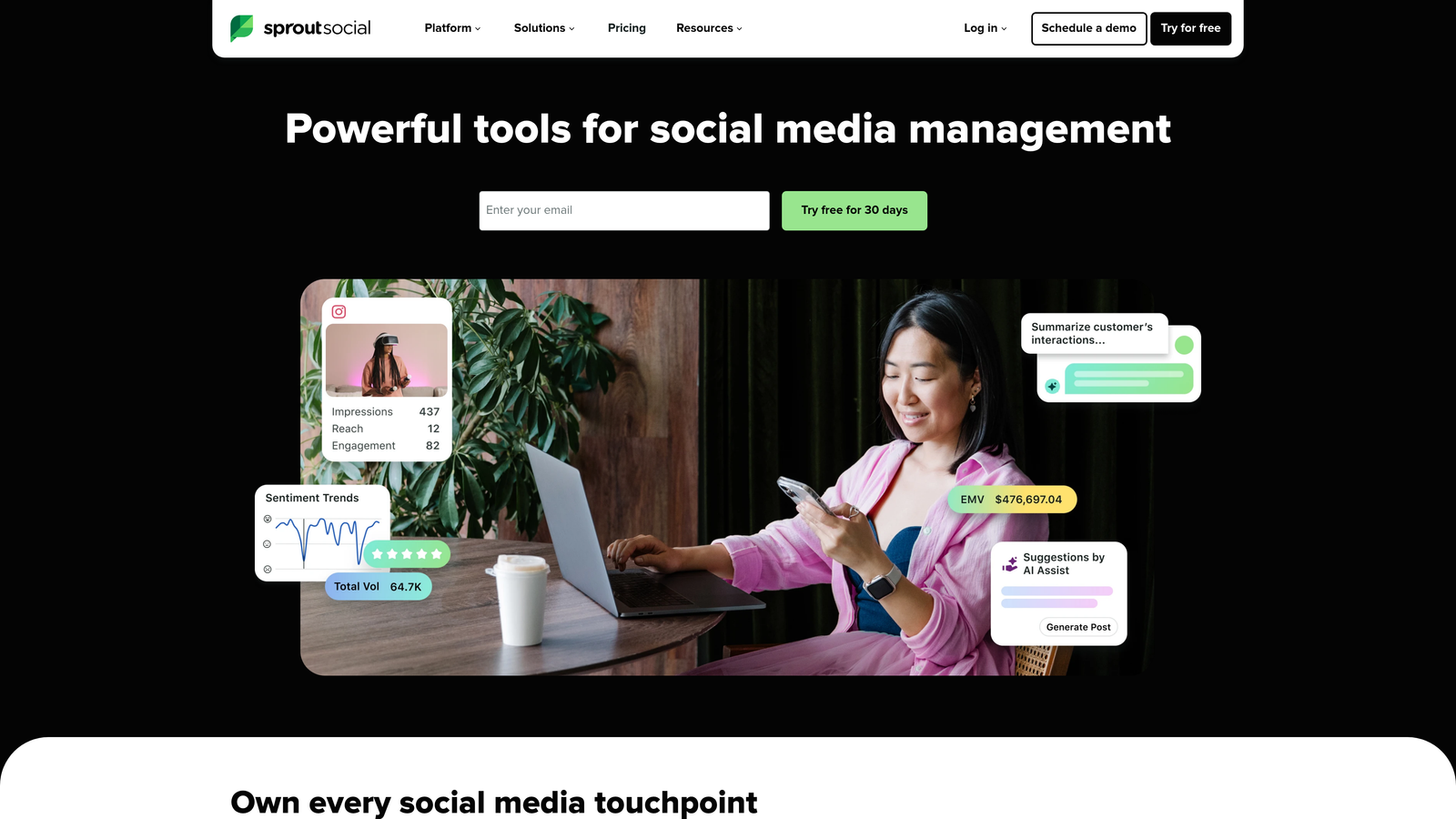
Sprout Social is a social media management platform combining scheduling with comprehensive analytics, engagement tools, and customer care features.
Where This Tool Shines
Sprout Social treats social media as a two-way conversation rather than just a broadcast channel. The Smart Inbox consolidates messages, comments, and mentions from all platforms into one unified stream, making it easier to respond quickly without switching between apps.
ViralPost analyzes your audience's engagement patterns and automatically schedules content for optimal times. Rather than guessing when your followers are most active, the platform uses historical data to maximize visibility for each post.
Key Features
Smart Inbox: Unified view of all social messages and engagement across platforms.
ViralPost: AI-powered optimal timing that schedules posts when your audience is most active.
Competitive Analysis: Benchmark your performance against competitors in the same space.
Custom Report Builder: Create tailored reports focusing on metrics that matter to your stakeholders.
CRM Integration: Connect social data with customer relationship management systems.
Best For
Marketing teams where social media serves customer service functions alongside brand building. Works well for B2B companies tracking relationship development through social channels.
Pricing
The Standard plan starts at $249 per seat per month, positioning it as a premium option with enterprise-level features.
6. Later
Best for: Visual-first brands focusing on Instagram, TikTok, and Pinterest content
Later is a social media platform specializing in visual content scheduling, with link-in-bio tools for Instagram shopping and traffic generation.

Where This Tool Shines
Later's visual calendar shows your Instagram grid exactly as it will appear on your profile, letting you maintain aesthetic consistency before publishing. This preview capability matters for brands where visual cohesion drives follower growth.
The Linkin.bio feature transforms your Instagram profile into a shoppable storefront or content hub. Each post can link to specific products or articles, solving Instagram's single-link limitation without requiring followers to hunt through your website.
Key Features
Visual Content Calendar: Drag-and-drop interface showing exactly how your grid will look.
Linkin.bio: Shoppable Instagram landing page linking posts to products or content.
Best Time to Post: Recommendations based on when your specific audience engages most.
User-Generated Content Collection: Tools for gathering and organizing customer content for resharing.
TikTok and Reels Scheduling: Native support for short-form video platforms.
Best For
E-commerce brands, lifestyle influencers, and visual-first businesses where Instagram and TikTok drive significant revenue or awareness. Particularly valuable for fashion, beauty, food, and travel brands.
Pricing
A free plan is available for basic scheduling. The Starter plan begins at $25 per month with expanded features.
7. Planable
Best for: Agencies and teams requiring sophisticated approval workflows and client collaboration
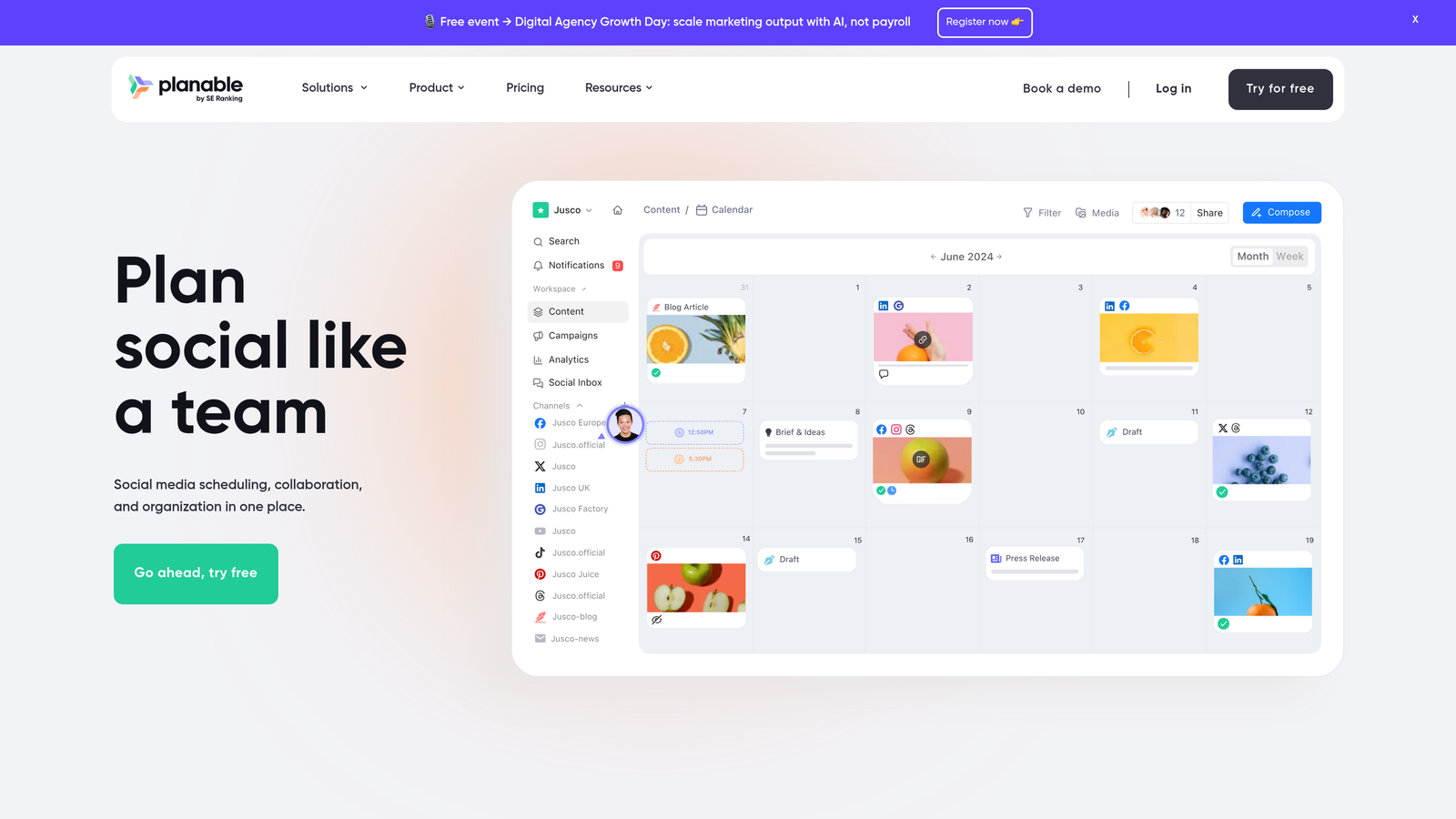
Planable is a collaboration-focused content planning platform designed for teams and agencies needing multi-level approval processes.
Where This Tool Shines
Planable excels at the messy reality of content approval. The real-time collaboration feature lets multiple team members comment, suggest edits, and approve content simultaneously without version control problems or endless email threads.
Client-facing workspaces give external stakeholders visibility into content calendars without granting full platform access. This transparency reduces back-and-forth while maintaining appropriate boundaries between internal operations and client review.
Key Features
Real-Time Collaboration: Multiple users can edit and comment on content simultaneously.
Multi-Level Approval Workflows: Customizable approval chains matching your organizational structure.
Content Versioning: Complete history of changes and approvals for every piece of content.
Client-Facing Workspaces: Controlled access for external stakeholders to review and approve content.
Universal Content Support: Handles blog posts, newsletters, and other formats beyond social media.
Best For
Marketing agencies managing multiple client accounts, in-house teams with complex approval hierarchies, and brands requiring detailed content audit trails for compliance purposes.
Pricing
The free plan covers 50 posts. The Basic plan starts at $33 per user per month with unlimited posts and advanced features.
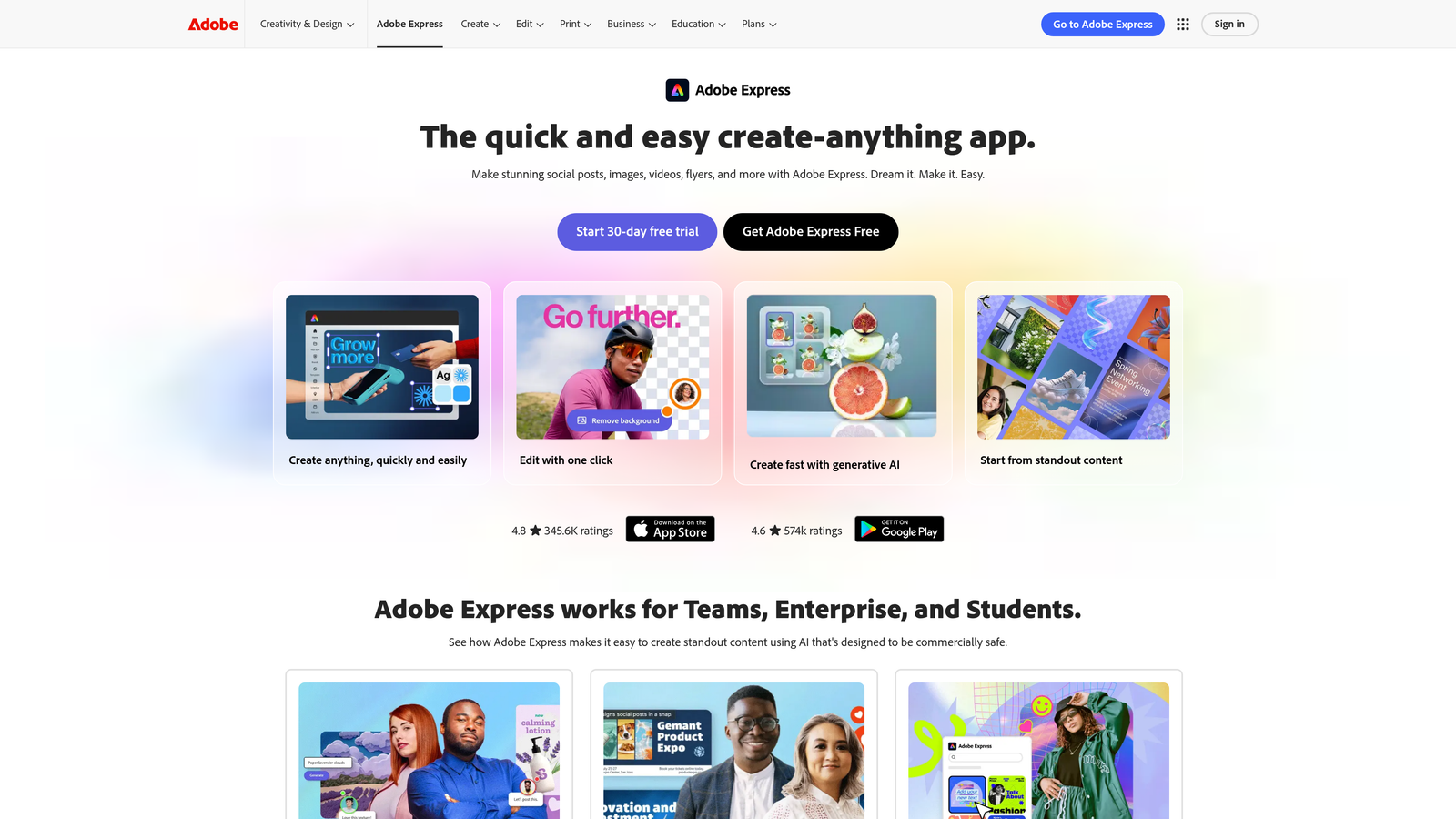
8. ContentCal (Adobe Express)
Best for: Creative teams already using Adobe tools who want integrated scheduling
ContentCal is a visual content calendar now part of Adobe Express, offering streamlined planning with creative tool integration.
Where This Tool Shines
The Adobe Creative Cloud integration creates a seamless workflow from design to publication. You can create graphics in Adobe Express and schedule them directly without downloading and reuploading, keeping your entire creative library within the Adobe ecosystem.
For teams already paying for Adobe subscriptions, ContentCal adds scheduling capabilities without introducing another software vendor. This consolidation simplifies billing and reduces the tool-switching that fragments creative workflows.
Key Features
Visual Calendar Interface: Color-coded content planning with drag-and-drop scheduling.
Adobe Creative Cloud Integration: Direct access to design tools and asset libraries.
Content Categorization: Tagging and filtering system for organizing different content types.
Approval Workflows: Built-in review processes for team content validation.
Analytics and Performance Tracking: Post-publication metrics for measuring content effectiveness.
Best For
Marketing teams with significant design needs who already use Adobe products. Ideal for brands producing high volumes of custom graphics for social media.
Pricing
Included with Adobe Express subscriptions. The Premium plan starts at $9.99 per month with expanded features.
9. Loomly
Best for: Growing teams wanting content inspiration alongside scheduling capabilities
Loomly is a content management platform offering post ideas, optimization tips, and scheduling for expanding marketing teams.
Where This Tool Shines
Loomly addresses the "what should we post today" problem that affects many teams. The post ideas feature suggests content based on trending topics, upcoming holidays, and events relevant to your industry, reducing the creative burden on your team.
The optimization tips provide platform-specific guidance as you create content. Rather than memorizing character limits and best practices for each social network, your team sees real-time recommendations that ensure each post fits its platform's requirements.
Key Features
Post Ideas: Automated content suggestions based on trends, holidays, and industry events.
Optimization Tips: Platform-specific recommendations for character counts, hashtags, and formatting.
Automated Publishing: Schedule content across multiple platforms with timezone adjustments.
Interaction Tracking: Monitor and respond to comments and messages from within the platform.
Advanced Analytics: Custom reports tracking performance metrics across all connected channels.
Best For
Small to mid-sized marketing teams experiencing growing pains as they scale content production. Particularly useful for teams without dedicated content strategists who need inspiration and guidance.
Pricing
The Base plan starts at $42 per month for two users, with higher tiers adding team members and advanced features.
Advanced AI Scheduling Features for Content Marketing Teams
Basic scheduling, meaning picking a date and hitting publish, is table stakes in 2026. The platforms that matter most for growth-focused content marketing teams go further and use AI to optimize every step from content ideation to post-publication discovery. Here's what separates a true AI scheduling platform from a calendar tool.
AI-Powered Optimal Timing
The most impactful advanced feature is audience-aware timing. Tools like Sprout Social's ViralPost and Later's Best Time to Post analyze your historical engagement data to determine when your specific audience is most active, rather than relying on generic industry benchmarks. For content marketing teams running multiple brand accounts or channels, this per-account optimization can meaningfully lift impressions and click-through rates without any extra creative effort.
Automated Content Generation and Publishing Pipeline
Sight AI represents a category shift. Rather than scheduling content you've already created, its Autopilot mode generates SEO and GEO-optimized articles via 13+ specialized AI agents, then publishes them directly to your CMS and triggers search engine indexing via IndexNow. For content marketing teams focused on organic traffic, this end-to-end pipeline eliminates the hand-off delays between writing, review, and publishing that slow most operations down. For a broader view of tools in this category, see our comparison of content publishing automation tools.
Predictive Content Scoring and Optimization
Advanced AI scheduling platforms surface quality signals before content goes live. CoSchedule's Headline Analyzer scores headlines against engagement data, while Loomly's optimization tips validate platform-specific requirements in real time. The goal is to catch underperforming content before it publishes rather than diagnosing failures afterward, which is why it pays to build a pre-publish scoring step into your workflow instead of relying only on post-hoc analytics.
Intelligent Evergreen Recycling
Content marketing teams invest heavily in evergreen assets such as comparison guides, how-to articles and resource roundups that retain value for months or years. CoSchedule's ReQueue identifies top-performing historical posts and automatically reshares them during scheduling gaps. This turns a static archive into a continuously active distribution channel without manual intervention, compounding the return on every piece your team produces.
Unified Content Libraries and Bulk Operations
At scale, the bottleneck is usually asset management rather than the calendar. Hootsuite's content library stores pre-approved assets that every team member can schedule across channels, and its CSV bulk upload lets you load hundreds of posts at once. Planable and ContentCal provide similar shared libraries with tagging, so the same approved asset can be adapted per channel without duplicate files.
Recurring Tasks and Workflow Automation
Teams that run recurring SEO work, such as monthly content refreshes, weekly publishing quotas or quarterly audits, benefit from tools that schedule tasks as well as posts. CoSchedule ties recurring task templates to calendar items, while Sight AI's content automations can run generation and publishing on a fixed cadence. The practical test is whether a recurring workflow can be configured once and then run without anyone re-entering it each cycle.
AI Visibility Tracking as a Scheduling Signal
The most forward-looking teams are integrating AI visibility data into their scheduling decisions. Sight AI's brand monitoring across ChatGPT, Claude, and Perplexity reveals which content topics earn AI mentions and which competitors are being cited instead. Scheduling content designed to close those AI visibility gaps, then monitoring whether new publications shift mention patterns, creates a feedback loop that traditional scheduling platforms don't yet support. For content marketing teams in competitive categories, this is increasingly where scheduling strategy and SEO strategy converge.
Matching Your Workflow to the Right Platform
Your ideal content scheduling software depends on what you're actually scheduling and how your team works together.
If you're managing social media exclusively, platforms like Buffer and Later offer focused functionality without unnecessary complexity. Buffer works well for straightforward multi-platform scheduling, while Later excels when visual consistency matters, particularly for Instagram-focused brands.
Teams handling diverse content types across blogs, social, and email benefit from unified platforms like CoSchedule or Sight AI. CoSchedule centralizes planning across channels, while Sight AI goes further by generating the content itself before scheduling and publishing it automatically.
Enterprise operations requiring governance prioritize different features. Hootsuite and Sprout Social provide the approval workflows, team permissions, and audit trails that large organizations need. The higher price point reflects capabilities designed for complex organizational structures rather than individual users.
Agency workflows demand client collaboration features. Planable's client-facing workspaces and approval systems address the challenge of managing content for multiple external stakeholders at the same time. Its versioning and comment features reduce the long revision cycles common in agency-client relationships.
Consider your content creation process alongside scheduling needs. If design consumes significant time, ContentCal's Adobe integration streamlines the workflow from creation to publication. If content ideation is the bottleneck, Loomly's post suggestions and optimization tips provide ongoing inspiration.
The trend toward AI-powered content operations matters for teams focused on organic traffic growth. Traditional schedulers handle distribution timing, but platforms like Sight AI address the entire lifecycle: generating SEO-optimized content, publishing it automatically, and helping search engines discover it quickly through IndexNow integration.
Budget constraints naturally influence decisions, but focus on cost per value rather than absolute price. A $6/month tool that requires constant manual intervention can cost more in team time than a $99/month platform that automates workflows. For example, if automation saves a marketer earning $50/hour five hours a month, that is $250 in recovered time, which covers most mid-tier plans. Calculate the hours saved against the subscription cost to understand true ROI.
Start with your most significant pain point:
- If missed deadlines are the main problem, prioritize reliable scheduling and team notifications.
- If content quality varies widely, focus on platforms offering optimization guidance and approval workflows.
- If organic visibility drives your strategy, choose tools that handle content creation and search discovery alongside scheduling.
Frequently asked questions
What is the best content scheduling software for automatically assigning category, format, and a daily post list?
For blog and SEO content, Sight AI's Autopilot assigns formats such as listicles, guides, and explainers through specialized agents and publishes on a set cadence. For social media, Loomly and ContentCal support category tagging and recurring calendar slots, while CoSchedule's ReQueue fills daily gaps automatically. No social tool fully auto-assigns categories without some setup, so expect to define your content pillars and posting slots once before automation takes over.
Which tools offer a unified content library for scheduling across channels?
Hootsuite, Planable, and ContentCal all provide shared libraries of approved assets that can be scheduled to multiple channels, and CoSchedule centralizes blog, social, and email items in one calendar. See the unified content libraries section above for how each tool handles assets at scale.
What are the latest trends in content scheduling technology?
The biggest shifts are AI-driven optimal timing based on each account's engagement history, end-to-end pipelines that generate and publish content rather than only scheduling it, automated evergreen recycling, and the use of AI visibility data from ChatGPT, Claude, and Perplexity to decide what to publish next. The advanced AI features section covers each trend in detail.
Is there a good scheduling app for copywriters and solo creators?
Buffer is the most practical starting point. Its free plan covers three channels, its AI assistant drafts caption variations, and its browser extension lets you queue content while researching. Copywriters who mainly write long-form articles should look at CoSchedule's free calendar for editorial planning, or at Sight AI if they want drafting, publishing, and indexing handled in one workflow.
Is content scheduling software the same as content planning software?
Not quite. Planning software focuses on ideation, briefs, calendars, and approvals, while scheduling software handles timed publishing to channels. Most tools on this list combine both, but the emphasis differs: Planable and CoSchedule lean toward planning and collaboration, whereas Buffer, Hootsuite, and Later lean toward publishing. If you need both, choose a tool whose calendar also publishes natively, so you avoid copying content between two systems.
Stop guessing how AI models like ChatGPT and Claude talk about your brand. Get visibility into every mention, track content opportunities, and automate your path to organic traffic growth. Start tracking your AI visibility today and see exactly where your brand appears across top AI platforms.