In the competitive SaaS landscape, generic marketing no longer cuts it. Customers expect personalized, timely, and relevant interactions at every stage of their journey, from trial sign-up to feature adoption and renewal. This is where modern SaaS marketing automation tools come in. They are far more than simple email schedulers; they are the central nervous system of a scalable growth engine, orchestrating complex workflows across multiple channels, scoring leads based on in-app behavior, and providing the deep analytics needed to prove ROI.
The challenge isn't knowing if you need automation, but navigating the crowded market to find the right platform. A tool built for e-commerce may lack the product-led triggers essential for SaaS, while an enterprise-level solution could be overkill for a growing startup. This guide cuts through the noise to help you make an informed decision without sifting through dozens of generic feature lists. We provide a comprehensive, comparative roundup of the top 12 platforms tailored specifically for SaaS companies.
For each tool, you will find:
- A concise analysis of its core strengths for SaaS.
- Key features and ideal use-case scenarios.
- Transparent insights into pricing tiers and potential limitations.
- Screenshots and direct links to explore further.
Our goal is to help you confidently select the platform that will not only streamline your marketing efforts but also fuel sustainable growth. After all, to truly succeed, SaaS marketing automation must also drive and sustain product engagement. Explore effective SaaS product adoption strategies to see how these systems work together to reduce churn and create power users. Let’s dive into the platforms that can make it happen.
1. Sight AI
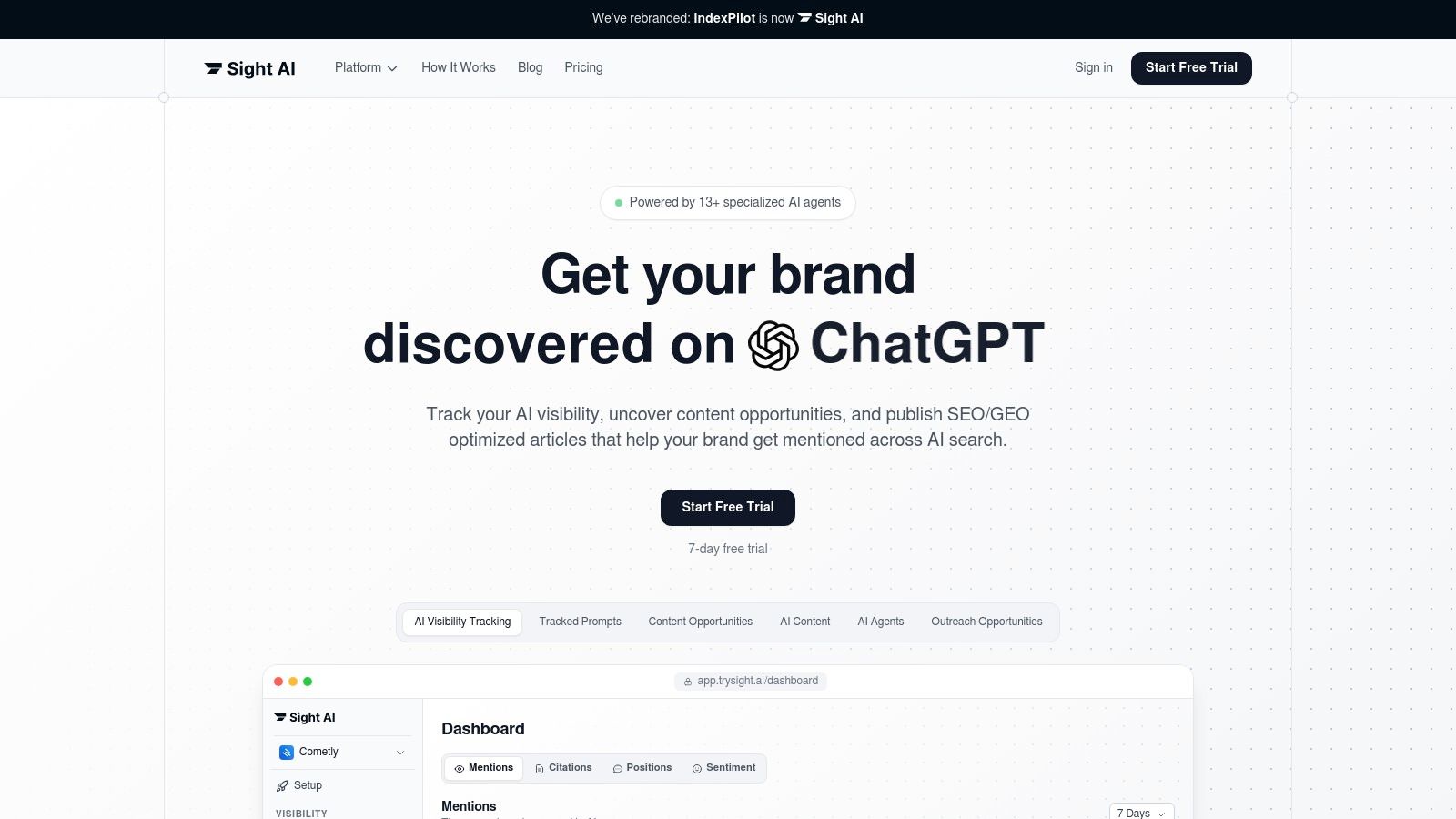
Sight AI represents a forward-thinking evolution in the world of saas marketing automation tools, uniquely designed for the new era of AI-driven search. It moves beyond traditional SEO automation by offering an integrated, end-to-end platform that combines AI visibility monitoring with high-volume, automated content production. This unified approach provides a powerful solution for SaaS companies aiming to dominate both traditional search engine results and the conversational answers generated by models like ChatGPT, Gemini, and Perplexity.
What sets Sight AI apart is its seamless workflow from insight to execution. The platform first identifies how your brand is perceived and mentioned across major LLMs, pinpointing content gaps and competitor opportunities. Instead of just delivering data, it uses a suite of over 13 specialized AI agents to act on these insights, producing comprehensive, long-form articles (2,500-4,500 words) that are optimized for both SEO and GEO-targeting, complete with images and on-page best practices.
Core Features & Use Cases
- End-to-End Content Engine: Sight AI handles the entire content lifecycle. It identifies a strategic topic based on AI search gaps, generates a high-quality article, pushes it directly to your CMS (like WordPress or Webflow), updates your sitemap, and automatically submits the new URL to Google and Bing via IndexNow to accelerate discovery.
- AI Visibility Monitoring: The platform provides a unified dashboard to track brand mentions, sentiment, and positioning across key LLMs including ChatGPT, Gemini, Claude, and Grok. This is critical for modern PR and brand management, allowing teams to understand and influence their AI-generated reputation.
- Autopilot Mode: For teams focused on compounding organic growth with minimal manual effort, the Autopilot feature can be configured to generate and publish one fully optimized article per day. This creates a predictable and scalable system for building topical authority and attracting qualified traffic over time. For more insights on this approach, you can explore Sight AI's strategy for AI search engine optimization.
Pricing & Access
Sight AI does not list public pricing tiers on its website. Access to the platform requires signing up for a 7-day free trial or contacting their sales team for a demo, which is a common model for specialized B2B SaaS solutions aiming to tailor packages to customer needs.
Pros and Cons
| Strengths | Limitations |
|---|---|
| Unified Workflow: Combines AI visibility, content creation, publishing, and indexing into a single, seamless platform. | Human Oversight Recommended: AI-generated long-form content still benefits from a final human review for brand voice and nuance. |
| High-Volume Production: The Autopilot mode enables a consistent and scalable output of SEO-grade content without manual burnout. | Opaque Pricing: The lack of public pricing details requires a direct inquiry to evaluate the cost-to-ROI potential. |
| Future-Proof SEO: Proactively addresses visibility in both traditional search engines and emerging AI answer engines. |
Website: https://www.trysight.ai
2. HubSpot Marketing Hub
HubSpot Marketing Hub is an all-in-one inbound marketing platform that excels by tightly integrating its powerful marketing automation with a comprehensive CRM. This unified approach provides end-to-end visibility, allowing SaaS teams to track a lead's entire journey from their first blog visit to becoming a paying customer, making it one of the most cohesive saas marketing automation tools available.
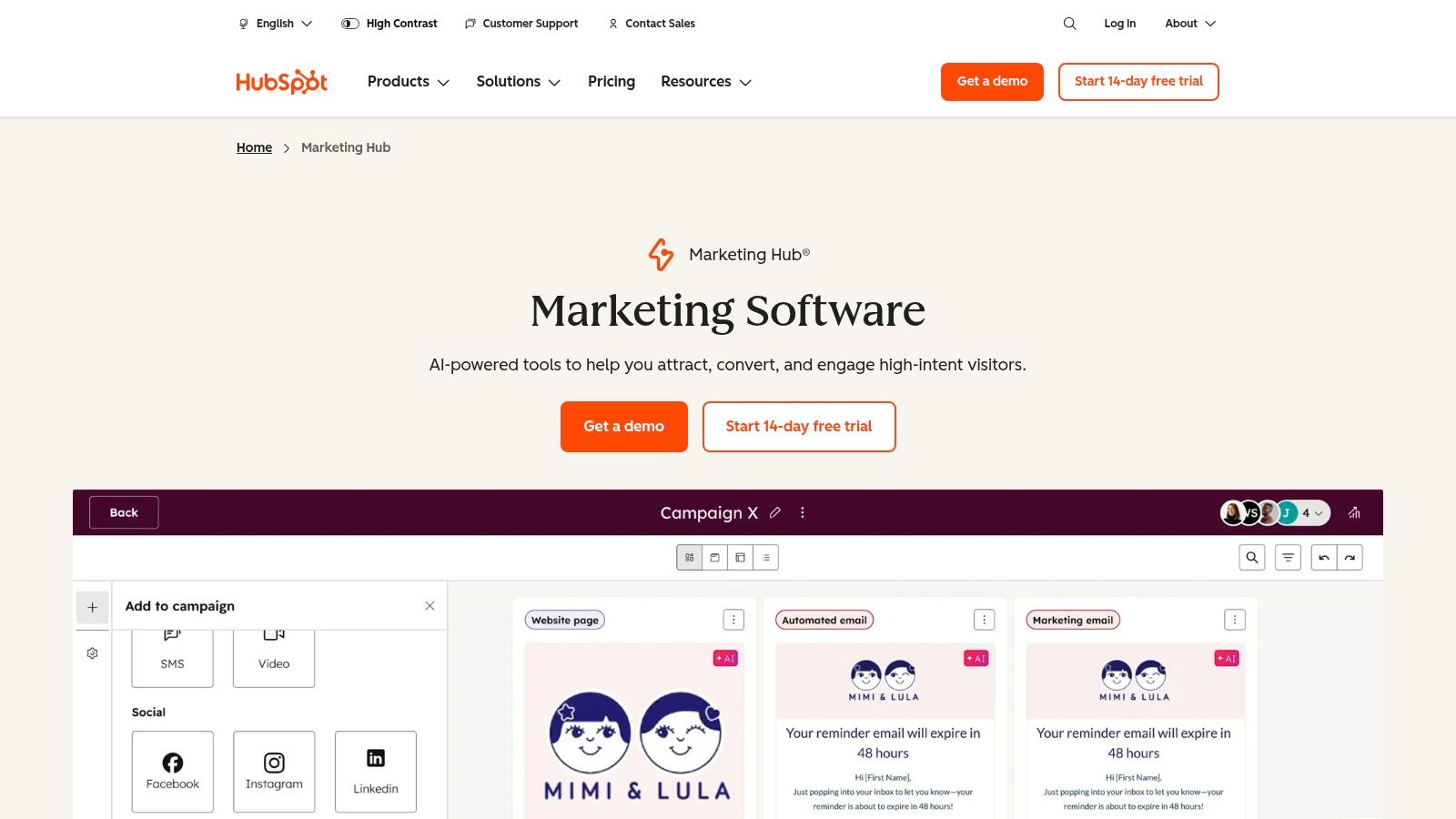
Its strength lies in its ability to connect every marketing action directly to a contact record in the CRM. This eliminates the data silos common with separate tools, offering a single source of truth for sales and marketing alignment. The platform is especially effective for SaaS companies focused on content-driven growth, as its built-in blogging, SEO, and landing page tools work in concert with its automation features. For more insights on this integrated strategy, you can explore ways to automate your content marketing.
Key Features & Pricing
| Feature | Details | Ideal Use Case |
|---|---|---|
| Visual Workflow Builder | Drag-and-drop interface for creating complex, multi-branch automation sequences based on user behavior. | Nurturing trial users with targeted onboarding emails and in-app messages to drive activation. |
| Native CRM Integration | Every marketing interaction (email open, page view, form submission) is logged on the contact's timeline. | Triggering a sales task when a lead from a target account reaches a specific lead score. |
| Omnichannel Automation | Automate workflows across email, social media ad audiences, and internal notifications. | Creating a coordinated campaign that retargets webinar non-attendees on social media. |
| Multi-Touch Attribution | (Professional/Enterprise Tiers) Connect marketing activities directly to revenue to prove ROI. | Analyzing which channels (e.g., blog, paid ads, social) contribute most to demo requests. |
Pricing: HubSpot offers a free tier with basic tools. Paid plans start with the Starter plan (from $18/month), but automation features become powerful at the Professional tier (from $800/month), which includes mandatory onboarding fees. Costs scale based on marketing contacts and paid user seats.
Pros & Cons
Pros:
- Unbeatable CRM integration: Provides a holistic view of the customer lifecycle.
- User-friendly interface: The visual workflow editor is intuitive for non-technical users.
- Extensive resources: HubSpot Academy and its knowledge base are industry benchmarks for learning.
Cons:
- Cost can escalate quickly: Pricing based on contacts and paid seats can become expensive for fast-growing SaaS companies.
- Mandatory onboarding fees: Professional and Enterprise tiers require a significant one-time setup cost.
Website: https://www.hubspot.com/products/marketing
3. Mailchimp (by Intuit)
Mailchimp has evolved from a simple email newsletter service into a comprehensive marketing platform, making it a popular entry point for SaaS businesses venturing into automation. Its primary strength is its accessibility, offering pre-built journey templates and an intuitive interface that allows startups to launch automated campaigns quickly without a steep learning curve. While not as complex as other saas marketing automation tools, its straightforward approach is ideal for early-stage companies.
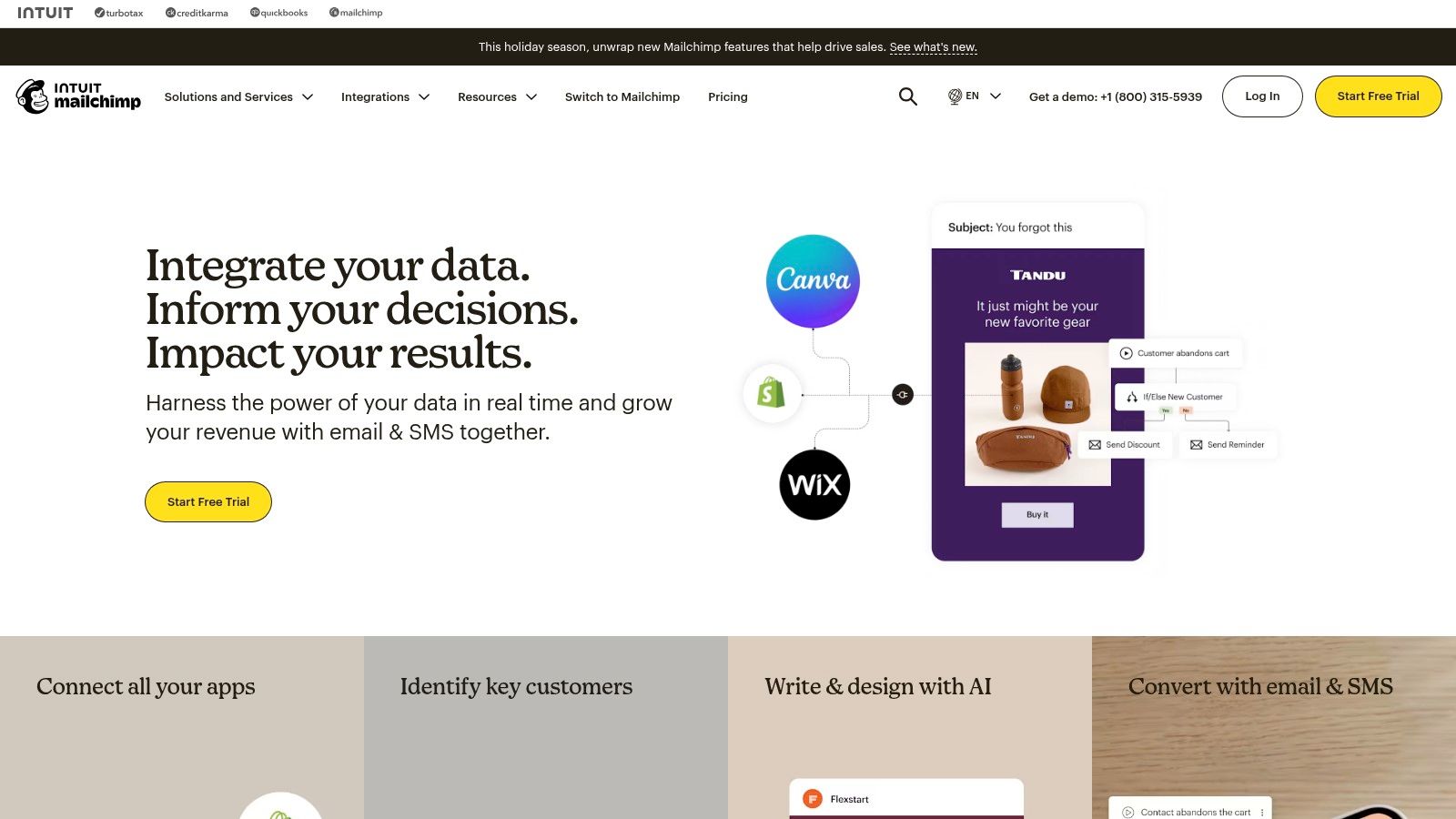
The platform excels at email-centric automation, enabling SaaS teams to set up welcome series, re-engagement campaigns, or simple onboarding sequences based on sign-up dates or segment criteria. Its vast library of integrations connects seamlessly with many tools in the typical SaaS stack, from payment processors to CRMs. This allows for basic behavioral triggers, such as sending a follow-up email after a specific action is taken in an integrated application.
Key Features & Pricing
| Feature | Details | Ideal Use Case |
|---|---|---|
| Customer Journey Builder | A visual workflow tool with pre-built templates for common automation scenarios. | Automatically sending a welcome email series to new free trial sign-ups. |
| Email Designer & Analytics | User-friendly drag-and-drop email builder with robust A/B testing and performance reporting. | Testing different subject lines on an upgrade offer email to optimize open rates. |
| Extensive Integrations | A large marketplace with over 300 integrations to connect data from other business tools. | Segmenting users based on purchase data from Stripe to send targeted feature announcements. |
| Predictive Segmentation | (Premium Tier) Uses data science to predict customer lifetime value and likelihood to purchase. | Creating a high-value segment to receive exclusive offers or early access to new features. |
Pricing: Mailchimp offers a limited free plan for up to 500 contacts. Paid plans begin with Essentials (from $13/month), but automation journeys are included in the Standard plan (from $20/month). The Premium plan (from $350/month) unlocks advanced segmentation and full support. Pricing scales with contact count and monthly email sends.
Pros & Cons
Pros:
- Extremely user-friendly: Low barrier to entry for teams without dedicated marketing automation specialists.
- Excellent templates and integrations: A massive ecosystem makes it easy to get started and connect tools.
- Flexible scaling: Plans can be adjusted with add-on contact blocks as your list grows.
Cons:
- Can become expensive: Premium features and contact/send caps can lead to unexpected costs at scale.
- Automation is less advanced: Lacks the deep behavioral triggers and CRM-native functionality of more specialized platforms.
Website: https://mailchimp.com
4. ActiveCampaign
ActiveCampaign positions itself as a customer experience automation platform, extending beyond traditional email marketing to offer sophisticated automations tied to a built-in CRM. It excels at creating deeply personalized customer journeys based on a wide array of triggers, from website visits to in-app user behavior. This makes it a powerful choice among saas marketing automation tools for companies that need granular control over their communication workflows.
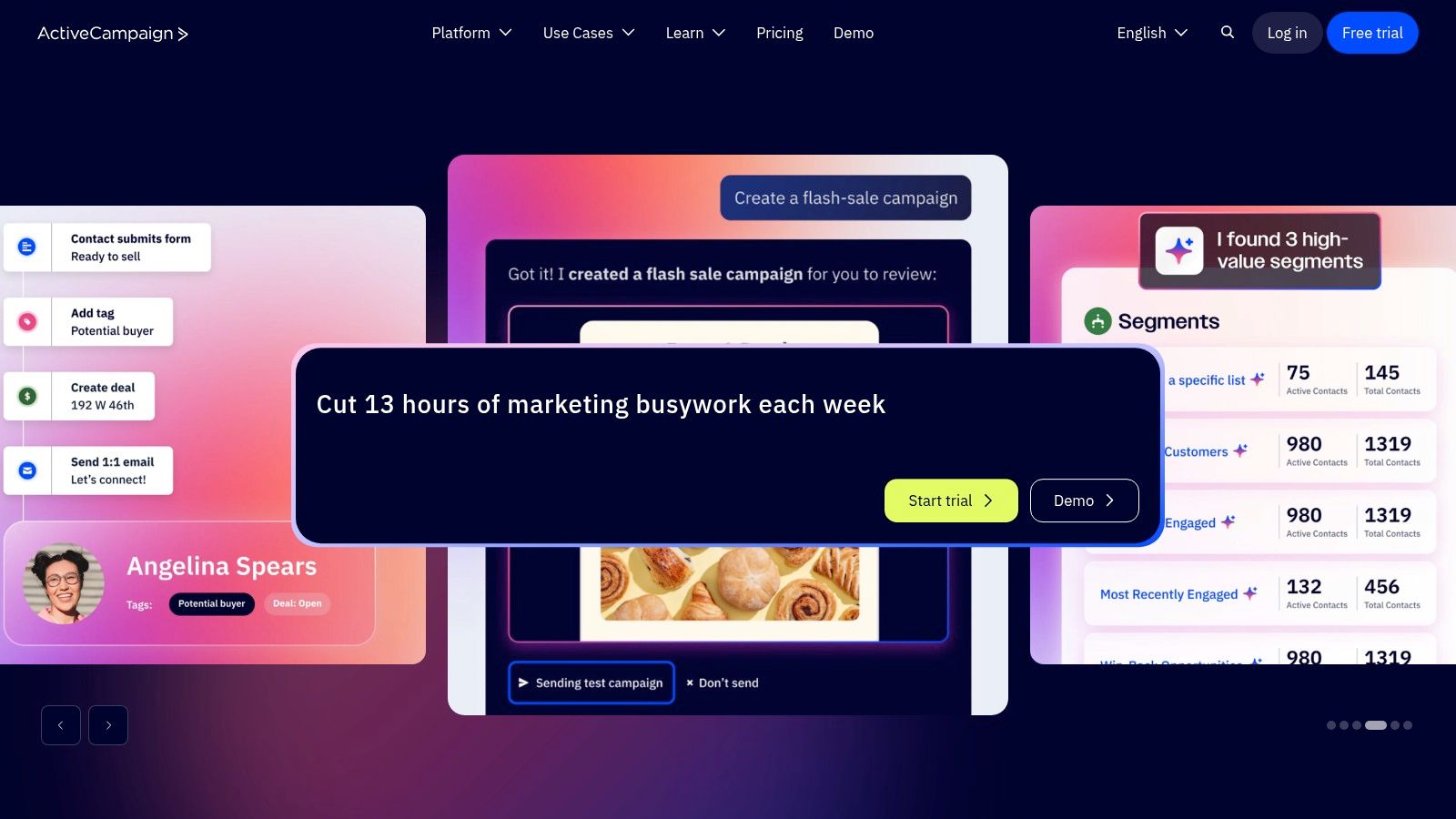
Its core strength is the visual automation builder, which allows for complex, multi-path logic that can adapt to customer actions in real-time. Where some platforms focus on a broader suite of marketing tools, ActiveCampaign hones in on the automation sequence itself, offering advanced features like conditional content, predictive sending, and split-action testing. This makes it ideal for SaaS businesses aiming to automate user onboarding, re-engagement campaigns, or sales pipeline movements with precision.
Key Features & Pricing
| Feature | Details | Ideal Use Case |
|---|---|---|
| Visual Automation Builder | A flexible drag-and-drop canvas for building if/then logic, goals, and split paths in a workflow. | Creating a dynamic trial onboarding sequence that sends different messages based on which features a user has activated. |
| Site & Event Tracking | Track page visits, link clicks, and custom events to trigger targeted automations. | Sending an automated follow-up email to a user who visits the pricing page three times but doesn't sign up. |
| Integrated Sales CRM | Automate sales processes, like deal creation, task assignment, and lead scoring, directly within marketing flows. | Automatically creating a deal and notifying a sales rep when a lead from a key account downloads a case study. |
| Advanced Segmentation | Create dynamic segments using a vast combination of tags, custom fields, and behavioral data. | Tagging users as "at-risk" if their app login frequency drops, triggering a re-engagement campaign. |
Pricing: ActiveCampaign's pricing is tiered and scales with the number of contacts. Plans start with Marketing Lite (from $29/month), but most SaaS teams will need the Marketing Plus tier (from $49/month) or higher to access key automation features and CRM functionality. Pricing can become opaque at higher volumes, often requiring a custom quote.
Pros & Cons
Pros:
- Extremely powerful automation builder: Offers deep flexibility for complex journey creation.
- Advanced segmentation capabilities: Allows for hyper-targeted messaging.
- Strong value proposition: Combines marketing and sales automation at a competitive price point.
Cons:
- Can have a steeper learning curve: The sheer number of options can be overwhelming for beginners.
- Reporting is less robust than competitors: While functional, it lacks the deep attribution of all-in-one platforms.
Website: https://www.activecampaign.com
5. Adobe Marketo Engage
Adobe Marketo Engage is an enterprise-grade marketing automation platform designed for complex B2B and considered-purchase B2C environments. It excels at managing sophisticated lead lifecycles, orchestrating detailed account-based marketing (ABM) plays, and personalizing experiences at scale. For SaaS businesses with mature marketing operations and the need for deep control and governance, Marketo stands out as one of the most powerful saas marketing automation tools on the market.
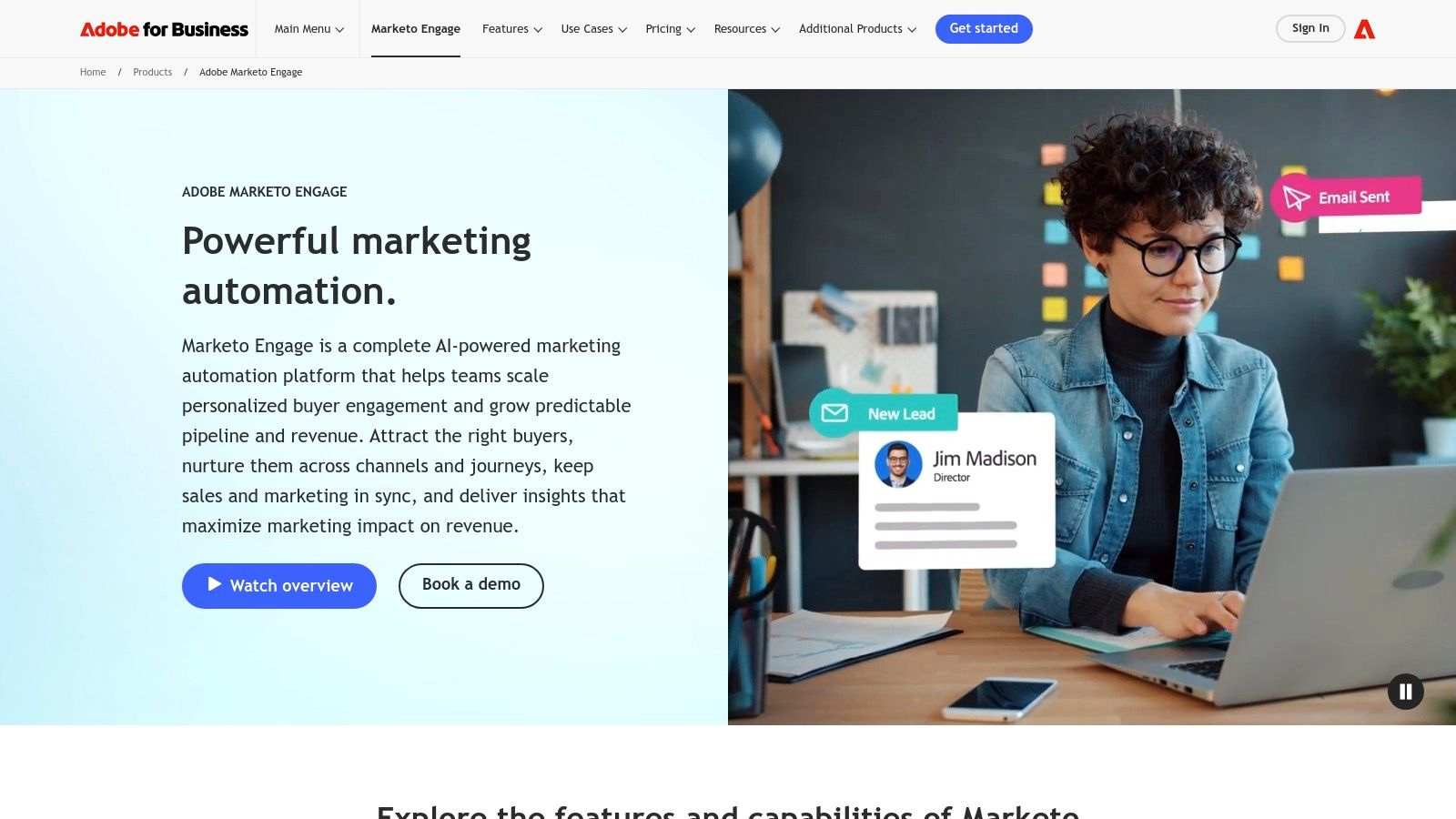
Its core strength is its flexibility and depth, allowing marketing teams to build highly customized lead scoring models, nurturing programs, and data management workflows. This makes it ideal for SaaS companies with multiple product lines, global sales teams, or those navigating long and complex sales cycles. The platform's ability to handle intricate logic is a key differentiator, and you can explore more about this type of structured approach in articles about marketing workflow management.
Key Features & Pricing
| Feature | Details | Ideal Use Case |
|---|---|---|
| Advanced Lead Management | Sophisticated lead scoring, routing, and lifecycle modeling to manage leads from acquisition to advocacy. | A SaaS company with a dedicated sales development team that needs to automatically route high-score MQLs based on territory and product interest. |
| Account-Based Marketing (ABM) | Tools for identifying target accounts, engaging them across channels, and measuring ABM-specific ROI. | Targeting a list of 100 enterprise accounts with personalized ad campaigns, executive emails, and coordinated sales outreach. |
| Advanced Personalization | Use dynamic content and behavioral data to personalize emails, landing pages, and web experiences. | Showing a different website hero banner or pricing information to visitors from a known target industry or company. |
| Native CRM Integrations | Deep, bi-directional sync with major CRMs like Salesforce and Microsoft Dynamics for seamless data flow. | Ensuring sales has a complete, real-time view of every marketing touchpoint directly within their CRM interface. |
Pricing: Marketo uses a custom, quote-based pricing model organized into tiers (Growth, Select, Prime, Ultimate) that vary by features and database size. It is positioned as a premium, enterprise solution, and costs are significantly higher than most SMB-focused tools.
Pros & Cons
Pros:
- Extremely powerful and flexible: Can be customized to handle nearly any complex marketing scenario.
- Enterprise-ready scalability: Built to support large databases, global teams, and strict governance requirements.
- Mature ecosystem: Extensive third-party integrations and a large community of expert users.
Cons:
- Steep learning curve: Requires significant expertise and investment in training and implementation to use effectively.
- High total cost of ownership: The subscription price is just the start; implementation and expert staff add to the cost.
Website: https://business.adobe.com/products/marketo
6. Salesforce Marketing Cloud Account Engagement (formerly Pardot)
Salesforce Marketing Cloud Account Engagement, the platform formerly known as Pardot, is a B2B marketing automation powerhouse designed for deep integration with the Salesforce CRM. Its core strength is leveraging the native Salesforce data model, creating a seamless connection between marketing activities and sales outcomes. This makes it one of the most effective saas marketing automation tools for organizations already embedded in the Salesforce ecosystem, ensuring total alignment between teams.
The platform excels at sophisticated lead nurturing, grading, and scoring, allowing marketing teams to hand off truly qualified leads to sales. By unifying data, SaaS companies can build complex automation rules based on any standard or custom object in Salesforce. This enables highly personalized campaigns that reflect a complete understanding of the customer's history and behavior. You can dive deeper into how this unified data helps with measuring content marketing ROI within a complex sales cycle.
Key Features & Pricing
| Feature | Details | Ideal Use Case |
|---|---|---|
| Native Salesforce Integration | Operates directly within the Salesforce platform, using the same objects, fields, and data structures. | Triggering a personalized email sequence when a sales rep updates a lead's status in the CRM. |
| B2B Marketing Analytics | Advanced reporting dashboards that combine marketing engagement data with sales pipeline and revenue data from Salesforce. | Identifying which marketing campaigns generate the highest-value opportunities and closed-won deals. |
| Engagement Studio | A visual journey builder for creating, testing, and reporting on automated lead nurturing campaigns. | Building an automated onboarding flow for new trial users that adapts based on feature adoption. |
| Lead Grading & Scoring | Score leads based on engagement (e.g., email opens, site visits) and grade them based on profile fit (e.g., industry, company size). | Prioritizing follow-up for high-score, high-grade leads that fit the ideal customer profile. |
Pricing: Account Engagement is priced in four tiers: Growth (from $1,250/month), Plus (from $2,500/month), Advanced (from $4,000/month), and Premium (from $15,000/month), all billed annually for up to 10,000 contacts. Additional costs for add-ons like advanced analytics and higher contact limits can increase the total investment.
Pros & Cons
Pros:
- Unrivaled Salesforce sync: The best-in-class integration for companies standardized on Salesforce CRM.
- Powerful B2B focus: Features are specifically designed for complex, long sales cycles.
- Clear edition packaging: Straightforward tiers make it easy to understand feature availability.
Cons:
- High entry price: The starting cost is significantly higher than many other tools, making it less accessible for smaller SaaS businesses.
- Cost of add-ons: The total cost of ownership can increase materially with necessary add-ons for analytics or higher contact tiers.
Website: https://www.salesforce.com/marketing/b2b-automation/pricing/
7. Klaviyo
Klaviyo is a powerful automation platform renowned for its deep focus on ecommerce, but its data-centric approach to email and SMS marketing makes it a compelling option for certain SaaS businesses. It excels at leveraging customer event data to create highly personalized communication flows, turning user behavior into targeted lifecycle marketing campaigns. While often associated with physical products, its architecture is ideal for SaaS companies that have a high volume of in-app events or a transactional billing model.
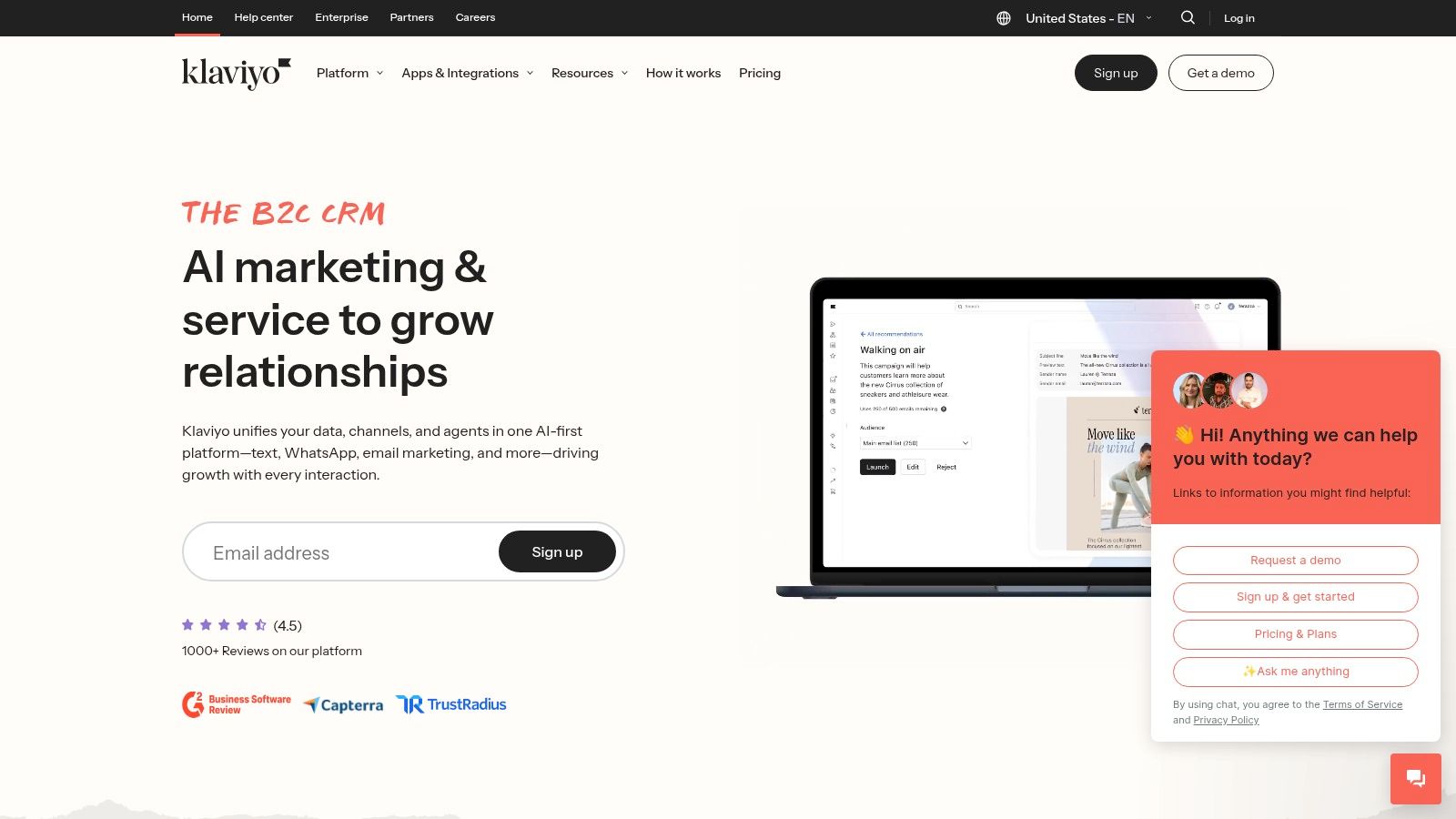
The platform’s strength lies in its ability to unify customer profiles across email and SMS channels, using data from over 350 integrations to build rich segments. For a SaaS business, this means you can trigger an upgrade offer via SMS the moment a user hits a feature limit, or send a targeted email campaign to users who haven't logged in for 30 days. This makes Klaviyo one of the more adaptable saas marketing automation tools for companies with a clear, event-driven user journey.
Key Features & Pricing
| Feature | Details | Ideal Use Case |
|---|---|---|
| Robust Customer Data Platform | Ingests and unifies data from web, app, and billing platforms to create detailed customer profiles. | Segmenting users based on their current subscription tier to send targeted upsell campaigns. |
| Email + SMS Automation | Build unified workflows that incorporate both email and SMS for a multi-channel engagement strategy. | Sending an automated SMS reminder to a user whose trial is about to expire, followed by an email sequence. |
| 350+ Pre-built Integrations | Seamlessly connects with platforms like Stripe, Shopify, and custom back-end systems via API. | Triggering a welcome email sequence immediately after a user subscribes through Stripe. |
| AI-Powered Features | AI tools for subject line generation, predictive analytics (like churn risk), and optimal send times. | Using predictive analytics to identify users at risk of churning and enrolling them in a re-engagement flow. |
Pricing: Klaviyo offers a free tier for up to 250 contacts and 500 email sends. Paid plans are transparent and scale based on the number of contacts and desired email/SMS volume. For example, the Email plan for up to 5,000 contacts costs around $100/month.
Pros & Cons
Pros:
- Purpose-built for ecommerce/transactional models: Excels at using behavioral data to drive revenue.
- Transparent and scalable pricing: The pricing calculator makes it easy to predict costs as you grow.
- Powerful segmentation engine: Allows for creating extremely granular user segments.
Cons:
- Less native CRM functionality: Not a direct replacement for a full-featured CRM like HubSpot or Salesforce.
- Free tier is limited: The 250-contact limit is quickly outgrown by most businesses.
Website: https://www.klaviyo.com
8. Drip
Drip is an e-commerce-first marketing automation platform designed to turn customer behavior into personalized communication and revenue. While its core focus is e-commerce, its deep segmentation, visual workflows, and revenue-centric reporting offer valuable lessons for SaaS companies, particularly those with high-volume, transactional sales models. It excels at translating user actions into automated, multi-channel campaigns that directly tie back to sales.
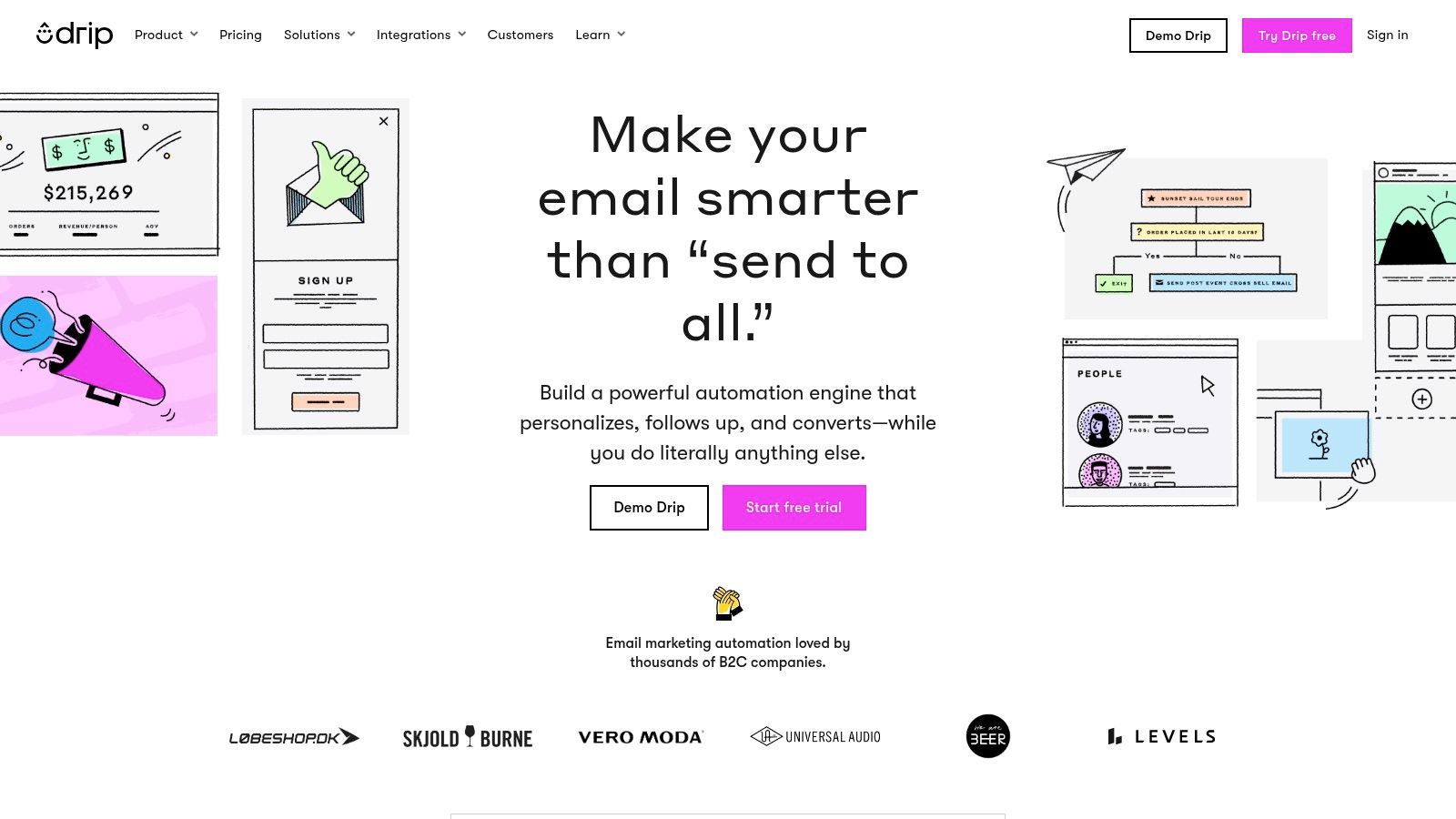
Its strength lies in making powerful automation accessible through pre-built "playbooks" for common scenarios like abandoned carts or welcome series, which can be adapted for SaaS use cases like abandoned sign-ups or trial onboarding. Drip's clear focus on revenue attribution makes it one of the more straightforward saas marketing automation tools for teams that need to prove the direct financial impact of their marketing efforts without the complexity of an all-in-one suite.
Key Features & Pricing
| Feature | Details | Ideal Use Case |
|---|---|---|
| Visual Workflow Builder | Drag-and-drop editor for building automation rules, plus pre-built e-commerce playbooks. | Automating an onboarding sequence for new trial users based on specific features they have or have not used. |
| Deep Segmentation | Create dynamic segments based on tags, events, custom fields, and onsite behavior. | Tagging users who view the pricing page more than twice and adding them to a targeted "demo offer" workflow. |
| Revenue Attribution | Dashboards that connect every email and workflow directly to the revenue it generates. | Proving the ROI of a new feature announcement campaign by tracking upgrades generated from that specific email. |
| Onsite Popups & Forms | Customizable forms and popups to capture leads and segment them from their first interaction. | Triggering a targeted exit-intent popup with a special offer for visitors leaving the "cancel subscription" page. |
Pricing: Drip’s pricing is based on the number of active people in your list and email sends. Plans start at $39/month for up to 2,500 contacts and unlimited email sends. Costs scale as your contact list grows.
Pros & Cons
Pros:
- Revenue-centric reporting: Makes it easy to connect marketing activities to financial outcomes.
- Excellent e-commerce integrations: Seamless setup with platforms like Shopify and WooCommerce.
- User-friendly playbooks: Pre-built workflows help teams launch effective campaigns quickly.
Cons:
- Designed for e-commerce: SaaS-specific features may be less developed compared to dedicated B2B platforms.
- High-watermark billing: You are billed for your peak contact count, which can be costly if your list fluctuates.
Website: https://www.drip.com
9. Omnisend
Omnisend is an ecommerce-focused marketing automation platform that unifies email, SMS, and web push notifications into a single, cohesive workflow. While primarily known for its deep integrations with platforms like Shopify and WooCommerce, its straightforward automation builder and competitive pricing make it a viable option for B2C SaaS companies, especially those with high-volume, transactional user bases.
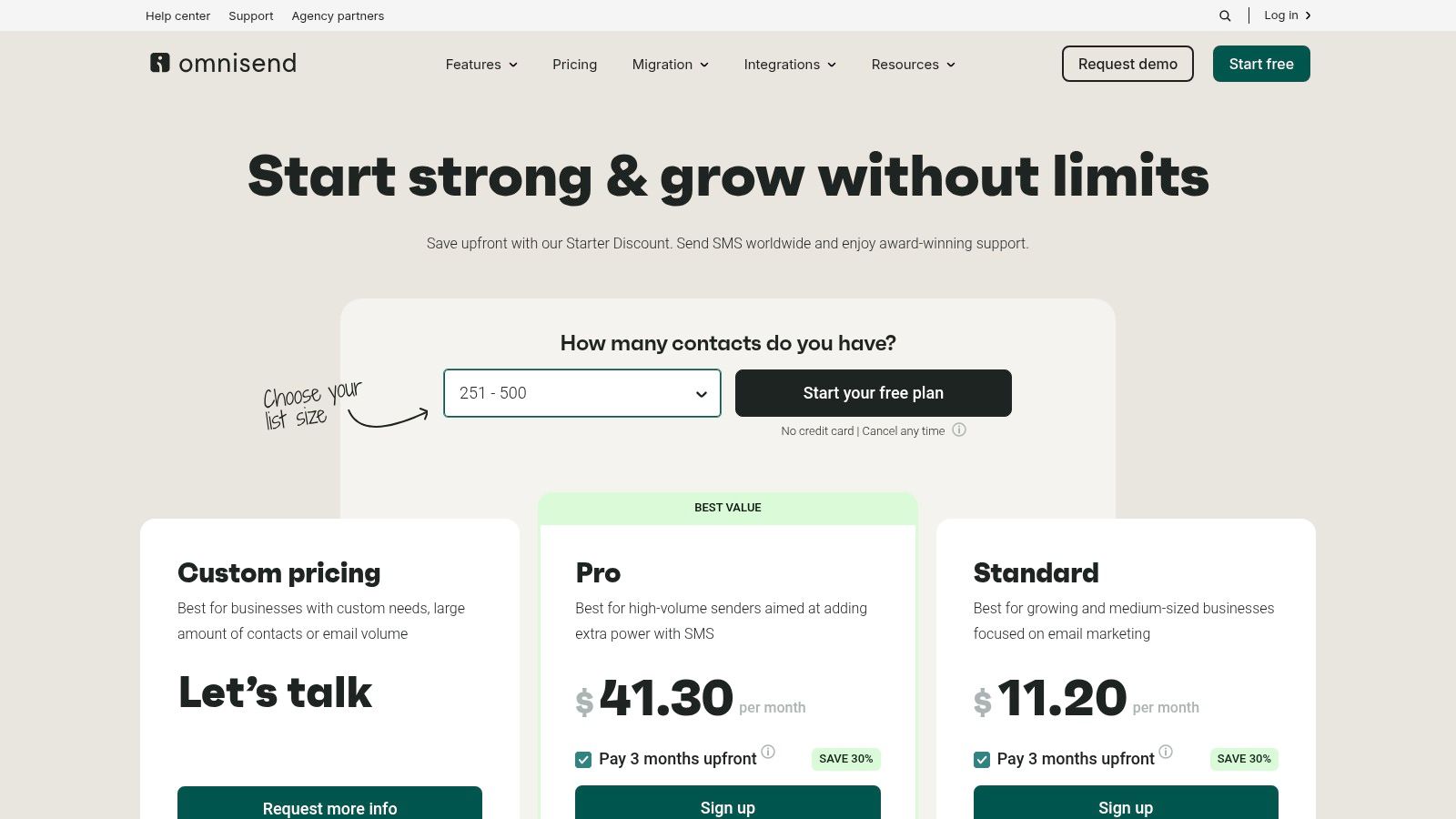
Its strength lies in its simplicity and focus on omnichannel messaging. Unlike more complex saas marketing automation tools, Omnisend allows teams to quickly launch campaigns that engage users across multiple channels without a steep learning curve. This is particularly effective for SaaS businesses that want to automate welcome series, feature announcements, or re-engagement campaigns using a mix of email and SMS for maximum impact.
Key Features & Pricing
| Feature | Details | Ideal Use Case |
|---|---|---|
| Email & SMS Automation | Combine email, SMS, and web push notifications within the same visual automation workflow. | Sending a trial expiration reminder email, followed by a last-chance SMS notification to non-responders. |
| Pre-built Workflows | A library of ready-to-use automation templates for welcome series, abandoned carts, and more. | Quickly launching a standard user onboarding sequence for a new SaaS product. |
| List Segmentation | Create dynamic audience segments based on user properties, campaign engagement, and on-site behavior. | Targeting a feature update announcement to users who have previously engaged with that feature. |
| A/B Testing | Test subject lines, sender names, and email content to optimize campaign performance. | Improving open rates on a monthly newsletter by testing different value propositions in the subject line. |
Pricing: Omnisend offers a generous free plan for up to 250 contacts. Paid plans include Standard (from $16/month) and Pro (from $59/month), which adds more SMS credits and advanced reporting. Pricing scales based on the number of contacts.
Pros & Cons
Pros:
- Competitive pricing: Offers a robust free tier and affordable paid plans, making it accessible for startups.
- Ecommerce-centric focus: Deep integrations and features are purpose-built for transactional businesses.
- Easy to launch: Pre-built templates and a simple interface allow for fast campaign implementation.
Cons:
- Limited for complex B2B: Lacks advanced lead scoring and CRM features needed for long sales cycles.
- Gated features: Advanced reporting and phone support are reserved for higher-priced tiers.
Website: https://www.omnisend.com/pricing/
10. Brevo (formerly Sendinblue)
Brevo, formerly Sendinblue, has carved out a niche as an accessible all-in-one digital marketing platform. It offers a surprisingly robust suite of tools that extend beyond email, including SMS, chat, and WhatsApp campaigns, making it a strong contender for SaaS startups looking for affordable, multichannel saas marketing automation tools. Its key differentiator is providing marketing automation capabilities, even on its generous free plan.
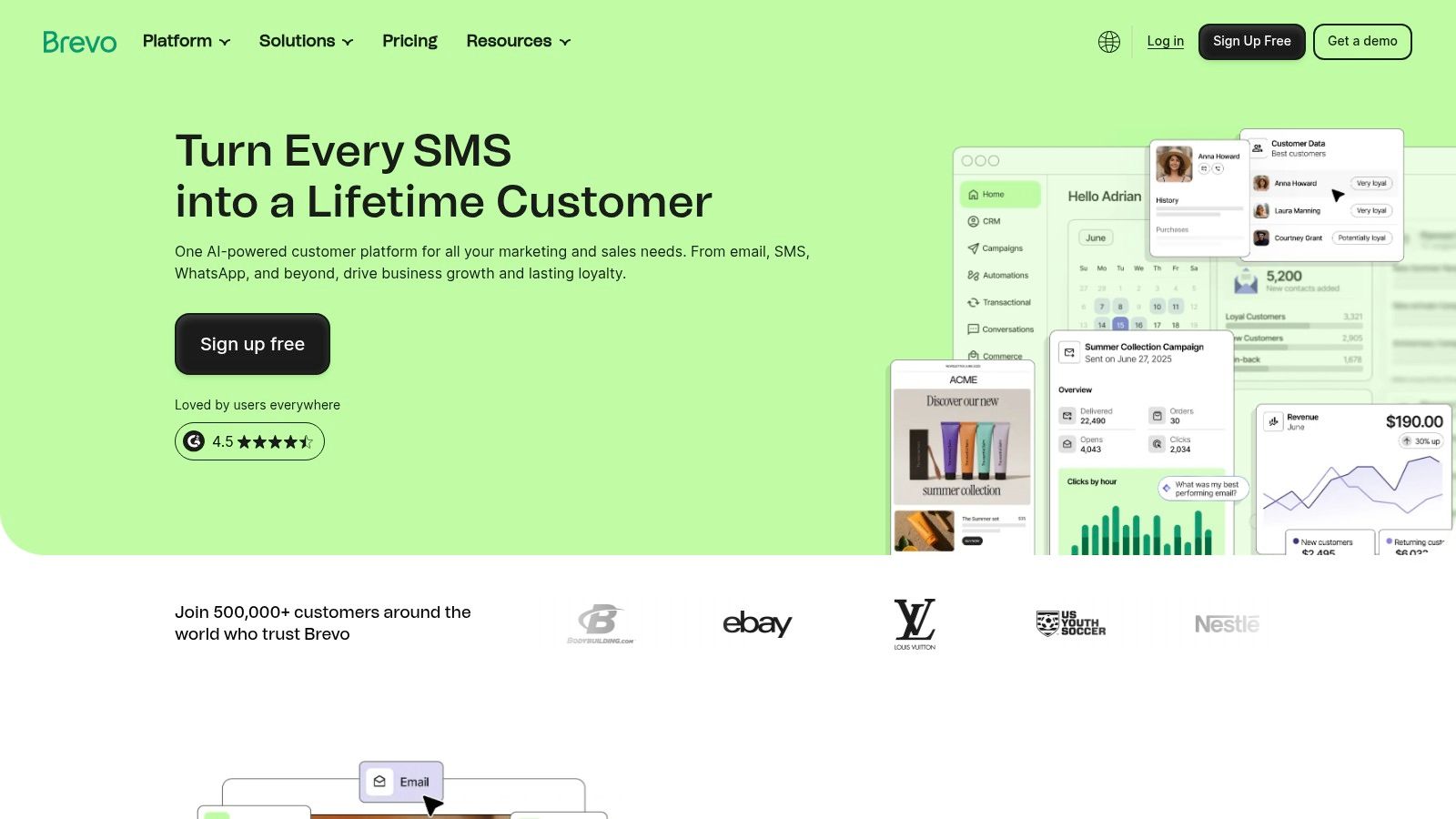
This accessibility allows early-stage SaaS companies to implement fundamental automation workflows, like welcome series or trial expiration reminders, without an immediate financial commitment. While it may not have the deep, native CRM integration of a platform like HubSpot, its focus on unified messaging across various channels provides a unique advantage for businesses aiming to connect with users on their preferred platforms, all from a single, budget-friendly hub.
Key Features & Pricing
| Feature | Details | Ideal Use Case |
|---|---|---|
| Multichannel Workflows | Build automation sequences that incorporate email, SMS, and WhatsApp messages. | Sending a trial user an onboarding email, followed by an SMS reminder to complete a key setup step. |
| Generous Free Tier | Includes up to 300 emails/day, unlimited contacts, and automation for up to 2,000 contacts. | A bootstrapped SaaS testing basic lead nurturing sequences or sending transactional emails. |
| Integrated Sales Platform | (Starter plan and up) A lightweight CRM to track deals and manage customer pipelines. | A small sales team managing inbound leads generated from marketing campaigns in one place. |
| Transactional Messaging | API and SMTP relay for sending critical app notifications, password resets, and invoices. | Automating order confirmations and shipping notifications for a SaaS with a usage-based billing model. |
Pricing: Brevo’s free plan is a major draw. Paid plans begin with the Starter tier (from $25/month) which increases sending limits and removes daily caps. The Business plan (from $65/month) unlocks more advanced features like A/B testing, landing pages, and removes Brevo branding.
Pros & Cons
Pros:
- Excellent value for money: Offers advanced features like automation at a very low price point.
- True all-in-one messaging: Natively combines email, SMS, chat, and WhatsApp, which is rare for competitors.
- No contact-based pricing: Plans are based on email volume, not contact list size, which is great for growing lists.
Cons:
- Feature limitations on lower tiers: The free and starter plans have Brevo branding and daily sending caps.
- Less advanced analytics: Reporting and attribution are not as deep as more enterprise-focused platforms.
Website: https://www.brevo.com
11. Customer.io
Customer.io is a data-driven messaging platform designed for SaaS and mobile-first companies, distinguishing itself with a highly flexible, event-based automation engine. It empowers product-led growth teams to orchestrate hyper-personalized campaigns across email, push notifications, in-app messages, and SMS, making it one of the most powerful saas marketing automation tools for engaging users based on real-time behavior.
Its core strength lies in its developer-friendly data model, which tracks not just people but also objects and the events connecting them. This allows for sophisticated segmentation and triggering that goes beyond standard marketing platforms. SaaS companies can send messages based on specific in-app actions, like "user invited 3 teammates" or "trial subscription is 7 days from expiring," enabling precise, context-aware communication that drives product adoption and retention.
Key Features & Pricing
| Feature | Details | Ideal Use Case |
|---|---|---|
| Event-Driven Automation | Trigger multi-channel campaigns based on real-time user actions and custom event data sent via API. | Sending a push notification with a feature tip moments after a user tries a new tool for the first time. |
| Flexible Data Model | Supports custom objects and relational data, allowing for complex segmentation based on user-product interactions. | Building a segment of users whose "workspace" object has more than 10 "projects" to upsell them to a team plan. |
| Multi-Channel Journeys | Visually build or code complex workflows that orchestrate messages across email, SMS, push, and in-app. | Creating an onboarding sequence that starts with an email, followed by an in-app tour, and an SMS reminder. |
| Ad Audience Sync | (Premium Plans) Sync dynamic segments directly to Google and Facebook Ads for retargeting or lookalike audiences. | Retargeting churned users who were highly active with a special "welcome back" offer on social media. |
Pricing: The Essentials plan starts at $100/month for up to 12,000 profiles. Billing is transparent and scales with profile count and monthly email volume, with clear overage rates. The Premium plan offers advanced features like HIPAA compliance and dedicated support, often requiring an annual commitment.
Pros & Cons
Pros:
- Highly flexible data model: Ideal for tracking complex, product-specific user behavior.
- Developer-friendly: Strong API and developer tooling make for powerful custom integrations.
- Clear and transparent billing: Easy to understand pricing for profiles and message volumes.
Cons:
- Higher entry price: Starting at $100/month, it's more expensive than basic email marketing tools.
- Can require technical resources: Leveraging its full potential often requires developer involvement to send rich event data.
Website: https://customer.io
12. G2 — Marketing Automation Software
While not a tool itself, G2 is an indispensable resource for comparing and validating software, making it a crucial first stop when evaluating saas marketing automation tools. It functions as a peer-review and comparison directory, aggregating thousands of verified user reviews, data points, and vendor rankings into its signature Grid reports. This allows SaaS teams to shortlist potential solutions based on real-world satisfaction and market presence.
G2's strength lies in its extensive filtering capabilities. You can narrow down the vast marketing automation landscape by company size, industry, specific features, and integration needs. This process helps you move beyond marketing claims to see how platforms perform for companies like yours. For a more focused list of platforms that excel in a specific area, you can also check out dedicated resources on content marketing automation platforms.
Key Features & Pricing
| Feature | Details | Ideal Use Case |
|---|---|---|
| Grid® Reports | Visual charts plotting vendors based on user satisfaction and market presence. | Quickly identifying market leaders and high-performers in the marketing automation category. |
| Verified User Reviews | In-depth reviews from authenticated users, often detailing pros, cons, and problems solved. | Gaining unbiased insights into a tool's day-to-day usability and customer support quality. |
| Advanced Filtering | Sort and filter tools by features (e.g., A/B testing, lead scoring), business size, or industry. | A mid-market B2B SaaS company finding tools with strong Salesforce integration and attribution reporting. |
| Software Comparison | Side-by-side comparisons of up to four vendors, highlighting differences in features and ratings. | Making a final decision between two or three shortlisted platforms based on specific capabilities. |
Pricing: G2 is free for buyers and researchers to use. Vendors pay for premium profiles, sponsored placements, and access to buyer intent data, which can influence visibility.
Pros & Cons
Pros:
- Broad vendor coverage: Offers a comprehensive overview of the market, including niche players.
- Peer validation: User reviews provide authentic social proof and real-world usage insights.
- Helpful for shortlisting: An excellent resource for building an initial list of potential tools to demo.
Cons:
- Potential for bias: Sponsored placements and vendor programs can influence rankings and visibility.
- Requires critical reading: Users should analyze reviews carefully and look for patterns rather than focusing on single ratings.
Website: https://www.g2.com/categories/marketing-automation
Top 12 SaaS Marketing Automation Tools — Feature Comparison
| Product | Core features | Unique selling points | Target audience | Price / Value |
|---|---|---|---|---|
| Sight AI | AI-visibility monitoring (ChatGPT, Gemini, Claude, Perplexity, Grok, Google), 13+ AI agents for 2.5–4.5k-word SEO/GEO articles, CMS push, sitemap + IndexNow, Autopilot daily publishing | End-to-end insight → publish pipeline, deep LLM coverage, automated indexing to speed discovery | SEO managers, content teams, growth teams, agencies, publishers, startups | 7-day free trial, no public pricing — positioned for ROI via high-volume SEO content |
| HubSpot Marketing Hub | CRM-native marketing automation, visual workflows, SEO/blog tools, omnichannel campaigns | Tight CRM integration, end-to-end attribution from content to revenue | SMB to enterprise inbound marketing teams | Tiered seat-based pricing; Pro/Enterprise onboarding fees and contact limits |
| Mailchimp (Intuit) | Email designer, Journeys automation, templates, broad integrations | Low-friction setup, large template/integration ecosystem | Small businesses & SMBs needing quick email marketing | Free → Premium tiers; contact/send caps can cause billing surprises |
| ActiveCampaign | Visual automations, advanced segmentation, CRM tie-ins, event triggers | Powerful journey building, predictive/AI features, agency discounts | SMBs and agencies needing sophisticated email journeys | Tiered plans, pricing often quote/custom for advanced needs |
| Adobe Marketo Engage | ABM, lead lifecycle management, personalization, enterprise integrations | Robust enterprise features, scales for complex orgs and governance | Large B2B/B2C enterprises with complex stacks | Quote-based (higher cost), significant implementation investment |
| Salesforce Marketing Cloud Account Engagement | B2B lead nurturing, scoring, native Salesforce reporting | Native Salesforce data model and sales alignment | Organizations standardized on Salesforce CRM | Edition-based with add-ons; higher entry cost, add-ons raise TCO |
| Klaviyo | Email + SMS, deep ecommerce integrations, unified customer profiles | Purpose-built for ecommerce revenue with transparent pricing | DTC ecommerce brands and stores | Free tier limited; transparent pricing calculator for paid tiers |
| Drip | Visual workflows, prebuilt ecommerce playbooks, revenue attribution | Easy ecommerce setup, revenue-centric reporting | Boutique DTC stores and Shopify merchants | Clear billing by active people/sends; high-watermark billing can spike |
| Omnisend | Email + SMS + web push, ecommerce automations, templates | Competitive pricing for ecommerce, fast to launch | Shopify/WooCommerce/Wix stores | Free plan + Standard/Pro; advanced features on higher tiers |
| Brevo (Sendinblue) | Email, SMS, WhatsApp, lightweight CRM, marketing automation | Low barrier to entry, multichannel out of the box | Small teams and SMBs needing simple multichannel messaging | Free plan (300 daily emails), low-cost monthly/yearly plans; add-ons for limits/logos |
| Customer.io | Event-driven journeys, flexible data model, developer tooling | Data-first, strong developer support, transparent billing | Product-led SaaS and web/mobile apps | Starts higher (≈$100/mo entry); clear profile/email billing and overages |
| G2 — Marketing Automation Software | Vendor reviews, Grid rankings, filters by size/industry/features | Peer reviews and market signals for shortlisting vendors | Buyers researching and shortlisting marketing automation tools | Free to browse; sponsored placements exist — use reviews critically |
Making Your Final Decision: How to Choose the Right Automation Partner
Navigating the landscape of SaaS marketing automation tools can feel overwhelming. We've explored a dozen powerful platforms, from all-in-one giants like HubSpot and Adobe Marketo Engage to specialized, event-driven systems like Customer.io. The key takeaway isn't that one tool reigns supreme, but that each excels in a specific context. Your perfect solution is the one that aligns most closely with your company's unique DNA: its growth stage, technical resources, customer journey, and strategic goals.
A bootstrapped startup's needs are fundamentally different from those of an enterprise with a dedicated RevOps team. The former might thrive with a tool like Brevo or Mailchimp, which offer robust free tiers and intuitive interfaces for essential email sequences. The latter requires the deep segmentation and complex lead scoring capabilities found in platforms like Salesforce Marketing Cloud Account Engagement (Pardot), which integrates seamlessly into its existing ecosystem.
Synthesizing the Options: A Quick Recap
Let's distill our findings into core categories to help you pinpoint your best fit.
- For All-in-One Growth Platforms: If you need a single source of truth for marketing, sales, and service, HubSpot Marketing Hub is the undisputed leader. Its comprehensive feature set and extensive integration marketplace make it a powerful, albeit costly, choice for scaling teams.
- For Product-Led Growth (PLG) & Event-Driven Messaging: SaaS companies that rely on user behavior and in-app actions to drive conversions should look closely at Customer.io. Its ability to trigger messages based on real-time events is unparalleled for onboarding, feature adoption, and trial-to-paid sequences.
- For E-commerce Focused SaaS: While many tools can handle e-commerce, Klaviyo, Drip, and Omnisend are built from the ground up for it. Their deep integrations with platforms like Shopify and sophisticated segmentation based on purchase history are invaluable for subscription-based SaaS models.
- For Salesforce-Centric Organizations: If Salesforce is your CRM, Salesforce Marketing Cloud Account Engagement is the native choice. The seamless data sync and shared architecture reduce friction and provide a unified view of the customer, making it ideal for B2B SaaS with long sales cycles.
- For Maximum Flexibility & Affordability: For teams that need a powerful tool without the enterprise price tag, ActiveCampaign offers an impressive balance of CRM functionality, advanced automation, and accessible pricing. Similarly, Brevo provides a surprisingly feature-rich platform with a generous free plan, perfect for early-stage companies.
Your Action Plan for Selecting a Tool
Choosing a platform is a significant commitment that extends beyond a simple feature comparison. It's about selecting a partner for growth. Before you sign a contract, follow these critical steps to ensure you make an informed decision.
- Map Your Core Use Cases: Don't get distracted by shiny features you'll never use. Document your three to five most critical automation needs right now. Is it nurturing new trial sign-ups? Re-engaging dormant users? Scoring MQLs for sales handoff? This list becomes your evaluation scorecard.
- Audit Your Existing Tech Stack: Create a list of your essential tools: your CRM, analytics platform, customer support software, and any other systems that need to share data. Check the integration capabilities of your shortlisted automation tools. A native, deep integration is always preferable to a clunky, third-party workaround.
- Calculate the True Total Cost of Ownership (TCO): Look beyond the advertised monthly price. Factor in implementation fees, training costs, and, most importantly, how the pricing scales with your contacts or email sends. A cheap entry-level plan can become prohibitively expensive as you grow.
- Run a Real-World Pilot Project: Never buy a tool without using it first. Sign up for a free trial and give yourself a specific, time-bound task. For example, "Build a 3-step welcome sequence for new blog subscribers." This will reveal far more about the user experience and its suitability for your team than any demo call.
The right SaaS marketing automation tool isn't just software; it's a force multiplier. It empowers a small team to communicate with thousands of users in a personalized, timely manner, turning manual tasks into scalable systems. It’s the engine that drives consistent engagement, nurtures leads into champions, and ultimately fuels sustainable revenue growth. Choose wisely, implement thoughtfully, and you’ll unlock a new level of efficiency and impact for your marketing efforts.
Ready to enhance your marketing automation with powerful AI insights? Many of the tools listed focus on how to send messages, but Sight AI helps you understand what to say. By analyzing customer feedback, support tickets, and reviews with AI, Sight AI uncovers the precise pain points and feature requests your audience cares about, giving you the perfect content for your automated campaigns.