
WordPress powers a massive portion of the internet, but simply installing it isn't enough to secure top rankings on Google. To achieve meaningful organic visibility, you need a powerful SEO toolkit integrated directly into your site's backend. This guide is designed to help you navigate the crowded market and find the best SEO software for WordPress that aligns with your specific goals, whether you're a small business owner, an agency manager, or a large-scale publisher.
This isn't just another list. We provide a detailed, actionable breakdown of 12 top-tier solutions, from foundational on-page plugins like Yoast and Rank Math to comprehensive platforms like Semrush and AI-driven content automation software like IndexPilot. We dive deep into the critical differences between site-wide technical optimizers and scalable content creation tools, helping you understand when and how to use each for maximum impact. To fully appreciate the power of WordPress SEO tools, it's beneficial to first understand the broader landscape of content management, including how to choose the ideal Content Management System (CMS) for your business.
Each entry in this guide includes a thorough analysis covering key features, pricing, pros, cons, and ideal user profiles. You'll find direct links and screenshots to give you a clear view of each tool's interface and capabilities. Our goal is to equip you with the insights needed to make a strategic decision and build an SEO engine that drives sustained growth in 2025 and beyond.
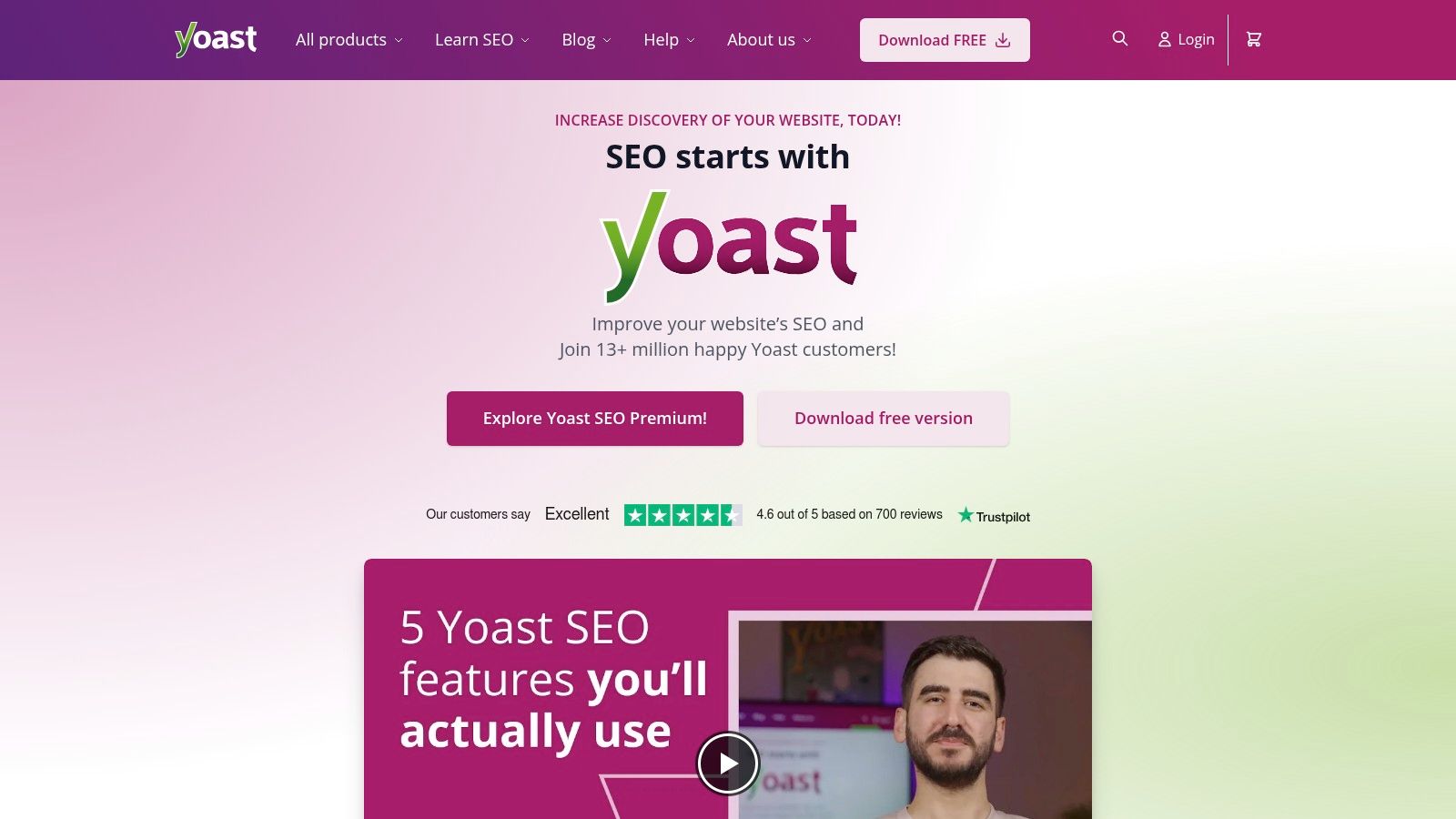
1. Yoast SEO
Yoast SEO is arguably the most recognizable name in WordPress optimization, functioning as an all-in-one suite directly within your dashboard. It transforms the WordPress editor into a powerful on-page SEO tool, providing real-time feedback on content and readability. This makes it an essential piece of the best SEO software for WordPress puzzle, especially for content creators and editors.
Its core strength lies in its accessibility. Yoast guides users through fundamental SEO tasks, such as optimizing titles and meta descriptions, setting focus keyphrases, and ensuring content is readable. The plugin also handles critical technical aspects automatically, like generating XML sitemaps and implementing schema markup for rich results, simplifying complex processes for beginners and saving time for experts.
Key Features & Ideal User
- Real-Time Content Analysis: Get immediate feedback on keyword usage, meta descriptions, and readability scores as you write.
- Technical SEO Automation: Automatically generates and manages XML sitemaps, robots.txt, and breadcrumbs.
- Schema Markup: Implements structured data to help search engines understand your content and improve eligibility for rich snippets.
- Premium Add-ons: The premium version unlocks a redirect manager, internal linking suggestions, and AI-powered title/description generators.
Yoast is ideal for: Bloggers, small business owners, and content marketers who need a comprehensive, on-page solution integrated directly into their WordPress workflow.
Pricing & Setup
- Free Version: Offers robust foundational SEO features sufficient for most blogs and small websites.
- Yoast SEO Premium: Starts at $99/year for one site, adding advanced features like the redirect manager, internal linking tool, and 24/7 support.
Quick Setup: Installation is straightforward via the WordPress plugin repository. Upon activation, a first-time configuration wizard walks you through essential site-wide settings, making initial setup a breeze even for non-technical users. For those wanting a deeper dive, its content analysis tools are a great starting point to learn how to optimize content for SEO.
| Pros | Cons |
|---|---|
| Mature ecosystem with extensive documentation. | Premium features require a recurring subscription. |
| User-friendly interface ideal for beginners. | Can add bloat to minimal WordPress installations. |
| Wide range of add-ons for specific needs. | Free version has prominent ads for Premium. |
Bottom Line: Yoast SEO provides an indispensable foundation for on-site WordPress SEO. While its premium features are valuable, the free version alone offers more than enough power to significantly improve a website's search visibility.
2. Yoast SEO
Yoast SEO is arguably the most recognizable name in WordPress optimization, functioning as an all-in-one suite directly within your dashboard. It transforms the WordPress editor into a powerful on-page SEO tool, providing real-time feedback on content and readability. This makes it an essential piece of the best SEO software for WordPress puzzle, especially for content creators and editors.
Its core strength lies in its accessibility. Yoast guides users through fundamental SEO tasks, such as optimizing titles and meta descriptions, setting focus keyphrases, and ensuring content is readable. The plugin also handles critical technical aspects automatically, like generating XML sitemaps and implementing schema markup for rich results, simplifying complex processes for beginners and saving time for experts.
Key Features & Ideal User
- Real-Time Content Analysis: Get immediate feedback on keyword usage, meta descriptions, and readability scores as you write.
- Technical SEO Automation: Automatically generates and manages XML sitemaps, robots.txt, and breadcrumbs.
- Schema Markup: Implements structured data to help search engines understand your content and improve eligibility for rich snippets.
- Premium Add-ons: The premium version unlocks a redirect manager, internal linking suggestions, and AI-powered title/description generators.
Yoast is ideal for: Bloggers, small business owners, and content marketers who need a comprehensive, on-page solution integrated directly into their WordPress workflow.
Pricing & Setup
- Free Version: Offers robust foundational SEO features sufficient for most blogs and small websites.
- Yoast SEO Premium: Starts at $99/year for one site, adding advanced features like the redirect manager, internal linking tool, and 24/7 support.
Quick Setup: Installation is straightforward via the WordPress plugin repository. Upon activation, a first-time configuration wizard walks you through essential site-wide settings, making initial setup a breeze even for non-technical users. For those wanting a deeper dive, its content analysis tools are a great starting point to learn how to optimize content for SEO.
| Pros | Cons |
|---|---|
| Mature ecosystem with extensive documentation. | Premium features require a recurring subscription. |
| User-friendly interface ideal for beginners. | Can add bloat to minimal WordPress installations. |
| Wide range of add-ons for specific needs. | Free version has prominent ads for Premium. |
Bottom Line: Yoast SEO provides an indispensable foundation for on-site WordPress SEO. While its premium features are valuable, the free version alone offers more than enough power to significantly improve a website's search visibility.
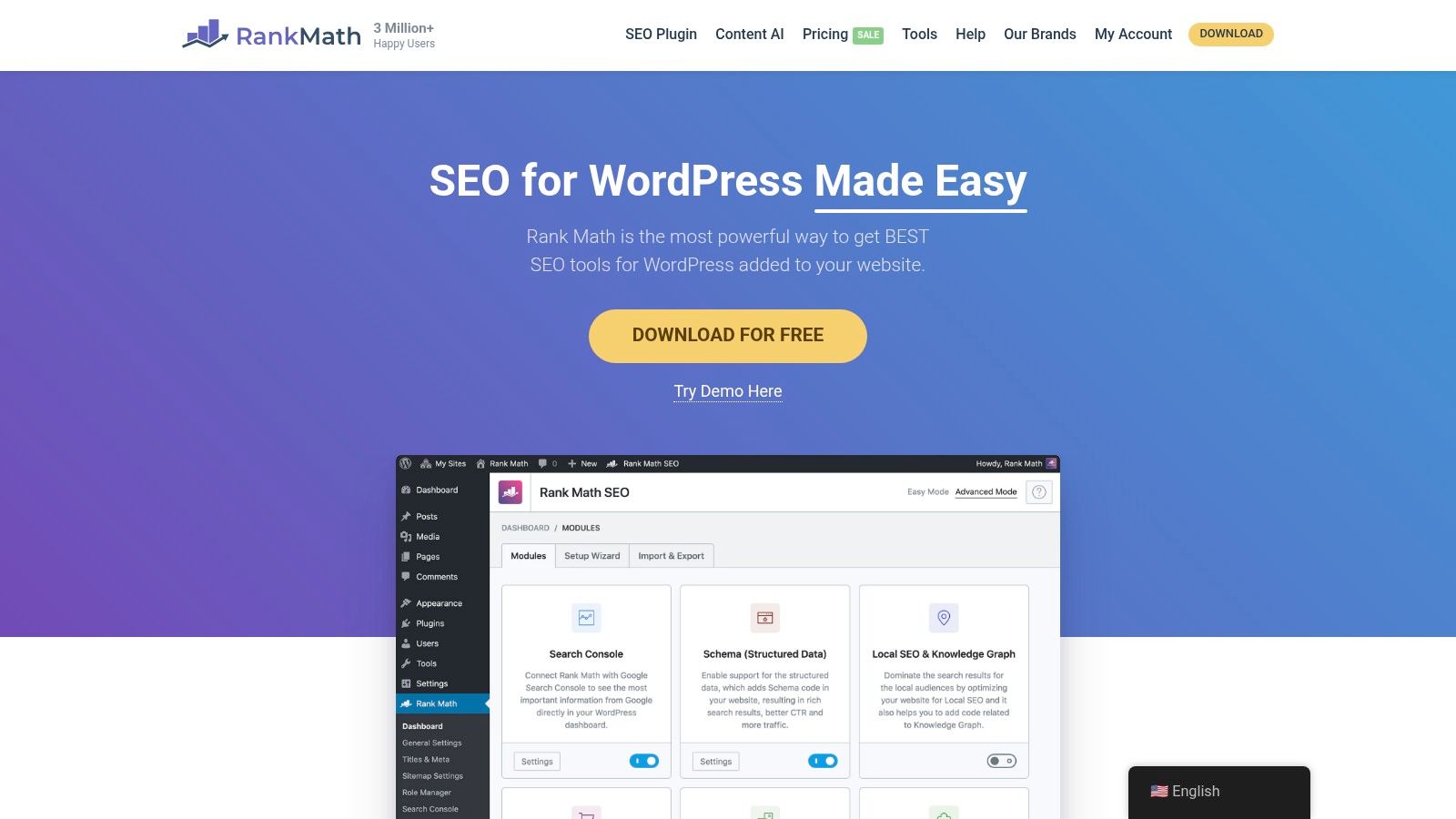
3. Rank Math
Rank Math has quickly emerged as a major player in WordPress SEO, positioning itself as a fast, feature-rich alternative to more established plugins. It operates as a modular, all-in-one suite, allowing users to enable only the features they need, which helps keep the plugin lightweight. This makes it a powerful contender for the best SEO software for WordPress, especially for users who want advanced functionality without paying a premium.
Its key differentiator is the sheer number of features packed into its free version, including a 404 monitor, a redirect manager, and advanced schema options that are often paid add-ons elsewhere. Rank Math also deeply integrates with Google Search Console and Analytics, bringing crucial performance data directly into the WordPress dashboard and providing actionable insights alongside its content optimization tools.
Key Features & Ideal User
- Modular Framework: Enable or disable specific features like Local SEO, Image SEO, or WooCommerce SEO to keep the plugin lean.
- Advanced Schema Builder: Create and customize multiple schema types for any post, including custom schemas, for enhanced rich snippets.
- Built-in Analytics & Rank Tracking: Connect Google Search Console and Analytics to track keyword rankings and monitor site performance from WordPress.
- Content AI: Paid plans include credits for an AI assistant that provides suggestions for keywords, questions, and links to improve content.
Rank Math is ideal for: Power users, SEO professionals, and small business owners who want advanced features like redirects, schema, and basic rank tracking included for free.
Pricing & Setup
- Free Version: A remarkably robust free offering that includes features many competitors charge for.
- Rank Math PRO: Starts at $59/year for unlimited personal sites, adding rank tracking for 500 keywords and the advanced schema generator.
- Business/Agency Plans: Higher-tier plans are available for client and business use with more tracked keywords and support options.
Quick Setup: A step-by-step setup wizard makes installation and configuration incredibly simple. It can even import settings from other SEO plugins like Yoast. The clear interface helps users understand exactly what to look for in SEO tools and configure them correctly from the start.
| Pros | Cons |
|---|---|
| Extremely feature-rich free version. | Pricing promotions can be confusing. |
| Clean, modern UI and an easy setup wizard. | Advanced analytics can add overhead on large sites. |
| Modular design prevents unnecessary bloat. | Some advanced features have a steeper learning curve. |
Bottom Line: Rank Math offers incredible value, packing premium-level features into a free, lightweight, and user-friendly package. For those who want more control and data without an immediate investment, it's arguably the most powerful free SEO plugin available for WordPress.
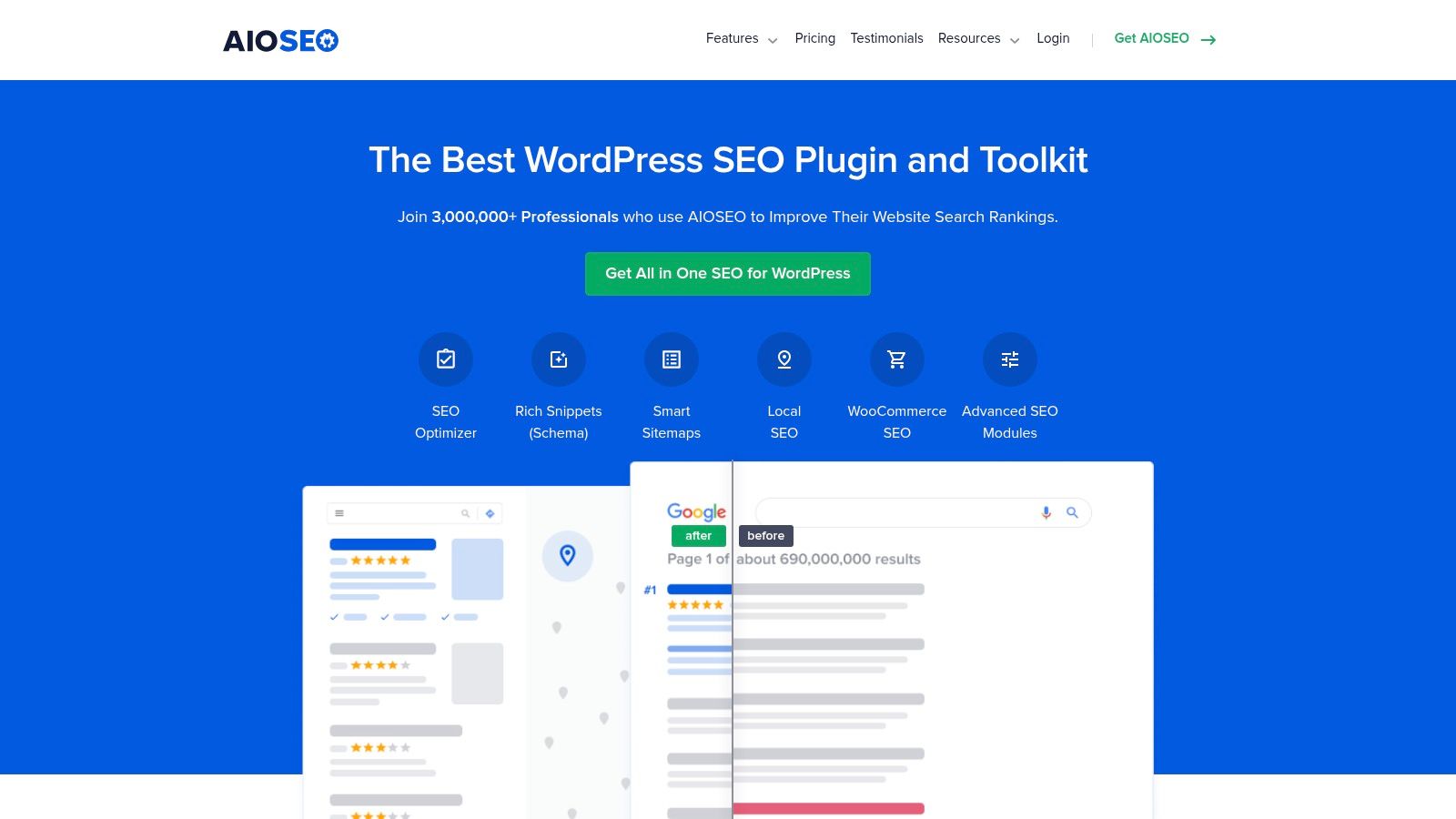
4. All in One SEO (AIOSEO)
All in One SEO (AIOSEO) is one of the original WordPress SEO plugins, offering a powerful and comprehensive toolkit since 2007. It provides a complete on-page optimization suite that integrates seamlessly into the WordPress dashboard, making it a strong contender for the best SEO software for WordPress. Its approach focuses on providing an accessible yet powerful set of controls for everything from content analysis to technical SEO.
AIOSEO stands out with its modular design, allowing users to enable specific features like Local SEO, WooCommerce SEO, or Video SEO as needed. This prevents unnecessary bloat while providing tailored functionality. The plugin automates many critical tasks, including smart XML sitemap generation and schema markup, simplifying the process for business owners and providing granular control for advanced users and agencies.
Key Features & Ideal User
- TruSEO On-Page Analysis: Get an actionable checklist and score for optimizing posts and pages for your focus keyphrase.
- Rich Snippets Schema: Easily add schema markup for reviews, products, recipes, and more to improve SERP appearance.
- Advanced SEO Modules: Dedicated tools for Local SEO, WooCommerce, News SEO, and Video SEO.
- Link Assistant: A powerful internal linking tool that provides relevant suggestions to build topic clusters and pass link equity.
AIOSEO is ideal for: Small to medium-sized businesses, e-commerce stores, and agencies that need a feature-rich, all-in-one solution with scalable tools and user role management.
Pricing & Setup
- Free Version: AIOSEO Lite is available in the WordPress repository and covers all essential SEO needs.
- Pro Plans: Paid plans start at $49.60/year (promotional pricing) and unlock advanced features like the Link Assistant, redirect manager, 404 monitoring, and premium modules.
Quick Setup: Installation is done via the WordPress plugin directory. An easy-to-follow setup wizard guides you through the most important settings based on your site's category. The sitemap module makes it simple to manage your XML sitemaps, which is a key step after submitting a sitemap to Google.
| Pros | Cons |
|---|---|
| Comprehensive feature set in one plugin. | Best features are locked behind higher-tier plans. |
| User-friendly setup wizard for beginners. | Promotional pricing can be confusing upon renewal. |
| Strong support for WooCommerce and Local SEO. | Interface can feel busy compared to competitors. |
Bottom Line: AIOSEO is a powerful and versatile WordPress SEO plugin that offers a complete solution for a wide range of users. Its modular approach and robust premium features make it a fantastic choice for businesses looking to scale their SEO efforts directly within WordPress.
5. SEOPress
SEOPress is a powerful, lightweight, and white-label-friendly plugin that offers a comprehensive suite of tools without the bloat. It has quickly become a top contender for the best SEO software for WordPress by packing an impressive number of premium features into an exceptionally affordable package. This makes it a go-to choice for agencies and freelancers who need to deliver professional SEO services without displaying third-party branding on client sites.
Its main appeal is its all-in-one nature, combining on-page content analysis, technical SEO management, and advanced schema markup in one clean interface. SEOPress is built with performance in mind, ensuring it doesn't slow down your website. The PRO version unlocks a host of capabilities, including advanced WooCommerce SEO, local business schemas, breadcrumbs, and a robust redirect manager, providing enterprise-level functionality at a fraction of the cost of its competitors.

Key Features & Ideal User
- White-Label Functionality: Remove all SEOPress branding from the WordPress admin and even replace it with your own, perfect for agency use.
- Advanced Schema Support: Implements a wide range of structured data types, including local business, products, articles, events, and FAQs.
- WooCommerce & Local SEO: Dedicated tools to optimize product pages, create local business listings, and manage store information for local search.
- PRO Features: Includes a 404 monitor, redirect manager, Google News and Video sitemaps, and integration with OpenAI for AI-powered metadata.
SEOPress is ideal for: Digital marketing agencies, freelancers, and budget-conscious business owners who need a full-featured, high-performance SEO solution without branding constraints.
Pricing & Setup
- Free Version: Provides all essential on-page SEO features, including title/meta editing, XML sitemaps, and content analysis.
- SEOPress PRO: An affordable $49/year for use on unlimited websites. A separate SEOPress Insights add-on for rank and backlink tracking starts at $99/year for one site.
Quick Setup: Install directly from the WordPress plugin directory. An installation wizard guides you through the most important settings, and a migration tool allows for a seamless switch from other SEO plugins like Yoast or Rank Math in just a few clicks.
| Pros | Cons |
|---|---|
| Very affordable with an unlimited site license. | Insights (rank/backlink tracking) is a separate add-on. |
| Completely white-label for agency and client work. | The user community is smaller than Yoast or Rank Math. |
| Clean, ad-free interface and lightweight design. | Some advanced features require the PRO version. |
Bottom Line: SEOPress delivers exceptional value, offering a robust, performance-focused, and fully unbranded SEO toolkit that punches well above its price point, making it an excellent choice for professionals and agencies.
6. The SEO Framework
The SEO Framework is a lightweight, performance-focused plugin designed for users who prioritize speed and efficiency. It operates on a "set it and forget it" principle, automatically handling most technical SEO tasks without the intrusive notifications or advertisements found in other plugins. This makes it an excellent choice of best SEO software for WordPress for developers and agencies seeking a clean, unbranded solution.
Its core philosophy is to provide sensible, pre-configured SEO defaults right out of the box, ensuring your site follows best practices with minimal manual setup. The SEO Framework intelligently generates titles, descriptions, and critical meta tags based on your content, while remaining almost invisible in your day-to-day workflow. This focus on automation and performance sets it apart as a no-nonsense tool for technically sound SEO.
Key Features & Ideal User
- Automated Technical SEO: Intelligently generates canonical URLs, XML sitemaps, and meta tags with no manual input required.
- Performance-Focused: Extremely lightweight code ensures it won't slow down your WordPress site.
- No Ads or Trackers: A privacy-first approach means a clean admin experience without upsells or user data collection.
- Extensions for Advanced Needs: Premium extensions add features like local SEO, advanced schema, and site monitoring.
The SEO Framework is ideal for: Web developers, agencies, and performance-conscious site owners who prefer an automated, bloat-free solution that integrates seamlessly.
Pricing & Setup
- Free Version: The core plugin is free and provides all essential on-site SEO features for an unlimited number of sites.
- Pro Plan: Starts at $84/year, adding features like a focus subject for content analysis and enhanced schema markup. Other plans unlock more extensions like Local SEO.
Quick Setup: Install directly from the WordPress repository. The plugin works immediately upon activation with its intelligent default settings. For those looking to further optimize their site structure, exploring options for automated internal links can complement the plugin's automated approach.
| Pros | Cons |
|---|---|
| Extremely lightweight and fast-loading. | Fewer on-page writing assistant features. |
| Sensible defaults require minimal configuration. | Many advanced features are behind a paywall. |
| Clean, ad-free, and unbranded interface. | Less hand-holding for absolute beginners. |
Bottom Line: The SEO Framework is the go-to choice for users who value speed, privacy, and automation over granular, content-level guidance. It provides a rock-solid and developer-friendly technical SEO foundation without the bloat.
7. Squirrly SEO
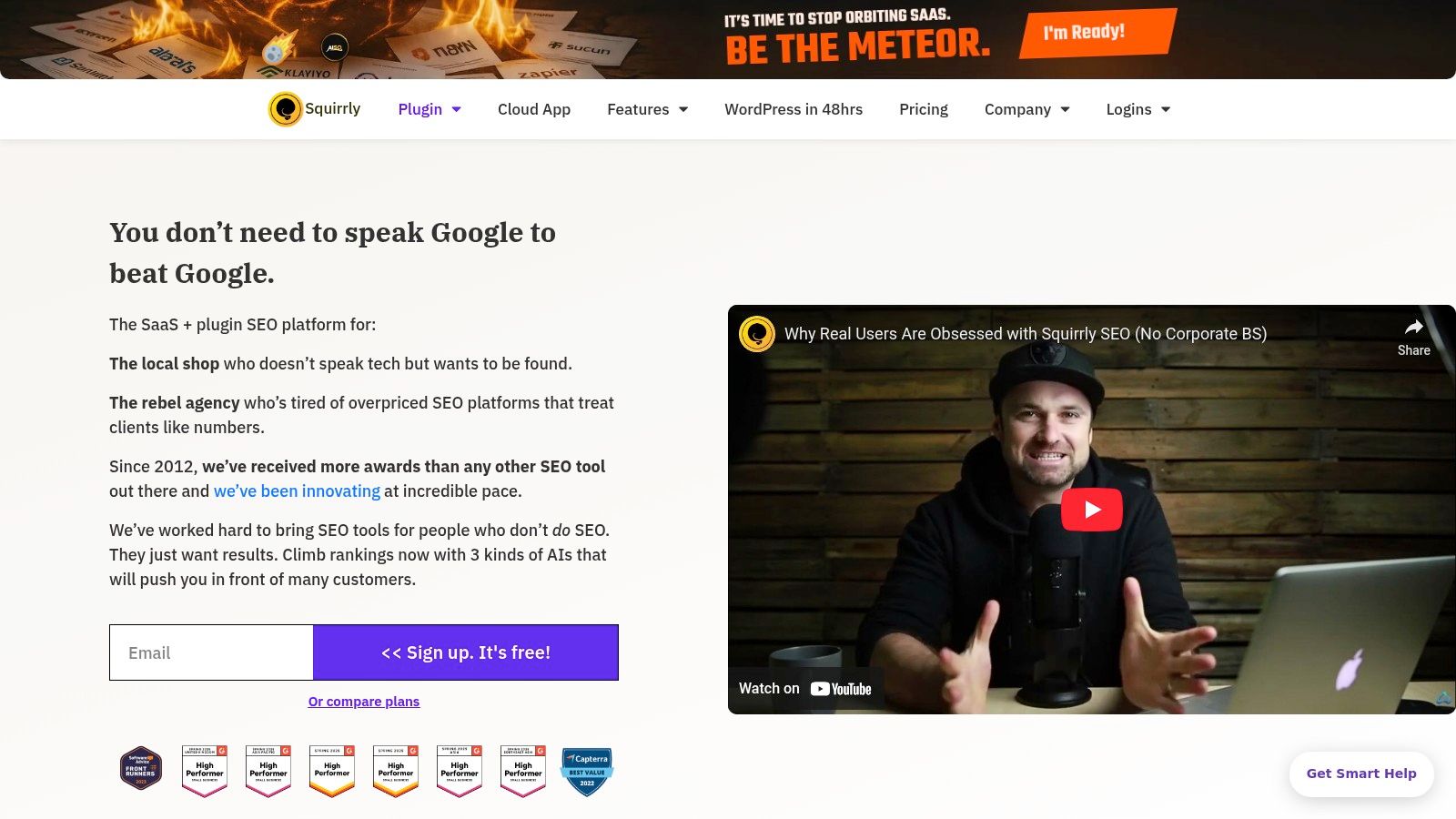
Squirrly SEO positions itself as an AI-powered SEO consultant living directly inside your WordPress dashboard. It's designed to guide users through the entire optimization process, from keyword research to content creation and performance tracking, making it a unique contender for the best SEO software for WordPress. The platform’s standout feature is its "Focus Pages" methodology, which helps you concentrate your efforts on your most important pages.
This plugin and SaaS hybrid aims to demystify SEO for non-experts by providing explicit, step-by-step instructions. While writing, its Live Assistant tool offers real-time optimization tasks and feedback, turning the content creation process into a guided checklist. This hands-on approach, combined with its cloud-based services for rank tracking and audits, makes it a comprehensive suite for users who want deep guidance without leaving WordPress.
Key Features & Ideal User
- AI-Driven Guidance: Offers an SEO Live Assistant for real-time content optimization, keyword research tools, and a Blogging Assistant.
- Focus Pages Audits: Provides in-depth analysis and actionable tasks for improving your most critical content.
- Built-in Rank Tracking: Includes a SERP checker to monitor keyword performance directly within WordPress, with daily updates.
- Cloud-Based Services: Connects to a cloud platform, allowing you to manage SEO for multiple sites (including non-WordPress ones) from a single account.
Squirrly is ideal for: Entrepreneurs, marketers, and freelancers who are not SEO experts but want a heavily guided, all-in-one system to manage their website's optimization from start to finish.
Pricing & Setup
- Free Version: A limited free plan is available, offering basic features for one site.
- Pro Plan: Starts at $20.99/month for more advanced features like deeper audits and more keyword research credits. Business plans offer agency features and higher limits.
Quick Setup: Install the plugin from the WordPress directory and connect it to a Squirrly Cloud account. The initial setup wizard guides you through connecting your site and configuring core settings. The key is to start by designating a few "Focus Pages" to begin receiving targeted optimization advice.
| Pros | Cons |
|---|---|
| Deep in-plugin guidance for non-experts. | The interface can feel dense and overwhelming at first. |
| Flexible monthly billing options are available. | SERP Checker and audit credits are limited on lower tiers. |
| Holistic toolset from research to rank tracking. | The heavily guided approach may feel restrictive for experts. |
Bottom Line: Squirrly SEO is an excellent choice for those who want an "SEO teacher" inside WordPress. Its all-in-one, heavily guided approach removes much of the guesswork, making it a powerful tool for users determined to learn and apply SEO best practices methodically.
8. Slim SEO
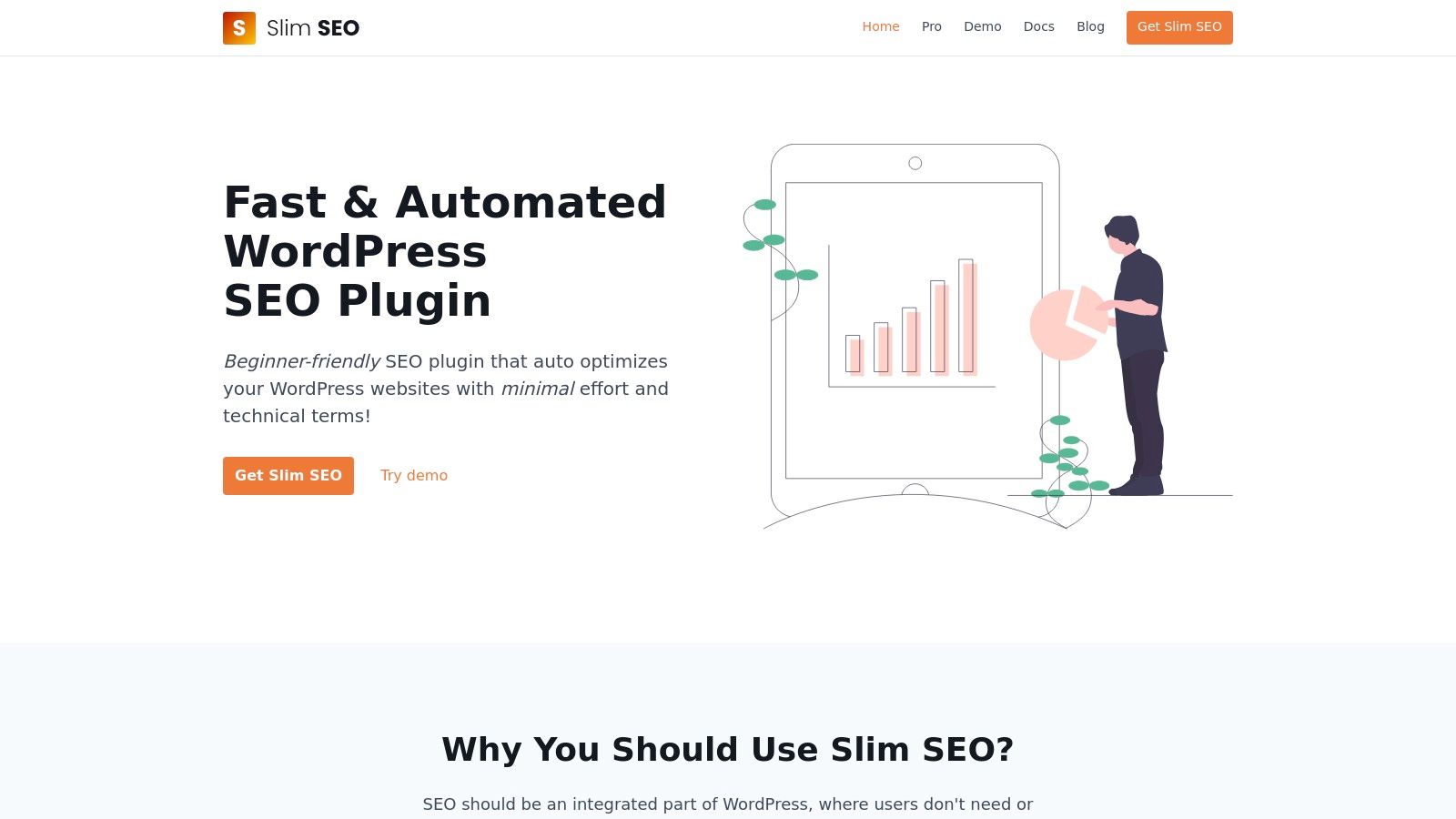
Slim SEO is a featherweight champion in the world of WordPress SEO, designed for users who prioritize speed and simplicity over an exhaustive feature set. It offers a "less is more" approach, focusing on providing essential SEO tools without the bloat common in larger suites. This makes it a compelling choice for developers and performance-focused site owners looking for some of the best SEO software for WordPress.
Its core philosophy is automation and minimal configuration. Slim SEO automatically handles meta tags, XML sitemaps, breadcrumbs, and schema markup right out of the box, requiring almost no initial setup. This appeals to users who want a "set it and forget it" solution, while its modular Pro add-ons provide powerful, specialized tools like a visual schema builder and a link manager for those who need more advanced capabilities.
Key Features & Ideal User
- Lightweight & Fast: Built with a minimal footprint to ensure it doesn't slow down your website.
- Visual Schema Builder: A Pro feature offering an intuitive interface to build complex schema with over 30 types and dynamic data.
- Link Manager: A premium module that helps find and fix broken links and provides internal linking suggestions to improve site structure.
- High Automation: Most essential SEO tasks are automated upon activation, reducing the need for manual configuration.
Slim SEO is ideal for: Developers, performance enthusiasts, and website owners who want a no-fuss, lightweight SEO foundation with the option to add powerful features a la carte.
Pricing & Setup
- Free Version: The core plugin is free and provides all the essential, automated SEO features.
- Pro Modules: Individual modules like Schema Pro and Link Manager start at $49/year for one site. A bundle with all features is also available.
Quick Setup: Installation is incredibly fast via the WordPress plugin directory. Since most features are auto-configured, there is virtually no setup wizard needed. Simply activate the plugin, and it starts working immediately, making it one of the easiest SEO tools to get running.
| Pros | Cons |
|---|---|
| Extremely lightweight with minimal UI bloat. | Smaller ecosystem and fewer integrations than rivals. |
| Excellent "set it and forget it" functionality. | Pro features are split unless you buy the bundle. |
| Modular approach lets you pay only for what you need. | Lacks the on-page content analysis of competitors. |
Bottom Line: Slim SEO is the perfect antidote to plugin bloat. It provides a rock-solid, automated SEO foundation for any WordPress site, with premium add-ons available for users who need advanced, specialized tools like a best-in-class schema builder.
9. Semrush (SEO Writing Assistant + full suite)
Semrush extends its powerful, all-in-one SEO suite directly into your WordPress editor with its SEO Writing Assistant plugin. This tool bridges the gap between your broader SEO strategy and content creation, providing real-time optimization feedback based on data from your Semrush account. It transforms content production from guesswork into a data-driven process, making it a top-tier contender for the best SEO software for WordPress when you need enterprise-level insights.
Its core advantage is the seamless integration with the main Semrush platform. The plugin pulls keyword suggestions, readability targets, and tone of voice recommendations directly from your pre-configured settings. This ensures that every piece of content you create is perfectly aligned with your campaign goals, linking on-page efforts with off-page tracking and competitive analysis.
Key Features & Ideal User
- Real-Time Content Scoring: Get an overall optimization score based on target keywords, readability, and originality.
- Semantic Keyword Suggestions: Recommends related keywords to include, helping you build topical authority.
- Tone of Voice & Readability Analysis: Ensures your content matches your brand's intended tone and is easy for your audience to read.
- Plagiarism Checker: Scans your content to ensure its originality before publishing.
Semrush is ideal for: SEO agencies, content marketing teams, and businesses already invested in the Semrush ecosystem who want to streamline their content workflow.
Pricing & Setup
- Free Plugin: The WordPress plugin itself is free to install, but its functionality is tied to your Semrush account.
- Semrush Plans: A Semrush account is required. Plans start at $129.95/month (Pro plan), with higher tiers offering more features and higher usage limits for the Writing Assistant.
Quick Setup: Install the plugin from the WordPress repository and connect it to your Semrush account using an authentication key. Once connected, you can create optimization templates within Semrush and apply them directly to your posts and pages in the WordPress editor.
| Pros | Cons |
|---|---|
| Integrates seamlessly with a leading SEO platform. | Requires a Semrush subscription, which is costly. |
| Provides data-driven content recommendations. | Plugin features are limited by your Semrush plan. |
| Strong on-page optimization features in the editor. | Can be overkill for small blogs or single users. |
Bottom Line: For users already leveraging Semrush for keyword research and site audits, the SEO Writing Assistant is an indispensable tool that brings powerful data directly into the content creation process, ensuring strategic alignment and optimization efficiency.
10. Ahrefs (Ahrefs Webmaster Tools & resources)
Ahrefs is a powerhouse in the SEO industry, renowned for its best-in-class backlink index and comprehensive keyword data. While its official WordPress plugin has been retired, Ahrefs remains an indispensable external tool for any serious WordPress site owner, functioning as a complete suite for off-page analysis, competitive research, and in-depth site health monitoring.
Its primary strength is the sheer depth and accuracy of its data. From uncovering competitor backlink strategies with Site Explorer to discovering untapped content opportunities with Keywords Explorer, Ahrefs provides the strategic insights needed to grow organic traffic. The introduction of Ahrefs Webmaster Tools (AWT) makes it even more accessible, offering core site audit and backlink data for free to verified website owners.

Key Features & Ideal User
- Site Explorer: Conduct deep analysis of any website's backlink profile, organic keywords, and top-performing pages.
- Keywords Explorer: A robust keyword research tool with industry-leading data on search volume, keyword difficulty, and SERP features.
- Site Audit: Crawl your entire WordPress site to identify over 100 technical SEO issues, from broken links to missing meta tags.
- Ahrefs Webmaster Tools (AWT): A free tier that grants verified site owners access to Site Audit and limited Site Explorer data.
Ahrefs is ideal for: SEO professionals, digital marketing agencies, and competitive businesses that require deep data analysis for strategic decision-making.
Pricing & Setup
- Ahrefs Webmaster Tools: Free for verified site owners, providing access to fundamental site auditing and backlink monitoring tools.
- Paid Plans: Start at $99/month for the Lite plan, scaling up with more features, data limits, and users for larger agencies and enterprises.
Quick Setup: Setup involves creating an account and verifying your WordPress site through Google Search Console, DNS records, or by uploading an HTML file. While there's no direct plugin integration, the platform's extensive documentation and tutorials provide clear guidance for connecting and analyzing your site.
| Pros | Cons |
|---|---|
| Industry-leading backlink and keyword data. | Full platform has a premium price point. |
| AWT provides significant value for free. | The official WordPress plugin was deprecated. |
| Powerful tools for competitive analysis. | Can be overwhelming for complete beginners. |
Bottom Line: For those serious about SEO strategy beyond on-page basics, Ahrefs is a non-negotiable tool. Its free AWT offering is a fantastic entry point, making it a powerful piece of the best SEO software for WordPress ecosystem, even without a direct plugin.
11. WordPress.org Plugin Directory – SEO Category
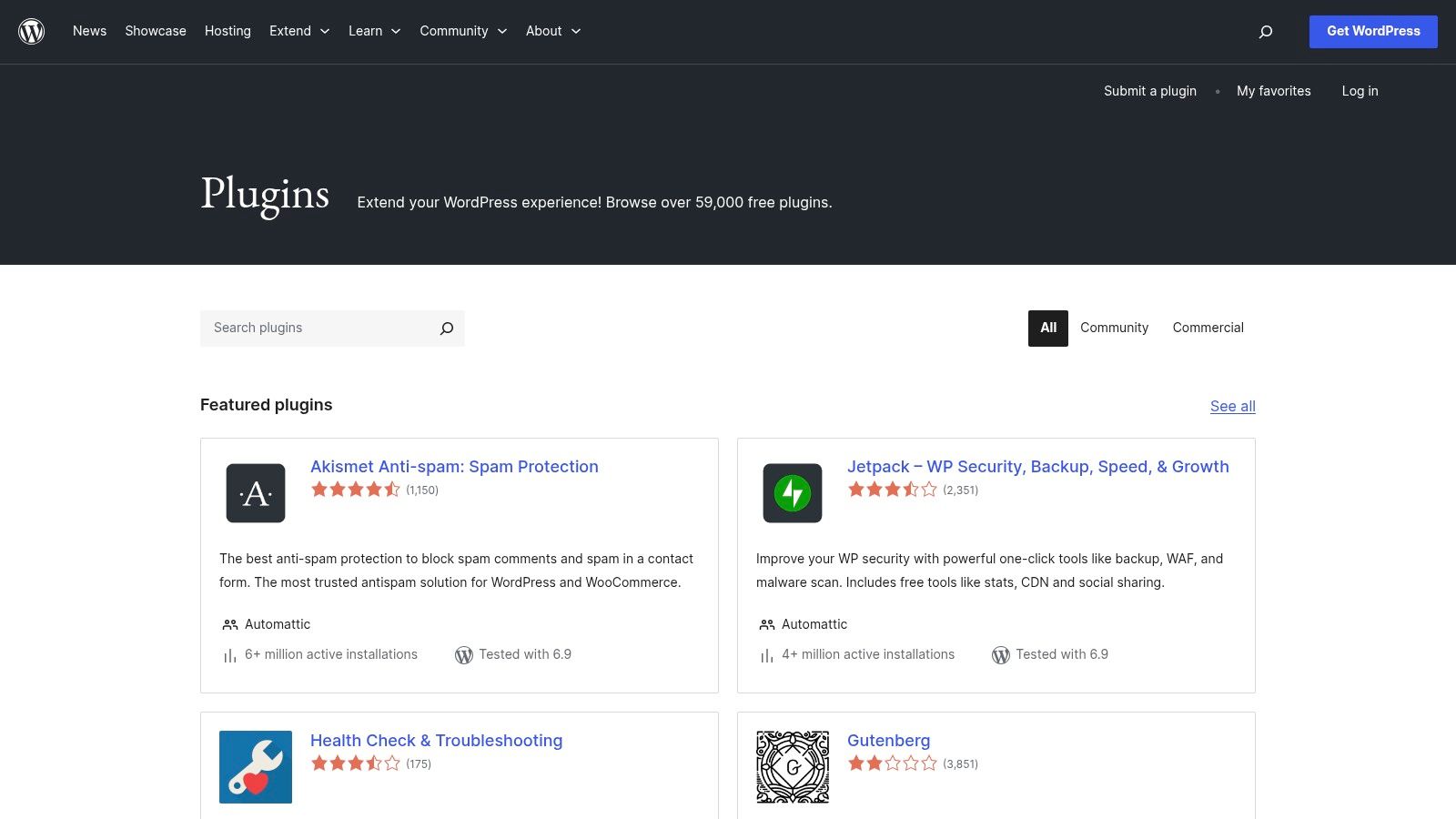
While not a single piece of software, the official WordPress.org Plugin Directory is the foundational starting point for discovering the best SEO software for WordPress. It serves as a trusted, centralized repository where users can find, compare, and install a vast array of free SEO plugins, including many already featured on this list. It is the definitive source for vetting a plugin's reputation, maintenance schedule, and user satisfaction before installation.
The directory's strength lies in its transparency and direct integration with your WordPress dashboard. You can easily view active installation counts, user ratings, support threads, and compatibility information. This data helps you assess a plugin's quality and reliability, ensuring you choose a well-maintained tool that won't compromise your site's security or performance.
Key Features & Ideal User
- Official Vetted Listings: Provides access to thousands of free plugins that have met WordPress's basic guidelines.
- Transparent Metrics: Displays active install counts, user ratings, and reviews to gauge popularity and quality.
- Version Compatibility: Clearly states the latest WordPress version a plugin has been tested with.
- Direct Installation: Allows for one-click installation and updates directly from the WordPress admin area.
The directory is ideal for: All WordPress users, from beginners to developers, who need a secure and reliable source to find and evaluate free SEO plugins for their specific needs.
Pricing & Setup
- Free: All plugins listed in the official directory are free to download and use, though many offer premium versions on their own websites.
Quick Setup: Access is built directly into every self-hosted WordPress installation under the "Plugins > Add New" menu. You can search, browse the "SEO" category, and install tools in seconds without ever leaving your site's dashboard.
| Pros | Cons |
|---|---|
| The most trustworthy source for free plugins. | Overwhelming number of choices with varying quality. |
| User reviews and support forums offer insights. | Does not host or facilitate sales of premium add-ons. |
| Direct integration for easy install and updates. | Quality assessment requires user diligence. |
Bottom Line: The WordPress.org Plugin Directory is an essential, non-negotiable resource for any WordPress site owner. It’s the safest and most efficient gateway to finding the foundational SEO plugins that power a successful optimization strategy.
12. WordPress.com Plugins Marketplace – SEO
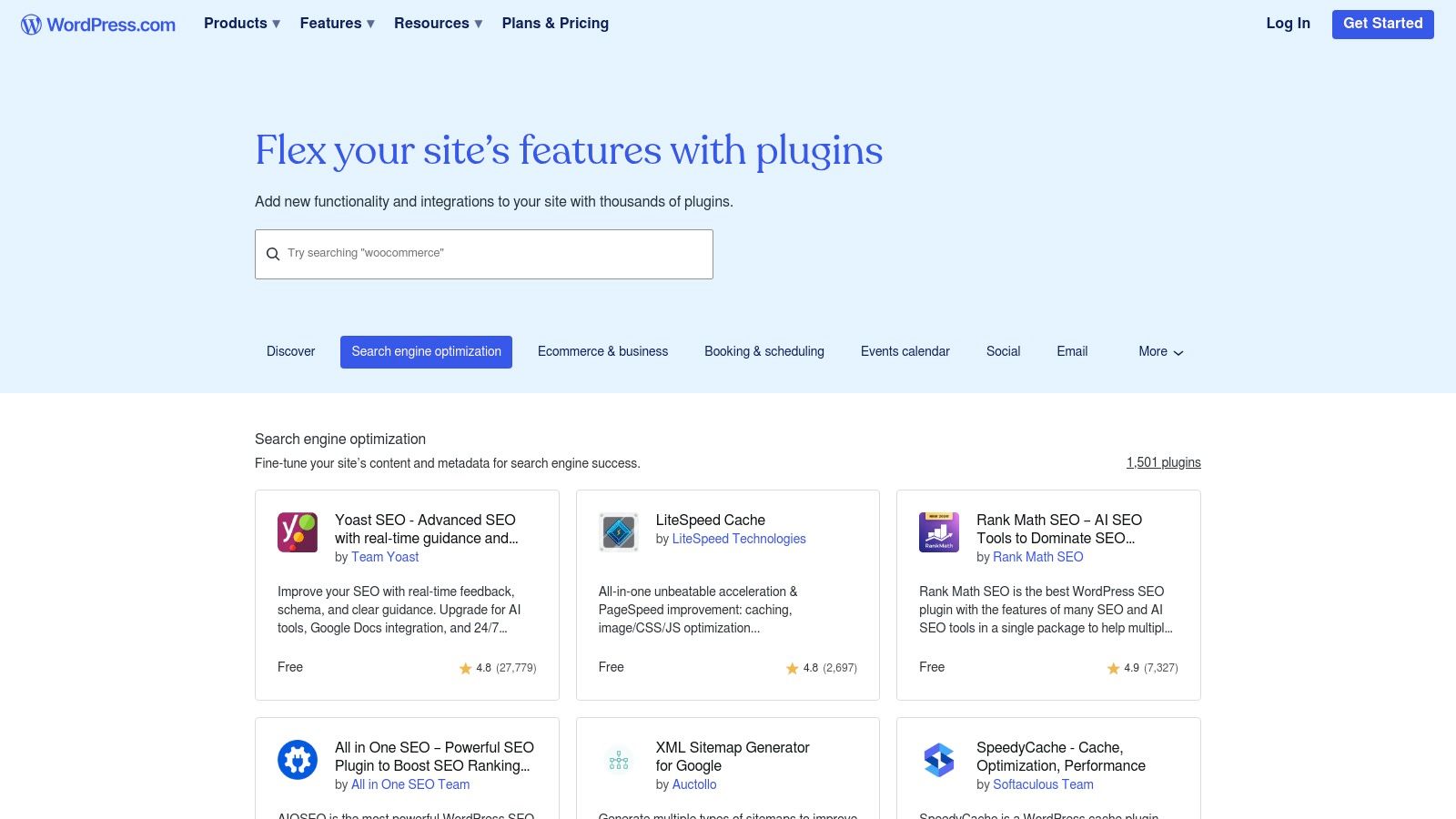
For users on the WordPress.com hosted platform, the official Plugins Marketplace offers a curated and streamlined way to access top-tier SEO tools. Instead of being a single piece of software, this is an integrated ecosystem where you can find, purchase, and install vetted SEO plugins directly within your dashboard. It simplifies the process for those on Business or eCommerce plans, ensuring compatibility and easy management.
This approach makes finding the best SEO software for WordPress incredibly convenient for users within the WordPress.com environment. It removes potential compatibility conflicts and centralizes billing and updates, a significant advantage for business owners who prefer a hands-off, managed experience. You can find popular options like Yoast SEO or All in One SEO Pack available for one-click installation.
Key Features & Ideal User
- Curated SEO Selection: A dedicated category featuring proven and popular SEO plugins compatible with the platform.
- One-Click Installation: Seamlessly add and activate SEO tools without leaving your WordPress.com dashboard.
- Centralized Billing & Management: Manage plugin subscriptions directly through your WordPress.com account.
- Managed Compatibility: Plugins are vetted for the hosted environment, reducing the risk of conflicts.
The Marketplace is ideal for: WordPress.com Business or eCommerce plan users who prioritize convenience, security, and a fully managed ecosystem over a wider selection of plugins.
Pricing & Setup
- Access Requirement: Requires a WordPress.com Business plan or higher to access third-party plugin installation.
- Plugin Costs: Individual plugin prices vary; some are free, while premium ones require separate purchases or subscriptions through the marketplace.
Quick Setup: Simply navigate to the 'Plugins' section in your WordPress.com dashboard and browse the 'SEO' category. From there, you can install your chosen tool with a single click. No manual uploads or FTP access is needed, making it the most straightforward setup process on this list for its target audience.
| Pros | Cons |
|---|---|
| Simplified purchase and activation flow. | Requires a paid WordPress.com plan to use. |
| Centralized billing and support via WordPress.com. | Smaller plugin catalog than the WordPress.org repository. |
| Less risk of compatibility or security issues. | Less flexibility for advanced customizations. |
Bottom Line: The WordPress.com Plugins Marketplace isn't a tool itself but a secure gateway to the best SEO plugins for those on its hosted platform. It's the ultimate choice for convenience and ease of use within a managed environment.
Top 12 WordPress SEO Tools Comparison
| Product | Core features | Unique selling points | Target audience | Pricing / plans |
|---|---|---|---|---|
| IndexPilot | End-to-end AI workflow: keyword discovery → long-form drafts → optimization → images → internal links → CMS publishing | AI Visibility tracking across LLMs, 13+ specialized AI agents, IndexNow auto-submissions, autopilot publishing | SEO teams, agencies, founders, publishers scaling content at volume | 7‑day free trial; pricing by sales (contact for plans) |
| Yoast SEO | Real-time content & readability checks, schema, technical SEO, redirects (Premium) | Mature ecosystem, Yoast SEO Academy, many add-ons (WooCommerce, Local, Video) | WordPress content editors, SMBs, marketers | Free; Premium subscription for advanced features |
| Rank Math | Modular SEO suite, schema builder, rank tracking, GSC/Analytics integration, Content AI (paid) | Feature-rich free tier, fast setup wizard, competitive paid tiers | WordPress users who want advanced features and easy setup | Freemium; paid tiers with Content AI credits |
| All in One SEO (AIOSEO) | On-page analysis, schema, sitemaps, redirects, local & WooCommerce SEO, link assistant | Long-standing plugin, role manager, strong multi-site support | SMBs, agencies, WooCommerce stores | Freemium; paid plans for advanced modules |
| SEOPress | Lightweight plugin, schema, local & WooCommerce SEO, redirects, 404 monitoring, OpenAI integration | Very affordable, white-label friendly, performance-minded | Agencies, developers, budget-conscious sites | Free; Pro paid version and optional add-ons |
| The SEO Framework | Automated meta tags, canonicals, sitemaps, schema automation, privacy-first design | Extremely lightweight, no ads/trackers, sensible defaults for low overhead | Developers, large sites, privacy-focused installs | Free core; paid extensions/add-ons |
| Squirrly SEO | AI keyword research, in-editor optimization, site audits, rank tracking, SERP checker | Deep in-plugin guidance for non-experts, cloud + plugin workflow | Non-expert marketers, small teams, agencies needing guidance | SaaS pricing with monthly options; tiered credits |
| Slim SEO | Visual schema builder, link manager, broken-link fixes, internal linking suggestions | Very lightweight core, clear per-site pricing, modular Pro features | Developers and small sites preferring minimal UI bloat | Free; Pro modules or bundled paid plans |
| Semrush (Writing Assistant + suite) | Real-time content scoring, keyword suggestions, tone/readability, plagiarism checks | Integrates with Semrush projects, rich keyword & audit data | SEO pros and agencies using Semrush platform | Requires Semrush account; paid Semrush plans (platform priced) |
| Ahrefs (AWT & suite) | Site Audit, Site Explorer (backlinks), keyword research, rank tracking | Best-in-class backlink & keyword data; AWT offers free verified-domain tools | SEO professionals, agencies, advanced analysts | Ahrefs is premium-priced; Ahrefs Webmaster Tools free for verified sites |
| WordPress.org Plugin Directory | Official plugin listings, reviews, install counts, changelogs, direct installs | Trustworthy source to vet plugin maintenance & compatibility | Self-hosted WordPress site owners, developers | Free to browse; plugins may be free or paid by author |
| WordPress.com Plugins Marketplace | Curated plugins, one-click install, centralized billing, managed updates | Simplified purchase/activation on managed WordPress.com hosting | WordPress.com Business/eCommerce customers | Requires paid WordPress.com plan; plugin costs vary |
Making Your Final Decision: Actionable Steps to Choose Your SEO Software
Navigating the crowded landscape of WordPress SEO software can feel overwhelming, but making an informed choice is the critical final step in translating knowledge into tangible results. We've explored a dozen powerful options, from foundational on-page plugins like Yoast and Rank Math to comprehensive off-site suites like Semrush and Ahrefs, and innovative AI-driven platforms like IndexPilot. The central takeaway is this: the best SEO software for WordPress isn't a one-size-fits-all solution. Instead, it's the tool that directly addresses your biggest operational bottlenecks and aligns perfectly with your strategic goals.
To make your final decision, you must first diagnose your primary challenges. Is your team bogged down by the technical minutiae of schema markup and sitemap management? Or is your greatest struggle the relentless demand for high-quality, optimized content creation? Your answer to this question is your compass.
A Practical Framework for Your Final Choice
To move from analysis to action, follow this simple, three-step framework. This process will help you filter the options and select the software that will deliver the highest return on your investment, whether that investment is time or money.
Audit Your Current Workflow: Before you install a new plugin or subscribe to a service, map out your existing SEO and content processes. Identify where you spend the most hours. Are you manually checking for broken links, painstakingly optimizing meta descriptions one by one, or staring at a blank page trying to brainstorm blog topics? Pinpointing these time sinks will reveal which tool’s core features offer the most value. For example, if content production is your main constraint, a tool like IndexPilot, which automates article generation, is far more impactful than a plugin that simply refines on-page technicalities.
Define Your Primary Goal: Are you a startup founder focused on establishing initial authority and ranking for long-tail keywords? Or are you an established agency managing dozens of client sites, where efficiency and scalable reporting are paramount? A small business owner might find the feature set of SEOPress or AIOSEO more than sufficient. In contrast, a high-volume publisher will benefit immensely from a solution that automates and scales the most resource-intensive part of SEO: content creation.
Test and Validate: Almost every tool on our list offers a free version, a freemium plan, or a trial period. Theory is no substitute for hands-on experience. Shortlist your top two or three contenders based on your audit and goals, and then commit to a short testing phase. Install the plugins on a staging site. Run a few keywords through the content editors. Assess the user interface. Does it feel intuitive? Does it integrate smoothly with your existing stack? This practical test will quickly reveal which software feels like a natural extension of your team.
Integrating Your New SEO Software
Once you've made your choice, remember that implementation is key. Don't just "set it and forget it." Take the time to configure the settings properly, connect it to Google Search Console, and train your team on its key features. For a more holistic approach, consider how your chosen WordPress tool fits into your wider digital marketing ecosystem. While this guide focuses on WordPress-specific solutions, expanding your toolkit with other general 12 best SEO tools for small business growth can further enhance your overall digital strategy.
Ultimately, selecting the best SEO software for your WordPress site is an investment in efficiency and growth. By choosing wisely, you’re not just adding a tool; you're implementing a system that empowers you to create better content, rank higher, and achieve your business objectives with greater speed and precision.
Ready to move beyond manual optimization and put your content strategy on autopilot? IndexPilot transforms how you approach SEO by using AI to generate and publish fully optimized, high-quality articles directly to your WordPress site. Stop tweaking, start publishing, and let your content work for you by visiting IndexPilot to see how it can scale your organic growth.