Google Docs has become the default word processor for millions, a testament to its simplicity, accessibility, and powerful real-time collaboration. Its name is synonymous with cloud-based document editing. However, relying solely on Google’s ecosystem can introduce limitations, especially for teams with specific needs around privacy, advanced formatting, project integration, or offline functionality. Many organizations are now seeking more powerful, secure, or specialized Google Docs alternatives to better align with their unique workflows.
Perhaps you need a tool that integrates seamlessly with a larger project management suite, offers superior data privacy controls, or provides more robust desktop publishing features. Maybe your team finds Google's folder structure chaotic for managing internal knowledge bases, or you simply require an editor with more sophisticated AI writing and data-handling capabilities. The "one-size-fits-all" approach, while convenient, often falls short when specialized features can significantly boost productivity and security.
This comprehensive guide is designed to help you navigate the landscape of modern document editors. We will explore a curated list of the best Google Docs alternatives, breaking down each platform's strengths, weaknesses, and ideal use cases. You will find detailed analyses of options like Microsoft 365, Notion, Zoho Writer, and more, complete with screenshots, direct links, and clear pricing information. Our goal is to provide the practical insights needed to help you select, implement, and migrate to a tool that perfectly fits your team's requirements, whether you're a startup founder, a content marketer, or part of a growing digital agency.
1. Microsoft 365 (Word on the web and desktop)
For teams deeply embedded in the traditional office ecosystem or those requiring absolute fidelity with .docx files, Microsoft 365 is the most direct and powerful Google Docs alternative. Its strength lies in its seamless integration between a capable web version and its feature-rich desktop counterpart, ensuring no formatting is lost when moving between online collaboration and offline, in-depth editing. This makes it ideal for legal, academic, and corporate environments where precise document control is non-negotiable.
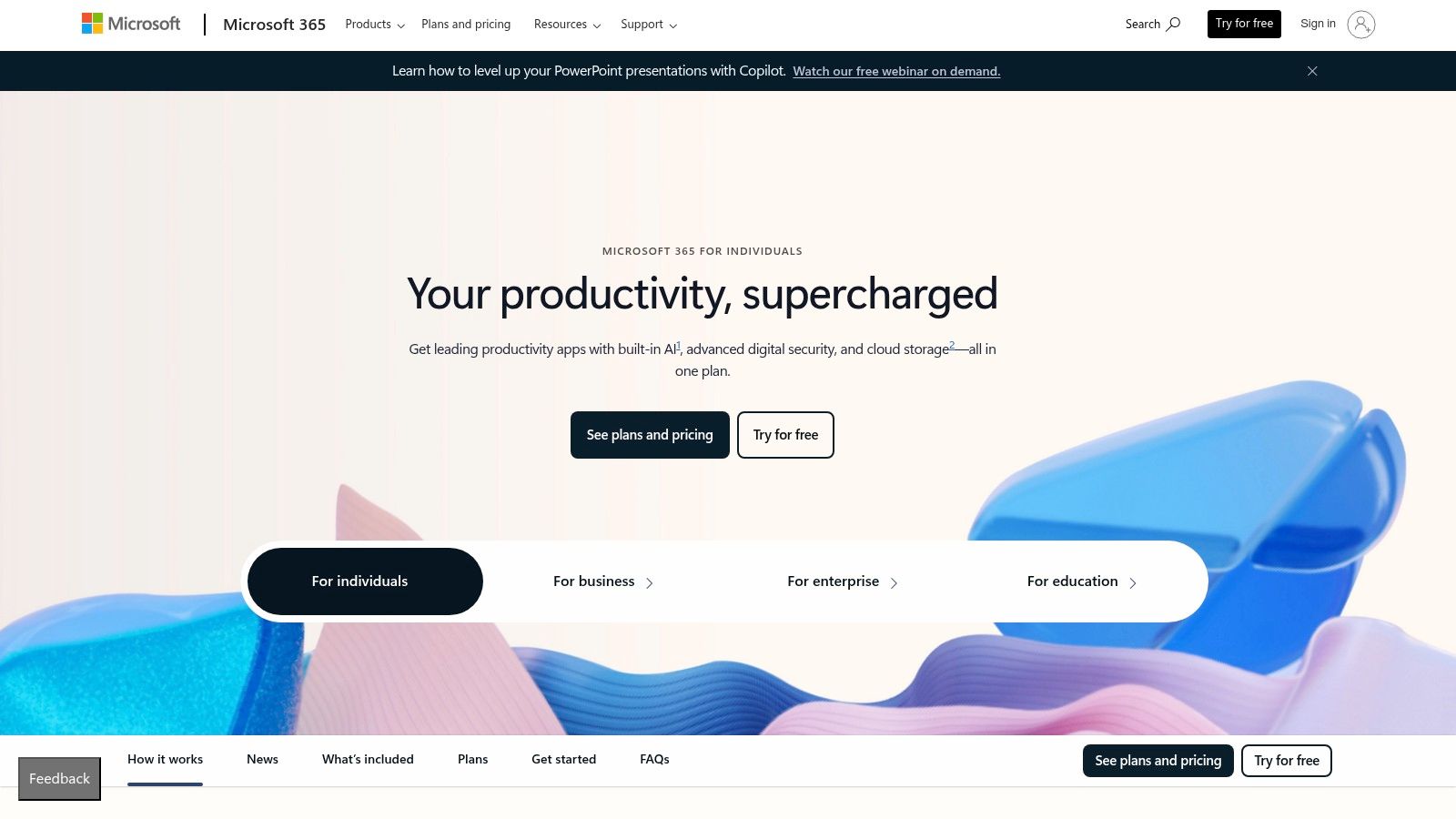
The platform’s co-authoring capabilities have evolved significantly, now offering a real-time collaborative experience comparable to Google Docs. However, Word's "Track Changes" feature remains the industry standard for formal review cycles, providing a more structured and granular approach than Google’s suggesting mode. This is particularly useful for complex documents with multiple reviewers. For instance, teams can accept or reject specific changes from different contributors with detailed commenting threads, maintaining a clear audit trail of the entire editing process.
Key Details & Pricing
- Best For: Enterprise teams, legal professionals, and anyone needing perfect
.docxcompatibility. - Standout Feature: Unmatched document formatting fidelity and a mature, robust "Track Changes" system for formal review.
- Pricing: A basic free version with Word for the web is available. Paid plans (Microsoft 365 Business Basic) start at $6.00 per user/month, which includes web and mobile apps, plus 1 TB of OneDrive storage. Desktop apps are included in higher tiers.
Website: https://www.microsoft.com/microsoft-365
2. Zoho Writer
Zoho Writer is a powerful, free Google Docs alternative that excels in providing a clean, distraction-free writing environment without sacrificing advanced features. It’s particularly suited for teams and individuals looking for robust collaboration tools, extensive export options, and the potential for document automation. Its interface feels modern and less cluttered than many competitors, focusing the user entirely on the content creation process while keeping powerful tools just a click away. This makes it an excellent choice for content marketers, publishers, and businesses operating within the broader Zoho ecosystem.
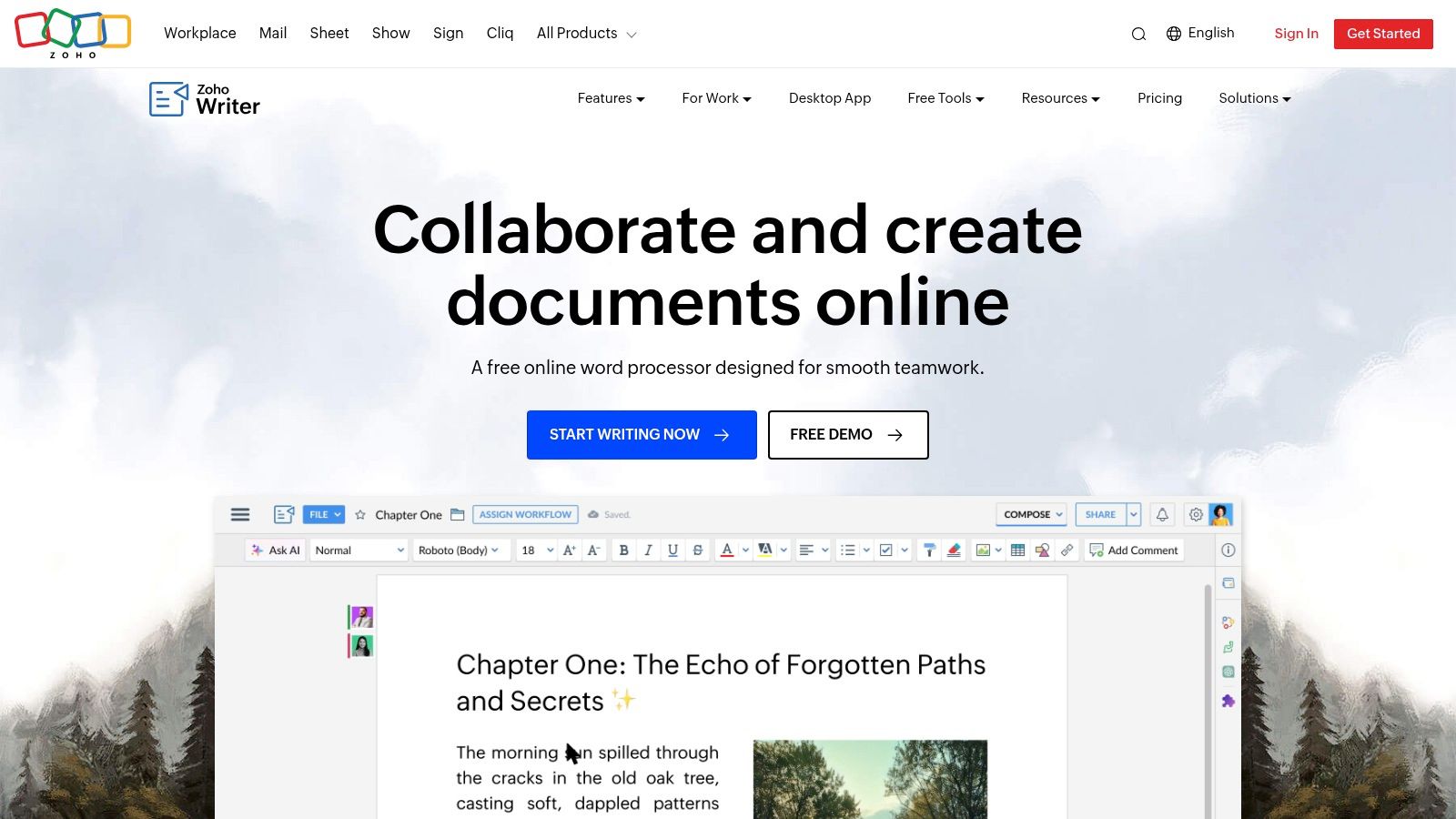
The platform offers a comprehensive collaboration suite with real-time editing, commenting, and a granular track changes feature similar to Microsoft Word. Where Zoho Writer truly stands out is with its built-in AI assistant, Zia, which provides grammar, readability, and style suggestions to enhance your writing. For teams looking to streamline their workflows, it integrates seamlessly with services like WordPress, Medium, DocuSign, and the entire suite of Zoho applications. For those exploring AI-driven tools, understanding how to leverage assistants like Zia is key, as you can discover in our guide to AI-assisted content creation.
Key Details & Pricing
- Best For: Individuals, small businesses, and content teams needing a full-featured, free word processor with strong integration capabilities.
- Standout Feature: A clean, focused writing interface combined with a built-in AI writing assistant (Zia) and extensive publishing integrations.
- Pricing: Completely free for both individual and organizational use. Optional paid credits are available for advanced document automation and e-signature features, but the core word processor is free.
Website: https://www.zoho.com/writer
3. Notion
Notion redefines the concept of a document by blending it with databases, wikis, and project management tools into a single, interconnected workspace. It stands out as a powerful Google Docs alternative for teams that need more than just a word processor. Instead of simple, linear documents, Notion allows users to build dynamic pages with structured data, embedded views, and custom properties, making it an excellent choice for creating internal knowledge bases, team wikis, or content calendars where documents and data live together.
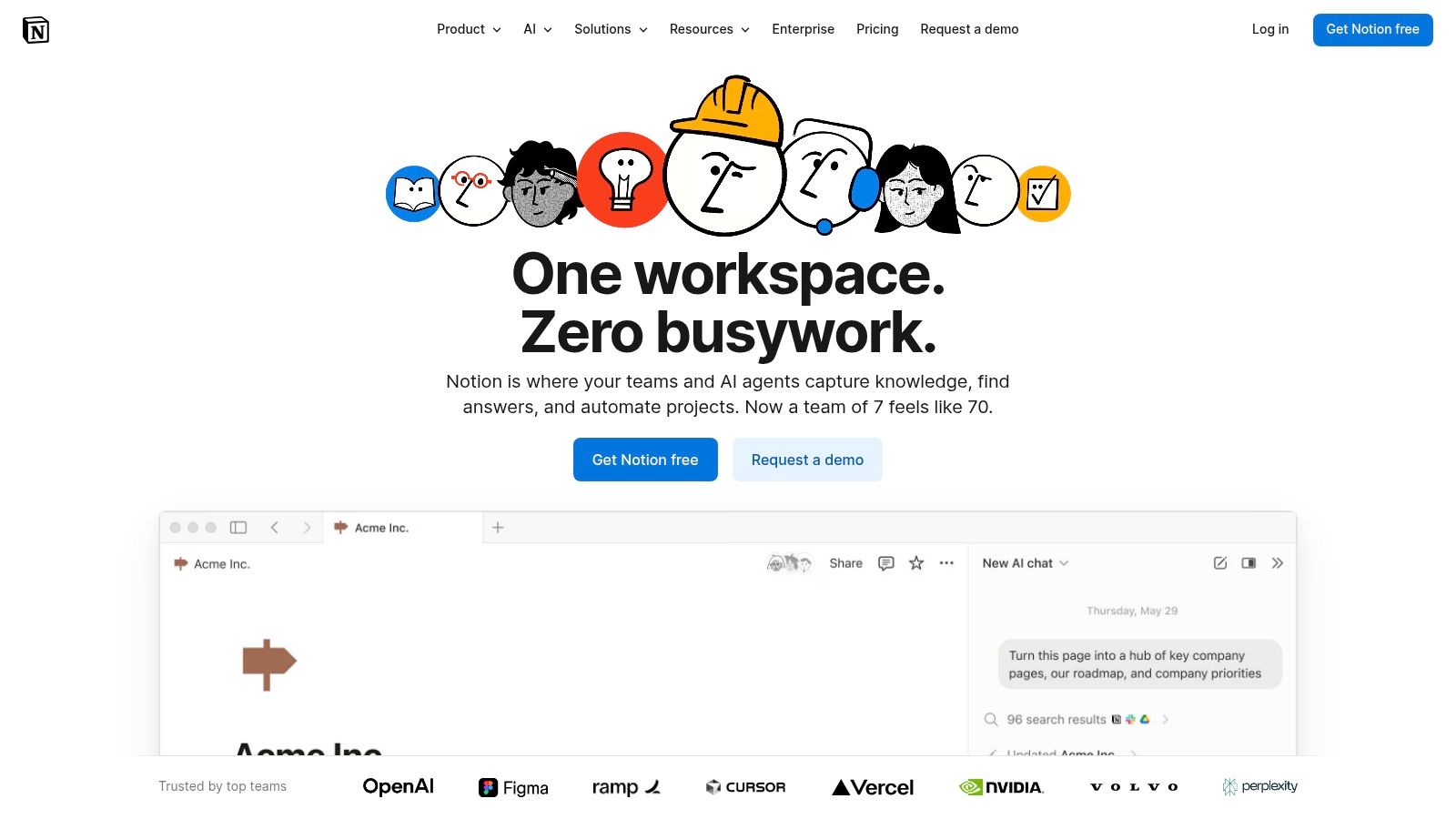
This "doc-as-a-database" model fundamentally changes how teams collaborate. For instance, a marketing team can manage a blog post from ideation to publication within a single Notion page, tracking its status, author, and publish date as database properties while writing the content directly on the same page. Its real-time collaboration, complete with comments and mentions, is on par with Google Docs, but the platform's native AI features for summarizing notes, drafting content, and enterprise search give it a significant edge. This integrated approach can help teams reduce tool sprawl and streamline their content creation process by creating a more connected workflow.
Key Details & Pricing
- Best For: Teams building knowledge bases, content operations, and anyone looking for an all-in-one workspace.
- Standout Feature: The flexible block-based editor that combines documents, databases, and wikis in one place.
- Pricing: A generous free plan is available for personal use. Paid team plans start at $8 per user/month (billed annually) for the Plus plan, which includes unlimited blocks and file uploads. AI features are available as an add-on.
Website: https://www.notion.so
4. Dropbox Paper
For teams already invested in the Dropbox ecosystem, Dropbox Paper serves as a minimalist and highly integrated Google Docs alternative. It isn't trying to be a full-fledged word processor like Word; instead, it offers a clean, distraction-free environment for collaborative brainstorming, meeting notes, and creating simple project briefs. Its strength is its seamless connection to your Dropbox storage, allowing you to embed files, create rich media documents, and keep all your project assets in one place without friction.
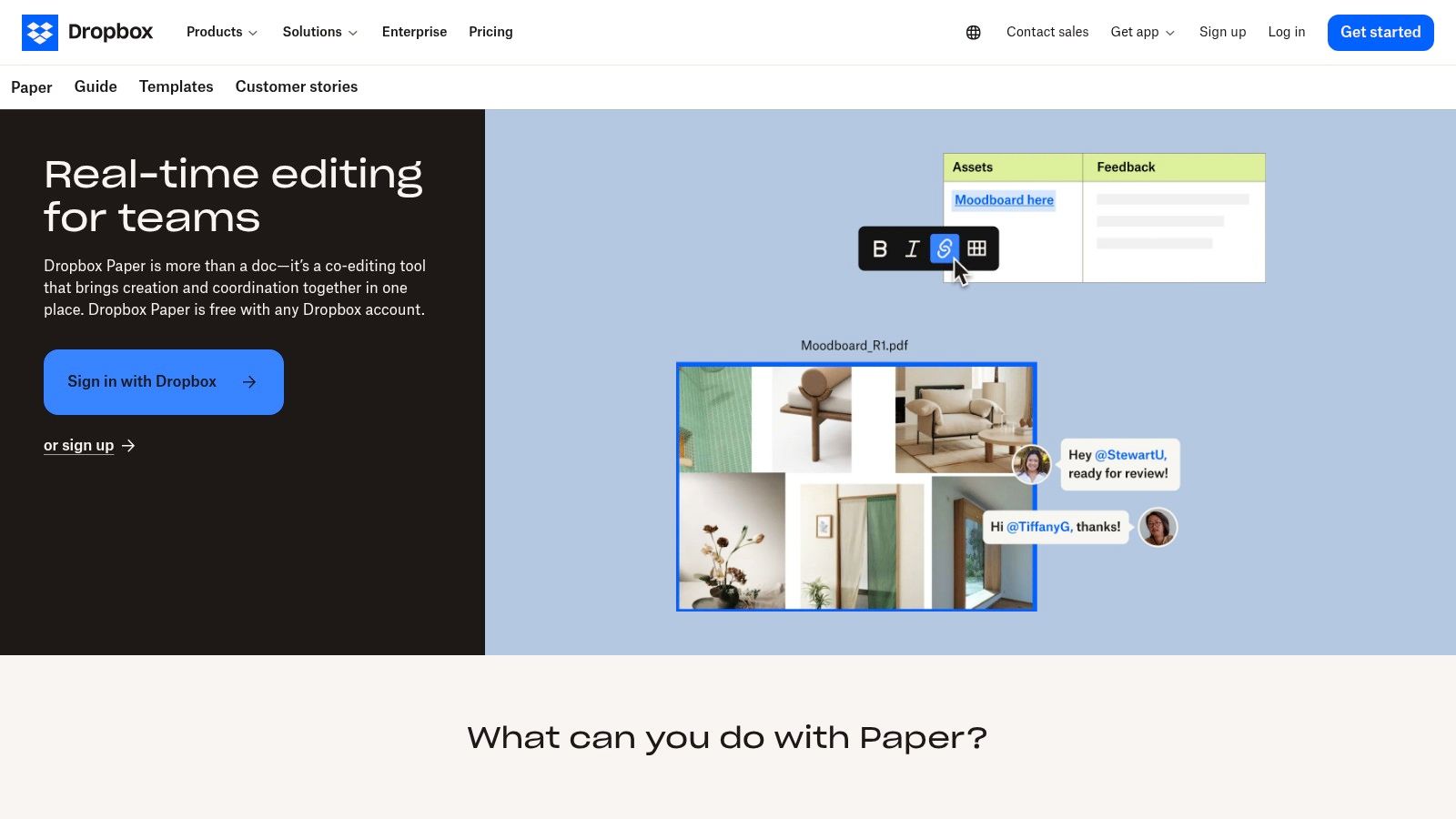
Dropbox Paper excels at turning a simple document into a dynamic workspace. You can easily add to-do lists and assign tasks with due dates directly within the text, making it perfect for lightweight project management. The platform’s real-time co-editing is smooth, with clear attribution and commenting features. However, its simplicity is also its main limitation; it lacks the advanced formatting, styling, and review tools like "Track Changes" found in more robust suites. For those seeking a similar but more structured, database-driven approach to documentation, exploring other options might be beneficial. For a deeper dive into one such versatile platform, you might visit Notion's dedicated tool page.
Key Details & Pricing
- Best For: Teams using Dropbox for file storage who need a simple tool for notes, brainstorming, and lightweight task management.
- Standout Feature: Deep integration with Dropbox storage, allowing for rich media embedding and unified project organization.
- Pricing: Included for free with all Dropbox plans, including the basic free account. Paid Dropbox plans with more storage start at $9.99/month.
Website: https://paper.dropbox.com
5. ONLYOFFICE Docs
For organizations prioritizing data sovereignty and self-hosting capabilities, ONLYOFFICE Docs presents a powerful open-source alternative to Google Docs. It delivers a full-featured office suite with high fidelity for Microsoft Office formats, allowing teams to maintain complete control over their data by deploying it on their own servers. This makes it an excellent choice for businesses in regulated industries, government agencies, or any team that requires an on-premise solution without sacrificing real-time collaboration.
The platform’s strength lies in its flexibility. Beyond its robust document, spreadsheet, and presentation editors, ONLYOFFICE offers extensive integration options through connectors for services like Nextcloud, OwnCloud, and WordPress. This allows teams to embed a powerful editing suite directly into their existing workflows. Its real-time co-editing, commenting, and track changes features are comparable to mainstream cloud suites, providing a seamless collaborative experience. For those looking to enhance productivity, optional AI-powered tools can assist with tasks from translation to text generation, aiding in the creation of optimized content. For more information, you can read about what content optimization is and how such tools can help.
Key Details & Pricing
- Best For: Privacy-focused teams, organizations needing self-hosted solutions, and companies requiring high MS Office compatibility.
- Standout Feature: Flexible deployment models (on-premise or cloud) and strong integration capabilities with third-party platforms.
- Pricing: A free Community Edition is available for self-hosting (up to 20 users). Commercial plans for businesses start at $8 per user/month, with enterprise and developer editions offering more advanced features and support.
Website: https://www.onlyoffice.com
6. WPS Office
For individuals and small teams looking for a cost-effective, lightweight, and familiar editing experience, WPS Office presents itself as a compelling Google Docs alternative. Its strength is its cross-platform availability and user interface that closely mirrors traditional desktop office suites, making the transition seamless for users accustomed to that environment. It offers a comprehensive suite including Writer, Spreadsheets, and Presentation, all while maintaining high compatibility with Microsoft Office file formats like .docx.
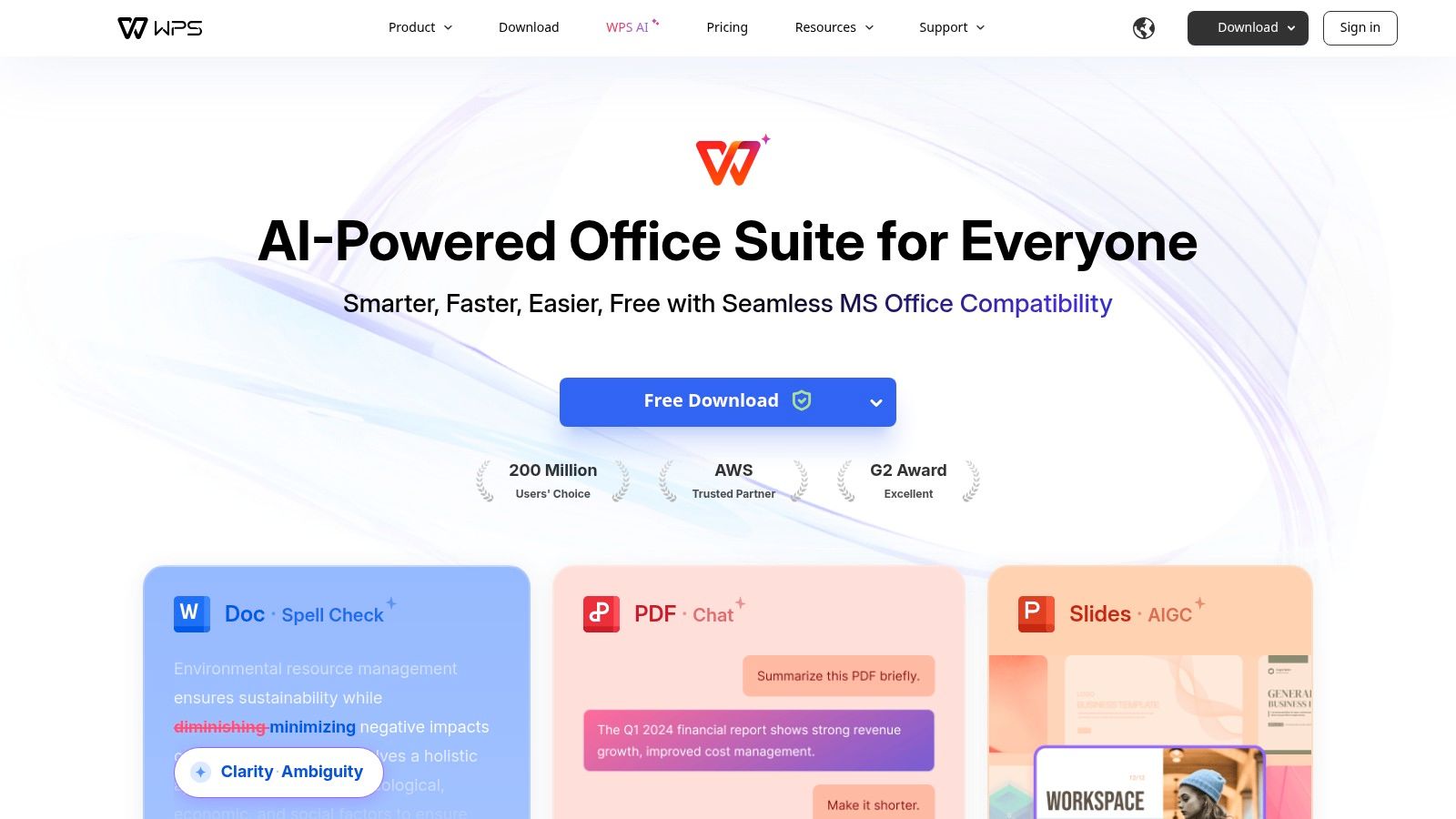
WPS Office is particularly useful for users who need a single application to handle various document types, including robust PDF editing tools which are often a premium feature in other suites. The platform synchronizes documents across devices via its cloud service, ensuring work started on a desktop can be continued on a mobile device. While its real-time collaboration features are not as extensive as Google's or Microsoft's, it provides a solid foundation for basic sharing and co-editing, making it ideal for smaller projects where complex review cycles are not a primary requirement. The vast library of pre-built templates is a significant plus for quickly creating professional-looking documents.
Key Details & Pricing
- Best For: Students, freelancers, and small businesses seeking a full-featured office suite without a high subscription cost.
- Standout Feature: An all-in-one suite that includes powerful PDF editing tools and a massive template library within a familiar, user-friendly interface.
- Pricing: A generous free version is available with core features. WPS Pro starts at a very affordable $29.99 per year, unlocking advanced features, removing ads, and providing additional cloud storage.
Website: https://www.wps.com
7. Apple Pages (iWork)
For teams and individuals fully integrated into the Apple ecosystem, Pages offers a sleek and highly capable alternative to Google Docs. Its primary strength lies in creating visually stunning, design-forward documents right out of the box, from brochures and newsletters to reports. The platform excels at producing polished final products, offering a level of design control and template quality that often surpasses more utilitarian, text-focused editors. This makes it an excellent choice for marketing teams, educators, and small businesses focused on brand presentation.

While native to macOS and iOS, Pages provides robust real-time collaboration through iCloud for the web, allowing PC users to participate seamlessly in editing and commenting. This cross-platform access, combined with deep integration into the iWork suite (Numbers and Keynote), creates a cohesive productivity environment. For instance, a marketing team can embed a live-updating chart from Numbers directly into a Pages report, ensuring data consistency across all materials. This tight integration provides a workflow advantage similar to how other platforms, like those in the marketing tech space, build comprehensive toolsets. If you're exploring integrated digital tools, you might find valuable insights in our review of sites like Semrush.
Key Details & Pricing
- Best For: Apple-centric teams, creators, and anyone prioritizing document design and aesthetics.
- Standout Feature: A superior selection of professional templates and intuitive design tools for creating visually rich documents.
- Pricing: Completely free. Pages is included with all Mac, iPad, and iPhone devices, and is accessible for free via iCloud on the web.
Website: https://www.apple.com/iwork
8. Coda
Coda reimagines the document as an interactive surface where text, data, and applications converge. It’s an excellent Google Docs alternative for teams that find their work scattered across documents, spreadsheets, and lightweight apps. Instead of a static page, a Coda doc can become a project hub, a team wiki, or a lightweight database, all in one place. Its core strength is its powerful table functionality, which acts like a database you can embed and reference anywhere within the document.

This "doc-as-an-app" approach allows for unique workflows. For example, a marketing team can draft campaign briefs, manage the content calendar in an interactive table, and build an automated Slack notification for new assignments, all within a single Coda doc. This is made possible through "Packs," which are integrations that connect your doc to services like Slack, Jira, and Google Calendar. While there's a learning curve to mastering its app-like features, the payoff is a centralized, automated, and highly customized workspace that a traditional word processor cannot match.
Key Details & Pricing
- Best For: Product teams, project managers, and startups wanting to build custom, all-in-one hubs for projects and knowledge management.
- Standout Feature: Powerful, database-like tables that can be customized with formulas, buttons, and views, turning a document into an interactive application.
- Pricing: A generous free plan is available. Paid plans start at $10 per "Doc Maker"/month (billed annually), with viewers and commenters remaining free. Optional AI and Pack usage may incur extra costs.
Website: https://coda.io
9. Quip (Salesforce)
For teams living within the Salesforce ecosystem, Quip presents a unique and powerful alternative to Google Docs. Its core strength is not just in creating documents but in embedding them as living, collaborative assets directly within Salesforce records. This allows sales, service, and marketing teams to work on account plans, meeting notes, or project briefs without ever leaving their CRM, keeping all context and communication tied to the customer record. It transforms the document from a static file into an active part of the business workflow.
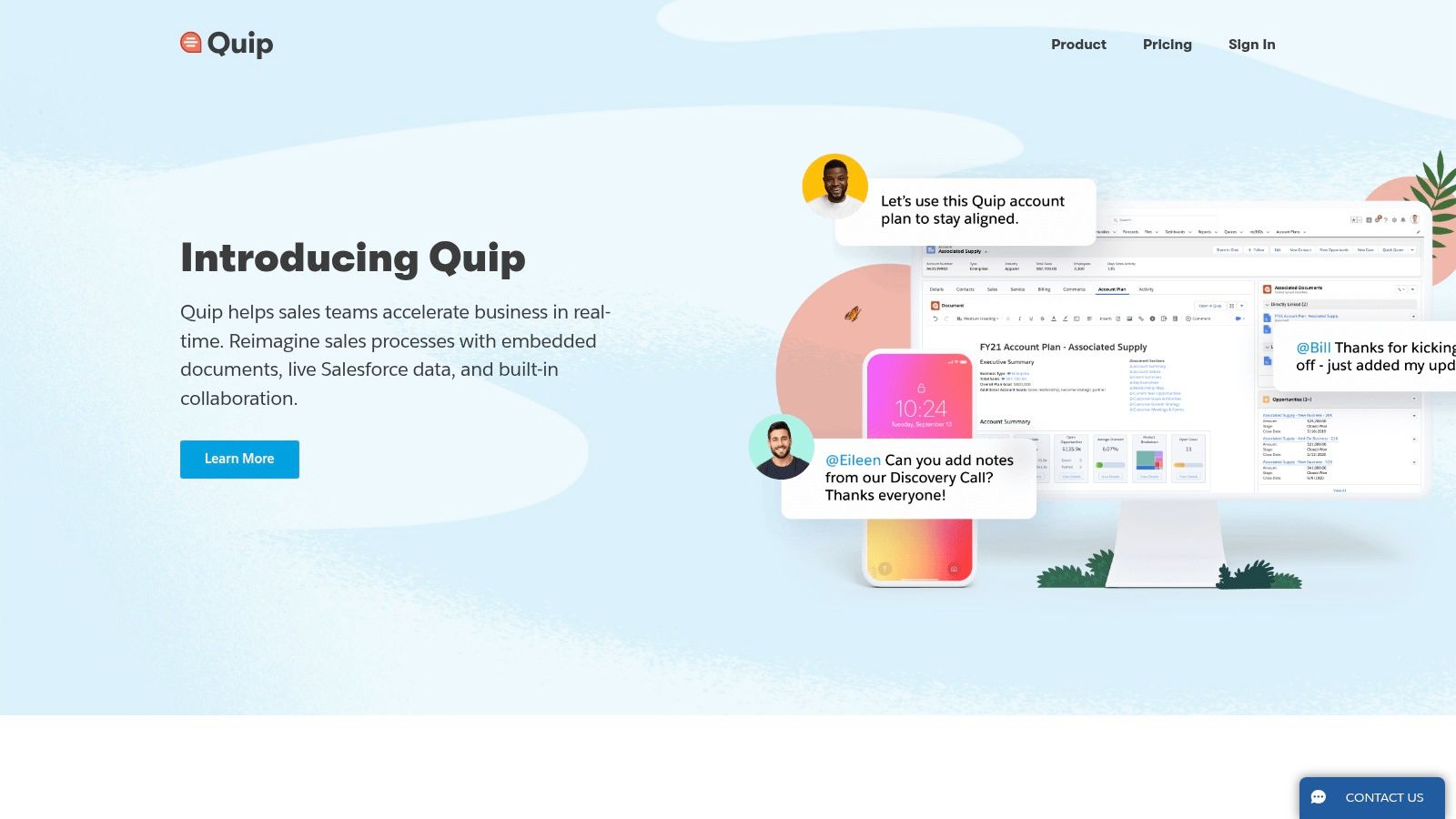
Quip’s platform fundamentally blends documents, spreadsheets, and chat into a single, seamless experience. Every document has a persistent chat thread, allowing for real-time discussions, feedback, and task assignments right next to the content being discussed. This eliminates the need to switch between a document editor and a separate messaging app, ensuring conversations stay organized and accessible. For instance, a sales team can build a client proposal in a Quip doc, assign follow-up tasks to specific members, and debate pricing in the sidebar, all with a clear, auditable history tied directly to the relevant Salesforce opportunity.
Key Details & Pricing
- Best For: Sales and service teams deeply integrated with the Salesforce platform.
- Standout Feature: Live, editable documents and spreadsheets embedded directly within Salesforce records, combining documentation with real-time chat and task management.
- Pricing: Quip Starter is $10 per user/month. The Quip for Salesforce plan, which enables the core integration, starts at $25 per user/month (billed annually). Advanced tiers with more automation are also available.
Website: https://quip.com
10. ClickUp Docs
For teams whose documentation is inextricably linked to project execution, ClickUp Docs serves as a powerful, integrated Google Docs alternative. It isn't just a standalone word processor; it's a documentation hub built directly into a comprehensive work management platform. This native connection allows users to create documents, wikis, and knowledge bases that live alongside the tasks, goals, and sprints they inform, eliminating the need to switch between separate apps for planning and doing.
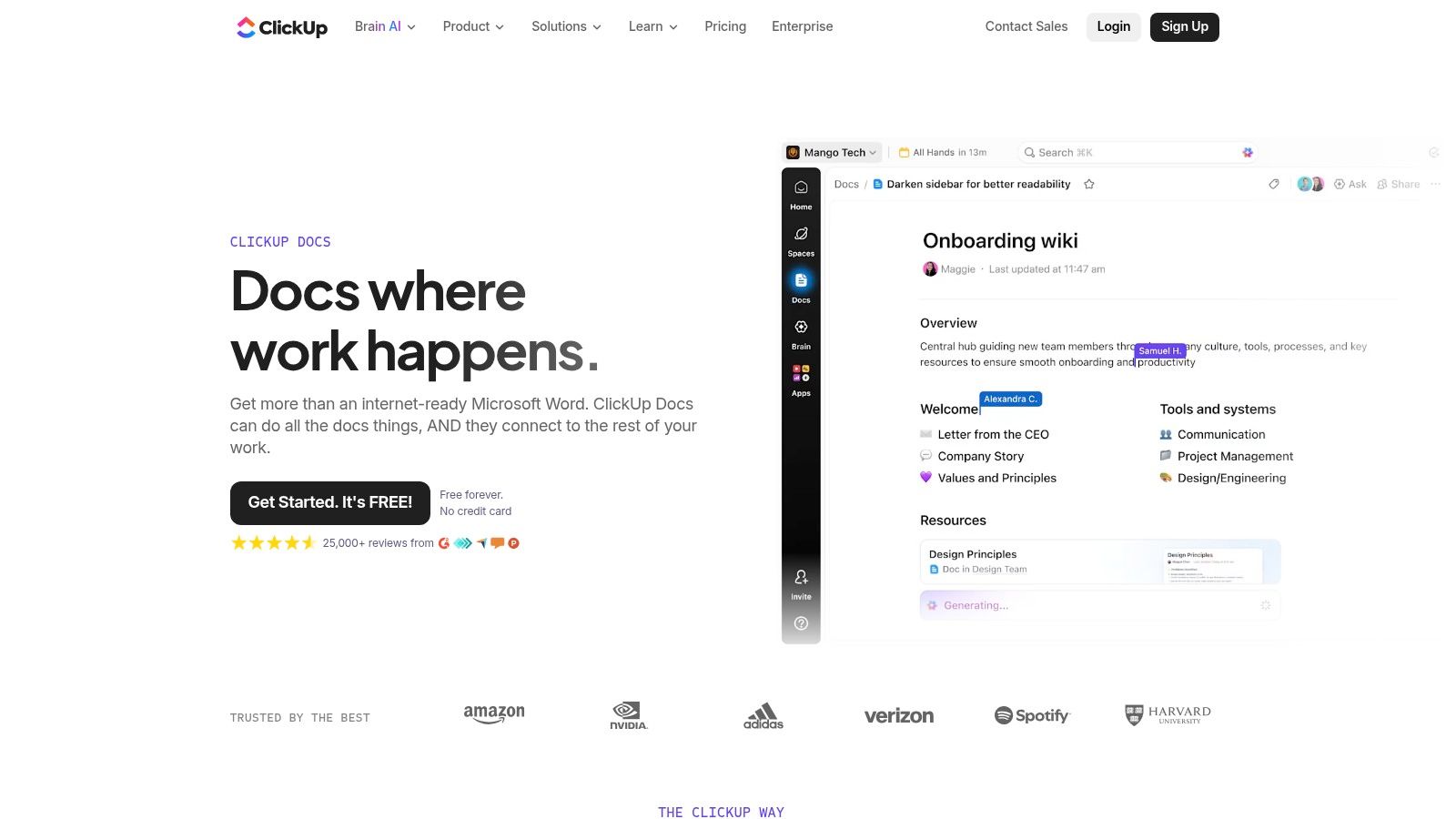
The platform’s strength is its ability to make documents actionable. Users can highlight any text within a doc and instantly convert it into a task, assigning it to a team member without leaving the editor. This tight feedback loop is ideal for project briefs, meeting notes, and technical specs where follow-up actions are critical. Features like real-time collaboration, slash commands for quick formatting, and nested pages for building structured wikis make it a versatile tool for centralizing team knowledge.
Key Details & Pricing
- Best For: Project-driven teams that want documentation and task management in one unified workspace.
- Standout Feature: The ability to highlight text and instantly create an assigned task, directly linking documentation to execution.
- Pricing: A generous Free Forever plan is available. Paid plans with more features and unlimited storage start at $7 per member/month (billed annually).
Website: https://clickup.com/features/docs
11. LibreOffice
For users prioritizing offline access, data privacy, and a no-cost solution, LibreOffice presents a powerful, open-source Google Docs alternative. As a traditional desktop suite, its strength is in providing a complete, feature-rich word processor (Writer) that operates entirely on your local machine. This is the ideal choice for individuals, academics, and organizations who need to maintain absolute control over their documents without relying on a cloud connection or recurring subscriptions.
Unlike cloud-native platforms, LibreOffice handles collaboration through conventional file sharing and versioning rather than real-time co-editing. While it offers excellent support for a vast range of file formats, including .docx, its true value lies in its comprehensive offline capabilities. Users can leverage advanced features like styles, templates, and a vast library of extensions to customize their workflow, making it a versatile tool for creating everything from simple letters to complex manuscripts with indexes and bibliographies, all while ensuring documents never leave their own hardware.
Key Details & Pricing
- Best For: Individuals and organizations seeking a free, full-featured desktop editor with strong privacy and no vendor lock-in.
- Standout Feature: Completely free, open-source, and cross-platform (Windows, macOS, Linux) with a strong focus on local file control and offline functionality.
- Pricing: LibreOffice is completely free to download and use, with development supported by community donations.
Website: https://www.libreoffice.org
12. Atlassian Confluence
For organizations that need more than just a document editor, Atlassian Confluence serves as a powerful knowledge management hub and a strong Google Docs alternative. It excels at creating structured, interconnected documentation like team wikis, project plans, and product requirement documents. Its strength is not in standalone document creation but in building a centralized, searchable "single source of truth" that integrates deeply with other development and project management tools, particularly Jira.
Unlike Google Docs' freeform approach, Confluence uses a system of "spaces" and "pages" organized in a hierarchical tree, making information architecture a core part of the experience. This is ideal for technical teams documenting complex systems or HR departments building an employee handbook. Its real-time collaborative editing, commenting, and version history are robust, but the platform truly shines with features like advanced templates, page versioning, and deep integration that can link technical documentation directly to development tasks in Jira, providing unparalleled context for engineering and product teams.
Key Details & Pricing
- Best For: Engineering teams, product managers, and enterprises needing a central knowledge base integrated with the Atlassian suite.
- Standout Feature: Deep, native integration with Jira, turning documents into an actionable part of the software development lifecycle.
- Pricing: A free plan is available for up to 10 users. Paid plans start at $6.05 per user/month (Standard) to unlock more features and increase storage and user limits.
Website: https://www.atlassian.com/software/confluence
Top 12 Google Docs Alternatives — Feature Comparison
| Product | Best for (target audience) | AI & automation | Collaboration & workflow | Publishing / CMS & integrations | Price / Deployment & privacy |
|---|---|---|---|---|---|
| Microsoft 365 (Word) | Enterprise teams needing .docx fidelity & review workflows | Copilot & built-in AI in eligible plans | Real-time coauthoring, comments, track changes, version history | Integrates with OneDrive/SharePoint; wide ecosystem; CMS connectors via third‑party | Paid subscription for full desktop; cloud-first; MS-managed privacy |
| Zoho Writer | Individuals/orgs wanting a full-featured free cloud editor | Zia assistant; writing suggestions; optional automation credits | Track changes, versioning, smooth team collaboration | Native exports; WordPress, Medium, Adobe Sign, DocuSign, Zoho apps | Free tier; paid for automation credits; cloud; best in Zoho ecosystem |
| Notion | Teams needing docs + databases / knowledge bases | Native AI for writing, notes; enterprise search on paid tiers | Real-time pages, comments, templates, granular permissions | Integrations via API and third‑party tools (limited native CMS push) | Cloud; Business/Enterprise for advanced features |
| Dropbox Paper | Dropbox users wanting simple, media-rich notes & briefs | Minimal AI / automation | Real-time editing, comments, to-dos; media-friendly | Documents live in Dropbox for unified sharing; limited CMS integrations | Included with Dropbox; cloud; lightweight |
| ONLYOFFICE Docs | Privacy-focused teams & on‑prem Office compatibility | Optional AI tools: text, image, code, translate, rewrite | Real-time co-editing, comments, track changes | Connectors: Nextcloud, OwnCloud, Box, WordPress, Moodle | Cloud or self-host; open-source; admin setup required |
| WPS Office | Individuals/small teams wanting affordable Office suite | Limited built-in AI | Basic sync; lighter collaboration features | Cloud sync; limited direct CMS integrations | Generous free tier; affordable Pro; cloud |
| Apple Pages (iWork) | Apple-centric teams producing design-forward docs | No major built-in AI (iWork features) | Real-time collaboration across Apple devices and web | iCloud Drive sharing; limited CMS push | Free on Apple devices; best within Apple ecosystem |
| Coda | Teams wanting docs that behave like apps (tables + automations) | Automations, Packs; optional AI credits | Powerful tables, formulas, automations, real-time collaboration | Packs & API for many integrations; can push data to services | Maker-based billing; cloud; costs scale with usage |
| Quip (Salesforce) | Sales/service teams embedded in Salesforce workflows | Growing AI; Salesforce automation tools | Real-time docs & spreadsheets with inline chat, tasks | Deep Salesforce integration; enterprise APIs | Paid; best value with Salesforce; cloud with SSO |
| ClickUp Docs | Teams tying docs directly to tasks, sprints, goals | Slash commands, automations; emerging AI | Real-time editing, convert text to tasks, verified wikis | Tight linkage to ClickUp tasks, goals, reporting; API | Generous free plan; paid tiers for full storage/permissions |
| LibreOffice | Users needing free offline desktop word processor | No built-in AI; extensible via add-ons | File-based collaboration; no native real-time editing | Strong export options (DOCX/PDF/HTML) for CMS import | Free open-source; local control; offline privacy |
| Atlassian Confluence | Enterprises needing structured knowledge management | Growing AI features and analytics | Real-time editing, versioning, templates, granular controls | Deep Jira/Atlassian integrations; APIs; public links | Cloud or self-host; paid tiers for advanced features |
Choosing the Right Canvas for Your Team's Best Work
The digital landscape for document creation and collaboration has expanded far beyond a single, dominant platform. While Google Docs remains a convenient and familiar choice, our in-depth exploration of twelve powerful Google Docs alternatives reveals a rich ecosystem of tools, each designed with a specific purpose, user, and workflow in mind. The "best" alternative isn't a one-size-fits-all answer; it's the one that aligns perfectly with your team's unique operational DNA.
From the familiar, enterprise-grade power of Microsoft 365 to the modular, database-driven canvas of Notion and Coda, the options are as diverse as the teams that use them. We've seen how tools like Zoho Writer offer a comprehensive suite for small businesses, while Dropbox Paper excels in minimalist, creative brainstorming. The key takeaway is that moving away from the default choice can unlock significant gains in efficiency, organization, and specialized functionality.
The final decision hinges on a clear understanding of your core requirements. Don't just look for a replacement; look for an upgrade that solves your specific pain points.
A Framework for Your Final Decision
To navigate this choice effectively, distill your evaluation process down to a few critical questions. Gather your key stakeholders and work through these points to find the platform that will not just store your words, but actively enhance your work.
- What is your primary use case? Are you drafting long-form reports (Microsoft Word, LibreOffice), building an internal wiki (Confluence, Notion), managing complex projects with integrated docs (ClickUp, Coda), or facilitating real-time creative collaboration (Dropbox Paper)? Define the main job you need the tool to do.
- How important is the ecosystem? Do you need deep integration with a specific CRM like Salesforce (Quip), a project management suite like Jira (Confluence), or a broad set of business apps (Zoho Writer)? The tool's ability to connect with your existing software stack is crucial.
- What is your team's technical comfort level? A straightforward, intuitive interface like Apple Pages or WPS Office might be best for less tech-savvy teams. In contrast, a power-user team could leverage the steep learning curve of Notion or Coda to build highly customized, powerful workflows.
- What are your non-negotiables? Is offline access a must-have (LibreOffice, desktop versions of Microsoft 365)? Is data privacy and self-hosting your top priority (ONLYOFFICE Docs)? Pinpoint your deal-breakers early in the process.
Beyond the Document: Implementation and Management
Choosing a tool is only the first step. Successful implementation requires a thoughtful strategy. As your team generates more content across these platforms, from internal wikis to client-facing proposals, the challenge shifts from creation to organization. For comprehensive solutions for organizing, securing, and streamlining all document-related tasks, a dedicated document management system becomes essential. These systems provide the structure and control needed to manage your growing library of digital assets, ensuring that valuable information is always secure and easily accessible, regardless of where it was created.
Ultimately, the goal is to find a platform that feels less like a tool and more like a natural extension of your team's thinking. The right choice will reduce friction, clarify communication, and provide a reliable foundation for your most important work. We encourage you to use this guide as a starting point: shortlist two or three compelling options, run pilot tests with a small group, and gather real-world feedback before committing. By investing this time upfront, you're not just choosing a new word processor; you're selecting the canvas where your team's next great idea will come to life.
Ready to supercharge the content you create in your new editor? Sight AI uses AI to analyze your documents and instantly generate high-performing social media content, email newsletters, and video scripts based on your work. Stop the copy-paste grind and let Sight AI transform your best documents into a complete marketing campaign with a single click.