The best free AI writer for most people in 2026 is ChatGPT for general drafting. Claude is the strongest choice for long-form and structured writing, and Gemini or Perplexity are better when you need research grounded in live web sources. For editing rather than generating, Grammarly and QuillBot have the most useful free plans. Short-form marketers can get by on Copy.ai's or Rytr's free quotas.
Below, each of the 12 tools is reviewed with its real free-tier limits (word caps, message limits, model access), its strengths, and the use case it fits best. A comparison table and a short selection checklist follow the reviews. Free plans change often, so treat the specific quotas as a snapshot and confirm them on each vendor's pricing page before you build a workflow around one. For marketers, a free AI writer is usually one part of a wider stack that also includes resources for AI interaction and campaign management, such as tools for modern AI marketers that help with prompt management.
1. OpenAI – ChatGPT
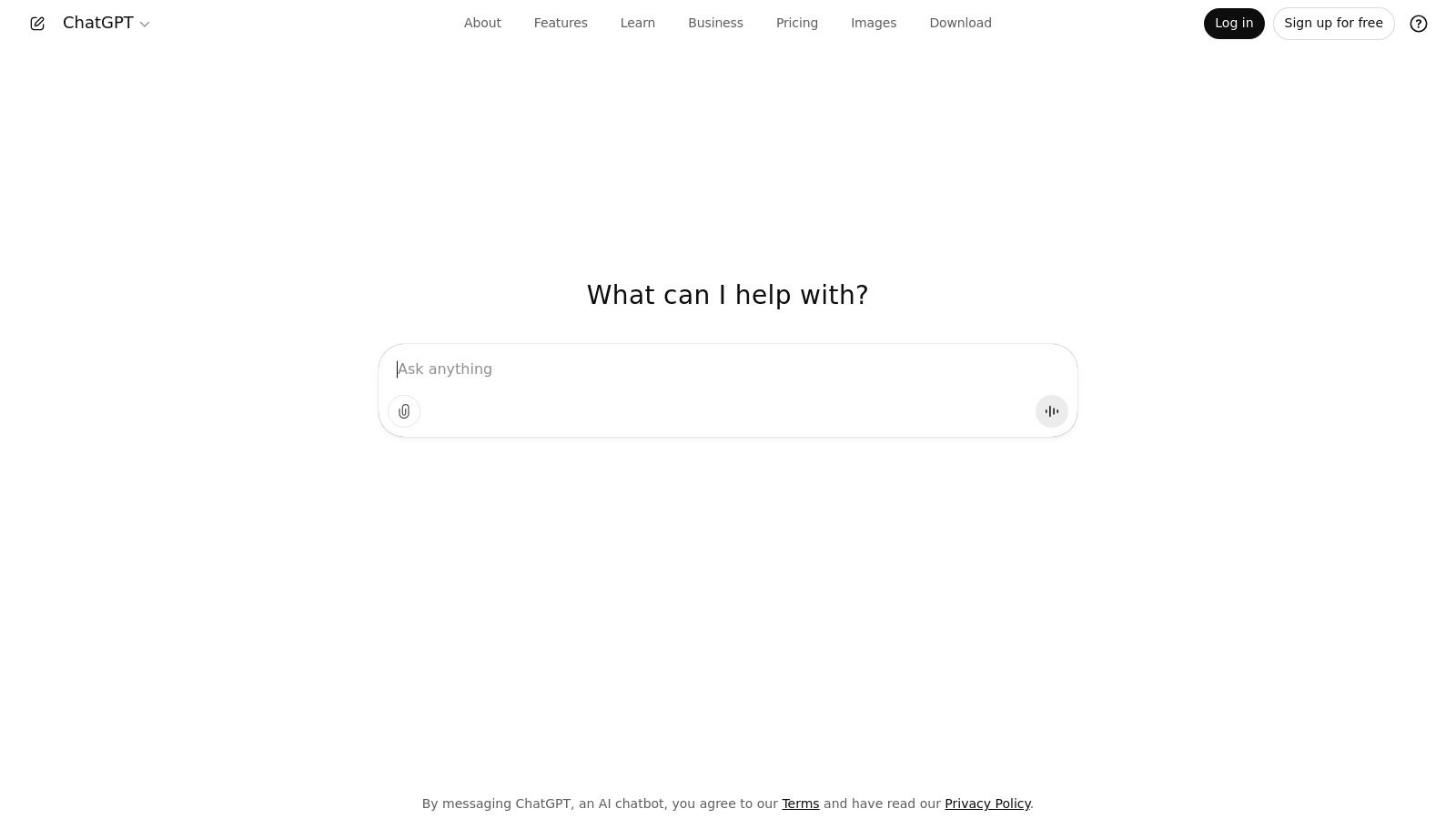
ChatGPT is the platform that brought generative AI into the mainstream, and it remains a top-tier free AI writer because it handles almost any writing task well. Its conversational interface works for brainstorming blog post ideas, structuring detailed outlines and drafting entire sections of content. The free tier gives you a highly capable model that can search the web, so outputs can draw on current information.
ChatGPT also has the largest ecosystem. You can use a big library of custom "GPTs" built for specific tasks such as SEO analysis, creative writing or code generation, which lets you tailor the tool to your workflow. The free version accepts multimodal inputs, so you can upload documents or images for analysis and use it as a research assistant.
Key Features & Limitations
The free plan is robust, but it has constraints. Free users get a limited number of messages on OpenAI's current flagship model within a rolling time window. After that, ChatGPT switches to a smaller "mini" model until the limit resets. Higher limits, longer context and advanced reasoning modes are reserved for paid plans. If you are new to AI-driven workflows, the free offering is still enough for daily writing tasks. For a deeper dive, read our strategies for AI-powered content creation.
| Feature | Free Tier Availability |
|---|---|
| Model Access | Current flagship model with message caps, then automatic fallback to a smaller model |
| Usage | Generous, but limits reset on a rolling window and tighten at peak times |
| Web Search | Included for real-time information retrieval |
| Custom GPTs | Access to user-created GPTs in the GPT Store |
| Multimodal | File and image uploads available with limits |
Best for: General-purpose drafting, research, brainstorming, and adding functionality through custom GPTs.
Website: https://chat.openai.com
2. Google – Gemini
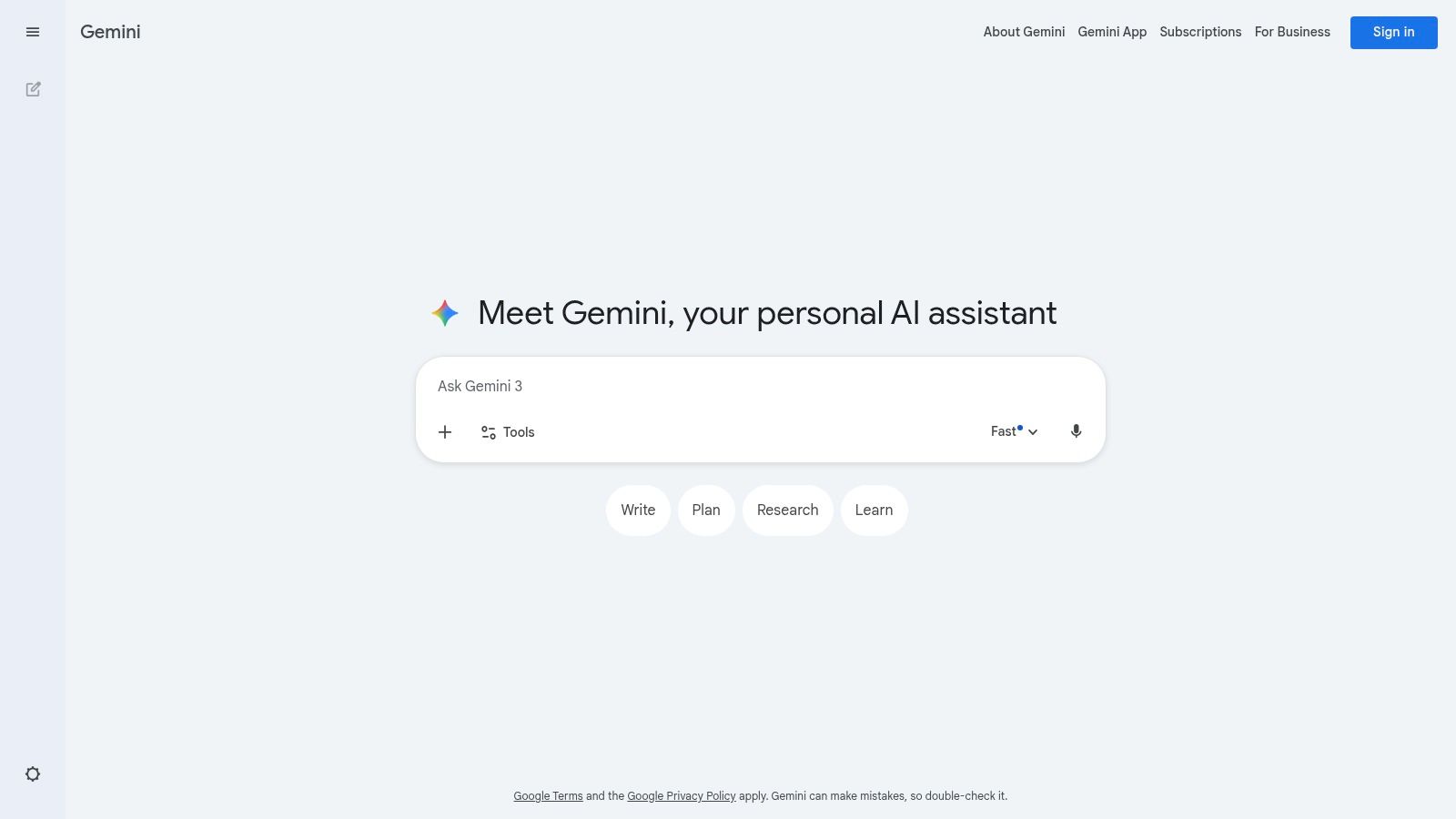
Gemini is Google's flagship AI, and as a free AI writer its main advantage is its connection to Google Search. It works especially well for research-grounded writing because it can draw on Google's index for current, verifiable information in blog posts, articles and reports. The conversational interface will feel familiar to anyone who uses Google products, which makes it an easy starting point for drafting or brainstorming on a factual base.
Gemini also connects to Google Workspace. The deepest integrations are part of paid plans, but the free version works well as a standalone tool: you draft content there and move it into Google Docs or Gmail. Because it reads the live web, outputs such as market research summaries and topic outlines stay current.
Key Features & Limitations
The free tier gives broad access to a strong model that handles most daily writing tasks. The most advanced models and the workflow integrations are reserved for subscribers. For example, Gemini assistance inside Google Docs or Gmail requires a paid Google AI plan, either a consumer tier or a Workspace plan. Even so, the free web version is a solid research-first writing assistant.
| Feature | Free Tier Availability |
|---|---|
| Model Access | Access to a capable standard Gemini model; top models are limited |
| Usage | Generous daily usage limits for most users |
| Web Browsing | Natively integrated for real-time information |
| Workspace Integration | Limited; copy-paste or export to Docs is the primary workflow |
| Multimodal | Image upload and analysis capabilities are included |
Best for: Research-heavy content creation, fact-checking, and users heavily invested in the Google ecosystem.
Website: https://gemini.google.com
3. Anthropic – Claude
Claude, from Anthropic, has a strong reputation as a free AI writer for tasks that need careful reasoning and structured, long-form output. It follows complex instructions well, which makes it a good fit for detailed reports, technical articles and creative pieces that must keep a consistent narrative and tone. The free version gives you a capable model that produces coherent, well-organized text.
Anthropic trains Claude with a "constitutional AI" framework intended to keep outputs helpful and harmless. In practice this often produces nuanced, carefully worded responses, which helps when phrasing matters. The minimalist interface keeps distractions out of the way so you can focus on drafting. Claude is also good at summarizing long documents and extracting key information from uploaded files such as PDFs.
Key Features & Limitations
Claude's free tier is generous, but it runs on usage limits that reset every few hours. Once you hit the limit, you have to wait for the next window, which can interrupt intensive work. Long documents and long conversations use up the allowance faster. Access to Anthropic's most powerful models, Projects, and higher limits is prioritized for Pro subscribers. For professionals who value high-quality, structured output, the free version is still an excellent starting point for complex writing.
| Feature | Free Tier Availability |
|---|---|
| Model Access | Access to Anthropic's current Sonnet-class model |
| Usage | Session-based limits that reset every few hours |
| Instruction Following | Excellent for complex and multi-step prompts |
| File Uploads | Supports various document types for analysis |
| Interface | Clean, minimalist, and focused on conversation |
Best for: Long-form content drafting, structured writing, summarizing complex documents, and tasks requiring detailed instruction following.
Website: https://claude.ai
4. Perplexity
Perplexity calls itself a conversational "answer engine," and it is an exceptional free AI writer for tasks where factual accuracy and source validation matter. Unlike purely creative generators, it cites the sources behind its claims, drawing on academic papers, news articles and other credible web pages. That makes it valuable for drafting content briefs, fact-checking, and writing articles where every claim needs to be verifiable.
Perplexity is built around grounded, research-first generation. The free tier lets you synthesize information and produce outlines or drafts that show where each point came from. Answers are concise, with numbered sources linked to the original content. For marketers and editors who need to build trust with their audience, this shortens the research stage considerably.
Key Features & Limitations
The free plan handles daily research and writing well. Paid tiers add a choice of advanced third-party models from OpenAI, Anthropic and Google, plus much higher allowances for in-depth "Pro" searches and research reports. For teams producing high volumes of fact-based content such as reports or journalistic articles, the free version is a good place to start before deciding on Pro.
| Feature | Free Tier Availability |
|---|---|
| Model Access | Default model with a limited number of Pro searches |
| Citations | Included for all answers to ensure verifiability |
| File Uploads | Limited uploads for document analysis |
| Usage | Generous for standard queries, with caps on Pro searches |
| Browser Integration | Comet, Perplexity's AI browser, available separately |
Best for: Research-heavy content, fact-checking, academic writing, and creating content briefs with sourced claims.
Website: https://www.perplexity.ai
5. Microsoft – Copilot
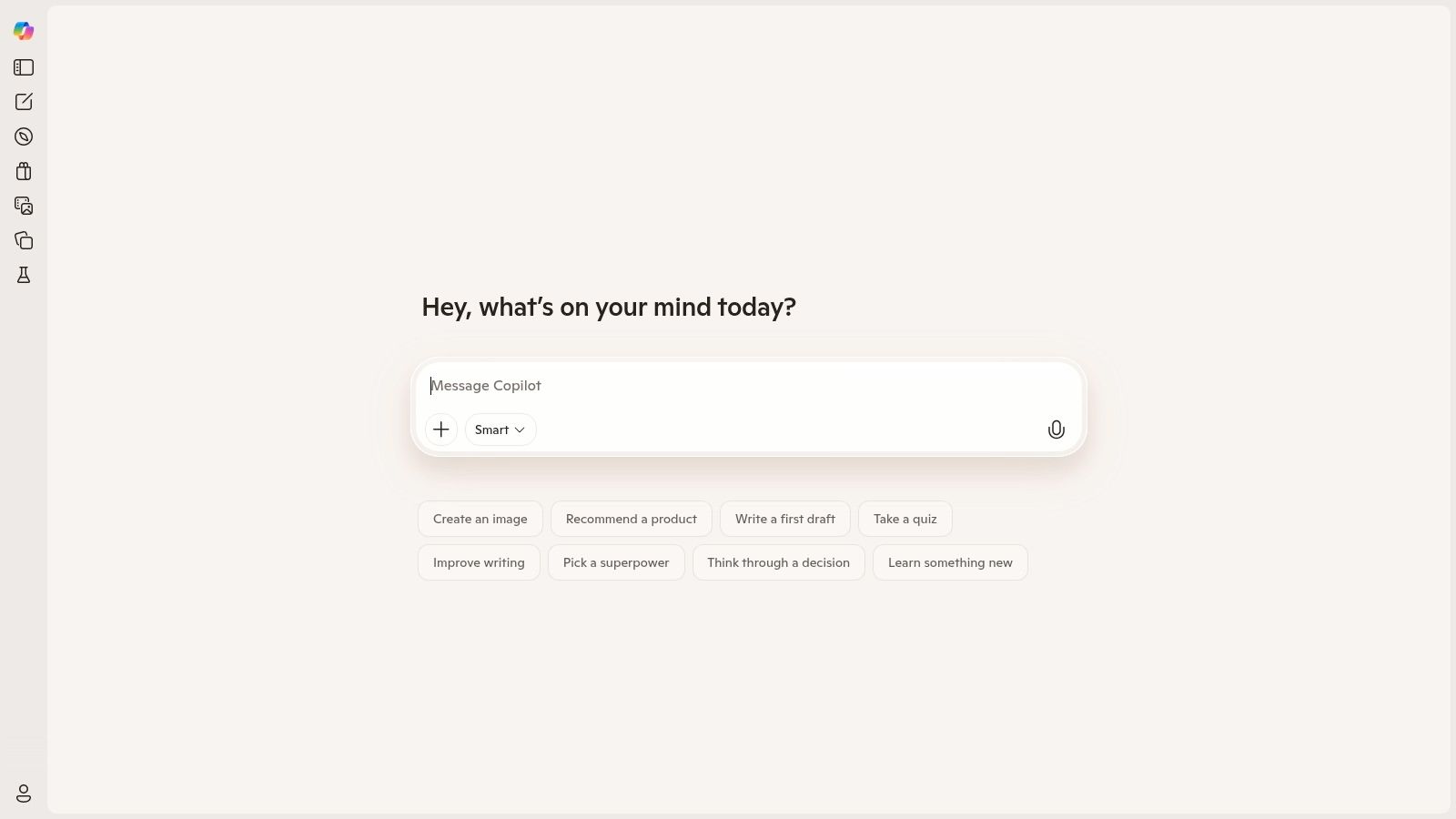
Microsoft Copilot has developed into a capable free AI writer that is built into the web and the Windows ecosystem. It drafts content, summarizes web pages and generates ideas, and it grounds its answers in real-time results from Bing. That live web access keeps outputs timely for research-heavy tasks.
Copilot is available on many platforms: a web interface, dedicated desktop apps and mobile apps. The free version is a solid standalone tool. Microsoft 365 subscribers get more, because Copilot then works directly inside Word and Outlook, so you can draft, edit and rewrite without leaving your document. That makes Copilot both a general-purpose assistant and a productivity boost for people already using Microsoft's tools.
Key Features & Limitations
The free experience is generous and runs on OpenAI's latest models. Signing in with a Microsoft account unlocks longer conversations and chat history. The most advanced in-app authoring features and priority access at peak times require a paid Microsoft 365 plan. For professionals exploring what it can do, Copilot is a good starting point for producing AI-generated SEO content.
| Feature | Free Tier Availability |
|---|---|
| Model Access | Recent OpenAI models, with limits on advanced modes |
| Web Grounding | Real-time search integration with Bing is standard |
| Microsoft 365 Integration | Limited; in-app features require a paid subscription |
| Platform Access | Available on web, Windows, macOS, and mobile apps |
| Image Generation | Included with daily limits |
Best for: Web-based research, drafting content with current information, and users within the Microsoft ecosystem.
Website: https://copilot.microsoft.com
6. Grammarly
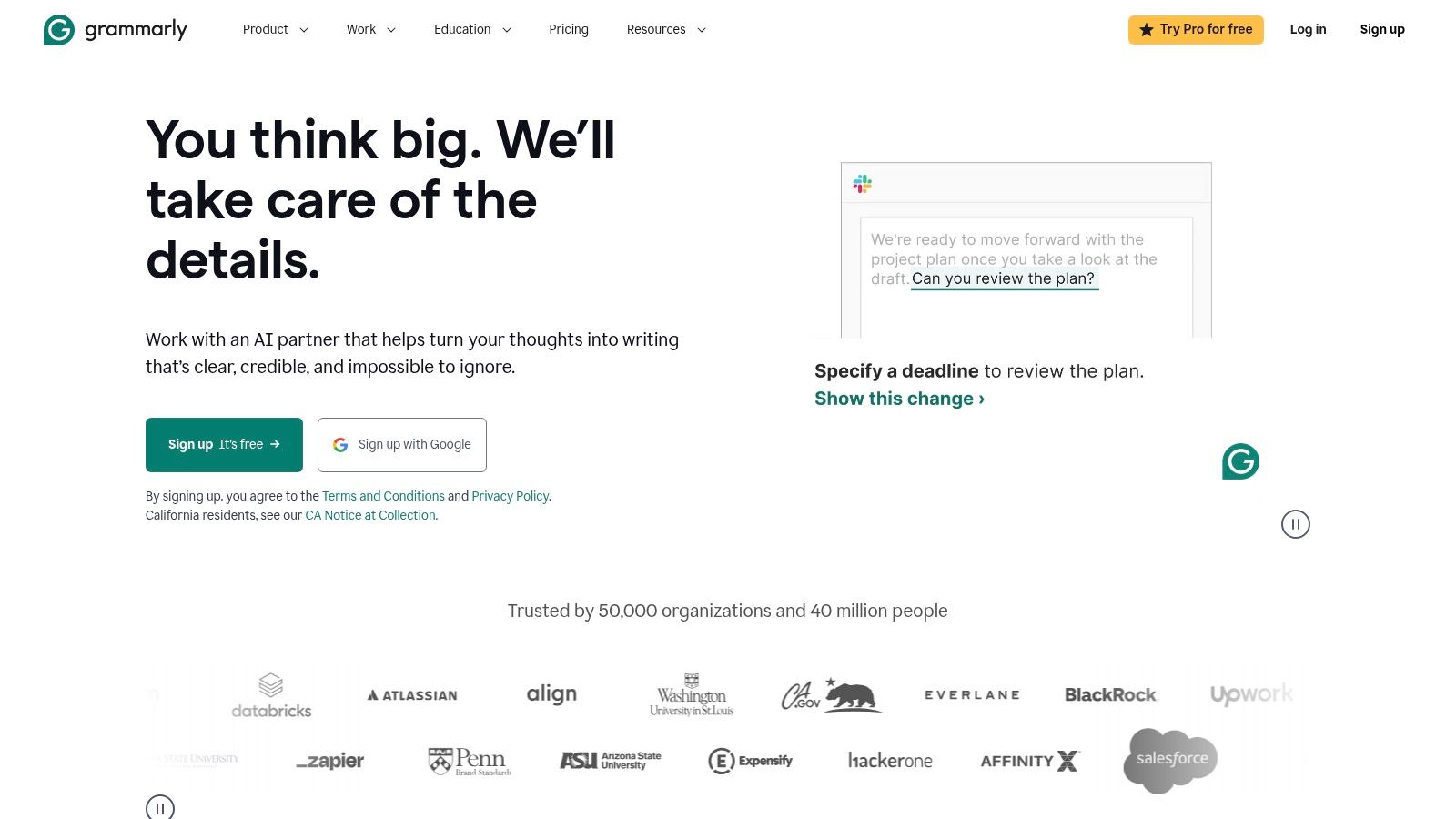
Grammarly is best known as a spelling and grammar checker, but it has grown into a strong free AI writer for polishing and refining existing content. Its AI features sit inside your writing workflow and suggest real-time improvements to clarity, tone and style. The free plan covers core correctness checks and a limited number of generative AI prompts for rewriting sentences or generating quick ideas.
Grammarly's biggest advantage is how many places it works. Through browser extensions and desktop apps, it runs inside your email client, Google Docs and social media, so it is always available while you write. It also goes beyond basic grammar and helps you adjust your tone for specific audiences.
Key Features & Limitations
On the free tier, Grammarly's generative features are meant to assist rather than to produce full pieces of content. They work well for getting past writer's block or rephrasing a difficult sentence. Heavy generative use, plagiarism detection and advanced style guides are reserved for paid plans. If you want a tool that improves your own writing rather than replacing it, the free version is very useful. To see how it fits into a broader SEO workflow, compare it with dedicated AI content optimization tools for SEO.
| Feature | Free Tier Availability |
|---|---|
| Generative AI Prompts | Limited number of prompts per month for generating and rewriting |
| Grammar & Spelling | Comprehensive checks included |
| Tone Detection & Suggestions | Basic tone guidance available |
| Integrations | Works across browsers, desktop apps, and mobile |
| Advanced Features | Plagiarism and advanced style/clarity guides are paid features |
Best for: Editing and polishing drafts, maintaining a consistent brand tone, and light-duty generative tasks directly within existing workflows.
Website: https://www.grammarly.com
7. QuillBot
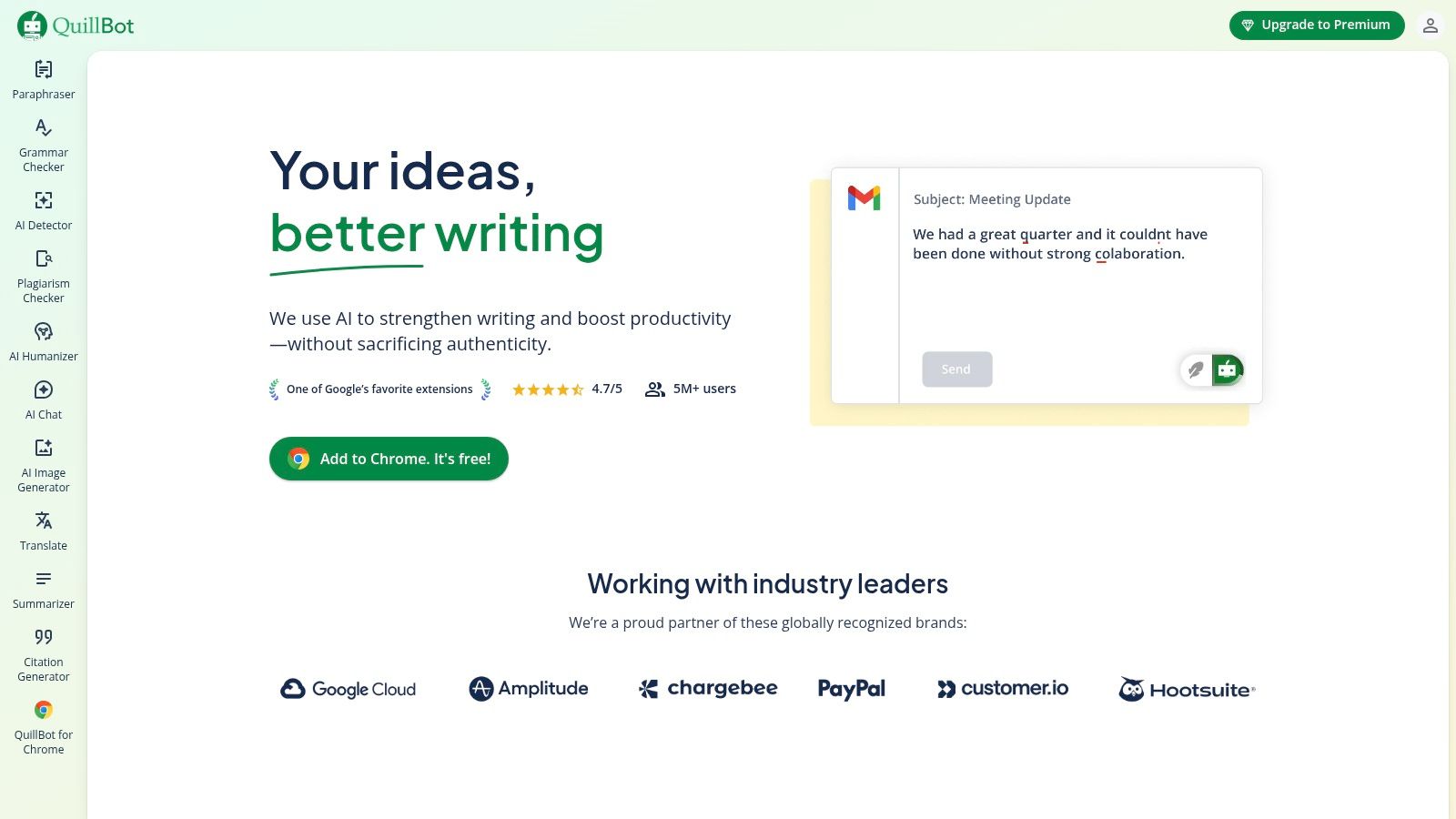
QuillBot is known as a leading paraphrasing and rewriting tool, which makes it a go-to free AI writer for editing and refining existing content. It rephrases sentences, improves clarity and adjusts tone without losing the original meaning. The free plan gives you a multi-tool workspace with the paraphraser, a summarizer and an AI chat function, so you can handle most draft polishing in one place.
Many writers rely on QuillBot because its browser extensions and simple interface fit easily into an existing workflow. It condenses complex text, makes robotic-sounding copy read more naturally, and helps with writer's block by suggesting alternative phrasings. Its generative abilities are narrower than a full chatbot's, but its specialized tools are very effective at improving text quality.
Key Features & Limitations
The free version handles quick edits well, but its strict limits push heavy users toward upgrading. The paraphraser is capped at 125 words per submission and the summarizer at 1,200 words. Advanced paraphrasing modes, faster processing and the plagiarism checker are Premium features. The free tier is therefore best for short-form content and final touch-ups.
| Feature | Free Tier Availability |
|---|---|
| Paraphraser | Standard and Fluency modes (125-word limit) |
| Summarizer | Included (1,200-word limit) |
| AI Chat | Basic access with daily query limits |
| Integrations | Browser extensions for Chrome & Edge available |
| Advanced Features | Plagiarism checker and expanded modes are Premium-only |
Best for: Editing, rephrasing existing text, improving readability, and summarizing long articles.
Website: https://quillbot.com
8. Copy.ai
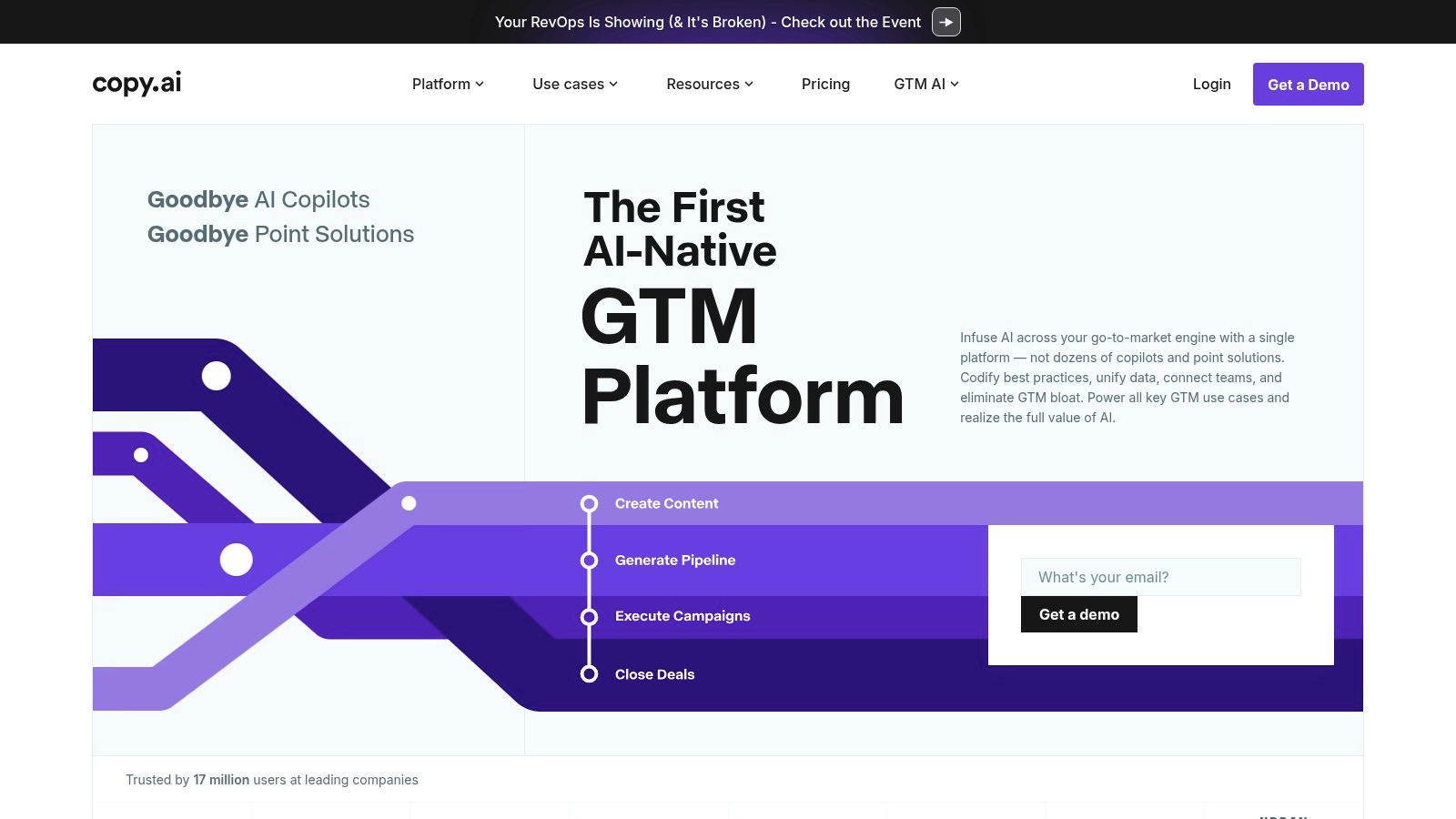
Copy.ai is a free AI writer built specifically for marketing and sales copy. It pairs a familiar chat interface with a large library of pre-built templates for writing ad copy, generating product descriptions and drafting professional emails. The templates give you a structured starting point, which makes common business writing tasks fast.
The free plan is a strong entry point. It includes the core chat functionality and the "Infobase" feature, where you store brand-specific information for the AI to use. The word count is limited, but it is enough for short-form copy or for brainstorming marketing angles without a monthly commitment. Paid tiers add workflow automation and access to multiple models for teams.
Key Features & Limitations
The main constraint of the free tier is its 2,000-word monthly limit, which regular use can exhaust quickly. Still, it is a useful way to test whether the platform works for your marketing copy. Trying its templates is the fastest way to understand what it can do. To see how it compares with alternatives, read our roundup of top AI copywriting tools.
| Feature | Free Tier Availability |
|---|---|
| Word Count | 2,000 words per month |
| Core Tools | Access to Chat and Infobase knowledge base |
| Templates | Access to 90+ pre-built copywriting templates |
| Workflow Automation | Limited starter credits for first-time users |
| Team Features | A single user seat is included |
Best for: Marketers, entrepreneurs, and sales teams needing quick, high-quality copy for specific business use cases like ads, emails, and social media posts.
Website: https://www.copy.ai
9. Writesonic
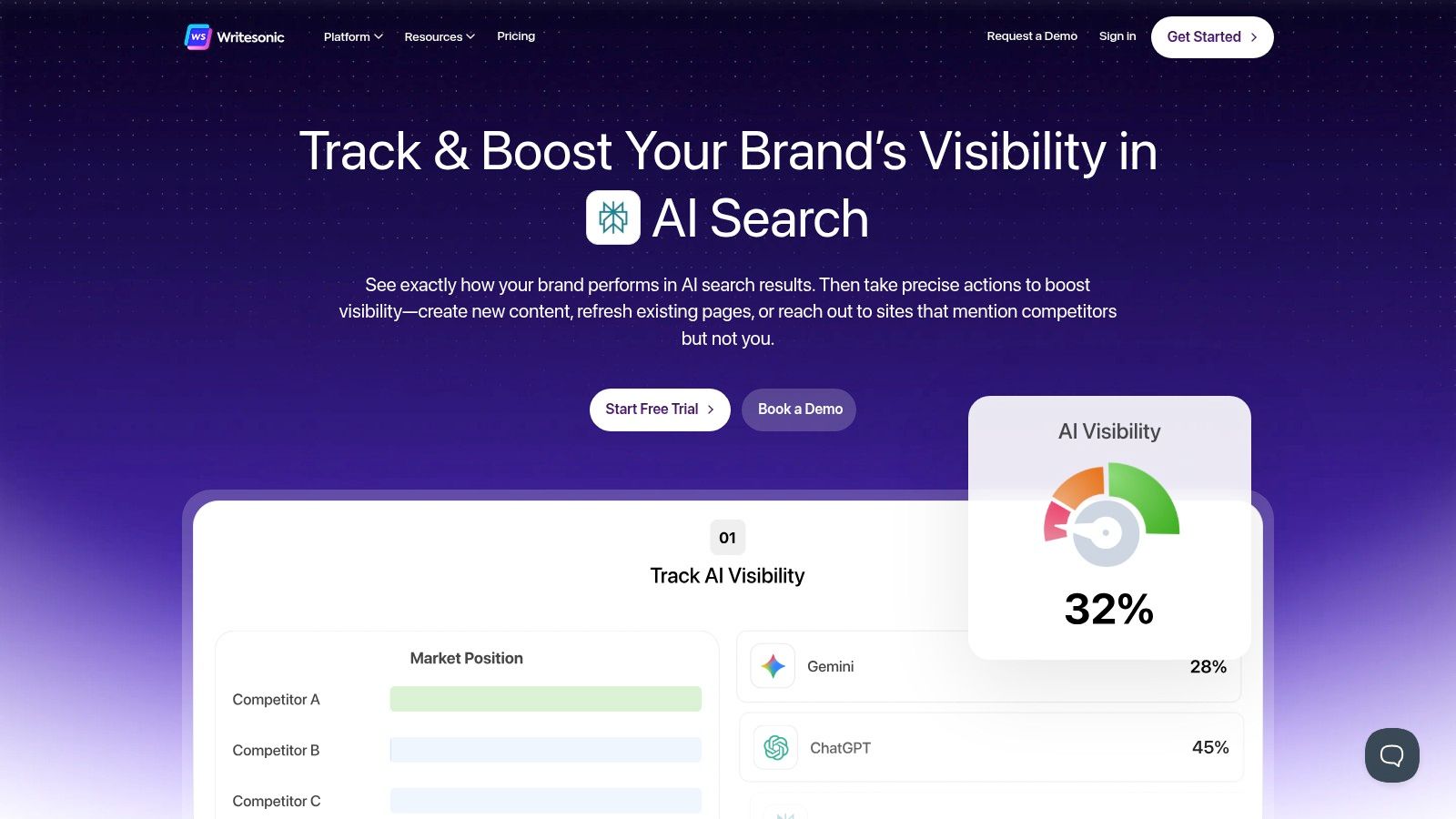
Writesonic is a free AI writer built for marketing and SEO content. Its structured, template-driven approach guides you toward producing blog posts, social media updates and product descriptions. Unlike more conversational tools, it relies on specialized generators such as its AI Article Writer, which can produce long-form, SEO-oriented content from a single prompt.
The platform is designed to streamline the whole content workflow for marketers. The free tier includes a limited trial allowance, so you can test core features such as the long-form article generator and the marketing copy templates. It suits people who regularly produce the same types of content and do not want to start from a blank page each time.
Key Features & Limitations
The free plan is a reasonable introduction, but its allowance runs out quickly, especially if you generate long-form articles. Paid tiers provide far more generations, advanced models, and newer features such as AI search visibility tracking. The interface is user-friendly, though new users may find the differences between plans and the credit system confusing.
| Feature | Free Tier Availability |
|---|---|
| Templates | Access to core templates for marketing & copy |
| Long-Form Generator | Limited use based on trial credits |
| Word Allowance | Small allowance; check the current plan page |
| Language Support | Multi-language support included |
| Advanced Features | Advanced models and integrations reserved for paid plans |
Best for: Marketers, bloggers, and e-commerce managers needing structured, template-based content creation for SEO and advertising.
Website: https://writesonic.com
10. Rytr
Rytr is one of the most accessible and budget-friendly options on this list, and a good first free AI writer for individuals and small teams. Its "free forever" plan includes a monthly character allowance that covers short-form content such as social media captions, product descriptions and ad copy at no cost. The interface is organized around use cases: you pick a template and generate text.
Rytr's appeal is simplicity and price. It skips complex features in favor of a straightforward workflow. You can choose from more than 30 languages and 20 tones to match your brand voice. If you need quick, reliable copy without a learning curve or advanced configuration, it is an excellent fit.
Key Features & Limitations
The main limit on the free plan is 10,000 characters per month, roughly 1,500–2,000 words. That suits short-form tasks better than long articles. Rytr also has one of the cheapest upgrade paths on the market for unlimited generation. It lacks the advanced research and collaboration tools of enterprise platforms, but its value for core writing needs is hard to beat. To see how it fits a broader content strategy, read our guide to AI for blog writing.
| Feature | Free Tier Availability |
|---|---|
| Generations | 10,000 characters per month |
| Templates | Access to 40+ use cases (e.g., ad copy, emails) |
| Tones & Languages | 20+ tones and 30+ languages available |
| Plagiarism Check | Built-in checker included (limited) |
| Interface | Simple, beginner-friendly UI |
Best for: Short-form content like social media updates, product descriptions, and generating quick creative ideas on a budget.
Website: https://rytr.me
11. Writecream
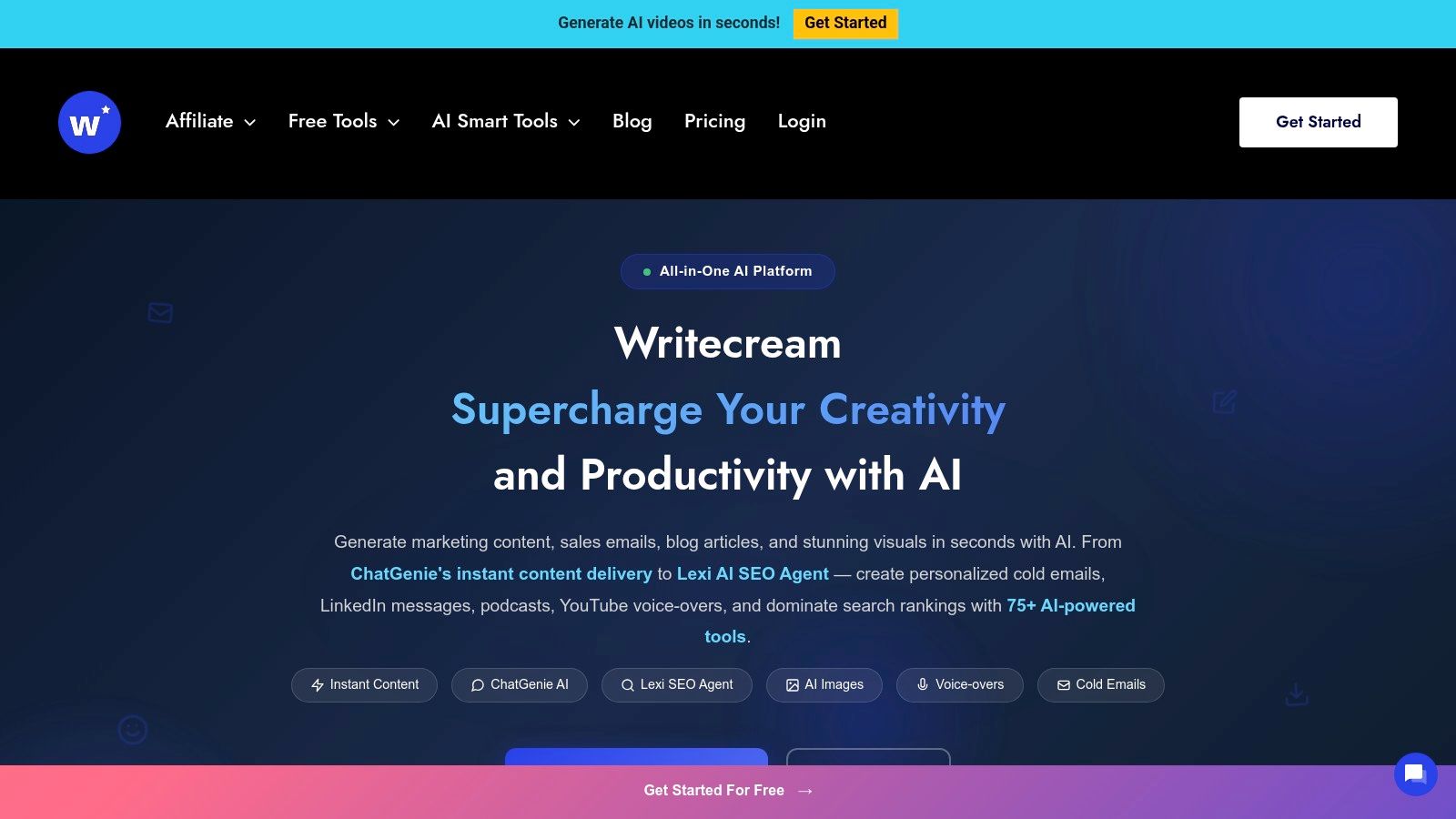
Writecream is a multi-format AI content suite that goes beyond text to audio and visual assets. That makes it an appealing free AI writer for content marketers and creators who need several types of media for their campaigns. From one dashboard you can use long-form article writers, create podcast scripts and YouTube voiceovers, and generate AI images.
Writecream's distinguishing feature is this all-in-one approach. Instead of switching between specialized tools, you can draft a blog post, produce a voiceover for a video summary and create a featured image without leaving the platform. The free plan gives you a credit allocation for experimenting with these tools on small projects.
Key Features & Limitations
The free tier uses a generous credit system, typically around 20 credits, or approximately 40,000 characters. That is enough to test the features or handle a few small tasks, but regular content production will use it up quickly. Pricing pages and promotional offers change from time to time, so check the current plan details before relying on it.
| Feature | Free Tier Availability |
|---|---|
| Word/Credit Limit | Credit-based (approx. 20 credits or 40,000 characters) |
| Content Tools | Long-form articles, social media, ads, emails |
| Media Generation | AI voiceovers and image generation included with credits |
| Language Support | Access to 75+ languages |
| Collaboration | Primarily a feature of paid and team plans |
Best for: Content marketers needing an integrated solution for text, audio voiceovers, and images for multichannel campaigns.
Website: https://www.writecream.com
12. Poe (by Quora)
Poe is an AI aggregator: one interface for accessing and comparing outputs from several leading models. Rather than being a single free AI writer, it lets you chat with models from OpenAI, Anthropic, Google and others. That makes it a good tool for testing how different models handle the same task, whether creative writing, technical explanations or marketing copy, and picking the best one.
Poe is model-agnostic and flexible about access. The free tier gives you daily compute points that you can spend across most standard models, which allows a lot of experimentation. If you need more, the point system lets you pay for premium models on a per-message basis. That can cost less than holding several separate subscriptions. You can also switch models within a single conversation, which is useful when refining content.
Key Features & Limitations
The free plan is enough for daily experimentation, but heavy users will hit its limits quickly. The point system is flexible but can be confusing, because the number of points each message costs varies widely between models. Even so, Poe is very useful for comparing AI writers without managing multiple accounts.
| Feature | Free Tier Availability |
|---|---|
| Model Access | Limited daily access to multiple models (GPT, Claude, Gemini families) |
| Usage | Point-based system with a daily free point refresh |
| Model Comparison | Easily switch between models in the same chat interface |
| Custom Bots | Create and share custom bots based on different models |
| Platform | Available on web and dedicated mobile apps |
Best for: Comparing outputs from multiple AI models, discovering specialized bots, and flexible, usage-based access.
Website: https://poe.com
Top 12 Free AI Writers — Feature Comparison
| Tool | Core capabilities | Strengths (UX & quality) | Best for / Target audience | Unique selling point | Price & limits |
|---|---|---|---|---|---|
| OpenAI – ChatGPT | General writing, brainstorming, multimodal inputs, custom GPTs | Strong drafting/outlines; extensible ecosystem | Day-to-day writers, teams building workflows | User-created GPTs & multimodal uploads | Usable free tier (rate limits); paid for higher usage |
| Google – Gemini | Writing, research, web grounding, Google app integration | Good research grounding; familiar UX across devices | Google ecosystem users; research-heavy workflows | Deep Docs/Gmail/Google integration (with paid tiers) | Free access; paid Google AI plans add advanced features |
| Anthropic – Claude | Long-form drafting, structured reasoning, instruction following | High-quality structured content; clean UI | Long-form authors, complex instruction tasks | Strong reasoning and instruction adherence | Free with session limits; Pro subscription for higher usage |
| Perplexity | Answer engine with source citations, research tools, API | Built-in citations; fast research-first drafts | Research-grounded content, sourcing claims | Cited answers and Comet browser | Free plan; Pro/Max tiers for advanced models (paid) |
| Microsoft – Copilot | AI writing + web grounding, native Office integrations | Solid in-app authoring; cross-platform availability | Microsoft 365 users and enterprise office workflows | Native Word/Excel/PowerPoint integration | Free web/app; best features require Microsoft 365 subscription |
| Grammarly | Grammar/style checks, tone control, light AI generation | Excellent polishing and consistent tone across apps | Editors, brand teams, real-time writing corrections | Real-time brand/tone consistency and corrections | Free basic plan; Pro/Enterprise for advanced AI generation |
| QuillBot | Paraphrasing, summarizer, translator, multi-tool workspace | Strong condensing and humanizing of copy | Rewriters, summarizers, quick edits for content teams | Specialized paraphrase and summarizer modes | Free with tight limits; Premium adds modes & plagiarism checker |
| Copy.ai | Templates, chat workspace, marketing copy generators | Fast marketing outputs; team-friendly workflows | Marketers creating ads, emails, product descriptions | Wide marketing templates and starter workflows | Free 2,000 words/month; paid plans for agents & multi-model access |
| Writesonic | Long-form SEO articles, templates, multi-language support | Mature long-form tools and SEO templates | Marketers needing SEO articles and multilingual content | SEO-focused long-form generators and templates | Limited free credits; tiered paid plans |
| Rytr | Quick drafts, simple templates, tone presets | Very affordable; easy for short content | Budget-conscious users making captions and snippets | Low-cost permanent free tier and cheap upgrades | Free 10,000 characters/month; inexpensive unlimited paid plan |
| Writecream | Writing plus audio voiceovers and image tools | Text + media asset creation in one suite | Content marketers who need media assets with copy | Integrated voiceover and image generation alongside writing | Practical free credits (~20); paid Unlimited/team tiers |
| Poe (by Quora) | Aggregates multiple models in one chat interface | Compare outputs across models; flexible metering | Users who want to test/compare model outputs quickly | Multi-model chat aggregation and side-by-side comparison | Free tier with limits; paid subscriptions / point metering for premium models |
From Free Tools to a Strategic Content Engine
AI writing assistants can seem overwhelming at first, but the easiest way in is to experiment with a free AI writer. Tools like ChatGPT, Gemini and Claude give anyone access to sophisticated language models, whether you are drafting emails or outlining blog posts.
Each tool in this guide excels in a different area: Perplexity at research, Grammarly at editing, QuillBot at paraphrasing. The key takeaway is that no single free tool is "best" for everyone. The right choice is the one that best fits your task and workflow.
Making Your Choice: From Experimentation to Implementation
Choosing a free AI writer should start from your immediate needs. Work through these questions:
- What is my primary goal? Are you trying to overcome writer's block (ChatGPT), conduct research (Perplexity), or refine existing prose (Grammarly)? Matching the tool's core strength to your objective is the most important step.
- What are the platform's limitations? Every free plan has a ceiling. Know the daily or monthly word counts, feature restrictions and privacy implications before you start. Some free tiers may use your inputs to train models unless you opt out. Knowing these limits prevents workflow interruptions and helps you plan ahead.
- How will this integrate into my current process? A tool only helps if it makes your work easier. Consider how easily you can move content from the AI writer to its final destination, whether that is a CMS, a social media scheduler or a client document.
A practical way to test candidates: run the same brief, for example a 300-word section with a target keyword and two required facts, through two or three tools. Score each output on factual accuracy, how much editing it needs, and how well it follows your instructions. If you want a quick shortlist before testing, our free AI writing tools directory groups options by use case.
These tools are most useful when you treat them as collaborators rather than content generators. Give them detailed context, iterate on their outputs, and apply your own expertise and brand voice to the final product.
The Leap from Individual Productivity to a Scalable Content Strategy
A free AI writer is an excellent first step for individual productivity. It helps you draft faster, get past creative blocks and polish your final copy. As your content needs grow, though, the limits of free plans become real obstacles. Word caps, restricted features and missing collaboration tools make it hard to scale content production.
For businesses aiming for significant organic growth, this is where a more integrated, strategic approach becomes necessary. Sight AI turns content creation from a manual task into a complete content orchestration solution. It first identifies high-value content gaps based on how AI models and search engines talk about your brand. It then uses specialized AI agents to produce long-form, SEO-optimized articles (2,500–4,500 words) tailored to enterprise needs.
Automated publishing to your CMS and accelerated indexing turn those insights into a scalable engine for organic growth. When you are ready to move from experimenting with free tools to a predictable, high-performance content pipeline, a comprehensive platform is the logical next step. To see what else is available alongside your free AI writer, explore the best AI content creation tools and how different platforms fit into a larger ecosystem.
The journey starts with a simple prompt in a free tool and can lead to an automated engine that drives measurable business results. The key is to recognize when your needs have outgrown free plans and to invest in a solution built for scale.
Frequently asked questions
What is the best free AI writer overall?
For most users, ChatGPT is the best all-round free AI writer because it combines strong drafting, web search, file uploads and custom GPTs. Claude is the better pick for long, structured pieces, and Gemini or Perplexity are stronger when you need sourced research. The reviews above describe each tool's free-tier limits so you can match a tool to your specific task.
Are free AI writing tools really free?
Yes, but with limits. Chat-based tools such as ChatGPT, Claude, Gemini and Copilot cap messages or model access per time window. Template tools such as Copy.ai (2,000 words/month) and Rytr (10,000 characters/month) cap output volume. No credit card is required for the free plans covered here. Expect upgrade prompts, slower fallback models at peak times, and some premium features, like plagiarism checks, reserved for paid tiers.
Which free AI writing tool is best for SEO blog content?
For SEO drafts, use Claude or ChatGPT to write from a detailed brief, Perplexity to source facts, and Grammarly to polish. Template tools like Writesonic help structure articles, but their free credits run out quickly on long-form work. No free writer handles keyword research, internal linking or indexing for you, so pair your drafts with an SEO workflow or a platform built for content at scale.
Can Google tell if content was written by a free AI writer?
Google's stated position is that it rewards helpful, original content regardless of how it is produced, and it penalizes mass-produced content created mainly to manipulate rankings. The practical risk is not AI use itself but thin, generic or inaccurate output. Add first-hand expertise, verify every fact, and edit for your brand voice before publishing any AI-assisted draft.