Content marketing has evolved from a nice-to-have into the backbone of organic growth strategies. But managing content ideation, creation, distribution, and performance tracking across multiple channels can quickly become overwhelming—especially when you're also trying to optimize for AI search visibility.
The right content marketing platform consolidates these workflows, helping teams publish more strategically without burning out. This guide covers top platforms that excel at different aspects of content marketing, from AI-powered content creation to enterprise-level campaign orchestration.
Whether you're a solo marketer, agency, or enterprise team, you'll find options that match your workflow and budget.
1. Sight AI
Best for: Teams optimizing content for both traditional SEO and AI search visibility
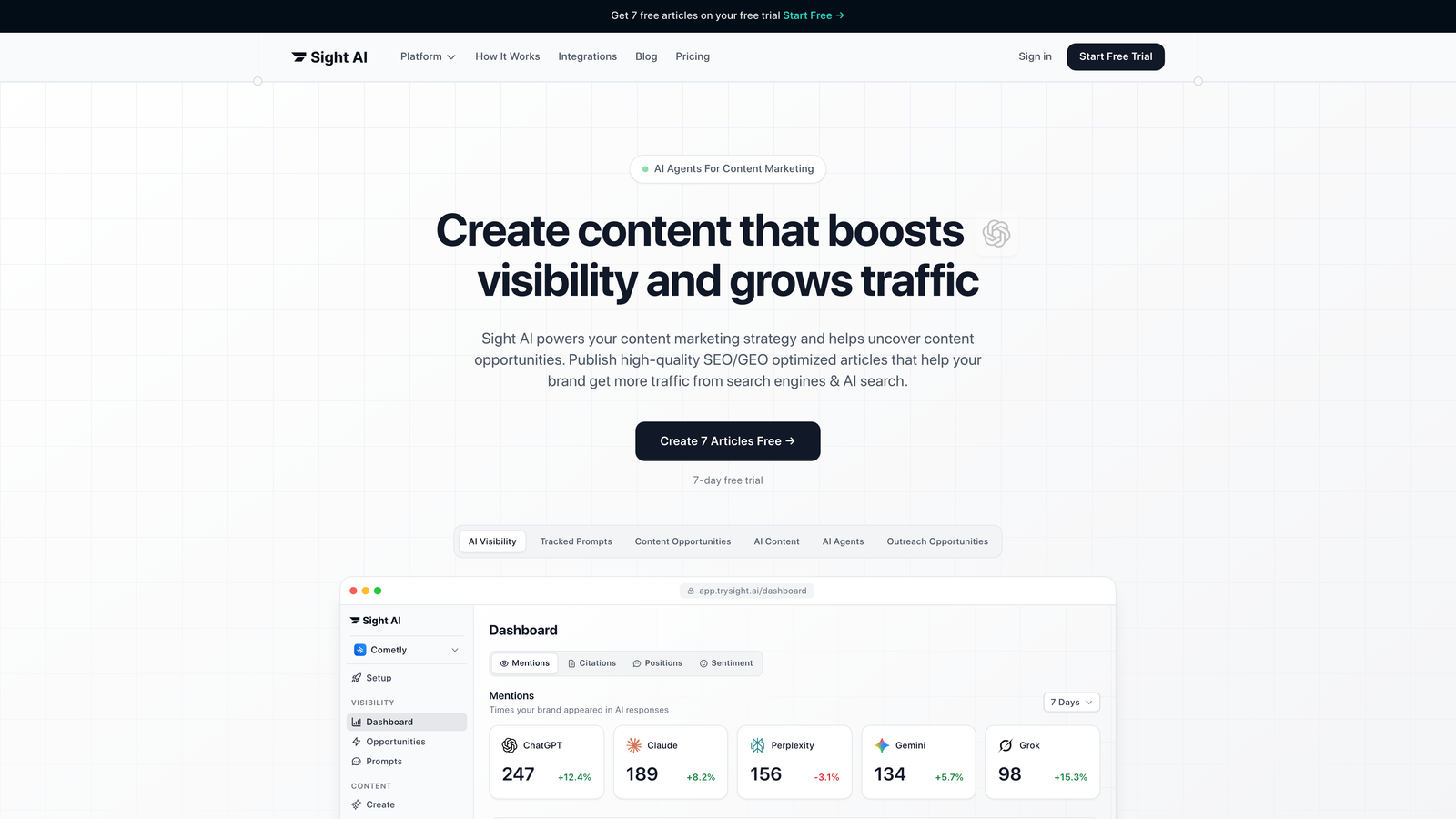
Sight AI is an AI-powered platform that combines content creation with visibility tracking across ChatGPT, Claude, Perplexity, and other AI models.
Where This Tool Shines
While most content platforms focus exclusively on traditional search rankings, Sight AI addresses a critical blind spot: how AI models actually talk about your brand. The platform tracks brand mentions across six AI platforms and provides an AI Visibility Score that measures sentiment and context.
This dual approach—creating optimized content while monitoring AI conversations—gives marketers insight into an entirely new discovery channel. As more users turn to ChatGPT and Claude for recommendations instead of Google, this visibility becomes increasingly valuable.
If you want a deeper look at the tools available, our guide to AI visibility software tools covers every major platform for tracking how your brand appears across ChatGPT, Claude, and Perplexity.
Key Features
13+ Specialized AI Agents: Different agents handle listicles, guides, explainers, and other content types with format-specific optimization.
AI Visibility Score: Tracks how often and in what context your brand appears in AI-generated responses across multiple platforms.
IndexNow Integration: Automatically notifies search engines about new content for faster discovery and indexing.
Autopilot Mode: Hands-off content generation that maintains brand voice and SEO standards without constant oversight.
CMS Auto-Publishing: Direct publishing to your website eliminates manual copy-paste workflows.
Best For
Marketing teams and agencies that want to stay ahead of the AI search curve while maintaining strong traditional SEO performance. Particularly valuable for brands in competitive spaces where AI recommendations influence purchase decisions.
Pricing
Free tier available for testing the platform. Paid plans start at $49/month with scaling options for agencies and enterprises.
2. HubSpot Content Hub
Best for: Companies using HubSpot's CRM who want seamless content-to-conversion workflows
HubSpot Content Hub is a comprehensive content marketing suite integrated with HubSpot's CRM and marketing automation ecosystem.

Where This Tool Shines
The real power of Content Hub emerges when you connect content performance to actual revenue. Because it lives inside HubSpot's ecosystem, you can see which blog posts drive qualified leads, which topics convert best, and how content influences deals throughout the sales cycle.
This closed-loop reporting makes it easier to justify content budgets and double down on what actually moves business metrics. The AI content generation also learns your brand voice over time, maintaining consistency across team members.
Key Features
AI Content Generation: Creates drafts that match your brand voice with built-in SEO recommendations during the writing process.
Content Remix: Automatically repurposes long-form content into social posts, emails, and other formats.
Lead Capture Integration: Connects content directly to forms, chatbots, and nurturing sequences without additional tools.
SEO Recommendations: Real-time suggestions for improving on-page optimization as you write.
Analytics Dashboard: Tracks performance across content types with attribution to leads and customers.
Best For
Companies already using HubSpot for CRM or marketing automation. The integration eliminates data silos and creates a unified view of how content drives pipeline.
Pricing
Free tools available for basic blogging. Content Hub Professional starts at $450/month with advanced features scaling into Enterprise tiers.
3. Semrush Content Marketing Platform
Best for: SEO-focused teams that need competitive intelligence alongside content creation
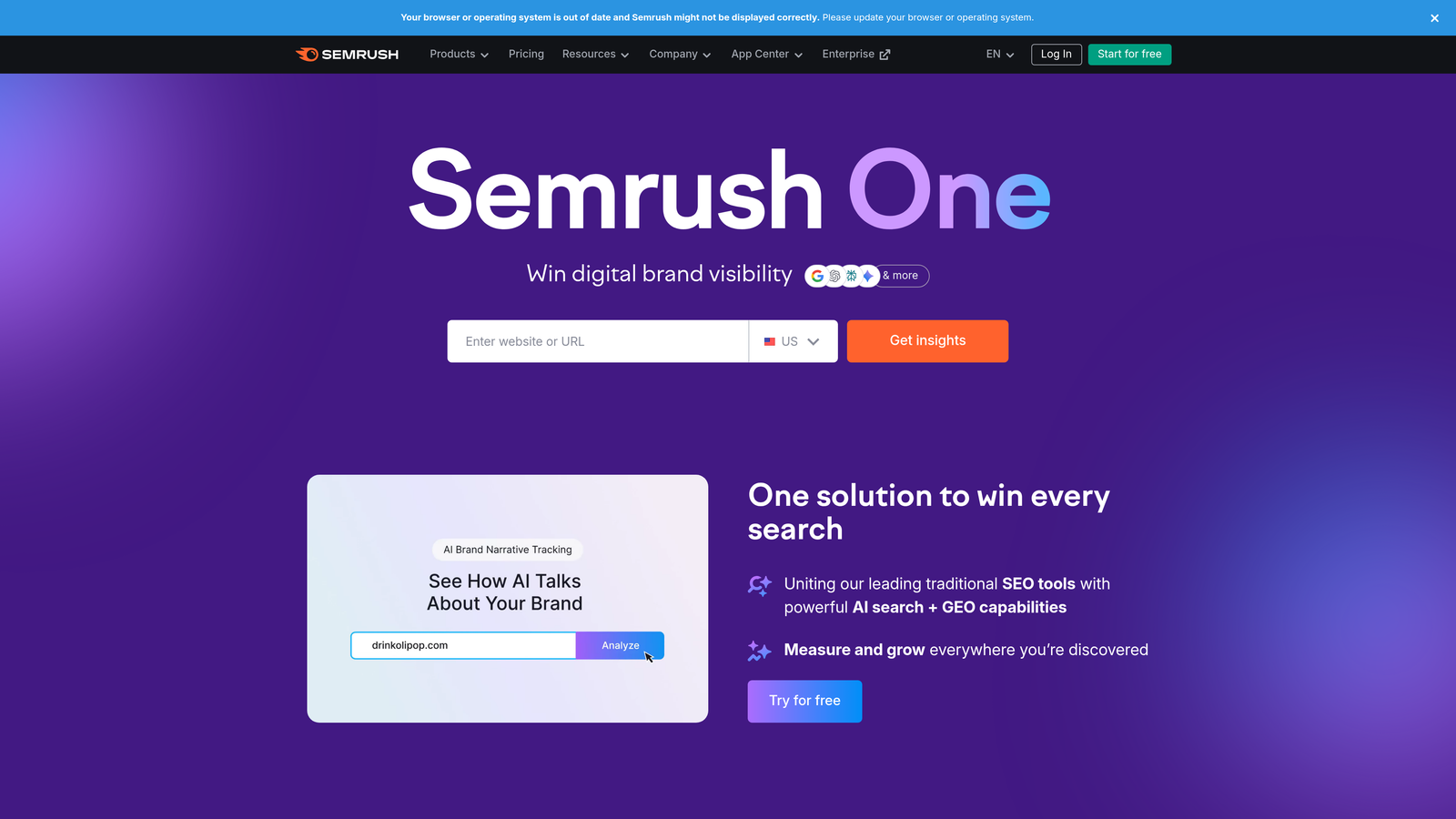
Semrush Content Marketing Platform is an SEO-focused toolkit with competitive analysis and content optimization built for organic search performance.
Where This Tool Shines
Semrush excels at identifying content gaps in your strategy by analyzing what competitors rank for that you don't. The Topic Research tool uncovers questions your audience is actually asking, while the SEO Content Template generates optimization guidelines based on top-ranking pages.
For teams where organic search drives the majority of traffic, this competitive intelligence is invaluable. You're not guessing what to write—you're making data-driven decisions based on what's already working in your niche.
Key Features
Topic Research: Discovers content opportunities with volume data and question analysis.
Content Gap Analysis: Identifies keywords competitors rank for that you're missing.
SEO Content Template: Generates optimization guidelines based on top-performing competitors.
Content Audit: Evaluates existing pages for performance and optimization opportunities.
Post Tracking: Monitors rankings and traffic for published content over time.
Best For
SEO teams and content marketers who prioritize organic search traffic and need competitive intelligence to inform their strategy. Works best when paired with Semrush's broader SEO toolkit.
Pricing
Included in Semrush subscriptions starting at $139.95/month for the Pro plan. Higher tiers unlock more projects and advanced features.
4. Contently
Best for: Enterprise brands producing high-volume content with freelance contributors
Contently is an enterprise content marketing platform with a built-in talent network and performance analytics designed for large-scale content operations.
Where This Tool Shines
Managing dozens of freelance writers while maintaining brand consistency is a nightmare without the right system. Contently solves this by providing access to vetted creators alongside workflow tools that enforce style guides and approval processes.
The platform also connects content performance to business outcomes, showing which topics and formats drive engagement and conversions. For enterprises producing hundreds of pieces monthly, this combination of talent access and governance is essential.
Key Features
Vetted Freelance Network: Access to pre-screened writers, designers, and videographers across industries.
Brand Voice Enforcement: Style guide tools ensure consistency across contributors.
Workflow Management: Approval processes and task assignment for complex content operations.
ROI Analytics: Connects content performance to engagement, leads, and revenue metrics.
Content Strategy Tools: Planning and ideation features for quarterly content calendars.
Best For
Large enterprises and agencies managing complex content operations with multiple contributors. Companies that need both talent sourcing and workflow management in one platform.
Pricing
Custom enterprise pricing based on content volume and team size. Typically starts around $3,000/month for mid-market companies.
5. CoSchedule
Best for: Marketing teams juggling content across multiple channels and campaigns
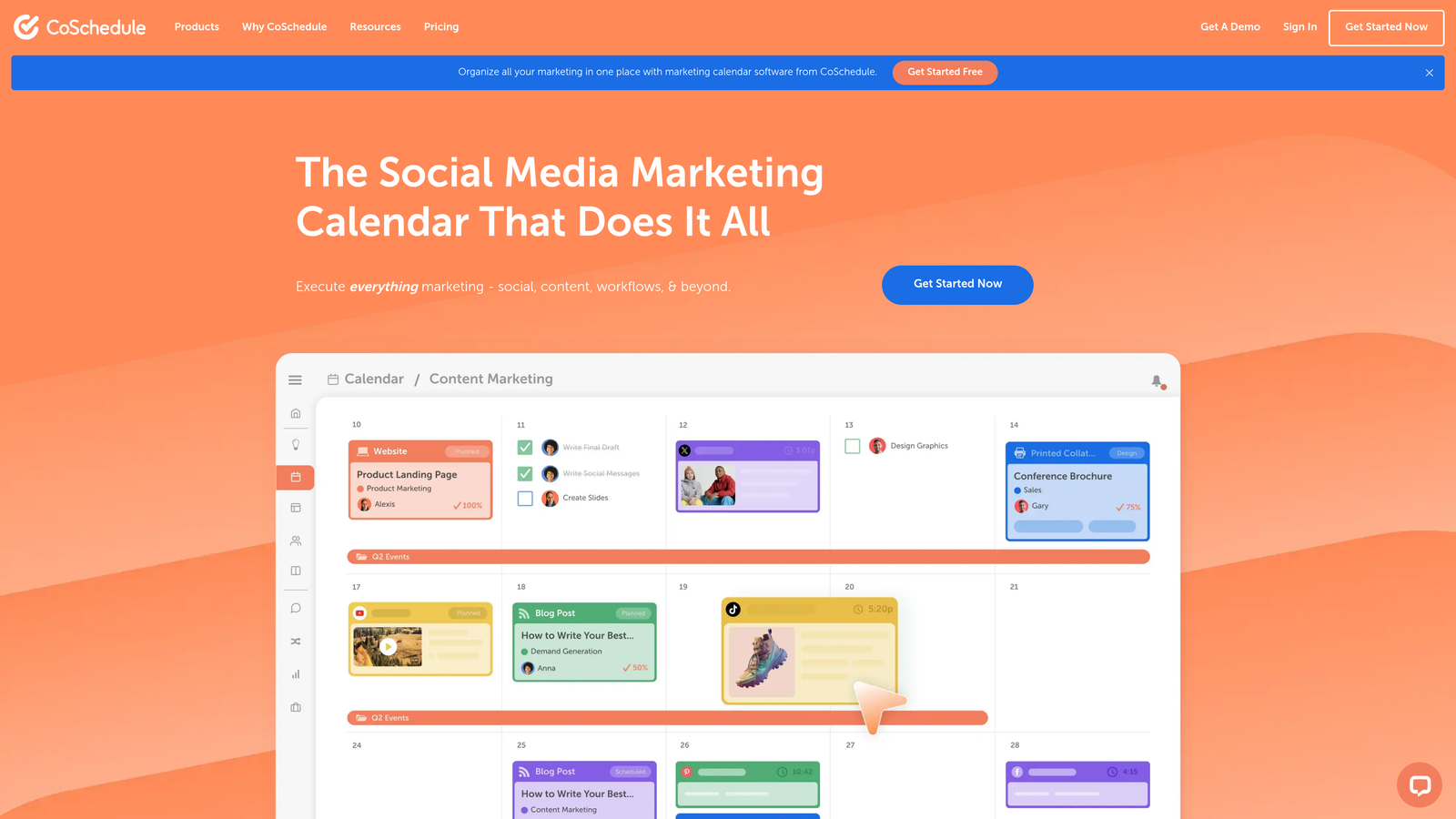
CoSchedule is a marketing calendar and workflow platform that centralizes content planning, social scheduling, and team collaboration.
Where This Tool Shines
The unified marketing calendar solves the chaos of managing blog posts, social campaigns, email sends, and product launches across scattered tools. Everything lives in one visual timeline, making it easy to spot conflicts, balance workload, and coordinate cross-functional campaigns.
The drag-and-drop interface makes rescheduling painless when priorities shift. For teams that struggle with visibility into what's being published when, CoSchedule brings order to the chaos.
Key Features
Unified Marketing Calendar: Visual timeline showing all content, social posts, and campaigns in one place.
Content Organizer: Drag-and-drop scheduling with color-coded campaign tracking.
Social Media Integration: Schedule posts to major platforms directly from the calendar.
Team Task Management: Assign responsibilities and track progress within content projects.
Headline Analyzer: Scores headlines for engagement potential before publishing.
Best For
Small to mid-sized marketing teams that need better visibility and coordination across content channels. Particularly useful for agencies managing multiple client calendars.
Pricing
Free calendar available for basic planning. Marketing Suite starts at $29/user/month with advanced features and integrations.
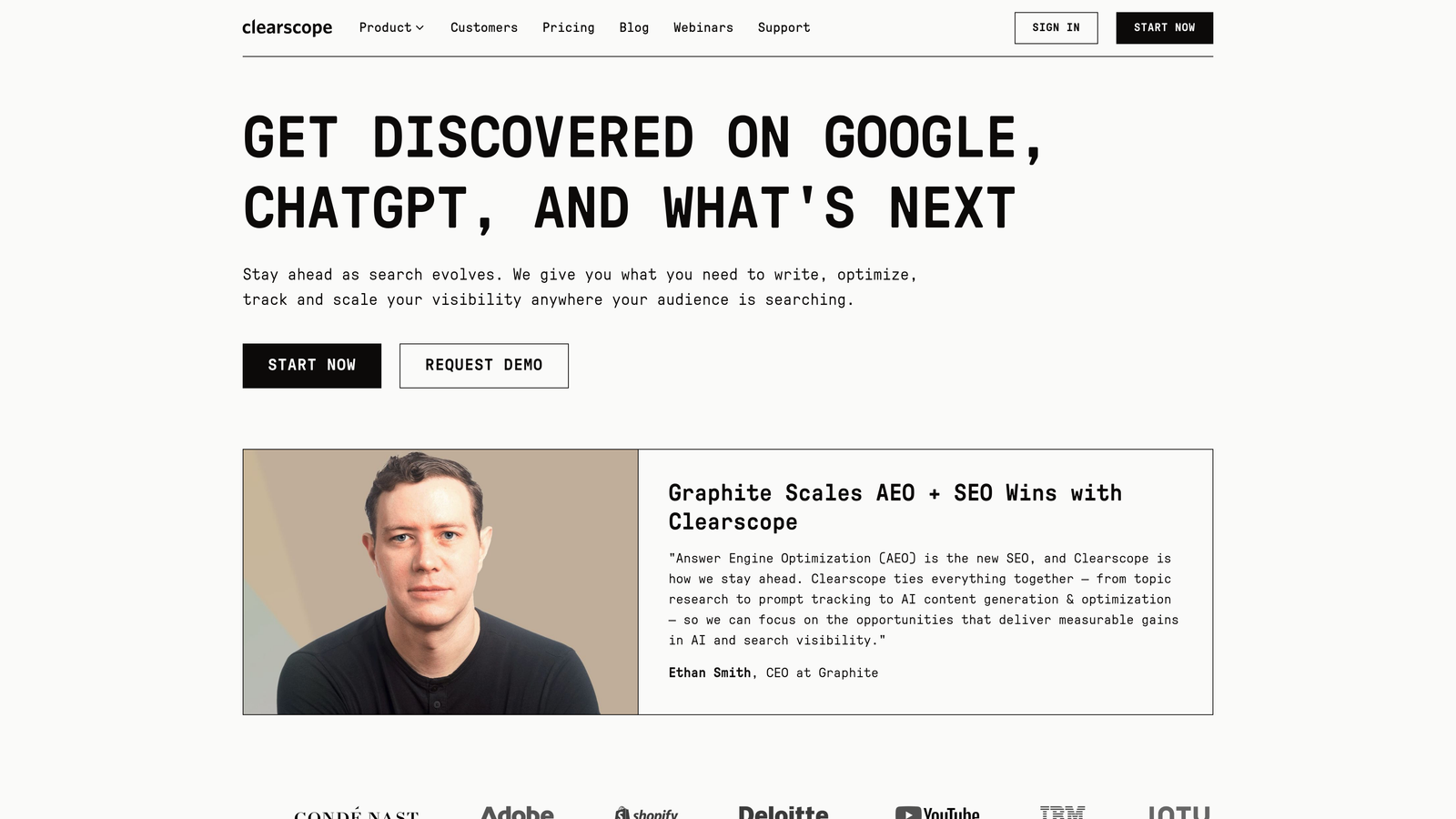
6. Clearscope
Best for: Content teams focused on ranking for competitive keywords through optimization
Clearscope is a content optimization platform that uses AI to analyze top-ranking pages and provide actionable recommendations for improving search performance.
Where This Tool Shines
Clearscope takes the guesswork out of content optimization by showing exactly what topics, terms, and structure top-ranking pages use. The real-time grading system gives writers immediate feedback as they draft, making optimization part of the creation process rather than an afterthought.
The platform excels at helping teams understand not just what keywords to target, but how comprehensively to cover a topic. This depth-focused approach aligns with how search engines increasingly reward thorough, authoritative content.
Key Features
Real-Time Content Grading: Scores drafts as you write with specific improvement suggestions.
Keyword Recommendations: Identifies related terms and topics to include for comprehensive coverage.
Competitor Analysis: Shows what top-ranking pages cover and how your content compares.
Integration Support: Works inside Google Docs and WordPress for seamless workflows.
Content Inventory: Tracks optimization status across your entire content library.
Best For
SEO-focused content teams and agencies that prioritize rankings for competitive keywords. Writers who want clear optimization guidance without becoming SEO experts.
Pricing
Starts at $189/month for 100 content reports. Higher tiers provide more reports and additional team seats.
7. Jasper
Best for: Teams needing AI content generation with consistent brand voice
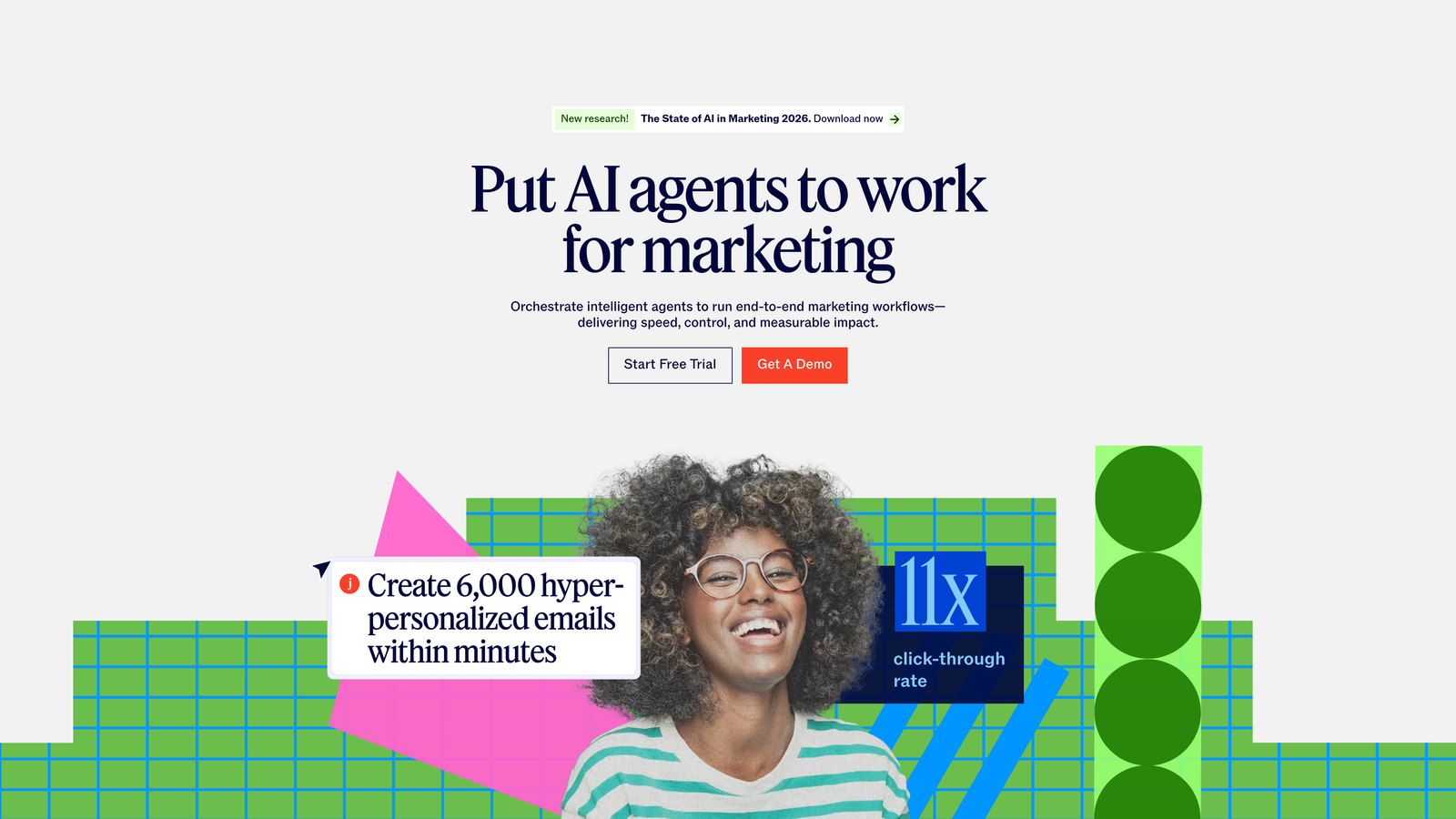
Jasper is an AI content generation platform with brand voice training, templates for different content types, and campaign creation tools.
Where This Tool Shines
Jasper's brand voice training sets it apart from generic AI writing tools. You can upload existing content, style guides, and brand assets to teach the AI your specific tone and terminology. This means generated content feels less robotic and more aligned with your actual brand.
The campaign feature helps teams organize related content pieces—like a product launch with blog posts, social copy, and email sequences—in one project. This structure makes it easier to maintain messaging consistency across channels.
Key Features
Brand Voice Training: Upload existing content to teach Jasper your specific tone and style.
50+ Content Templates: Pre-built frameworks for blog posts, social media, ads, and more.
Campaign Organization: Group related content pieces into projects for coordinated launches.
Art Generation: Create images and visuals to accompany written content.
Browser Extension: Generate content directly in your CMS or other tools without switching tabs.
Best For
Marketing teams that need to scale content production while maintaining brand consistency. Companies looking to augment human writers with AI rather than replace them.
Pricing
Creator plan starts at $49/month for individual users. Teams plan begins at $125/month with collaboration features and brand voice tools.
8. Sprinklr
Best for: Enterprise organizations managing content across 30+ channels with strict governance
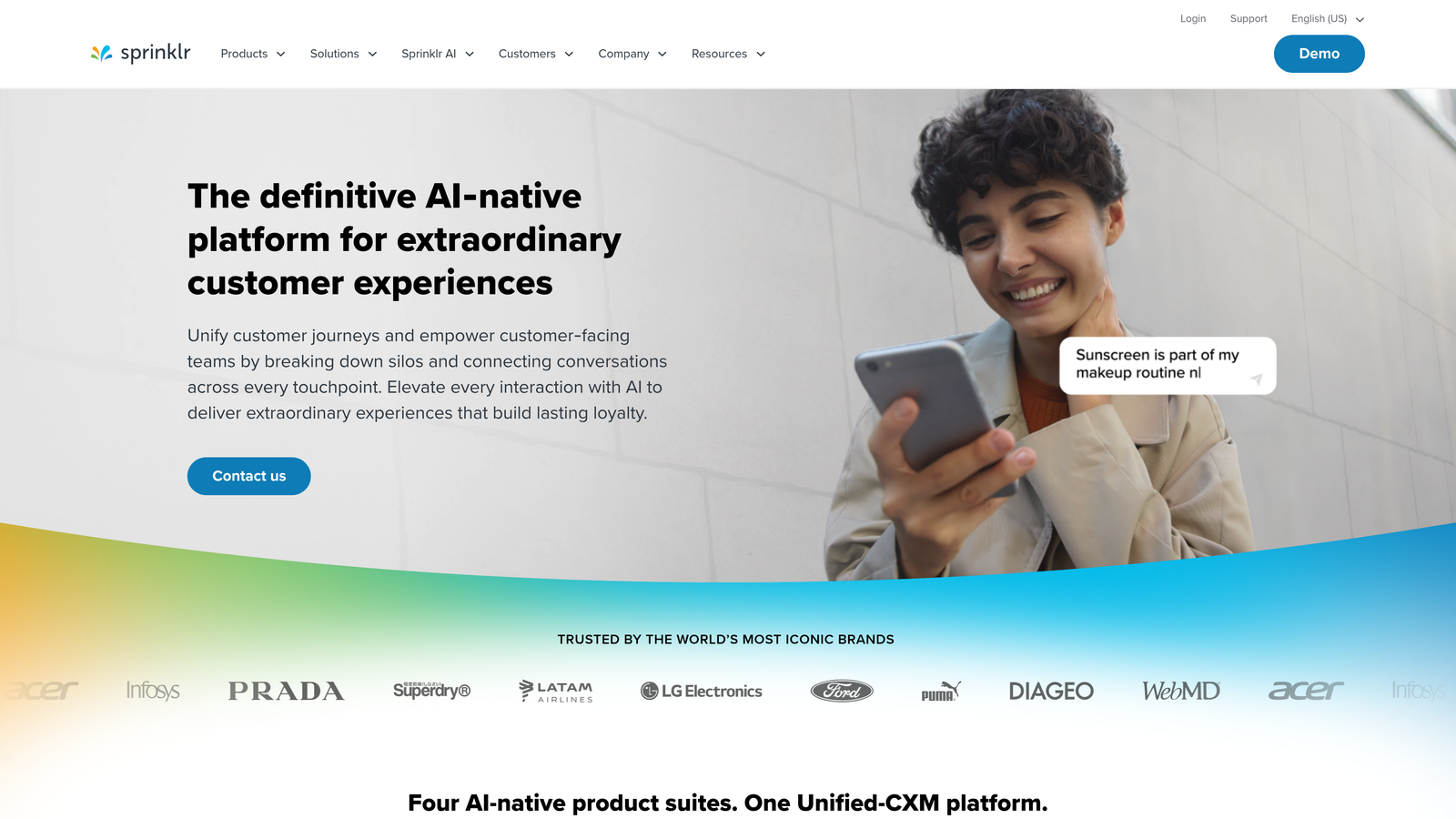
Sprinklr is an enterprise unified customer experience platform with comprehensive content management, asset organization, and omnichannel publishing capabilities.
Where This Tool Shines
Sprinklr handles the complexity that comes with enterprise-scale content operations. When you're publishing across dozens of channels, managing thousands of assets, and coordinating global teams, the governance and compliance tools become essential.
The platform's AI-powered insights analyze content performance across all channels to identify what resonates with different audience segments. For large organizations where brand consistency and regulatory compliance are non-negotiable, Sprinklr provides the controls needed to operate at scale.
Key Features
Omnichannel Management: Publish and track content across 30+ social, messaging, and digital channels.
AI-Powered Insights: Analyzes performance patterns across channels to inform strategy.
Digital Asset Management: Centralized library for organizing and distributing brand assets.
Governance Tools: Approval workflows and compliance controls for regulated industries.
Global Team Coordination: Role-based permissions and regional content management.
Best For
Large enterprises with complex content operations spanning multiple regions, channels, and business units. Companies in regulated industries requiring strict approval processes.
Pricing
Enterprise pricing based on company size and feature requirements. Annual contracts typically start around $60,000 for mid-market deployments.
9. ContentStudio
Best for: Agencies and social-first brands needing content discovery and automation
ContentStudio is a social media and content marketing platform with content discovery, multi-channel publishing, and automation features designed for efficient content operations.
Where This Tool Shines
The content discovery engine solves the perpetual question of what to post next. It surfaces trending topics and popular content in your niche, making it easy to curate and share relevant material alongside original content.
For agencies managing multiple clients, the white-label features and approval workflows streamline operations. The AI caption generation handles the tedious work of adapting content for different platforms, saving hours of manual reformatting.
Key Features
Content Discovery: Finds trending topics and popular content to share with your audience.
Multi-Channel Publishing: Schedule posts across major social platforms from one interface.
AI Caption Generation: Automatically creates platform-optimized captions and hashtags.
Approval Workflows: Client review and approval processes for agency use.
White-Label Options: Branded reporting and client portals for agencies.
Best For
Social media managers and agencies handling multiple brands. Teams that balance original content creation with strategic curation.
Pricing
Starter plan begins at $25/month for small teams. Agency plans with white-label features and additional client slots available at higher tiers.
10. StoryChief
Best for: Content teams distributing to multiple platforms from a single source
StoryChief is a multi-channel content distribution platform with collaboration tools, SEO assistance, and one-click publishing to numerous platforms.
Where This Tool Shines
StoryChief eliminates the tedious process of manually posting the same content to your blog, Medium, LinkedIn, and other platforms. You write once in StoryChief's editor, then publish everywhere with a single click—each version properly formatted for its destination.
The SEO copywriting assistant provides real-time optimization suggestions as you write, while the analytics dashboard shows performance across all distribution channels. This unified view makes it easy to identify which platforms drive the most engagement for different content types.
Key Features
One-Click Publishing: Distribute content to WordPress, Medium, LinkedIn, and 10+ other platforms simultaneously.
SEO Copywriting Assistant: Real-time optimization recommendations during content creation.
Content Calendar: Visual planning tool for scheduling across all channels.
Team Collaboration: Comment, edit, and approve content within the platform.
Cross-Channel Analytics: Track performance across all distribution platforms in one dashboard.
Best For
Content marketers distributing to multiple owned and third-party platforms. Teams that want to maximize content reach without multiplying effort.
Pricing
Team plan starts at $100/month with unlimited users and multi-channel publishing. Higher tiers add advanced features and integrations.
11. Notion + Make (Budget Stack)
Best for: Bootstrapped teams wanting maximum flexibility at minimal cost
Make (formerly Integromat) combined with Notion creates a flexible DIY content marketing system using Notion for planning and Make for automation between tools.
Where This Tool Shines
This combination provides surprising power for teams willing to invest setup time. Notion becomes your content database, editorial calendar, and collaboration hub. Make then automates workflows between Notion and your other tools—publishing approved content, updating status fields, sending notifications, and more.
The flexibility is unmatched. You can build exactly the system your team needs rather than adapting to a platform's opinionated structure. As your needs evolve, you modify your setup instead of switching tools.
Key Features
Customizable Database: Build content systems that match your exact workflow in Notion.
Workflow Automation: Connect Notion to 1,000+ apps through Make for automated publishing and updates.
Team Collaboration: Comments, assignments, and real-time editing in Notion.
Low Cost: Fraction of the price of dedicated content platforms for small teams.
Infinite Flexibility: Modify your system as needs change without switching platforms.
Best For
Bootstrapped startups and small teams with technical comfort. Anyone who values flexibility and customization over out-of-the-box features.
Pricing
Notion is free for individuals and small teams. Make starts at $9/month for basic automation. Total cost typically under $30/month for small operations.
Making the Right Choice
The best content marketing platform depends on where you are in your growth journey and what bottlenecks you're trying to solve.
For teams prioritizing AI search visibility alongside traditional SEO, Sight AI offers a unique combination of content creation and monitoring how AI models actually talk about your brand. This matters increasingly as more users discover products and services through ChatGPT and Claude rather than traditional search.
Enterprise teams with complex approval workflows will find Contently or Sprinklr more suitable for managing large-scale operations across global teams. The governance features and talent networks justify the significant investment when you're producing hundreds of pieces monthly.
SEO-focused marketers often gravitate toward Semrush or Clearscope for their optimization capabilities. If organic search drives your business, the competitive intelligence and real-time grading features directly impact your bottom line.
And if you're bootstrapping, the Notion + Make stack provides surprising flexibility at minimal cost. You'll invest more setup time, but gain a system that evolves with your needs without forcing platform migrations.
Start by identifying your biggest content workflow pain point. Is it ideation? Creation speed? Distribution? Performance tracking? AI visibility? Choose a platform that directly addresses that bottleneck rather than one that tries to do everything.
The content marketing landscape has shifted dramatically with the rise of AI search. Start tracking your AI visibility today and see exactly where your brand appears across top AI platforms—because understanding how ChatGPT and Claude talk about you is just as important as your Google rankings.