AI has fundamentally changed how content marketing teams operate. What used to require a full team of writers, SEO specialists, and analysts can now be handled by a well-chosen stack of AI-powered tools. The challenge isn't finding AI content tools anymore. It's figuring out which ones actually move the needle.
This guide cuts through the noise. We evaluated dozens of platforms across writing, SEO optimization, AI visibility tracking, distribution, and repurposing to bring you the tools that deliver real results. One selection criterion worth highlighting: how well each tool addresses generative engine optimization (GEO), the growing practice of ensuring your brand appears in AI-generated answers from platforms like ChatGPT, Perplexity, and Claude, not just traditional search results.
Whether you're a solo founder scaling organic traffic, an agency juggling multiple client campaigns, or an in-house marketer chasing efficiency gains, here are the top content marketing tools with AI capabilities worth your attention in 2026.
1. Sight AI
Best for: Marketers and agencies who need AI visibility tracking, GEO-optimized content generation, and automated indexing in one platform.
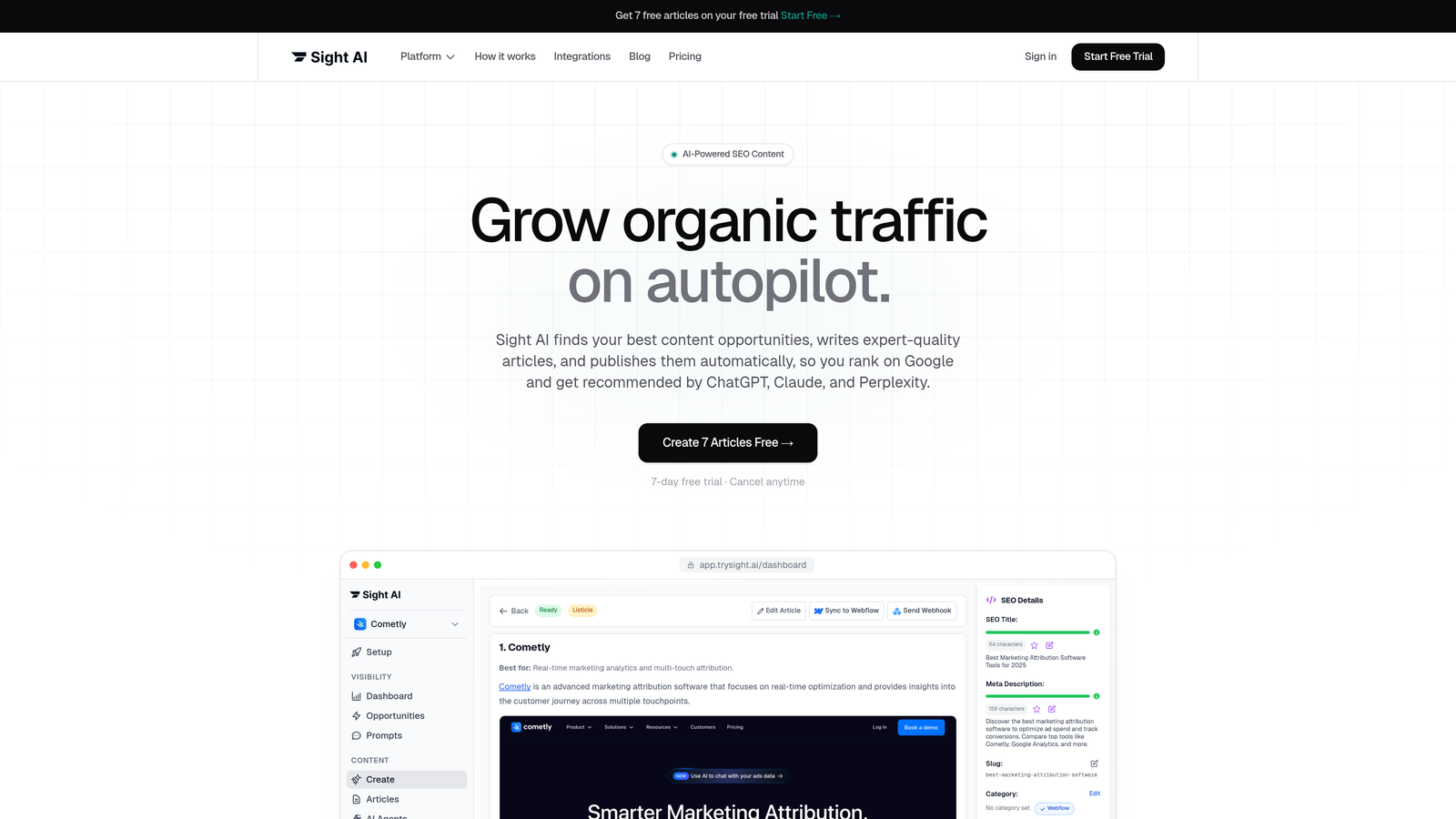
Sight AI is an all-in-one platform combining AI visibility monitoring, SEO/GEO-optimized content generation, and automated website indexing for brands serious about showing up in both traditional and AI-powered search.
Where This Tool Shines
Most content marketing tools focus on Google rankings. Sight AI focuses on what's becoming equally important: how AI models talk about your brand. Its AI Visibility Score gives you a clear picture of where your brand stands across ChatGPT, Claude, Perplexity, Gemini, and other major AI platforms, complete with sentiment analysis and prompt tracking.
On the content side, Sight AI deploys 13+ specialized AI agents that produce listicles, guides, explainers, and other formats optimized for both traditional SEO and generative engine discovery. Autopilot Mode lets you set content production on cruise control, while IndexNow integration ensures new content gets discovered by search engines faster than standard crawl schedules allow.
Key Features
AI Visibility Score: Tracks how your brand is mentioned across six or more AI platforms, including ChatGPT, Claude, Perplexity, and Gemini, with sentiment analysis built in.
13+ Specialized AI Writing Agents: Purpose-built agents for different content formats, from listicles and how-to guides to product explainers, each optimized for GEO and SEO performance.
Autopilot Mode: Hands-off content production that keeps your publishing cadence consistent without constant manual input.
IndexNow Integration: Automated sitemap updates and instant indexing notifications so new content gets picked up faster by search engines.
Prompt Tracking and Sentiment Analysis: Monitor which prompts surface your brand in AI answers and whether the sentiment around those mentions is positive, neutral, or negative.
Best For
Sight AI is particularly well-suited for founders and marketing teams who want a single platform covering the full content lifecycle: tracking AI brand visibility, generating optimized content, and ensuring it gets indexed and discovered quickly. Agencies managing multiple clients will appreciate the visibility dashboards and automated publishing capabilities.
Pricing
A free tier is available for getting started. Paid plans begin at an accessible monthly rate. Visit trysight.ai/pricing for current plan details and feature breakdowns.
2. Jasper
Best for: Enterprise marketing teams that need consistent brand voice across high-volume, multi-channel content production.
Jasper is an enterprise AI content platform with sophisticated brand voice controls, knowledge base integrations, and multi-format content generation built for teams operating at scale.
Where This Tool Shines
Jasper's Brand Voice and Brand Knowledge features are genuinely impressive. You can train the platform on your company's tone, terminology, and style guidelines, and it applies that consistently across blog posts, ad copy, email sequences, and social content. For enterprises where off-brand content is a real risk, this level of control matters.
Campaign-level workflows let teams manage content projects from brief to final draft without jumping between tools. The approval workflow system makes it practical for larger teams where content passes through multiple reviewers before publishing.
Key Features
Brand Voice and Brand Knowledge: Train Jasper on your company's tone and terminology for consistent output across every content type.
Multi-Channel Content Generation: Produces blogs, ads, social posts, and email copy from a unified interface.
Campaign Workflows: Organize related content pieces into campaign-level projects for better team coordination.
Publishing Integrations: Connects with Google Docs, Webflow, and other tools in your existing stack.
Team Collaboration with Approvals: Built-in review and approval workflows for content governance across larger teams.
Best For
Enterprise marketing teams and agencies producing high volumes of content across multiple channels. Particularly valuable when brand consistency and team collaboration are non-negotiable requirements.
Pricing
Creator plan starts at $49/month; Pro plan at $69/month. Business plans with advanced features are available at custom pricing.
3. Surfer SEO
Best for: Content writers and SEO teams who want real-time optimization feedback while drafting articles.
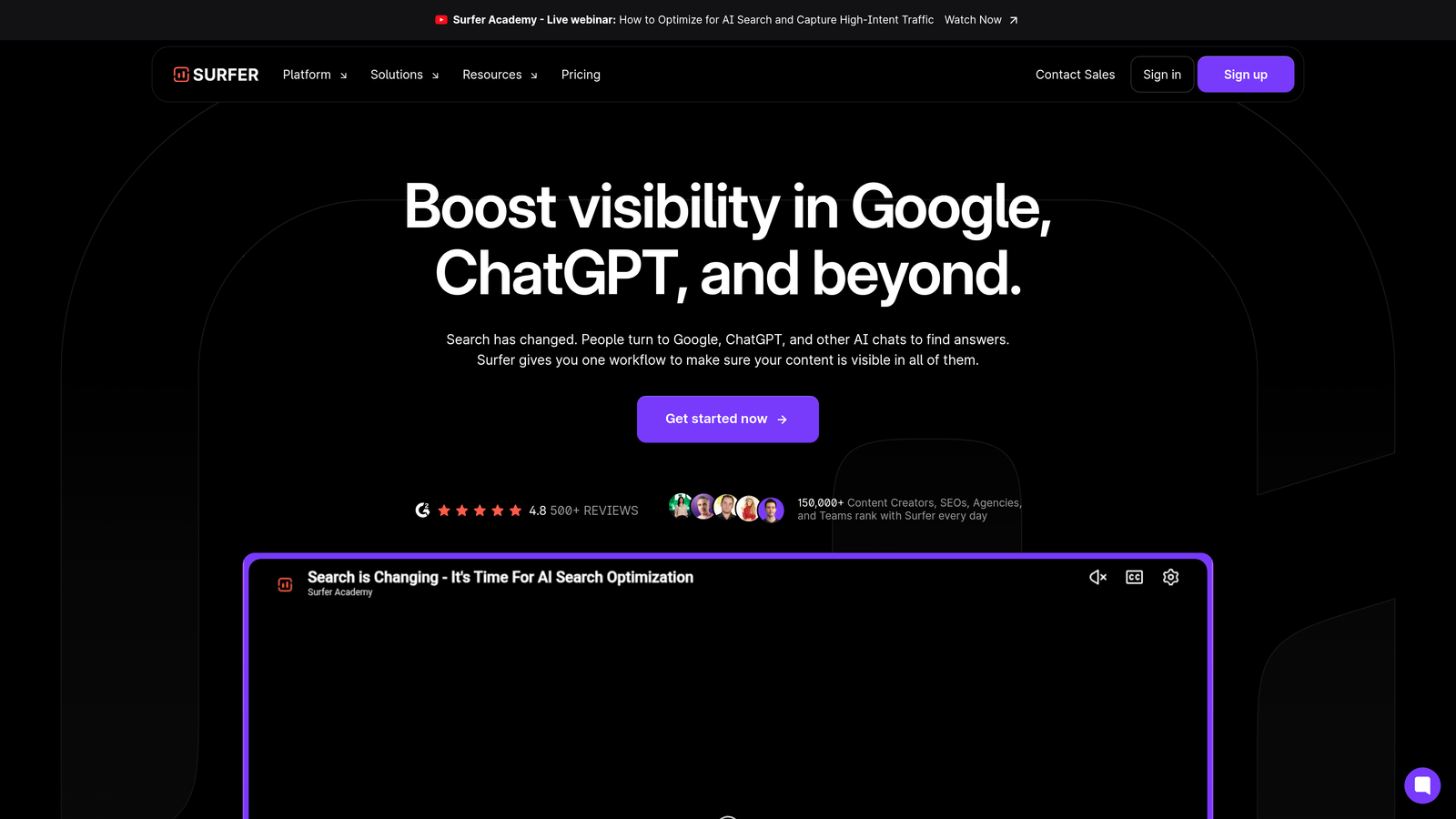
Surfer SEO is an AI-powered on-page optimization platform with a live content editor that scores your draft against top-ranking competitors as you write.
Where This Tool Shines
The real-time Content Editor is Surfer's flagship feature. As you write, it scores your content on a 0-100 scale based on keyword usage, structure, word count, and NLP-driven term recommendations derived from analyzing pages currently ranking for your target keyword. It's like having an SEO coach watching over your shoulder.
The SERP Analyzer gives you a detailed breakdown of what's working for competitors: how they structure headings, which terms they use, how long their content runs. This competitive intelligence feeds directly into the writing workflow, making it easier to create content that's genuinely competitive from day one.
Key Features
Real-Time Content Editor: Live SEO scoring as you write, with keyword density and term recommendations updated dynamically.
NLP Keyword Recommendations: Surfaces semantically related terms that top-ranking pages use, beyond simple keyword matching.
SERP Analyzer: Deep competitive analysis of top-ranking pages to inform content structure and depth.
AI Outline and Draft Generation: Generates article outlines and initial drafts based on SERP analysis for your target keyword.
Content Audit Tool: Identifies optimization opportunities across your existing published pages.
Best For
SEO-focused content teams, freelance writers working on client SEO projects, and agencies that need a reliable optimization workflow for producing content that competes in organic search.
Pricing
Essential plan starts at $89/month. Scale plan at $129/month with higher content limits and additional features.
4. Clearscope
Best for: Content strategists and editors who want a clean, straightforward tool for semantic content optimization.
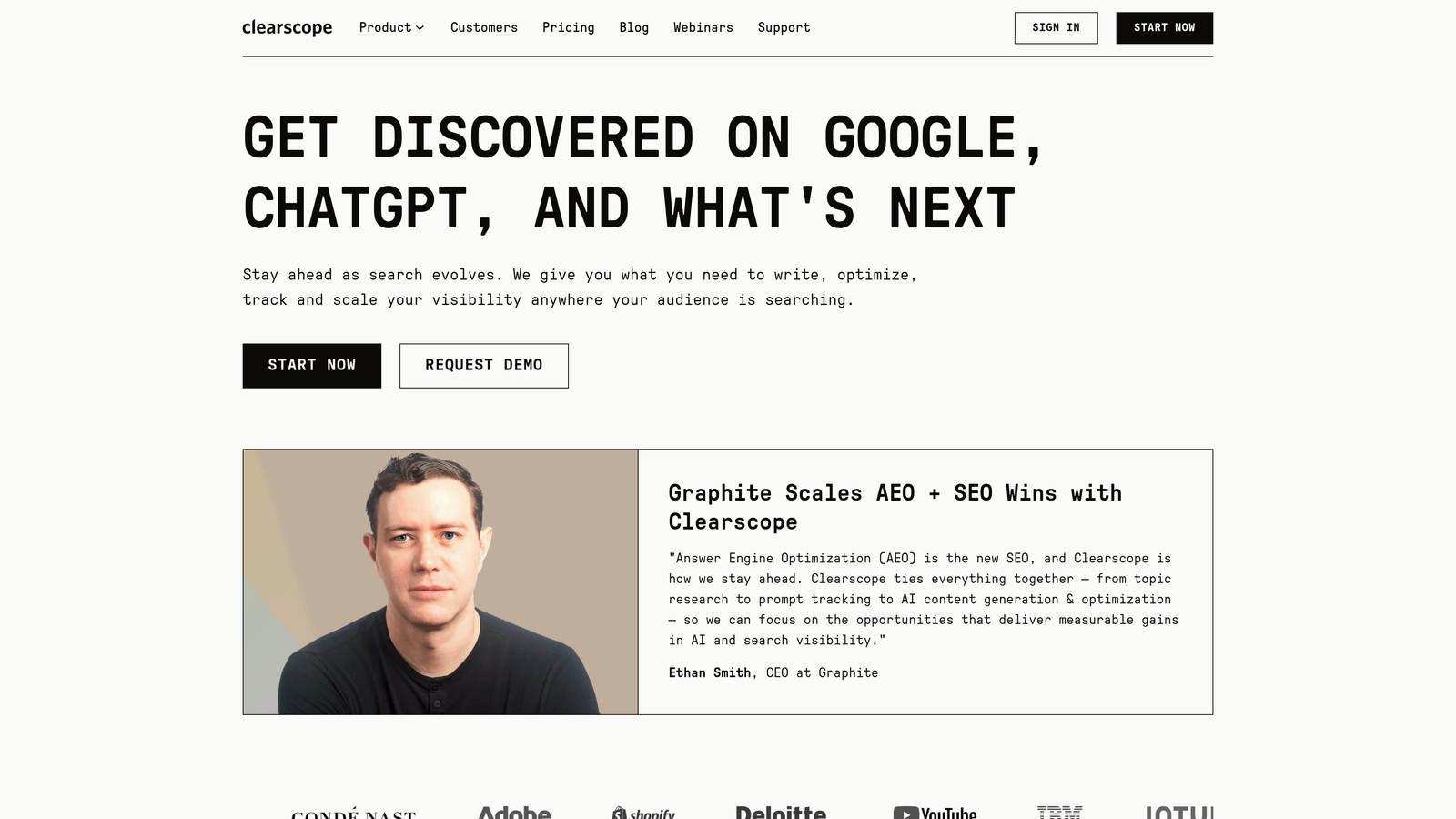
Clearscope is a content optimization platform that uses AI-powered semantic analysis to grade content relevance and surface the terms and topics that top-ranking pages cover.
Where This Tool Shines
Clearscope keeps things refreshingly simple. Its A++ to F grading system gives writers and editors an instantly understandable signal about content quality relative to what's ranking. There's no steep learning curve, which makes it easy to onboard writers who aren't SEO experts but still need to produce optimized content.
The semantic keyword recommendations go beyond matching exact phrases. Clearscope analyzes top-ranking pages to identify the concepts and related terms that signal topical authority to search engines, helping writers cover subjects with the depth and breadth that rankings require.
Key Features
AI Content Grading: Clear A++ to F scoring system that makes content optimization accessible to writers at any SEO experience level.
Semantic Keyword Recommendations: Identifies related concepts and terms from top-ranking pages, not just primary keywords.
Readability and Word Count Benchmarking: Compares your content's reading level and length against what's currently ranking.
Google Docs and WordPress Integrations: Works within the tools your writers already use without forcing workflow changes.
Shareable Content Reports: Generate and share optimization reports with writers and editors who don't need full platform access.
Best For
Content teams and agencies that prioritize ease of use and writer adoption. Especially effective when you need to bring non-SEO writers up to speed quickly on optimization best practices.
Pricing
Essentials plan starts at $189/month, which includes a set number of content reports per month. Higher-tier plans are available for larger teams.
5. MarketMuse
Best for: Content strategists who need AI-driven topic modeling and content gap analysis to plan their editorial roadmap.
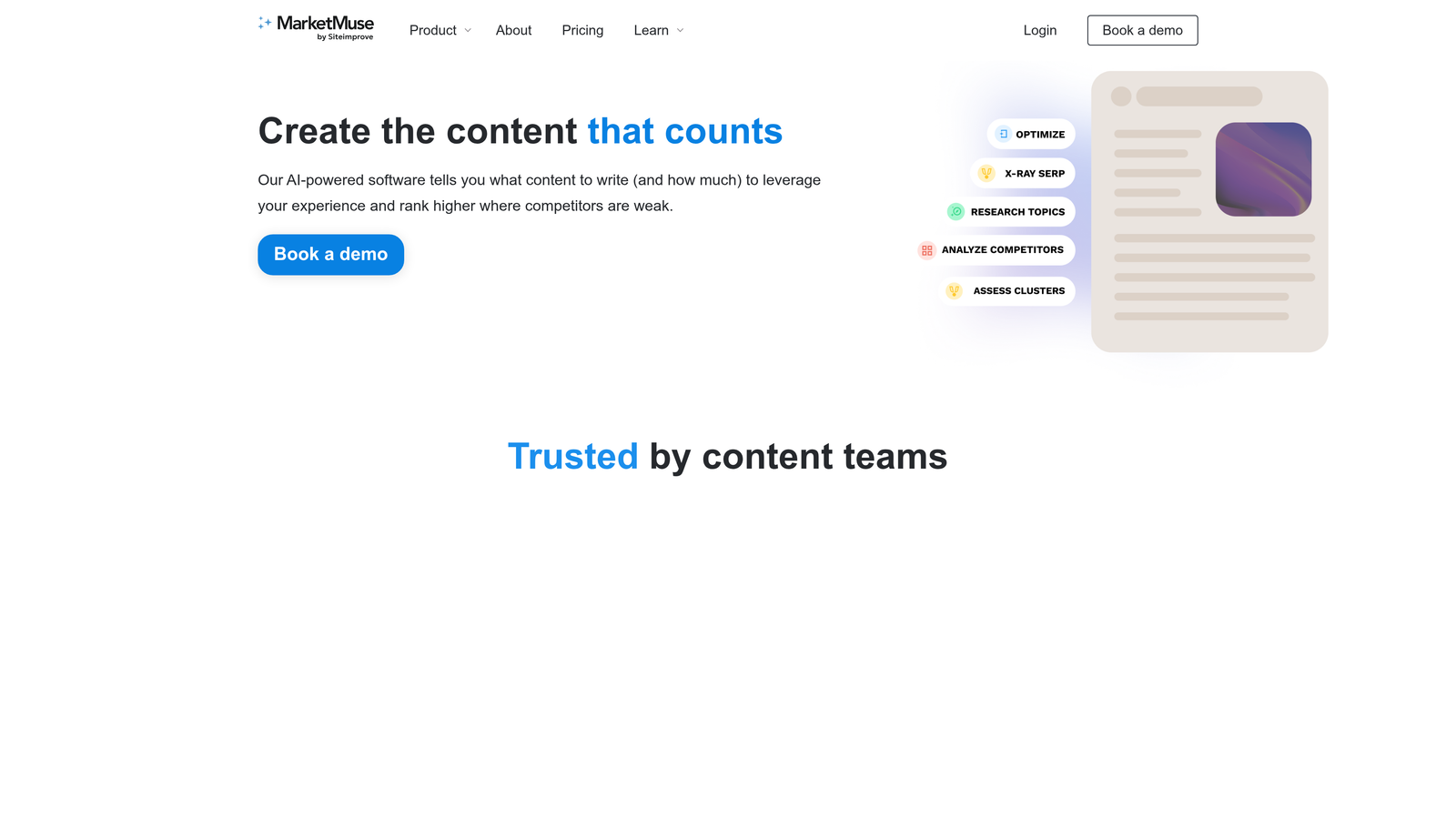
MarketMuse is an AI content strategy platform that goes beyond individual article optimization to help teams build comprehensive topic authority across their entire content library.
Where This Tool Shines
MarketMuse's Personalized Difficulty score is one of its most useful differentiators. Unlike generic keyword difficulty scores, it factors in your domain's existing content and authority to tell you how hard a specific topic will actually be for your site to rank for. This makes content planning much more grounded in reality.
The automated content inventory and audit features let you see your entire content library through a strategic lens: what's performing, what has gaps, and where you're leaving topical authority on the table. For teams managing hundreds of published pages, this kind of systematic analysis is invaluable.
Key Features
Personalized Difficulty Scores: Topic difficulty ratings calibrated to your domain's specific authority and existing content coverage.
Automated Content Inventory and Audit: Systematic analysis of your existing content library to identify gaps and optimization opportunities.
Topic Cluster and Content Gap Analysis: Maps out the full topic landscape to guide strategic content planning.
AI-Generated Briefs and First Drafts: Produces detailed content briefs and initial drafts grounded in competitive research.
Competitive Benchmarking: Compares your content depth and coverage against competitors in your space.
Best For
Content strategists at mid-size to enterprise companies who need to make data-driven decisions about what to create next and where to invest editorial resources for maximum organic impact.
Pricing
A free plan is available with limited features. Standard plan starts at $149/month. Premium plans with full feature access are available at custom pricing.
6. Copy.ai
Best for: Sales and marketing teams that need AI-powered content generation integrated with go-to-market workflow automation.
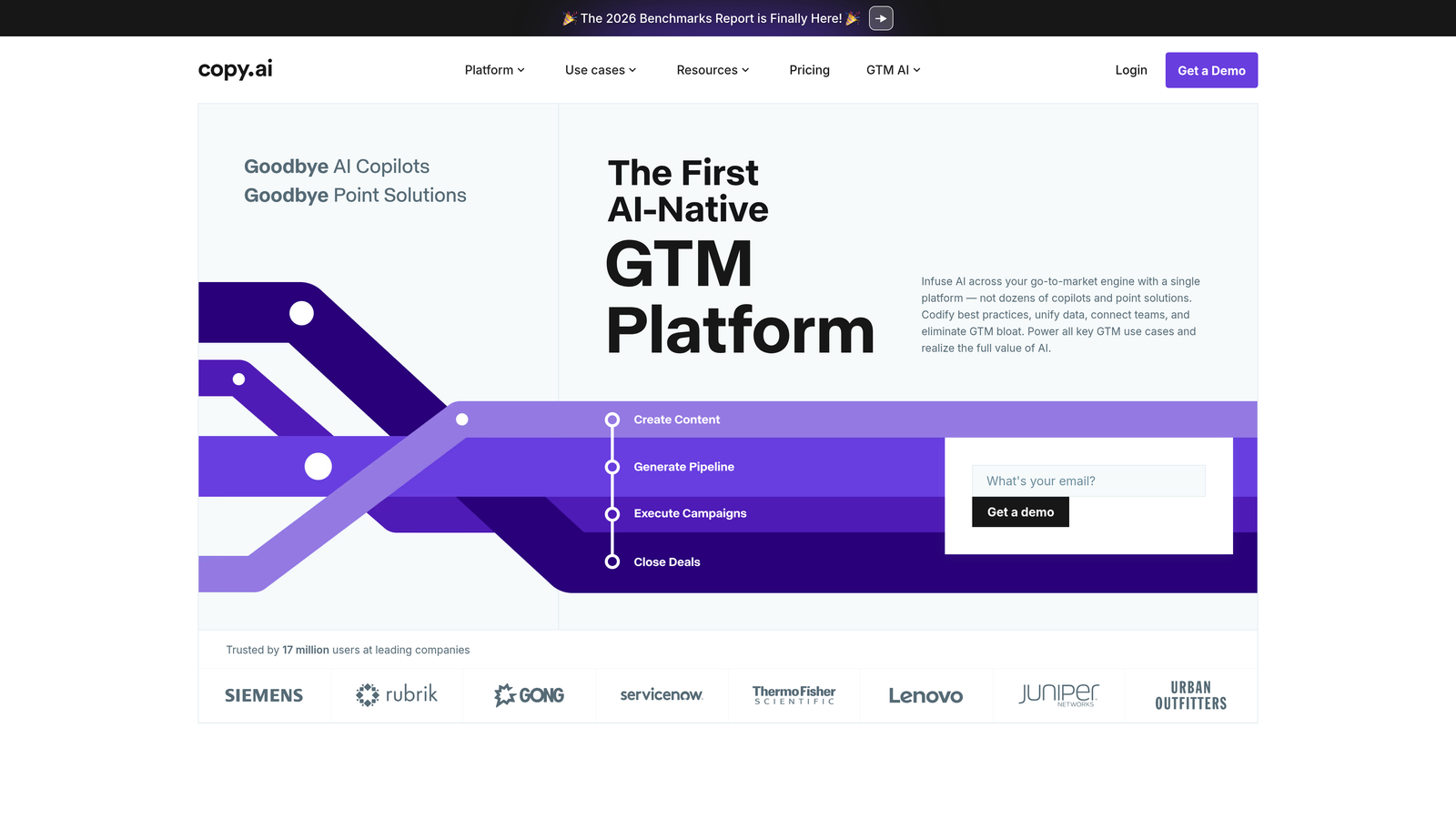
Copy.ai has evolved well beyond its origins as a copywriting tool into a platform that connects AI content generation with broader GTM workflows across sales and marketing operations.
Where This Tool Shines
The GTM workflow templates are where Copy.ai distinguishes itself from pure writing tools. You can build automated workflows that connect content generation to your CRM, marketing automation platforms, and other tools in your stack. This makes it practical for teams that need content to flow through a larger operational system, not just sit in a doc.
The Infobase feature lets you train Copy.ai on your company's specific products, positioning, and messaging. Combined with brand voice customization, this means the AI produces output that's grounded in your actual business context rather than generic marketing language.
Key Features
Pre-Built GTM Workflow Templates: Ready-to-deploy workflows connecting content generation to sales and marketing operations.
Multi-Format AI Writing: Generates ads, emails, social posts, landing pages, and long-form content from a single platform.
Workflow Automation: Connects content outputs to CRM and marketing tools for end-to-end automation.
Infobase: Train the AI on company-specific knowledge, products, and messaging for more contextually accurate output.
Brand Voice Customization: Maintains consistent tone and style across all generated content types.
Best For
Revenue-focused marketing and sales teams that want to automate content-heavy GTM workflows, not just generate individual pieces of copy.
Pricing
A free plan is available. Pro plan starts at $49/month. Enterprise plans with advanced workflow automation and integrations are available at custom pricing.
7. Frase
Best for: Freelance writers and small content teams who need a fast, affordable brief-to-draft pipeline.
Frase is an AI content tool that combines SERP research, automated brief generation, and AI-assisted writing in a single streamlined interface built for speed.
Where This Tool Shines
Frase's strength is its tight integration between research and writing. Most content workflows involve switching between multiple tabs and tools to gather SERP data before you can start writing. Frase pulls that research directly into the writing interface, letting you go from keyword to optimized draft without leaving the platform.
The People Also Ask and related query research surfaces the questions your target audience is actually asking, which is increasingly important for content that needs to appear in both featured snippets and AI-generated answers. For freelancers who bill by the hour, the time savings here are meaningful.
Key Features
Automated Content Brief Generation: Builds detailed content briefs from SERP analysis with a few clicks, including competitor outlines and key topics.
Integrated AI Writing Assistant: AI writing tools built directly into the research workflow, eliminating the need to switch between platforms.
Topic Scoring and Optimization: Scores your content against competitor coverage and suggests missing topics.
Question Research: Pulls People Also Ask data and related queries to help you address the full range of audience intent.
Team Collaboration: Document sharing and collaboration features for small teams working on content projects together.
Best For
Freelance writers, content agencies on tighter budgets, and small in-house teams that need a fast, practical brief-to-draft workflow without the enterprise price tag.
Pricing
Solo plan starts at $15/month. Basic plan at $45/month. Team plan at $115/month, making it one of the more accessible options on this list.
8. Semrush ContentShake AI
Best for: Semrush users who want AI content generation directly informed by Semrush's keyword and competitive intelligence data.
Semrush ContentShake AI is a content creation app within the Semrush ecosystem that generates SEO-optimized articles using the platform's extensive keyword and competitive analysis data.
Where This Tool Shines
The core advantage here is data integration. ContentShake AI doesn't just generate articles; it generates articles informed by Semrush's keyword volume data, competitive benchmarks, and SERP analysis. If you're already using Semrush for keyword research, having that data feed directly into your content creation workflow eliminates a significant amount of manual translation work.
One-click WordPress publishing and post-publication performance tracking close the loop between content creation and content measurement. You can see how articles perform after they're live and use that data to inform future content decisions, all within the same ecosystem.
Key Features
Semrush Data-Informed Article Generation: AI content creation grounded in real keyword volume, difficulty, and competitive intelligence from Semrush's database.
Built-In Competitive Analysis: Competitor content benchmarking integrated directly into the writing workflow.
One-Click WordPress Publishing: Push finished articles directly to WordPress without additional export steps.
Post-Publication Performance Tracking: Monitor content performance after publishing to measure SEO impact over time.
Tone and Readability Adjustments: Fine-tune content style and reading level within the editing interface.
Best For
Existing Semrush subscribers who want to extend their investment into AI content creation, and teams that want keyword research and content generation tightly integrated in one platform.
Pricing
Available as a Semrush app; included with certain Semrush plans or accessible as an add-on. Check your current Semrush plan or the app marketplace for current pricing details.
9. Writer
Best for: Enterprise teams with strict brand governance, compliance, and terminology management requirements.
Writer is an enterprise AI writing platform built around brand governance, custom AI models, and compliant content production at scale for organizations where accuracy and consistency are non-negotiable.
Where This Tool Shines
Writer takes a different approach from most AI writing tools. Rather than offering a general-purpose model with some brand customization on top, it builds custom AI models trained on your organization's specific style guide, terminology, and content. The output doesn't just sound like your brand; it's governed by your brand's actual rules.
The Knowledge Graph feature grounds AI output in verified company facts, reducing the hallucination risk that makes many enterprise teams cautious about AI-generated content. Combined with SOC 2 Type II compliance and enterprise-grade security, Writer is built for organizations where content accuracy and data security are genuine requirements, not afterthoughts.
Key Features
Custom AI Models: AI trained specifically on your brand's style guide, terminology, and content standards for genuinely on-brand output.
Style Guide Enforcement: Automated compliance checking against your organization's writing standards and terminology rules.
Knowledge Graph: Grounds AI content generation in verified company facts to reduce inaccuracies and hallucinations.
Multi-Format Generation with Governance: Produces diverse content types while maintaining compliance controls throughout.
Enterprise Security: SOC 2 Type II compliance and robust data security for organizations with strict IT requirements.
Best For
Enterprise marketing, legal, and communications teams in regulated industries or large organizations where brand governance, content accuracy, and data security are critical requirements.
Pricing
Team plan starts at $18/user/month. Enterprise plans with custom AI models and advanced governance features are available at custom pricing.
10. Lately
Best for: Social media managers and content teams who need to maximize the reach of existing long-form content through smart repurposing.
Lately is an AI social media platform that repurposes long-form content into dozens of optimized social posts by learning from your audience's historical engagement patterns.
Where This Tool Shines
Lately's differentiator is that it doesn't just chop up long-form content into shorter pieces. It analyzes your historical social media performance to understand what resonates with your specific audience, then uses those patterns to guide how it repurposes new content. The result is social posts that are informed by what's actually worked for you, not generic best practices.
The platform handles video and audio content atomization as well, pulling shareable clips and quote posts from podcast episodes, webinars, and video content. For teams sitting on a library of long-form content that isn't generating social engagement, this can unlock significant value from assets they've already created.
Key Features
Long-Form to Social Repurposing: Converts blog posts, articles, and other long-form content into multiple optimized social posts automatically.
Audience Engagement Pattern Analysis: Learns from your historical social performance to optimize how new content is repurposed and framed.
Multi-Platform Scheduling and Publishing: Manages distribution across multiple social channels from a single dashboard.
Video and Audio Atomization: Extracts shareable moments from podcast episodes, webinars, and video content for social distribution.
Brand Voice Learning: Continuously refines its understanding of your brand voice based on what performs best with your audience over time.
Best For
Social media managers, content marketing teams with substantial existing content libraries, and brands that publish long-form content regularly and want to extend its reach across social channels without a proportional increase in production effort.
Pricing
Custom pricing based on team size and usage volume. Contact Lately directly for a quote that reflects your specific needs.
How to Pick the Right AI Content Marketing Stack
The honest answer is that no single tool covers everything perfectly, and the right combination depends on where you are in your content marketing maturity and what your biggest bottlenecks actually are.
Here's a practical breakdown by use case to help you narrow it down.
If you're focused on AI visibility and GEO: Sight AI is the only tool on this list built specifically to track how AI models talk about your brand and optimize content for generative engine discovery. If appearing in ChatGPT, Perplexity, and Claude answers is a priority, start here.
If you need enterprise-grade brand governance: Writer is the strongest option for organizations with strict terminology management, compliance requirements, or regulated industry constraints. Jasper is a solid alternative for enterprises that prioritize multi-channel campaign workflows over deep governance controls.
If SEO content optimization is your primary need: Surfer SEO and Clearscope are both excellent, with Surfer offering more granular competitive analysis and Clearscope winning on simplicity and writer adoption. Frase is the budget-friendly option that still delivers solid brief-to-draft functionality.
If strategic content planning is the gap: MarketMuse's topic modeling and Personalized Difficulty scores make it the go-to for teams building out content authority across an entire domain rather than optimizing individual articles.
If social repurposing is the bottleneck: Lately is purpose-built for turning existing content into social distribution, with the added intelligence of learning from your audience's engagement history.
If you're already in the Semrush ecosystem: ContentShake AI is the natural extension that brings AI content generation into your existing keyword and competitive intelligence workflow.
The broader trend worth keeping in mind: content marketing in 2026 isn't just about ranking in Google. AI-powered answer engines are becoming a primary discovery channel, and brands that aren't tracking and optimizing for that visibility are already falling behind. Start tracking your AI visibility today and see exactly where your brand appears across top AI platforms, so you can make informed decisions about where to focus your content strategy next.