Managing multiple blogs, coordinating content teams, and maintaining consistent publishing schedules has become increasingly complex in 2026. Whether you're running content for multiple clients, managing an in-house team, or scaling your personal blog empire, the right blog management platform can transform chaotic workflows into streamlined operations.
The challenge isn't just about writing great content anymore—it's about orchestrating entire content ecosystems. Modern blog management requires editorial calendars, team collaboration, SEO optimization, performance tracking, and seamless publishing across multiple channels. Without the right platform, even the most talented content teams find themselves drowning in spreadsheets, missed deadlines, and inconsistent quality.
Today's blog management platforms have evolved far beyond simple content management systems. They integrate AI blog automation capabilities, advanced analytics, and sophisticated workflow management to help content teams operate at scale. The best platforms combine editorial planning, content creation tools, team collaboration features, and performance analytics into unified ecosystems that actually make content management enjoyable.
We've tested and analyzed the leading blog management platforms to help you find the perfect fit for your content operations. Each platform excels in different areas—some prioritize collaborative editing, others focus on SEO optimization, and several integrate cutting-edge AI capabilities to streamline content creation.
1. Sight AI
Best for: AI-powered content creation and SEO optimization with comprehensive blog management capabilities.
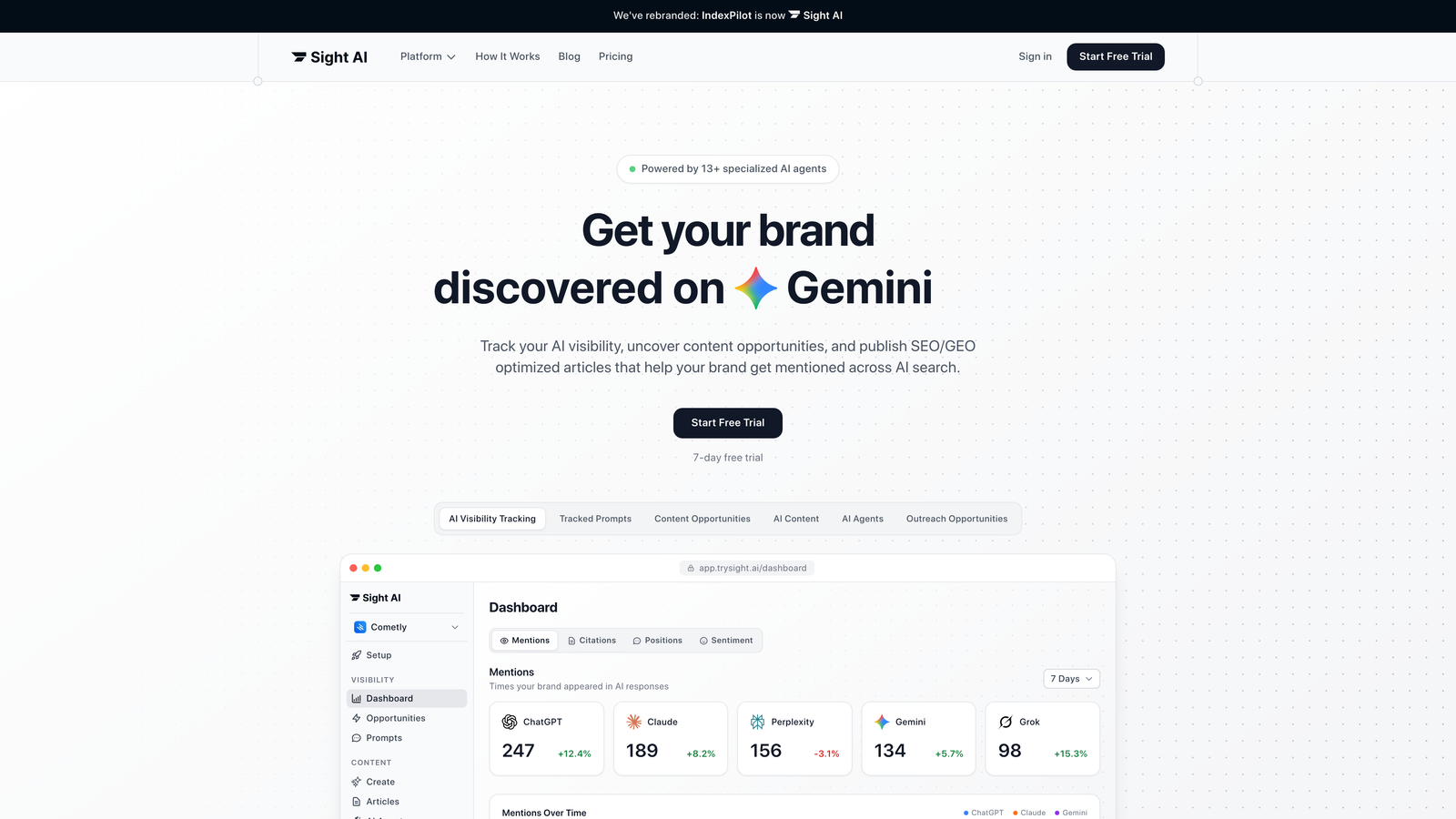
Sight AI represents the next generation of blog management platforms, combining traditional editorial workflows with advanced artificial intelligence to streamline every aspect of content operations.
Where This Tool Shines
Sight AI excels at transforming content strategy into execution through intelligent automation. The platform's AI agents handle everything from keyword research and content planning to draft creation and SEO optimization, eliminating the tedious manual work that typically bogs down content teams.
What sets Sight AI apart is its ability to maintain brand voice consistency across all content while adapting to different audiences and topics. The platform learns from your existing content to generate new pieces that feel authentically yours, not generically AI-generated. This means your team can scale content production without sacrificing the unique voice that makes your brand recognizable.
Key Features & Capabilities
AI Content Generation: Creates SEO-optimized long-form articles using 13+ specialized AI agents that handle research, writing, and optimization.
AI Visibility Tracking: Monitors how AI models like ChatGPT, Claude, and Perplexity mention your brand, providing insights into AI-driven search visibility.
Automated Publishing: Direct integration with major CMS platforms enables autopilot mode for hands-free content deployment.
Website Indexing: Instant IndexNow submissions and always-updated sitemaps ensure faster content discovery by search engines.
Performance Analytics: Comprehensive tracking of content ROI, organic traffic growth, and AI recommendation metrics.
Best For / Ideal Users
Sight AI is perfect for content teams looking to scale their operations without sacrificing quality. Marketers and founders focused on organic traffic growth will appreciate the platform's emphasis on both traditional SEO and emerging GEO (Generative Engine Optimization).
Agencies managing multiple client blogs benefit from the brand voice training capabilities, while in-house marketing teams with ambitious content goals can leverage the autopilot features to maintain consistent publishing schedules without constant manual intervention.
Pricing
Sight AI offers flexible pricing tiers designed to scale with your content operations, from individual creators to enterprise teams requiring advanced collaboration features and higher content volumes.
2. CoSchedule
Best for: Marketing teams needing comprehensive campaign management with integrated blog workflows and social media automation.
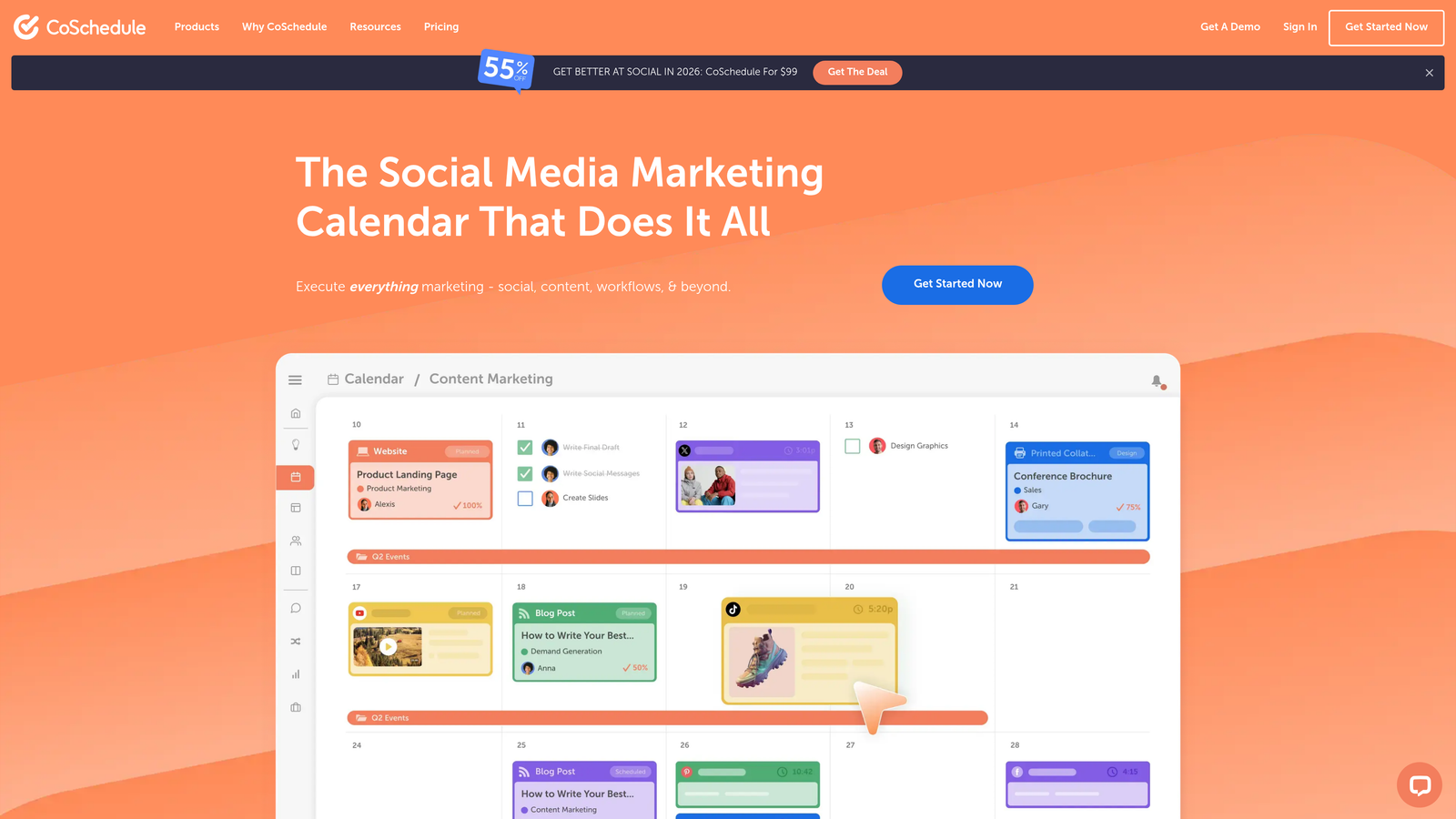
CoSchedule positions itself as "The Social Media Calendar That Does It All," combining content planning, social media management, and marketing coordination into a unified platform that treats blog posts as integral components of broader marketing campaigns.
Where This Tool Shines
CoSchedule excels at breaking down the silos between blog content and other marketing activities. The platform's marketing calendar approach ensures your blog posts don't exist in isolation—they're coordinated with social media campaigns, email marketing, and project deadlines.
What makes CoSchedule particularly valuable is its Social Calendar feature, which lets you create, schedule, and publish social media content directly alongside your blog planning. When you publish a blog post, the platform can automatically schedule social promotion across multiple channels, eliminating the manual coordination that typically creates bottlenecks in content distribution.
Key Features & Capabilities
Unified Marketing Calendar: View all blog posts, social media content, and marketing tasks in a single calendar interface that prevents scheduling conflicts and ensures consistent messaging.
Social Inbox Integration: Respond to comments, DMs, and replies across social platforms without leaving your content management workspace.
Hire Mia AI Editor: Collaborative AI-powered editor designed to multiply marketing output while maintaining brand voice consistency across blog and social content.
Headline Studio: AI-powered headline writing tool that helps create click-worthy blog titles optimized for engagement and search performance.
Content Calendar Visibility: Get complete visibility of all tasks, projects, and campaigns to prevent team members from working in silos or duplicating efforts.
Best For / Ideal Users
CoSchedule works best for marketing teams managing integrated campaigns where blog content needs to coordinate with social media, email marketing, and other promotional activities. It's particularly valuable for mid-size companies with dedicated marketing departments that need to maintain consistent messaging across multiple channels.
The platform is also ideal for agencies managing multiple clients who need separate calendars and workflows for each account, and consultants who coordinate content strategy across various marketing channels for their clients.
Pricing
CoSchedule offers tiered pricing with plans designed for different team sizes and needs. The Social Calendar starts with affordable options for small teams, while the Marketing Suite provides comprehensive campaign management capabilities for larger organizations requiring advanced collaboration and automation features.
3. ContentKing
Best for: SEO-focused blog management with real-time content optimization and performance monitoring.
ContentKing approaches blog management through an SEO-first lens, providing continuous monitoring and optimization recommendations that help content maintain and improve search rankings over time.
Where This Tool Shines
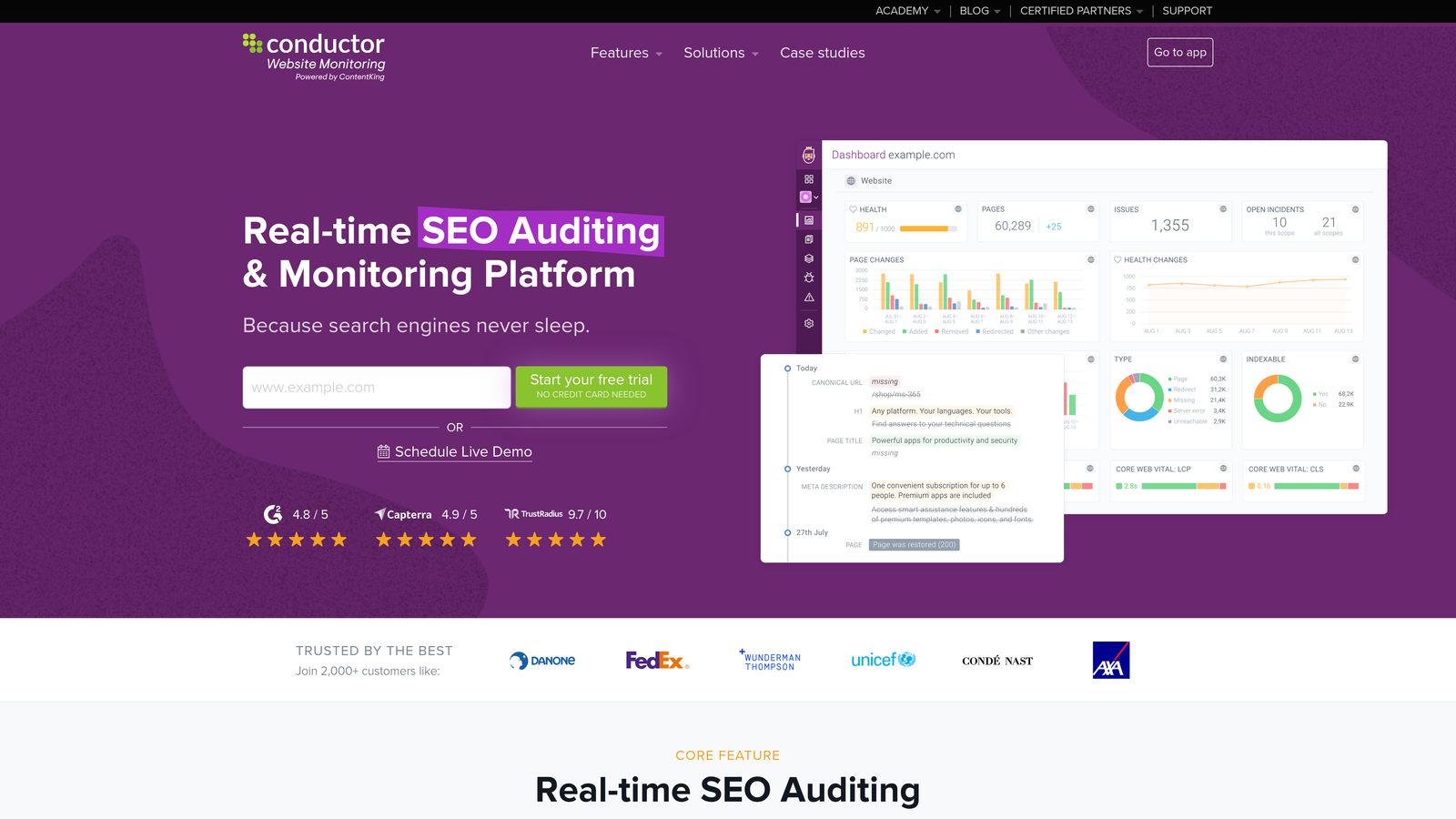
ContentKing excels at the technical SEO aspects of blog management that most platforms overlook entirely. While other tools focus on creation and publishing workflows, ContentKing monitors your published content 24/7 for SEO issues that could impact rankings.
The platform continuously crawls your blog content, tracking changes and alerting you to problems like broken links, missing meta descriptions, or indexing issues. This real-time monitoring means you catch and fix SEO problems before they significantly impact your search visibility. The platform's strength lies in maintaining content performance long after publication—when most teams have moved on to creating new content.
Key Features & Capabilities
Real-time SEO Monitoring: Continuous crawling detects technical issues affecting your blog content immediately.
Content Change Tracking: Monitors all content modifications and alerts you to changes that could impact SEO performance.
Technical Issue Detection: Identifies problems like broken internal links, redirect chains, and indexing issues across your blog.
Ranking Impact Analysis: Connects technical changes to ranking fluctuations so you understand what affects performance.
Competitor Monitoring: Tracks competitor content changes to identify opportunities and threats in your content space.
Best For / Ideal Users
ContentKing is perfect for SEO-focused content teams where organic search traffic drives significant business value. It's particularly valuable for digital agencies managing client SEO performance and businesses with large existing content libraries requiring ongoing optimization.
The platform works best for teams with technical SEO knowledge who can act on the detailed recommendations provided. If your blog generates substantial organic traffic or you manage hundreds of published posts, ContentKing helps ensure that content continues performing optimally.
Pricing
ContentKing offers tiered pricing based on the number of pages monitored, with plans typically starting around $49 per month for smaller blogs and scaling up for enterprise content operations with thousands of pages.
4. Notion
Best for: Flexible, customizable blog management workflows with powerful database and collaboration features.
Notion has transformed how content teams approach blog management by offering an infinitely customizable workspace that adapts to unique workflows rather than forcing teams into predetermined structures.
Where This Tool Shines
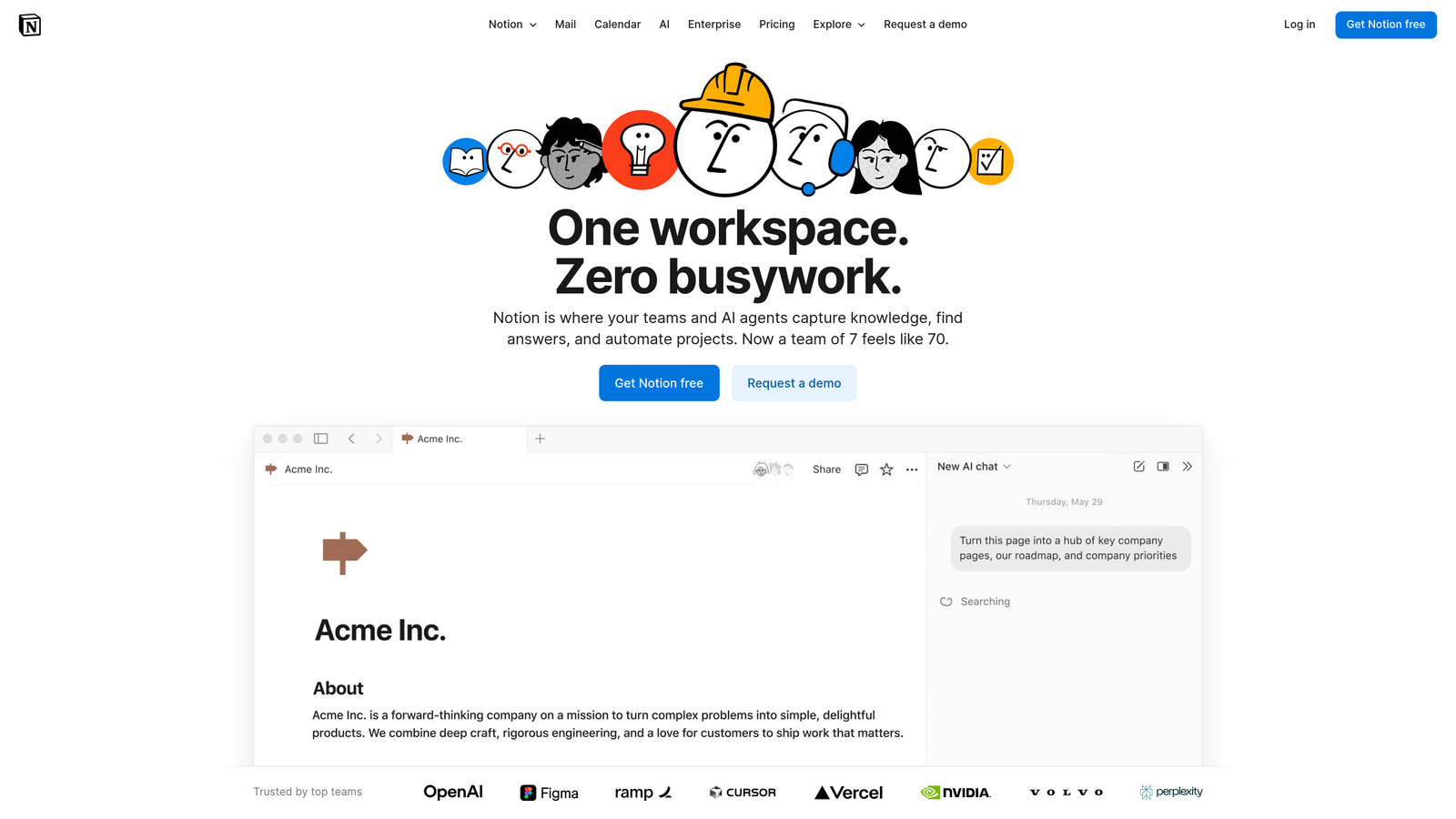
Notion's greatest strength lies in its database-driven approach to content management. Unlike rigid blog management platforms with fixed workflows, Notion lets teams build exactly the system they need. You can create editorial calendars that track custom metadata, content databases with sophisticated filtering, and approval workflows that match your organizational structure perfectly.
The platform's linked database functionality enables complex content relationships—connecting blog posts to content briefs, style guides, performance metrics, and team assignments all within a unified workspace. This eliminates the constant context-switching between multiple tools that plagues many content operations.
Key Features & Capabilities
Customizable Content Databases: Build databases with custom properties tracking everything from target keywords to content stage, writer assignments, and publication dates.
Multiple View Options: Switch between calendar, board, table, and gallery views to visualize your content pipeline from different perspectives.
Template System: Create standardized templates for content briefs, article structures, and approval checklists to maintain consistency across your team.
Real-Time Collaboration: Team members can comment, @mention colleagues, and edit simultaneously with changes syncing instantly across devices.
Knowledge Base Integration: Store style guides, brand voice documentation, and content standards alongside your editorial calendar for easy reference.
AI-Powered Features: Notion's AI capabilities help with content ideation, summarization, and writing assistance directly within your workspace.
Best For / Ideal Users
Notion excels for content teams that have moved beyond basic workflows and need sophisticated tracking capabilities. Creative agencies managing multiple clients with different processes find Notion's flexibility invaluable—you can build completely separate systems for each client within one workspace.
Startups and growing content teams benefit from Notion's scalability. As your processes evolve, your Notion workspace evolves with you without requiring platform migration. Teams comfortable investing setup time for long-term customization advantages will find Notion's approach liberating compared to restrictive alternatives.
Pricing
Notion offers a free tier for individuals and small teams with basic features. Paid plans start at $8 per user monthly for the Plus plan with unlimited file uploads and advanced permissions. The Business plan at $15 per user monthly adds advanced security, bulk export, and priority support—ideal for larger content operations requiring enterprise features.
5. Airtable
Best for: Data-driven blog management with advanced filtering, automation, and integration capabilities.
Airtable is an AI-native platform that transforms spreadsheet simplicity into database power, creating sophisticated blog management systems that scale with growing content operations.
Where This Tool Shines
Airtable excels at managing complex content operations where traditional spreadsheets fall short and rigid platforms feel constraining. The platform's relational database approach allows teams to track detailed information about each piece of content—from keyword targets and writer assignments to publication dates and performance metrics—while maintaining clear overview dashboards that make sense of the complexity.
What sets Airtable apart is its ability to handle massive scale without sacrificing usability. The platform can manage up to 100 million records, making it suitable for enterprise content operations tracking thousands of blog posts across multiple properties. The multiple view options (grid, calendar, Kanban, gallery, Gantt) let different team members interact with the same data in ways that match their specific roles and preferences.
Key Features & Capabilities
Relational Database Structure: Connect blog posts to writers, topics, campaigns, and performance data in ways that reveal patterns and opportunities traditional tools miss.
Automation Workflows: Build no-code automations that handle routine tasks like status updates, deadline reminders, content promotion scheduling, and team notifications.
Custom Interfaces: Create tailored dashboards for different stakeholders—executives see performance summaries while writers see their assignments and deadlines.
Integration Ecosystem: Connect with over 1,000 apps through native integrations and Zapier, linking blog management with your entire content stack.
AI App Building: Deploy AI agents inside your blog management system to assist with content categorization, optimization suggestions, and workflow automation.
Best For / Ideal Users
Airtable is perfect for data-driven content teams that need to track multiple variables across large content libraries. It's particularly valuable for agencies managing different clients with unique requirements, enterprises coordinating content across multiple brands or regions, and operations teams that integrate blog management with broader business processes like product launches or sales enablement.
The platform works best for teams comfortable with database concepts and willing to invest setup time for long-term efficiency gains. Organizations that need detailed reporting, complex filtering, or sophisticated automation workflows will find Airtable's capabilities worth the learning curve.
Pricing
Airtable offers a free tier with basic functionality suitable for small teams testing the platform. Paid plans start at $20 per user per month for advanced features including increased storage capacity, longer automation history, and enhanced collaboration tools. Enterprise plans provide additional security, compliance, and support features for larger organizations.
6. Trello
Best for: Visual, Kanban-style blog management with simple collaboration and project tracking.
Trello brings intuitive visual organization to blog management through its card-based Kanban system, making it easy for teams to track content from initial idea to final publication.
Where This Tool Shines
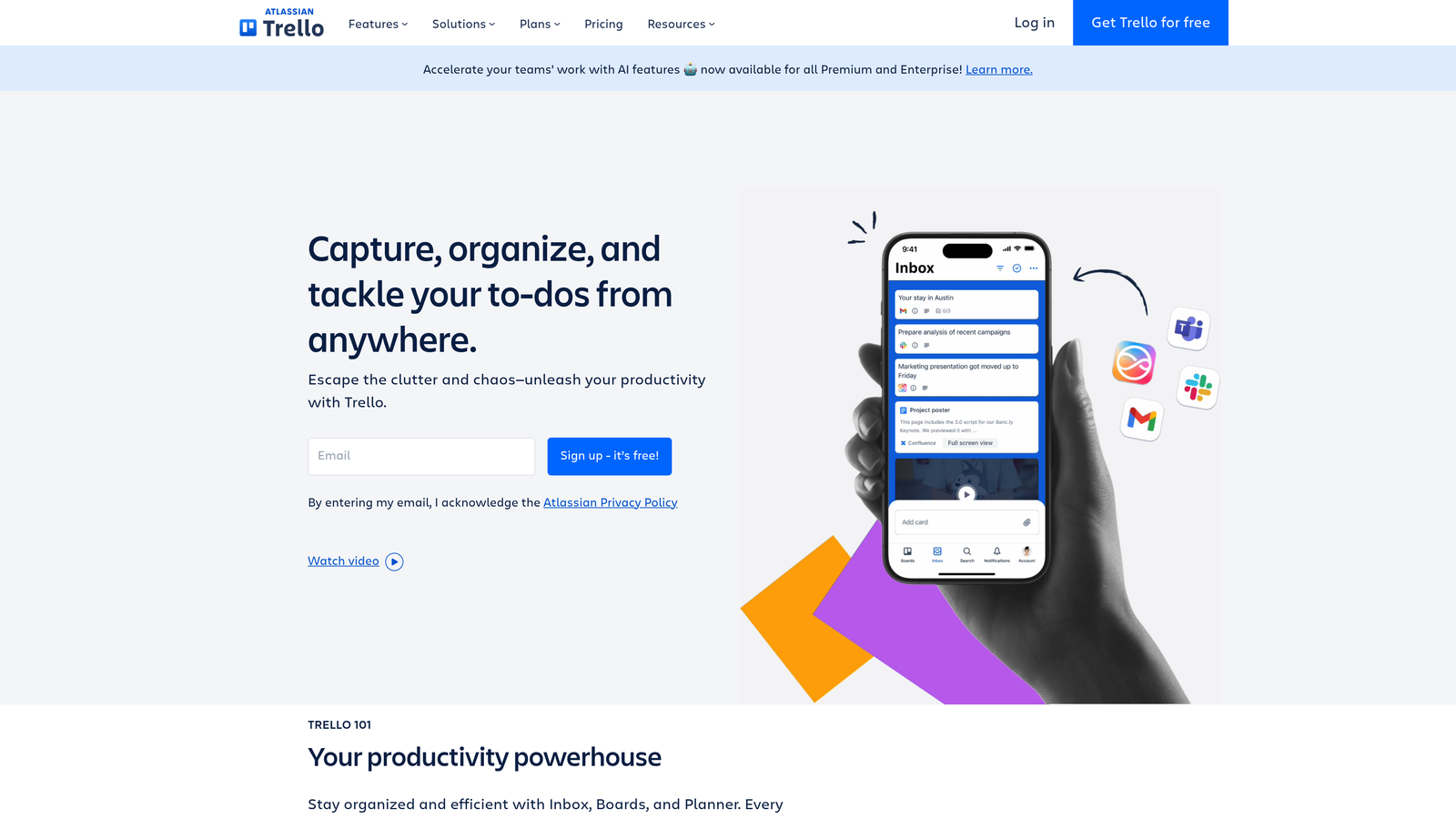
Trello's visual approach transforms complex editorial workflows into simple, scannable boards that anyone can understand immediately. The platform's card-based system works naturally for content operations—each blog post becomes a card that moves through customizable stages like "Ideas," "Research," "Writing," "Editing," and "Published." This visual clarity eliminates confusion about content status and helps teams identify bottlenecks at a glance.
What makes Trello particularly effective for blog management is its accessibility. Teams can start organizing content within minutes without extensive training or complex setup. The platform's Inbox, Boards, and Planner features work together to capture ideas anywhere, organize them into actionable workflows, and schedule content strategically. Trello's mobile accessibility means content managers can update project status, respond to comments, and track progress from anywhere.
Key Features & Capabilities
Flexible Board Organization: Create unlimited boards for different blogs, clients, or content types with customizable lists representing workflow stages.
Detailed Content Cards: Each card holds comprehensive information including descriptions, checklists, attachments, due dates, and team member assignments.
Team Collaboration Tools: Built-in commenting, @mentions, and file attachments keep all content-related discussions organized in one place.
Power-Ups for Extended Functionality: Calendar views, timeline perspectives, automation through Butler, and integrations with content creation tools expand Trello's capabilities.
Automation with Butler: Premium and Enterprise users access AI-powered automation that handles routine tasks like moving cards, setting due dates, and sending notifications.
Cross-Platform Accessibility: Desktop and mobile apps ensure teams can manage content workflows from any device, maintaining productivity on the go.
Best For / Ideal Users
Trello excels for smaller content teams and freelancers who prioritize simplicity and visual organization over complex feature sets. It's particularly valuable for teams managing 2-20 people who need straightforward content coordination without enterprise-level complexity.
The platform works exceptionally well for agencies juggling multiple client blogs, solo creators managing several content properties, and small marketing teams that prefer visual workflow management. Teams already familiar with Kanban methodology will find Trello's approach immediately intuitive.
Pricing
Trello offers flexible pricing where you only pay for what you need. The free tier provides basic functionality for individuals and small teams, while Premium plans unlock AI features, advanced automation, and additional Power-Ups for teams requiring enhanced capabilities.
7. Monday.com
Best for: Comprehensive project management with specialized blog content workflows and team coordination.
Monday.com brings enterprise-grade project management capabilities to content operations, transforming how teams coordinate blog creation from ideation through publication.
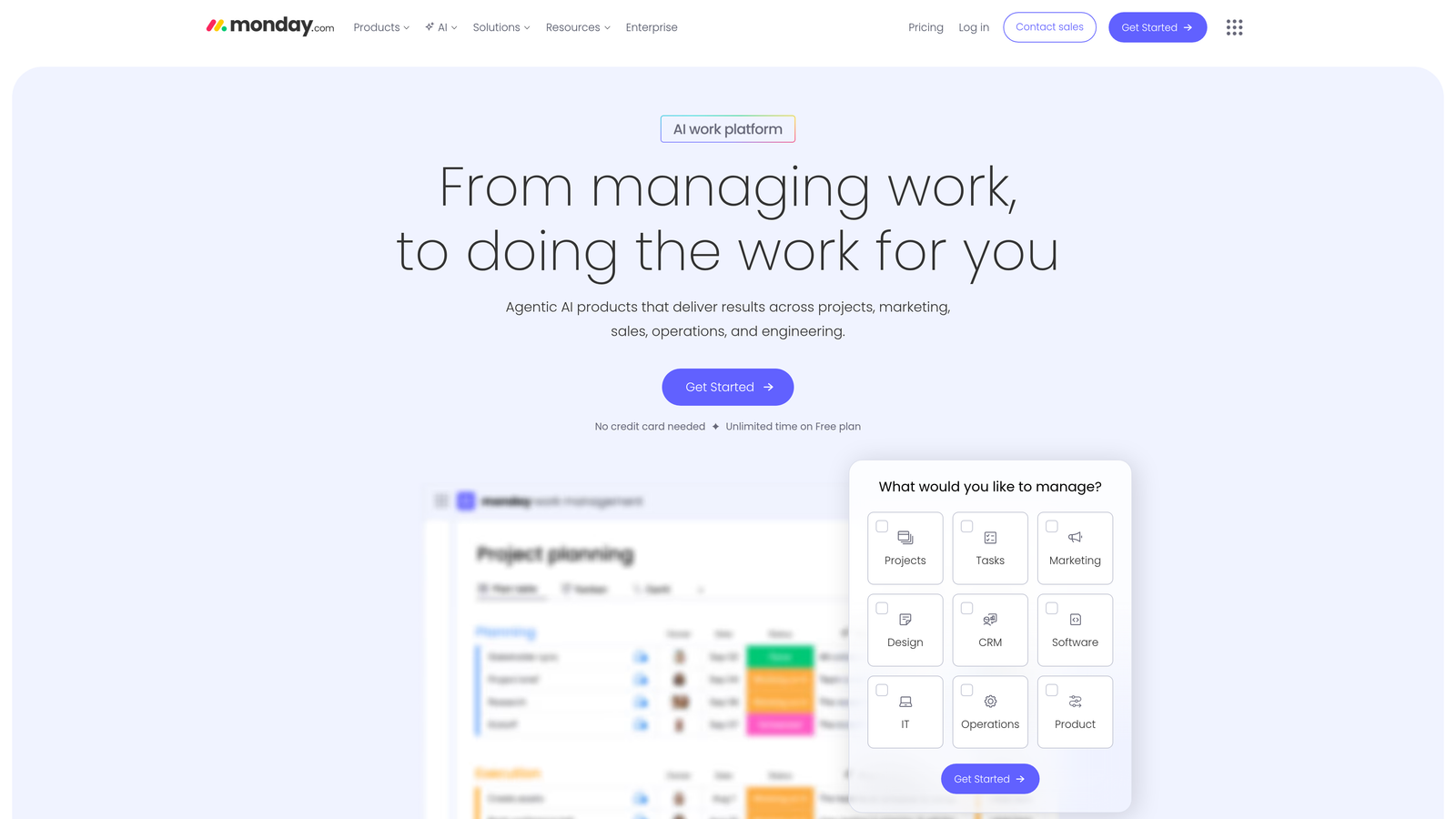
Where This Tool Shines
Monday.com excels at managing complex content operations where multiple team members, deadlines, and approval stages intersect. The platform's visual workflow boards provide instant clarity on content status—you can see at a glance which articles are stuck in review, which writers are overloaded, and where bottlenecks are forming before they derail your publishing schedule.
What sets Monday.com apart is its automation engine that handles the tedious coordination tasks that typically consume hours each week. When a writer marks an article as "Ready for Review," the platform automatically notifies editors, updates status dashboards, and adjusts timeline projections. This eliminates the endless Slack messages and email chains that plague most content teams.
Key Features & Capabilities
Customizable Workflow Boards: Create visual boards that match your exact editorial process, with columns for each stage from pitch to publication.
Advanced Automation Rules: Set up triggers that automatically assign tasks, send notifications, and update statuses based on content progress.
Time Tracking Integration: Monitor how long each content stage takes to identify efficiency improvements and accurately estimate future projects.
Multi-View Dashboards: Switch between Kanban boards, Gantt charts, calendar views, and table formats depending on what perspective you need.
Guest Access Controls: Bring external contributors and clients into specific projects without exposing your entire content operation.
Performance Analytics: Generate detailed reports on team productivity, content velocity, and workflow bottlenecks to optimize operations.
Best For / Ideal Users
Monday.com is perfect for larger content teams managing 20+ articles monthly, agencies coordinating multiple client blogs simultaneously, and organizations with complex approval processes involving legal, compliance, or executive review stages.
The platform particularly shines for teams that have outgrown simpler tools like Trello but need more content-specific features than generic project management software provides. If you're managing freelance writers, in-house editors, designers, and SEO specialists all working on interconnected content projects, Monday.com provides the coordination infrastructure to keep everyone aligned.
Pricing
Monday.com offers tiered pricing starting at $8 per user monthly for basic features, with professional plans at $16+ per user monthly that unlock advanced automation, time tracking, and reporting capabilities essential for serious content operations.
8. Asana
Best for: Task-oriented blog management with strong project organization and team collaboration features.
Asana brings its proven project management methodology to content operations, offering a task-focused approach that breaks down complex blog workflows into manageable, trackable activities.
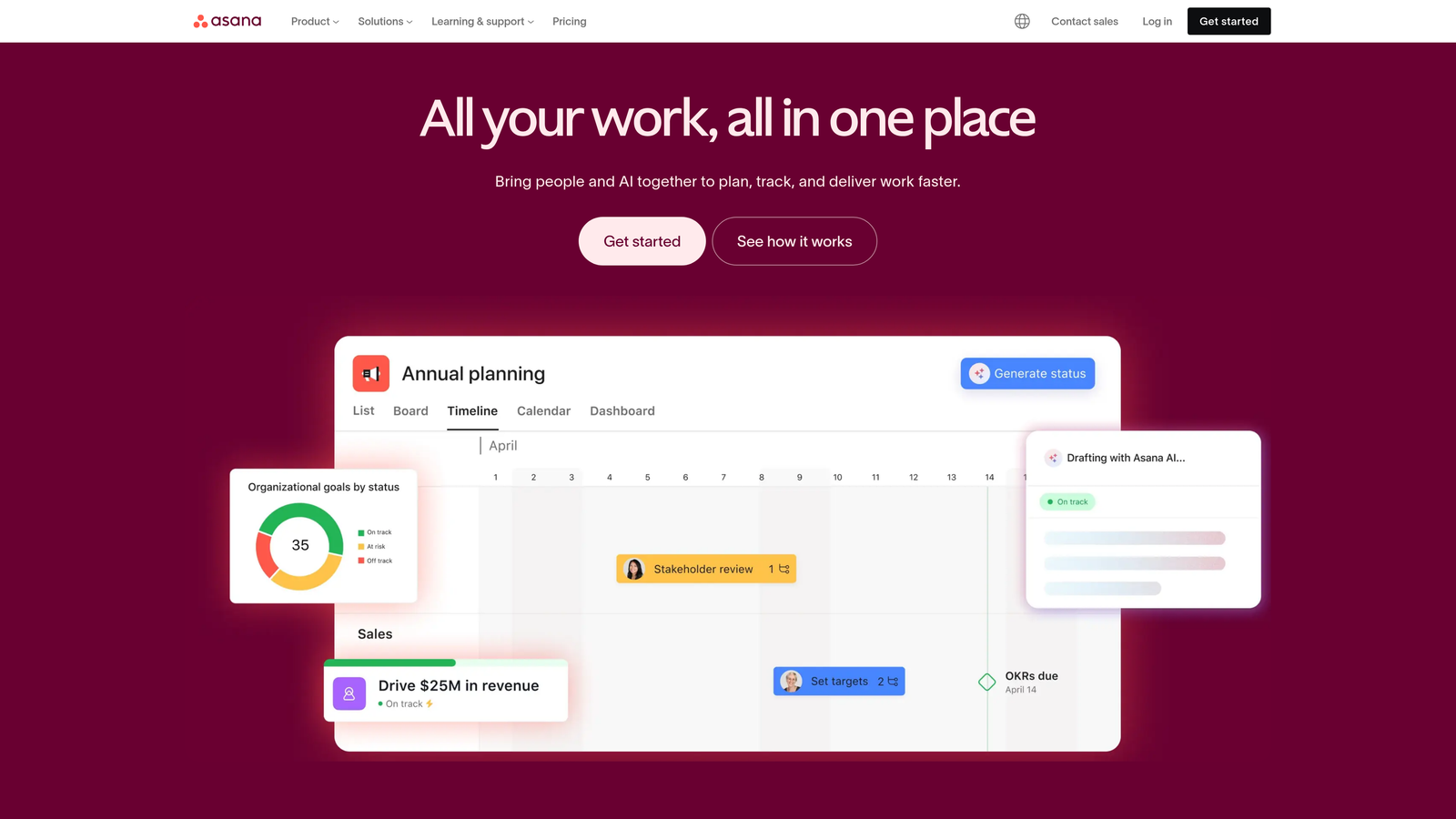
Where This Tool Shines
Asana excels at transforming abstract content goals into concrete action items with clear ownership and deadlines. The platform's strength lies in its ability to handle complex dependencies—when your blog post requires input from subject matter experts, approval from legal, review from SEO specialists, and final sign-off from leadership, Asana tracks every step without letting anything slip through the cracks.
The platform's AI Teammates feature brings intelligent assistance to content workflows, helping teams automate routine tasks and get smart recommendations for project planning. This makes Asana particularly effective for teams managing multiple blog properties or coordinating content across different departments where visibility and accountability are critical.
Key Features & Capabilities
Task Management with Subtasks: Break down content creation into granular steps with dependencies that automatically adjust timelines when deadlines shift.
Multiple Project Views: Switch between list, board, timeline, and calendar views to visualize content pipelines from different perspectives.
Goals and Reporting: Connect individual blog posts to broader content objectives and track progress toward quarterly or annual targets.
Proofing and Approval: Built-in proofing features streamline review cycles for visual content, infographics, and complex articles requiring stakeholder feedback.
Custom Fields: Track blog-specific metadata like target keywords, content type, buyer journey stage, or performance metrics directly within tasks.
Resource Management: Monitor team workload and capacity to prevent burnout and ensure realistic content commitments.
Best For / Ideal Users
Asana works best for content teams that prefer structured, task-oriented workflows over flexible database approaches. It's particularly valuable for organizations where blog content requires coordination across multiple departments—marketing, product, legal, design—and where clear accountability for each step is essential.
The platform shines for agencies managing multiple client blogs with different approval processes, in-house teams with complex editorial workflows, and content operations that integrate closely with product launches or company initiatives requiring precise timing coordination.
Pricing
Asana offers a free tier for small teams up to 15 members, with paid plans starting at $10.99 per user per month for advanced features including timeline views, advanced search, and unlimited projects.
Making the Right Choice
Selecting the right blog management platform depends on your team size, workflow complexity, and specific feature requirements. For teams prioritizing AI-powered content creation and SEO optimization, Sight AI offers the most comprehensive solution with intelligent automation that scales with your content needs. CoSchedule excels for marketing teams coordinating blog content within broader campaigns, while ContentKing provides unmatched SEO monitoring for performance-focused operations.
Consider your primary pain points when evaluating these platforms. If you're struggling with content consistency and SEO performance, platforms like Sight AI and ContentKing provide specialized solutions. For teams needing maximum flexibility, Notion and Airtable offer customizable approaches that adapt to unique workflows. Marketing teams coordinating blog content with broader campaigns will find CoSchedule's integrated approach invaluable.
The best blog management platform is one that your team will actually use consistently. Start with a clear assessment of your current workflow challenges, then test platforms that address those specific issues. Many platforms offer free trials or freemium tiers that allow you to evaluate functionality before committing to paid plans.
Remember that the most sophisticated platform won't solve workflow problems if your team lacks clear processes and communication standards. Focus on platforms that enhance your existing strengths while addressing specific operational challenges. The right blog management platform should feel like a natural extension of your team's workflow, not an additional burden to manage.
Ready to transform your content operations with AI-powered blog management? Start tracking your AI visibility today and discover how Sight AI can streamline your entire content workflow while maintaining the quality and consistency your audience expects.