Managing content across multiple channels while maintaining consistent publishing schedules can drain your team's productivity. CMS auto publishing tools eliminate the manual bottleneck by automatically pushing content to your website, scheduling posts in advance, and integrating with your existing tech stack. Whether you're a solo marketer juggling multiple blogs or an agency managing dozens of client sites, the right auto publishing solution can reclaim hours of your week.
We evaluated these tools based on ease of integration, publishing flexibility, automation depth, and value for content-focused teams. Here are the top CMS auto publishing tools that can transform your content workflow.
1. Sight AI
Best for: Teams wanting AI content generation combined with automated CMS publishing and instant indexing
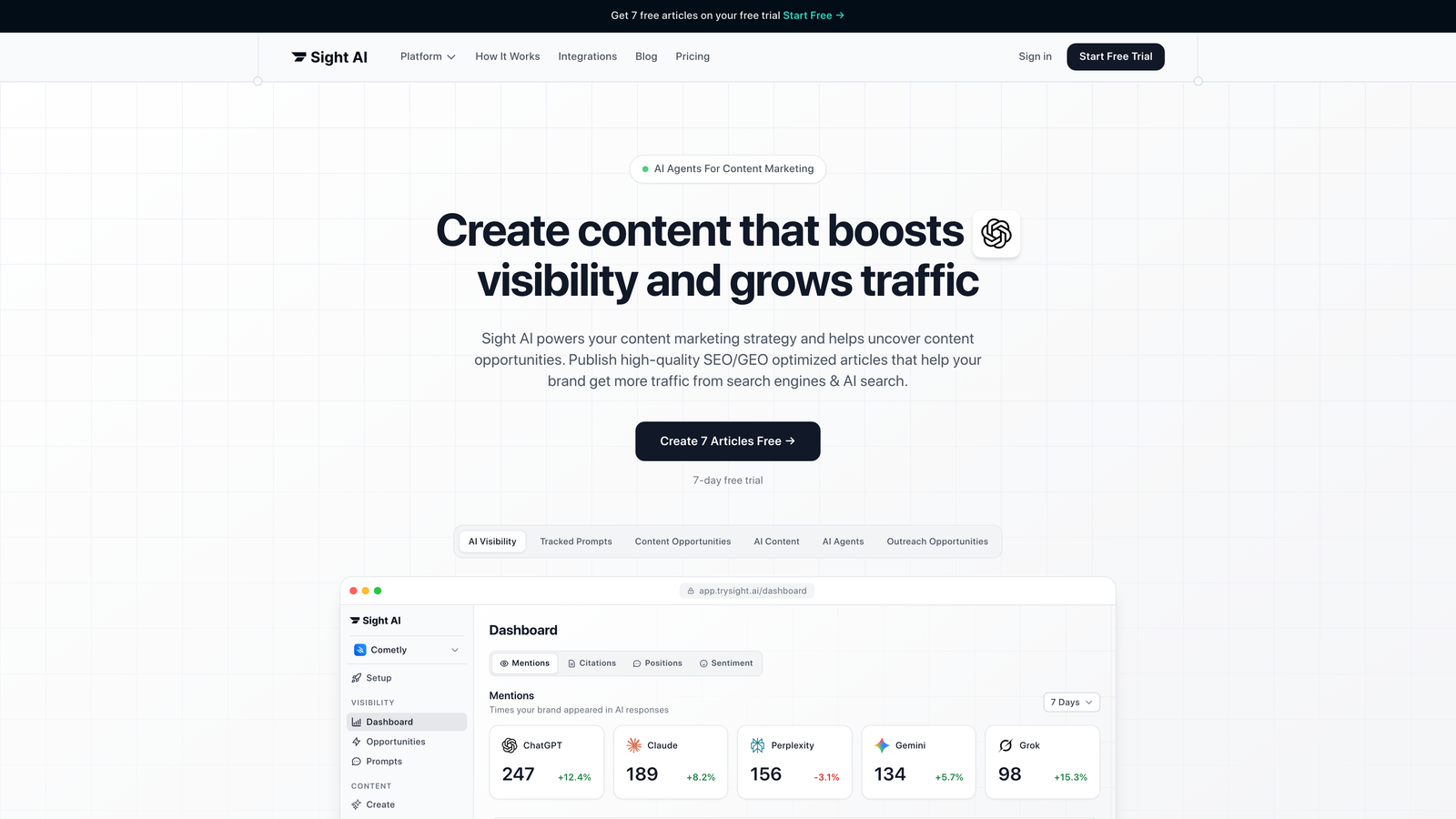
Sight AI is an AI-powered content platform that handles the entire content lifecycle from creation to publication and search engine discovery.
Where This Tool Shines
Sight AI stands out by combining AI content generation with automatic CMS publishing in one streamlined workflow. While most tools force you to generate content in one place and publish it in another, Sight AI's integrated approach eliminates the copy-paste routine entirely.
The platform's IndexNow integration is particularly valuable for time-sensitive content. The moment your article goes live, search engines receive immediate notification, accelerating the discovery process that typically takes days or weeks through traditional crawling.
Key Features
13+ AI Agents: Specialized agents generate SEO and GEO-optimized content across multiple formats including listicles, guides, and explainers.
Direct CMS Auto-Publishing: Push content directly to WordPress and other CMS platforms without manual intervention.
IndexNow Integration: Automatically notify search engines the moment content publishes for faster organic discovery.
Automated Sitemap Updates: Keep your XML sitemap current without manual updates or plugin management.
Autopilot Mode: Set up hands-off content workflows that generate, publish, and index content on your schedule.
Best For
Marketers and agencies focused on organic traffic growth who want to streamline the entire content process. Particularly valuable for teams managing multiple client sites or brands that need consistent publishing cadences without constant manual oversight.
Pricing
Contact for pricing. Offers tiered plans designed for both individual marketers and agencies managing multiple properties.
2. WordPress with Jetpack
Best for: WordPress users needing straightforward scheduling with social media auto-sharing capabilities
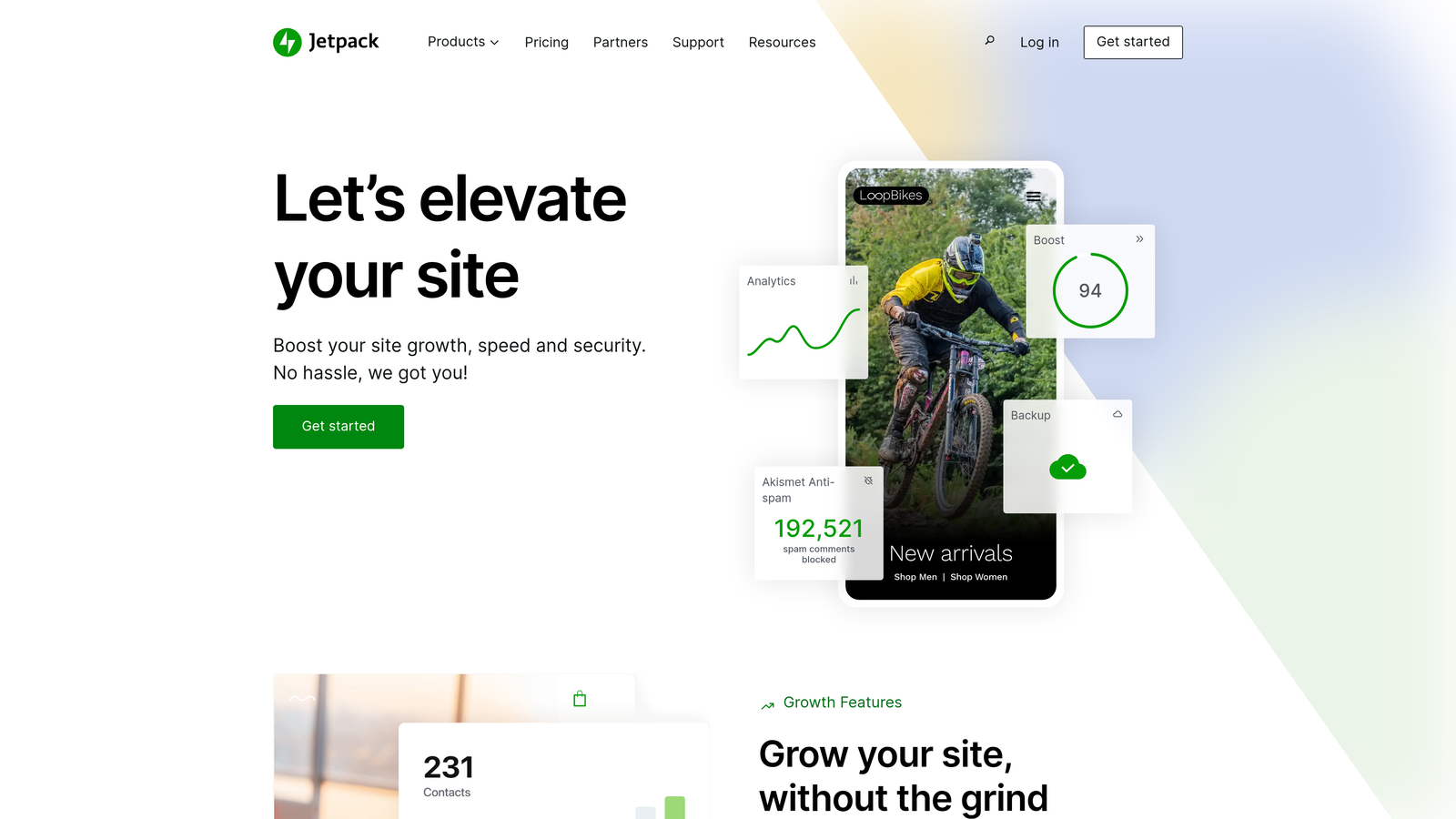
Jetpack is a WordPress plugin that enhances native scheduling features with social distribution and automated sharing across platforms.
Where This Tool Shines
WordPress already includes basic post scheduling, but Jetpack transforms it into a multi-channel publishing powerhouse. The Publicize feature automatically shares your content to connected social accounts the moment it goes live, eliminating the need to manually post across platforms.
For WordPress-centric teams, this combination offers the lowest barrier to entry. There's no learning curve for a new interface—everything lives within the familiar WordPress dashboard you already use daily.
Key Features
Built-in Post Scheduling: Set exact publication dates and times directly from the WordPress editor.
Social Media Auto-Sharing: Automatically push new posts to Facebook, Twitter, LinkedIn, and Tumblr accounts.
Publicize Feature: Customize social messages for each platform while maintaining a single publishing workflow.
Scheduled Post Dashboard: View and manage all upcoming content in one centralized calendar view.
Best For
Small to medium-sized WordPress sites that want reliable scheduling without migrating to a new platform. Ideal for bloggers and content creators who prioritize simplicity over advanced automation.
Pricing
WordPress core is free. Jetpack offers a free tier with basic features, while paid plans start at $4/month for enhanced social sharing and scheduling capabilities.
3. HubSpot CMS Hub
Best for: Enterprise marketing teams needing CRM-integrated publishing with behavior-triggered content delivery
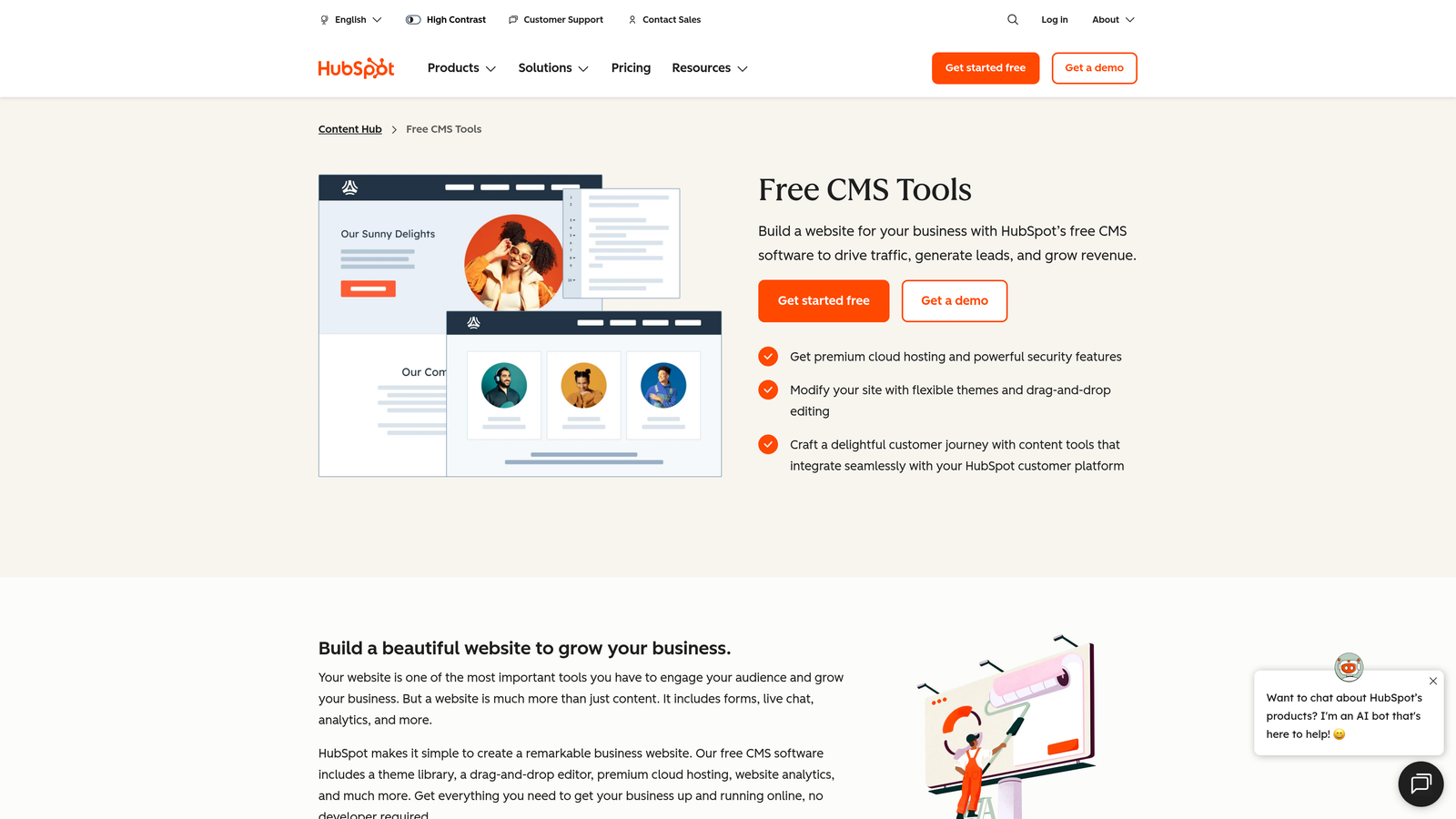
HubSpot CMS Hub is an enterprise content management system that connects publishing workflows directly to marketing automation and customer data.
Where This Tool Shines
HubSpot's real power emerges when you connect publishing to customer behavior. You can trigger content publication based on CRM events—like publishing a case study when a prospect reaches a specific deal stage, or automatically updating pricing pages when product tiers change.
The dynamic content personalization means the same URL can display different content based on who's viewing it. This approach transforms static publishing into responsive, audience-specific experiences without managing separate pages.
Key Features
Workflow Automation: Trigger content publication based on CRM events, contact properties, or custom conditions.
Dynamic Content Personalization: Display different content variations to different audience segments automatically.
Multi-Language Management: Schedule and publish localized content versions with centralized workflow control.
Built-in A/B Testing: Test content variations and automatically publish winning versions based on performance data.
CRM Integration: Connect content delivery to customer lifecycle stages and contact properties.
Best For
B2B companies and enterprise marketing teams already invested in the HubSpot ecosystem. Most valuable when you need tight integration between content publishing and customer relationship management.
Pricing
Starter tier begins at $25/month with basic features. Professional plans start at $400/month and include advanced automation and personalization capabilities.
4. Contentful
Best for: Developer-led teams building custom publishing workflows across websites, apps, and digital experiences
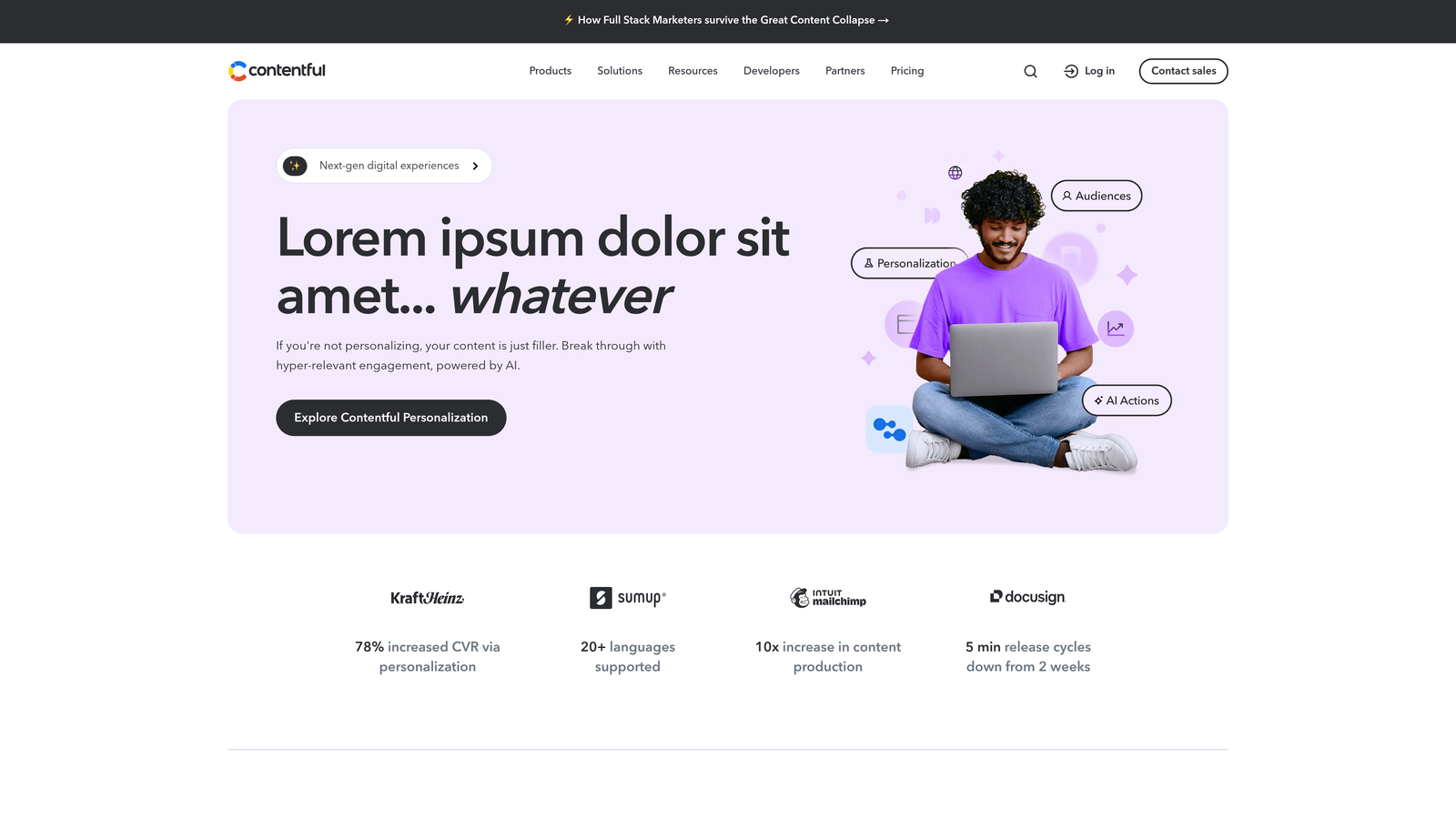
Contentful is a headless CMS that separates content management from presentation, enabling API-driven publishing to any frontend or channel.
Where This Tool Shines
Contentful's scheduled releases feature lets you bundle multiple content changes and deploy them simultaneously across all connected channels. Think of it like a coordinated product launch—update your website, mobile app, and digital displays all at once from a single scheduled event.
The webhook system enables custom automation that traditional CMS platforms can't match. When content publishes, you can trigger external processes like cache clearing, CDN purging, or notifications to downstream systems—all without writing complex integrations.
Key Features
Scheduled Publishing: Set publication dates for individual entries or bundle multiple changes into coordinated releases.
API-First Architecture: Deliver content to websites, mobile apps, IoT devices, or any system with an API connection.
Webhooks: Trigger custom automation workflows when content publishes, updates, or unpublishes.
Multi-Environment Staging: Test scheduled publications in development environments before pushing to production.
Integration Ecosystem: Connect to over 100 third-party tools including analytics, translation services, and marketing platforms.
Best For
Technical teams managing omnichannel content delivery who need publishing flexibility beyond traditional website-only CMS platforms. Particularly valuable for companies maintaining mobile apps alongside web properties.
Pricing
Free Community tier available for small projects. Team plan starts at $489/month and includes scheduled publishing with advanced workflow features.
5. Buffer Publish
Best for: Social media managers needing queue-based scheduling with optimal timing recommendations
Buffer Publish is a social media scheduling platform that automates posting across Instagram, Twitter, LinkedIn, Facebook, and Pinterest.

Where This Tool Shines
Buffer's queue-based approach removes the friction from social scheduling. Instead of setting specific times for each post, you define time slots throughout your day, then add content to the queue. Buffer automatically fills those slots with your queued posts, maintaining consistent publishing without micromanaging every timestamp.
The optimal timing feature analyzes when your audience engages most and suggests the best posting windows. This data-driven approach often outperforms gut-feel scheduling, particularly for accounts with established audiences.
Key Features
Queue-Based Scheduling: Define posting time slots and let Buffer automatically distribute your content throughout the day.
Optimal Timing Suggestions: Get data-driven recommendations for when your specific audience is most active.
Multi-Platform Publishing: Schedule to Instagram, Twitter, LinkedIn, Facebook, and Pinterest from one interface.
Browser Extension: Queue content directly from any webpage without opening the Buffer dashboard.
Best For
Social media managers and content creators who prioritize consistent social presence over website publishing. Works best for teams focused primarily on social distribution rather than blog or website content.
Pricing
Free plan available for up to three channels. Essentials plan starts at $6/month per social channel with unlimited scheduled posts.
6. CoSchedule
Best for: Marketing teams wanting unified calendar visibility across content, social, and campaign publishing
CoSchedule is a marketing calendar platform that combines WordPress publishing, social scheduling, and team workflow management in one interface.
Where This Tool Shines
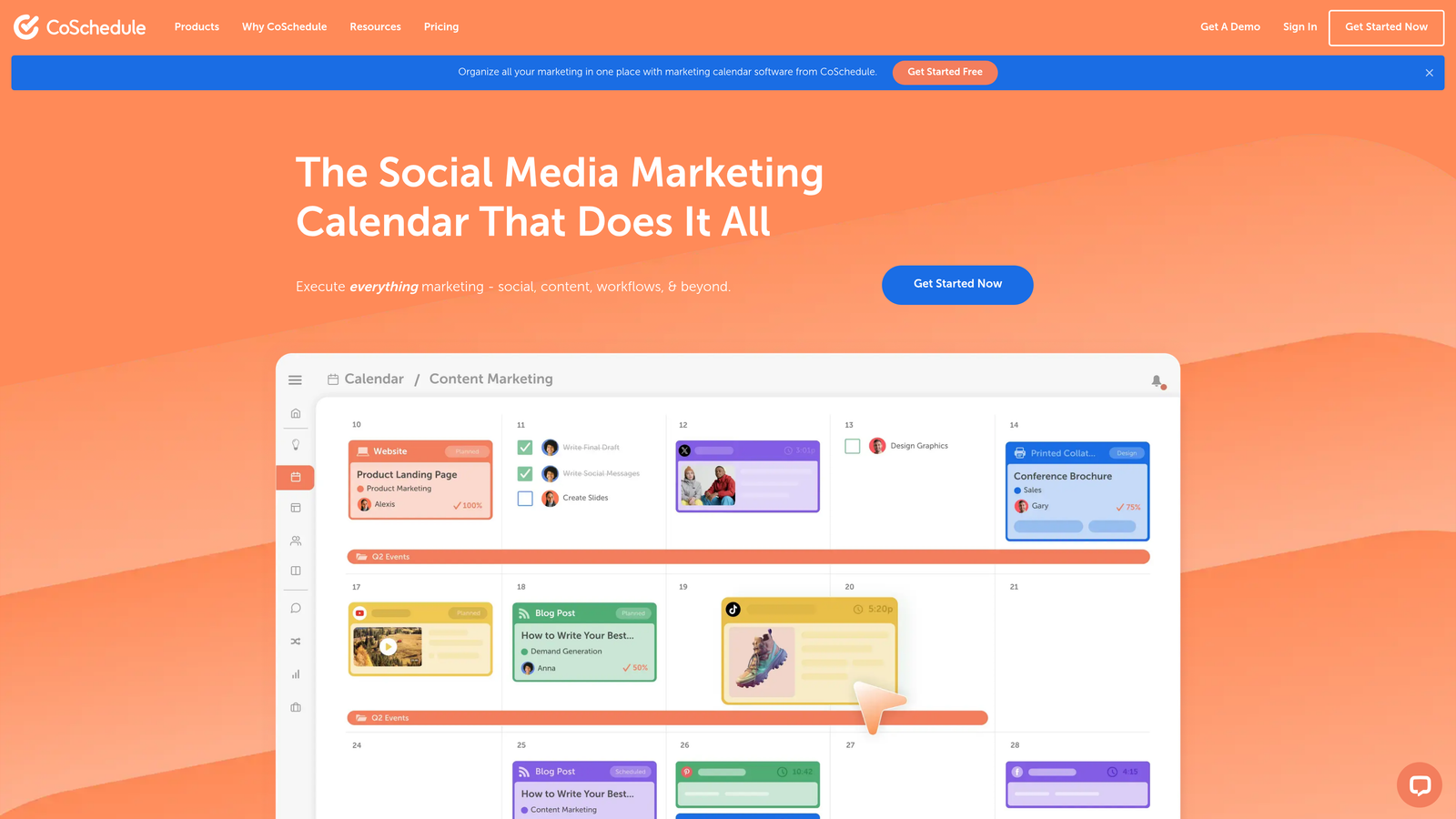
CoSchedule's calendar view solves the chaos of managing multiple content types across different platforms. You see blog posts, social updates, email campaigns, and project deadlines in one unified timeline, making it easier to spot gaps in your publishing schedule or identify potential conflicts.
The ReQueue feature breathes new life into evergreen content by automatically resharing top-performing posts when your social queue has empty slots. This approach maintains consistent social presence without constantly creating new content.
Key Features
Unified Marketing Calendar: Visualize all content, social posts, and campaigns in one color-coded timeline.
WordPress Plugin: Publish directly to WordPress sites without leaving the CoSchedule interface.
ReQueue Automation: Automatically reshare evergreen content to fill gaps in your social schedule.
Social Campaign Templates: Create reusable templates for recurring campaign types to speed up scheduling.
Team Workflows: Built-in approval processes and task management for collaborative content teams.
Best For
Marketing teams managing complex content calendars across multiple channels who need visibility into the entire marketing operation, not just publishing workflows.
Pricing
Marketing Calendar plan starts at $29/month for individual users. Marketing Suite pricing available on request for larger teams needing advanced features.
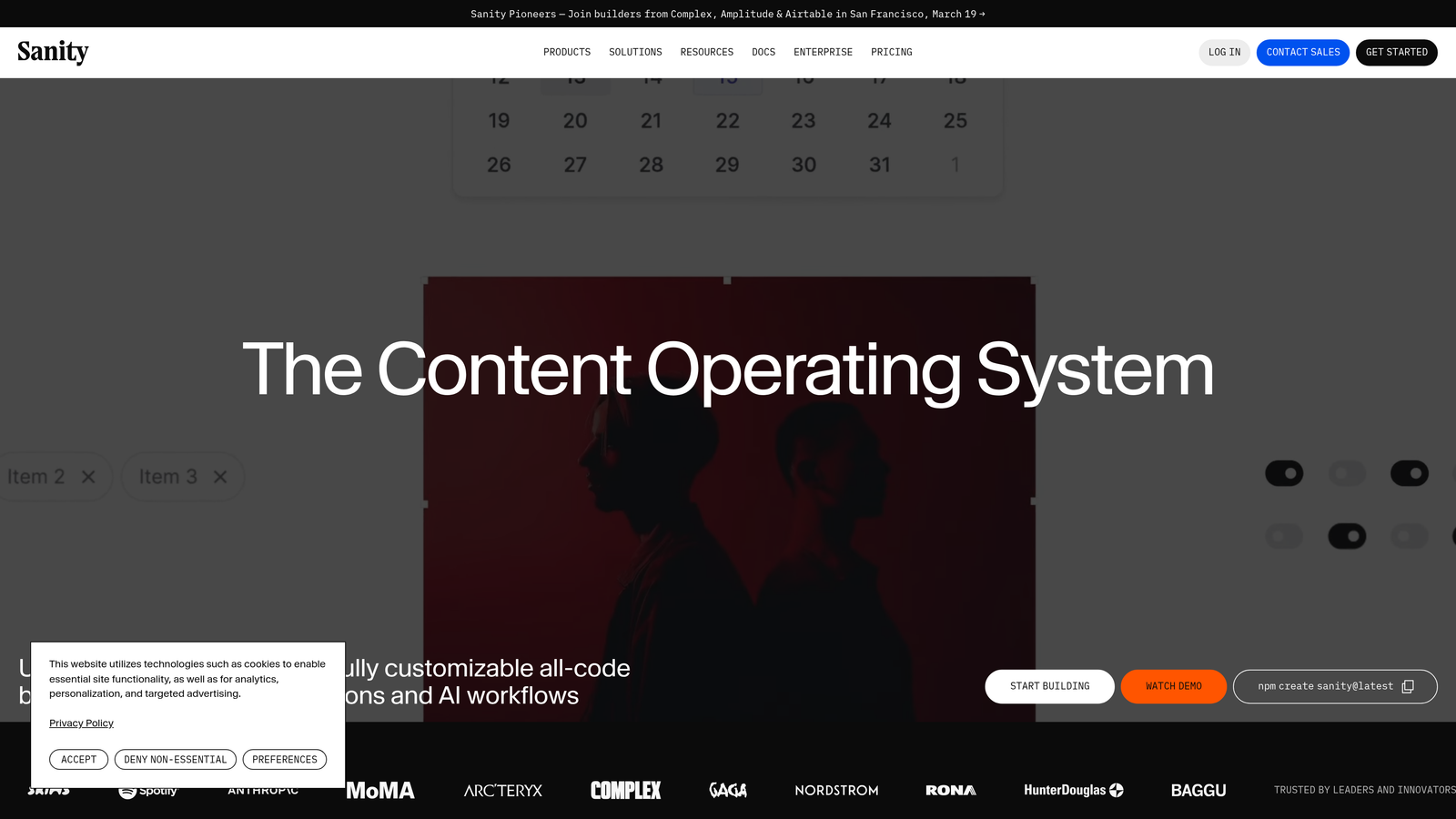
7. Sanity
Best for: Development teams building custom content workflows with real-time collaboration requirements
Sanity is a customizable headless CMS platform that offers real-time collaborative editing and flexible scheduled publishing workflows.
Where This Tool Shines
Sanity's real-time collaboration feels like Google Docs for structured content. Multiple team members can edit the same content simultaneously, seeing each other's changes instantly. This capability dramatically reduces the coordination overhead that typically slows down content teams.
The GROQ query language gives developers precise control over how content gets retrieved and delivered. Instead of forcing content into predefined structures, you can query exactly the data you need and deliver it to any frontend in the exact format required.
Key Features
Real-Time Collaboration: Multiple users can edit content simultaneously with instant updates visible to all collaborators.
Scheduled Publishing: Set publication dates with customizable workflow states and approval processes.
GROQ Query Language: Retrieve content with powerful, flexible queries that return exactly the data structure you need.
Portable Text: Structured rich text format that maintains content semantics across different presentation layers.
Plugin Ecosystem: Extend functionality with community-built plugins or create custom tools for your specific workflow.
Best For
Technical teams building custom digital experiences who need more flexibility than traditional CMS platforms provide. Particularly valuable for projects requiring real-time collaboration or complex content relationships.
Pricing
Free tier available for small projects. Team plan starts at $99/month and includes scheduled publishing with advanced collaboration features.
8. Ghost
Best for: Publishers combining web and email newsletter publishing in one streamlined workflow
Ghost is a modern publishing platform that treats email newsletters as first-class content alongside traditional blog posts.
Where This Tool Shines
Ghost eliminates the traditional separation between website publishing and email newsletters. When you schedule a post, you decide whether it goes to your website, your email subscribers, or both—all from the same editor. This unified approach saves time and ensures consistency across channels.
The member and subscription management features are built directly into the platform rather than bolted on through plugins. This native integration means fewer moving parts to maintain and more reliable publishing automation.
Key Features
Native Email Publishing: Send posts directly to email subscribers without third-party newsletter tools.
Scheduled Post Publishing: Set exact publication dates and times for both web and email delivery.
Member Management: Built-in subscription and membership tools for gated content and paid newsletters.
SEO Features: Automatic sitemaps, structured data, and meta tag management without additional plugins.
Clean Editor: Distraction-free writing interface focused on content creation rather than complex formatting.
Best For
Content creators and publishers building audience-first businesses around newsletters and membership content. Ideal for writers who want publishing simplicity without sacrificing professional features.
Pricing
Self-hosted Ghost is free and open-source. Ghost(Pro) managed hosting starts at $9/month for small sites, scaling based on subscriber count.
9. Strapi
Best for: Organizations wanting full control through self-hosted, open-source CMS with extensible publishing automation
Strapi is an open-source headless CMS that offers complete customization through self-hosting and a plugin marketplace for extended functionality.
Where This Tool Shines
Strapi's open-source nature means you own your entire content infrastructure. There's no vendor lock-in, no usage limits based on API calls, and complete freedom to modify the system to match your exact requirements. For organizations with specific compliance or data sovereignty requirements, this control is invaluable.
The plugin marketplace offers pre-built solutions for common publishing needs, while the customizable content types let you model your content structure exactly how your business thinks about it—not how a vendor decided it should work.
Key Features
Open-Source Foundation: Access the complete source code with no licensing restrictions or usage limits.
Customizable Content Types: Define your own content structures, relationships, and workflows without platform constraints.
REST and GraphQL APIs: Choose your preferred API architecture for content delivery to any frontend.
Role-Based Access Control: Configure granular permissions for different team members and publishing workflows.
Plugin Marketplace: Extend functionality with community-built plugins or develop custom solutions for your needs.
Best For
Organizations with technical resources who need complete control over their content infrastructure. Particularly valuable for companies with specific compliance requirements or those wanting to avoid vendor lock-in.
Pricing
Self-hosted Community Edition is completely free. Cloud-hosted plans start at $99/month with managed infrastructure and support.
Finding Your Publishing Solution
The right CMS auto publishing tool depends on your specific content workflow and technical resources. For teams wanting AI content generation combined with automatic publishing and instant search engine indexing, Sight AI delivers the complete lifecycle from creation to discovery. If you're committed to WordPress and need straightforward scheduling with social distribution, Jetpack extends native functionality without platform migration.
Marketing teams already invested in CRM-driven workflows will find HubSpot's behavior-triggered publishing invaluable for connecting content delivery to customer lifecycle stages. Developer-led organizations building custom digital experiences should evaluate headless options like Contentful for multi-channel flexibility or Sanity for real-time collaboration capabilities.
For publishers focused on audience building through newsletters, Ghost combines web and email publishing in one interface without juggling separate tools. Teams prioritizing social media presence over website publishing will appreciate Buffer's queue-based approach and optimal timing recommendations. Organizations with specific compliance requirements or those wanting to avoid vendor lock-in should consider Strapi's open-source foundation.
The publishing automation landscape continues evolving toward headless architectures and API-first approaches, but traditional CMS platforms remain relevant for teams prioritizing simplicity over customization. Evaluate your technical resources, integration requirements, and content distribution channels before committing to a platform. The best tool isn't the one with the most features—it's the one that fits your team's actual workflow without forcing you to work around limitations.
Stop guessing how AI models like ChatGPT and Claude talk about your brand—get visibility into every mention, track content opportunities, and automate your path to organic traffic growth. Start tracking your AI visibility today and see exactly where your brand appears across top AI platforms.