Every page you publish is invisible until search engines index it. For marketers, founders, and agencies investing in content-driven growth, that gap between publishing and indexing represents lost organic traffic, missed AI visibility opportunities, and wasted effort.
Traditional indexing can take days or even weeks. In a landscape where AI models like ChatGPT, Claude, and Perplexity are increasingly pulling from indexed web content to shape brand mentions, that delay has real consequences. Your content cannot influence AI responses, drive organic clicks, or build topical authority until it is discovered and processed by search engines first.
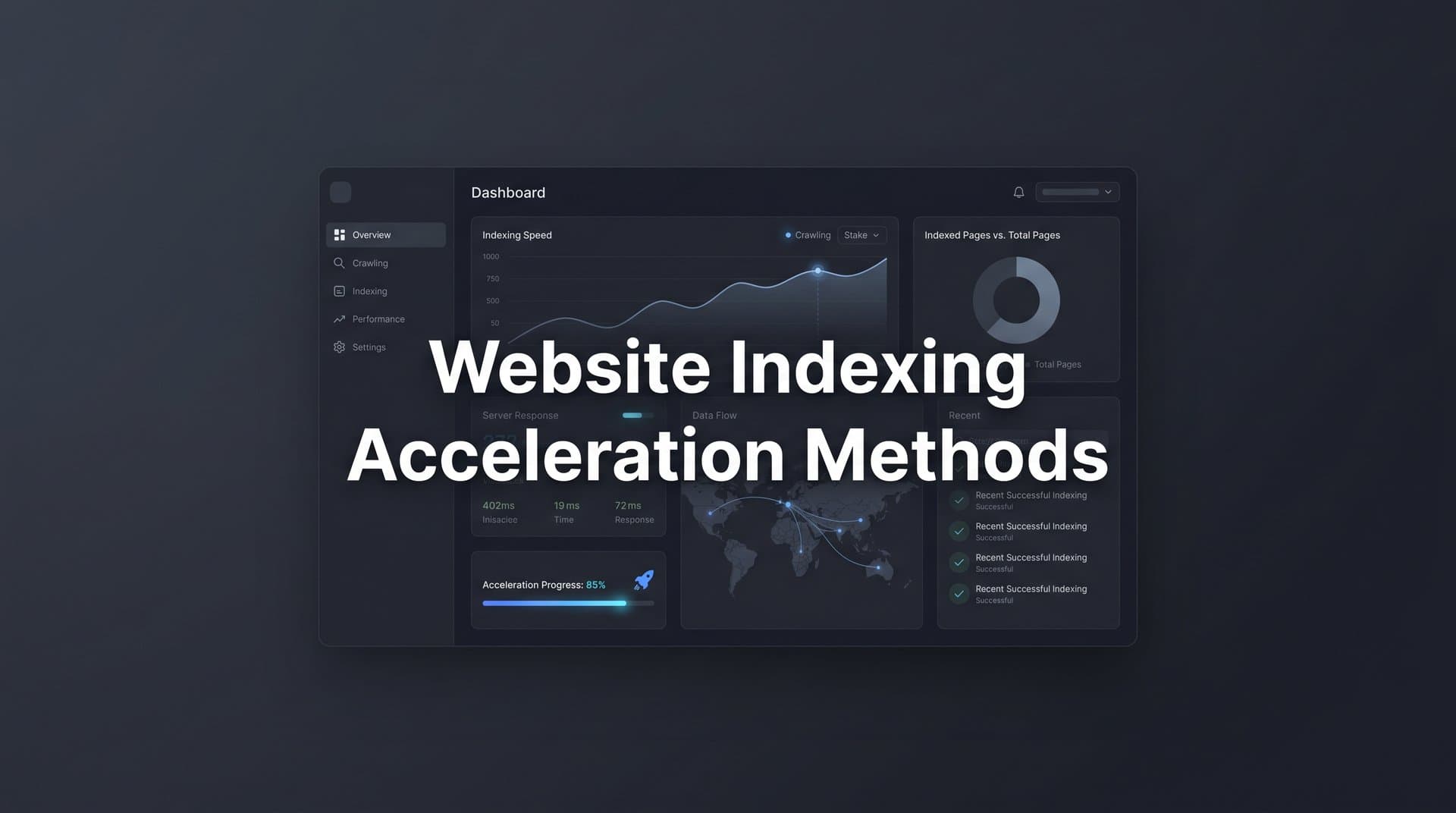
This guide walks you through seven actionable website indexing acceleration methods that reduce your time-to-discovery from weeks to hours. You will learn how to optimize your technical foundation, leverage modern indexing protocols like IndexNow, and automate the entire workflow so every piece of content you publish gets found by both search engines and AI platforms as quickly as possible.
These steps build on each other. Start with the audit to understand where you stand, then layer in each method to create a compounding indexing advantage. Whether you are managing a single brand site or dozens of client properties, the same principles apply.
Let's get into it.
Step 1: Audit Your Current Indexing Health and Identify Bottlenecks
Before you can accelerate anything, you need to understand what is slowing you down. Most sites have at least a few indexing bottlenecks hiding in plain sight, and fixing them delivers immediate improvements without any new tools or protocols.
Start with Google Search Console's Index Coverage report. This is your primary diagnostic tool. Look specifically for pages stuck in two states: "Discovered – currently not indexed" and "Crawled – currently not indexed." These are not errors in the traditional sense, but they signal that Google has found your pages and chosen not to prioritize them. That distinction matters because the fix is different for each.
Discovered but not indexed usually means Googlebot has not yet allocated crawl budget to visit the page. Your site may have too many low-value URLs competing for crawler attention.
Crawled but not indexed typically signals a quality issue. Google visited the page but did not consider it worth adding to the index. Thin content, near-duplicate pages, and pages with weak signals are common culprits. For a deeper dive into diagnosing these issues, explore our guide on slow website indexing problems.
Next, audit for crawl budget waste. Crawl budget is the number of pages a search engine will crawl on your site within a given timeframe. When crawlers spend time on low-value URLs, they have less capacity for your important content. Common sources of waste include bloated parameter URLs (like session IDs or filter combinations), duplicate content across multiple URLs, redirect chains that force crawlers to follow multiple hops, and orphan pages that are technically live but linked from nowhere.
Check your robots.txt file carefully. A surprisingly common issue is noindex tags or robots.txt disallow rules left over from staging environments that accidentally block production content. Run a crawl with a tool like Screaming Frog or Sitebulb to surface these quickly.
Finally, establish your baseline indexing speed. Pull your five most recently published pages and check when they first appeared in Search Console's coverage report. This gives you a concrete benchmark to measure improvement against as you implement the remaining steps.
Success indicator: A prioritized list of indexing blockers with your current average time-to-index documented. This becomes your before-and-after comparison point.
Step 2: Optimize Your XML Sitemap Architecture for Crawler Efficiency
Your XML sitemap is a direct communication channel with search engine crawlers. A well-structured sitemap tells crawlers exactly what exists on your site, what has changed recently, and what deserves priority attention. Most sites treat sitemaps as an afterthought. Treating yours as a strategic asset gives you a meaningful edge.
The first principle is inclusion discipline. Your sitemap should only contain URLs that are indexable, canonical, and returning a 200 status code. Redirects, noindexed pages, and 404s do not belong in your sitemap. Including them is not just unhelpful; it wastes crawler attention and can signal poor site hygiene to search engines.
For sites with diverse content types, consider segmented sitemaps. A sitemap index file pointing to separate sitemaps for blog posts, product pages, landing pages, and other content types makes it easier for crawlers to process your most important sections and helps you identify indexing gaps by content category in Search Console.
The lastmod timestamp is one of the most underused signals in sitemaps. When you update a page, change the lastmod date to reflect that actual update. Many CMS platforms auto-generate lastmod dates based on system time rather than real content changes, which trains crawlers to ignore the signal entirely. Fix this so lastmod only changes when content genuinely changes, and crawlers will learn to trust it as a freshness indicator.
For large sites, the sitemaps.org protocol sets a limit of 50,000 URLs per sitemap file and 50MB uncompressed. If your site exceeds these thresholds, use a sitemap index file to organize multiple sitemaps cleanly. This is not just a technical requirement; it is also an opportunity to structure your sitemap hierarchy in a way that reflects your content priorities. Teams managing enterprise-scale properties should review strategies for content indexing for large websites to handle this complexity effectively.
After every batch publish, submit your updated sitemap directly through Google Search Console and Bing Webmaster Tools. Do not wait for search engines to discover the update passively. Manual submission signals that something new is ready to be crawled.
Success indicator: Zero sitemap errors in Search Console, with crawlers visiting new pages within hours of sitemap submission rather than days.
Step 3: Implement the IndexNow Protocol for Instant Crawler Notification
This is where website indexing acceleration methods shift from passive to active. IndexNow is an open-source, push-based protocol that lets you notify participating search engines the moment content is published or updated. Instead of waiting for crawlers to discover your new pages on their next scheduled visit, you tell them directly: something new is here, come get it.
IndexNow is supported by Microsoft Bing, Yandex, Naver, and Seznam. Google has not officially joined the protocol, but has its own URL Inspection and Indexing API tools (covered in Step 6). For the search engines that do support IndexNow, the impact on discovery speed can be significant, often reducing the time from publish to indexed from days to hours or even minutes. For a detailed comparison, see our article on IndexNow vs traditional indexing methods.
Setting up IndexNow involves three steps. First, generate an API key through the IndexNow portal or through a supporting tool. Second, host a key verification file at your domain root (for example, yoursite.com/your-key.txt). Third, configure your CMS or publishing pipeline to automatically send an IndexNow ping to the protocol endpoint whenever a page is published or substantially updated.
That third step is where most teams stall. Manually sending pings defeats the purpose. The real value of IndexNow comes from automating the notification so it fires on every publish without any human intervention. If your CMS does not have a native IndexNow plugin, you can trigger pings via webhook or a lightweight server-side script that fires on content save events.
Pair IndexNow with your sitemap updates from Step 2. When a new page is published, both your sitemap should update and an IndexNow ping should fire simultaneously. This creates redundancy: push notification through IndexNow and pull discovery through the updated sitemap. Both channels working together is more reliable than either one alone.
Sight AI's indexing tools handle this entire workflow automatically. Every time content is published through the platform, an IndexNow ping fires without any manual configuration or intervention. For teams publishing at scale, this kind of automation is the difference between a workflow that compounds and one that creates constant manual overhead.
Success indicator: Bing and other participating search engines index new pages within minutes to hours of publishing, visible in their respective webmaster tools.
Step 4: Strengthen Internal Linking to Distribute Crawl Equity
Crawlers discover new pages by following links. If a new page has no internal links pointing to it, the only way a crawler finds it is through your sitemap or an IndexNow ping. That is not ideal. Internal links from already-indexed, high-authority pages are one of the most reliable signals you can give a crawler: this new page is worth visiting.
The practical rule is straightforward: within 24 hours of publishing any new page, add links to it from at least two or three existing pages that are already indexed and have meaningful internal authority. For a blog post, this might mean updating your pillar page, a related article, and a relevant resource page to include a contextual link to the new content.
Anchor text matters here. Use descriptive, keyword-relevant anchor text that accurately reflects the topic of the destination page. This helps crawlers understand the new page's context before they even visit it, and it reinforces topical relevance signals that influence how the page is eventually ranked.
Hub-and-spoke content architecture is the structural approach that makes this scalable. Pillar pages act as hubs covering broad topics, while spoke articles cover specific subtopics in depth. Every spoke links back to the hub, and the hub links out to all its spokes. This creates a crawlable topical cluster that search engines can traverse efficiently, and it ensures that new content added to the cluster gets discovered quickly through the hub's existing authority. This approach directly supports faster website crawling and indexing across your entire content library.
Audit for orphan pages on a quarterly basis. An orphan page is any page with zero internal links pointing to it. These pages are almost always suffering from indexing delays because crawlers have no path to reach them except through sitemaps. A quick crawl with Screaming Frog can surface all orphan pages in minutes.
Success indicator: No orphan pages in your content library. New pages receive crawler visits within hours via internal link paths from existing indexed content.
Step 5: Optimize Page Quality Signals That Influence Indexing Priority
Here is something many site owners miss: search engines do not index all pages equally. They prioritize pages they perceive as high-quality. Thin content, duplicate content, and pages with weak quality signals often get deprioritized in the crawl queue, which is why some pages sit in "Crawled – currently not indexed" for weeks despite having no technical errors.
Quality signals that influence indexing priority include content depth, E-E-A-T signals, page performance, and structured data. Let's look at each.
Content depth and uniqueness: Every page should offer substantive, original content that addresses a clear user intent. Pages that are thin, templated, or near-duplicates of other pages on your site dilute your crawl budget and often get skipped. If you are publishing programmatic pages at scale, ensure each one has enough unique, meaningful content to justify its existence in the index. Understanding how to improve website indexing speed starts with getting these quality fundamentals right.
E-E-A-T signals: Google's Search Quality Rater Guidelines emphasize Experience, Expertise, Authoritativeness, and Trustworthiness. Practically, this means including author bylines with credentials, linking to authoritative external sources, adding original insights or data, and ensuring your site has clear About and Contact information. These signals help search engines assess whether your content deserves to be indexed and surfaced.
Core Web Vitals: Fast-loading pages with clean HTML are cheaper for crawlers to process. Google's Core Web Vitals (LCP, INP, and CLS) are confirmed ranking signals, and pages that perform well on these metrics are generally crawled more frequently. Use PageSpeed Insights or the Core Web Vitals report in Search Console to identify and fix performance issues.
Structured data: Adding schema markup (Article, FAQ, HowTo, and other relevant types) helps search engines parse your content more efficiently. It also signals that your page is well-organized and intended for a specific purpose, which can influence how quickly it is processed and indexed.
There is also a direct connection to AI visibility here. AI models that pull from indexed web content tend to surface pages that are well-structured, factually rich, and clearly attributed. Optimizing for indexing quality and optimizing for AI mention-worthiness are increasingly the same activity.
Success indicator: Pages pass Core Web Vitals thresholds. Structured data validates without errors in Google's Rich Results Test. No pages sitting in "Crawled – currently not indexed" due to quality issues.
Step 6: Use Google's URL Inspection and Indexing API Strategically
Google operates its own indexing tools independently of the IndexNow protocol, and using them strategically is an important part of any comprehensive acceleration approach. The key word here is strategically, because these tools have limits and using them indiscriminately wastes their value.
The URL Inspection tool in Google Search Console lets you request indexing of individual pages directly. When you enter a URL, Google checks its current indexing status and gives you the option to request a crawl. For high-priority pages like cornerstone content, product launches, or time-sensitive announcements, this manual request can meaningfully accelerate Google's indexing timeline. For a broader look at available options, check out our roundup of faster Google indexing methods.
However, manual indexing requests are rate-limited. Google caps the number of requests you can submit per day, and the exact limits can vary. This means you should reserve manual requests for your most important pages, not routine blog posts. A good rule of thumb: use manual URL inspection for pages where being indexed quickly has direct business impact, and rely on your sitemap and internal linking infrastructure for everything else.
For teams publishing at scale, the Google Indexing API offers a programmatic path. The API was originally designed for JobPosting and BroadcastEvent structured data, but it can be used in specific scenarios to send indexing requests programmatically. Combined with the Inspection API, which lets you check indexing status programmatically, you can build automated workflows that monitor your content library, identify pages that have not been indexed within a target timeframe, and trigger re-crawl requests automatically.
This kind of automation is where the real leverage lives. Manually checking indexing status for dozens or hundreds of pages is not a scalable workflow. Building or using automated website indexing tools that handle monitoring and re-crawl requests programmatically means indexing gaps get caught and addressed without any manual oversight.
One practical workflow: set up a monitoring script or use a platform that checks the indexing status of every new page 48 hours after publishing. If a page is not yet indexed, automatically trigger a re-crawl request and flag it for review. This creates a safety net that catches anything that falls through the cracks of your sitemap and IndexNow setup.
Success indicator: Priority pages indexed by Google within 24 to 48 hours of publishing. Automated status monitoring in place so no pages sit unindexed without detection.
Step 7: Automate the Entire Pipeline From Publish to Indexed to AI-Visible
The previous six steps are each valuable on their own. But the real acceleration comes from connecting them into a single automated pipeline where every step happens automatically from the moment you hit publish. Manual workflows do not scale, and every manual step is a potential point of failure or delay.
The ideal pipeline looks like this: content is created and optimized, published to your CMS, sitemap auto-updates to include the new URL, an IndexNow ping fires to notify participating search engines, internal links are added from relevant existing pages, and indexing status is monitored automatically with alerts for any pages that fall behind.
Mapping this pipeline explicitly is important because it forces you to identify which steps are currently manual and where automation needs to be added. For most teams, sitemap updates and IndexNow pings are the easiest to automate, while internal linking remains the most manual-intensive step. Even automating the former two dramatically reduces time-to-index. Explore how a dedicated website indexing automation platform can streamline this entire process.
Sight AI brings this entire workflow together in one platform. The AI Content Writer generates SEO and GEO-optimized articles using 13+ specialized AI agents, ensuring every piece of content is structured for both search engine indexing and AI model visibility. CMS auto-publishing pushes content live without manual intervention. IndexNow integration fires automatically on every publish. And AI Visibility tracking monitors whether your indexed content is influencing how AI models like ChatGPT, Claude, and Perplexity mention your brand.
That last piece is increasingly important. Faster indexing is not just an SEO metric anymore. AI models that reference web content can only surface content that has been indexed and is publicly accessible. The faster your content is indexed, the sooner it becomes available for AI models to discover, process, and reference in their responses. For brands competing for mentions in AI-generated answers, indexing speed directly affects AI visibility.
Set up a monitoring dashboard that tracks time-to-index across your content library. This does not have to be complex: a simple spreadsheet tracking publish date, first indexed date, and time-to-index for each piece of content gives you enough data to identify patterns and catch outliers. Over time, this data helps you refine your pipeline and benchmark improvement.
The goal is to reach a state where the majority of new content is indexed within 24 hours of publishing, without any manual intervention required. That is achievable with the right infrastructure in place.
Success indicator: End-to-end publish-to-indexed time under 24 hours for the majority of new content. AI visibility scores improving as your indexed content library grows and AI models begin referencing your brand more frequently.
Your Indexing Acceleration Checklist: Putting It All Together
Indexing speed is no longer just a technical SEO metric. It is a direct input into how quickly your brand becomes visible across both traditional search and AI platforms. Every day a page sits unindexed is a day it cannot drive organic traffic, cannot build topical authority, and cannot be referenced by AI models in their responses.
Use this checklist to audit your current pipeline and identify the biggest gaps:
Step 1 - Audit indexing health: Run Google Search Console's Index Coverage report. Document your current average time-to-index. Identify and prioritize crawl budget waste sources.
Step 2 - Optimize XML sitemaps: Remove non-indexable URLs. Add accurate lastmod timestamps. Submit updated sitemaps to Search Console and Bing Webmaster Tools after every batch publish.
Step 3 - Implement IndexNow: Generate your API key, host the verification file, and automate pings on every publish. Combine with sitemap updates for redundant push-and-pull coverage.
Step 4 - Strengthen internal linking: Link every new page from two to three existing indexed pages within 24 hours. Eliminate orphan pages. Build hub-and-spoke content structures.
Step 5 - Optimize page quality signals: Ensure substantive, unique content with E-E-A-T signals. Pass Core Web Vitals thresholds. Add relevant structured data markup.
Step 6 - Use Google's tools strategically: Reserve manual URL Inspection requests for priority pages. Build or use automated monitoring to catch unindexed pages and trigger re-crawl requests programmatically.
Step 7 - Automate the full pipeline: Connect content creation, publishing, sitemap updates, IndexNow pings, and indexing status monitoring into one automated workflow. Track time-to-index as a core content performance metric.
The teams winning at organic growth and AI visibility are not working harder on indexing. They have built systems where it happens automatically, at scale, every time they publish. That is the standard to aim for.
Start tracking your AI visibility today and see exactly where your brand appears across top AI platforms. Sight AI combines AI visibility tracking, SEO and GEO-optimized content generation, and automated indexing tools so you can stop guessing how AI models like ChatGPT and Claude talk about your brand and start building the infrastructure that gets you mentioned more often, faster.