Getting your content indexed quickly is the difference between capturing trending traffic and missing the window entirely. Manual indexing requests through Google Search Console work, but they don't scale—especially when you're publishing multiple pieces of content daily or managing large sites with thousands of pages.
Indexing automation tools handle the heavy lifting: submitting URLs via IndexNow, maintaining dynamic sitemaps, monitoring crawl status, and alerting you when pages fall out of the index. We evaluated dozens of tools based on IndexNow support, sitemap management capabilities, monitoring features, and ease of integration.
Here are the top indexing automation tools for speeding up your content discovery in 2026.
1. Sight AI
Best for: Teams that want content creation and indexing automation in one platform
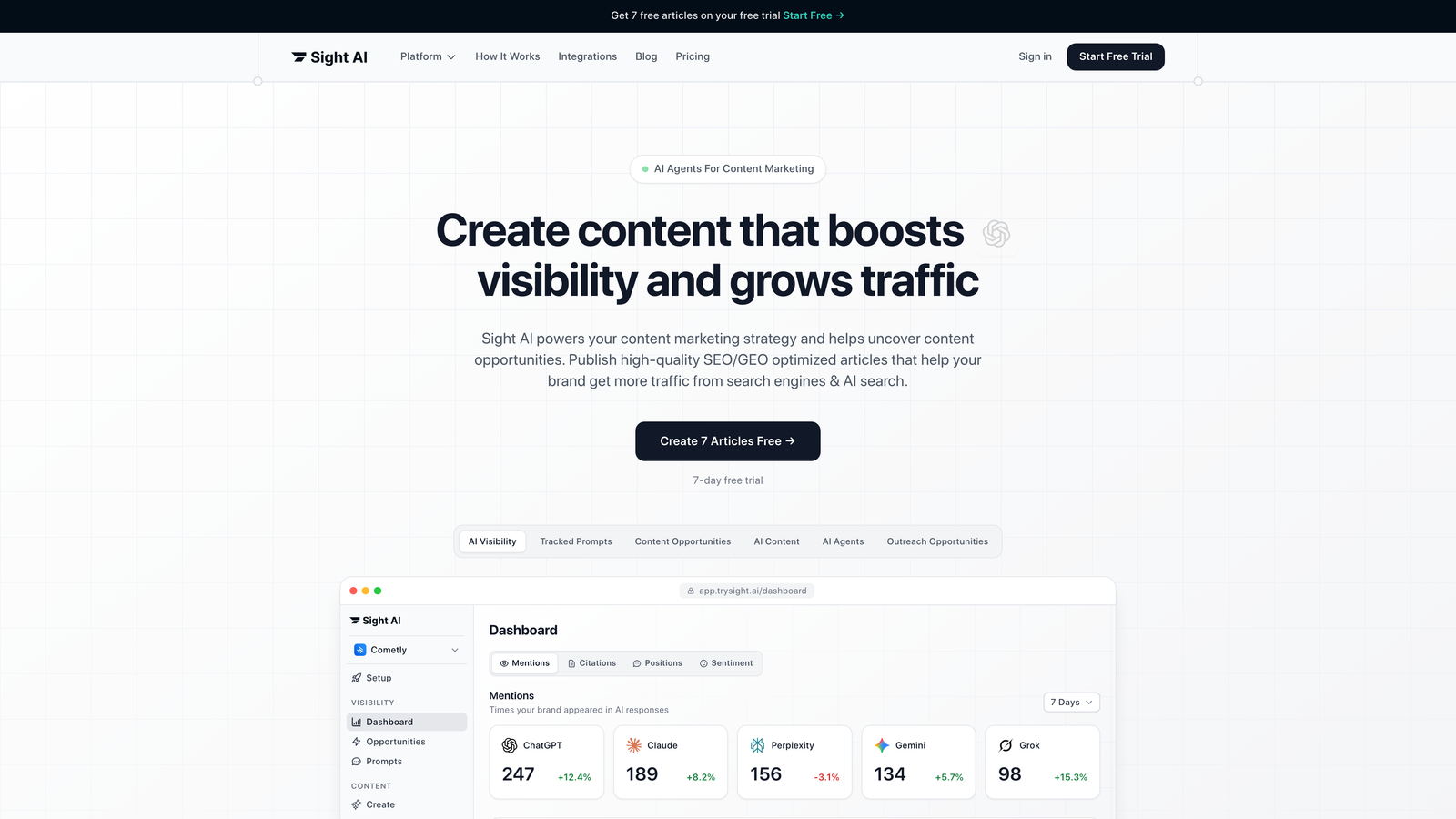
Sight AI combines AI-powered content generation with instant indexing automation, creating a seamless workflow from draft to discovery.
Where This Tool Shines
Most indexing tools force you to publish content first, then submit URLs separately. Sight AI integrates indexing directly into the content creation workflow—articles trigger IndexNow submissions the moment they're published.
The platform maintains always-updated dynamic sitemaps that reflect your latest content without manual regeneration. This matters when you're publishing frequently, as stale sitemaps can delay discovery of your newest pages.
Key Features
Instant IndexNow Submissions: Automatically pings search engines when content publishes, eliminating manual URL submission.
Dynamic Sitemap Management: Sitemaps update in real-time as content changes, ensuring search engines always see current site structure.
Auto-Publishing to CMS: Publishes directly to WordPress, Webflow, and other platforms with indexing triggered automatically.
Integrated Content Generation: Creates SEO-optimized articles using 13+ AI agents, then handles indexing without switching tools.
Crawl Status Monitoring: Tracks which pages are indexed and alerts you to potential issues before they impact traffic.
Best For
Marketing teams and agencies managing multiple content sites who want to eliminate the gap between publishing and indexing. Particularly valuable if you're already using AI for content creation and want indexing automation bundled into the same workflow.
Pricing
Contact for pricing. Indexing features are included with content generation plans, making it cost-effective for teams already investing in content production tools.
2. IndexNow Plugin (WordPress)
Best for: WordPress sites wanting zero-configuration automatic URL submission
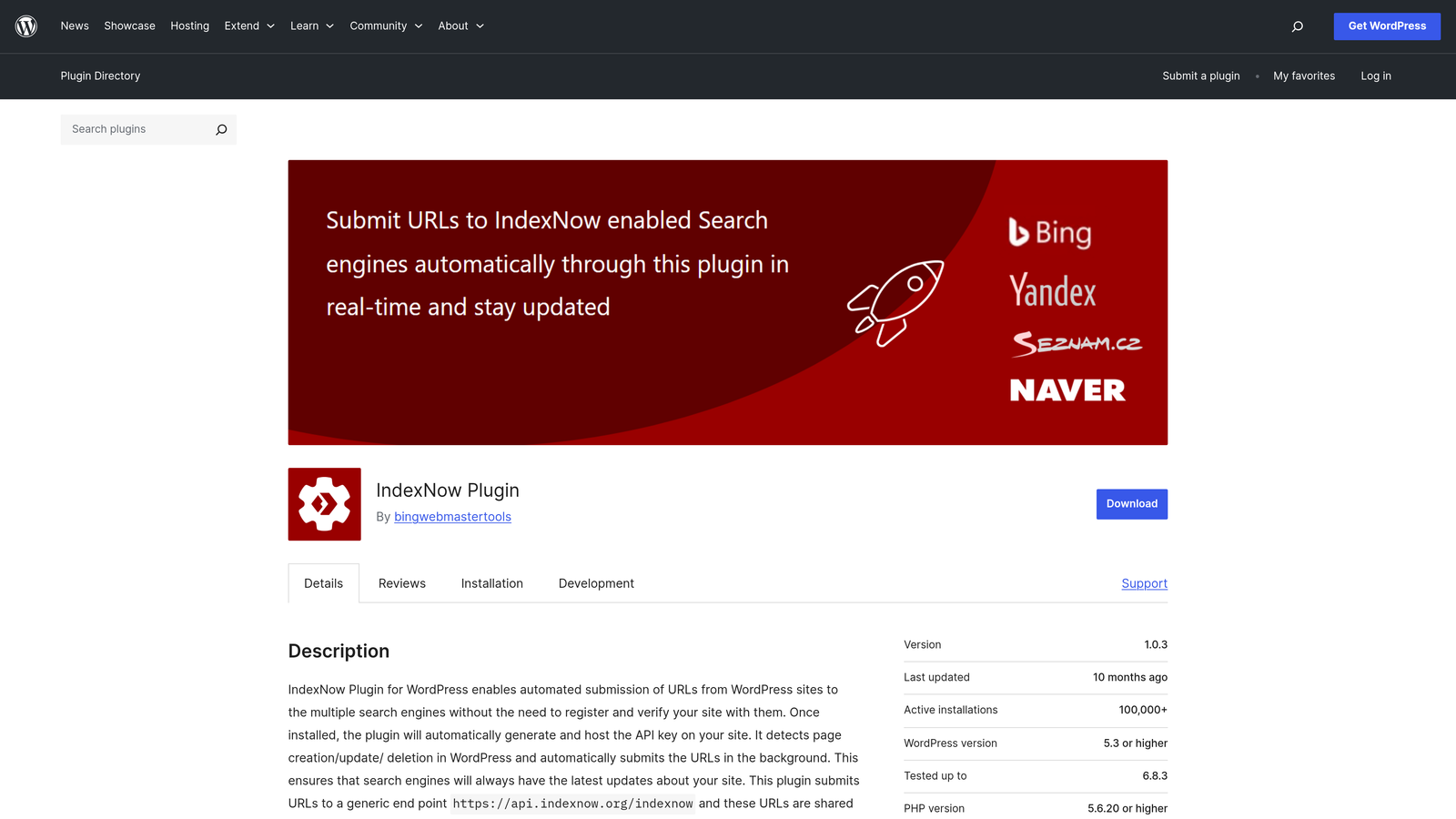
The IndexNow Plugin is the official WordPress implementation of Microsoft's IndexNow protocol, automatically notifying search engines when content changes.
Where This Tool Shines
This plugin requires literally zero configuration. Install it, and it starts submitting URLs to IndexNow-supporting search engines every time you publish or update content. No API keys to manage, no settings to configure.
Because it's Microsoft-backed and officially supported, you're getting direct access to the protocol without third-party intermediaries. Updates are published, pages are edited, URLs are deleted—the plugin handles all scenarios automatically.
Key Features
Automatic URL Submission: Sends IndexNow notifications on publish, update, and delete without manual intervention.
Microsoft-Backed Official Plugin: Direct implementation of the IndexNow protocol with ongoing support from the protocol creators.
Zero Configuration Required: Works immediately after installation with no setup steps or API credentials needed.
Multi-Engine Support: Submits to Bing, Yandex, and all other search engines participating in the IndexNow protocol.
Lightweight Performance: Minimal server resource usage with no impact on site speed or page load times.
Best For
WordPress site owners who want the simplest possible indexing automation without learning new tools or managing settings. Ideal for bloggers, small businesses, and anyone running a standard WordPress installation.
Pricing
Completely free with no premium upsells or hidden costs.
3. Bing Webmaster Tools
Best for: Sites needing direct API access and bulk URL submission capabilities
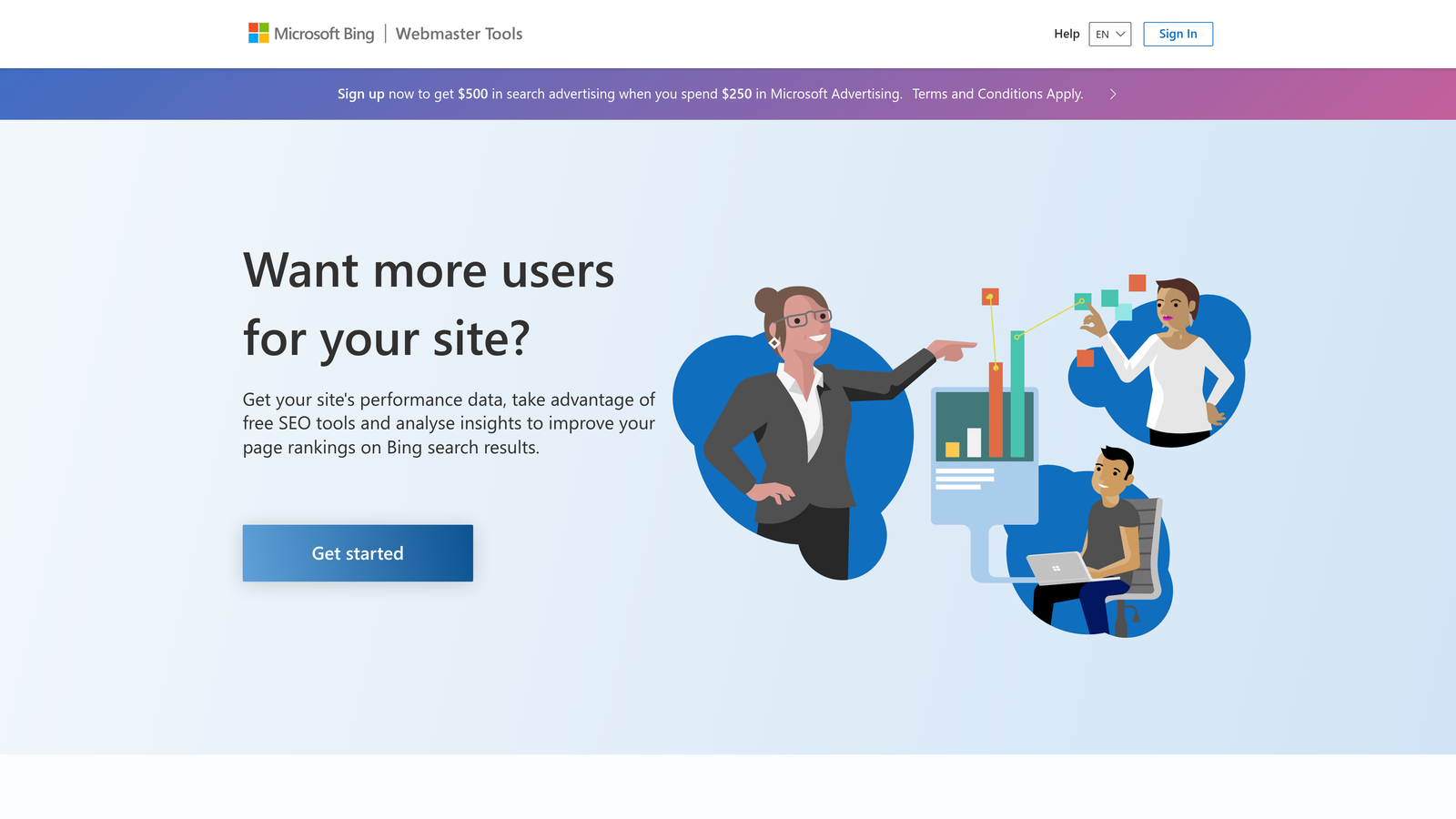
Bing Webmaster Tools provides Microsoft's free webmaster platform with native IndexNow support and comprehensive crawl insights.
Where This Tool Shines
While Google Search Console limits manual URL submissions, Bing Webmaster Tools lets you submit up to 10,000 URLs daily through their API. This bulk capability matters for large sites, migrations, or content relaunches where you need immediate indexing at scale.
The platform also gives you direct access to the IndexNow API, letting developers build custom integrations that automatically submit URLs from any publishing workflow or CMS.
Key Features
Direct IndexNow API Access: Build custom integrations that automatically submit URLs when content publishes from any system.
Bulk URL Submission: Submit up to 10,000 URLs per day through the API, far exceeding Google's manual submission limits.
Sitemap Submission and Monitoring: Upload sitemaps and track crawl status with detailed reports on discovered URLs.
Crawl Errors and Index Coverage: Identifies pages blocked from indexing with specific error codes and resolution recommendations.
Search Performance Data: View clicks, impressions, and rankings for queries driving traffic from Bing search.
Best For
Developers building custom indexing workflows and large sites needing bulk submission capabilities. Also valuable for sites targeting international markets where Bing has stronger market share.
Pricing
Completely free with no usage limits on core features.
4. Yoast SEO Premium
Best for: WordPress users wanting IndexNow automation plus comprehensive on-page SEO tools
Yoast SEO Premium combines the most popular WordPress SEO plugin with built-in IndexNow integration that automatically notifies search engines of content changes.

Where This Tool Shines
Yoast doesn't just handle indexing—it optimizes content for search engines before you publish. The IndexNow integration works alongside readability analysis, schema markup, and internal linking suggestions, creating a complete SEO workflow.
The redirect manager is particularly valuable for maintaining indexing health during site restructures. When you change URLs, Yoast automatically creates redirects and notifies search engines, preventing broken links and lost rankings.
Key Features
Automatic IndexNow Pings: Sends instant notifications to search engines whenever you publish or update content.
XML Sitemap Generation: Creates optimized sitemaps automatically with smart exclusions for thin or duplicate content.
Redirect Manager: Handles URL changes with automatic redirects and IndexNow notifications to update search engine indexes.
Internal Linking Suggestions: Recommends relevant internal links while writing, helping search engines discover new content through site structure.
Schema Markup Automation: Adds structured data to help search engines understand page content and improve rich result eligibility.
Best For
WordPress site owners who want comprehensive SEO tools beyond just indexing automation. Best suited for content marketers and businesses treating SEO as a core traffic channel.
Pricing
Starts at $99 per year for a single site license. Higher tiers available for multiple sites.
5. Rank Math SEO
Best for: WordPress users wanting advanced indexing features with Google Instant Indexing API support
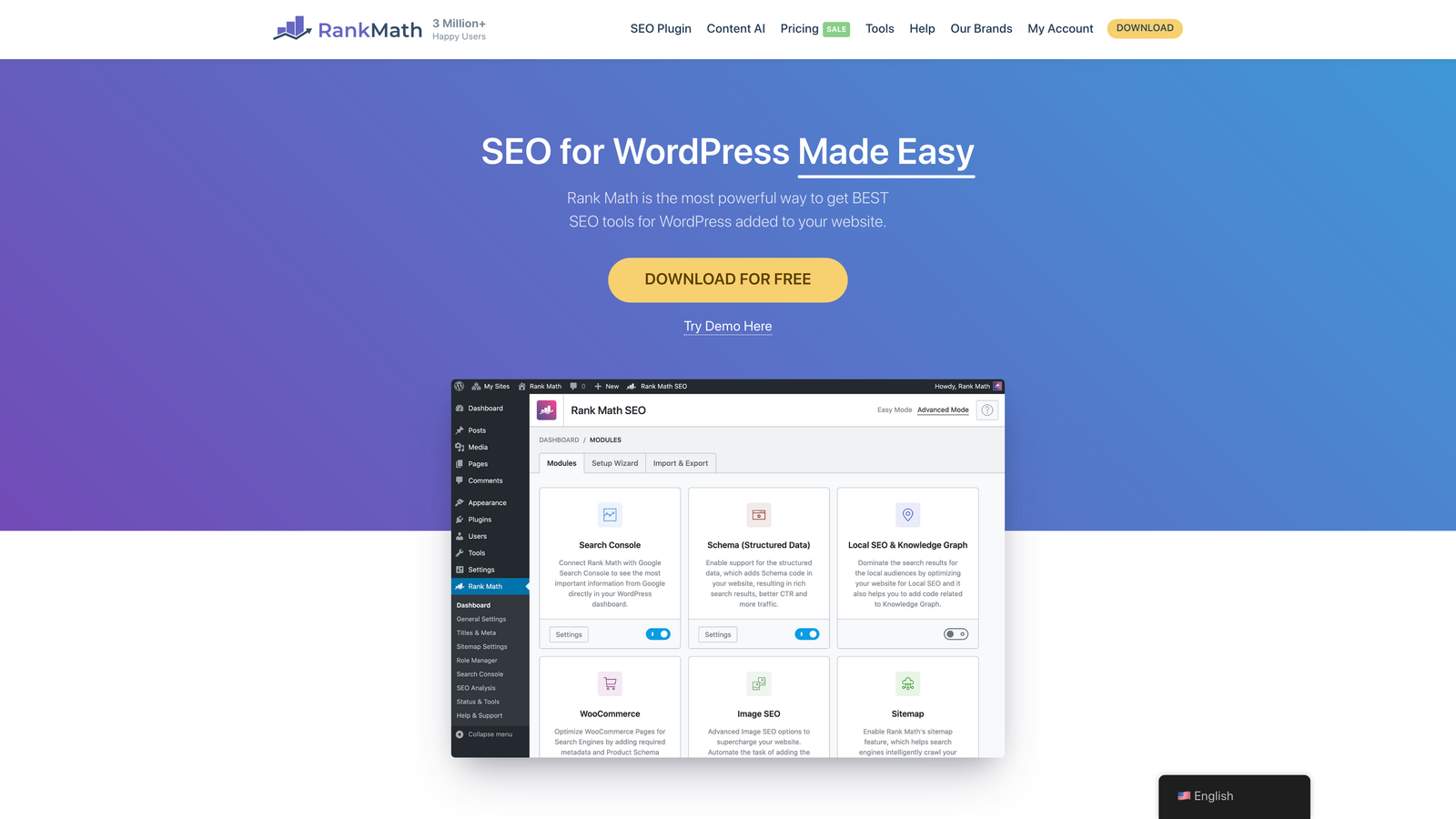
Rank Math SEO offers feature-rich WordPress SEO with one-click IndexNow setup and exclusive Google Instant Indexing API integration in the Pro version.
Where This Tool Shines
Rank Math Pro includes Google Instant Indexing API support—a feature most competitors don't offer. This lets you submit URLs directly to Google's indexing queue, not just through sitemaps or IndexNow for Bing.
The dashboard shows index status directly in WordPress, so you can see which pages are indexed without switching to Search Console. This visibility helps you catch indexing issues before they impact traffic.
Key Features
One-Click IndexNow Setup: Enable IndexNow notifications with a single toggle, no API keys or configuration required.
Google Instant Indexing API: Submit URLs directly to Google's indexing queue through their official API (Pro version only).
Advanced XML Sitemaps: Generates optimized sitemaps with granular control over included content types and taxonomies.
Index Status Tracking: View which pages are indexed by Google directly in the WordPress dashboard without leaving your CMS.
Schema Markup Library: Includes 20+ schema types for rich results, helping search engines understand and feature your content.
Best For
WordPress users who want both IndexNow and Google Instant Indexing in one tool. Particularly valuable for news sites and time-sensitive content where immediate Google indexing provides competitive advantage.
Pricing
Free version includes IndexNow support. Pro version with Google Instant Indexing starts at $6.99 per month.
6. Screaming Frog SEO Spider
Best for: Technical SEO audits identifying indexation barriers and sitemap generation
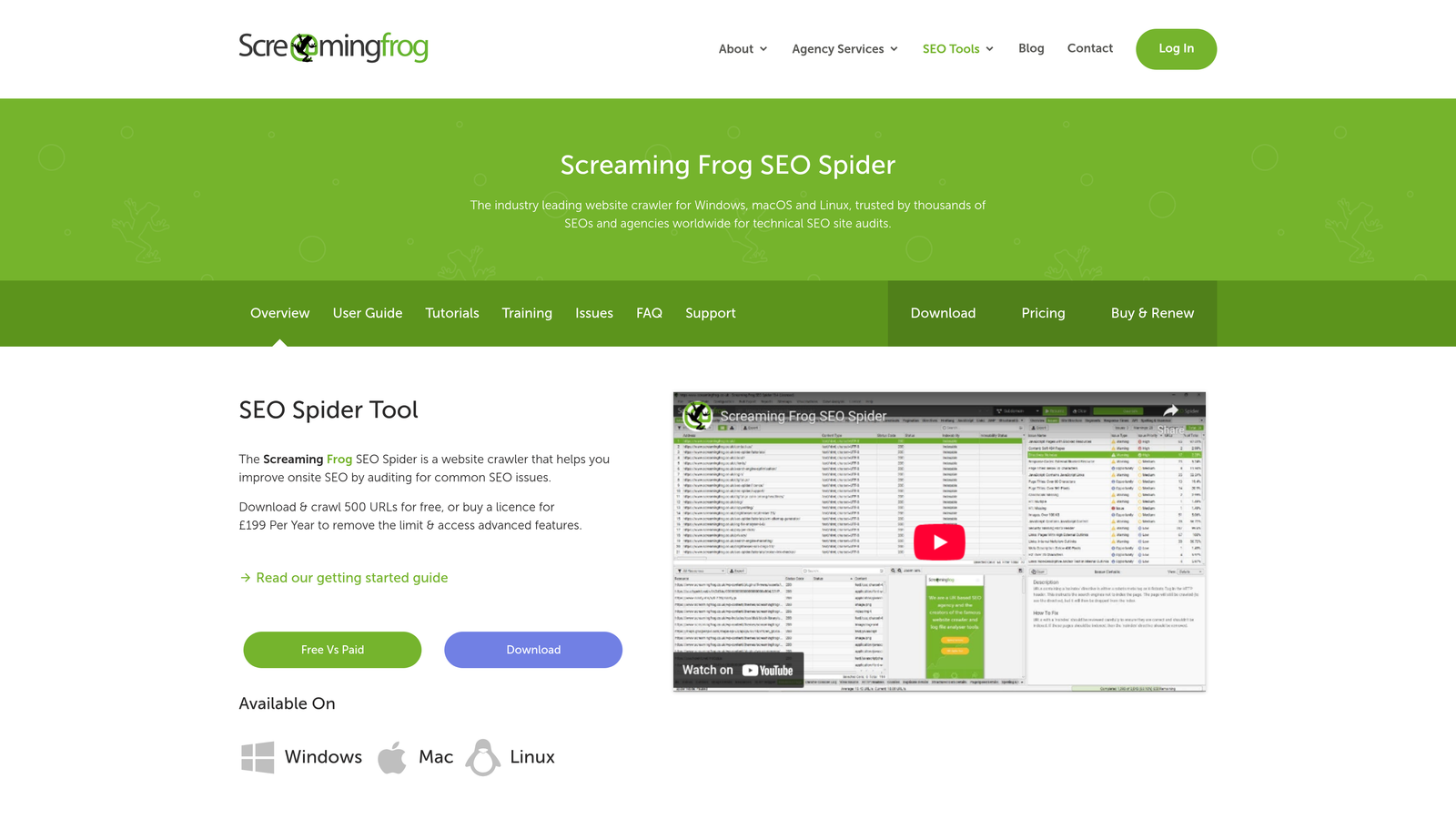
Screaming Frog SEO Spider is a desktop crawler that audits websites for technical issues preventing proper indexing and crawling.
Where This Tool Shines
While other tools submit URLs for indexing, Screaming Frog shows you why pages aren't getting indexed in the first place. It identifies noindex tags, blocked resources, redirect chains, and canonical issues that prevent search engines from adding pages to their index.
The tool crawls your site exactly like a search engine would, revealing problems invisible in your CMS. You'll spot orphaned pages with no internal links, discover duplicate content issues, and find pages accidentally blocked by robots.txt.
Key Features
Comprehensive Site Crawling: Crawl up to 500 URLs free or unlimited with paid license, analyzing every technical element search engines see.
Indexation Issue Detection: Identifies noindex tags, canonical problems, and redirect chains preventing pages from entering search indexes.
XML Sitemap Generation: Creates optimized sitemaps based on crawl data, automatically excluding pages with indexation barriers.
Search Console Integration: Imports Google Search Console data to compare crawled pages against actual index status.
Custom Extraction: Pulls specific data from pages using XPath or CSS selectors for advanced technical analysis.
Best For
Technical SEOs running site audits, agencies managing client sites, and developers troubleshooting indexing problems. Essential for large sites where manual page-by-page review isn't feasible.
Pricing
Free for crawling up to 500 URLs. Paid license costs £199 per year for unlimited crawling.
7. Oncrawl
Best for: Enterprise sites needing log file analysis and crawl budget optimization
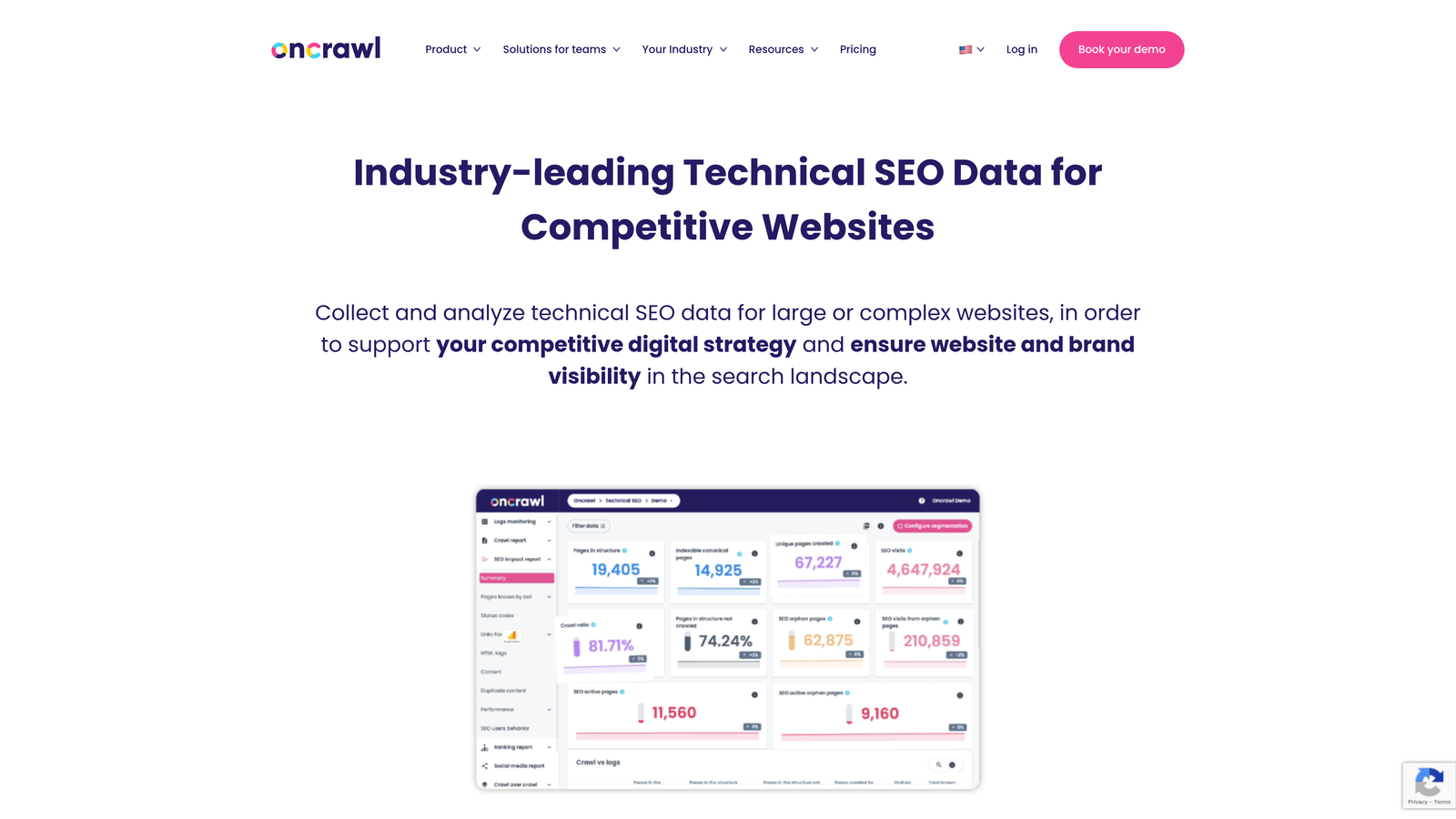
Oncrawl combines website crawling with log file analysis to reveal exactly how search engines interact with your site and where they're wasting crawl budget.
Where This Tool Shines
Most tools show you what's on your site. Oncrawl shows you what search engines actually crawl. By analyzing server logs, you see which pages Google visits, how often, and which pages it ignores completely.
This visibility is critical for large sites where crawl budget limitations prevent complete indexing. You'll discover if search engines are wasting crawls on low-value pages while missing important content, then optimize accordingly.
Key Features
Log File Analysis: Analyzes server logs to show actual search engine crawling behavior, not just what's theoretically crawlable.
Index Coverage Monitoring: Tracks which pages are indexed over time with alerts when important pages drop from search results.
Crawl Budget Optimization: Identifies pages consuming crawl budget without providing value, helping you redirect bot attention to priority content.
Data Segmentation: Breaks down crawl and index data by page type, allowing targeted optimization of different content categories.
Impact Analysis: Measures how technical changes affect crawling and indexing before and after implementation.
Best For
Enterprise sites with hundreds of thousands of pages where crawl budget limitations impact indexing. E-commerce sites, large publishers, and platforms where strategic crawl management drives organic visibility.
Pricing
Starts at $69 per month for the Explorer plan. Enterprise plans with advanced features available at higher tiers.
8. ContentKing
Best for: Real-time monitoring with instant alerts when indexing issues appear
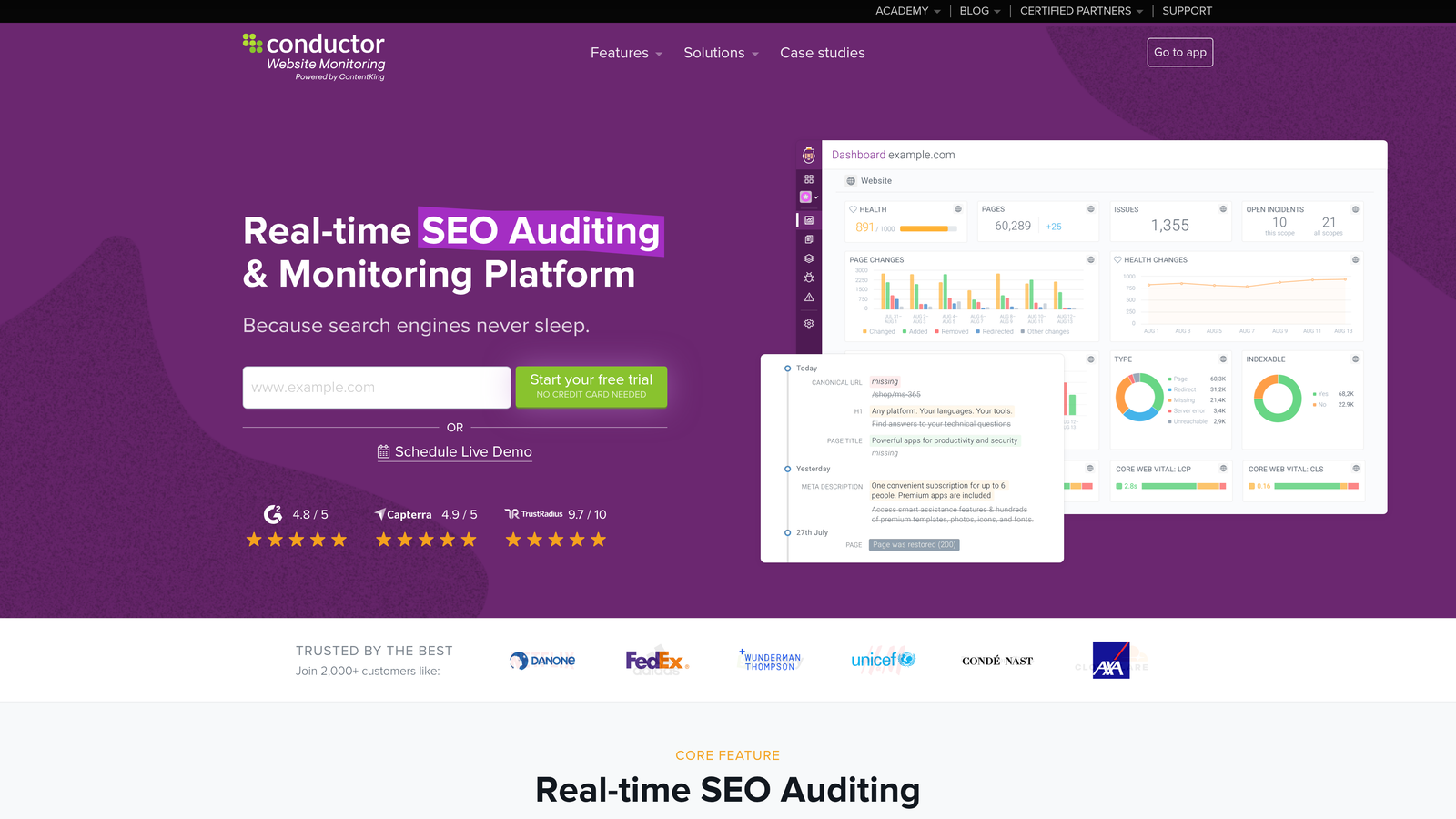
ContentKing continuously monitors your site 24/7, alerting you immediately when indexability issues emerge that could impact search visibility.
Where This Tool Shines
Most SEO tools require manual crawls to detect problems. ContentKing runs constantly in the background, catching issues within minutes of their appearance. A developer accidentally adds a noindex tag to your homepage? You'll know before search engines remove it from their index.
The change tracking feature creates an audit trail of every modification to your site, making it easy to identify what changed when indexing problems started. This is invaluable for large teams where multiple people make updates without centralized oversight.
Key Features
24/7 Real-Time Monitoring: Continuously checks your site for indexability issues without requiring manual crawl initiation.
Instant Issue Alerts: Sends notifications via email, Slack, or webhooks the moment indexing problems appear.
Change Tracking and Audit Trails: Records every modification to your site with timestamps, making it easy to correlate changes with ranking impacts.
Visual Dashboards: Displays index coverage, crawlability status, and technical health in real-time visual interfaces.
Integration Ecosystem: Connects with Slack, email, webhooks, and other tools to fit into existing workflows and notification systems.
Best For
Sites where indexing issues have immediate business impact—news publishers, e-commerce platforms, and high-traffic content sites where downtime or de-indexing costs revenue.
Pricing
Custom pricing based on the number of pages monitored. Contact for quotes tailored to site size.
9. JetOctopus
Best for: Combining log analysis with Search Console data for complete indexation insights
JetOctopus merges website crawling, log file analysis, and Google Search Console data into unified dashboards that reveal the complete indexing picture.
Where This Tool Shines
Most tools show you either what's on your site or what's in Google's index, but rarely both together. JetOctopus overlays Search Console data on top of log analysis and crawl results, letting you see exactly which pages Google crawls, which it indexes, and where gaps exist.
The index bloat detection feature identifies pages consuming crawl budget while providing minimal search value—thin content, parameter variations, and low-quality pages that dilute your site's authority in search engines' eyes.
Key Features
Integrated Log Analyzer: Combines server log data with Google Search Console metrics to show complete crawling and indexing behavior.
Crawl Budget Analysis: Identifies how search engines allocate crawl resources across your site and where optimization opportunities exist.
Index Bloat Detection: Finds low-value pages consuming crawl budget without contributing to organic traffic or conversions.
Large Dataset Visualizations: Handles millions of URLs with interactive charts and segmentation for sites at enterprise scale.
Custom Segmentation: Group pages by template, content type, or custom rules to analyze indexing patterns by category.
Best For
Technical SEOs managing large sites who need to understand the relationship between crawling, indexing, and organic performance. Particularly valuable for sites with complex architectures or historical indexing problems.
Pricing
Starts at $40 per month for 100,000 URLs. Higher tiers available for larger sites with more extensive crawling needs.
Making the Right Choice
The right indexing automation tool depends on your technical setup, site size, and whether you need pure URL submission or deeper technical analysis.
For an all-in-one solution that handles content creation through indexing, Sight AI streamlines the entire workflow—particularly valuable if you're already investing in AI-powered content generation. WordPress users on a budget should start with the free IndexNow Plugin or Rank Math's free tier, upgrading to Yoast Premium or Rank Math Pro when you need additional SEO features.
If you need enterprise-grade monitoring, ContentKing provides real-time alerts that catch issues before they impact traffic, while Oncrawl excels at crawl budget optimization for sites where search engine resource allocation matters. Technical SEOs running comprehensive audits will find Screaming Frog indispensable for identifying indexation barriers, and JetOctopus stands out for combining log analysis with Search Console data into unified dashboards.
Sites targeting international markets or building custom integrations should leverage Bing Webmaster Tools' generous API limits and direct IndexNow access. The platform's bulk submission capabilities handle large-scale indexing needs that other tools restrict.
The common thread across all these tools: automation eliminates the manual work of tracking which pages are indexed and submitting URLs one by one. Whether you choose a simple WordPress plugin or an enterprise platform with log analysis, you're accelerating the path from publish to discovery.
Stop guessing how AI models like ChatGPT and Claude talk about your brand—get visibility into every mention, track content opportunities, and automate your path to organic traffic growth. Start tracking your AI visibility today and see exactly where your brand appears across top AI platforms.