The fastest way to get a website indexed is to push URLs to search engines instead of waiting to be crawled. Use IndexNow for Bing, Yandex and other participating engines, and the URL Inspection tool in Google Search Console for priority Google pages. Back that up with a clean XML sitemap, strong internal links and fast server responses, so crawlers can reach and render new pages as soon as they find them.
Submitting a sitemap and hoping for the best is no longer the only option. Below are nine solutions, from automated IndexNow pings to diagnostic crawlers, that shorten the gap between publishing and appearing in search in 2026. Each one notes what it actually speeds up and where its limits are.
Quick comparison
| Solution | What it speeds up | Reaches Google directly? | Cost |
|---|---|---|---|
| Sight AI | Automatic IndexNow pings and sitemap updates on publish | Via sitemap and crawl signals | Contact for pricing |
| Google Search Console | Manual indexing requests and diagnostics | Yes | Free |
| Bing Webmaster Tools | IndexNow and URL submission for Bing and its partners | No | Free |
| IndexNow WordPress Plugin | Automatic IndexNow pings | No | Free |
| Rank Math SEO | IndexNow, plus Indexing API for eligible content | Limited | Free / Pro |
| Yoast SEO Premium | IndexNow and sitemaps | No | Paid annual license |
| Screaming Frog | Finds indexing blockers | n/a (diagnostic) | Free up to 500 URLs / paid |
| Cloudflare | Server response time and crawl efficiency | Indirectly | Free / paid |
| Oncrawl | Log analysis of crawl budget | n/a (diagnostic) | Paid |
Important: Google does not take part in IndexNow. IndexNow pings reach Bing, Yandex, Seznam, Naver and other participants. Because DuckDuckGo and Yahoo rely heavily on Bing's index, those engines benefit too. For Google, rely on Search Console, sitemaps and internal linking.
1. Sight AI
Best for: Teams publishing AI-generated content who want automated indexing built into their workflow.
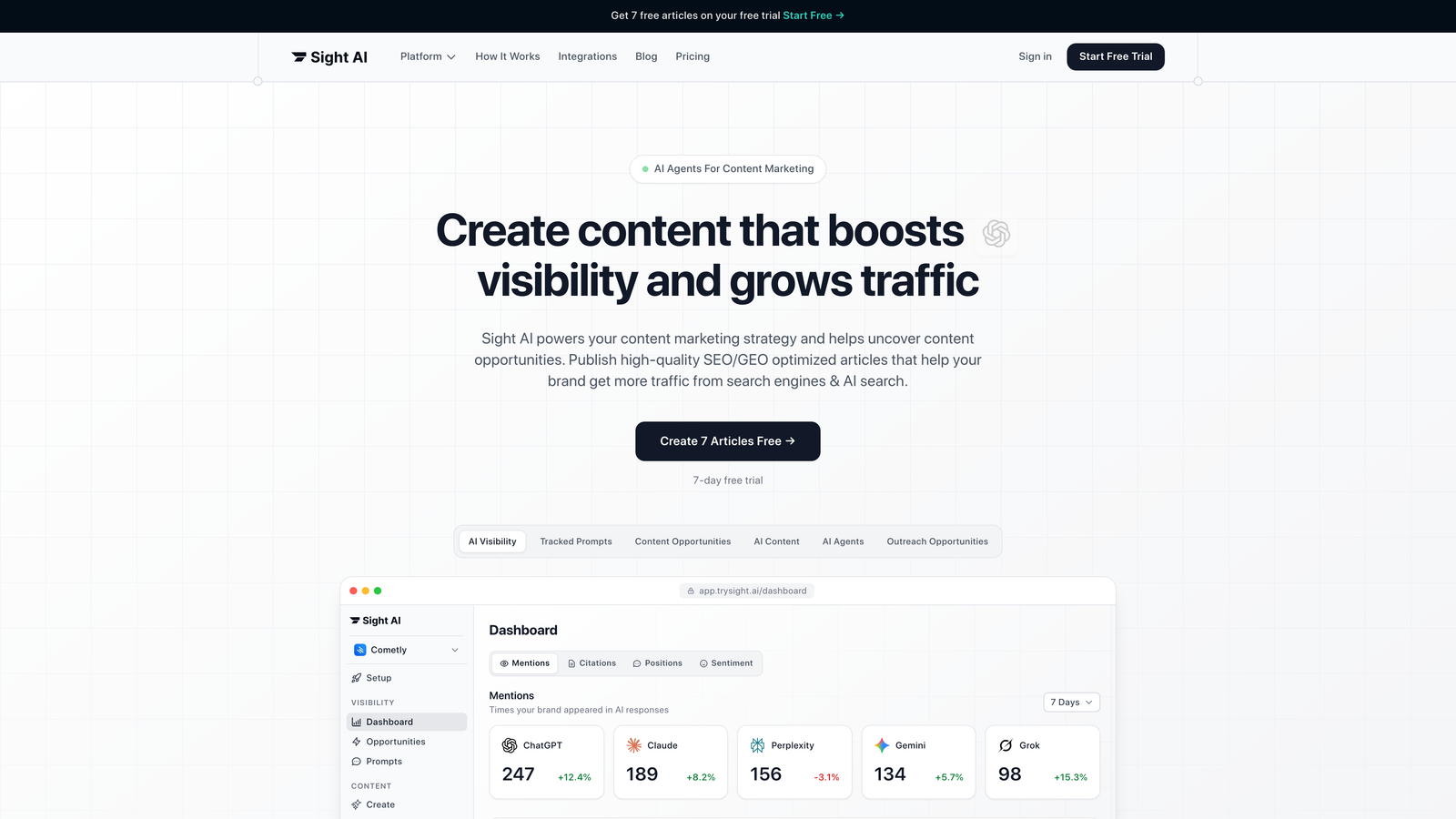
Sight AI is an all-in-one platform that combines AI content generation with automated indexing infrastructure. It removes the gap between publishing and search engine discovery.
Where This Tool Shines
Sight AI treats indexing as part of content creation rather than a separate task afterward. When you publish an article through the platform, it automatically triggers IndexNow pings and updates your sitemap.
This matters most for teams running content at scale. Writing, publishing and indexing happen in one workflow instead of three separate tools. The platform also tracks how AI models like ChatGPT and Claude reference your content, so you can see whether your indexed pages are actually being picked up by AI search tools.
Key Features
Automatic IndexNow Integration: Notifies participating search engines the moment content goes live.
Sitemap Auto-Management: Updates and submits sitemaps automatically.
AI Content Writer: 13+ specialized agents generate articles optimized for both traditional search (SEO) and AI search (GEO).
CMS Auto-Publishing: Publishes directly to WordPress and other platforms, with indexing triggers built in.
AI Visibility Tracking: Monitors brand mentions across ChatGPT, Claude, Perplexity and other AI platforms.
Best For
Marketing teams and agencies running high-volume content operations who want one workflow from creation through indexing. It is especially useful if you are optimizing for both traditional search engines and AI-powered search tools.
Pricing
Contact for pricing. The platform combines content generation, publishing and indexing automation in one product.
2. Google Search Console
Best for: Direct communication with Google about indexing status and technical issues.
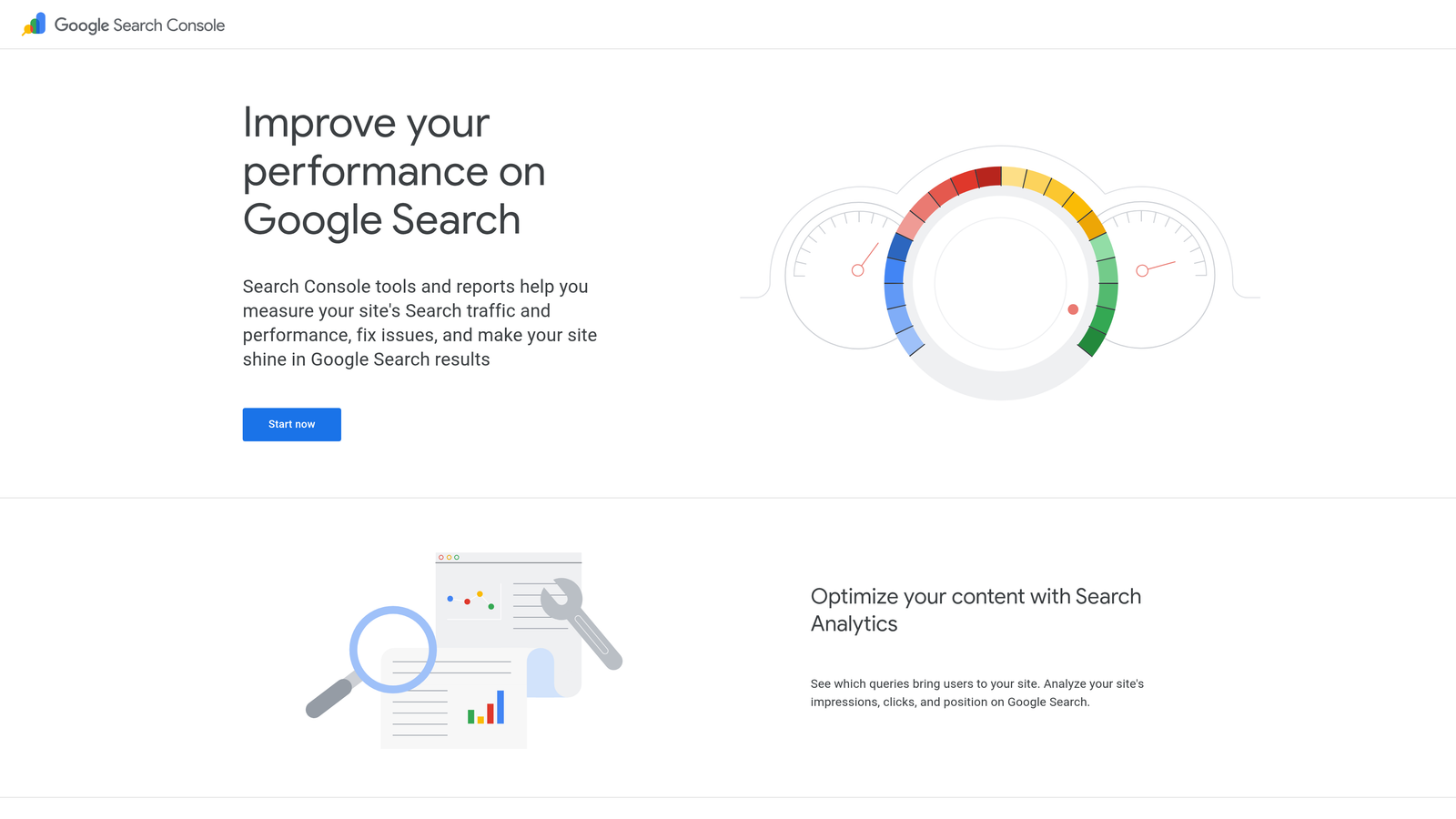
Google Search Console is the essential free tool for monitoring how Google crawls, indexes and ranks your site.
Where This Tool Shines
Search Console is your direct line to Google. When a page isn't indexed, this is where you find out why. The URL Inspection tool lets you request indexing for specific pages and see exactly what Google sees when it crawls them.
Indexing requests are subject to a daily quota per property, commonly around 10 to 12 URLs. Reserve them for new or significantly updated priority pages, and let sitemaps handle everything else. A request also does not guarantee indexing. Google still evaluates quality and duplication before adding a page.
The Crawl Stats report shows how often Googlebot visits your site, how many requests it makes per day and your average response time. That data becomes critical when important pages aren't getting indexed quickly enough.
Key Features
URL Inspection Tool: Request indexing for specific URLs and see live crawl results.
Page Indexing Report: Shows which pages are indexed, which are excluded and why. Common reasons include "Crawled – currently not indexed" and "Discovered – currently not indexed".
Sitemap Submission: Submit XML sitemaps and monitor processing status and errors.
Core Web Vitals: Field performance data for your pages.
Crawl Stats: Shows host status, response codes and fetch times that affect crawl rate.
Best For
Every website owner. This is non-negotiable baseline infrastructure, whether you run a small blog or an enterprise site.
Pricing
Completely free. There are no paid tiers.
3. Bing Webmaster Tools
Best for: Using the IndexNow protocol for instant notifications to multiple search engines.
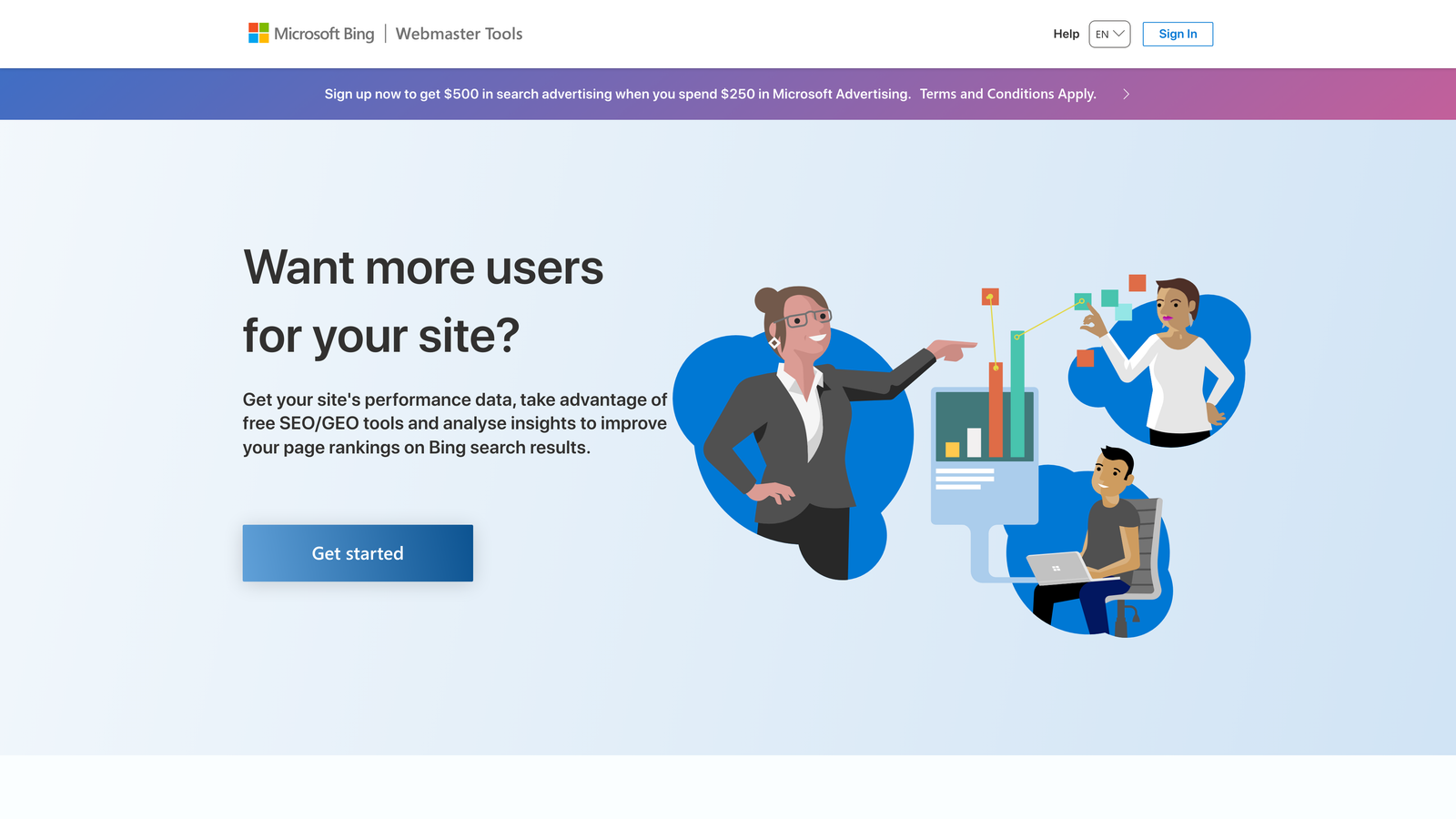
Bing Webmaster Tools is Microsoft's webmaster platform. It has native support for the IndexNow protocol, which notifies search engines instantly when content changes.
Where This Tool Shines
Bing's index also feeds Yahoo and much of DuckDuckGo, as well as several AI assistants that use Bing results for grounding. Microsoft co-created IndexNow, which makes Bing Webmaster Tools the easiest place to verify that your instant indexing notifications are being received.
The platform also includes useful SEO analysis tools, such as backlink data and keyword research, that complement Google's offerings.
Key Features
Native IndexNow Support: Built-in API integration and a report of URLs received via IndexNow.
URL Submission Tool: Request crawls for new or updated pages.
Backlink Analysis: See which sites link to you.
SEO Reports: Site audit and keyword research tools.
Multi-Engine Reach: Content indexed in Bing becomes visible in Bing-powered results.
Best For
Sites that want visibility beyond Google, including enterprise audiences on Microsoft defaults and users of AI search tools that rely on Bing.
Pricing
Free for all features.
4. IndexNow WordPress Plugin
Best for: WordPress sites that want set-it-and-forget-it automated indexing notifications.
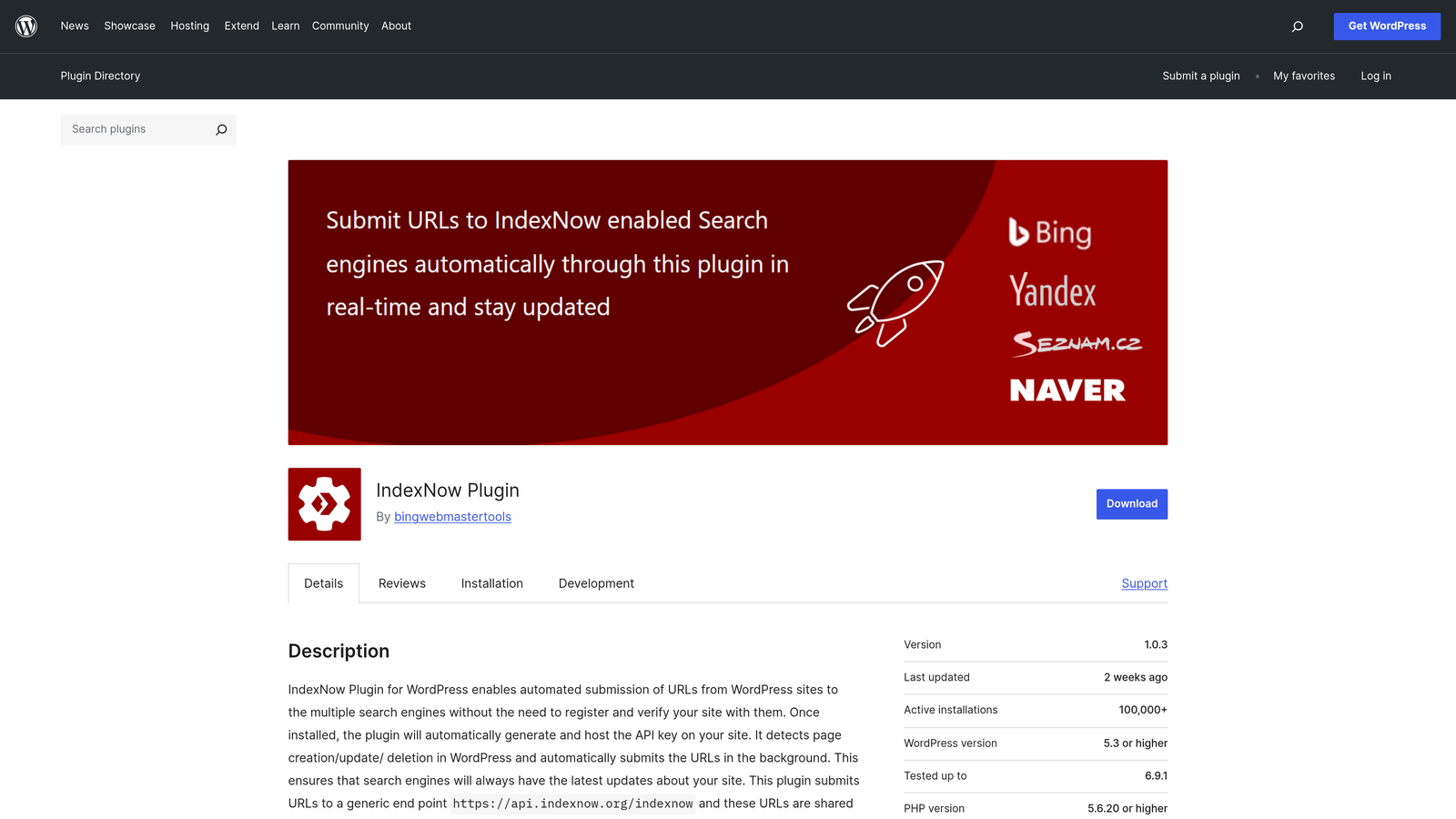
The IndexNow WordPress Plugin is the official plugin from Microsoft Bing. It automatically notifies participating search engines whenever you publish, update or delete content.
Where This Tool Shines
This plugin does one job: it sends IndexNow pings. Install it, let it generate an API key, and it runs in the background with no ongoing maintenance.
Every time you publish a post, the plugin notifies Bing, Yandex and other IndexNow participants immediately. You are pushing notifications as content goes live instead of waiting for crawlers to discover your sitemap.
Key Features
Automatic Pings: Sends notifications on publish, update and delete actions.
Multi-Engine Support: One ping is shared with all IndexNow participants.
One-Time Setup: The API key and its verification file are handled automatically.
Lightweight Design: Pings are sent server-side, with no front-end impact.
Best For
WordPress bloggers and small business sites that want automated indexing without learning complex tools. Note: if you already use Rank Math or Yoast's IndexNow feature, do not run this plugin as well, or you will send duplicate pings.
Pricing
Completely free.
5. Rank Math SEO
Best for: WordPress users who want comprehensive SEO features alongside instant indexing.
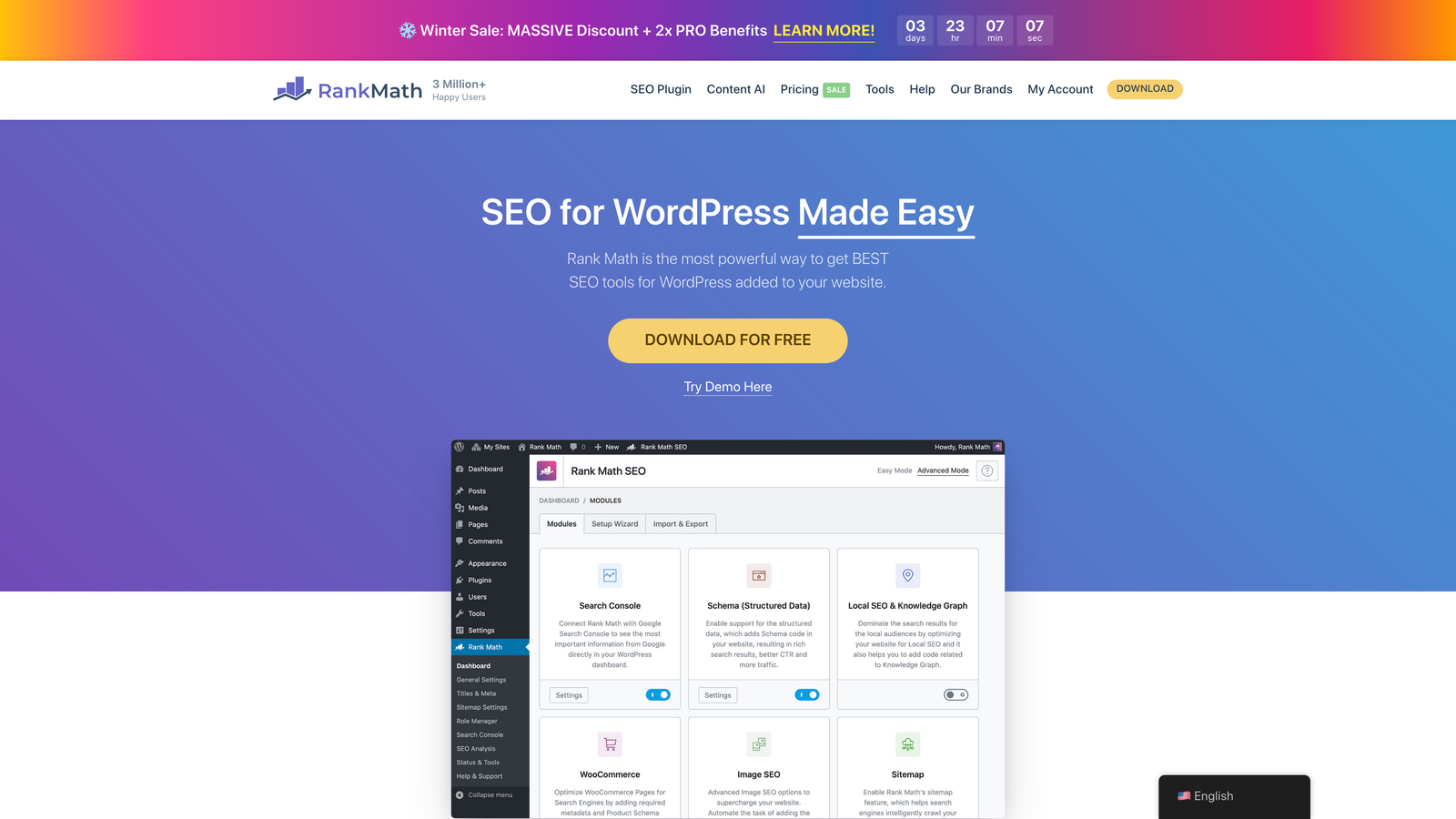
Rank Math SEO is a WordPress SEO plugin with built-in IndexNow support. It also offers a companion Instant Indexing plugin that connects to Google's Indexing API.
Where This Tool Shines
IndexNow comes built in, so Bing and other participating engines are covered with no extra setup.
The Google Indexing API option comes with a major caveat. Google officially supports the API only for pages with JobPosting or BroadcastEvent (livestream) structured data. Using it for regular blog posts is outside Google's guidelines and may be ignored, so treat it as a tool for job boards and livestream pages only.
Beyond indexing, Rank Math is a full SEO suite. It includes schema markup, internal linking suggestions, Content AI and rank tracking.
Key Features
Instant Indexing: Built-in IndexNow, plus optional Indexing API support for eligible content types.
Schema Markup Generator: Structured data options for rich results.
Internal Linking: Suggestions to improve site architecture and crawl paths.
Content AI: Optimization recommendations as you write.
Rank Tracking: Keyword position monitoring with Search Console integration.
Best For
WordPress sites that publish frequently and want one plugin to cover IndexNow, sitemaps and on-page SEO.
Pricing
A free version includes IndexNow and sitemaps. Pro plans are billed annually and are priced at a few dollars per month; check the current rates on Rank Math's site.
6. Yoast SEO Premium
Best for: Established WordPress sites already using Yoast who want to add instant indexing.
Yoast SEO Premium is one of the most popular WordPress SEO plugins, with IndexNow integration in its premium tier.
Where This Tool Shines
If you already use Yoast Free, upgrading to Premium adds IndexNow without forcing you to learn a new tool. The Premium redirect manager is also valuable during restructures, because it prevents 404s and redirect chains that waste crawl budget.
Key Features
IndexNow Integration: Automatic notifications to participating engines (Premium).
XML Sitemap Generation: Sitemaps are created and updated automatically.
Redirect Manager: Handles URL changes without losing link equity.
Internal Linking: Suggestions for improving crawl paths.
Content Analysis: Readability and SEO feedback as you write.
Best For
Sites already invested in the Yoast ecosystem.
Pricing
A free version is available. Premium is sold as an annual per-site license, roughly $100 or more per year; check the current price before buying.
7. Screaming Frog SEO Spider
Best for: Diagnosing technical issues that prevent pages from being indexed properly.
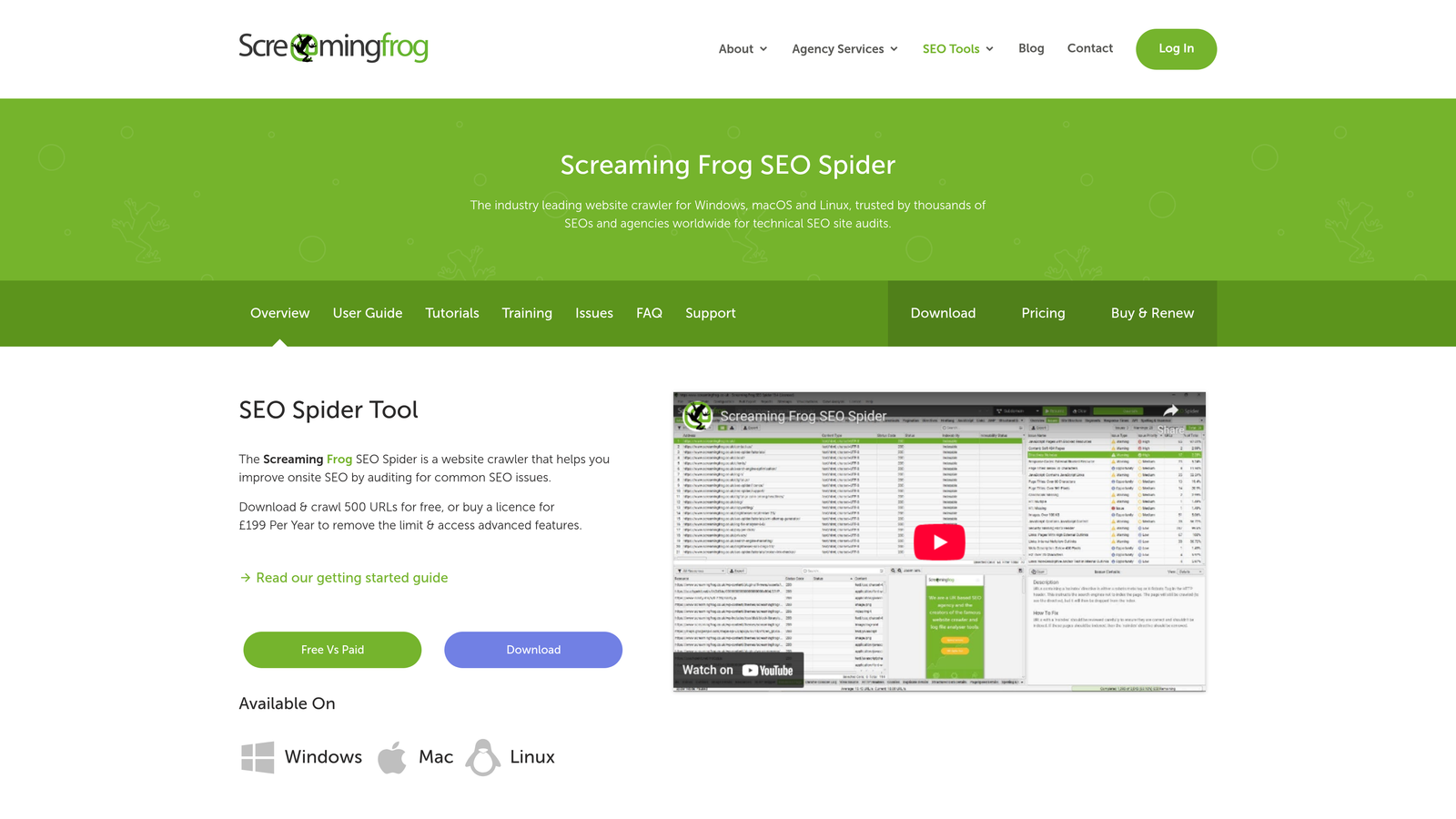
Screaming Frog SEO Spider is a desktop crawler that reveals what search engine bots see when they visit your site.
Where This Tool Shines
Pinging a URL that is blocked or broken won't get it indexed. Screaming Frog crawls your site the way a search bot does and surfaces the problems that stop indexing:
- Stray
noindextags - Canonicals pointing elsewhere
- robots.txt blocks
- Redirect chains
- Orphan pages
- JavaScript-rendered content that crawlers can't see
Key Features
Site Crawling: Finds every reachable URL and the issues blocking indexing.
Broken Link Detection: Flags 404s and redirect chains.
Metadata Analysis: Audits titles, descriptions and headings at scale.
JavaScript Rendering: Shows how single-page applications render for crawlers.
XML Sitemap Generation: Builds sitemaps from actual crawl data.
Best For
SEO professionals and agencies running technical audits on large or complex sites.
Pricing
The free version crawls up to 500 URLs. A paid annual license removes the limit and unlocks advanced features.
8. Cloudflare
Best for: Improving server response times to maximize crawl efficiency.
Cloudflare is a CDN and performance platform. It helps crawlers fetch more pages by making your site faster and more reliable.
Where This Tool Shines
Google adjusts its crawl rate based on how quickly and reliably your server responds. Slow responses and 5xx errors cause Googlebot to back off. Edge caching lowers response times, so more pages get crawled per session.
Cloudflare also offers Crawler Hints, which uses IndexNow to tell participating engines when cached content changes.
Key Features
Global CDN: Serves pages from the nearest edge location.
Edge Caching: Reduces load on your origin server.
Crawler Hints: Sends IndexNow-based change signals to participating engines.
Automatic HTTPS: Provides secure connections by default.
Bot Management: Lets verified search crawlers through while blocking abusive bots.
Best For
Sites with slow origin servers, international audiences or heavy traffic. Make sure your security rules never challenge verified Googlebot or Bingbot.
Pricing
A free tier covers the core CDN. Pro starts at about $20/month.
9. Oncrawl
Best for: Enterprise sites that need deep log file analysis to understand crawler behavior.
Oncrawl is an enterprise SEO platform. It analyzes server log files to show how search engines actually crawl your site.
Where This Tool Shines
Server logs show which URLs Googlebot really requests, how often it returns and which sections it ignores. On sites with millions of pages, logs often reveal crawl budget spent on parameters, filters or thin pages while new content waits in the queue.
Key Features
Log File Analysis: Shows real crawler hits by bot, status code and section.
Crawl Budget Optimization: Identifies where crawl budget is being wasted.
Orphan Page Detection: Finds pages that bots hit but your internal links never reach.
Data Segmentation: Groups analysis by template or page type.
Integrations: Connects with Search Console and Analytics.
Best For
E-commerce sites, large publishers and platforms with user-generated content.
Pricing
Paid plans start at the small-site level, with custom enterprise pricing for larger deployments.
What about paid "fast indexer" services?
Services such as SpeedyIndex, IndexMeNow, Indexly, Indexed.pro and OneHourIndexing promise to get URLs indexed in Google within hours. They typically charge per URL or by monthly credits.
Their methods are rarely disclosed. Common techniques include:
- Generating crawl signals through links
- Repeated submissions
- Using the Indexing API outside Google's supported content types
Before buying, weigh three trade-offs:
- Indexing isn't ranking. A forced crawl doesn't make a page worth keeping in the index. Many such URLs drop out within weeks.
- Policy risk. Indexing API abuse and low-quality link signals sit outside Google's guidelines.
- They hide root causes. If pages sit at "Discovered – currently not indexed", the usual fix is better internal linking, quality and crawl capacity, not another submission.
For your own site, the free stack covers most needs: IndexNow, Search Console, sitemaps and internal links. Paid indexers are mostly used for third-party URLs you can't verify, such as backlinks.
A fast-indexing checklist for new pages
- Confirm the page returns 200, is self-canonical, has no
noindextag and isn't blocked in robots.txt. - Link to it from at least one already-crawled, high-traffic page, such as your homepage, a category page or a related article.
- Add it to your XML sitemap with an accurate
lastmoddate. - Send an IndexNow ping (automatic with the plugins above).
- For priority pages, request indexing in Google Search Console's URL Inspection tool.
- Check status after 48 to 72 hours. If the page is still excluded, diagnose the cause rather than resubmitting.
For a deeper walkthrough of the whole process, see our guide on how to index your website and get found faster.
Making the Right Choice
Your ideal indexing solution depends on your publishing workflow and technical infrastructure. For teams running high-volume content operations who want everything automated from creation through indexing, Sight AI offers the most streamlined approach, with built-in IndexNow integration and AI-powered content generation.
WordPress users can start with the free IndexNow plugin, or with Rank Math's free tier, which already includes IndexNow. Move to Rank Math Pro or Yoast Premium when you need broader SEO features. Use only one IndexNow source to avoid duplicate pings.
Every site should have Google Search Console and Bing Webmaster Tools configured as baseline infrastructure. They're free, they give you direct channels to the major search engines, and they're essential for diagnosing indexing issues.
For enterprise sites struggling with crawl budget or unexplained indexing problems, Screaming Frog and Oncrawl provide the diagnostic depth needed to find the underlying technical issues.
The fastest path combines several approaches:
- Automated IndexNow submissions for new content
- Performance optimization to maximize crawl efficiency
- Regular technical audits to catch issues before they hurt visibility
These are not competing solutions. They work together as one indexing strategy.
Frequently asked questions
How long does it take for a new website to get indexed?
An established site with good internal linking often sees new pages indexed by Google within hours to a few days. A brand-new domain can take days to several weeks, because Google has little crawl history or link signals to go on. IndexNow typically gets pages crawled by Bing within minutes to hours. Requesting indexing in Search Console and linking from already-indexed pages speeds things up on Google.
Does IndexNow work with Google?
No. Google has tested IndexNow but does not participate in it. IndexNow notifies Bing, Yandex, Seznam, Naver and other members, and its benefits extend to Bing-powered results such as Yahoo and DuckDuckGo. For Google, use XML sitemaps, internal links and the URL Inspection tool. Our IndexNow implementation guide covers the setup step by step.
What is the best SpeedyIndex alternative?
For pages on your own site, the free stack is usually the best alternative: IndexNow through a plugin or a platform like Sight AI, Search Console indexing requests, and a clean sitemap. These methods follow search engine guidelines and also fix discovery problems. Paid indexers mainly make sense for third-party URLs you can't verify. Even then, they can't keep low-value pages indexed. See the section on paid fast indexer services above.
Why is my page "Discovered – currently not indexed"?
This status means Google knows the URL exists but hasn't crawled it yet. The usual causes are limited crawl capacity, such as a slow server or too many low-value URLs, and weak internal linking that signals low priority. Improve server response times, link to the page from strong pages, remove or noindex thin URLs, and then request indexing once.