Content creation has become the backbone of modern marketing, but managing complex workflows manually is killing productivity. Teams spend 60% of their time on administrative tasks instead of creating compelling content. The solution? Content workflow automation tools that streamline every step from ideation to publication.
These platforms eliminate bottlenecks, reduce human error, and ensure consistent quality across all your content channels. Whether you're managing a small blog or orchestrating enterprise-level content operations, the right automation tool can transform your team's efficiency.
The challenge isn't finding automation tools—it's choosing the right one for your specific needs. Some excel at editorial calendars, others at collaborative writing, and many focus on distribution automation. Here are the leading tools that can revolutionize your content workflow.
1. Sight AI
Best for: AI-powered content creation with automated SEO optimization and multi-channel publishing workflows.
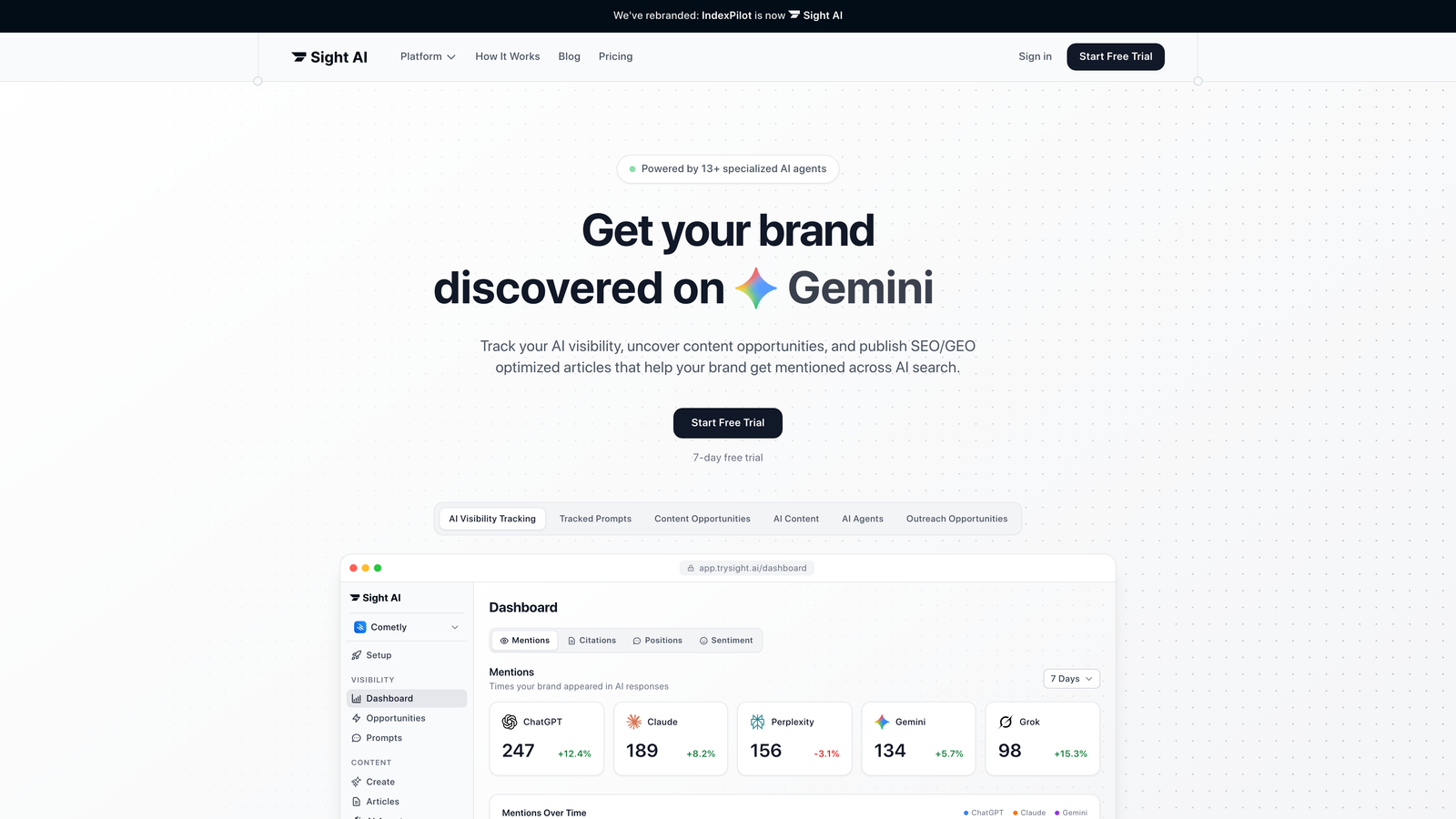
Sight AI revolutionizes content workflow automation by combining artificial intelligence with comprehensive publishing pipelines, making it the premier choice for teams seeking end-to-end content automation.
Where This Tool Shines
Sight AI excels at eliminating the most time-consuming aspects of content creation through intelligent automation. The platform's AI agents handle everything from keyword research and content generation to SEO optimization and publishing schedules.
Unlike traditional tools that require constant manual oversight, Sight AI's autonomous agents work continuously, producing publication-ready content that maintains brand voice consistency. The platform's strength lies in its ability to understand context and create content that feels authentically human while leveraging data-driven insights for maximum search visibility.
Key Features & Capabilities
AI Content Generation: Thirteen specialized AI agents collaborate to produce long-form articles optimized for both traditional search engines and AI-powered search platforms like ChatGPT and Perplexity.
AI Visibility Tracking: Monitor how AI models discuss your brand across ChatGPT, Claude, and Perplexity with sentiment analysis and prompt tracking to understand your AI presence.
Automated SEO/GEO Optimization: Content is automatically optimized for both traditional SEO and Generative Engine Optimization, ensuring visibility across all search platforms.
Instant Indexing: IndexNow submissions and always-updated sitemaps ensure your content gets discovered and indexed faster, accelerating organic traffic growth.
Auto-Publishing to CMS: Seamlessly publish content directly to your content management system without manual intervention, maintaining consistent publishing schedules.
Brand Voice Training: AI agents learn your specific tone, style, and messaging guidelines to ensure every piece of content aligns with your brand identity.
Best For / Ideal Users
Perfect for marketing teams, content agencies, and businesses wanting to scale content production without sacrificing quality. The platform particularly benefits organizations struggling with consistent publishing schedules or teams lacking dedicated SEO expertise.
Ideal for companies where content serves as a primary growth channel and SEO performance is a critical business metric. Teams that spend disproportionate time on content operations rather than strategy will find significant value in Sight AI's autonomous approach.
Pricing
Offers flexible plans starting with options for small teams, with enterprise solutions available for larger organizations requiring advanced automation features and higher content volumes.
2. CoSchedule
Best for: Marketing teams needing comprehensive content calendar management with robust collaboration features and multi-channel publishing coordination.
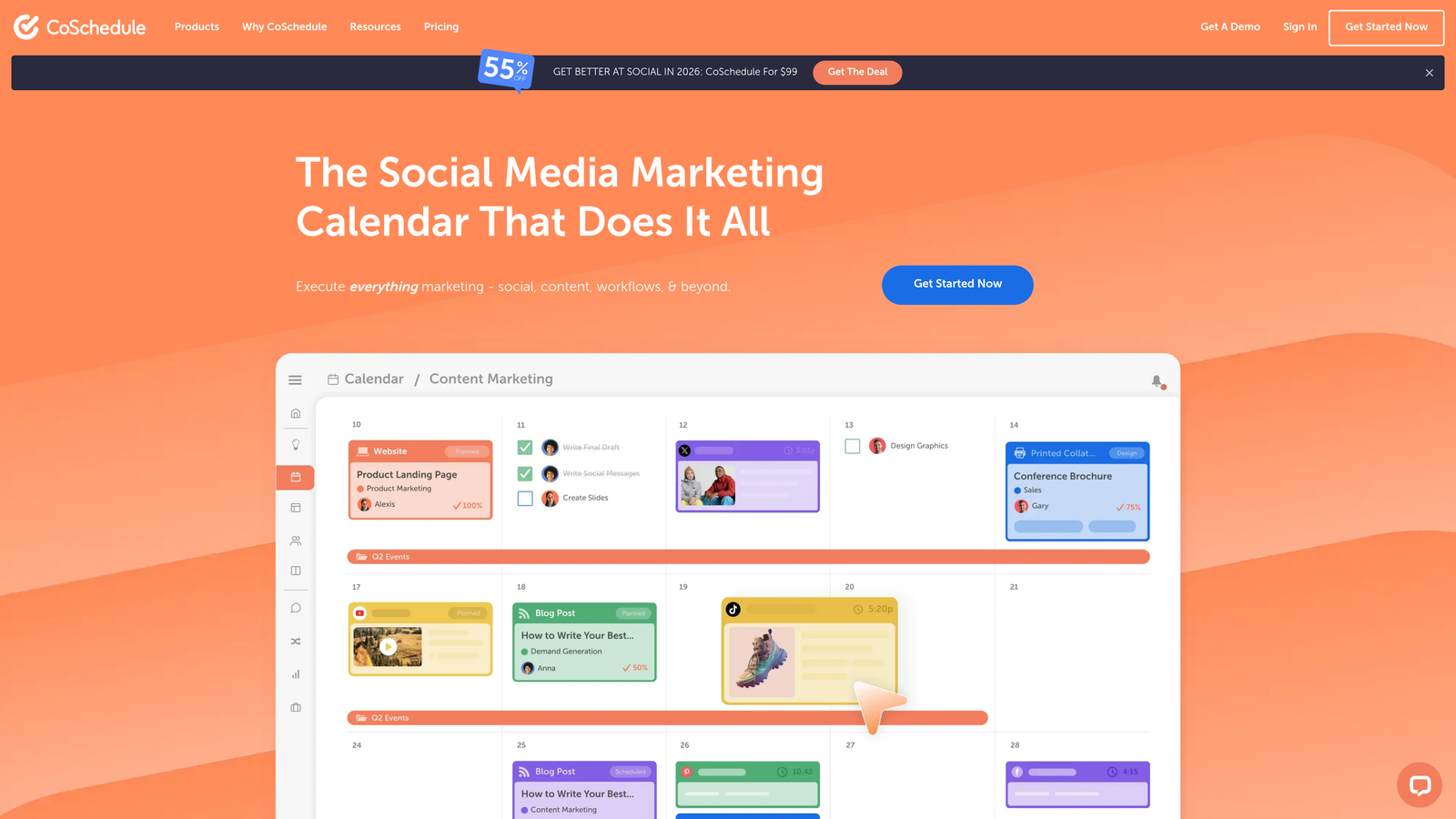
CoSchedule provides an all-in-one marketing calendar that centralizes content planning, creation, and distribution across multiple channels and team members.
Where This Tool Shines
CoSchedule transforms chaotic content workflows into organized, predictable systems through visual calendar management. The platform excels at giving marketing teams complete visibility into their content pipeline—every blog post, social update, email campaign, and marketing project appears in a single, drag-and-drop calendar view.
The tool's strength lies in connecting individual content pieces to broader marketing campaigns. Rather than treating each blog post or social update as isolated, CoSchedule helps teams understand how content supports larger initiatives like product launches or seasonal campaigns. This campaign-centric approach ensures every piece of content serves strategic objectives rather than existing in isolation.
Key Features & Capabilities
Social Calendar with AI-Powered Tools: Create, schedule, and publish social media content with AI assistance for caption writing and optimization.
Unified Social Inbox: Respond to DMs, comments, and replies across all social platforms from one centralized location.
Collaborative AI-Editor (Hire Mia): AI-powered writing assistant that helps multiply marketing output while maintaining brand voice consistency.
Multi-Channel Content Calendar: Drag-and-drop interface showing all content, tasks, and campaigns across blog, social, email, and other channels.
Team Collaboration Tools: Task assignments, approval workflows, and real-time updates keep distributed teams aligned on deadlines and deliverables.
Integration Ecosystem: Connects with WordPress, HubSpot, and major social platforms for seamless publishing workflows.
Best For / Ideal Users
CoSchedule is ideal for marketing teams managing content across multiple channels who need clear visibility into production timelines. The platform particularly benefits agencies coordinating client campaigns, where visual calendar management helps communicate status and maintain organized workflows.
Organizations running campaign-driven marketing—where content supports product launches, events, or seasonal initiatives—find significant value in CoSchedule's ability to connect individual content pieces to broader marketing objectives.
Pricing
CoSchedule offers flexible pricing with a free calendar option for basic planning needs. Paid plans provide advanced features including social publishing, team collaboration tools, and marketing campaign management capabilities tailored to team size and requirements.
3. Contentful
Best for: Enterprise teams requiring headless CMS capabilities with sophisticated content modeling and API-driven workflows for omnichannel delivery.
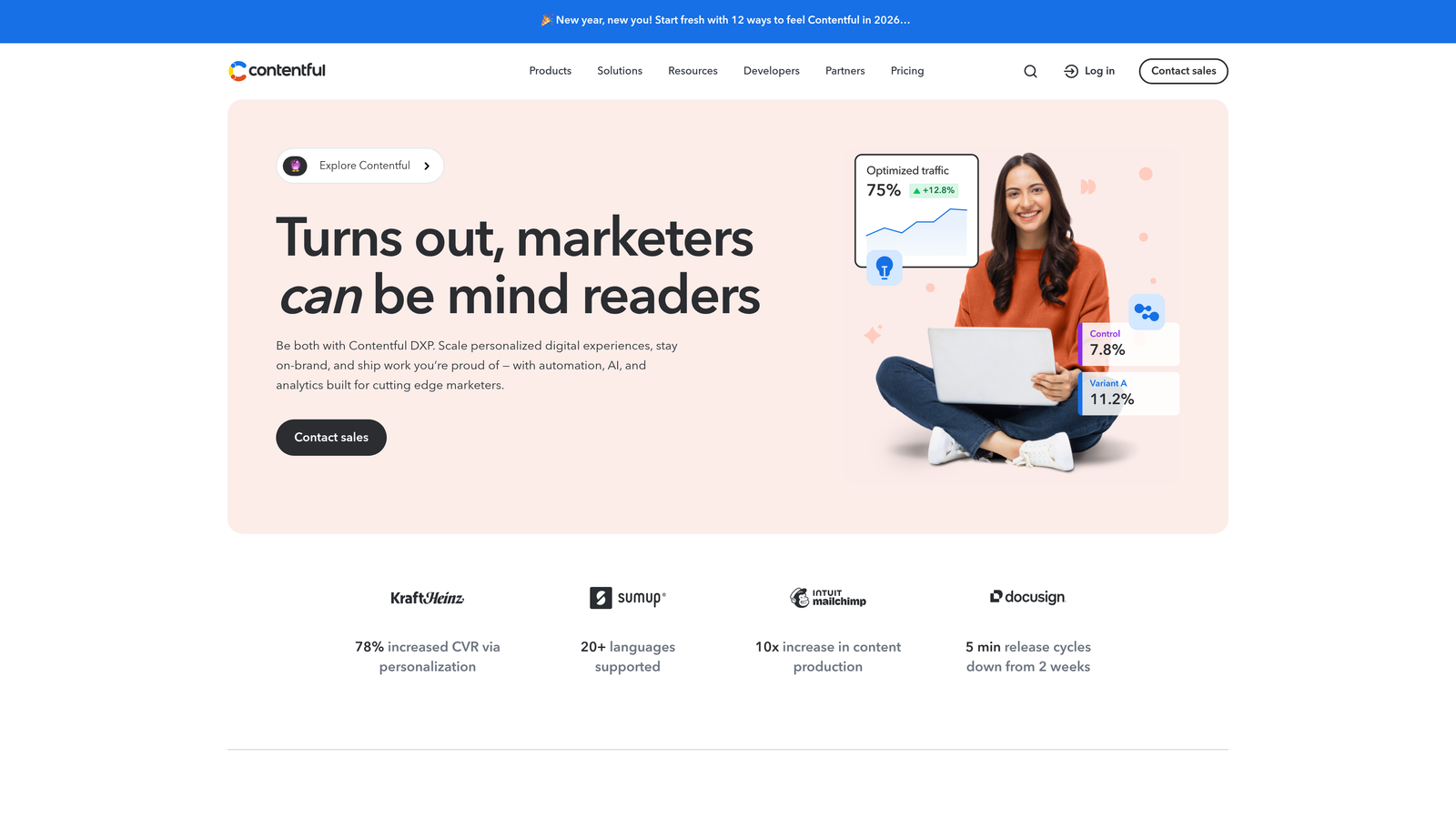
Contentful operates as a dynamic content platform that separates content creation from presentation, enabling flexible distribution across websites, mobile apps, and digital experiences.
Where This Tool Shines
Contentful revolutionizes content infrastructure by treating content as structured data rather than formatted pages. The platform excels at content modeling—allowing teams to define custom content types with specific fields, relationships, and validation rules that ensure consistency across all touchpoints.
Its API-first architecture enables developers to build custom workflows and integrations that perfectly match organizational needs. Content creators work within intuitive editing interfaces while technical teams leverage RESTful and GraphQL APIs to deliver that content anywhere. The platform's AI-driven analytics provide real-time insights into content performance, helping teams optimize experiences based on actual user behavior.
Key Features & Capabilities
Headless CMS Architecture: Content storage completely separated from presentation layer for maximum flexibility.
Advanced Content Modeling: Custom content types with structured fields and relationships for consistent data.
API-First Design: RESTful and GraphQL APIs enable content delivery to any platform or device.
Visual Experience Assembly: Studio feature allows teams to compose digital experiences without developer intervention.
AI-Powered Workflows: Automation and AI Actions streamline content operations and suggest optimizations.
Multi-Language Management: Built-in localization support for global content delivery and translation workflows.
Collaborative Editing: Version control, approval workflows, and real-time collaboration features for distributed teams.
Best For / Ideal Users
Perfect for enterprise organizations managing content across multiple digital touchpoints—websites, mobile apps, digital displays, and emerging platforms. Particularly valuable for development teams building custom applications that require flexible content delivery.
Ideal for businesses with complex content requirements, multiple brands, or global operations needing sophisticated localization. Organizations prioritizing future-proof content infrastructure that can adapt to new channels benefit most.
Pricing
Free tier available for small projects and development. Paid plans start around $489/month for teams requiring advanced features, higher usage limits, and enterprise-grade support.
4. Notion
Best for: Teams seeking flexible workspace organization with customizable content planning and collaboration features.
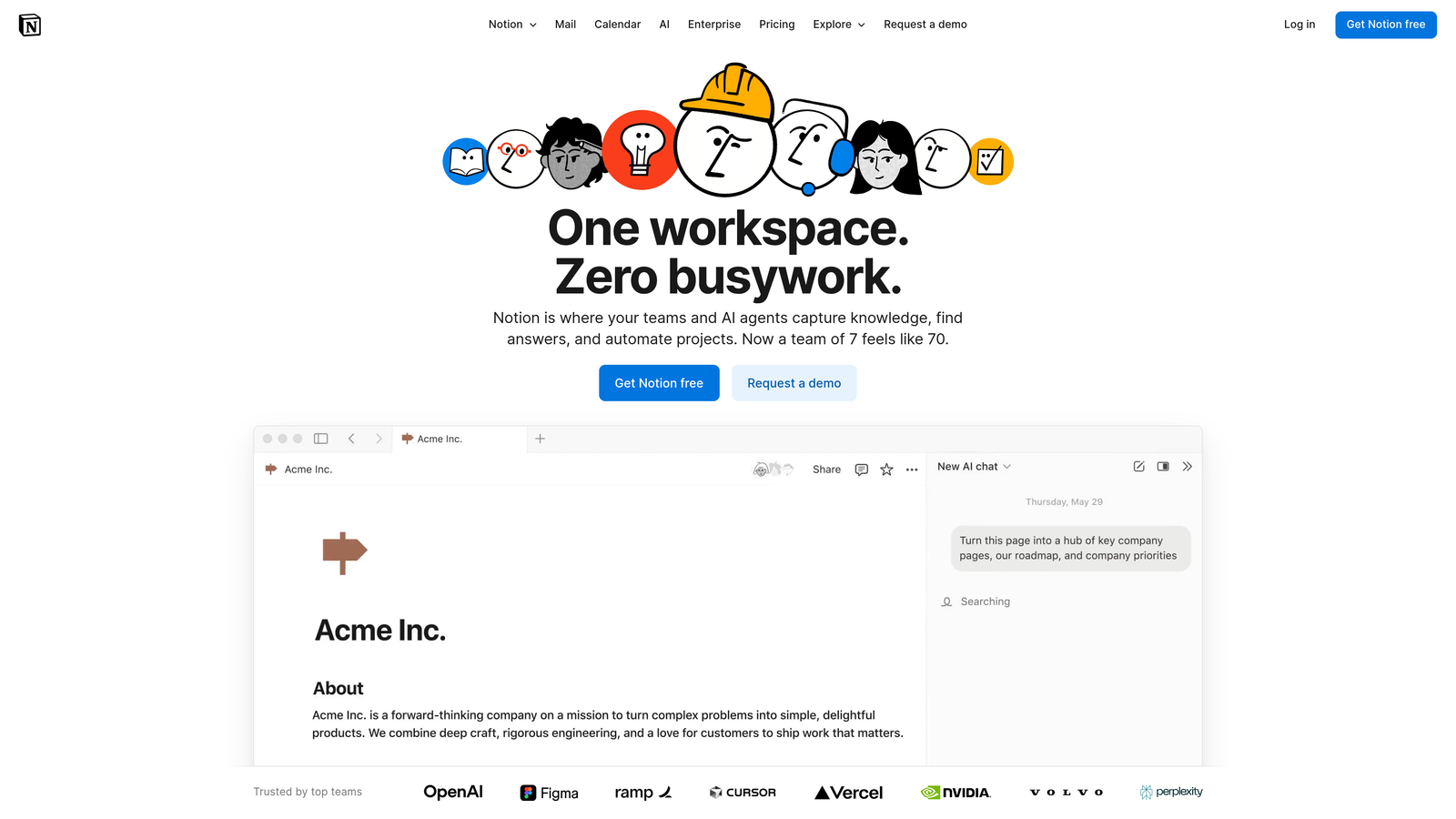
Notion is an AI-powered workspace where teams and AI agents capture knowledge, find answers, and automate projects to help teams get more done, faster.
Where This Tool Shines
Notion's flexibility makes it a powerful content workflow automation tool for teams willing to invest time in setup. The platform excels at creating custom databases for content tracking, editorial calendars, and project management.
Its strength lies in adaptability—teams can build exactly the workflow they need rather than adapting to rigid software constraints. The AI agents can automate routine tasks like status updates, deadline reminders, and even content research, while the Enterprise Search feature lets teams find information across all connected apps from one place.
Key Features & Capabilities
Custom AI Agents: Deploy AI agents that automate repetitive tasks and help teams work faster without manual intervention.
Customizable Databases: Build content tracking systems with custom fields, filters, and views tailored to your specific workflow needs.
Template Library: Access pre-built templates for common content workflows or create custom templates for recurring content types.
Real-Time Collaboration: Work simultaneously with team members using comments, mentions, and live editing capabilities.
Enterprise Search: Search across all connected apps and tools from within Notion, eliminating the need to jump between platforms.
AI Meeting Notes: Automatically capture and organize meeting notes with AI assistance for better knowledge management.
Best For / Ideal Users
Ideal for small to medium teams wanting maximum flexibility in workflow design, startups building custom processes from scratch, and organizations already using Notion for other business functions who want to consolidate their content operations.
Perfect for teams that value customization over out-of-the-box solutions and have the time to design workflows that match their unique content production needs.
Pricing
Free tier supports small teams with basic features, while paid plans start at $8/month per user for advanced features, increased storage limits, and AI capabilities that make teams feel significantly more productive.
5. Asana
Best for: Project-focused content teams needing robust task management with timeline visualization and team coordination.
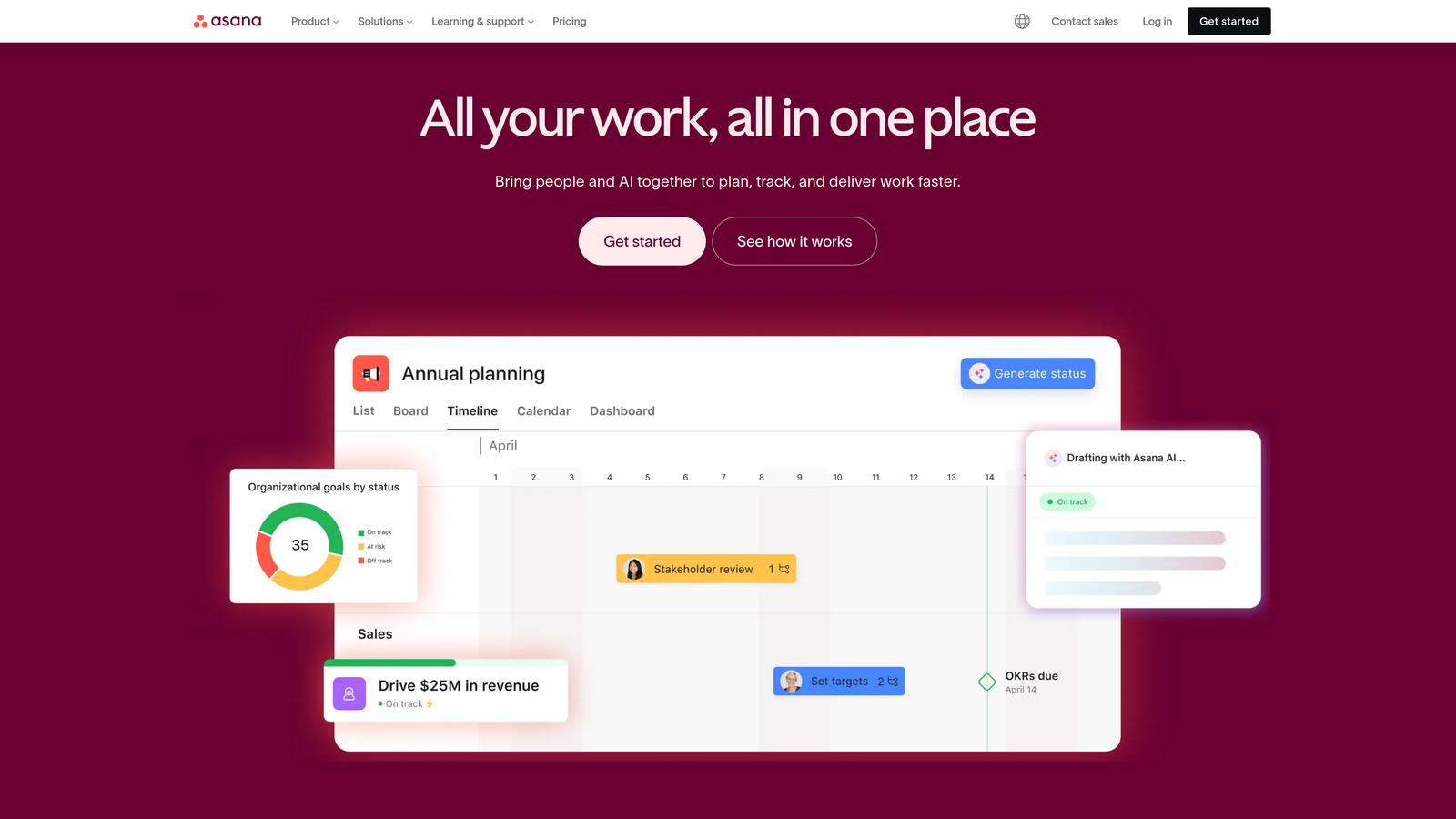
Asana provides comprehensive project management capabilities specifically designed for creative teams managing complex content production workflows with multiple stakeholders and dependencies.
Where This Tool Shines
Asana excels at breaking down complex content projects into manageable tasks with clear ownership and deadlines. The platform's visual project tracking lets teams see content progress through multiple views—Gantt charts for timeline dependencies, Kanban boards for workflow stages, or calendar views for publication scheduling.
The tool particularly shines when managing content campaigns that require coordination between writers, designers, editors, and stakeholders. Its automation features handle routine project management tasks like status updates, deadline reminders, and task assignments based on project templates. This means less time spent on administrative coordination and more time focused on actual content creation.
Key Features & Capabilities
Multiple Project Views: Switch between Gantt charts, Kanban boards, calendar, and list views to match your team's preferred working style.
Custom Fields: Track content-specific metadata like word count, publication status, target keywords, or content type directly within tasks.
Automated Workflows: Set up rules that automatically assign tasks, update statuses, or send notifications when content moves through production stages.
Project Templates: Create reusable templates for recurring content types—blog posts, video production, social campaigns—ensuring consistent workflows.
Workload Management: Visualize team capacity and redistribute tasks to prevent burnout and ensure realistic deadlines.
Creative Tool Integration: Connect with Adobe Creative Suite, Figma, and other design tools to keep creative assets linked to project tasks.
Best For / Ideal Users
Perfect for content teams managing complex projects with multiple contributors where clear task ownership and deadline tracking are critical. Agencies coordinating client work across different team members will appreciate the visibility into project status and resource allocation.
Organizations requiring detailed project accountability—where stakeholders need to see exactly what's in progress, who's responsible, and when deliverables are due—find Asana's transparency invaluable. The platform works especially well for teams that have outgrown simple to-do lists but don't need enterprise-level complexity.
Pricing
Free tier available for basic team use with core features. Premium plans start at $10.99 per user monthly, adding timeline views, advanced automation, and reporting capabilities for growing content operations.
6. Monday.com
Best for: Visual workflow management with customizable automation rules and comprehensive team collaboration features.
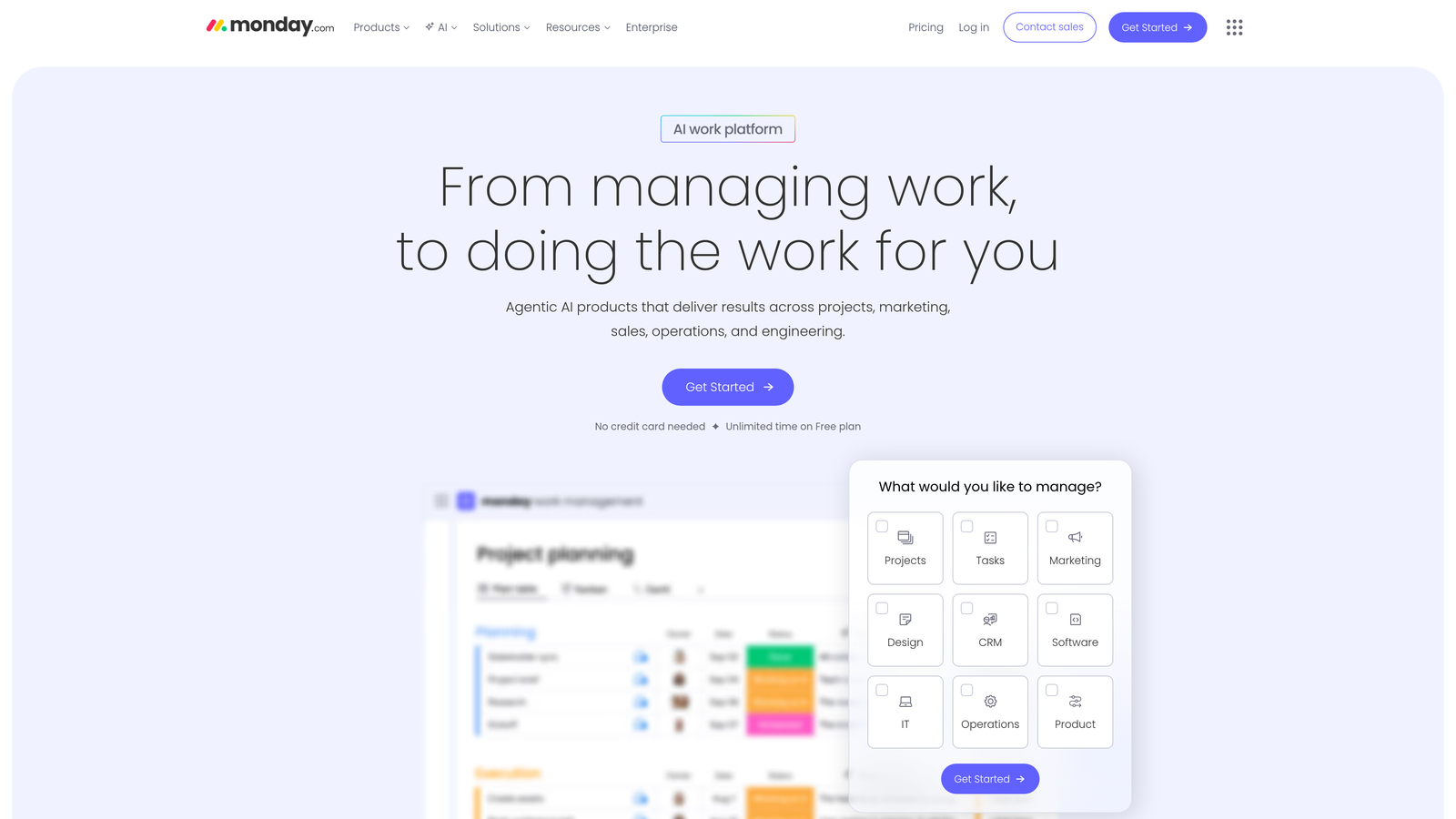
Monday.com transforms content workflow automation through its highly visual interface and powerful customization capabilities, positioning itself as an open platform where teams can build exactly the workflow system they need.
Where This Tool Shines
Monday.com excels at making complex content workflows instantly understandable through visual boards that show exactly where every piece of content sits in your production pipeline. The platform's strength lies in its flexibility—you're not forced into someone else's idea of how content workflows should work. Instead, you build boards that mirror your actual process, whether that's a simple three-stage approval flow or a complex multi-department review system with conditional logic.
The automation engine handles sophisticated workflow scenarios that would otherwise require constant manual oversight. Set up rules that automatically reassign tasks when deadlines approach, notify stakeholders when content enters their review stage, or move items through your workflow based on custom triggers. The visual dashboard eliminates the "where is everything?" problem that plagues content teams—you can see bottlenecks, workload distribution, and project status at a glance.
Key Features & Capabilities
Customizable Workflow Boards: Build boards that match your exact content production process with custom columns, status labels, and visual indicators.
Advanced Automation Rules: Create sophisticated automation logic that handles task assignments, notifications, and status updates based on multiple conditions.
Time Tracking & Resource Allocation: Monitor how long content pieces take at each stage and balance workload across team members.
Custom Forms for Content Requests: Build intake forms that automatically create new content items with all necessary information and assignments.
Integration Hub: Connect with popular content tools, CMS platforms, and marketing software to create seamless workflows across your tech stack.
Reporting & Analytics: Generate insights on workflow efficiency, bottleneck identification, and team productivity patterns.
Best For / Ideal Users
Monday.com works exceptionally well for content teams that need visual clarity in their workflows—marketing departments coordinating multiple content types, agencies managing client projects with complex approval chains, and editorial teams tracking content through multiple production stages.
The platform particularly suits organizations with established processes that need better execution tools rather than teams still figuring out their workflows. If you know what your content workflow should look like but struggle with coordination and visibility, Monday.com provides the structure to make it work smoothly.
Pricing
Plans start at $8 per month per user for basic features, with advanced automation capabilities, custom integrations, and enterprise-level security available in higher-tier plans designed for larger content operations.
7. Trello
Best for: Small teams and freelancers wanting simple, visual content planning with straightforward automation that doesn't require technical expertise.
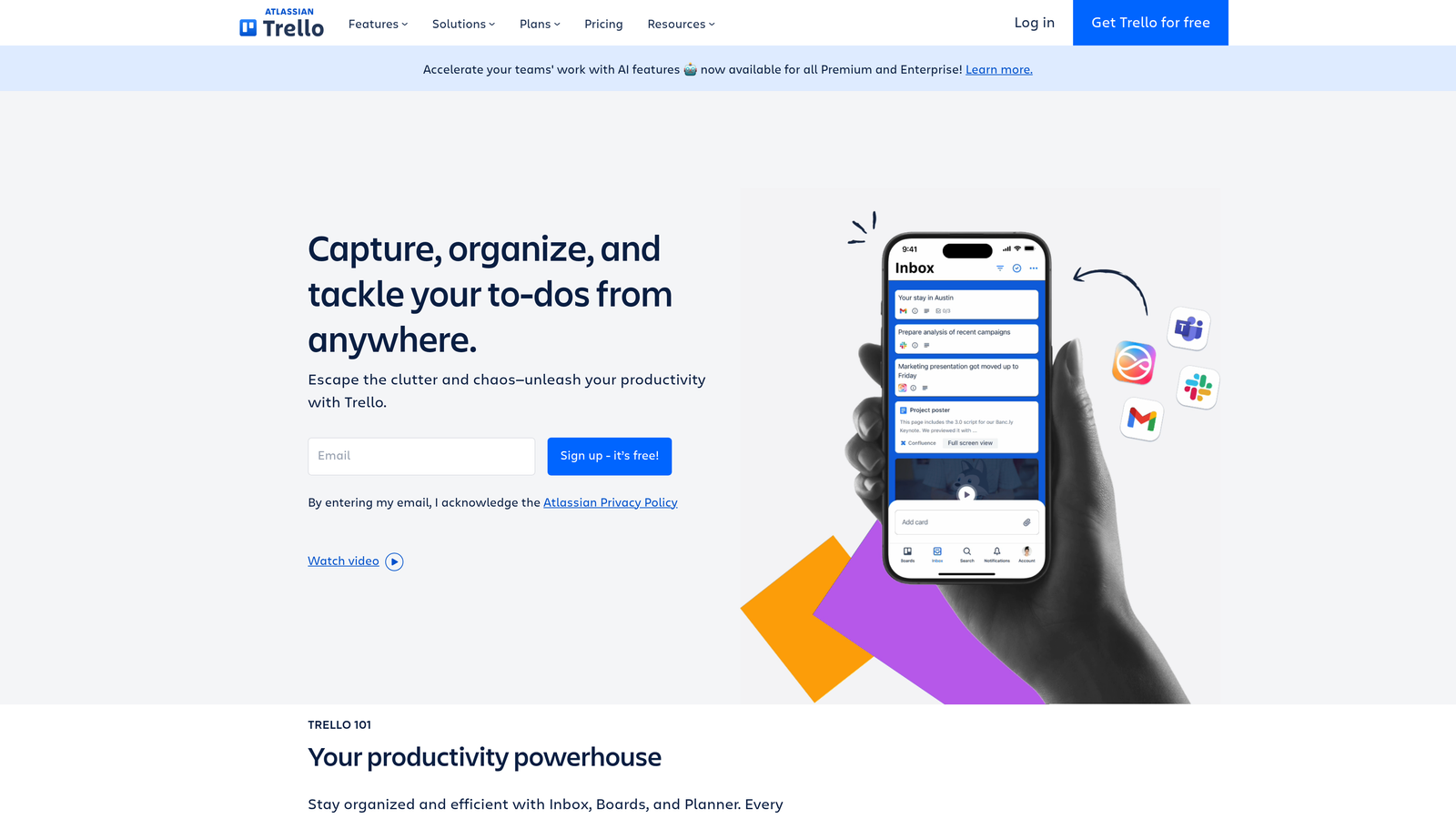
Trello transforms content workflow management through its intuitive card-based system that makes tracking content from ideation to publication feel natural and effortless.
Where This Tool Shines
Trello's power lies in its simplicity. While other platforms overwhelm users with features, Trello provides exactly what most content teams need: clear visual organization. The Kanban-style boards instantly show what content is in the idea stage, being drafted, under review, or ready for publication.
The Butler automation feature handles repetitive tasks without requiring technical knowledge. Set up rules to automatically move cards when deadlines approach, assign team members based on content type, or create recurring tasks for weekly blog posts. These automations work quietly in the background, eliminating the manual busywork that consumes hours each week.
Key Features & Capabilities
Visual Kanban Boards: Drag-and-drop interface makes workflow management intuitive and requires zero training.
Butler Automation: No-code automation rules handle routine tasks like deadline reminders and card movements between lists.
Custom Fields: Track content-specific metadata like word count, target keywords, or publication status directly on cards.
Calendar View: Switch from board view to calendar view to visualize publication schedules and deadline distribution.
Power-Ups: Extend functionality with integrations for Google Drive, Slack, and hundreds of other tools your team already uses.
Template Boards: Create standardized workflows for different content types and replicate them instantly for new projects.
Best For / Ideal Users
Perfect for small content teams (2-10 people) who want visual workflow management without complexity. Freelancers managing multiple client projects appreciate how quickly they can set up separate boards for each client.
Organizations preferring simplicity over sophistication find Trello's learning curve practically nonexistent. New team members start contributing within minutes rather than days.
Teams already using other project management tools for non-content work often choose Trello specifically for content workflows because it matches how creative teams naturally think about content progression.
Pricing
Free tier includes unlimited cards and boards with basic automation, making it viable for small teams indefinitely. Paid plans start at $5 per user monthly, adding advanced automation, custom fields, and priority support.
8. Airtable
Best for: Database-driven content management with powerful filtering, sorting, and automation capabilities for data-heavy workflows.
Airtable combines spreadsheet simplicity with database power, creating a flexible platform for managing complex content workflows and metadata.
Where This Tool Shines
Airtable excels when your content workflow requires tracking detailed relationships between multiple elements. Think managing a content library where each article connects to specific authors, topics, SEO keywords, performance metrics, and publication schedules—all in one place.
The platform's strength lies in its flexibility. Unlike rigid project management tools, Airtable lets you build exactly the database structure your workflow needs. You can create custom fields for anything—word count, target keywords, content stage, assigned editor, or performance benchmarks. Then view that same data through different lenses: a calendar showing publication dates, a Kanban board tracking content status, or a gallery view displaying featured images.
Key Features & Capabilities
Flexible Database Structure: Create custom fields including text, numbers, attachments, checkboxes, dropdowns, and linked records to other tables.
Multiple View Options: Switch between grid, calendar, Kanban, gallery, and form views depending on what you need to see.
Advanced Filtering and Sorting: Build complex filters to find specific content instantly—like all blog posts by a certain author that need SEO review.
Automation Workflows: Set up rules that automatically update content status, send notifications, or create tasks when specific conditions are met.
Extensive Integrations: Connect with hundreds of tools through native integrations or Zapier to sync data across your marketing stack.
Best For / Ideal Users
Perfect for content teams managing large content libraries where tracking detailed metadata matters. If you're coordinating content across multiple brands, tracking contributor information, or need sophisticated filtering to find specific content quickly, Airtable delivers.
Also ideal for teams that have outgrown simple spreadsheets but don't need enterprise CMS complexity. The platform works particularly well for agencies managing client content or media companies tracking editorial calendars with complex contributor relationships.
Pricing
Free tier supports basic use with limited records and automation runs. Paid plans start at $10/month per user, unlocking advanced features like increased automation capabilities, longer record history, and priority support.
9. Zapier
Best for: Connecting disparate content tools through automated workflows and integrations between platforms without requiring technical expertise.
Zapier serves as the automation backbone for content workflows, transforming disconnected tools into integrated systems through its powerful no-code automation platform.
Where This Tool Shines
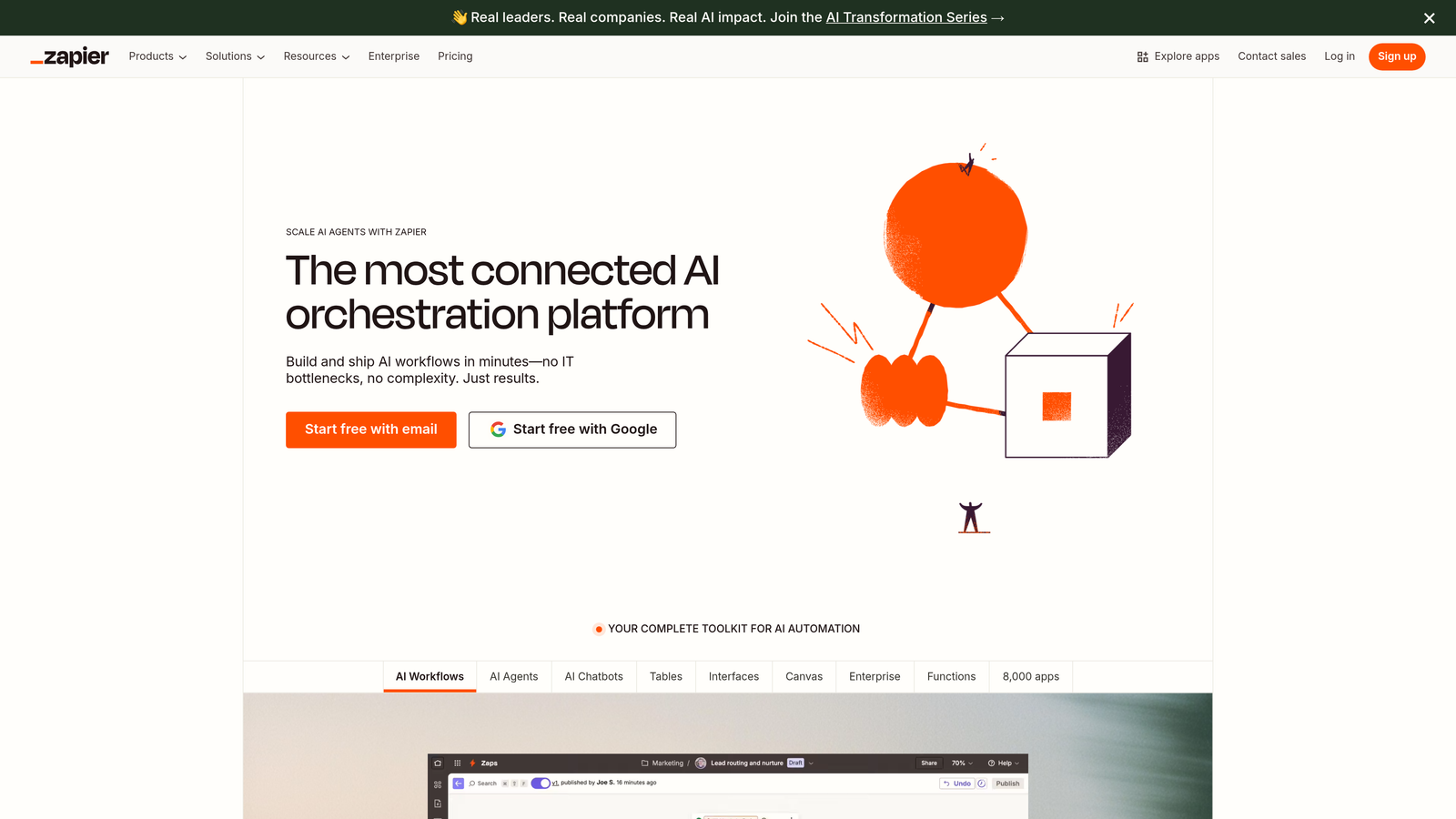
Zapier excels at eliminating the manual data entry and repetitive tasks that plague content workflows. The platform's strength lies in its breadth—over 8,000 app integrations—allowing teams to connect virtually any combination of content tools. Whether you're automatically publishing blog posts to social media, syncing content calendars across platforms, or updating project management tools when content goes live, Zapier handles the technical complexity behind the scenes.
The platform's AI-powered capabilities extend beyond simple trigger-action automations. With AI Agents, teams can create custom assistants that handle complex content tasks autonomously. AI Chatbots can manage content-related customer inquiries, while Tables provide databases designed specifically for workflow data management. This comprehensive toolkit transforms Zapier from a simple integration tool into a complete AI orchestration platform.
Key Features & Capabilities
8,000+ App Integrations: Connect content tools, social platforms, CMS systems, analytics tools, and marketing automation platforms in any combination.
Multi-Step Workflows: Create sophisticated automations with conditional logic, filters, and multiple actions triggered by single events.
AI Agents & Chatbots: Deploy custom AI assistants for content tasks and automated customer interactions without coding.
Pre-Built Templates: Access thousands of ready-made automation templates for common content workflow scenarios.
Canvas Workflow Mapping: Visually plan and map complex workflows with AI assistance before building them.
Best For / Ideal Users
Perfect for content teams using multiple tools that need seamless integration without developer resources. Particularly valuable for organizations wanting to eliminate manual data entry between platforms, marketing teams coordinating content across numerous channels, and agencies managing client workflows across different tool stacks.
Ideal for both Fortune 500 companies with complex enterprise requirements and small teams seeking to automate repetitive tasks. RevOps teams benefit from Zapier's ability to connect content operations with broader business systems.
Pricing
Free tier includes basic automations with limited tasks. Paid plans start at $19.99/month for advanced features, higher automation limits, and premium app integrations. Enterprise solutions available for organizations requiring enhanced security and support.
10. Hootsuite
Best for: Social media content workflow automation with comprehensive scheduling, monitoring, and analytics capabilities across multiple platforms.
Hootsuite specializes in automating social media content workflows, providing tools for planning, scheduling, publishing, and analyzing social content across multiple platforms from a single dashboard.
Where This Tool Shines
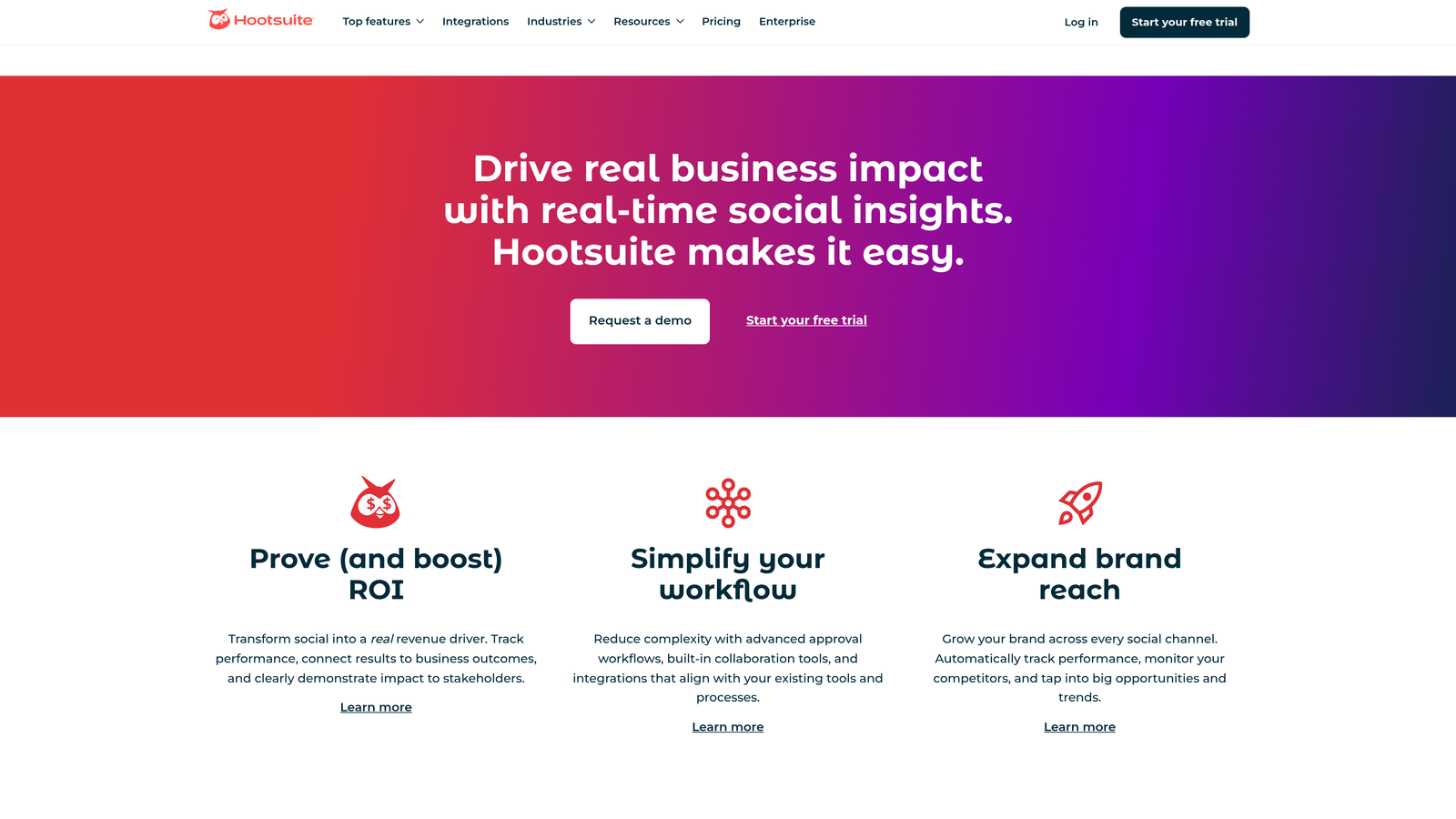
Hootsuite excels at streamlining social media content workflows through comprehensive automation features that eliminate the chaos of managing multiple accounts manually. The platform's strength lies in its ability to centralize social media operations—teams can schedule posts across Facebook, Instagram, Twitter, LinkedIn, and other platforms without switching between different interfaces.
The tool particularly shines in its bulk scheduling capabilities and content library features. Teams can upload dozens of posts at once, automatically distribute them across optimal time slots, and maintain a centralized repository of approved content that multiple team members can access. This transforms social media management from a daily scramble into a systematic, predictable workflow.
Key Features & Capabilities
Multi-Platform Scheduling: Manage and schedule content across all major social networks from one unified dashboard.
Content Calendar: Visual drag-and-drop interface for planning and organizing social media content across channels.
Automated Publishing: Set up RSS feed integrations and auto-posting rules to maintain consistent social presence.
Social Listening: Monitor brand mentions, keywords, and conversations across social platforms in real-time.
Team Collaboration: Built-in approval workflows allow content to move through review stages before publication.
Analytics Dashboard: Track performance metrics across all platforms with customizable reports that prove social media ROI.
Best For / Ideal Users
Perfect for social media managers handling multiple brand accounts who need centralized control and visibility. Marketing teams that publish frequently across various platforms will appreciate the time savings from bulk scheduling and unified analytics.
Agencies managing social media for multiple clients benefit from the ability to organize content by client while maintaining consistent workflows. Organizations requiring approval processes before content goes live will find the collaboration features particularly valuable.
Pricing
Plans start at $99/month for small teams managing up to 10 social accounts, with enterprise solutions available for larger organizations requiring advanced features, additional users, and higher usage limits.
Putting It All Together
The right content workflow automation tool depends entirely on your team's specific needs and operational complexity. Sight AI leads the pack for teams prioritizing AI-powered content generation with comprehensive SEO optimization, while CoSchedule excels at visual calendar management for multi-channel campaigns. For enterprise teams requiring headless CMS capabilities, Contentful provides the infrastructure flexibility that traditional platforms can't match.
Small teams wanting simplicity should consider Trello or Buffer—both offer intuitive interfaces without overwhelming feature sets. Mid-sized organizations managing complex projects benefit from Asana or Monday.com's robust task management and automation rules. If you're connecting multiple disparate tools, Zapier serves as the essential integration layer that makes everything work together seamlessly.
The key is matching tool capabilities to your current workflow maturity level, not aspirational complexity. Start with the platform that solves your biggest bottleneck—whether that's content creation, approval workflows, or distribution management. Most teams find success by implementing one core platform first, then adding specialized tools as needs evolve.
Ready to transform your content operations with AI-powered automation? Start tracking your AI visibility today and discover how Sight AI can accelerate your content workflow while optimizing for both traditional search and AI-powered platforms.