Managing content across multiple platforms without proper integration is like trying to conduct an orchestra where every musician plays from different sheet music. Content management system integration tools solve this chaos by connecting your CMS to marketing automation, analytics, e-commerce, and publishing platforms—creating seamless workflows that eliminate manual data transfers and reduce errors.
Whether you're syncing content to AI models, automating cross-platform publishing, or connecting your CMS to dozens of third-party applications, the right integration tool can transform fragmented operations into a unified content ecosystem. Here are the top CMS integration solutions for 2026, evaluated on ease of setup, supported platforms, automation capabilities, and real-world performance for marketing teams and agencies.
1. Sight AI
Best for: Teams focused on AI visibility, automated content publishing, and faster search engine indexing.
Sight AI is an AI-powered platform that combines content generation, auto-publishing to CMS platforms, and instant IndexNow submissions for faster content discovery.

Where This Tool Shines
Sight AI addresses a critical gap that traditional CMS integrations overlook: ensuring your content gets discovered by AI models like ChatGPT, Claude, and Perplexity. While most integration tools focus on moving data between systems, Sight AI tracks how AI models mention your brand and automatically publishes optimized content that increases your chances of being recommended.
The platform's auto-publishing capability eliminates the manual step of copying content from your generation tool into WordPress, Webflow, or other CMS platforms. Combined with instant IndexNow submissions and always-updated sitemaps, your content reaches search engines and AI models faster than standard publishing workflows.
Key Features
Auto-Publishing to CMS: Direct publishing to WordPress, Webflow, and other platforms without manual transfers.
Instant IndexNow Integration: Automatic submission to search engines using IndexNow protocol for faster indexing.
AI Visibility Tracking: Monitor brand mentions across ChatGPT, Claude, and Perplexity with sentiment analysis.
SEO/GEO Content Generation: 13+ AI agents create optimized long-form articles designed for both search and AI recommendations.
Always-Updated Sitemaps: Automatically sync sitemap changes with content updates for consistent crawling.
Best For
Marketing teams and agencies who want to track their AI visibility while automating the entire content creation and publishing workflow. Particularly valuable if you're focused on organic traffic growth and want to ensure AI models discover and recommend your brand.
Pricing
Contact for pricing. Offers tiered plans designed for agencies and enterprises with varying content volume needs.
2. Zapier
Best for: Quick no-code integrations with the widest selection of pre-built app connections.
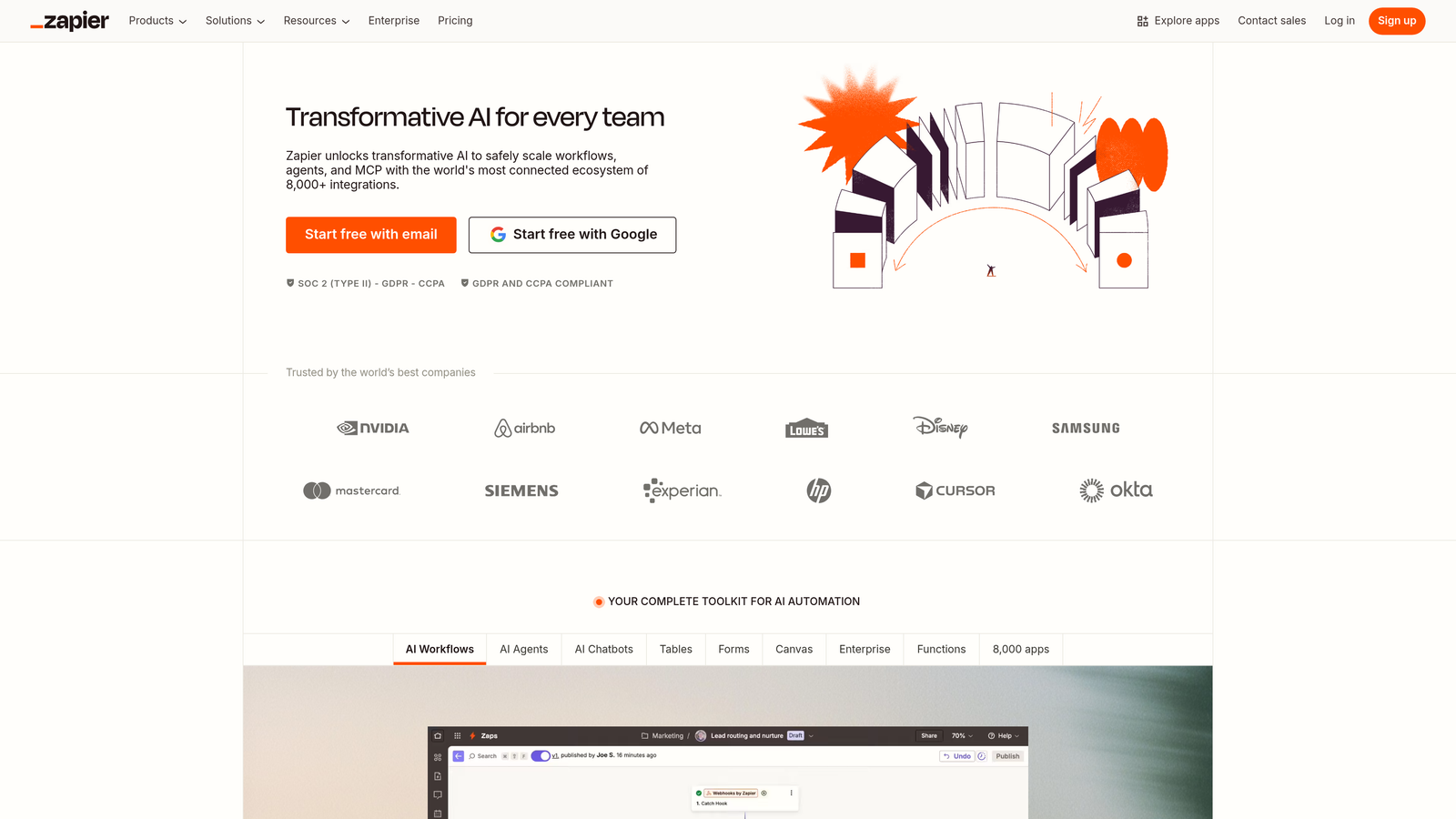
Zapier is the most widely-adopted no-code automation platform connecting over 6,000 apps including major CMS platforms like WordPress, Webflow, and HubSpot CMS.
Where This Tool Shines
Zapier's strength lies in its massive library of pre-built integrations and templates that let non-technical users create functional workflows in minutes. The platform has become the default choice for teams who need to connect their CMS to marketing tools, analytics platforms, or collaboration software without writing code.
The multi-step Zap capability with conditional logic means you can build surprisingly sophisticated workflows. For example, automatically publish WordPress posts to social media only if they contain specific tags, or sync new blog content to your email marketing platform while filtering by category.
Key Features
6,000+ App Integrations: Pre-built connectors for virtually every major CMS, marketing tool, and business application.
Multi-Step Zaps: Chain multiple actions together with conditional logic for complex automation scenarios.
Native CMS Triggers: Automatic workflows triggered by new posts, content updates, or form submissions in your CMS.
Paths Feature: Create branching workflows that take different actions based on specific conditions.
Built-In Formatters: Transform data formats, dates, and text without external tools or custom code.
Best For
Marketing teams and small agencies who need quick integrations without technical resources. Ideal if you're connecting common platforms and don't require complex data transformations or enterprise governance features.
Pricing
Free tier available with 100 tasks per month. Paid plans start at $19.99/month for 750 tasks, scaling up to $69.99/month for 2,000 tasks.
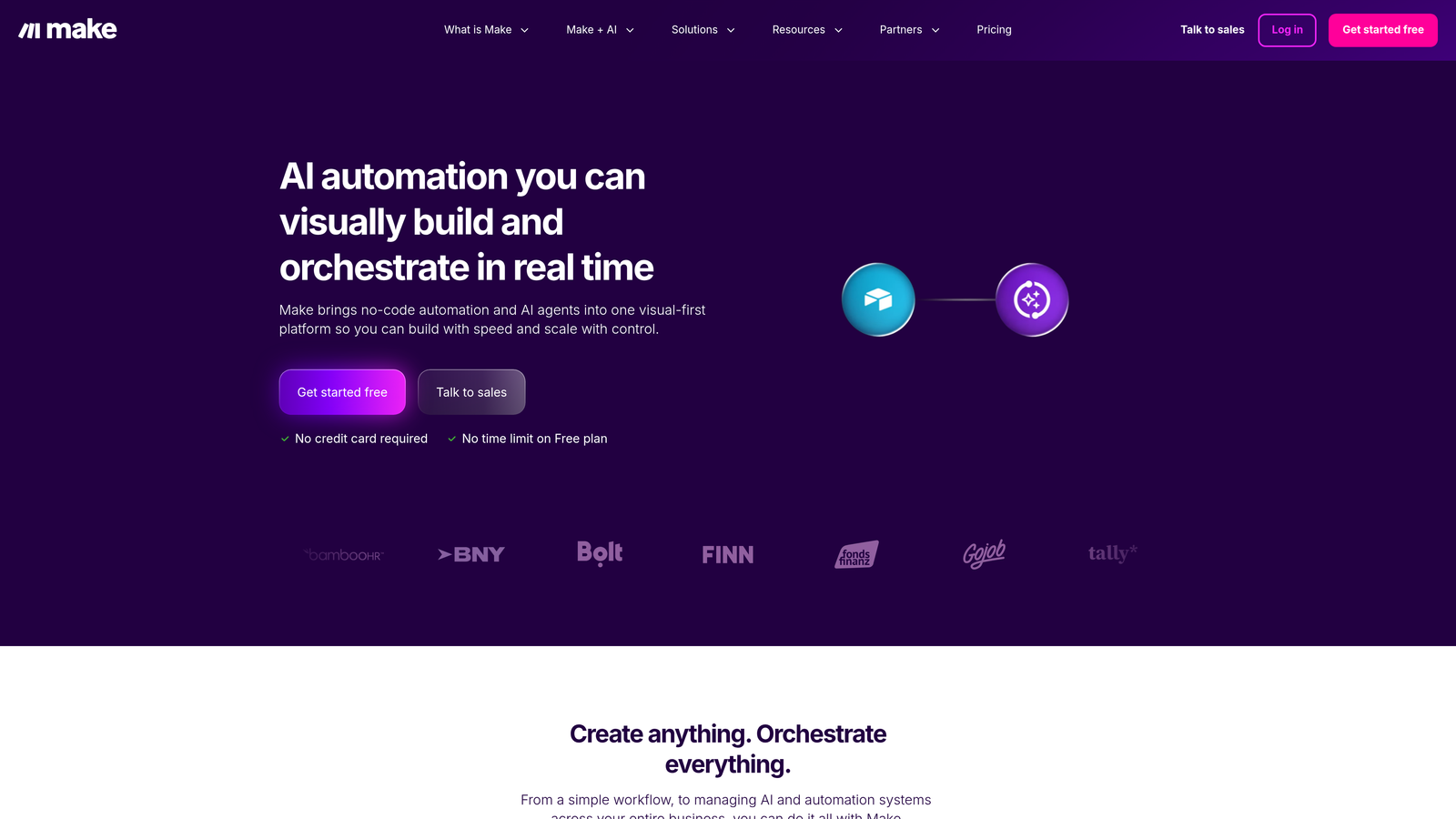
3. Make (formerly Integromat)
Best for: Complex multi-step automation with advanced data manipulation and visual workflow building.
Make is a visual automation platform known for handling complex, multi-step scenarios with granular execution control and advanced data transformation capabilities.
Where This Tool Shines
Make excels when your CMS integration needs go beyond simple point-to-point connections. The visual scenario builder shows you exactly how data flows through each step, making it easier to troubleshoot and optimize complex workflows. Unlike linear automation tools, Make's router modules let you process data in parallel paths simultaneously.
The platform's data transformation capabilities are particularly strong. You can manipulate JSON, parse HTML, transform dates, and restructure data without writing custom code. This makes it ideal for scenarios where your CMS output format doesn't match what your destination platform expects.
Key Features
Visual Scenario Builder: Drag-and-drop interface showing the complete flow of data through your automation.
Advanced Data Mapping: Transform and restructure data between platforms with built-in functions and formulas.
Error Handling: Automatic retry options, custom error routes, and detailed execution logs for troubleshooting.
Router Modules: Process data through multiple parallel paths simultaneously for complex branching logic.
Execution History: Detailed logs of every scenario run with input/output data for each module.
Best For
Technical marketers and agencies handling complex content workflows that require data transformation, parallel processing, or sophisticated error handling. Best when you need more control than Zapier offers but don't want to manage code.
Pricing
Free tier includes 1,000 operations per month. Paid plans start at $9/month for 10,000 operations, scaling to $16/month for 10,000 operations with premium features.
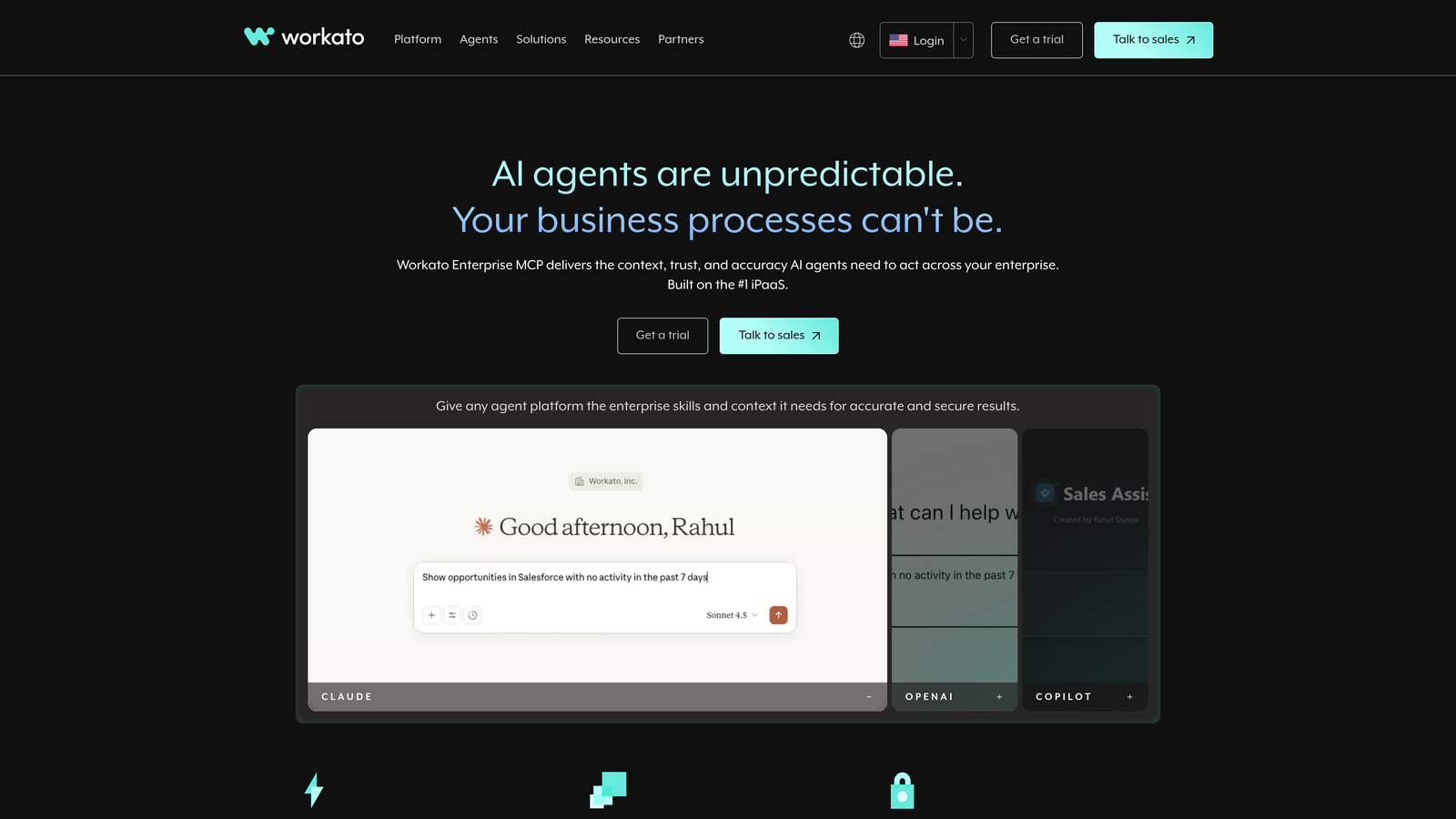
4. Workato
Best for: Enterprise teams requiring governance, compliance, and AI-powered automation recommendations.
Workato is an enterprise-grade integration and automation platform with AI-powered recipe suggestions, robust governance features, and SOC 2 compliance.
Where This Tool Shines
Workato is built for enterprises where integration security, audit trails, and governance aren't optional. The platform's role-based access controls and compliance reporting make it suitable for industries with strict data handling requirements. If your CMS integration involves customer data, financial information, or healthcare content, Workato's enterprise security features become critical.
The AI-powered recipe recommendations analyze your existing workflows and suggest optimizations or new automation opportunities. This feature becomes increasingly valuable as your integration ecosystem grows more complex and identifying efficiency gaps manually becomes difficult.
Key Features
AI-Powered Recommendations: Intelligent suggestions for workflow optimization and new automation opportunities.
Enterprise Security: Role-based access control, SOC 2 compliance, and data encryption for sensitive content workflows.
Pre-Built Connectors: Enterprise CMS platform integrations including Sitecore, Adobe Experience Manager, and Drupal.
Audit Trails: Comprehensive logging and compliance reporting for regulated industries.
API Management: Governance tools for managing custom API connections and versioning.
Best For
Large enterprises and agencies working with Fortune 500 clients who require compliance documentation, audit trails, and enterprise-grade security. Essential when integrating CMS platforms that handle regulated content or customer data.
Pricing
Custom enterprise pricing based on integration complexity and usage volume. Contact sales for quotes. Generally positioned at the premium end of the market.
5. Tray.io
Best for: Technical teams needing API-first flexibility with the option to write custom code.
Tray.io is an API-first integration platform offering low-code flexibility with the power to write custom JavaScript and Python code when needed.

Where This Tool Shines
Tray.io bridges the gap between no-code platforms and custom-built integrations. The universal connector lets you integrate with any API, even if Tray.io doesn't have a pre-built connector. This makes it particularly valuable when working with custom CMS platforms, proprietary systems, or newer tools that haven't gained widespread integration support yet.
The ability to inject custom JavaScript or Python code into workflows means you're never blocked by platform limitations. If the built-in data transformation tools can't handle your specific use case, you can write the exact logic you need without leaving the platform.
Key Features
Universal Connector: Connect to any REST API without pre-built integrations, enabling custom CMS connections.
Custom Code Steps: Write JavaScript or Python directly in workflows for complex data transformations.
Real-Time and Scheduled Triggers: Webhook support for instant updates plus scheduled batch processing.
Data Mapping with JSONata: Advanced JSON transformation using JSONata expressions for complex data restructuring.
Version Control: Team collaboration features with workflow versioning and rollback capabilities.
Best For
Development teams and technical agencies who need flexibility to handle edge cases and custom requirements. Ideal when integrating proprietary CMS platforms or when standard connectors don't meet your specific needs.
Pricing
Professional tier pricing available on request. Typically positioned between mid-market tools like Make and enterprise platforms like Workato.
6. Contentful Compose
Best for: Contentful users managing multi-channel publishing workflows without external integration tools.
Contentful Compose is the native integration and orchestration layer for Contentful's headless CMS, enabling content teams to manage multi-channel publishing workflows.

Where This Tool Shines
Compose solves a specific problem for Contentful users: managing content across multiple channels without leaving the Contentful interface. Instead of building custom integrations or using third-party tools, content editors can orchestrate multi-channel publishing directly within their familiar environment.
The page-building interface makes Compose particularly valuable for teams transitioning from traditional CMS platforms to headless architecture. Content editors get visual composition tools while developers maintain the flexibility of a headless CMS, bridging the gap between technical and non-technical team members.
Key Features
Native Contentful Integration: No external tools required—orchestration happens directly within Contentful's interface.
Page-Building Interface: Visual composition tools for content editors working with headless content models.
Content Scheduling: Plan and automate multi-channel publishing across different time zones and regions.
Multi-Locale Orchestration: Manage content variations across languages and regional markets from one interface.
Preview Environments: Stakeholder review and approval workflows before content goes live across channels.
Best For
Organizations already using Contentful who need to manage content across multiple channels and want to keep orchestration within their existing CMS. Best when your team includes non-technical content editors who need visual tools.
Pricing
Included with Contentful plans. Overall Contentful pricing is usage-based, starting at $300/month for the Team tier with Compose features available at higher tiers.
7. HubSpot Operations Hub
Best for: HubSpot users connecting CMS Hub with CRM data and marketing automation workflows.
HubSpot Operations Hub is HubSpot's native integration and automation layer connecting CMS Hub with CRM data, enabling programmable automation and data quality tools.

Where This Tool Shines
Operations Hub excels at creating personalized content experiences by connecting CMS Hub with the rich customer data stored in HubSpot CRM. You can dynamically display content based on contact properties, lifecycle stage, or engagement history without building custom integrations. This tight integration between content and customer data is difficult to replicate with third-party tools.
The programmable automation feature lets you write custom code actions within HubSpot workflows, giving technical teams the flexibility to handle complex scenarios while staying within the HubSpot ecosystem. This is particularly valuable for teams who want advanced automation without managing separate integration platforms.
Key Features
Bi-Directional CMS-CRM Sync: Connect content performance data with customer records for personalized experiences.
Programmable Automation: Write custom code actions within HubSpot workflows for complex integration logic.
Data Quality Tools: Automatic deduplication, formatting, and data cleansing for CRM-driven content.
200+ Native Integrations: Pre-built connectors within the HubSpot ecosystem for marketing and sales tools.
Custom Datasets: Create custom reports combining CMS performance with CRM data for attribution analysis.
Best For
Marketing teams already invested in the HubSpot ecosystem who want to connect content performance with customer data. Particularly valuable for B2B companies using content to drive pipeline and needing attribution reporting.
Pricing
Free tools available with basic features. Starter tier at $20/month includes 1,000 automation actions. Professional tier at $800/month includes programmable automation and advanced features.
8. Celigo
Best for: E-commerce teams connecting CMS platforms with Shopify, Magento, NetSuite, or Salesforce.
Celigo is an integration platform specializing in pre-built templates for e-commerce and business applications, with strong error handling and monitoring capabilities.
Where This Tool Shines
Celigo's pre-built integration templates for common e-commerce scenarios significantly reduce implementation time. Instead of building a Shopify-to-CMS integration from scratch, you can deploy a tested template and customize it for your specific requirements. This approach works particularly well for teams who need reliable, production-ready integrations quickly.
The error management dashboard provides visibility into integration failures before they impact operations. You can set up alerts for specific error types, automatically retry failed operations, and track resolution status. This proactive monitoring becomes critical when your CMS integration directly impacts e-commerce operations and revenue.
Key Features
Pre-Built Templates: Ready-to-deploy integrations for common CMS-to-e-commerce scenarios with proven reliability.
Error Management Dashboard: Centralized monitoring with alerts, automatic retries, and resolution tracking.
NetSuite Deep Integration: Specialized connectors for NetSuite ERP with e-commerce and content management workflows.
E-Commerce Connectors: Native integrations for Shopify, Magento, BigCommerce, and other platforms.
Flow Builder: Visual mapping tools for connecting product data, inventory, and content across systems.
Best For
E-commerce companies and agencies managing product content across multiple platforms. Particularly valuable if you're using NetSuite or Salesforce and need reliable, monitored integrations with strong error handling.
Pricing
Tiered pricing based on integration complexity and transaction volume. Contact for quotes. Generally positioned for mid-market to enterprise e-commerce operations.
9. n8n
Best for: Teams requiring self-hosted deployment, complete data control, and open-source customization.
n8n is an open-source, self-hostable workflow automation tool with a fair-code license, offering full customization and data privacy control.
Where This Tool Shines
n8n's self-hosted option gives you complete control over where your integration data lives and how it's processed. For organizations with strict data residency requirements, compliance mandates, or security policies that prohibit cloud-based integration tools, n8n provides a viable alternative without sacrificing functionality.
The open-source nature means you can customize every aspect of the platform, contribute to the community, or build custom nodes for proprietary systems. The active community regularly contributes new integrations, and you're not dependent on a vendor's roadmap to get the connectors you need.
Key Features
Self-Hosted Option: Deploy on your own infrastructure for complete data control and compliance.
400+ Integrations: Community-contributed connectors covering major CMS platforms and business applications.
Custom Node Development: Build your own integration nodes using JavaScript for proprietary systems.
Visual Workflow Editor: Intuitive interface for building complex automation scenarios with branching logic.
Webhook Triggers: Create custom API endpoints for real-time integration triggers from any source.
Best For
Technical teams and agencies with data privacy requirements, compliance mandates, or the need for complete customization. Ideal if you're comfortable managing infrastructure and want to avoid vendor lock-in with proprietary platforms.
Pricing
Free for self-hosted deployment. Cloud plans start at €20/month for 2,500 workflow executions, scaling to €50/month for 10,000 executions.
Making the Right Choice
Your ideal CMS integration tool depends on your specific workflow requirements, technical resources, and business priorities. If you're focused on AI visibility and want to ensure your content gets discovered by ChatGPT, Claude, and Perplexity while automating the publishing process, Sight AI addresses this modern content challenge that traditional integration tools overlook.
For quick no-code integrations across common platforms, Zapier remains the fastest path from idea to working automation. Make offers more sophisticated data transformation when your workflows grow complex. Workato provides the enterprise governance and compliance features required in regulated industries.
E-commerce teams benefit from Celigo's pre-built templates and error monitoring, while Contentful and HubSpot users get the tightest integration by staying within their native ecosystems. Technical teams wanting complete control should consider n8n's self-hosted option, and those needing API flexibility will appreciate Tray.io's universal connector.
The key is matching the tool's strengths to your actual integration challenges. A simple blog-to-social-media workflow doesn't require enterprise features, while complex multi-channel publishing with personalization demands more sophisticated capabilities.
Stop guessing how AI models like ChatGPT and Claude talk about your brand—get visibility into every mention, track content opportunities, and automate your path to organic traffic growth. Start tracking your AI visibility today and see exactly where your brand appears across top AI platforms.