Managing a successful blog in 2026 requires more than just good writing skills. With content demands skyrocketing and audience expectations at an all-time high, content creators need robust platforms that can handle everything from ideation to publication.
The challenge isn't finding content tools—it's finding the right combination of features that actually work together. Many creators find themselves juggling multiple disconnected tools, losing valuable time switching between platforms for writing, editing, SEO optimization, and publishing. This fragmented approach leads to inconsistent posting schedules, missed optimization opportunities, and burnout from managing too many moving parts.
Modern blog content platforms have evolved to address these pain points by offering integrated solutions that combine content creation, optimization, collaboration, and distribution in one place. The best platforms now include AI blog automation capabilities, advanced SEO features, and seamless publishing workflows that can dramatically reduce the time from idea to published post.
This guide examines eight leading blog content platforms, analyzing their strengths, ideal use cases, and pricing to help you make an informed decision. From AI blog tools that automate research to enterprise platforms that manage complex workflows, here are the top solutions for streamlined publishing.
1. Sight AI
Best for: AI-powered content creation with SEO optimization and automated publishing workflows
Sight AI represents the cutting edge of AI-driven content platforms, specifically designed for marketers who want to scale their blog production without sacrificing quality.

Where This Tool Shines
Sight AI excels at transforming content briefs into fully optimized blog posts through its intelligent agent system. The platform doesn't just generate content—it researches topics, analyzes competitor content, optimizes for target keywords, and suggests internal linking strategies.
What sets Sight AI apart is its ability to maintain brand voice consistency while producing content that ranks well in search engines. The platform's automated workflow can take a simple topic idea and deliver a publication-ready article with proper formatting, meta descriptions, and SEO optimization in a fraction of the time traditional methods require.
Key Features & Capabilities
AI-Powered Content Generation: Uses multiple specialized AI agents to research, write, and optimize content while maintaining your brand voice.
Automated SEO Optimization: Integrates target keywords naturally and optimizes content structure for search engine visibility.
Intelligent Internal Linking: Suggests relevant internal links to strengthen your site's SEO architecture and improve user navigation.
Multi-Channel Publishing: Automates content distribution across your CMS and other platforms with one-click publishing.
Performance Analytics: Tracks content performance and provides insights to refine your content strategy over time.
Best For / Ideal Users
Sight AI is perfect for marketing teams, agencies, and content creators who need to produce high-volume, SEO-optimized content consistently. It's particularly valuable for businesses that want to leverage AI capabilities without losing editorial control or brand consistency.
The platform works exceptionally well for organizations scaling their content operations, where maintaining quality across increasing volume becomes challenging with traditional manual methods.
Pricing
Sight AI offers tiered pricing starting with a free trial, with paid plans designed to scale with content volume and team size. Enterprise options include custom integrations and dedicated support.
2. WordPress
Best for: Flexible, customizable blog platform with extensive plugin ecosystem and complete content control
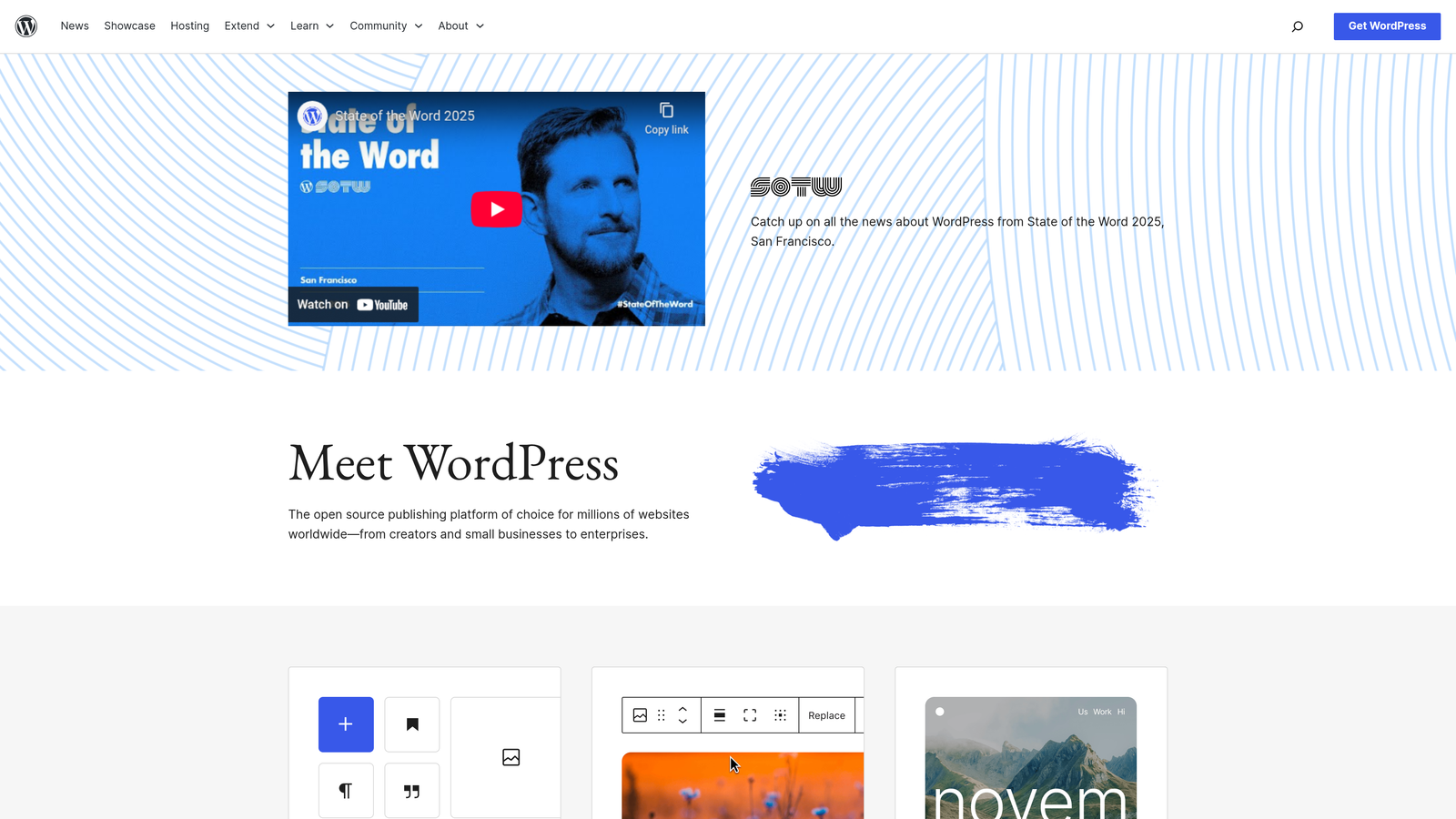
WordPress remains the world's most popular content management system, powering over 40% of all websites globally.
Where This Tool Shines
WordPress excels in customization and scalability. Whether you're running a personal blog or managing content for a large organization, WordPress adapts to your needs without forcing you into a predetermined structure.
The platform's true strength lies in its massive ecosystem of over 60,000 plugins and thousands of themes. Need advanced SEO capabilities? Install Yoast or RankMath. Want to add membership functionality? There's a plugin for that. Looking to integrate e-commerce? WooCommerce transforms your blog into a full online store. This extensibility means WordPress grows with your needs rather than limiting your ambitions.
Key Features & Capabilities
Complete Design Control: Choose from thousands of free and premium themes, or build custom designs that perfectly match your brand identity.
Powerful Plugin Ecosystem: Extend functionality in virtually any direction through WordPress's vast library of plugins covering SEO, security, performance, and specialized features.
Advanced User Management: Assign role-based permissions for authors, editors, and administrators, making team collaboration seamless and secure.
Built-in SEO Foundation: Clean code structure and semantic HTML provide excellent SEO fundamentals, enhanced further through specialized plugins.
Media Management: Robust media library with support for images, videos, audio files, and documents with built-in editing capabilities.
Best For / Ideal Users
WordPress is ideal for bloggers, businesses, and organizations that want maximum control over their content platform and aren't afraid of a learning curve. It's perfect for those who value ownership of their data and platform over managed simplicity.
The platform particularly suits technically comfortable users or those with access to development resources. While WordPress has become more user-friendly over the years, getting the most from the platform often requires some technical knowledge or willingness to learn.
Content creators planning long-term growth will appreciate WordPress's ability to scale from simple blogs to complex content hubs without requiring platform migration.
Pricing
WordPress software is free and open-source. However, you'll need to budget for hosting ($50-300+ annually), domain registration ($10-15 annually), and potentially premium themes ($30-100) or plugins ($0-200+ annually). Total costs typically range from $100-500+ annually depending on your hosting choice and feature requirements.
3. Medium
Best for: Writers focused on audience building and content discovery within an established reader community
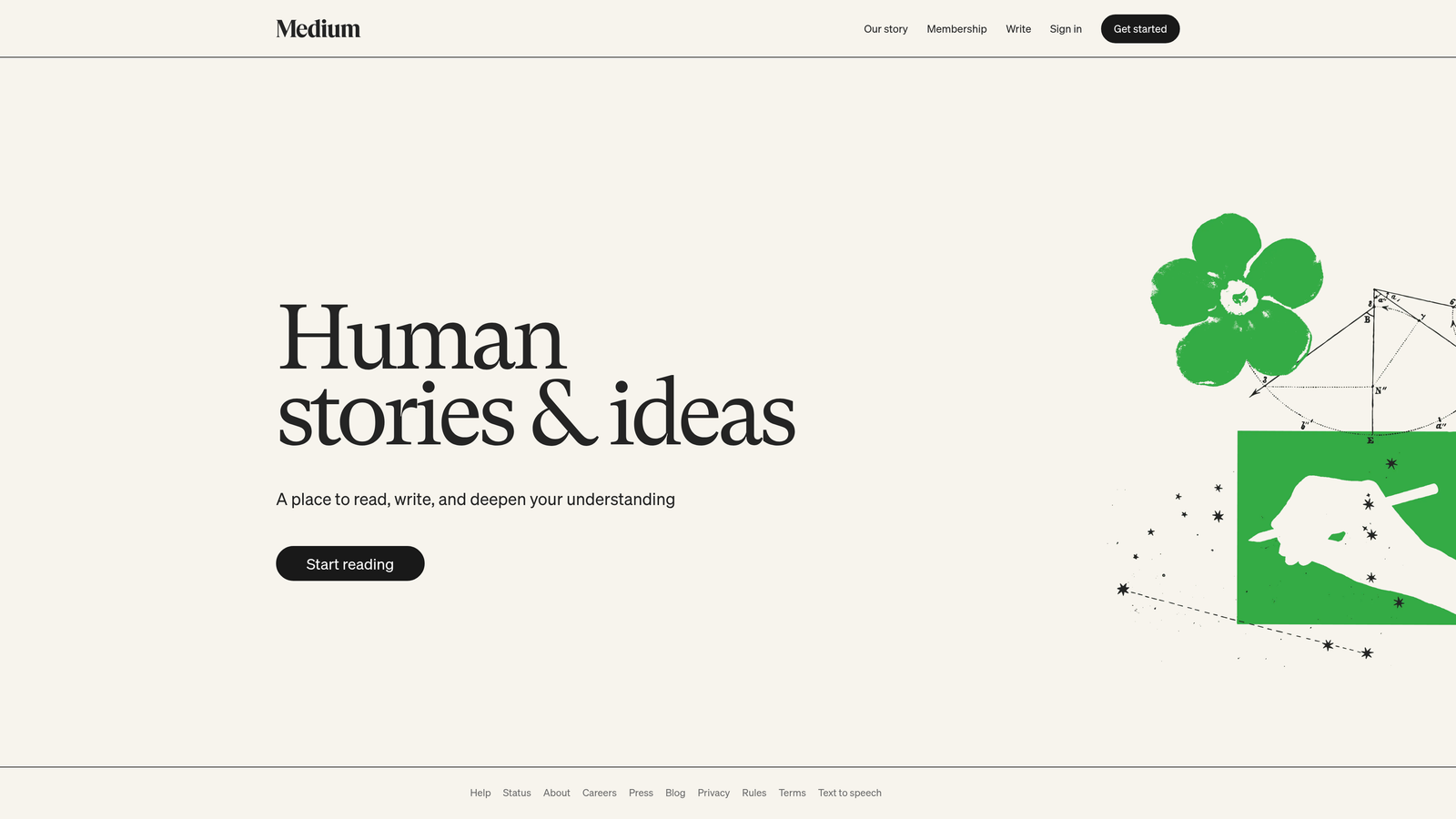
Medium offers a unique approach to content publishing by providing a built-in audience and discovery mechanism that sets it apart from traditional blogging platforms.
Where This Tool Shines
Medium's greatest strength lies in its focus on quality content and reader engagement rather than technical management. The platform's algorithm actively promotes well-written, engaging articles to relevant audiences, giving new writers a genuine chance to build readership without starting from zero.
The clean, distraction-free interface encourages both reading and sharing, while features like highlighting and responses create meaningful interactions between writers and readers. Medium's Partner Program offers monetization opportunities based on member engagement, allowing writers to earn from their content without managing advertisements or complex payment systems.
Key Features & Capabilities
Built-in Audience Discovery: Medium's recommendation system surfaces your content to readers interested in your topics, eliminating the cold-start problem most new blogs face.
Distraction-Free Interface: The platform's minimalist design keeps focus on content quality, with automatic formatting that ensures professional presentation.
Partner Program Monetization: Writers earn based on member reading time and engagement, with transparent analytics showing exactly how content performs.
Social Engagement Tools: Follows, highlights, and responses create community around your writing, fostering deeper reader relationships than traditional comment systems.
Publication System: Join or create publications to collaborate with other writers and tap into established reader communities around specific topics.
Best For / Ideal Users
Medium excels for individual writers, thought leaders, and content creators who prioritize audience building and engagement over complete platform control. It's particularly valuable for those who want to focus purely on writing quality rather than technical management, SEO optimization, or website maintenance.
The platform works well for professionals sharing industry insights, writers building their personal brand, and anyone who values being part of a reading community rather than operating in isolation.
Pricing
Medium is free for writers to publish content. Readers can access limited free articles monthly or subscribe to Medium for $5/month for unlimited access. Writers can earn through the Partner Program based on how Medium members engage with their content, keeping the majority of revenue generated from their articles.
4. Ghost
Best for: Professional publishers and content creators who want a modern, performance-focused blogging platform with built-in monetization
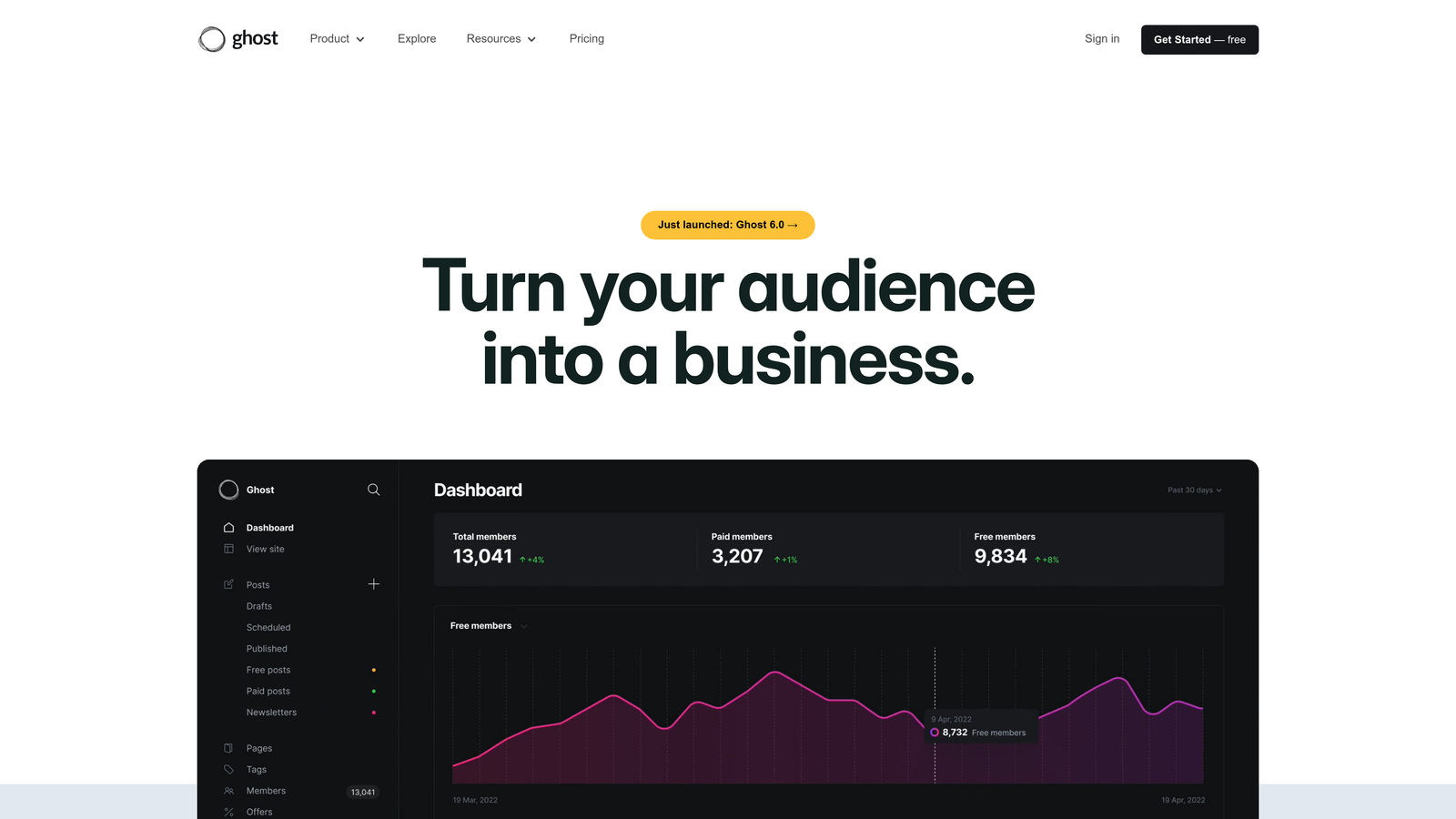
Ghost is an open-source publishing platform built specifically for professional content creators who need more than just a basic blog.
Where This Tool Shines
Ghost excels at providing a streamlined publishing experience that doesn't sacrifice power for simplicity. The platform's modern editor offers a distraction-free writing environment with advanced formatting options, while the built-in SEO tools ensure your content is optimized from the start.
What sets Ghost apart is its native membership and subscription functionality. You can create multiple membership tiers, offer free and paid content, and manage your entire subscriber base without needing third-party plugins or services. The platform handles payment processing, email delivery, and member management seamlessly.
Key Features & Capabilities
Modern Editor: Clean, intuitive writing interface with advanced formatting and media embedding capabilities.
Membership Management: Built-in tools for creating subscription tiers, managing members, and processing payments.
Email Newsletters: Native newsletter functionality that sends your posts directly to subscribers' inboxes.
SEO Optimization: Advanced SEO features including meta descriptions, social cards, and structured data.
Performance Focus: Exceptionally fast loading speeds with optimization built into the platform's core architecture.
Best For / Ideal Users
Ghost is perfect for professional bloggers, online publications, and newsletter creators who want to monetize through subscriptions. It's particularly valuable for publishers who have outgrown simpler platforms but don't want the complexity of enterprise CMS systems.
The platform works well for independent journalists, niche publications, and content creators building membership communities around their expertise.
Pricing
Ghost offers hosted plans starting at $9/month for creators, with pro plans at $25/month including advanced features. Self-hosted options are available for free with technical setup required.
5. Substack
Best for: Newsletter-first content creators who want to build direct subscriber relationships and monetize through paid subscriptions
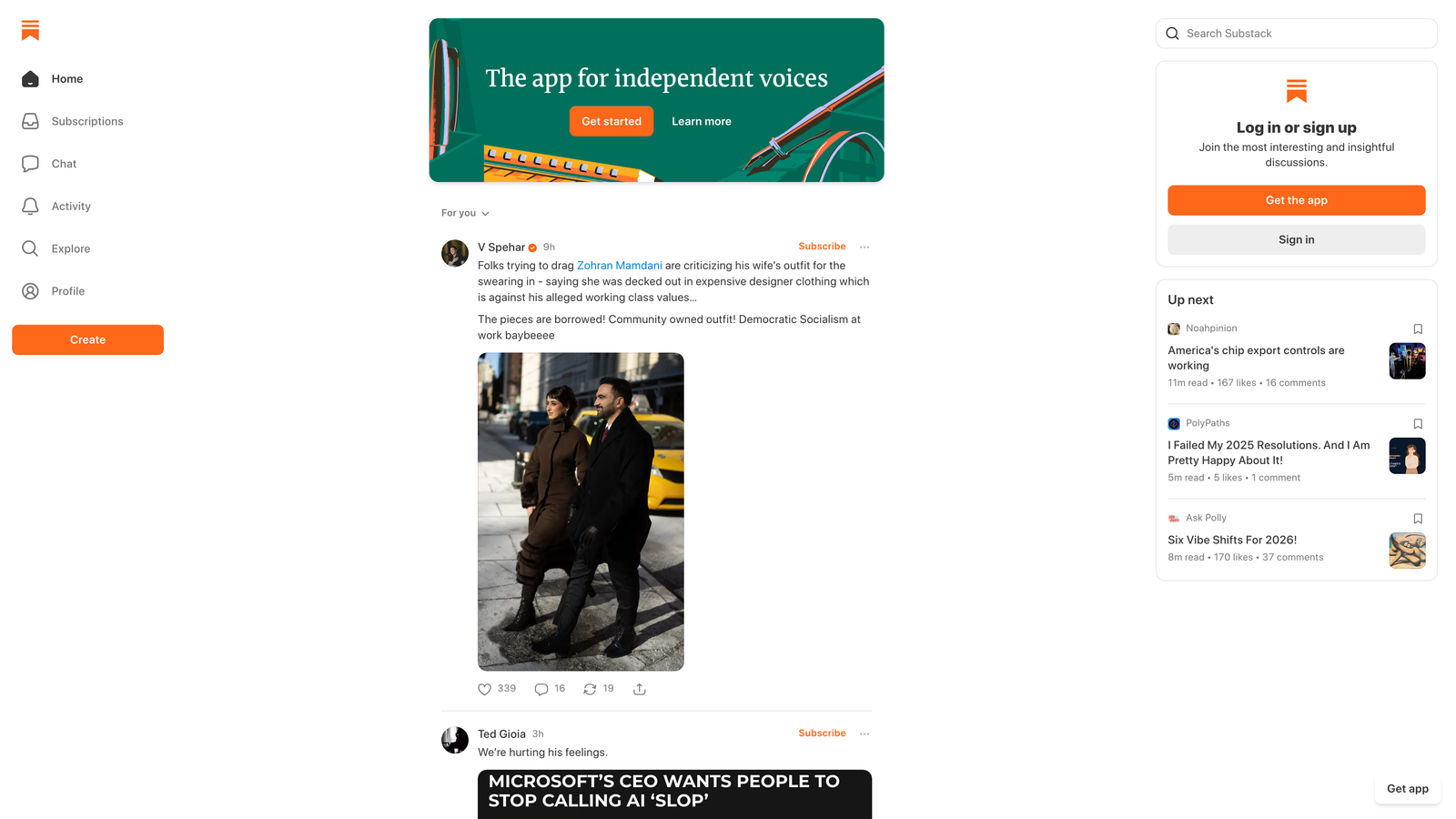
Substack has revolutionized newsletter publishing by making it simple for writers to build direct relationships with their audience and monetize their content through paid subscriptions.
Where This Tool Shines
Substack's strength lies in its radical simplicity and laser focus on the creator-subscriber relationship. While other platforms add complexity with endless features, Substack strips everything down to what matters: writing, sending, and getting paid.
The platform handles all technical infrastructure—email delivery, payment processing, subscriber management—so writers can focus entirely on creating content. This isn't just convenient; it's transformative for creators who've spent years wrestling with WordPress plugins, email service providers, and payment gateways that never quite work together seamlessly.
What sets Substack apart is its network effect. The platform's recommendation system actively helps writers discover new audiences through "Substack Reads" and cross-publication recommendations. When readers subscribe to one newsletter, they're exposed to similar publications, creating organic growth opportunities that don't exist on isolated platforms.
Key Features & Capabilities
Integrated Email and Web Publishing: Every post automatically becomes both an email newsletter and a web article, maximizing reach without duplicate work.
Built-in Payment Processing: Stripe integration handles all subscription billing, with writers keeping 90% of revenue while Substack manages the technical complexity.
Audience Discovery Tools: The Substack network actively promotes quality content through recommendations, helping new writers build audiences faster than starting from zero.
Social Engagement Features: Comments, likes, and restacks create community around publications, transforming passive readers into active participants.
Mobile App Experience: Dedicated iOS and Android apps provide readers with a premium consumption experience while giving writers on-the-go publishing capabilities.
Podcast Hosting: Native audio support allows creators to add podcast episodes to their publications without additional tools or hosting costs.
Best For / Ideal Users
Substack excels for writers, journalists, and experts who prioritize direct audience relationships over SEO traffic. If you're building a personal brand based on your expertise and want subscribers who actively choose to hear from you, Substack provides the ideal foundation.
The platform particularly suits creators in the early stages of audience building. The network effects and discovery features help overcome the "cold start" problem that makes launching an independent newsletter so challenging on other platforms.
Substack also works exceptionally well for creators transitioning from traditional media or leaving platforms where they don't own their audience. The export capabilities and subscriber ownership ensure you're building an asset you control.
Pricing
Substack is free to use, taking a 10% fee on paid subscriptions plus standard payment processing fees. Writers keep 90% of subscription revenue, with Substack handling all payment processing, email delivery, and technical infrastructure. There are no upfront costs, monthly fees, or subscriber limits.
6. ConvertKit
Best for: Content creators who want to integrate blog publishing with advanced email marketing automation and audience segmentation
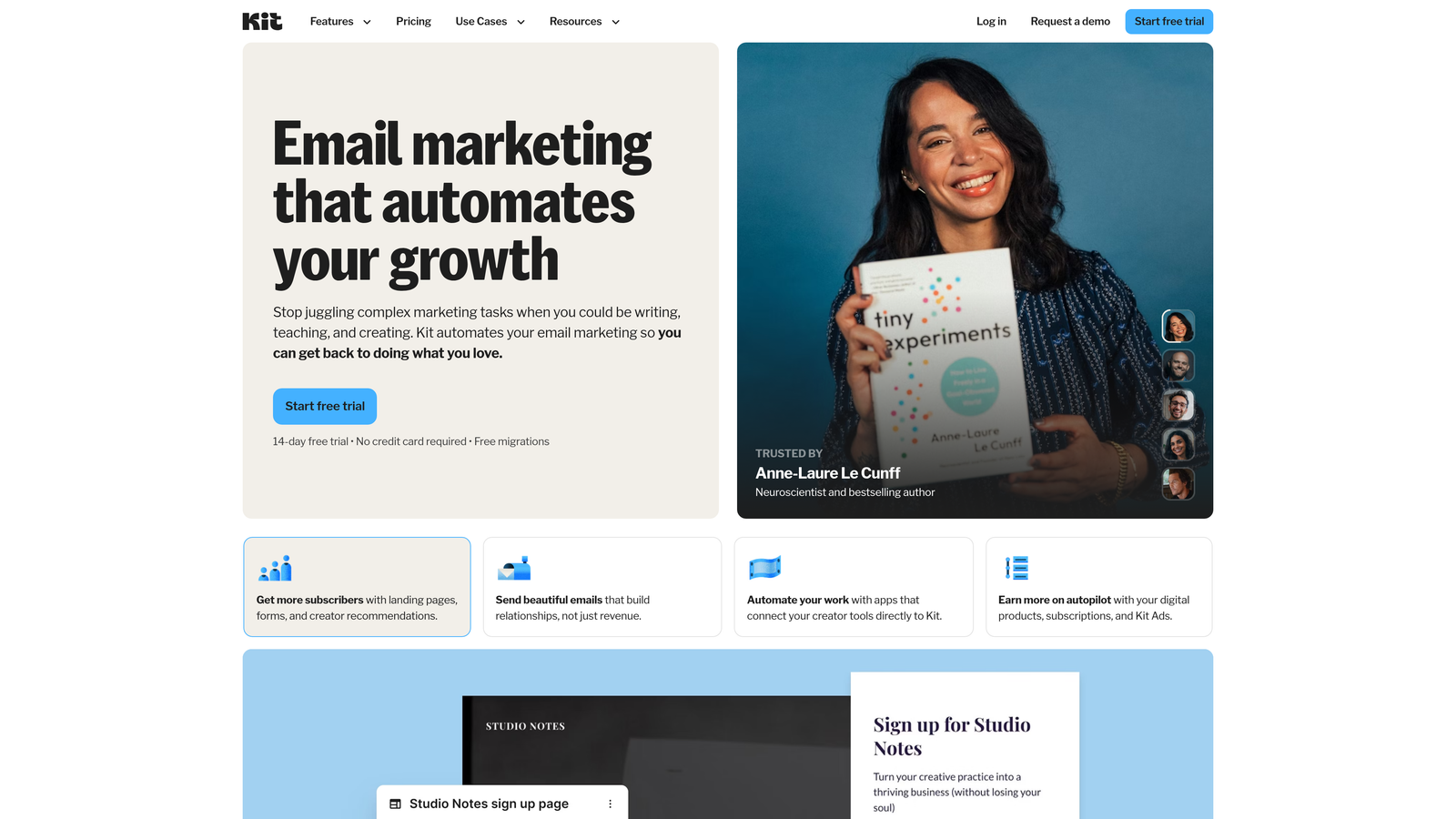
ConvertKit started as an email marketing platform but has evolved into a comprehensive content creation and audience building solution designed specifically for professional creators.
Where This Tool Shines
ConvertKit's greatest strength lies in its ability to seamlessly bridge the gap between content creation and audience monetization. While many platforms treat blogging and email marketing as separate activities, ConvertKit recognizes that your blog's real value comes from converting readers into engaged subscribers who eventually become customers.
The platform's sophisticated automation capabilities allow you to create personalized content journeys based on reader behavior. When someone reads a specific blog post, ConvertKit can automatically tag them, add them to relevant email sequences, and deliver targeted content that matches their interests. This level of intelligent segmentation means your audience receives content that feels personally relevant rather than generic broadcasts.
Key Features & Capabilities
Visual Automation Builder: Create complex email sequences with an intuitive drag-and-drop interface that connects subscriber actions to automated responses.
Advanced Tagging System: Track subscriber interests and behaviors with unlimited tags that enable hyper-personalized communication.
Landing Page Builder: Design high-converting opt-in pages and sales pages without coding, directly integrated with your email sequences.
Creator-Focused Templates: Access professionally designed templates built specifically for course creators, coaches, and content entrepreneurs.
Commerce Integration: Sell digital products, courses, and memberships directly through the platform with automated delivery systems.
Best For / Ideal Users
ConvertKit excels for content creators, course creators, coaches, and online entrepreneurs who view their blog as the top of a larger business funnel. It's particularly valuable for those who want to monetize their expertise through email marketing, digital products, or coaching services.
The platform works best for creators who understand that building an email list is more valuable than chasing social media followers, and who are willing to invest time in creating sophisticated automation sequences that nurture subscriber relationships over time.
Pricing
ConvertKit offers a free plan for up to 1,000 subscribers with basic features. Paid plans start at $29/month for advanced automation, unlimited landing pages, and priority support, with pricing scaling based on subscriber count and feature requirements.
7. Webflow
Best for: Designers and agencies who want complete visual control over blog design while maintaining professional CMS functionality
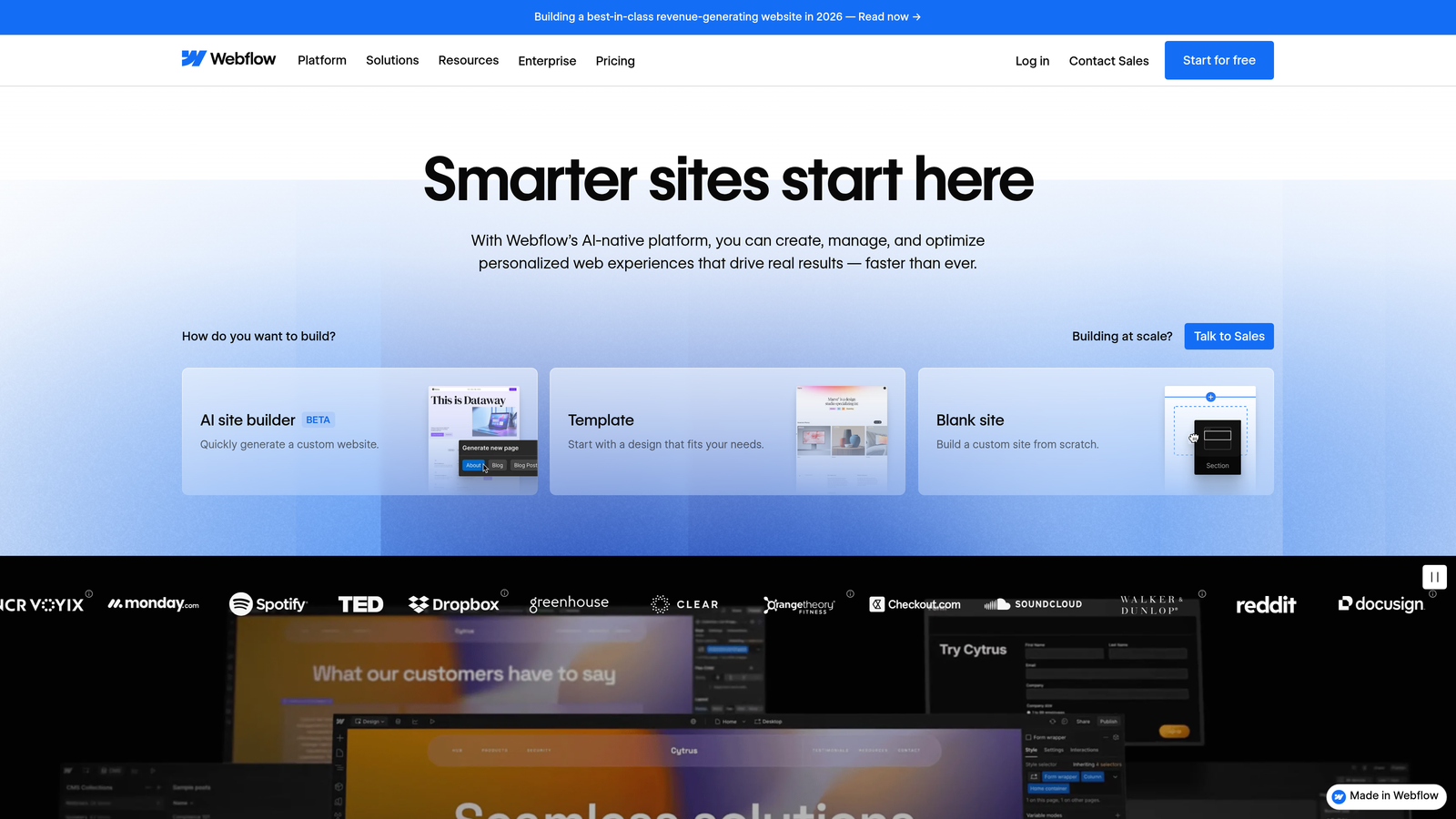
Webflow bridges the gap between design flexibility and content management, offering a visual development platform that allows creators to build custom blog designs without coding.
Where This Tool Shines
Webflow excels at giving designers and creative professionals complete control over their blog's appearance and functionality without requiring coding skills. The platform's visual designer allows for pixel-perfect customization while automatically generating clean, semantic code behind the scenes.
What sets Webflow apart is its sophisticated CMS that goes far beyond basic blog functionality. You can create custom content types with specific fields, build dynamic content relationships, and implement advanced filtering and sorting options. This makes it particularly powerful for content-heavy sites that need more than simple chronological blog posts.
The platform also includes enterprise-grade hosting with a global CDN, automatic SSL certificates, and performance optimization built in. This means you're not just getting a design tool—you're getting a complete solution that handles everything from creation to delivery.
Key Features & Capabilities
Visual Design Interface: Build completely custom layouts with drag-and-drop precision while the platform generates production-ready code automatically.
Advanced CMS Functionality: Create custom content types, define specific fields for different content needs, and build dynamic collections that power your blog.
Responsive Design Tools: Design for desktop, tablet, and mobile simultaneously with visual breakpoint controls that ensure your blog looks perfect on every device.
Built-in Hosting & Performance: Global CDN delivery, automatic SSL, and performance optimization ensure your blog loads fast for readers worldwide.
SEO Optimization: Control meta titles, descriptions, Open Graph tags, and generate clean semantic HTML that search engines love.
Best For / Ideal Users
Webflow is perfect for designers, agencies, and creative professionals who view their blog as an extension of their brand identity. It's ideal for businesses that need their content platform to match their unique visual aesthetic rather than conforming to template limitations.
The platform particularly suits teams that have design resources but want to avoid the complexity and maintenance burden of custom-coded solutions. If you want professional results without hiring developers for every design change, Webflow delivers that independence.
Pricing
Webflow offers a free plan for basic sites with Webflow branding. Paid site plans start at $14/month for basic hosting and custom domains. CMS plans begin at $23/month for dynamic content functionality, while Business plans at $39/month add advanced features for high-traffic sites.
8. Notion
Best for: Teams and individuals who want to combine blog publishing with comprehensive project management and knowledge organization
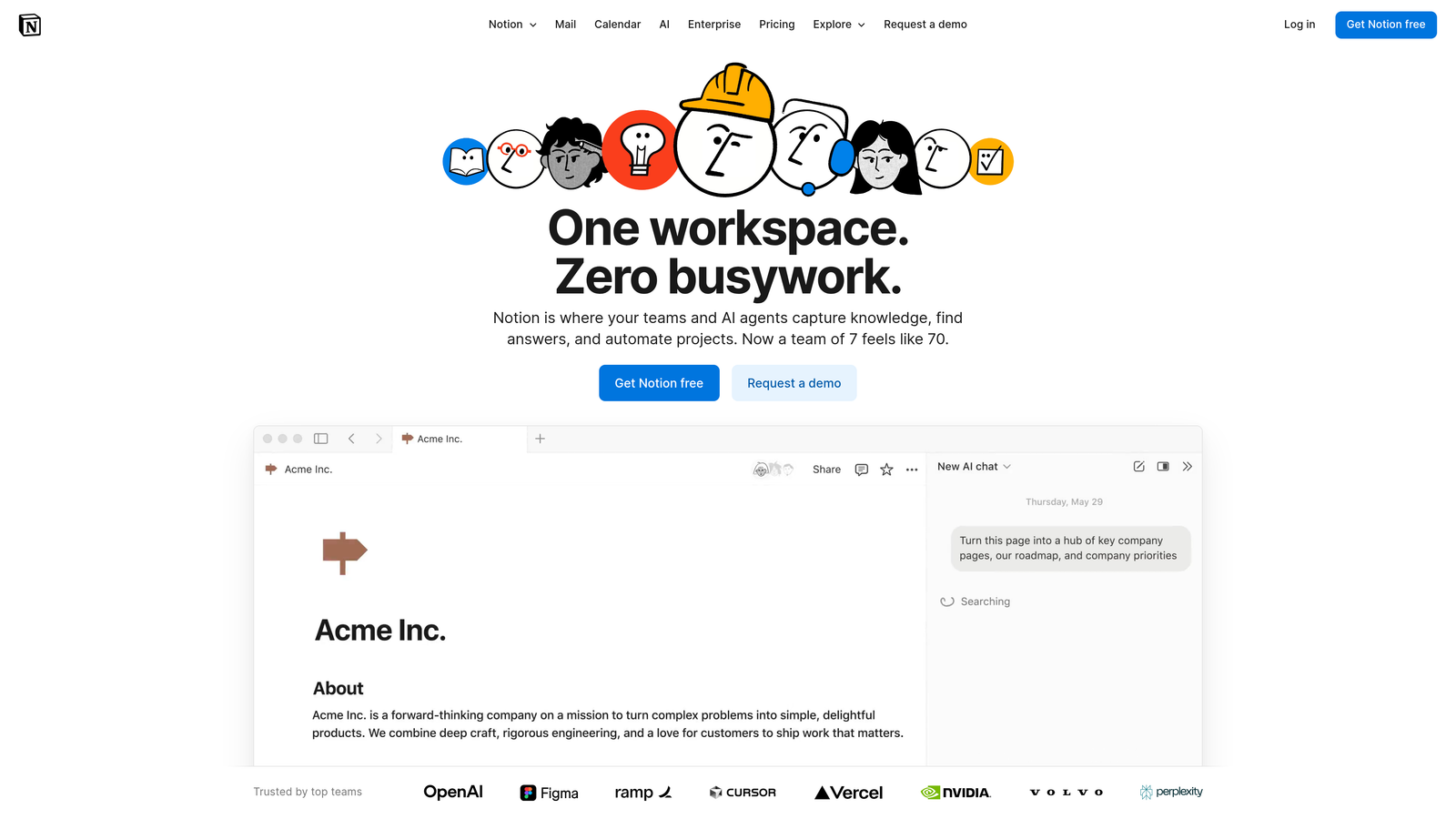
Notion has evolved from a note-taking app into a comprehensive workspace that includes powerful publishing capabilities.
Where This Tool Shines
Notion's unique strength lies in its ability to serve as both your content planning headquarters and your publishing platform. Unlike traditional blog platforms that focus solely on publishing, Notion integrates the entire content lifecycle—from initial brainstorming to final publication—within a single workspace.
The platform's database functionality transforms content management into a strategic operation. You can organize articles by topic, track publication status, assign team members, and maintain editorial calendars all within interconnected databases. This means your content strategy lives alongside your actual content, making it easy to see gaps, plan ahead, and maintain consistency across your publishing schedule.
Key Features & Capabilities
Integrated Workspace: Plan, write, collaborate, and publish without switching between multiple tools or platforms.
Custom AI Agents: Leverage AI to automate repetitive tasks, generate content ideas, and streamline workflows across your content operation.
Enterprise Search: Search across all your connected apps and content in one place, making research and reference gathering significantly faster.
Database Functionality: Create custom content databases with filters, views, and relationships that match your exact workflow needs.
Template System: Build reusable content templates that ensure consistency and speed up production for recurring content types.
Real-Time Collaboration: Multiple team members can work simultaneously on the same content with live updates and commenting.
Block-Based Editor: Flexible formatting options that let you mix text, images, embeds, and other content types seamlessly.
Best For / Ideal Users
Notion excels for content teams and agencies that value organization and process alongside publishing. It's particularly powerful for teams that need to manage multiple content projects simultaneously, track progress across various stages, and maintain clear visibility into who's working on what.
The platform is ideal for organized individuals who want their content workflow to feel systematic rather than chaotic. If you appreciate having your editorial calendar, content briefs, research notes, and published articles all accessible within one interconnected system, Notion provides that structure.
Teams that already use Notion for project management will find the publishing capabilities a natural extension of their existing workflow, eliminating the need to jump to separate platforms for content creation.
Pricing
Notion offers a free plan for personal use with unlimited pages and blocks. Team plans start at $8 per user per month, adding advanced permissions and collaboration features. Enterprise options include enhanced security, dedicated support, and advanced administration capabilities.
Putting It All Together
Choosing the right blog content platform ultimately comes down to matching capabilities with your specific content goals and workflow preferences. Each platform we've explored serves distinct needs in the modern content landscape.
For teams prioritizing AI-powered efficiency and SEO optimization, Sight AI delivers the most comprehensive solution for scaling content production while maintaining quality. The platform's automated workflows and intelligent optimization make it particularly valuable for businesses that need consistent, high-performing content without extensive manual effort.
Traditional bloggers wanting maximum control should consider WordPress, which offers unparalleled customization and ownership. Writers focused on audience building will find Medium and Substack provide excellent discovery mechanisms and direct reader relationships. Professional publishers prioritizing performance should explore Ghost, while creative professionals will appreciate Webflow's design flexibility.
The key is aligning platform strengths with your content objectives. Consider your technical skills, team size, monetization goals, and long-term growth plans. Many successful content strategies combine multiple platforms—using one for primary publishing and others for distribution or audience building.
Ready to transform your content workflow with AI-powered automation? Start tracking your AI visibility today and discover how Sight AI can streamline your entire content production process from research to publication.