Publishing content is only half the battle—getting search engines to actually find and index it is where many marketers hit a wall. Manual indexing requests, waiting weeks for Google to crawl new pages, and watching competitors rank while your content sits in limbo can derail even the best content strategies.
Automated content indexing tools solve this by proactively notifying search engines the moment you publish, pushing updates through protocols like IndexNow, and monitoring your indexing status in real-time. Whether you're managing a high-volume blog, an e-commerce catalog with thousands of product pages, or a news site where timing is everything, these tools can dramatically reduce the gap between publishing and ranking.
Here are the top automated content indexing tools that help marketers, founders, and agencies get their content discovered faster.
1. Sight AI
Best for: Teams wanting unified content creation and automated indexing in one platform
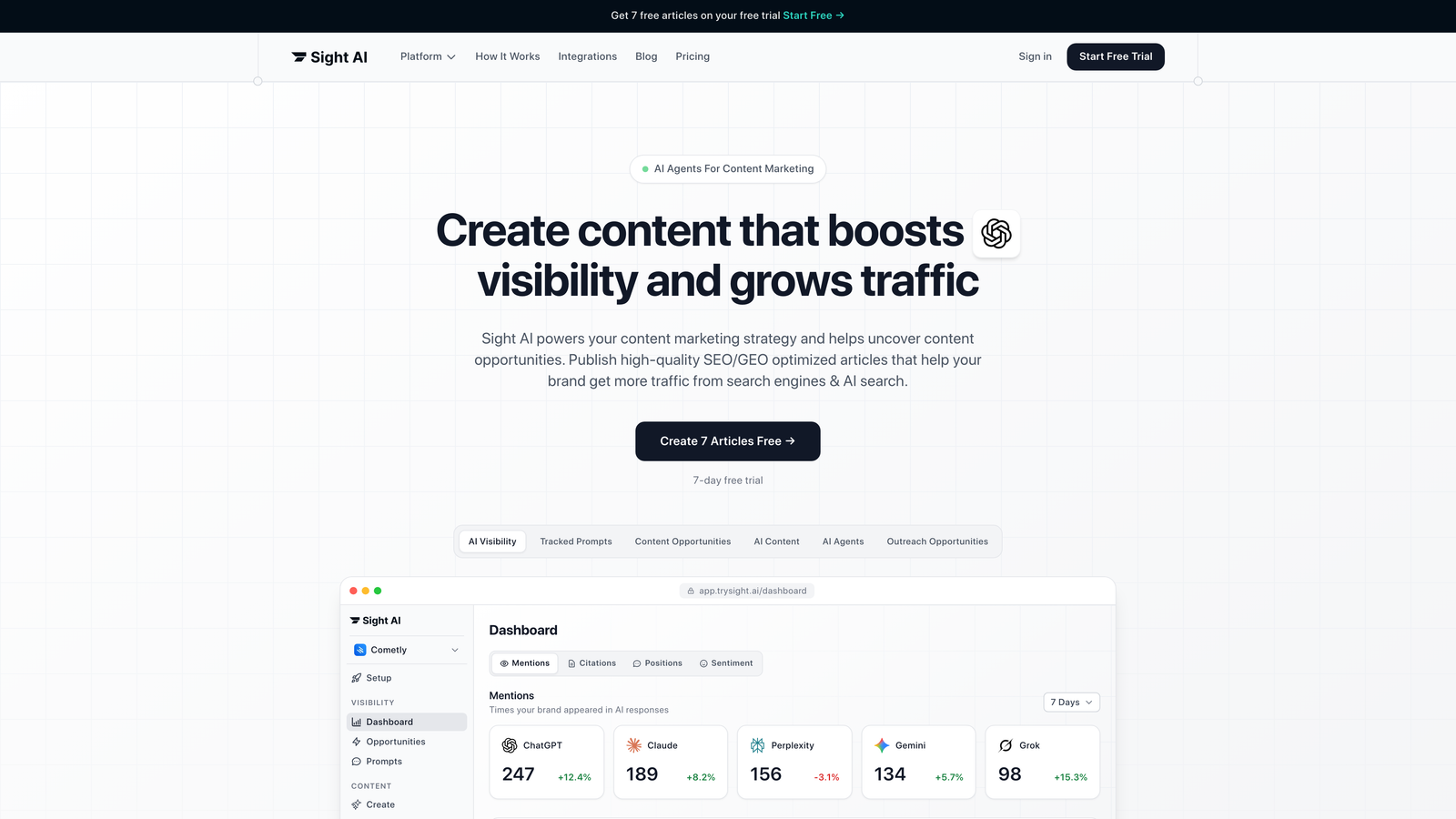
Sight AI combines AI-powered content generation with automated indexing capabilities, creating a seamless workflow from writing to search engine notification.
Where This Tool Shines
Sight AI eliminates the friction between content creation and getting that content indexed. Most tools force you to write content in one place, then manually handle indexing in another. Sight AI integrates IndexNow protocol directly into its publishing workflow, meaning your content gets submitted to search engines the moment it goes live.
The platform's 13+ specialized AI agents handle everything from listicles to explainers, while the automated sitemap generation ensures search engines always have an updated map of your site structure. For teams managing multiple content types across different campaigns, this unified approach saves hours of manual coordination.
Key Features
IndexNow Integration: Automatically notifies Bing, Yandex, and other participating search engines when you publish or update content.
Automated Sitemap Updates: Dynamically generates and updates XML sitemaps without manual intervention, keeping search engines informed of site structure changes.
AI Content Writer: 13+ specialized agents create SEO and GEO-optimized content designed to rank in both traditional search and AI-powered platforms.
CMS Auto-Publishing: Publish directly to your website with automated indexing triggers, eliminating the gap between content approval and search engine notification.
Unified Workflow: Manage content creation, optimization, publishing, and indexing from a single dashboard instead of juggling multiple tools.
Best For
Marketing teams and agencies that want to streamline their entire content workflow, from ideation through indexing. Particularly valuable for high-volume publishers who need to ensure every piece of content gets indexed quickly without manual submission processes.
Pricing
Visit the Sight AI pricing page for current plan details and feature availability.
2. IndexNow
Best for: Developers implementing direct search engine notification without third-party dependencies
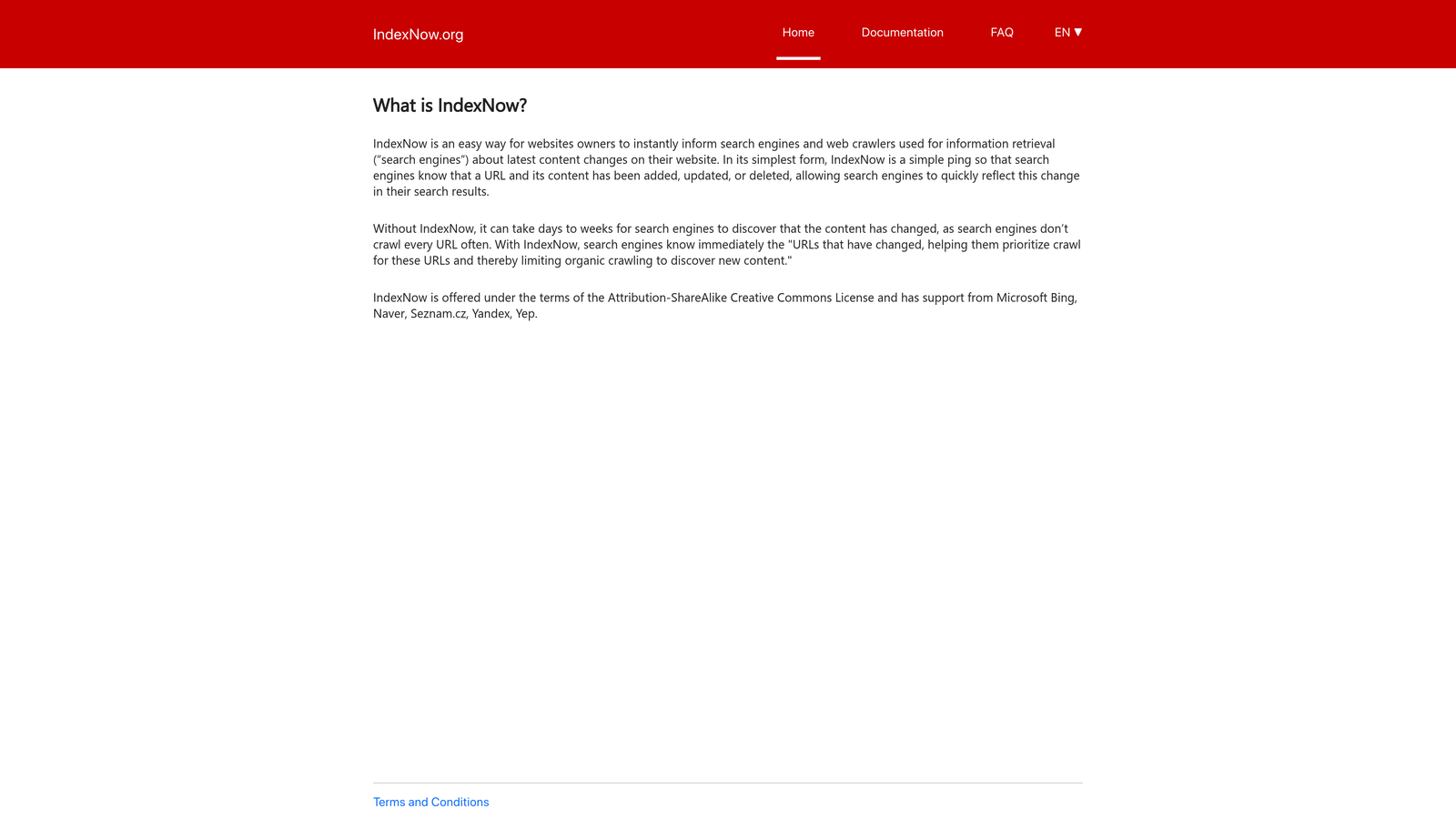
IndexNow is an open protocol developed by Microsoft that allows websites to instantly notify participating search engines about content changes through a simple API call.
Where This Tool Shines
IndexNow represents a fundamental shift in how search engines discover content. Instead of waiting for crawlers to eventually find your updates, you proactively tell them "this URL changed." One API submission notifies all participating engines simultaneously—Bing, Yandex, Seznam, and Naver all receive the update from a single request.
The protocol is lightweight and straightforward to implement. Generate an API key, host a verification file on your domain, and you can start submitting URLs immediately. There are no rate limits for legitimate use, making it ideal for sites that publish frequently or update product catalogs in real-time.
Key Features
Open Protocol: Free to use with no licensing fees or usage restrictions, making it accessible for sites of any size.
Multi-Engine Support: One submission reaches Bing, Yandex, Seznam, Naver, and any future participating search engines automatically.
Simple API: Straightforward REST API that accepts URL submissions via HTTP POST requests with minimal setup requirements.
No Rate Limits: Submit as many legitimate URL updates as needed without worrying about throttling or quotas.
Batch Submissions: Submit up to 10,000 URLs in a single API call for efficient bulk updates.
Best For
Developers building custom CMS solutions or technical teams that want direct control over indexing notifications. Also ideal for sites with frequently updating content like news portals or e-commerce platforms with dynamic inventory.
Pricing
Free—IndexNow is an open protocol with no associated costs.
3. Google Search Console API
Best for: Direct integration with Google's indexing system and comprehensive coverage monitoring
Google Search Console provides official API access for submitting URLs to Google and monitoring how your content performs in Google Search.
Where This Tool Shines
When you need to ensure Google specifically indexes your content, there's no substitute for going directly to the source. The Search Console API lets you programmatically submit individual URLs for indexing and receive detailed feedback about why pages might not be indexed.
The index coverage reports reveal exactly which pages Google has discovered, crawled, and indexed—plus which ones encountered errors. You can track crawl stats to understand how Googlebot interacts with your site and identify technical issues that might be preventing proper indexing. For teams managing large sites, the API enables automated monitoring and alerting when indexing problems arise.
Key Features
URL Inspection API: Submit individual URLs directly to Google for indexing and receive real-time status updates on crawl attempts.
Index Coverage Reports: Detailed breakdowns showing which pages are indexed, which have errors, and which are excluded with specific reasons.
Sitemap Management: Submit and monitor XML sitemaps programmatically, tracking how many URLs Google has discovered and indexed from each sitemap.
Crawl Stats: Understand how frequently Googlebot crawls your site, which pages it prioritizes, and how much server resources it consumes.
Performance Data: Track clicks, impressions, CTR, and average position for your indexed pages directly from Google's data.
Best For
Technical SEO teams and developers who need direct integration with Google's indexing pipeline. Essential for anyone managing enterprise sites where understanding exact indexing status for thousands of pages is critical.
Pricing
Free—Google Search Console and its API are provided at no cost.
4. Rank Math SEO
Best for: WordPress users wanting instant indexing with comprehensive on-page SEO tools
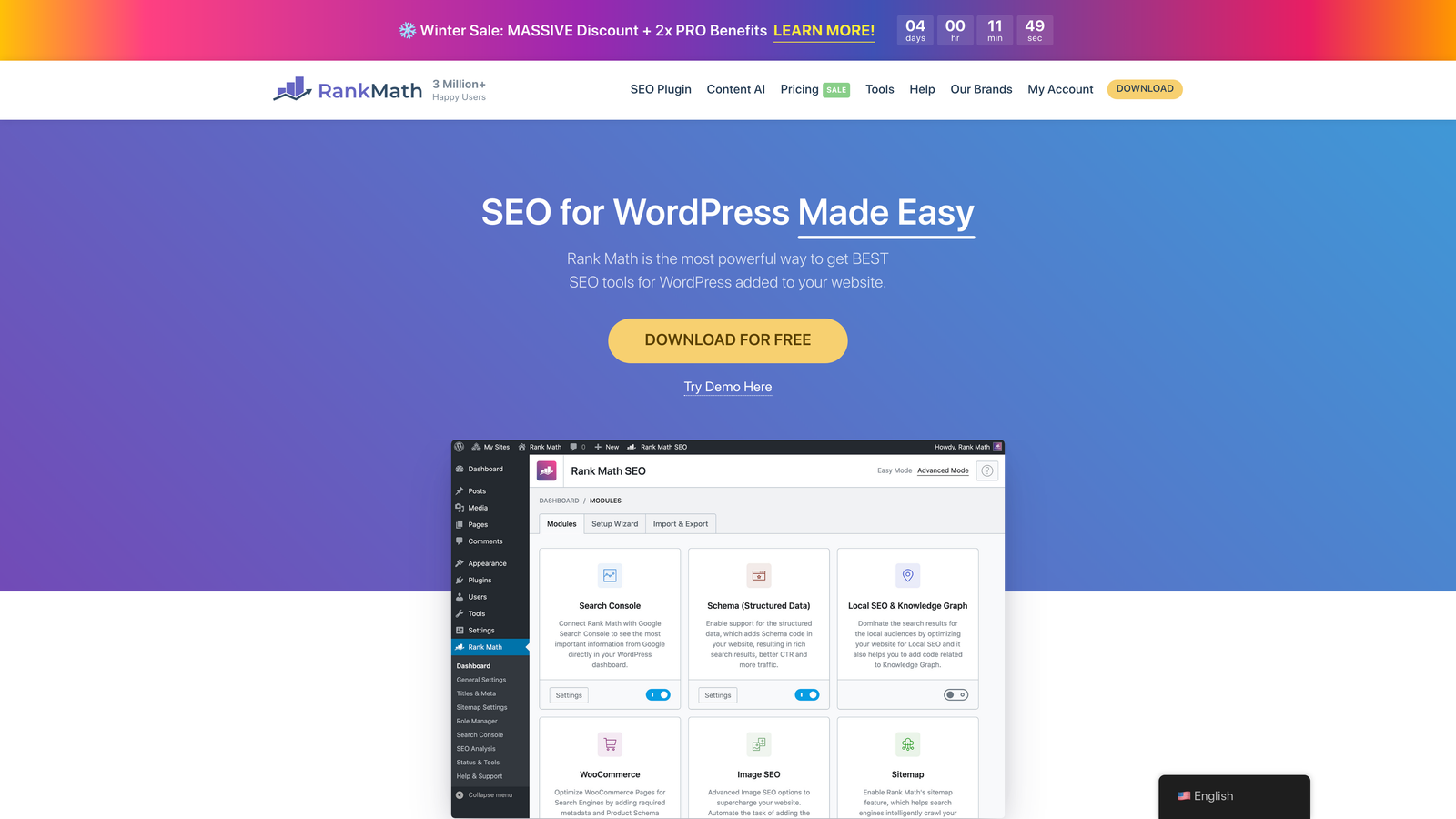
Rank Math SEO is a WordPress plugin that combines traditional SEO optimization with built-in instant indexing capabilities for both Google and Bing.
Where This Tool Shines
Rank Math makes instant indexing accessible to WordPress users without requiring technical implementation. The plugin handles the API connections to both Google Search Console and Bing Webmaster Tools, letting you submit URLs for indexing directly from your WordPress dashboard. It also includes IndexNow support, automatically notifying participating search engines when you publish or update content.
The bulk indexing feature is particularly valuable when you've made site-wide changes or want to prioritize getting multiple pages indexed quickly. Rather than submitting URLs one by one, you can select multiple posts or pages and trigger indexing requests in a single action.
Key Features
Instant Indexing: One-click submission to Google and Bing directly from your WordPress admin, with automatic API authentication handling.
IndexNow Integration: Automatically notifies Bing, Yandex, and other participating engines whenever you publish or update content.
Automatic Sitemap Generation: Creates and updates XML sitemaps dynamically as you add or modify content, with customizable inclusion rules.
Bulk Actions: Submit multiple URLs for indexing simultaneously, useful after major site updates or content migrations.
Search Console Integration: View index coverage data and performance metrics directly within WordPress without switching to separate tools.
Best For
WordPress site owners and content creators who want professional-grade indexing capabilities without technical complexity. Ideal for bloggers, small business owners, and agencies managing multiple WordPress sites.
Pricing
Free version includes instant indexing features. Pro plans start at $6.99/month with additional SEO tools and priority support.
5. Yoast SEO Premium
Best for: WordPress sites already using Yoast who want to add automated indexing to their existing workflow
Yoast SEO is one of the most widely-used WordPress SEO plugins, with Premium tier adding IndexNow integration for automatic search engine notification.

Where This Tool Shines
Yoast's strength lies in its seamless integration with WordPress's publishing workflow. When you hit publish, Yoast automatically pings search engines and submits your content through IndexNow protocol. The plugin handles sitemap updates in real-time, ensuring search engines always have access to your latest content structure.
For sites that have accumulated redirect chains over time, Yoast Premium's redirect manager helps clean up these issues that can prevent proper indexing. The content optimization tools work alongside indexing features, helping you create content that's both discoverable and valuable to search engines.
Key Features
IndexNow Integration: Premium tier automatically notifies participating search engines when you publish or update content.
Automatic Sitemap Updates: XML sitemaps regenerate dynamically as content changes, with intelligent exclusion of low-value pages.
Search Engine Ping: Notifies Google and Bing immediately when you publish new content or update existing pages.
Redirect Manager: Create and manage 301 redirects to preserve indexing equity when URLs change.
Content Analysis: Real-time feedback on content quality and SEO optimization before publishing.
Best For
WordPress users who already rely on Yoast for SEO and want to add automated indexing without switching tools. Best suited for individual site owners and small teams managing a single WordPress installation.
Pricing
Premium tier costs $99 per year for a single site, with IndexNow integration included.
6. Screaming Frog SEO Spider
Best for: Technical audits identifying why pages aren't getting indexed
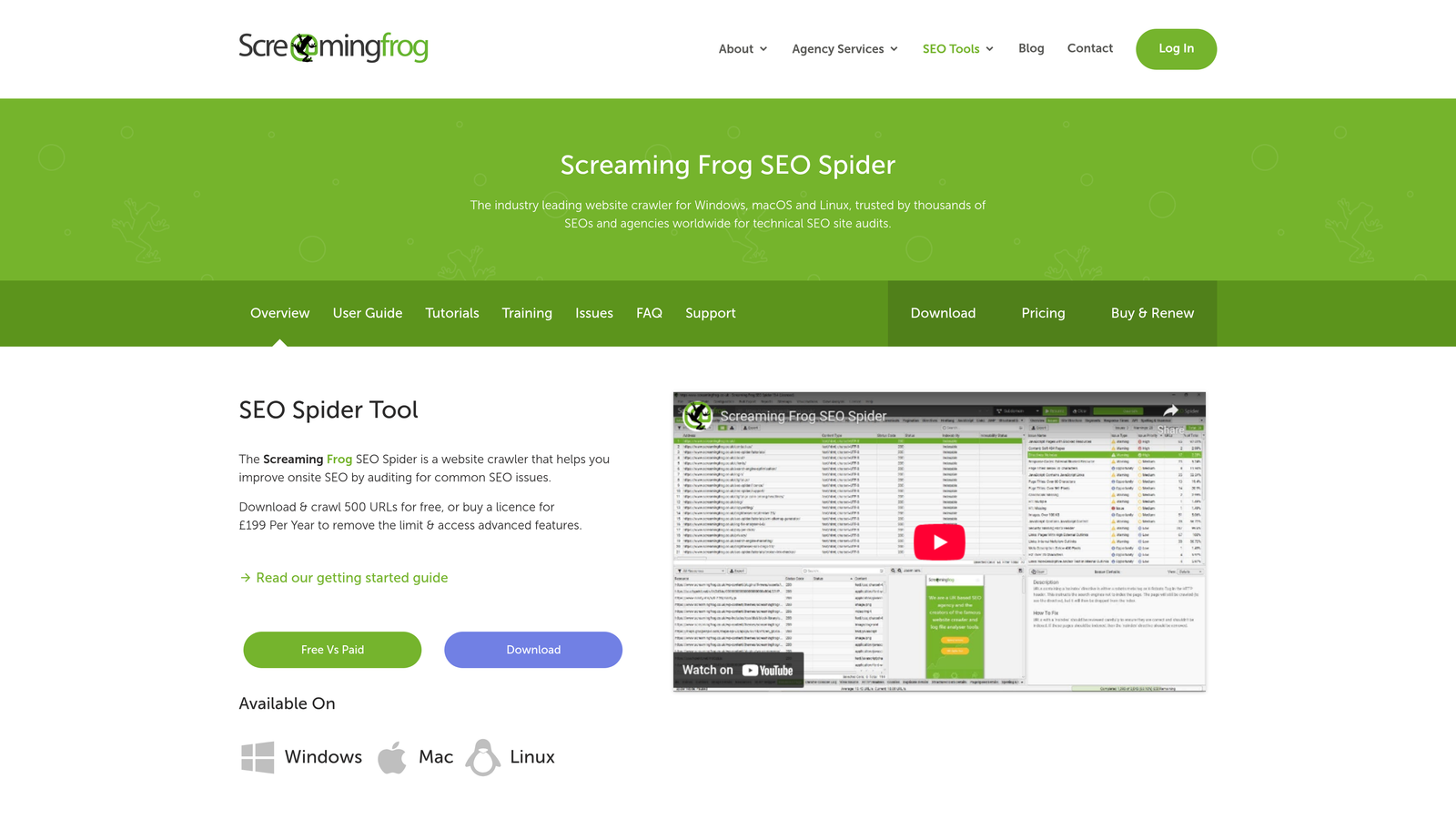
Screaming Frog SEO Spider is a desktop crawler that simulates how search engines crawl your site, revealing technical issues that prevent proper indexing.
Where This Tool Shines
Screaming Frog excels at diagnosing indexing problems before they impact your rankings. The crawler identifies pages with noindex tags, incorrect canonical implementations, redirect chains, and other technical barriers that prevent search engines from indexing content. When integrated with Google Search Console API, it overlays actual index status data onto crawl results, showing you exactly which pages Google has indexed versus which ones it's discovered but excluded.
The scheduled crawl feature enables ongoing monitoring, alerting you when new indexing issues appear. For large sites, this proactive approach catches problems early rather than discovering them weeks later when rankings have already suffered.
Key Features
Comprehensive Crawling: Simulates search engine crawlers to discover all accessible URLs and identify technical barriers to indexing.
Search Console Integration: Pulls actual index status data from Google Search Console API and maps it to crawled URLs for comparison.
Indexability Analysis: Identifies noindex tags, canonical issues, redirect problems, and robots.txt blocks that prevent indexing.
Sitemap Generation: Creates XML sitemaps based on crawl data with customizable filters for which URLs to include.
Scheduled Crawls: Automate regular site audits to catch indexing issues as they emerge rather than discovering them reactively.
Best For
Technical SEO specialists and agencies conducting deep site audits. Essential for diagnosing complex indexing problems on large sites where manual review isn't practical.
Pricing
Free version crawls up to 500 URLs. Paid license costs £199 per year with unlimited crawling capabilities.
7. Oncrawl
Best for: Enterprise sites needing log file analysis to optimize crawler behavior
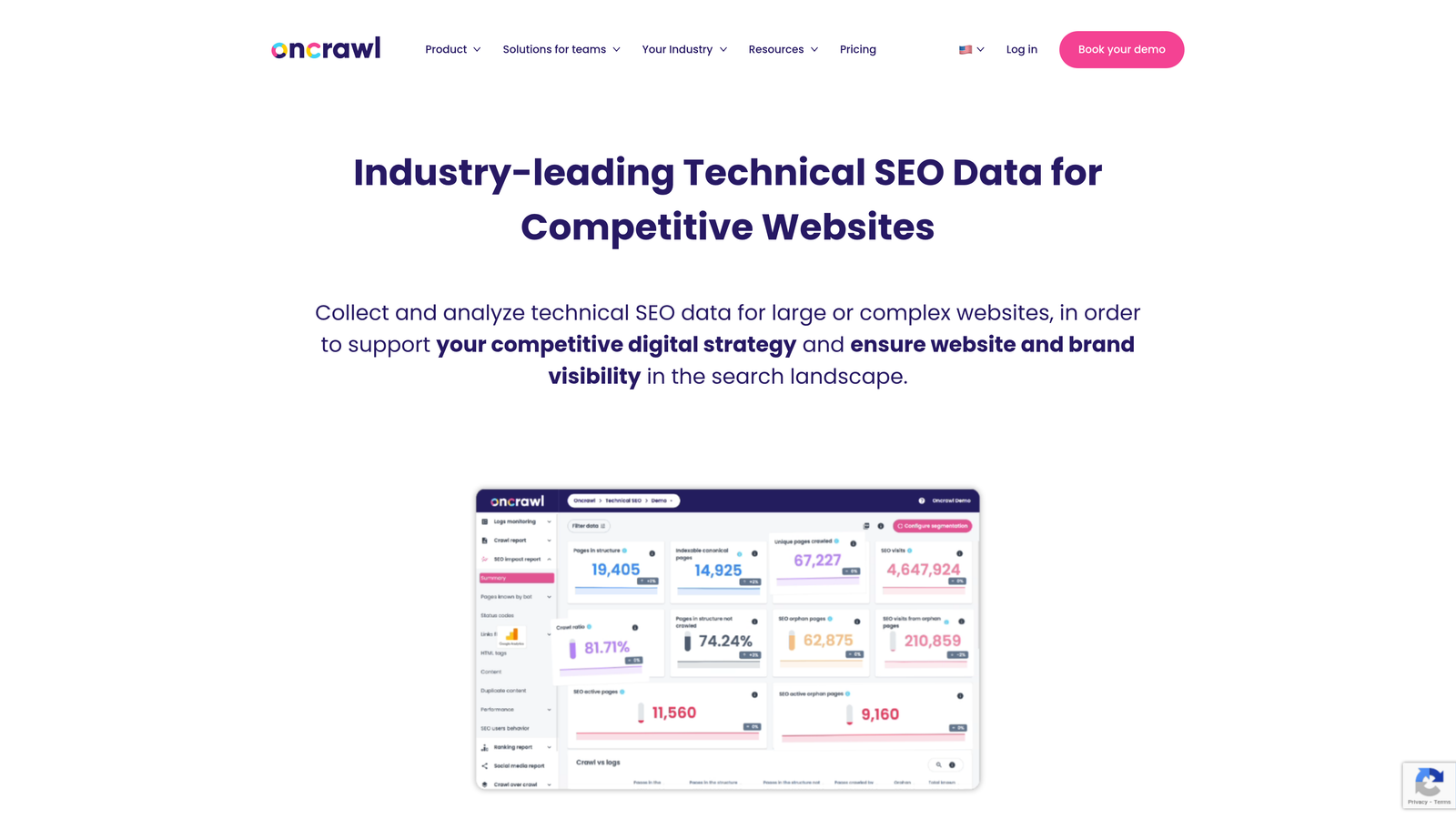
Oncrawl is an enterprise SEO platform that analyzes server log files to understand exactly how search engines crawl and index your site.
Where This Tool Shines
Oncrawl reveals what search engines actually do on your site, not just what you think they're doing. By analyzing server logs, it shows which pages Googlebot crawls most frequently, which sections it ignores, and how your crawl budget is distributed across different page types. This intelligence helps you optimize site architecture to prioritize indexing of your most valuable content.
For large sites with hundreds of thousands or millions of pages, crawl budget becomes a critical constraint. Oncrawl's segmentation capabilities let you analyze crawler behavior by page type, template, or custom categories, revealing where search engines are wasting crawl budget on low-value pages instead of indexing your priority content.
Key Features
Log File Analysis: Processes server logs to reveal actual search engine crawler behavior, showing which pages get crawled and how frequently.
Index Coverage Monitoring: Tracks which pages are indexed over time and identifies patterns in what gets indexed versus excluded.
Crawl Budget Optimization: Analyzes how search engines allocate crawl resources across your site and identifies opportunities to redirect budget toward priority pages.
Data Segmentation: Break down crawl and index data by page type, section, or custom attributes for targeted optimization.
Custom Dashboards: Build tailored reports focusing on the metrics most relevant to your indexing goals.
Best For
Enterprise sites with complex architectures and large page counts where understanding crawler behavior is essential for efficient indexing. Technical SEO teams managing e-commerce sites, marketplaces, or content platforms with millions of URLs.
Pricing
Custom pricing based on site size and features needed, typically starting around $500 per month for enterprise plans.
8. ContentKing
Best for: Real-time alerts when pages become non-indexable
ContentKing monitors your site 24/7 and sends instant alerts when changes occur that could impact indexability.
Where This Tool Shines
ContentKing catches indexing problems the moment they happen, not days or weeks later during a scheduled audit. When a developer accidentally adds a noindex tag to a category page, or a CMS update changes your robots.txt file, ContentKing alerts you immediately so you can fix the issue before search engines remove pages from their index.
The historical change tracking creates an audit trail showing exactly when indexability issues appeared, making it easier to identify what caused the problem. For teams where multiple people can make site changes, this real-time monitoring prevents small mistakes from becoming major ranking disasters.
Key Features
24/7 Real-Time Monitoring: Continuously checks your site for changes that could affect indexability without waiting for scheduled crawls.
Instant Alerts: Sends notifications via email or Slack the moment pages become non-indexable or other critical issues appear.
Indexability Tracking: Monitors meta robots tags, X-Robots-Tag headers, canonical tags, and robots.txt changes that impact indexing.
Change History: Maintains a complete timeline of when indexability issues appeared and were resolved, useful for debugging and reporting.
Team Collaboration: Share access with developers, content creators, and SEO specialists so everyone can respond to indexing issues quickly.
Best For
Sites where indexability is mission-critical and any downtime in search results has significant business impact. E-commerce sites, SaaS companies, and publishers who can't afford to have key pages disappear from search engines.
Pricing
Plans start at approximately $139 per month based on the number of pages monitored.
9. Sitebulb
Best for: Visual indexability reports that prioritize fixes by impact
Sitebulb is a desktop and cloud-based SEO auditing tool that creates visual reports highlighting indexing issues and their potential impact on organic traffic.
Where This Tool Shines
Sitebulb translates complex technical indexing data into visual reports that make it immediately clear which issues matter most. Instead of presenting a flat list of problems, it prioritizes hints based on the number of affected URLs and their importance to your site. This helps teams focus on fixing the indexing issues that will have the biggest impact first.
The crawl comparison feature is particularly valuable for tracking how indexing health changes over time. Run a baseline crawl, implement fixes, then compare a new crawl to see exactly which issues were resolved and whether new problems have emerged. The integration with Google Search Console overlays actual index status onto audit results, showing you which technical issues are actually preventing indexing versus theoretical problems.
Key Features
Visual Indexability Reports: Color-coded diagrams and charts that make it easy to understand which pages can and cannot be indexed.
Prioritized Hints: Issues ranked by severity and number of affected URLs, helping you focus on high-impact fixes first.
Crawl Comparison: Compare crawls over time to track how indexability improves or degrades as you make site changes.
Sitemap Validation: Checks XML sitemaps for errors and compares sitemap URLs against crawled pages to identify discrepancies.
Search Console Integration: Pulls index coverage data to show which pages Google has actually indexed versus which ones your site indicates should be indexed.
Best For
SEO consultants and in-house teams who need to communicate indexing issues to non-technical stakeholders. The visual reports make it easier to get buy-in for technical fixes when you can clearly show the impact of indexing problems.
Pricing
Lite plan at $13.50 per month for smaller sites. Pro plan at $35 per month with unlimited crawls and advanced features.
Choosing the Right Tool for Your Workflow
The best automated content indexing tool depends on where you are in your content workflow and what level of control you need. If you want a unified solution that handles content creation and indexing in one platform, Sight AI eliminates the friction of switching between tools. For WordPress users, Rank Math and Yoast Premium integrate indexing directly into your publishing workflow with minimal setup.
Technical teams often prefer direct protocol access through IndexNow or Google Search Console API, giving them complete control over when and how URLs get submitted. These approaches work well when you're building custom CMS solutions or need to integrate indexing into existing development pipelines.
When diagnosing why pages aren't getting indexed, crawler-based tools like Screaming Frog and Sitebulb reveal technical barriers that prevent proper indexing. For enterprise sites managing millions of URLs, log file analysis through Oncrawl shows you exactly how search engines are spending their crawl budget and where optimization opportunities exist.
Real-time monitoring becomes critical when indexability issues can cause immediate business impact. ContentKing's 24/7 alerts ensure you catch problems the moment they appear rather than discovering them during scheduled audits when damage has already occurred.
The indexing landscape has shifted from passive waiting to proactive notification. Tools that embrace protocols like IndexNow reduce time-to-index from weeks to hours. The key is matching tool capabilities to your specific publishing volume, technical resources, and how quickly you need content to appear in search results.
Stop guessing how AI models like ChatGPT and Claude talk about your brand—get visibility into every mention, track content opportunities, and automate your path to organic traffic growth. Start tracking your AI visibility today and see exactly where your brand appears across top AI platforms.