In today's fast-paced digital landscape, content velocity, the speed and efficiency with which you can produce high-quality, optimized content, is no longer a luxury; it's a necessity. For SEO teams and content marketers, the challenge is to scale output without sacrificing quality or breaking the budget. This is where a powerful AI writer becomes an indispensable ally. However, navigating the crowded market to find tools that offer genuine value without an immediate price tag can be daunting.
This guide cuts through the noise. We've meticulously evaluated the top platforms that provide a robust ai writer free tier, focusing on their practical applications for real-world content workflows. Instead of just listing features, we provide a comprehensive analysis of each tool, complete with screenshots and direct links to get you started immediately.
Inside, you'll discover:
- Honest limitations and usage caps so you know exactly what you're getting.
- Ideal use cases for specific tasks, from drafting blog outlines to refining ad copy.
- Clear upgrade paths and the key signals that tell you when it's time to move from a free plan to a paid solution for scalable SEO content.
To truly unlock the potential of these tools and maximize their output, a solid foundation in prompt engineering is key, making a dedicated beginner's guide to prompt engineering for LLMs an invaluable resource. This listicle will help you select the right platform, and mastering prompts will ensure you get the best possible results. Prepare to find the perfect free AI writer to supercharge your content engine.
1. OpenAI — ChatGPT
No list of top-tier AI writers, free or otherwise, would be complete without the platform that brought generative AI into the mainstream. ChatGPT’s free tier is an incredibly powerful starting point for any content or SEO professional. It's more than just a chatbot; it's a versatile research assistant, brainstorming partner, and content creation engine capable of producing everything from keyword clusters and article outlines to full-length drafts and social media copy.
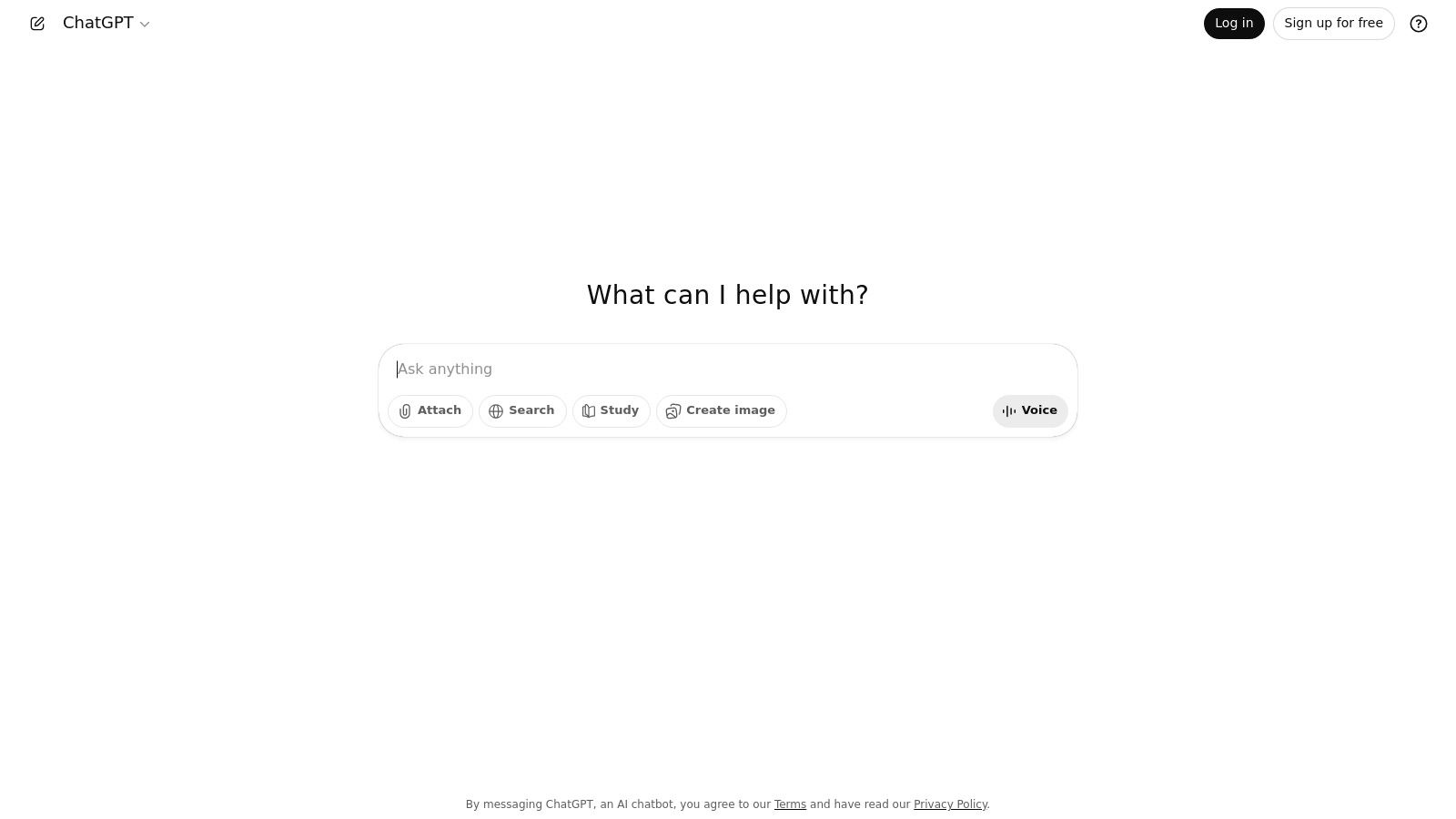
What sets ChatGPT apart is its access to OpenAI’s highly advanced models, even on the free plan, which provides a high baseline for quality and contextual understanding. The intuitive, conversational interface makes it easy to iterate on ideas, refine prompts, and guide the AI toward the exact output you need.
Key Features and Limitations
The free version provides access to the GPT-3.5 model and occasionally the more advanced GPT-4o model, though usage is capped. While you can upload files and perform web searches, these features are rate-limited during peak times. The platform's true power for scalable content work is unlocked in its paid tiers.
- Pros: Best-in-class model quality, excellent for brainstorming and outlining, user-friendly interface.
- Cons: The free tier has usage caps and can be slower during high-traffic periods; advanced features are reserved for paid plans.
When to Upgrade
Consider upgrading to ChatGPT Plus or Team when you consistently hit usage limits or need priority access to the latest models like GPT-4o for more complex reasoning, data analysis, and DALL-E 3 image generation. An upgrade is essential for teams that rely on the tool for daily, high-volume content production.
Website: https://chat.openai.com
2. Google — Gemini
As the direct competitor to ChatGPT, Google's Gemini has rapidly become an essential tool for content creators and SEOs, especially those embedded in the Google ecosystem. This powerful free AI writer excels at research-intensive tasks, leveraging Google’s vast search index to generate up-to-date and well-cited content. It serves as an excellent brainstorming partner and draft creator, capable of producing outlines, blog posts, and ad copy with a conversational and data-driven approach.
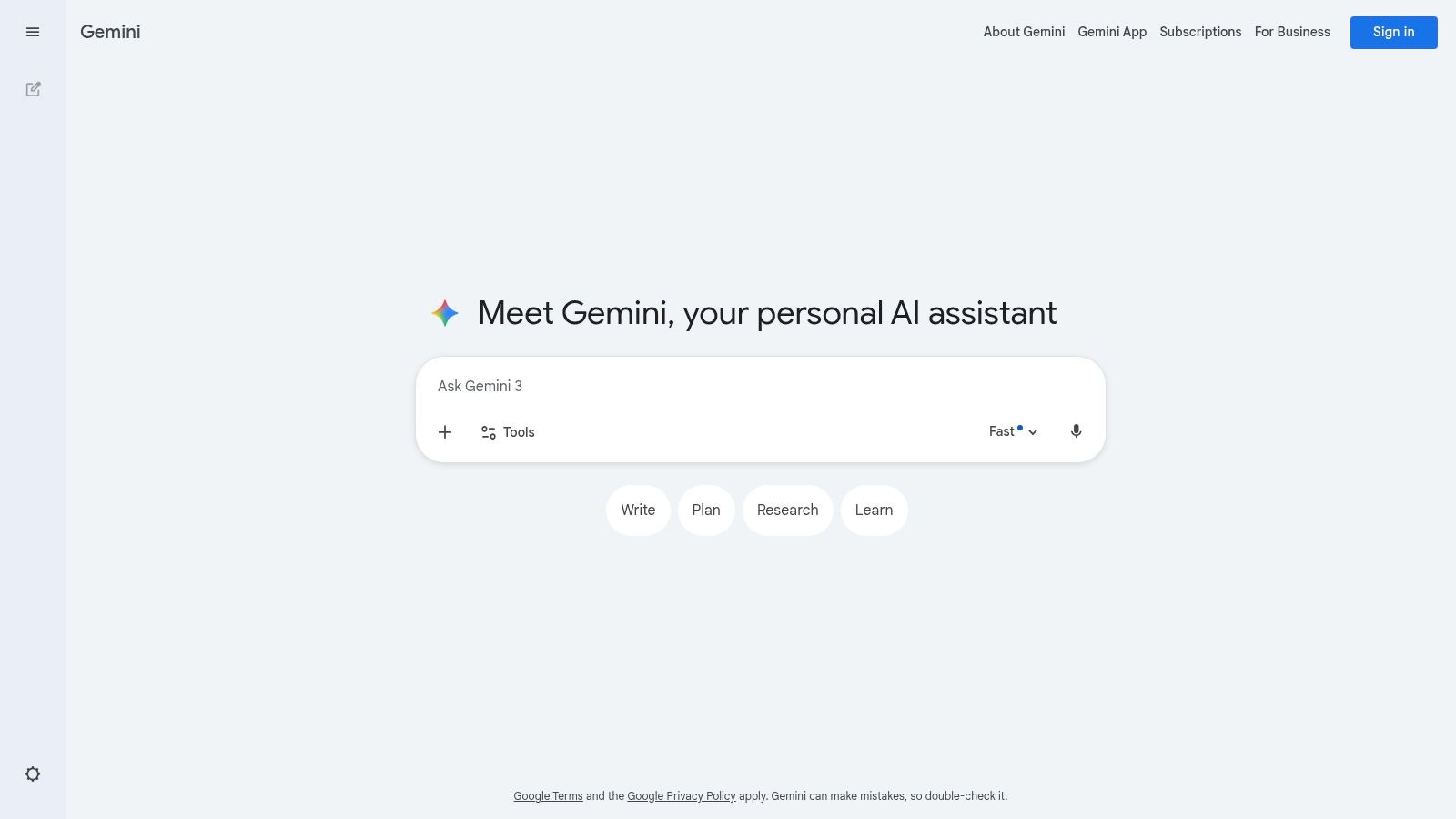
What makes Gemini a standout free option is its deep integration potential with Google Workspace. The ability to seamlessly export content to Google Docs or draft emails in Gmail streamlines workflows significantly. Its interface is clean and intuitive, making it easy for users of any skill level to start generating high-quality content immediately.
Key Features and Limitations
The free tier offers generous access to the Gemini model, which includes powerful multimodal capabilities like analyzing images and generating text. It also provides access to NotebookLM for more structured research and writing projects. However, the most advanced models and deeper integrations with apps like Docs and Sheets are reserved for paid subscribers.
- Pros: Deep integration with the Google ecosystem, strong real-time research capabilities, user-friendly and accessible interface.
- Cons: The most powerful features and models are behind a paywall; frequent updates to plans can be confusing.
When to Upgrade
Upgrading to Gemini Advanced is a logical step for teams heavily invested in Google Workspace who need more advanced reasoning and a larger context window for complex projects. If your workflow requires direct AI assistance within Google Docs, Sheets, and Gmail for high-volume content creation, the paid plan becomes a necessity for boosting productivity.
Website: https://gemini.google.com
3. Anthropic — Claude
Positioned as a helpful, harmless, and honest AI assistant, Claude by Anthropic is another top-tier contender in the AI writer space, offering a generous free tier. It excels at producing clear, well-structured long-form content, making it a strong choice for drafting articles, summarizing complex documents, and engaging in nuanced dialogue. For SEO and content teams, it’s particularly useful for its ability to adhere closely to instructions and maintain a consistent tone.
What makes Claude a standout free AI writer is its emphasis on safety and producing reliable, natural-sounding prose. The user interface is clean and conversational, encouraging a back-and-forth process to refine drafts. Its strong contextual window allows it to handle large amounts of text for analysis or summarization tasks, a key benefit for in-depth content research.
Key Features and Limitations
The free version provides access to the latest Claude model with certain usage limits that reset periodically. While powerful, its availability is restricted to specific regions, which can be a significant barrier for some users. The platform's true potential for high-volume work is unlocked with its paid Pro subscription, which offers significantly higher usage caps.
- Pros: Produces clear, well-structured writing; strong safety guardrails minimize undesirable outputs; the free tier is very capable and easy to use.
- Cons: Availability is limited by region; the most advanced capabilities and highest usage limits are gated behind the paid plan.
When to Upgrade
You should consider upgrading to Claude Pro (around $20/month) when you find yourself frequently hitting the free usage limits or need priority access during peak hours. An upgrade is necessary for professionals who rely on the tool for daily, intensive tasks like analyzing long reports, extensive content generation, or leveraging its advanced reasoning for complex projects, such as those discussed in this Claude AI citation optimization guide.
Website: https://claude.ai
4. Microsoft — Copilot
Microsoft’s entry into the AI assistant space, Copilot, leverages OpenAI’s powerful models and integrates them deeply within the Bing search engine and the wider Microsoft 365 ecosystem. For content creators looking for a robust, free AI writer, the web version of Copilot offers a compelling package. It functions as a sophisticated research and writing assistant, capable of sourcing information from the web to generate outlines, draft articles, and summarize complex topics with cited sources.
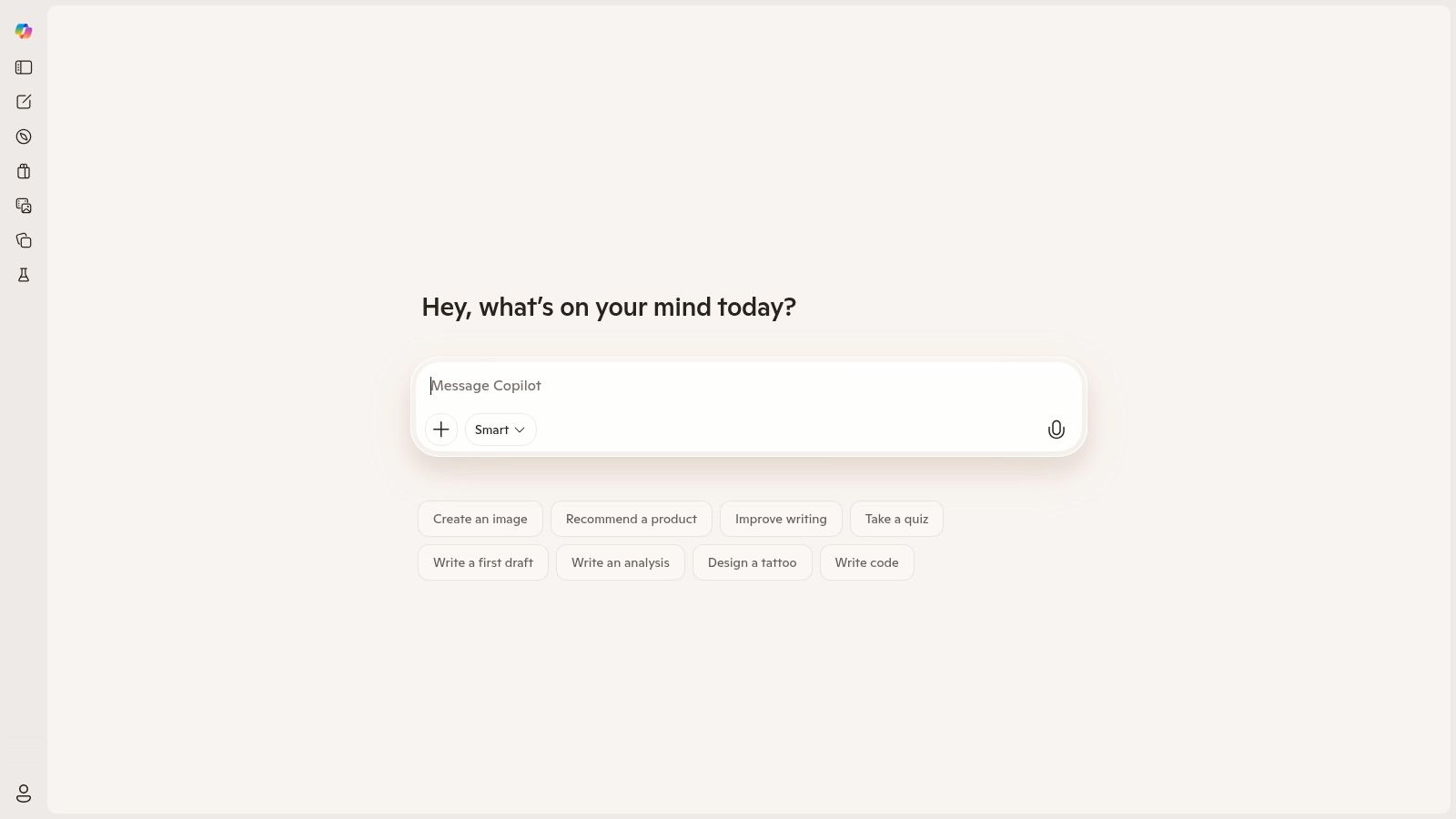
What makes Copilot stand out is its native integration with search, providing up-to-date responses grounded in current information. This makes it particularly useful for writing content on timely subjects or for tasks requiring factual accuracy, as it can pull from recent search results to inform its output, a key differentiator from some other free tools.
Key Features and Limitations
The free version provides web-connected access to powerful GPT models, including GPT-4 during non-peak hours, along with image generation capabilities via DALL-E 3. However, its most powerful feature, deep integration within Office apps like Word and PowerPoint for seamless drafting and content creation, is reserved for paid Copilot Pro or Microsoft 365 subscribers.
- Pros: Excellent web integration for real-time information, seamless drafting inside Microsoft 365 apps (paid), enterprise-grade security in business plans.
- Cons: The most powerful workflow integrations are behind a paywall; frequent shifts in plan names and bundles can be confusing.
When to Upgrade
Upgrading to Copilot Pro or a relevant Microsoft 365 plan is a logical next step for individuals and teams heavily invested in the Microsoft ecosystem. If your daily workflow involves creating documents in Word, presentations in PowerPoint, or managing emails in Outlook, the paid version's ability to generate and edit content directly within those applications is a significant productivity booster.
Website: https://copilot.microsoft.com
5. Perplexity
Perplexity distinguishes itself as an AI "answer engine" rather than just a chatbot, making it an exceptional tool for research-heavy content creation. Its core strength lies in providing conversational answers complete with citations, which is invaluable for writers needing to produce factual, source-backed articles. This makes it a powerful free AI writer for anyone creating educational content, blog posts, or academic papers where accuracy is paramount.
What makes Perplexity stand out is its commitment to transparent, verifiable information. Instead of just generating text, it synthesizes information from the web and provides direct links to its sources. The free plan is notably generous, offering a high volume of basic searches and the ability to upload files for analysis, making it a go-to resource for initial research and drafting.
Key Features and Limitations
The free tier offers "practically unlimited" standard searches using its proprietary model, which includes web access. However, more advanced features like Pro Search (which provides deeper research), file uploads beyond the daily limit, and access to premium models like GPT-4o and Claude 3 are reserved for the Pro plan. The platform's interface is clean and focused on delivering answers with sources.
- Pros: Excellent for research-backed writing with citations, generous free search availability, clean user interface.
- Cons: Premium models and advanced research tools are gated behind the Pro subscription; creative writing capabilities are less of a focus than factual accuracy.
When to Upgrade
Upgrading to Perplexity Pro ($20/month) is worthwhile for researchers, journalists, and SEO professionals who need unlimited, in-depth research capabilities and access to the most powerful AI models. If you find yourself consistently needing to analyze large documents or perform comprehensive competitive analysis, the Pro plan's features will significantly accelerate your workflow. For content teams, learning how to optimize content for Perplexity is becoming increasingly important.
Website: https://www.perplexity.ai
6. Copy.ai
Copy.ai positions itself as a marketing-focused AI writer designed for content operations and team collaboration. Its free offering serves as an excellent entry point for individuals and small teams looking to explore how AI can streamline marketing copy, from ad headlines to email newsletters. It goes beyond simple text generation by incorporating a chat interface and structured workflows to manage content creation more efficiently.
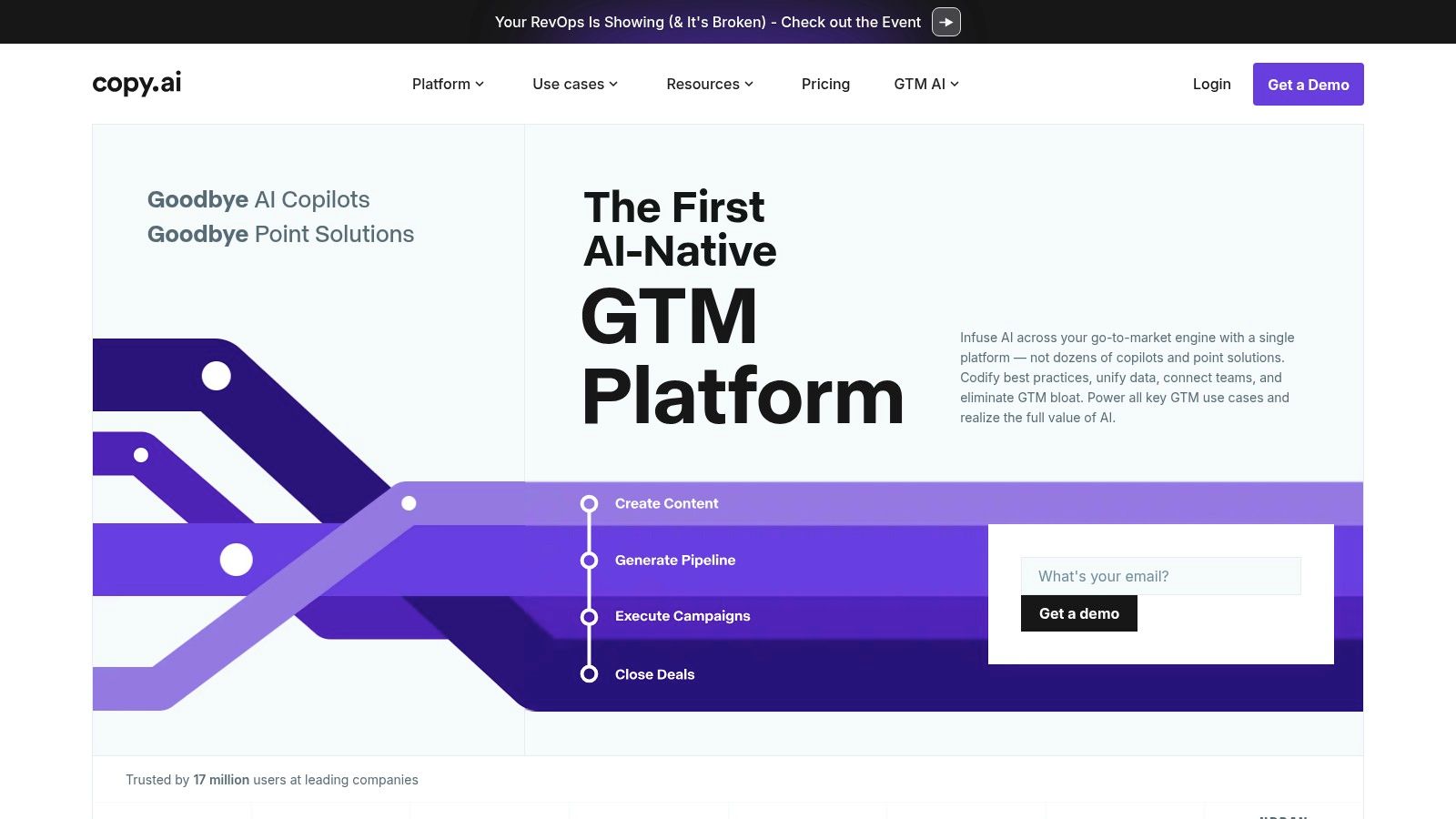
What differentiates Copy.ai is its emphasis on team-based workflows and multi-model access in its paid plans, allowing users to leverage the best engine (like models from OpenAI, Anthropic, or Gemini) for a specific task. While the free tier is more limited, it still provides access to a powerful suite of marketing templates and a user-friendly chat interface, making it a valuable tool for anyone needing a dedicated, marketing-savvy AI assistant. For a broader comparison, you can learn more about how different free AI writer tools stack up.
Key Features and Limitations
The free plan includes a 2,000-word per month limit, which is suitable for light use cases like generating social media posts or brainstorming blog post ideas. It provides a solid taste of the platform's capabilities but is not designed for producing long-form content at scale. The real power for teams lies in the paid plans which introduce unlimited chat words and workflow automation.
- Pros: Strong focus on marketing and sales copy, access to multiple AI models on paid plans, good for team collaboration and content workflows.
- Cons: The free plan's 2,000-word cap is quite restrictive; some users have historically reported issues with trial and billing processes.
When to Upgrade
Upgrading to a paid plan like Chat or Agents becomes necessary when your team needs to move beyond occasional copy generation. If you require unlimited words for brainstorming, want to build automated content workflows, or need to manage multiple brand voices across a team, the investment is justified. The paid tiers are built for scaling content operations, not just writing.
Website: https://www.copy.ai
7. Writesonic
Writesonic positions itself as an all-in-one AI platform specifically designed for SEO and marketing content. While not a completely free AI writer, its generous free trial and low-cost entry plans make it highly accessible. The platform provides a suite of tools that go beyond simple text generation, incorporating SEO workflows for creating articles that are optimized from the start. This makes it a strong contender for content creators looking for a guided writing experience.
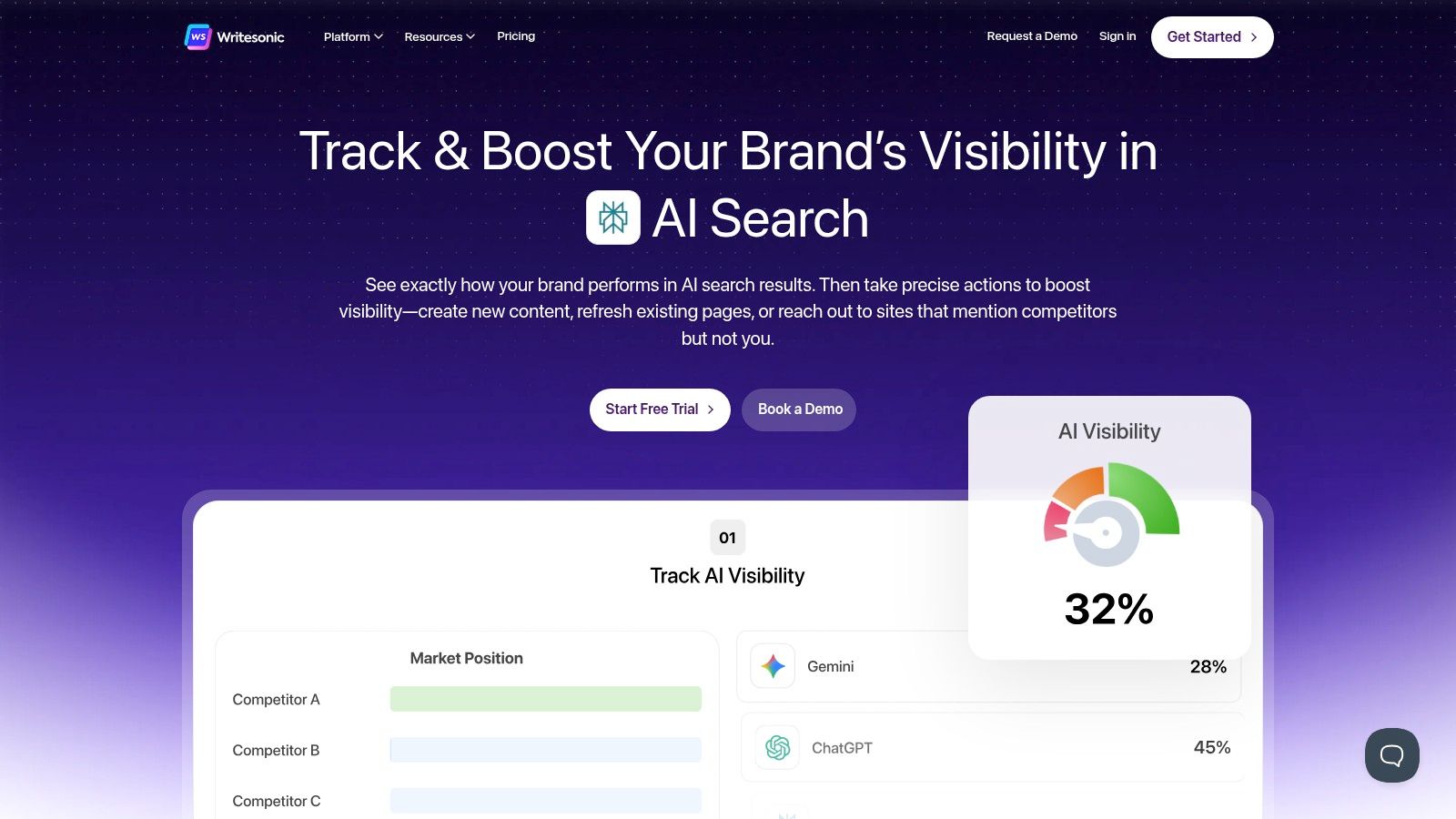
The platform’s standout feature is its structured approach to content creation. From its long-form AI Article Writer to the Chatsonic interface, which integrates real-time data from Google, Writesonic provides a more robust framework than many general-purpose chatbots. This focus on structured, goal-oriented workflows helps users produce high-quality marketing copy and blog posts efficiently, a core component of what AI copywriting aims to achieve.
Key Features and Limitations
The free trial typically offers a one-time credit of 10,000 words, allowing you to test its full range of features, including the article writer, paraphraser, and landing page generator. However, once these credits are used, you must upgrade to a paid plan. The platform's features are heavily tiered, with higher-quality outputs and advanced tools reserved for more expensive plans.
- Pros: Competitive pricing with a generous free trial, built-in SEO and blog workflows, feature-rich platform suitable for marketing teams.
- Cons: The free access is a trial, not a permanent plan; word limits and feature access can be confusing across different subscription tiers.
When to Upgrade
Upgrading is necessary as soon as your free trial credits run out. The "Freelancer" and "Small Team" plans are ideal for individuals and small businesses that need a consistent volume of SEO content. Consider the "Business" tier if you require higher word counts, the latest AI models (like GPT-4), and more advanced features like brand voice and fact-checking.
Website: https://writesonic.com
8. Rytr
Rytr carves out a niche as an accessible and budget-friendly AI writer with one of the most practical free-forever plans available. It is an excellent choice for users who need to generate short-form content like social media posts, product descriptions, or ad copy without an immediate financial commitment. The platform’s strength lies in its simplicity and direct approach to content generation, making it a great entry point into AI-powered writing.
What makes Rytr stand out is its balance of a generous free tier with exceptionally low-cost paid plans. It offers a clean, straightforward interface with over 40 use cases and support for more than 30 languages. This makes it a versatile tool for individuals and small teams just beginning to explore how to leverage AI content for SEO and marketing.
Key Features and Limitations
The free plan provides users with 10,000 characters per month, access to all use cases, and a built-in plagiarism checker (via Copyscape). While this character limit is generous for short copy, it is quickly exhausted when attempting to draft longer articles, making it less suitable for comprehensive blog post creation on the free tier alone.
- Pros: Generous free-forever plan with 10,000 characters/month, very affordable paid tiers, simple and easy-to-use interface.
- Cons: The character cap on the free plan restricts long-form content generation; lacks the advanced research and workflow features of more premium tools.
When to Upgrade
Upgrading to a paid plan is necessary when you need to create content longer than a few paragraphs or if your monthly character needs exceed the 10,000 limit. The paid tiers are among the most affordable on the market, making it an easy step up for freelancers, bloggers, or small businesses who need to increase their content velocity without a significant investment.
Website: https://rytr.me
9. QuillBot
While many AI writers focus on generating content from scratch, QuillBot excels in refining and repurposing existing text. It has established itself as a go-to paraphrasing and summarization tool for content teams needing to refresh articles, avoid duplicate content, or simply find a better way to phrase a difficult sentence. Its co-writing features make it a powerful companion for editing and polishing drafts, ensuring clarity and precision in the final output.
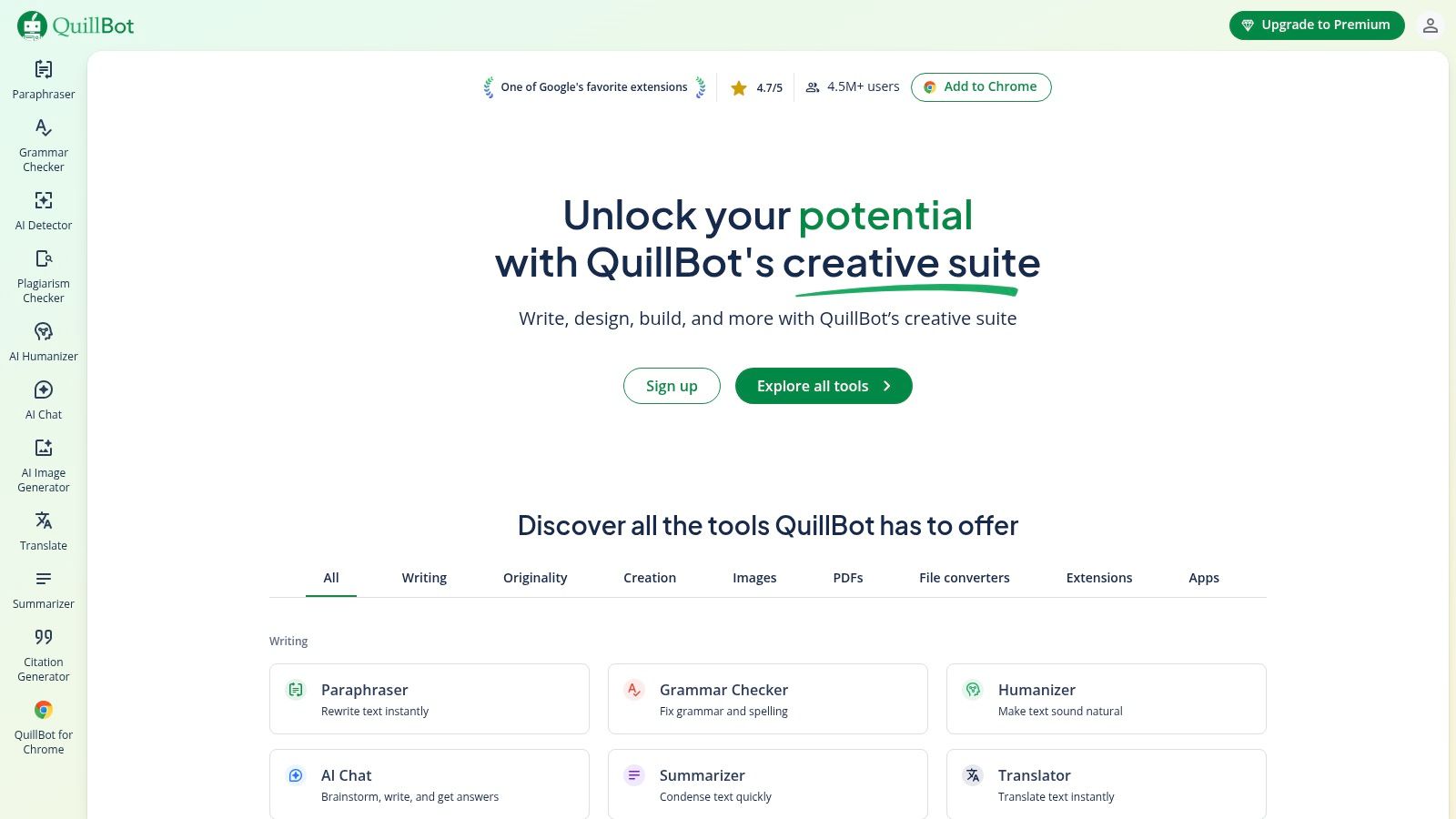
What makes QuillBot a unique entry on this list of free AI writer tools is its specialized focus on rewriting and editing. The free plan provides generous access to its core functionality, allowing users to quickly improve the quality of their content without a significant investment. Its seamless browser extensions and integrations with platforms like Google Docs make it an accessible part of any content workflow.
Key Features and Limitations
The free tier offers paraphrasing for up to 125 words at a time and can summarize texts up to 1,200 words. Users also get a limited number of AI Chat queries, images, and presentations daily. While useful for short-form content and quick edits, the real power for longer articles and advanced checks is reserved for the premium version.
- Pros: Excellent for editing, revision, and paraphrasing; easy browser plugins and integrations; clear, well-defined free tier limits.
- Cons: The free paraphrase limit is short for longer content; the plagiarism checker and larger quotas require a Premium subscription.
When to Upgrade
Upgrading to QuillBot Premium is a logical step when you find the 125-word paraphrasing limit is slowing down your editing process for blog posts or articles. A paid plan unlocks unlimited paraphrasing, increases summarization limits, and grants access to the plagiarism checker, which is crucial for teams publishing high volumes of content that must be original.
Website: https://quillbot.com
10. Canva — Magic Write
Canva has evolved from a simple design tool into a comprehensive creative suite, and its integrated AI writer, Magic Write, is a game-changer for content creators. Instead of generating text in one app and pasting it into a design in another, you can do it all in one place. This makes it an ideal free AI writer for quickly drafting social media captions, presentation copy, or marketing blurbs directly within your visual projects.
What makes Magic Write so effective is its seamless integration. Whether you're working in a Canva Doc, a presentation, or a social media template, the AI is just a click away. This unified workflow streamlines the creation of polished, cohesive assets, saving significant time for teams that manage both copy and design.
Key Features and Limitations
The free version of Canva generously includes 50 lifetime uses of Magic Write, allowing users to test its capabilities thoroughly. The tool is available across most Canva formats, including Docs, Social, and Presentations. However, the free usage cap means it's best suited for short-form copy and brainstorming rather than long-form article generation.
- Pros: Combines visual design and copywriting in one platform, incredibly easy for non-designers to produce polished assets, generous free trial with 50 uses.
- Cons: Free usage is capped and can be exhausted quickly, more advanced AI features and higher quotas require a Canva Pro subscription.
When to Upgrade
Upgrading to Canva Pro or Teams is a logical step when you find yourself regularly using Magic Write and hitting the free limit. The paid plans offer significantly higher monthly usage quotas, unlocking the tool for more consistent content creation needs, such as drafting blog posts in Canva Docs or generating marketing copy at scale.
Website: https://www.canva.com
11. Grammarly
Best known as a top-tier grammar and style checker, Grammarly has evolved into a powerful AI writing assistant. Its free tier is an essential tool for any content professional, offering robust proofreading capabilities alongside a useful taste of generative AI. Grammarly excels at refining existing content, ensuring every sentence is polished, clear, and on-brand, making it a perfect final-stage editor before publishing.
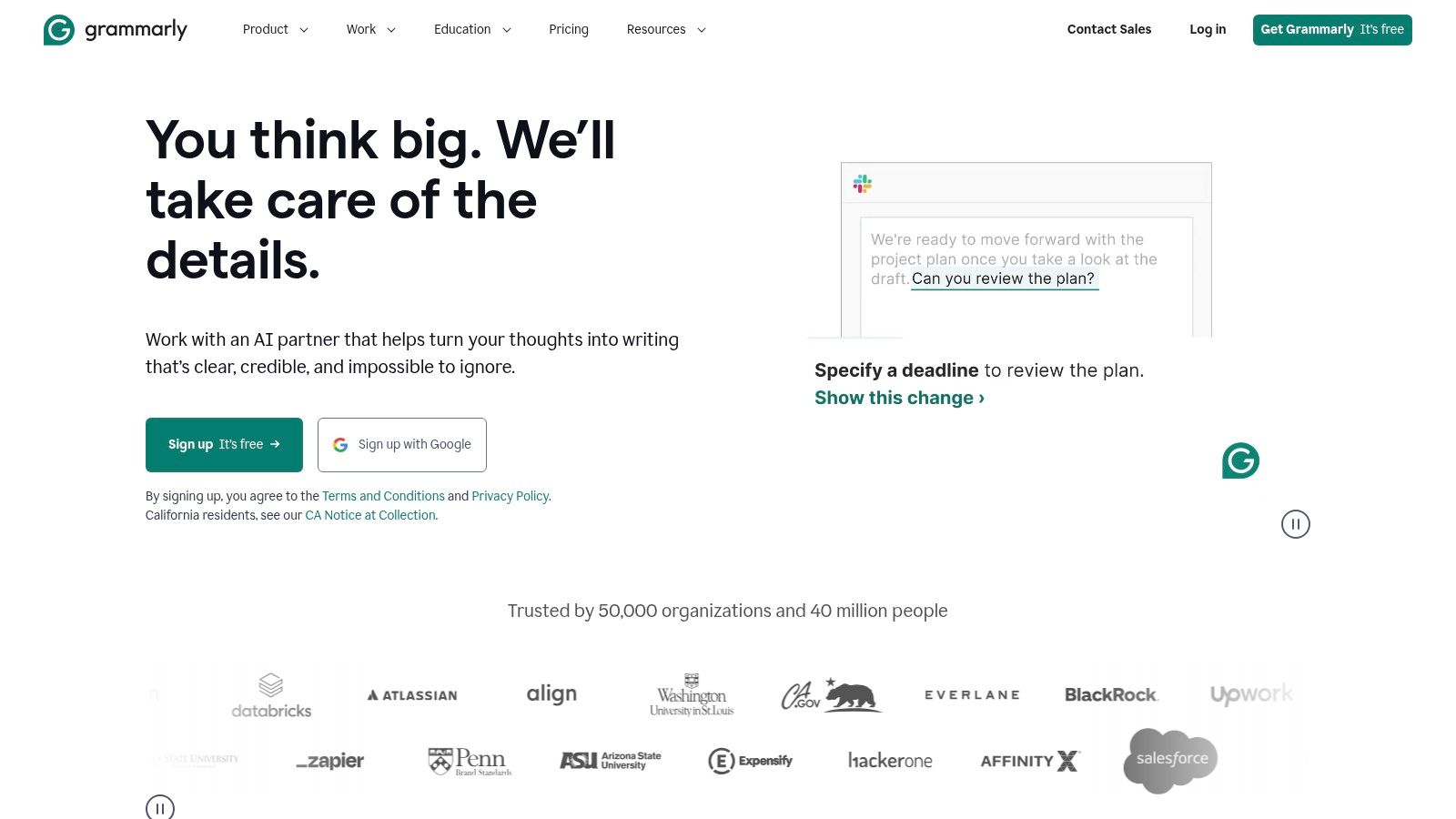
What makes Grammarly a standout free AI writer is its ubiquitous integration. Through its browser extensions and app integrations, it provides real-time suggestions directly within Google Docs, WordPress, and email clients. This seamless workflow helps writers correct errors and leverage AI prompts without ever leaving their primary writing environment, significantly boosting efficiency.
Key Features and Limitations
The free plan includes core grammar, spelling, and punctuation checks, plus a generous 100 generative AI prompts per month to help with brainstorming or rewriting. However, more advanced generative features like full-sentence rewrites, tone adjustments, and brand voice compliance are locked behind its premium plans.
- Pros: Excellent inline editing suggestions, broad integrations across multiple platforms, generous free tier for basic corrections and limited AI use.
- Cons: Most advanced generative AI features require a paid subscription; the focus is more on assisting and refining than long-form content generation from scratch.
When to Upgrade
Upgrading to Grammarly Premium becomes necessary when you need more than 100 AI prompts per month or require sophisticated features like advanced tone suggestions, plagiarism detection, and creating a custom brand voice. For content teams needing consistent quality control and style guide enforcement, the upgrade is a logical step.
Website: https://www.grammarly.com
12. Simplified — AI Writer
Simplified positions itself as an all-in-one creative suite, and its free AI writer is a key component of that ecosystem. It's designed for marketers and small teams who need to generate copy and design assets within a single workflow, offering a compelling solution for creating everything from blog posts and social media updates to ad copy and emails without switching apps.
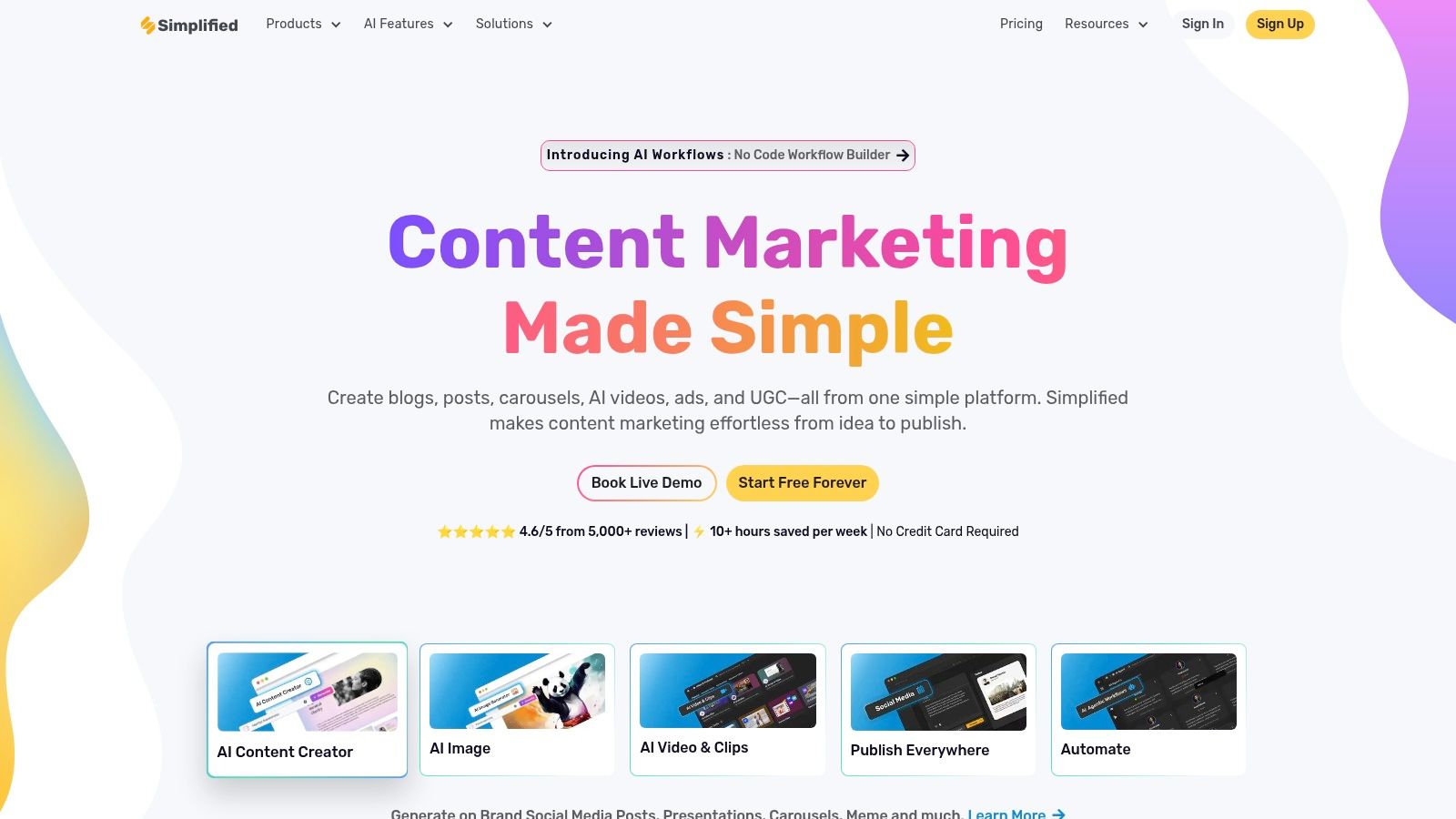
What makes Simplified unique is the integration of its AI writing tools with its graphic design, video editing, and social media scheduling features. This one-app approach is a significant advantage for creators looking to streamline their entire content production process from ideation to publication. The free plan provides a solid entry point to explore this integrated environment.
Key Features and Limitations
The free plan includes access to the AI Writer with a monthly word quota, typically around 2,000 words, alongside access to over 80 writing templates and multilingual capabilities. While generous for an integrated suite, the word count is a primary limitation for anyone needing to produce long-form content or a high volume of copy.
- Pros: Excellent value as an all-in-one tool for design and copy, generous template library for common marketing needs, easy-to-use interface.
- Cons: The free word quota is restrictive for dedicated writing tasks; advanced features and higher word counts require a paid subscription.
When to Upgrade
Upgrading to a paid plan becomes necessary when you consistently exhaust your monthly word count or need to collaborate with a team. Paid tiers significantly increase the AI word limits (to 100,000+ words/month on some plans) and unlock premium features across the entire suite, making it a powerful hub for a growing marketing team’s creative operations.
Website: https://simplified.com
Top 12 Free AI Writers: Feature Comparison
| Product | Core features | Visibility & Research | Unique selling points | Best for / Target audience | Price & free tier |
|---|---|---|---|---|---|
| OpenAI — ChatGPT | General-purpose LLM, GPT‑5, custom GPTs, web search, file/image/voice tools | Integrations and web search; not citation-first but extensible via plugins | Best-in-class model quality; huge custom‑GPT ecosystem | Teams needing high-quality drafts & custom workflows; enterprises | Free tier (limits); Plus/Pro/Business paid upgrades |
| Google — Gemini | Gemini app, large context windows, image gen, NotebookLM research tools | Strong Google app integrations (Docs, Gmail); deep research capabilities | Native Google search & app connectivity; large context windows | Users embedded in Google ecosystem, research-heavy writers | Free + Pro ($19.99/mo) and Ultra ($249.99/mo) tiers |
| Anthropic — Claude | Safety-focused LLM, long-form drafting, guardrails | Useful for careful analysis; less citation emphasis, regional rollout | Emphasis on safety, clear structured outputs | Regulated industries, teams prioritizing safe outputs | Free in supported regions; Claude Pro (~$20/mo) |
| Microsoft — Copilot | Copilot in browser + deep Microsoft 365 integration (Word/PowerPoint) | Office-native workflows; enterprise security and controls | Seamless drafting inside Office apps | Enterprises and Office-centric teams | Free web features; Copilot Pro / Microsoft bundles (pricing varies) |
| Perplexity | Answer engine with citations, file/image analysis, Research mode | Strong citation and source-backed answers; research tools | Citation-first responses and research workflows | Researchers, SEO/content teams needing verifiable sources | Generous free plan; Pro $20/mo or $200/yr |
| Copy.ai | Marketing templates, chat, workflow automation, multi-model access | Marketing-focused; limited citation tooling | Workflow automation & team features for content ops | Marketing teams and content operations | Free (2,000 words/mo); paid team/agents plans |
| Writesonic | Long-form Chatsonic, SEO workflows, blog tools | Built-in SEO and blog workflows for content optimization | SEO-oriented long-form tools at competitive pricing | Bloggers, content marketers | Free trials; low-cost plans and Business/Unlimited tiers |
| Rytr | Budget AI writer, multiple tones & languages, Chrome extension | Basic research capabilities; focused on short form | Very low-cost entry and generous free tier for basics | Individuals and small teams on tight budgets | Free (10k chars/mo); inexpensive paid tiers |
| QuillBot | Paraphrase, summarization, co-writing, integrations | Good for rewrites and clean citation-friendly summaries | Strong editing & revision toolset; clear limits | Editors, students, writers polishing drafts | Free limited use; Premium for unlimited features |
| Canva — Magic Write | AI writer inside Canva docs + design tools | Integrated with visuals and social assets; not research-focused | Combine copy and design in one app | Creators and small teams needing visuals + copy | Free up to ~50 uses; Canva Pro/Teams for higher limits |
| Grammarly | Grammar/tone checks, generative prompts, broad integrations | Editing-first; limited citation/research features | Best inline corrections, brand tones, wide integrations | Writers who prioritize editing, tone, and consistency | Free basic; Pro adds more AI prompts and features |
| Simplified — AI Writer | All-in-one creative suite: AI writer + design/video + templates | Design + copy workflow; some SEO templates but not citation-centric | One-app value for design + content with high word quotas | Small teams handling design and content in one tool | Free plan (word quota); paid tiers up to 100k+ AI words/mo |
From Free Tools to a Full Content Engine: Knowing When to Scale
Navigating the landscape of free AI writing tools reveals a powerful truth: the barrier to entry for creating high-quality content has never been lower. From the conversational prowess of ChatGPT and Claude to the specialized capabilities of QuillBot and the integrated convenience of Canva’s Magic Write, these platforms offer an incredible starting point. They are perfect for brainstorming ideas, drafting social media posts, overcoming writer's block, and getting a feel for how AI can augment your workflow.
Each ai writer free tool we've covered provides a distinct advantage. If you need a versatile, creative partner, Gemini and ChatGPT are your go-to options. For structured, professional communication, Grammarly’s AI features are indispensable. For quick, research-backed answers that can form the basis of a new article, Perplexity shines. These tools are the digital equivalent of a Swiss Army knife for the modern content creator, enabling small teams and solo entrepreneurs to punch well above their weight.
However, relying solely on these free tiers for a long-term, scalable content strategy presents significant challenges. The most successful SEO and content marketing programs are not built on ad-hoc tasks; they are built on systematic, repeatable processes.
The Tipping Point: Identifying When You've Outgrown Free Tools
The transition from a free tool to a paid, comprehensive platform isn't just about getting more words. It’s a strategic shift from using AI as a simple assistant to deploying it as the core of your content engine. You'll know it's time to upgrade when you encounter these common growth pains:
- Consistent Cap Frustration: Your team regularly hits daily or monthly usage limits, creating bottlenecks and delaying your content calendar. Productivity stalls while you wait for credits to reset.
- Lack of Brand Consistency: You spend excessive time editing AI-generated drafts to align with your specific brand voice, tone, and style guidelines. Free tools rarely offer robust brand voice customization.
- Inefficient Team Collaboration: Sharing prompts, managing outputs, and providing feedback across multiple free tools becomes chaotic. You lack a centralized workspace for your content operations.
- No Integrated SEO Workflow: You are manually researching keywords, then plugging them into a separate AI writer, and finally analyzing the output with another SEO tool. This disjointed process is slow and prone to errors.
- The Need for High-Volume Publishing: Your strategy demands publishing multiple long-form articles per week or month, a volume that is simply not feasible with the constraints of a free ai writer free plan.
When these issues move from minor annoyances to major obstacles, you've reached the tipping point. Your focus must shift from merely creating content to building a scalable system that generates measurable business results, like traffic and conversions.
Building a Scalable Content Machine
Upgrading to a dedicated AI content platform is about investing in efficiency and strategic advantage. These systems integrate the entire content lifecycle, from ideation and keyword research to writing, optimization, and even publishing. They connect the dots between what your audience is searching for and the content you produce.
As you scale, maximizing the value of every piece of content becomes critical. This is where advanced content repurposing strategies can transform a single long-form article into a dozen assets, including social media threads, email newsletters, and video scripts. A sophisticated platform can often assist with this, turning one successful pillar page into an entire content ecosystem.
Ultimately, the journey starts with the fantastic free tools available today. Use them to learn, experiment, and achieve early wins. But always keep your long-term vision in mind. The goal isn't just to write an article; it's to build a predictable growth engine for your business. When you’re ready to make that leap, the investment in a purpose-built platform will pay for itself many times over in saved time, increased output, and superior SEO performance.
Ready to move beyond the limits of a free AI writer and build a true content engine? Sight AI connects AI visibility insights directly to content creation, identifying high-value opportunities and using specialized agents to produce SEO-optimized articles at scale. Schedule a demo with Sight AI today and discover how to turn your content strategy into a compounding growth asset.