The best SEO tools for small businesses in 2026 are a free foundation (Google Search Console, Ahrefs Webmaster Tools, Screaming Frog's free tier and Rank Math for WordPress) plus one or two affordable paid tools matched to your biggest gap: Ubersuggest or Mangools for keyword research, SE Ranking for rank tracking, BrightLocal for local SEO, Surfer for content optimization and Sight AI for AI search visibility. Most small businesses can cover the essentials for $0 to $100 per month.
Below are the 11 tools we recommend, each chosen for quick wins, a short learning curve and measurable ROI, whether you're a solo founder or a small team scaling organic traffic across Google and AI-powered discovery channels.
Quick comparison
| Tool | Best for | Free option | Paid from |
|---|---|---|---|
| Sight AI | AI visibility tracking and GEO content | Free trial | Small-business plans |
| Ubersuggest | Budget keyword research | Limited daily searches | $29/mo |
| SE Ranking | All-in-one platform and rank tracking | Trial | $44/mo |
| Mangools (KWFinder) | Low-competition keywords | Limited free lookups | $29/mo (annual) |
| Screaming Frog | Technical audits | Up to 500 URLs | £199/yr |
| Rank Math | WordPress on-page SEO | Robust free plugin | $59/yr |
| Google Search Console | First-party Google data | Fully free | None |
| Surfer SEO | Content optimization | None | $89/mo |
| AnswerThePublic | Question research | Limited daily searches | $9/mo |
| BrightLocal | Local SEO | Trial | $39/mo |
| Ahrefs Webmaster Tools | Backlinks and site audits | Free for verified sites | None |
Prices are starting list prices and change frequently, so confirm on each vendor's site before you buy.
1. Sight AI
Best for: Tracking AI visibility and generating SEO/GEO-optimized content automatically
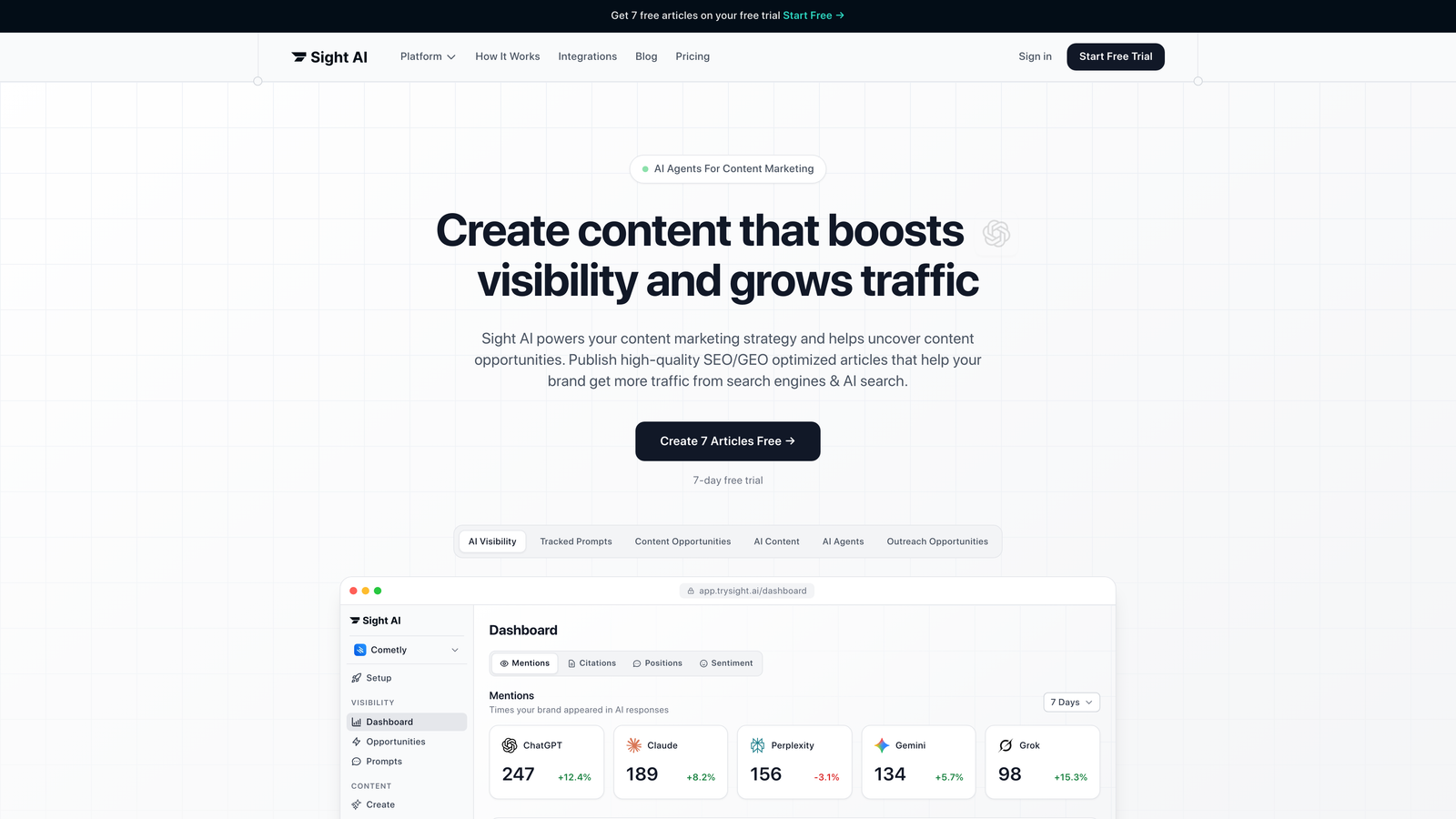
Sight AI fills a gap most small businesses haven't noticed yet: how AI models like ChatGPT, Claude and Perplexity talk about your brand.
Where This Tool Shines
Traditional SEO tools focus on Google rankings. Sight AI monitors your brand's presence across six AI platforms, tracking mentions, sentiment and the prompts that trigger your brand name. This matters because more users now get answers from AI assistants instead of clicking through search results. If you're new to the concept, our guide on what generative engine optimization (GEO) is explains how AI answers choose which brands to cite.
The platform pairs visibility tracking with content generation through 13 specialized AI agents. These agents write SEO- and GEO-optimized articles designed to raise your brand's mention rate in AI responses. Autopilot mode can publish content to your CMS automatically.
Key Features
AI Visibility Score: Real-time tracking of how often, and in what context, AI models mention your brand.
Multi-Platform Monitoring: Coverage across ChatGPT, Claude, Perplexity and other leading AI platforms.
13+ AI Content Agents: Specialized agents for listicles, guides, explainers and other content types.
IndexNow Integration: Automatic indexing requests so search engines discover new content faster.
Sentiment Analysis: Shows whether AI mentions are positive, neutral or negative.
Best For
Small businesses and agencies that want to future-proof their content strategy. It is especially valuable if you publish regularly and want that content to perform in both traditional search and AI-powered discovery.
Pricing
A free trial is available. Paid plans are priced for small business budgets.
2. Ubersuggest
Best for: Budget-conscious keyword research and competitor analysis
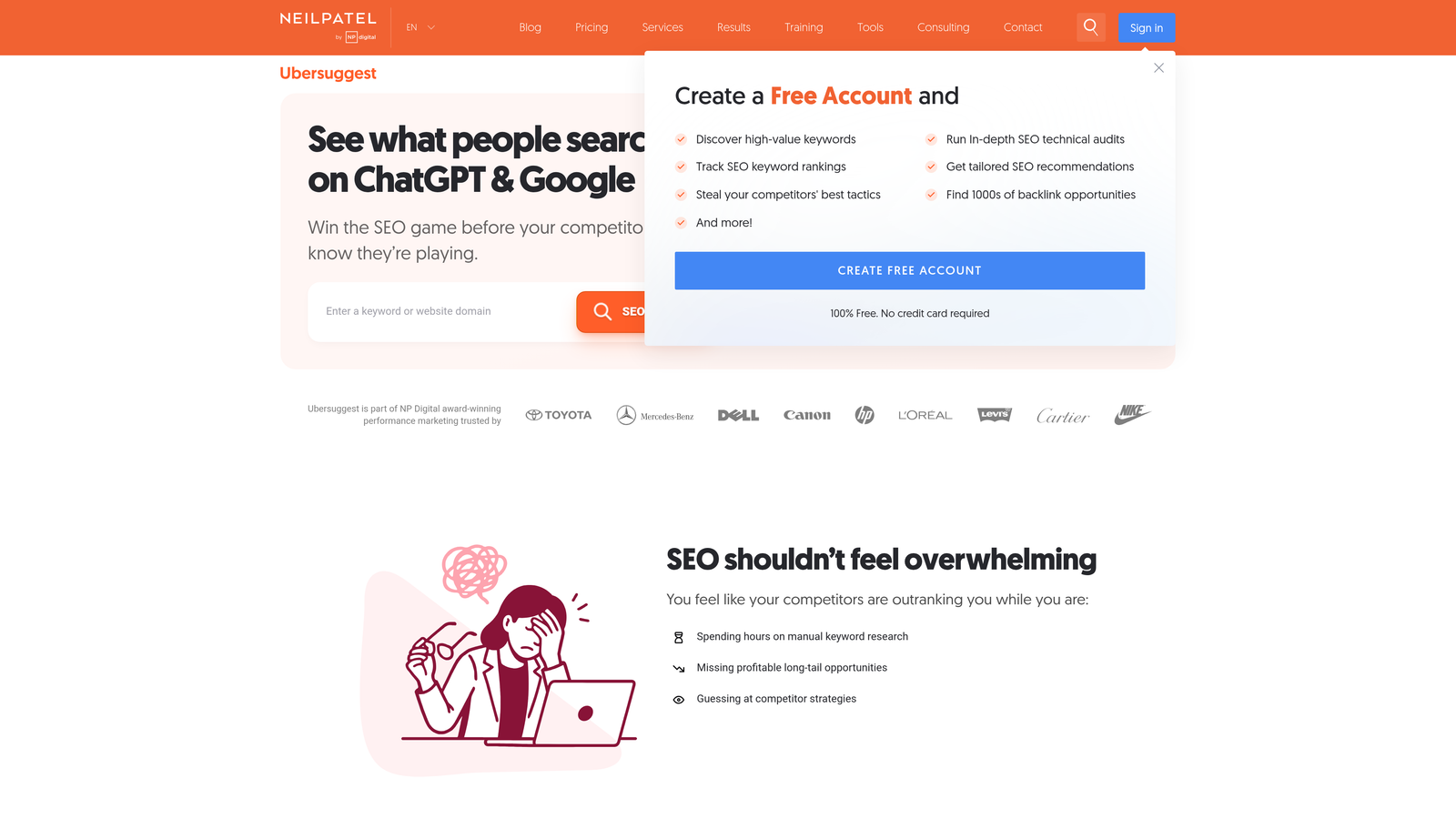
Ubersuggest delivers solid keyword research without an enterprise price tag.
Where This Tool Shines
Neil Patel's tool makes keyword research accessible to beginners while giving experienced marketers enough depth. The interface presents data clearly and leaves out metrics most users don't need.
The Chrome extension shows keyword data and domain metrics while you browse competitor sites. That makes competitive analysis part of normal browsing instead of a separate task.
Key Features
Keyword Suggestions: Generates hundreds of related keywords with search volume and difficulty scores.
Domain Overview: Analyzes competitor traffic, top pages and backlink profiles.
Content Ideas: Surfaces top-performing content in your niche based on social shares and backlinks.
Site Audit: Identifies technical SEO issues with prioritized recommendations.
Chrome Extension: Shows keyword and domain data directly in your browser.
Best For
Solo founders and small marketing teams who need reliable keyword data without committing to expensive enterprise tools. The free tier works well for occasional research.
Pricing
The free tier allows a limited number of searches per day. Paid plans start at $29 per month with higher limits and full feature access.
3. SE Ranking
Best for: Comprehensive SEO platform with flexible pricing
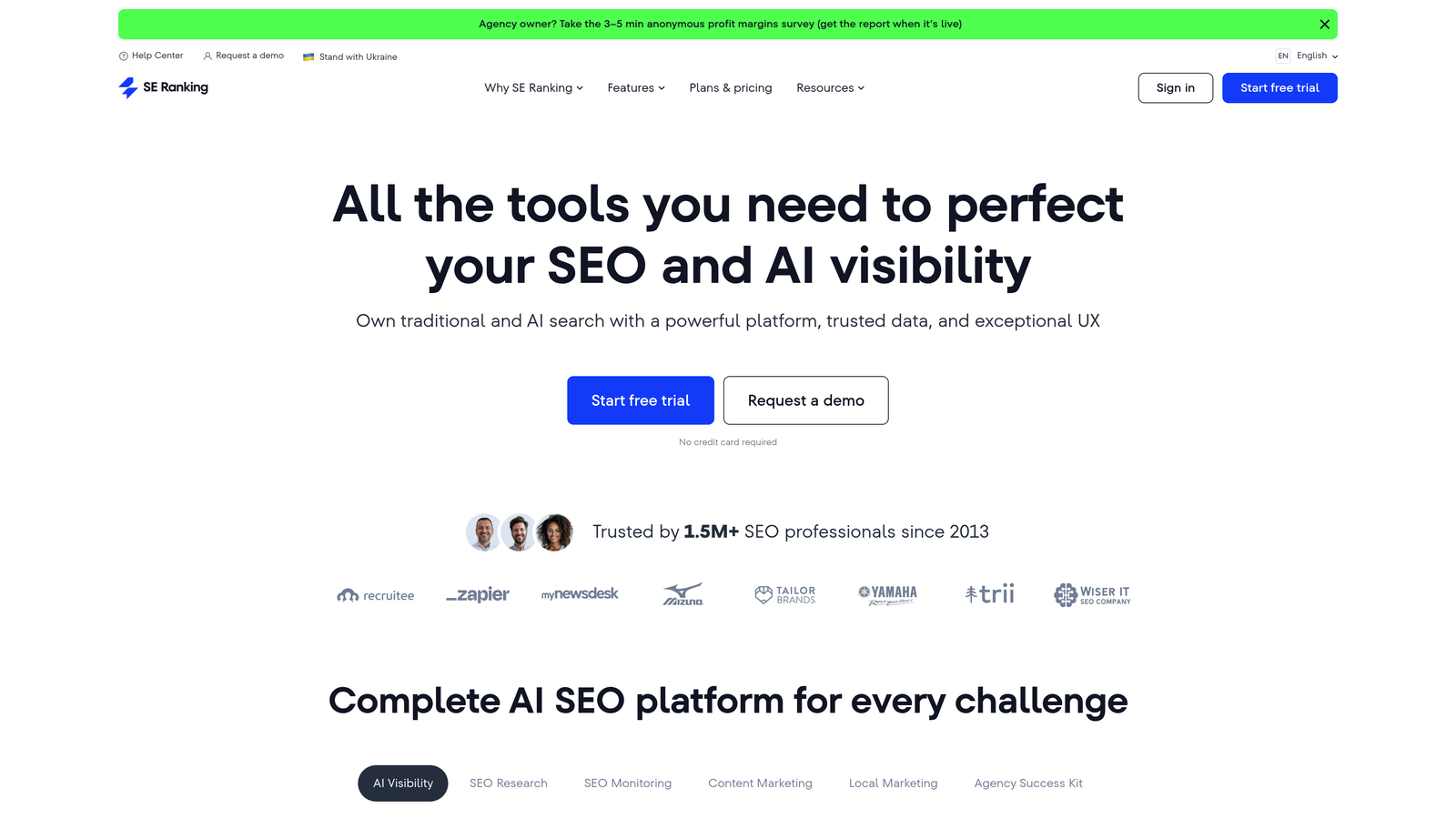
SE Ranking packs enterprise-level features into a platform built for small business budgets and workflows.
Where This Tool Shines
Rank tracking accuracy is its standout feature. You get precise position data across multiple search engines and locations, which helps small businesses that target specific geographic markets.
White-label reporting makes SE Ranking particularly useful for agencies. You can produce branded client reports without paying for the agency tiers of larger platforms.
Key Features
Rank Tracker: Monitors positions across Google, Bing, Yahoo and YouTube with customizable tracking frequency.
Website Audit: Comprehensive technical SEO analysis with clear action items.
Backlink Checker: Monitors your link profile and tracks competitor backlinks.
Competitor Analysis: Compares your site against competitors across multiple SEO metrics.
White-Label Reports: Generates branded PDF reports for clients or stakeholders.
Best For
Small agencies managing multiple clients, and businesses that need detailed rank tracking across different locations. Flexible keyword limits let you scale as you grow.
Pricing
Plans start at $44 per month with customizable keyword tracking limits. Monthly and annual billing are available.
4. Mangools (KWFinder)
Best for: Finding low-competition keywords that actually rank
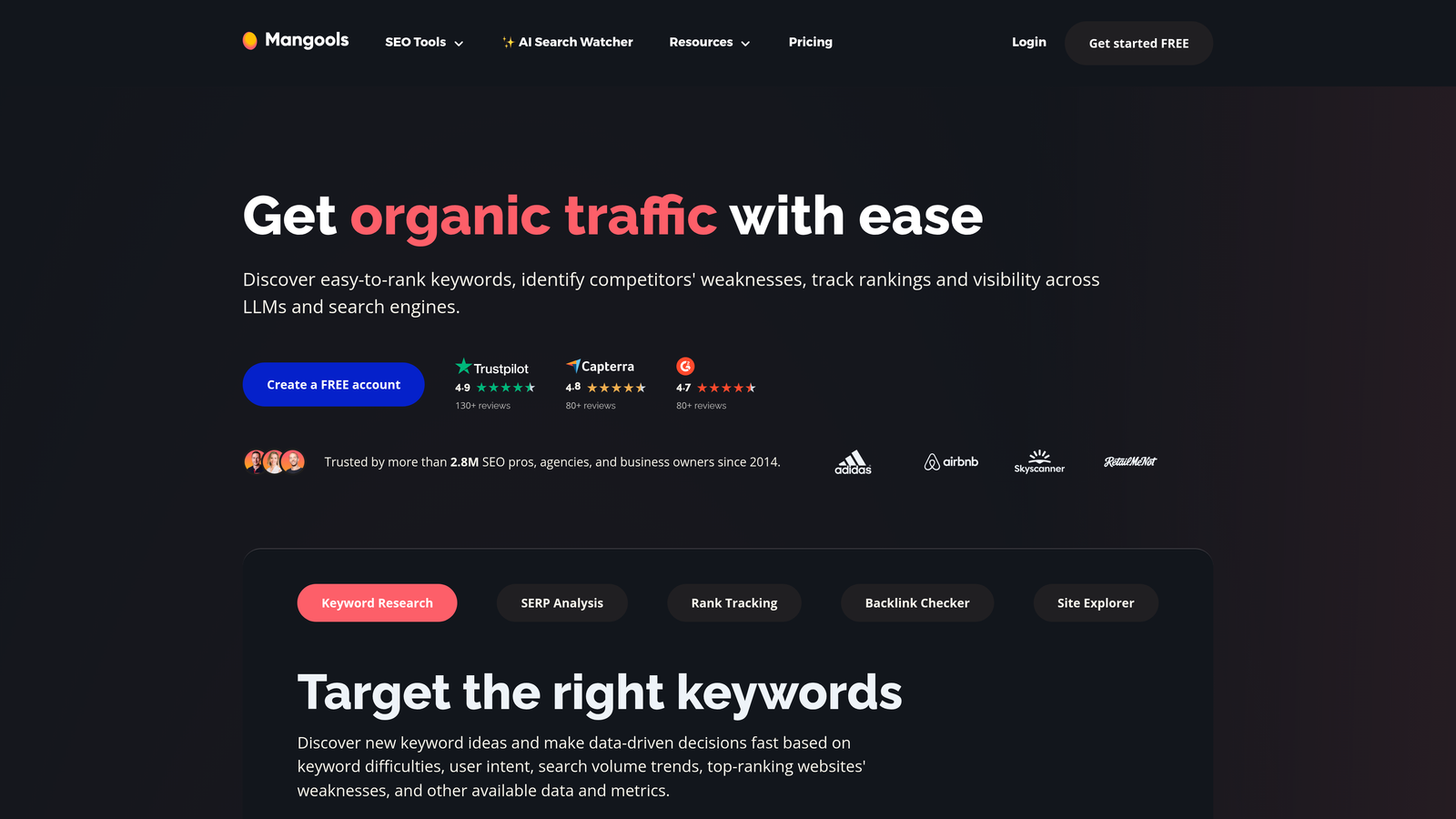
Mangools specializes in helping small businesses find keyword opportunities where they can realistically compete.
Where This Tool Shines
KWFinder makes keyword difficulty easy to read. Instead of complex metrics, you get a single score showing how hard a keyword will be to rank for. This keeps small businesses from spending time on keywords they can't win.
The suite includes five tools that work together. You can research keywords, analyze SERP competition, track rankings, check backlinks and profile domains without switching platforms.
Key Features
KWFinder: Finds long-tail keywords with difficulty scores and search trends.
SERPChecker: Analyzes the top 10 results to show what it takes to rank.
SERPWatcher: Tracks your rankings with visual progress reports.
LinkMiner: Finds backlink opportunities by analyzing competitor link profiles.
SiteProfiler: Provides domain authority metrics and traffic estimates.
Best For
Content creators and bloggers who need realistic ranking opportunities. It is particularly useful if you're building authority in a competitive niche and need to start with achievable wins.
Pricing
Plans start at $29 per month billed annually. Every plan includes all five tools, with different usage limits.
5. Screaming Frog SEO Spider
Best for: Technical SEO audits and website crawling
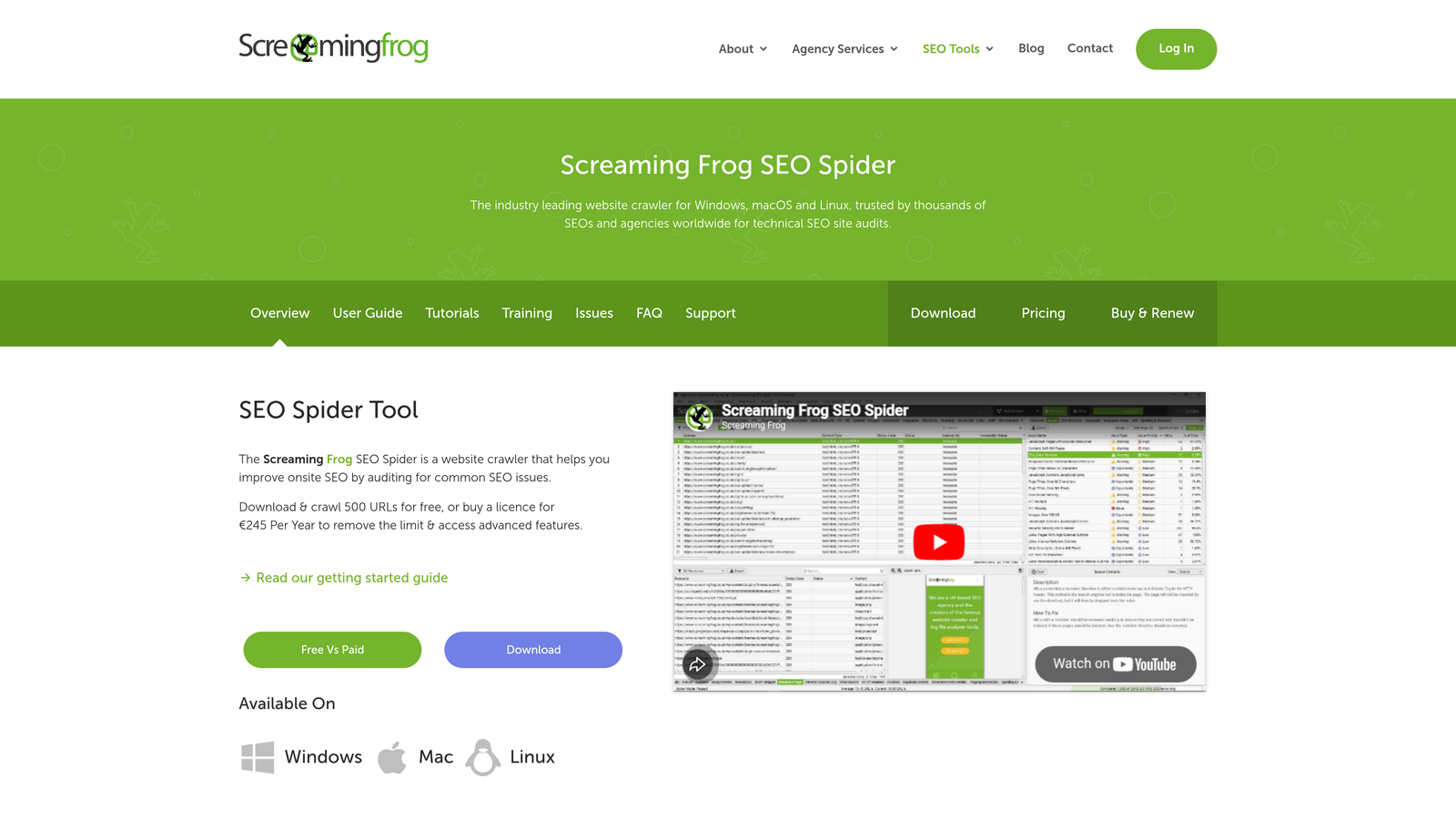
Screaming Frog SEO Spider runs on your desktop and crawls websites the way a search engine bot does to find technical issues.
Where This Tool Shines
The free version crawls up to 500 URLs, which covers most small business websites completely. You get professional-grade technical auditing at no cost.
Unlike cloud-based tools, Screaming Frog processes everything locally. That means faster crawls and the ability to audit staging sites or password-protected pages that cloud tools can't reach.
Key Features
Comprehensive Crawling: Analyzes HTML, CSS, JavaScript and images to find technical issues.
Broken Link Detection: Finds all 404 errors and redirect chains across your site.
Duplicate Content Finder: Spots pages with duplicate titles, descriptions and content.
XML Sitemap Generator: Creates sitemaps ready for search engines.
Analytics Integration: Connects with Google Analytics and Search Console for deeper insights.
Best For
Anyone managing a website who needs to find and fix technical SEO problems. The free version covers most small business needs.
Pricing
Free for up to 500 URLs. A paid license costs £199 per year and adds unlimited crawling and advanced features.
6. Rank Math
Best for: WordPress on-page SEO optimization
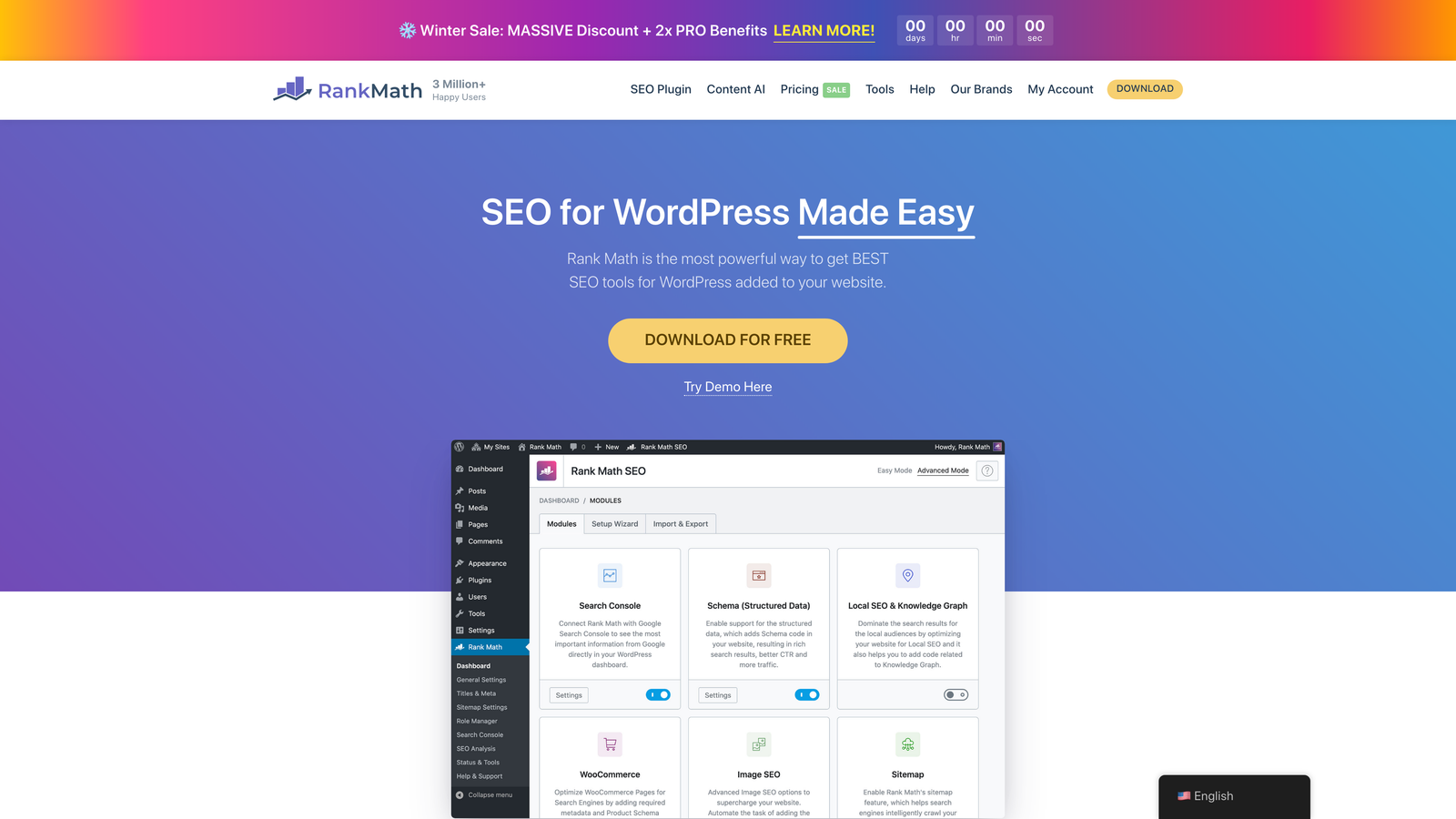
Rank Math adds features to WordPress that rival paid plugins, and its free tier is generous.
Where This Tool Shines
The setup wizard gets a site optimized in minutes rather than hours. Rank Math configures essential SEO settings automatically based on your site type, so small business owners don't have to work through the technical details.
The schema markup generator is a highlight. You can add rich snippets for recipes, reviews, products and events through a visual interface without writing code, which helps your listings stand out in search results.
Key Features
On-Page Analysis: Real-time optimization suggestions as you write.
Schema Markup: Visual builder for adding structured data to any content type.
Internal Linking: AI-powered suggestions for relevant internal links while you edit.
404 Monitor: Tracks broken links and lets you set up redirects immediately.
Search Console Integration: Shows keyword rankings and clicks directly in WordPress.
Best For
WordPress site owners who want comprehensive on-page SEO without a monthly subscription. The free version handles what most small businesses need.
Pricing
A robust free version is available. Pro starts at $59 per year and adds features such as rank tracking and Content AI.
7. Google Search Console
Best for: Understanding how Google sees and indexes your site
Google Search Console gives you data directly from the source that matters most for organic traffic.
Where This Tool Shines
Google reports which queries trigger your pages, how often you appear in results and your actual click-through rates. This first-party data is more reliable than third-party estimates.
The URL Inspection tool shows exactly how Google crawled and indexed any page. When rankings drop, it helps you tell whether the cause is indexing, mobile usability or something else. If pages aren't being picked up, see our guide on how to get Google to crawl your site faster.
Key Features
Performance Reports: Clicks, impressions, CTR and average position for every query.
Index Coverage: Lists pages Google couldn't crawl or index, with specific error messages.
Core Web Vitals: Monitors page speed and user experience metrics that affect rankings.
Manual Actions: Alerts you if Google applies a manual penalty to your site.
URL Inspection: Tests how Google renders and indexes individual pages.
Best For
Every website owner. Search Console is essential for SEO, so set it up before you pay for any other tool.
Pricing
Completely free, with no feature or data limits.
8. Surfer SEO
Best for: Data-driven content optimization
Surfer SEO analyzes top-ranking pages and gives specific recommendations for writing content that competes with them.
Where This Tool Shines
The Content Editor scores your draft in real time. You see how it compares to top-ranking competitors on word count, keyword usage, headings and images.
AI-generated outlines cut research time. Surfer analyzes the SERP and builds a content brief with recommended headings, questions to answer and semantic keywords to include.
Key Features
Content Editor: Real-time optimization score with specific improvement suggestions.
SERP Analyzer: Breaks down what top-ranking content has in common.
AI Outline Generator: Produces data-backed content structures in seconds.
NLP Keywords: Identifies semantic terms that strengthen topical relevance.
Integrations: Works directly in Google Docs and WordPress.
Best For
Content teams and agencies that publish regularly and want each piece to have the best chance of ranking. It is most valuable when you target competitive keywords.
Pricing
Plans start at $89 per month with different article limits. Annual billing is discounted.
9. AnswerThePublic
Best for: Discovering questions your audience actually asks
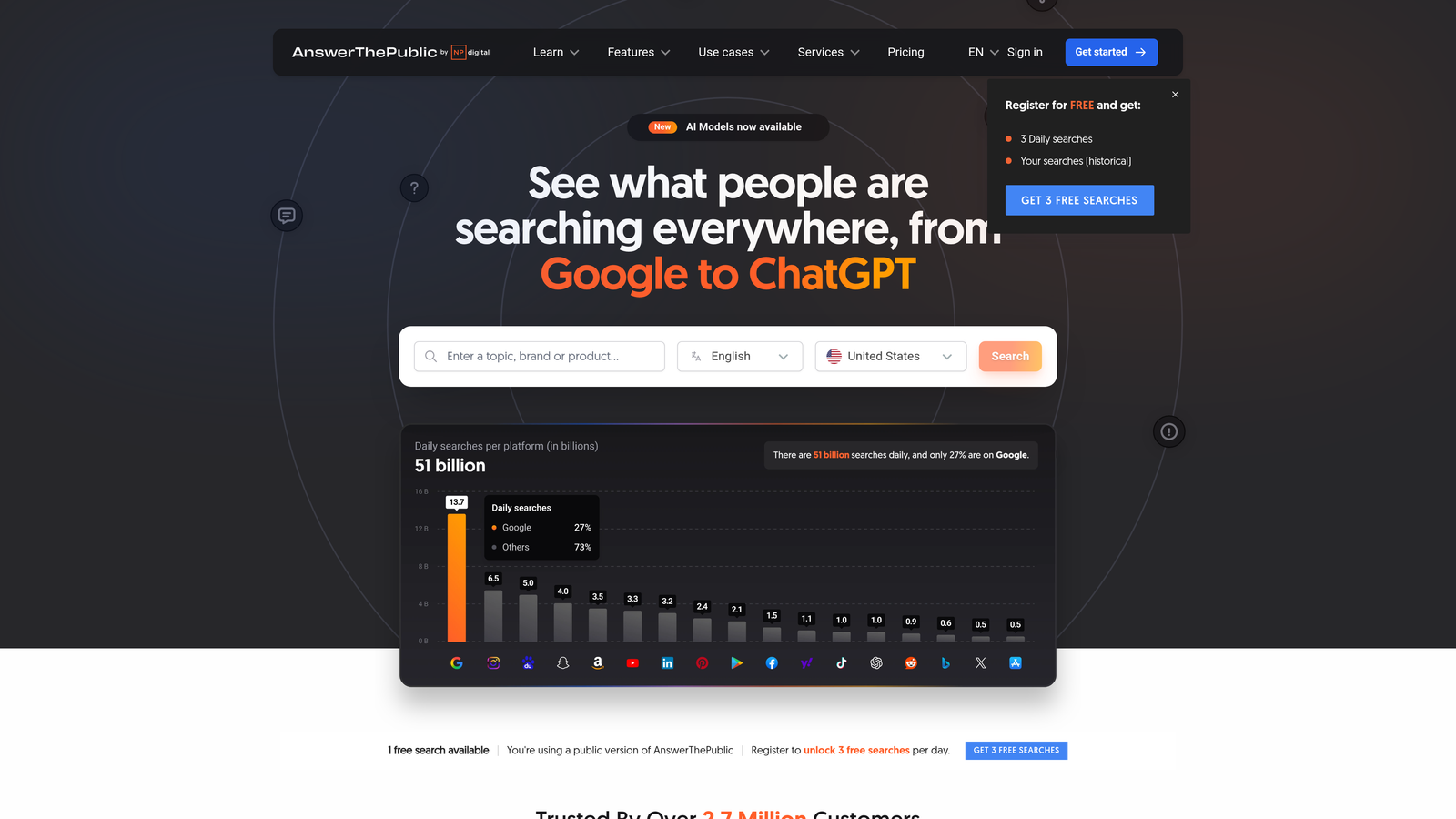
AnswerThePublic groups search queries into questions, prepositions, comparisons and alphabetical suggestions.
Where This Tool Shines
The visual layout makes keyword research feel less like data analysis and more like learning about your audience. You see the questions people ask about your topic, and those questions translate directly into content ideas.
The tool is good at finding long-tail variations and angles competitors miss. Everyone targets "SEO tools," but AnswerThePublic shows that people also search "why SEO tools are expensive" and "can SEO tools guarantee rankings."
Key Features
Question Visualization: Shows all question-based searches in an easy-to-scan format.
Preposition Queries: Finds searches that use "for," "with," "near" and other prepositions.
Comparison Searches: Identifies "versus" and "or" queries that signal buying decisions.
Alphabetical Suggestions: Lists keyword variations from A to Z.
CSV Export: Downloads all suggestions for further analysis and content planning.
Best For
Content creators and small businesses building content calendars. It is especially useful for FAQ sections, blog topics and understanding customer pain points.
Pricing
A limited number of free searches per day. Pro plans start at $9 per month and add unlimited searches and advanced features.
10. BrightLocal
Best for: Local SEO management and citation building
BrightLocal focuses entirely on helping local businesses win map packs and local search results.
Where This Tool Shines
The platform tracks your rankings in Google's local pack, in regular organic results and across Bing and Apple Maps. For local businesses, local pack visibility often drives more traffic than traditional organic rankings.
Citation management saves a lot of time. BrightLocal finds inconsistent business listings across directories and helps you correct them. Consistent NAP (name, address, phone) data across the web directly affects local rankings.
Key Features
Local Rank Tracking: Monitors positions in the local pack, organic results and multiple map services.
Citation Builder: Submits your business to relevant directories and keeps listings consistent.
Review Monitoring: Tracks reviews across Google, Facebook, Yelp and other platforms.
Google Business Profile Audit: Finds optimization opportunities in your GBP listing.
Local SEO Reports: White-label reports for agencies managing local clients.
Best For
Local businesses with physical locations, and agencies managing local SEO for clients. It is essential if you rely on foot traffic or serve specific geographic areas.
Pricing
Plans start at $39 per month for single-location businesses, with higher tiers for multi-location businesses and agencies.
11. Ahrefs Webmaster Tools
Best for: Free site audits and backlink analysis for verified sites
Ahrefs Webmaster Tools gives you a limited but powerful slice of Ahrefs' enterprise platform at no cost.
Where This Tool Shines
You get access to Ahrefs' large backlink index for your own site. You can see who links to you, identify your strongest pages and spot potentially harmful links, data that normally costs hundreds of dollars per month.
The site audit runs on Ahrefs' own infrastructure and surfaces the same technical issues enterprise customers see. A health score and prioritized issue list help you focus on the problems that matter most.
Key Features
Site Audit: Crawls your site and explains each technical SEO issue it finds.
Backlink Profile: Shows all links pointing to your site, with quality metrics.
Organic Keywords: Lists keywords your site ranks for, with position data.
Internal Links: Finds opportunities to improve your internal linking structure.
Referring Domains: Tracks new and lost domains linking to your site.
Best For
Website owners who want enterprise-quality backlink data and technical audits without paying for them. You must verify site ownership to access these features.
Pricing
Completely free for verified website owners. No credit card is required.
Making the Right Choice
Match your tool selection to your immediate priorities and growth stage. Start with the free essentials, then add specialized tools as specific needs come up.
Google Search Console is your foundation. Set it up first, whichever paid tools you choose, because no other tool gives you performance data directly from Google.
For keyword research on a tight budget, Ubersuggest and Mangools offer good value. Both have freemium options for occasional research and affordable paid plans when you need deeper analysis.
For technical SEO, Screaming Frog's free tier covers most small business sites completely. Pair it with Google Search Console and you've handled the technical basics at no cost.
WordPress users should install Rank Math right away. The free version handles on-page optimization, schema markup and internal linking better than most paid alternatives.
Local businesses should prioritize BrightLocal. Local SEO depends on citation management, review monitoring and local pack rankings, which general-purpose SEO platforms don't handle well.
The challenge most small businesses overlook is AI visibility. As more users get answers from ChatGPT, Claude and Perplexity instead of clicking through search results, tracking your brand's presence in AI responses becomes critical. Start tracking your AI visibility today and see where your brand appears across top AI platforms.
Start with one or two tools that address your biggest gaps, and learn them well before adding more. A small toolkit used expertly beats a large one used poorly. As organic traffic and budget grow, add specialized tools for specific challenges.
Frequently asked questions
What are the best free SEO tools for small businesses?
Google Search Console, Ahrefs Webmaster Tools, Screaming Frog (up to 500 URLs) and Rank Math's free WordPress plugin cover performance data, backlinks, technical audits and on-page optimization at no cost. Add the free tiers of Ubersuggest or AnswerThePublic for light keyword research. Together these handle the core needs of most small business websites before any paid subscription is necessary.
What are the top AI SEO tools for small businesses?
AI features now appear in many tools: Surfer generates outlines and optimizes drafts, Rank Math Pro includes Content AI, and Sight AI tracks how ChatGPT, Claude and Perplexity mention your brand while its agents produce GEO-optimized content. Choose based on your goal. Surfer suits ranking content in Google, while Sight AI suits getting cited in AI answers.
How much should a small business spend on SEO tools?
Many small businesses spend between $0 and $100 per month. Start with free tools, then add one paid tool for your biggest gap, typically $29–$89 per month for keyword research, rank tracking or content optimization. Local businesses should budget for BrightLocal from $39 per month. Add more tools only when you can show the existing ones are paying off.
Do I need an all-in-one SEO platform or separate tools?
For one site with limited time, an all-in-one platform such as SE Ranking reduces tool switching and cost. Separate specialist tools make sense when one area, such as local SEO or content production, drives most of your results. See the "Making the Right Choice" section above for recommended combinations by business type.