The best real-time indexing solutions combine an instant notification channel with a crawlable site. In practice that means three things. IndexNow, sent directly or through Cloudflare Crawler Hints or a CMS plugin, reaches Bing, Yandex, Seznam, Naver and Yep. Google needs separate handling through sitemaps and Search Console, because it does not support IndexNow. Audit tools such as Screaming Frog, Oncrawl or Botify find the technical blockers that stop notified pages from getting indexed.
Search engines can't rank content they haven't discovered, and traditional crawling can take days or weeks. We evaluated the providers below on implementation speed, protocol support, automation capabilities and reliability at scale. Before the detailed reviews, here is the short version.
Real-time indexing solutions compared
| Solution | Type | Engines reached | Setup effort | Starting price |
|---|---|---|---|---|
| Sight AI | Content + publishing + IndexNow automation | IndexNow engines, sitemap for Google | Low | Free trial, contact for pricing |
| IndexNow Protocol | Open notification standard | Bing, Yandex, Seznam, Naver, Yep | Low–medium (API or plugin) | Free |
| Google Search Console | Status monitoring + manual indexing requests | Low (UI), medium (API) | Free | |
| Cloudflare Crawler Hints | CDN-level IndexNow automation | IndexNow engines | One dashboard toggle | Free on all plans |
| Rank Math SEO | WordPress plugin | IndexNow engines | Low | Free version available |
| Yoast SEO Premium | WordPress plugin | IndexNow engines | Low | Paid annual license |
| Screaming Frog | Desktop crawler / audit | Diagnoses issues for all engines | Low | Free up to 500 URLs |
| Oncrawl | Cloud crawler + log analysis | Diagnoses issues for all engines | Medium | Monthly subscription |
| Botify | Enterprise crawl, log and rendering platform | Diagnoses issues for all engines | High | Custom enterprise quote |
1. Sight AI
Best for: Teams wanting content generation, indexing automation, and AI visibility tracking in one platform
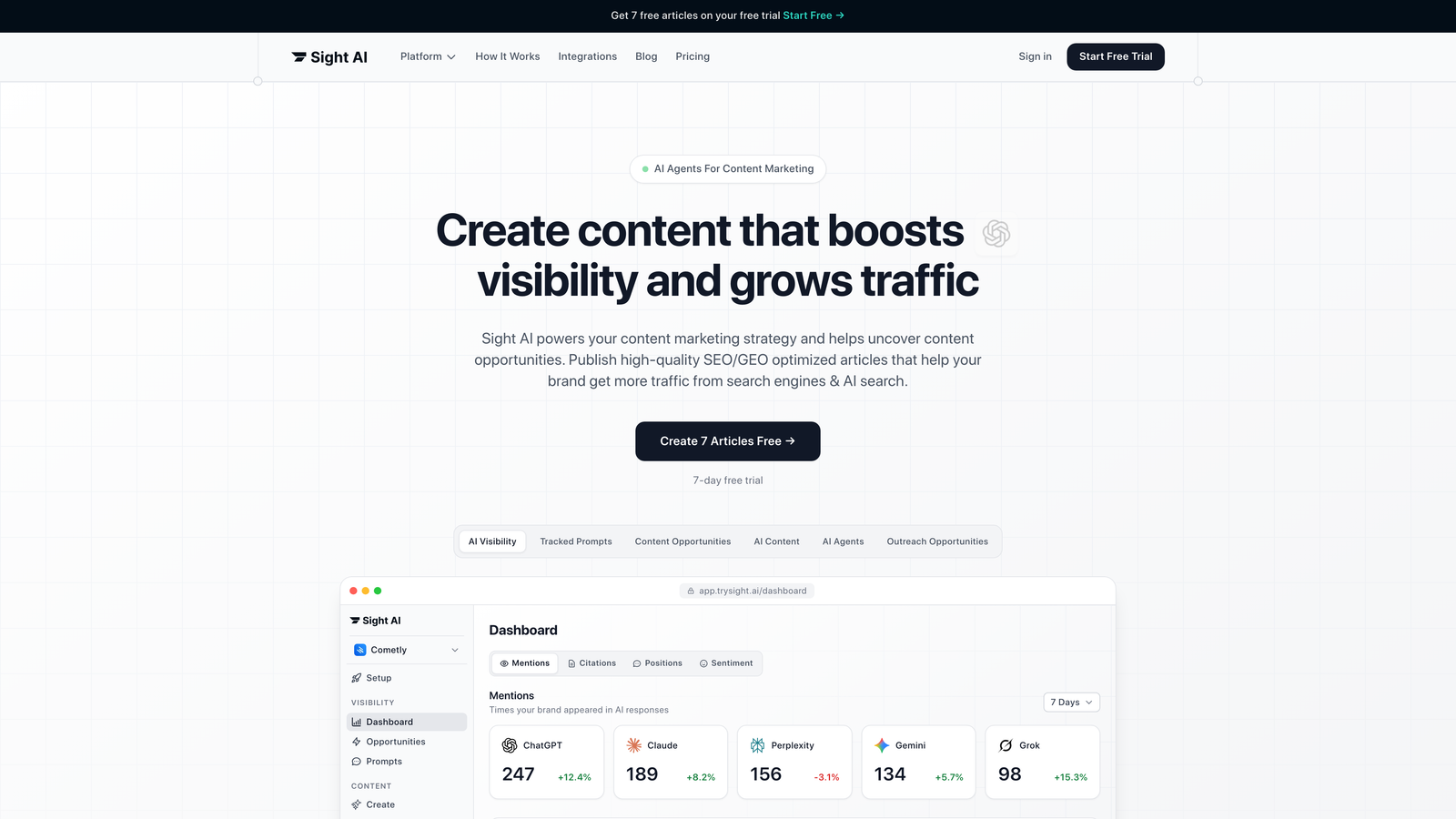
Sight AI combines AI-powered content creation with automated indexing workflows, removing the gap between publishing and search engine discovery.
Where This Tool Shines
Most indexing solutions handle notification but leave content creation and publishing as separate workflows. Sight AI connects all three stages. Its 13+ specialized AI agents generate SEO- and GEO-optimized content. The platform auto-publishes to WordPress and other CMS platforms. Its IndexNow integration notifies search engines the moment content goes live.
The unified dashboard shows your AI visibility metrics and indexing status in one place. You can track how AI models like ChatGPT and Claude mention your brand while monitoring which pages search engines have discovered. Together, that gives you a complete picture of your organic presence.
Key Features
IndexNow Integration: Automatic search engine notification on every publish, with no manual submission.
Automated Sitemap Updates: Dynamic sitemap generation that reflects new content immediately, which is the main fast-discovery signal for Google.
CMS Auto-Publishing: Direct publishing to WordPress and other platforms, with indexing triggers built in.
AI Content Generation: 13+ specialized agents create listicles, guides and explainers optimized for both traditional and AI search.
Combined Visibility Dashboard: Track AI mentions and indexing status from a single interface.
Best For
Marketing teams and agencies managing content at scale who need end-to-end automation from content creation through search discovery. It is particularly valuable if you track AI visibility alongside traditional SEO metrics.
Pricing
Contact for pricing; a free trial is available to test the full workflow.
2. IndexNow Protocol
Best for: Developers implementing free, open-standard indexing notifications across multiple search engines
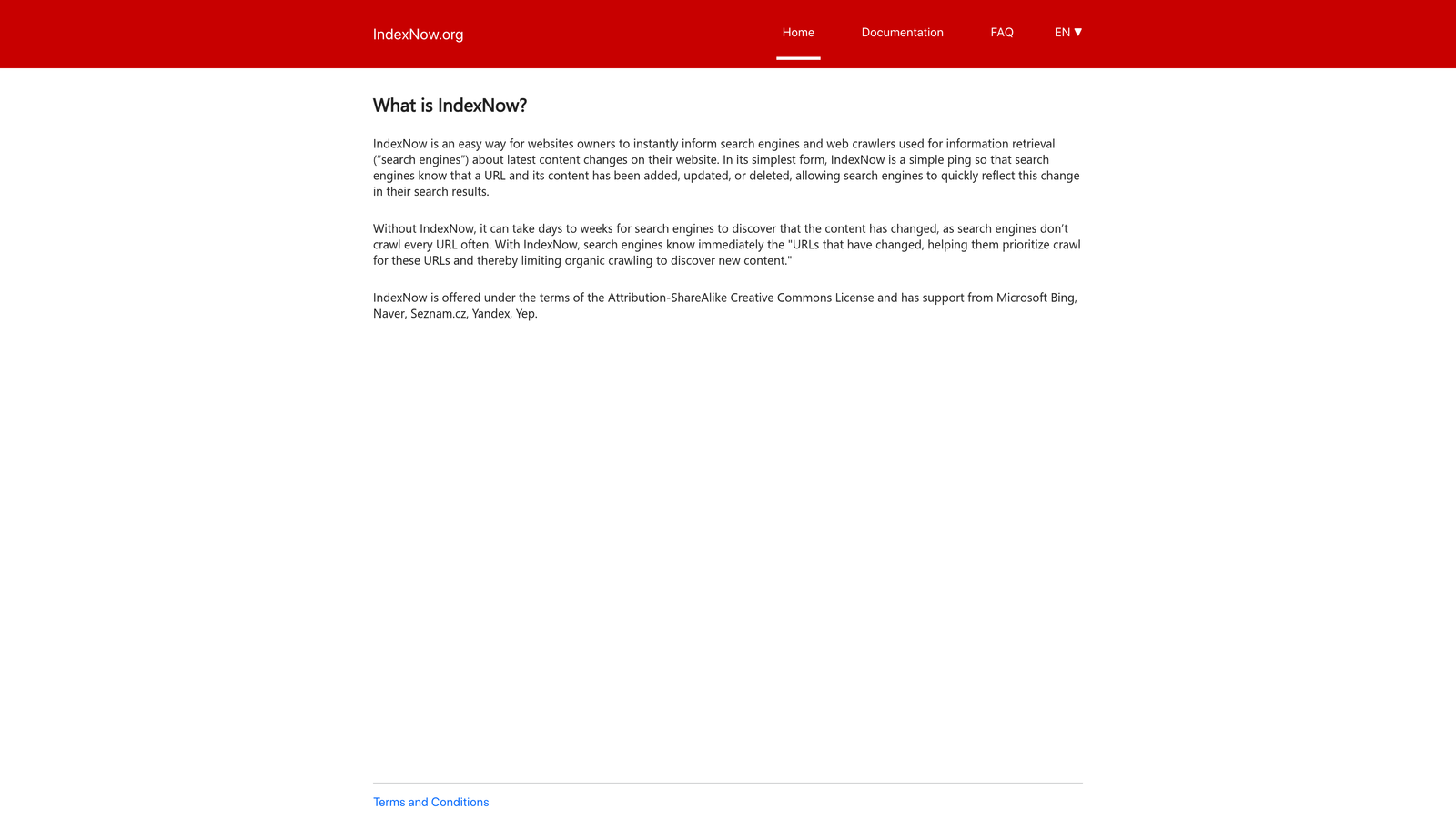
IndexNow Protocol is the open standard that lets websites ping search engines instantly when content changes. Bing, Yandex, Seznam, Naver and Yep support it.
Where This Tool Shines
This isn't a commercial product; it's a protocol. That means no vendor lock-in, no subscription fees and broad search engine adoption. Participating engines share submissions with each other, so one ping to any endpoint reaches all of them.
Implementation takes three steps:
- Generate a key.
- Host it as a text file at your domain root, for example
https://example.com/<key>.txt. - Send URLs to
https://api.indexnow.org/indexnow, either as a GET for a single URL or a JSON POST for a batch.
A 200 or 202 response means the submission was accepted. Acceptance is not a guarantee of crawling or indexing. For a full walkthrough, see our guide to implementing IndexNow step by step.
Key Features
Free and Open Protocol: No licensing costs; a completely open standard.
Multi-Engine Support: One submission reaches every participating engine.
Simple API Implementation: A straightforward HTTP API that most developers can integrate in under an hour.
Bulk URL Submission: Submit up to 10,000 URLs per POST request for large-scale updates.
CMS Plugin Ecosystem: Pre-built plugins for WordPress, Joomla, Drupal and other platforms.
Best For
Technical teams comfortable with API integration who want maximum control and zero ongoing costs. It is ideal for sites targeting Bing, which also feeds Microsoft Copilot and other AI search products, and for international markets where Yandex, Seznam or Naver matter. Only submit URLs that actually changed; repeatedly pinging unchanged pages wastes the signal.
Pricing
Free. It's an open protocol with no commercial entity behind it.
3. Google Search Console API
Best for: Sites prioritizing Google that need programmatic index-status monitoring
Google Search Console and its APIs are the official channel for checking how Google sees your URLs.
Where This Tool Shines
Google hasn't adopted IndexNow, so you need to understand which Google channels actually do what:
- URL Inspection API: Read-only. It returns index status, last crawl time, the canonical Google selected and coverage state. It cannot request indexing. Quotas are 2,000 inspections per day and 600 per minute per property.
- "Request indexing" button: Available in the Search Console UI. It is manual and subject to a small daily cap.
- Google Indexing API: Officially supported only for pages with JobPosting or BroadcastEvent (livestream) structured data. Using it for regular articles is outside Google's guidelines.
- Sitemaps: A sitemap with accurate
<lastmod>values, submitted via the Sitemaps API orrobots.txt, is the scalable way to signal fresh content to Google.
A practical pattern is to update the sitemap on publish, then call the URL Inspection API a few hours later to verify indexing. Route any failures to a fix queue.
Key Features
URL Inspection API: Programmatic index-status checks with detailed coverage data.
Direct Google Data: The official source of truth for Google indexing, with no third-party intermediaries.
Sitemaps API: Submit and monitor sitemaps programmatically.
Crawl Stats and Page Indexing Reports: Detailed analytics on how Google crawls your site.
Google Cloud Integration: Works with Cloud Functions, Cloud Run and other Google services for automated pipelines.
Best For
Sites where Google traffic dominates and development resources are available. It is especially useful for news and time-sensitive content, where verifying indexing quickly matters most.
Pricing
Free for all Search Console users, within the API quotas above.
4. Cloudflare Crawler Hints
Best for: Sites already using Cloudflare who want IndexNow without code changes
Cloudflare Crawler Hints detects content changes at the CDN layer and sends IndexNow notifications on your behalf.
Where This Tool Shines
The beauty here is invisibility. If your site runs through Cloudflare, you enable Crawler Hints with a single toggle in the dashboard under Caching > Configuration. From then on, Cloudflare watches for changed content and pings IndexNow engines automatically.
This is particularly valuable for teams without development resources or those managing multiple sites. There are no API keys to manage and no maintenance burden.
Key Features
One-Toggle Setup: Enable it in the Cloudflare dashboard; no code required.
Automatic Change Detection: Monitors content changes and triggers notifications without manual intervention.
All Plan Availability: Works across free and paid Cloudflare plans at no additional cost.
No Code Changes: Requires zero modifications to your site code or CMS.
CDN Integration: Uses existing Cloudflare infrastructure for reliable delivery.
Best For
Any site already using Cloudflare for CDN or security. It suits non-technical teams and agencies managing many client sites. You get less control over which URLs are submitted than with a direct API integration.
Pricing
Included with all Cloudflare plans, including the free tier.
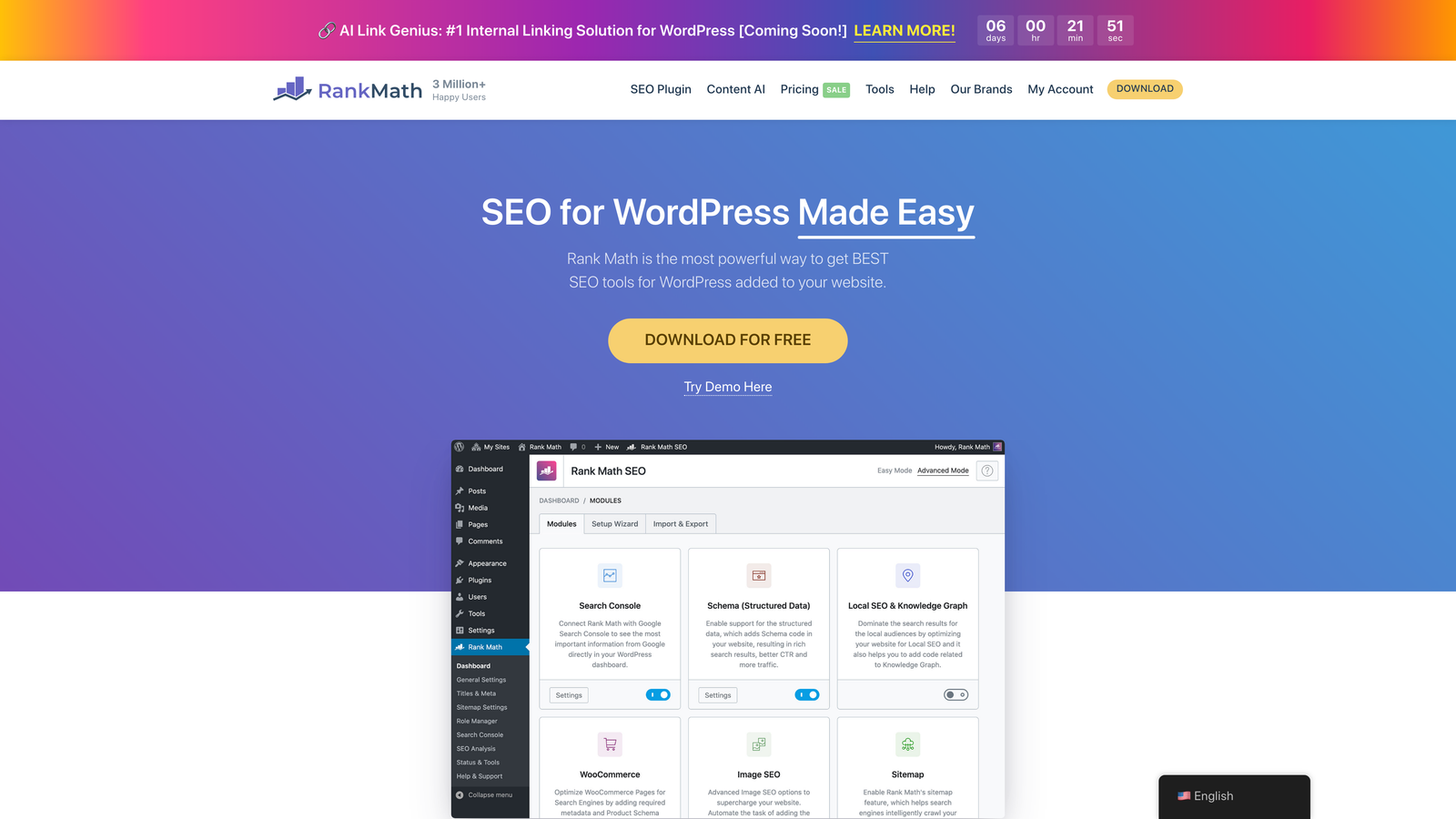
5. Rank Math SEO
Best for: WordPress sites wanting comprehensive SEO tools with native IndexNow support
Rank Math SEO offers one-click IndexNow setup alongside a full SEO toolkit for WordPress publishers.
Where This Tool Shines
Rank Math treats indexing as part of a complete SEO workflow rather than an isolated feature. When you publish or update content, the plugin pings IndexNow engines. It also optimizes on-page elements, generates schema markup and updates your sitemap.
Rank Math also publishes a separate Instant Indexing plugin that connects to the Google Indexing API. Remember that Google officially supports that API only for job posting and livestream pages. For regular content, rely on the sitemap Rank Math maintains.
Key Features
One-Click IndexNow Setup: Enable IndexNow in the plugin settings without technical configuration.
Instant Indexing Add-On: Optional Google Indexing API connection for eligible content types.
Automatic Publish Notifications: Triggers indexing requests on every publish and update.
Comprehensive SEO Toolkit: On-page optimization, keyword tracking and content analysis.
Schema Markup and Sitemaps: Automatic structured data and XML sitemap management.
Best For
WordPress publishers who want a complete SEO solution with indexing automation built in. It is ideal for content-heavy sites publishing multiple articles daily.
Pricing
The free version includes IndexNow support. Paid Pro plans add advanced features; check Rank Math's site for current pricing.
6. Yoast SEO Premium
Best for: WordPress sites already invested in the Yoast ecosystem
Yoast SEO Premium adds IndexNow integration to its established SEO plugin, automating search engine notifications alongside content optimization.
Where This Tool Shines
Yoast's strength is its maturity and the feature set beyond indexing. The IndexNow integration works alongside Yoast's redirect manager, internal linking suggestions and content analysis tools. Indexing becomes one automated step in a unified publishing workflow.
For teams already on Yoast Free, upgrading to Premium adds indexing automation without learning a new interface.
Key Features
IndexNow Integration: Included in the Premium tier, with automatic notifications on publish and update.
On-Page SEO Tools: Content analysis, readability scoring and optimization suggestions.
Redirect Manager: Handles URL changes without losing search equity.
Internal Linking Suggestions: Recommendations for strengthening site architecture.
Best For
WordPress sites with existing Yoast installations who want indexing automation without switching plugins.
Pricing
Premium is a paid annual license per site, roughly in the $100+/year range. IndexNow requires this paid tier.
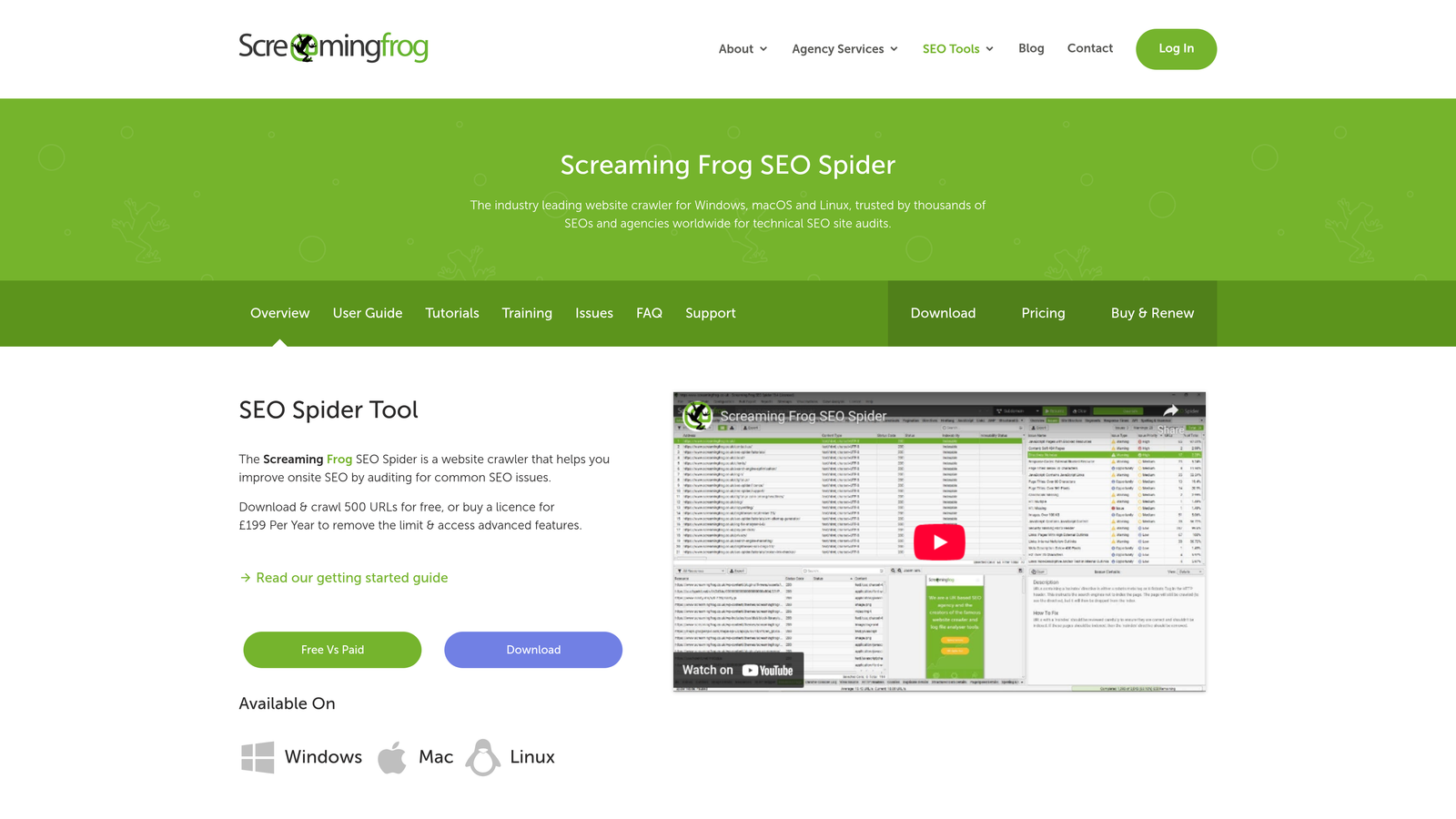
7. Screaming Frog SEO Spider
Best for: Technical SEO audits that find indexing blockers and crawl errors before they hurt discovery
Screaming Frog SEO Spider crawls your site like a search engine. It reveals indexability issues that stop real-time indexing from working.
Where This Tool Shines
Real-time indexing tools notify search engines about new content. They can't help if technical issues block crawlers from those pages. Screaming Frog identifies the common blockers:
- Broken or conflicting canonicals
- Noindex tags on important pages
- robots.txt blocks
- Redirect chains
- Content that only appears after JavaScript rendering
The Google Search Console integration pulls URL Inspection data into the crawl. You can compare what you think is indexable against what Google actually reports.
Key Features
Deep Crawl Analysis: Identifies noindex, canonical and robots.txt problems.
JavaScript Rendering Mode: Crawls with a headless Chromium to compare raw and rendered HTML.
Google Search Console Integration: Compares your site structure against Google's index data.
Indexability Status Identification: Flags pages that won't be indexed even with real-time notification.
Bulk Export: Generates reports for fixing issues at scale across thousands of URLs.
Best For
Technical SEO teams where indexing problems come from configuration issues rather than notification delays. It is essential for pre-launch audits and ongoing maintenance.
Pricing
Free up to 500 URLs. An annual paid license, around £200 per user, unlocks unlimited crawling.
8. Oncrawl
Best for: Large sites needing log file analysis and crawl budget optimization
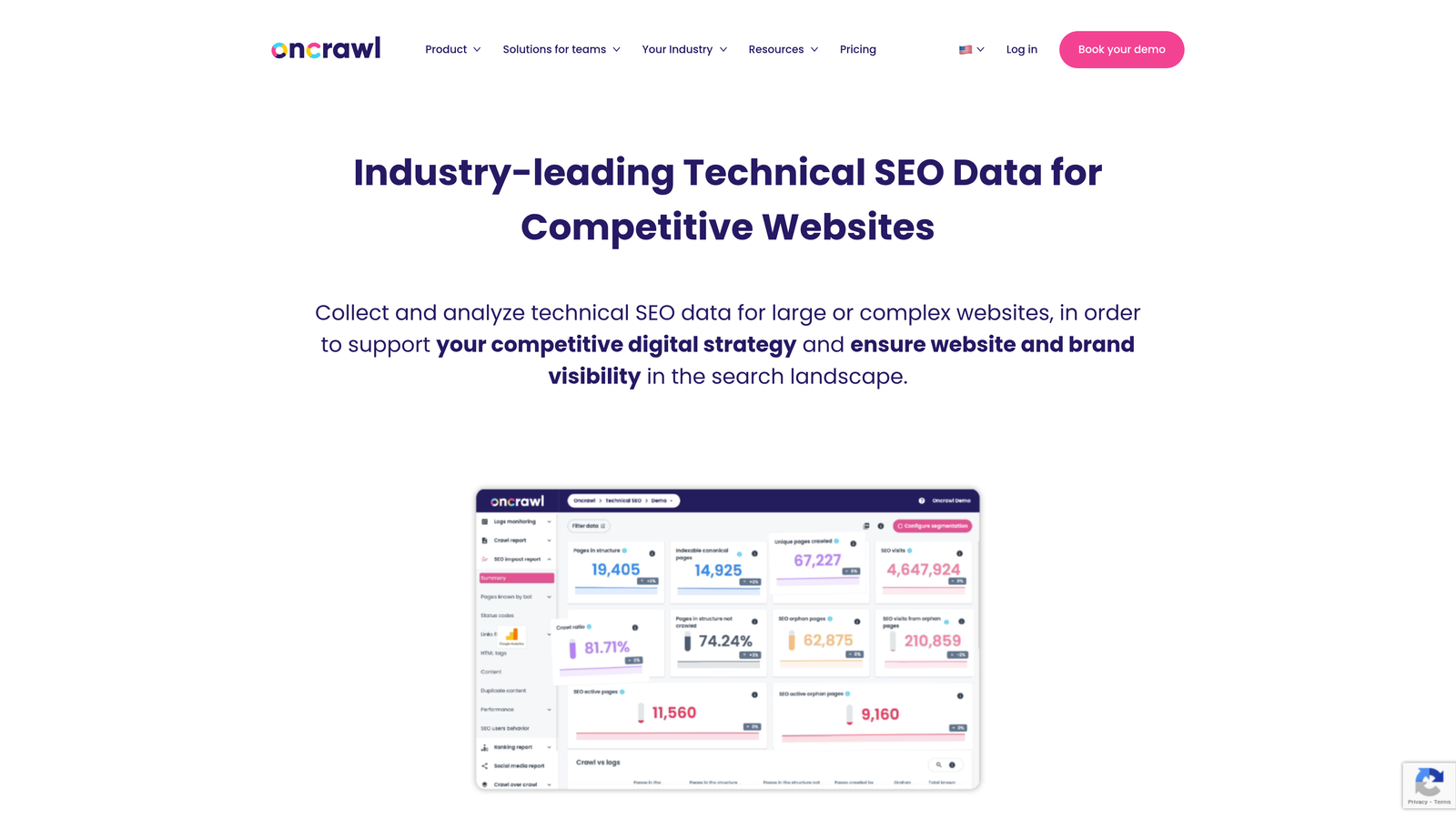
Oncrawl combines crawl analysis with log file monitoring. It shows how search engines interact with your site and where they waste crawl budget.
Where This Tool Shines
Large sites face a different indexing challenge: search engines discover pages but don't crawl them often enough. Oncrawl's log file analysis shows which pages crawlers actually visit and which sit ignored. That helps you decide which content needs notification and which needs architectural fixes such as internal links, pagination or faceted-navigation controls.
Key Features
Log File Analysis: Tracks real crawler behavior to find pages that are ignored or over-crawled.
Indexability Scoring: Flags pages likely to struggle based on technical and linking factors.
Crawl Budget Optimization: Identifies crawler resources wasted on low-value pages.
Looker Studio Integrations: Connects indexing data with analytics for reporting.
Custom Segmentation: Groups pages by type, template or business value.
Best For
Sites with hundreds of thousands to millions of URLs, such as e-commerce catalogs and marketplaces.
Pricing
Monthly subscriptions for smaller sites, with custom enterprise plans for large deployments.
9. Botify
Best for: Enterprise platforms requiring real-time log analysis and automated SEO recommendations at scale
Botify provides enterprise-grade crawl optimization with log file analysis and automated recommendations for improving search engine discovery.
Where This Tool Shines
Botify operates at a scale most tools can't match. It processes very large volumes of log data to find patterns in how search engines crawl your site, then generates prioritized recommendations.
Its JavaScript rendering analysis is particularly valuable for modern sites. Many indexing problems happen when crawlers fail to render JavaScript-dependent content. Botify shows what crawlers see versus what human visitors experience. Its edge features can also serve pre-rendered HTML to bots.
Key Features
Log File Analysis: Processes crawler activity for near-immediate insights.
Crawl Budget Optimization: Finds and eliminates crawler waste across millions of pages.
Automated SEO Recommendations: Prioritized fix lists based on impact potential.
JavaScript Rendering Analysis: Compares raw HTML against rendered content to find indexing gaps.
Enterprise-Scale Management: Handles sites with tens of millions of pages.
Best For
Enterprise organizations with complex, JavaScript-heavy sites, where small crawl-efficiency gains mean significant traffic.
Pricing
Enterprise pricing; contact Botify for a custom quote.
How to implement real-time web indexing: a practical stack
If you need to set up real-time indexing yourself, this sequence covers every major engine:
- Fix indexability first. Crawl the site and resolve noindex, canonical, robots.txt and redirect issues. Notifications for blocked pages are wasted.
- Make content render without JavaScript. Use server-side rendering or static generation for primary content and links. Google renders JavaScript on a deferred queue, and many AI crawlers don't execute it at all.
- Automate IndexNow. Use Cloudflare Crawler Hints, a CMS plugin or a direct API call in your publish hook. Submit only new, updated or deleted URLs.
- Keep sitemaps accurate. Regenerate on publish with truthful
<lastmod>values. News publishers should add a Google News sitemap. - Link new pages from crawled pages. Add links from the homepage, category hubs or recent-posts modules so crawlers find them on their next visit.
- Verify. Check status with the URL Inspection API or Bing Webmaster Tools 24–72 hours after publishing, and alert on pages that remain unindexed.
For a broader look at diagnostic tools, see our roundup of website crawling and indexing tools.
Making the Right Choice
Your ideal indexing solution depends on your tech stack and scale. For all-in-one automation that covers content creation, publishing and indexing with AI visibility tracking, Sight AI closes the workflow gaps. Teams wanting a free, open-standard implementation should use the IndexNow Protocol directly, or Cloudflare Crawler Hints if they already use that CDN.
WordPress publishers get the most value from Rank Math or Yoast Premium, since both integrate IndexNow into comprehensive SEO toolkits. Google-focused sites should combine accurate sitemaps with Search Console API monitoring.
Enterprise sites face different challenges. Screaming Frog handles technical audits that fix indexing blockers before they affect discovery. Oncrawl and Botify provide the log file analysis and crawl budget optimization needed at the scale of millions of pages, where crawler efficiency matters as much as notification speed.
The fastest indexing notification means nothing if technical issues block crawlers or your content doesn't deserve to rank. Combine real-time notification with solid technical SEO and content that genuinely serves searcher intent. That's how faster discovery turns into actual traffic growth.
Frequently asked questions
What is real-time indexing?
Real-time indexing means notifying search engines the moment a URL is published, updated or deleted, instead of waiting for their next scheduled crawl. The main mechanism is IndexNow, which Bing, Yandex, Seznam, Naver and Yep support. For Google, the equivalent signals are an up-to-date sitemap with accurate lastmod dates and strong internal links. Notification speeds up crawling, but it does not guarantee indexing; quality and technical health still decide that.
Does Google support IndexNow?
No. Google has tested IndexNow but does not use it. To get pages discovered quickly in Google, keep your XML sitemap current, link new pages from frequently crawled pages, and use Search Console's URL Inspection tool to check status. The Google Indexing API is officially limited to job posting and livestream pages, as explained in the Google Search Console section above.
How do I fix JavaScript indexing problems?
Start by comparing raw HTML with rendered HTML using Screaming Frog's rendering mode, Botify, or Search Console's URL Inspection tool. If primary content or links only appear after JavaScript runs, move to server-side rendering, static generation or pre-rendering. Also make sure your JS and CSS files aren't blocked in robots.txt, and use real <a href> links rather than click handlers.
Do I need an agency to fix indexing problems on a large site?
Not always. Most large-site indexing problems come from crawl budget waste, faceted navigation, duplicate URLs or JavaScript rendering. In-house teams can diagnose these with log analysis tools like Oncrawl or Botify. An agency or technical SEO consultant makes sense when you lack engineering capacity or need a migration plan. Either way, insist on log-file evidence and measurable index coverage targets.
Stop guessing how AI models like ChatGPT and Claude talk about your brand. Get visibility into every mention, track content opportunities, and automate your path to organic traffic growth. Start tracking your AI visibility today and see exactly where your brand appears across top AI platforms.