Getting your content indexed quickly can mean the difference between capturing trending traffic and missing the moment entirely. Whether you're publishing time-sensitive news, launching product pages, or scaling a content operation, waiting days or weeks for Google to discover your pages costs real revenue.
The good news: modern indexing solutions leverage protocols like IndexNow and smart automation to dramatically accelerate how search engines find and crawl your content.
We evaluated dozens of tools based on indexing speed, automation capabilities, ease of integration, and value for different use cases. Here are the top fast indexing solutions for websites in 2026.
1. Sight AI
Best for: Content teams needing automated indexing integrated with AI content generation and publishing workflows.
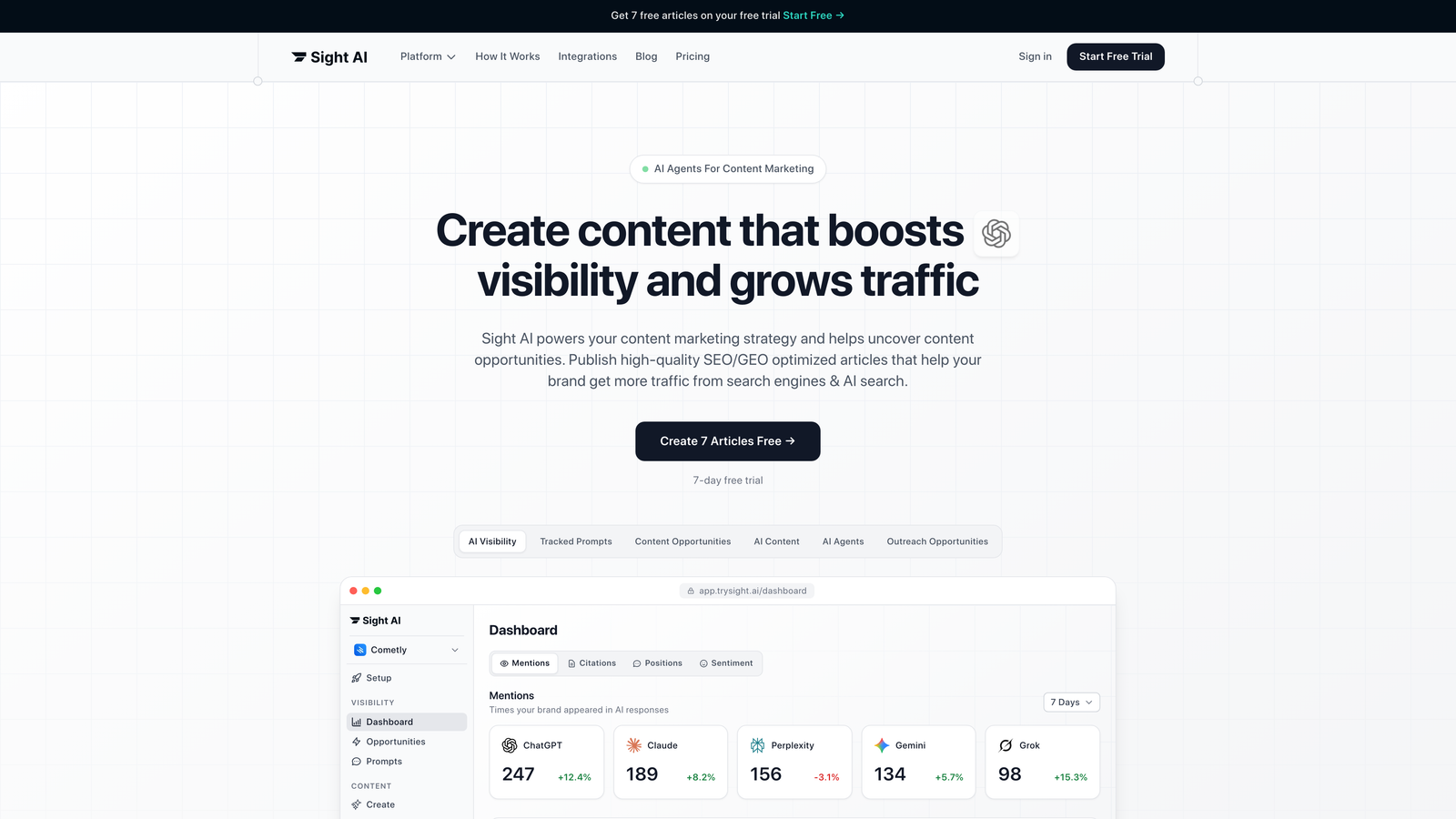
Sight AI combines AI-powered content creation with built-in website indexing automation, eliminating the gap between publishing and search engine discovery.
Where This Tool Shines
The platform automatically triggers IndexNow pings the moment content publishes, whether you're using their AI writer or connecting external CMS platforms. This means your articles hit search engines within minutes instead of waiting for crawlers to eventually find them.
What sets it apart is the end-to-end workflow integration. You're not bolting indexing onto an existing process—it's baked into the content lifecycle from creation through publication and discovery.
Key Features
Automatic IndexNow Integration: Sends instant notifications to Bing, Yandex, and other supporting search engines when content goes live.
Dynamic Sitemap Management: Generates and updates XML sitemaps automatically as you publish, keeping search engines informed of site structure changes.
CMS Auto-Publishing: Connects to WordPress and other platforms with indexing triggers built into the publishing action.
AI Content Generation: Creates SEO-optimized articles with 13+ specialized agents, ensuring content is search-ready before it even publishes.
Multi-Site Dashboard: Manage indexing status and content operations across multiple properties from a single interface.
Best For
Marketing teams and agencies running high-volume content operations who want indexing automation without managing multiple tools. Particularly valuable if you're already using AI for content creation and want publishing infrastructure that matches that speed.
Pricing
Plans start at $49/month with indexing capabilities included across all tiers.
2. IndexNow Plugin for WordPress
Best for: WordPress site owners wanting free, zero-configuration instant indexing with no ongoing costs.
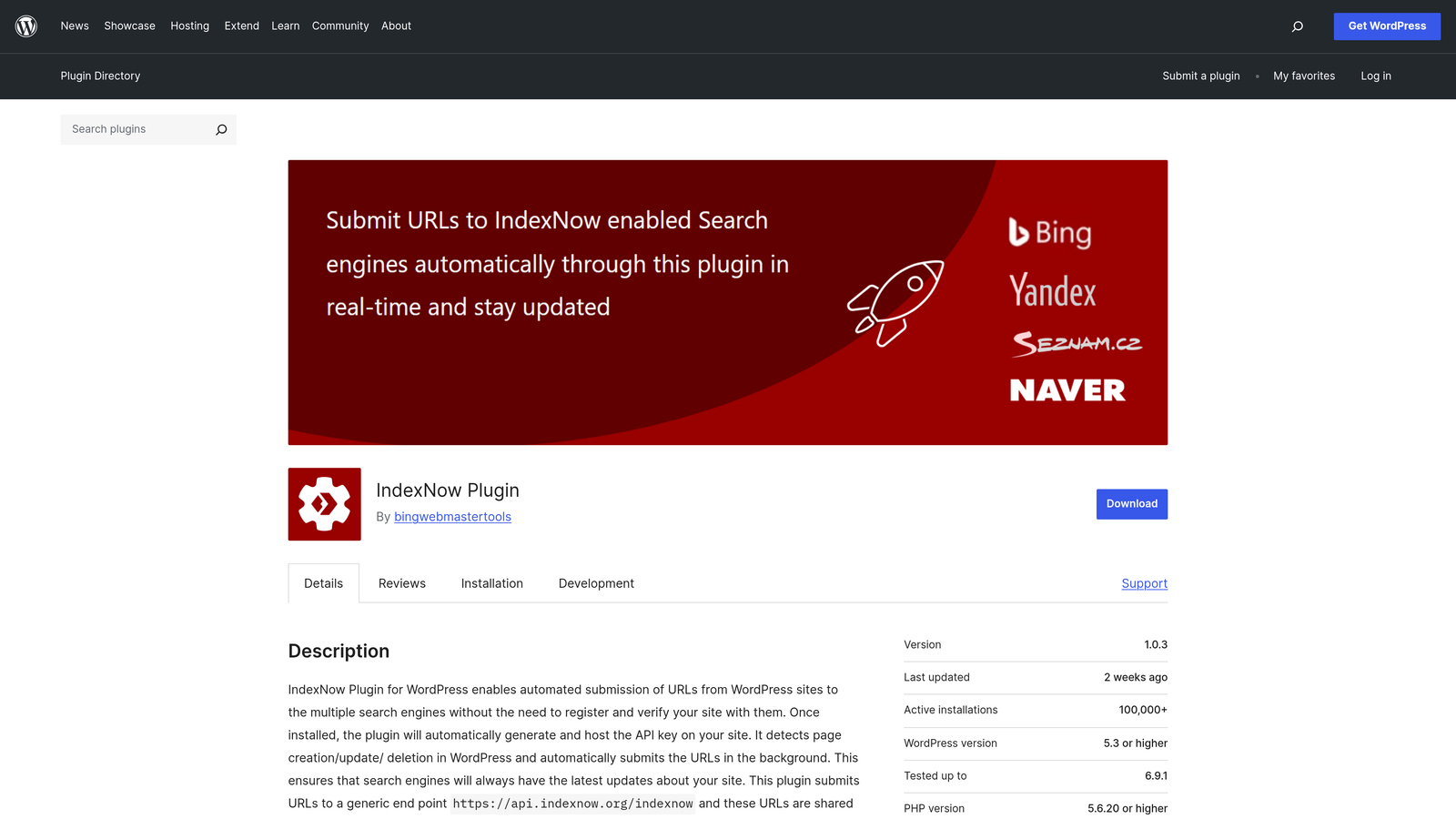
The IndexNow Plugin for WordPress is the official implementation of Microsoft's IndexNow protocol, turning your WordPress site into an active participant in search engine discovery.
Where This Tool Shines
Installation takes about 30 seconds, and from that moment forward, every publish or update automatically notifies supporting search engines. No API keys to manage, no configuration screens to navigate—just install and forget.
Because it's the official plugin maintained by the IndexNow team, you're getting the cleanest possible implementation without the feature bloat that comes with all-in-one SEO plugins.
Key Features
Automatic Submission: Sends IndexNow pings on every publish and update action without manual intervention.
Multi-Engine Support: Notifies Bing, Yandex, Seznam, and Naver simultaneously with each submission.
Zero Configuration: Works immediately after activation with sensible defaults built in.
Open Source: Fully transparent codebase you can audit and modify if needed.
Minimal Performance Impact: Lightweight implementation that doesn't slow down your WordPress admin or front-end.
Best For
WordPress users who want the simplest possible indexing solution without paying for features they don't need. Ideal for bloggers, small business sites, and anyone running WordPress who values set-it-and-forget-it automation.
Pricing
Completely free with no premium tiers or upsells.
3. Bing Webmaster Tools
Best for: Site owners prioritizing Bing visibility and wanting comprehensive crawl management alongside indexing capabilities.
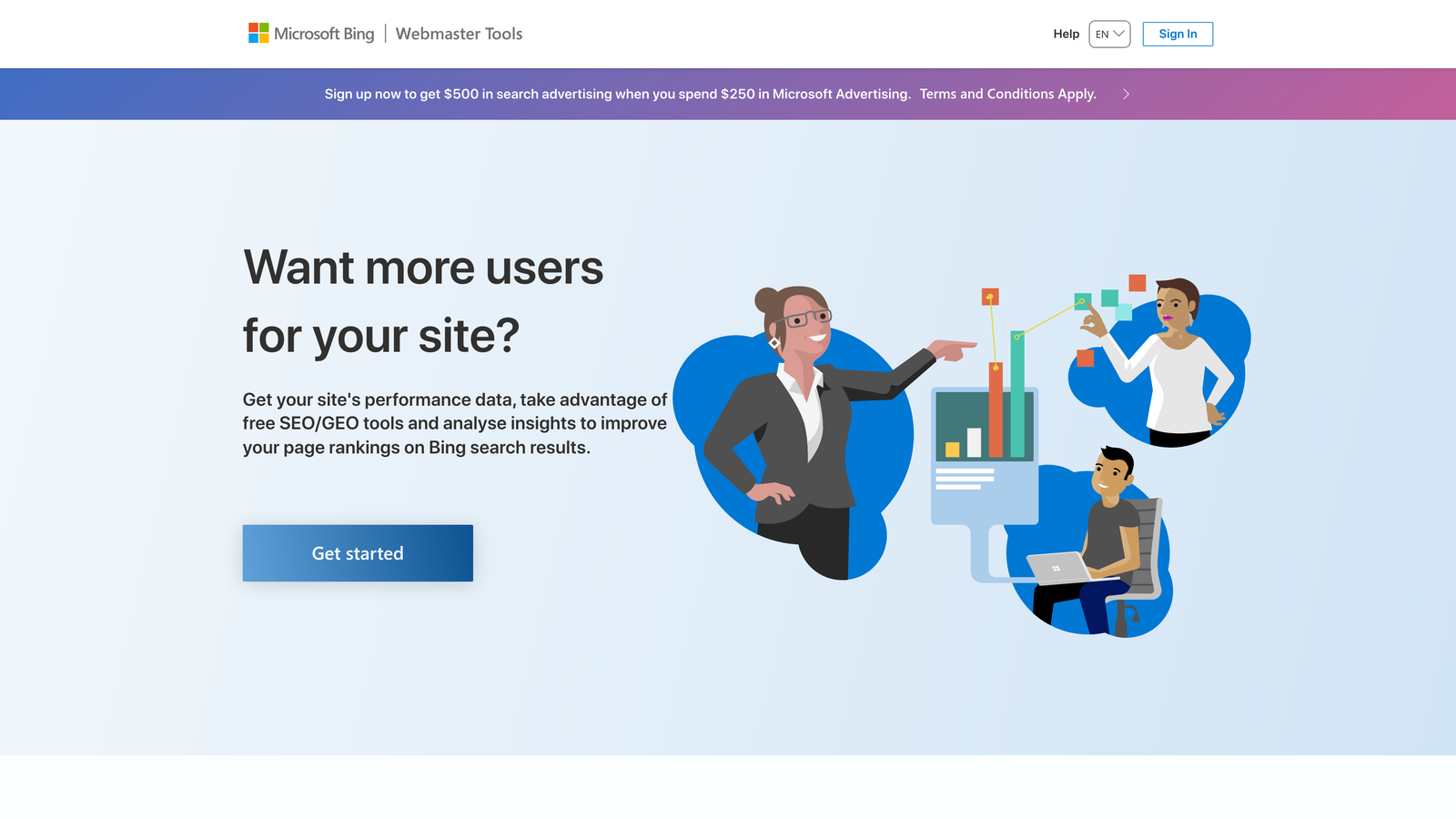
Bing Webmaster Tools serves as Microsoft's answer to Google Search Console, but with native IndexNow support baked directly into the platform.
Where This Tool Shines
You get the full webmaster toolkit—crawl control, SEO diagnostics, backlink analysis—plus the ability to generate IndexNow API keys and submit URLs directly to Bing's index. It's particularly valuable now that Bing powers ChatGPT's web browsing and citation features.
The crawl scheduling tools let you control when and how aggressively Bing crawls your site, which matters for large properties concerned about server load or crawl budget allocation.
Key Features
Direct URL Submission: Submit individual URLs or batches directly to Bing's index through the interface.
IndexNow API Keys: Generate and manage API keys for programmatic submissions across your properties.
Crawl Control: Set crawl rate limits and preferred crawling schedules to protect server resources.
Site Scan Tool: Automated technical SEO audits highlighting indexing blockers and optimization opportunities.
Backlink Analysis: See which sites link to yours and how those links impact your Bing visibility.
Best For
Businesses targeting Bing traffic or concerned about AI search visibility through ChatGPT and Copilot. Also valuable for enterprise sites needing granular crawl management controls.
Pricing
Completely free with no usage limits or premium tiers.
4. Yoast SEO Premium
Best for: WordPress users wanting IndexNow integration bundled with comprehensive on-page SEO tools and support.
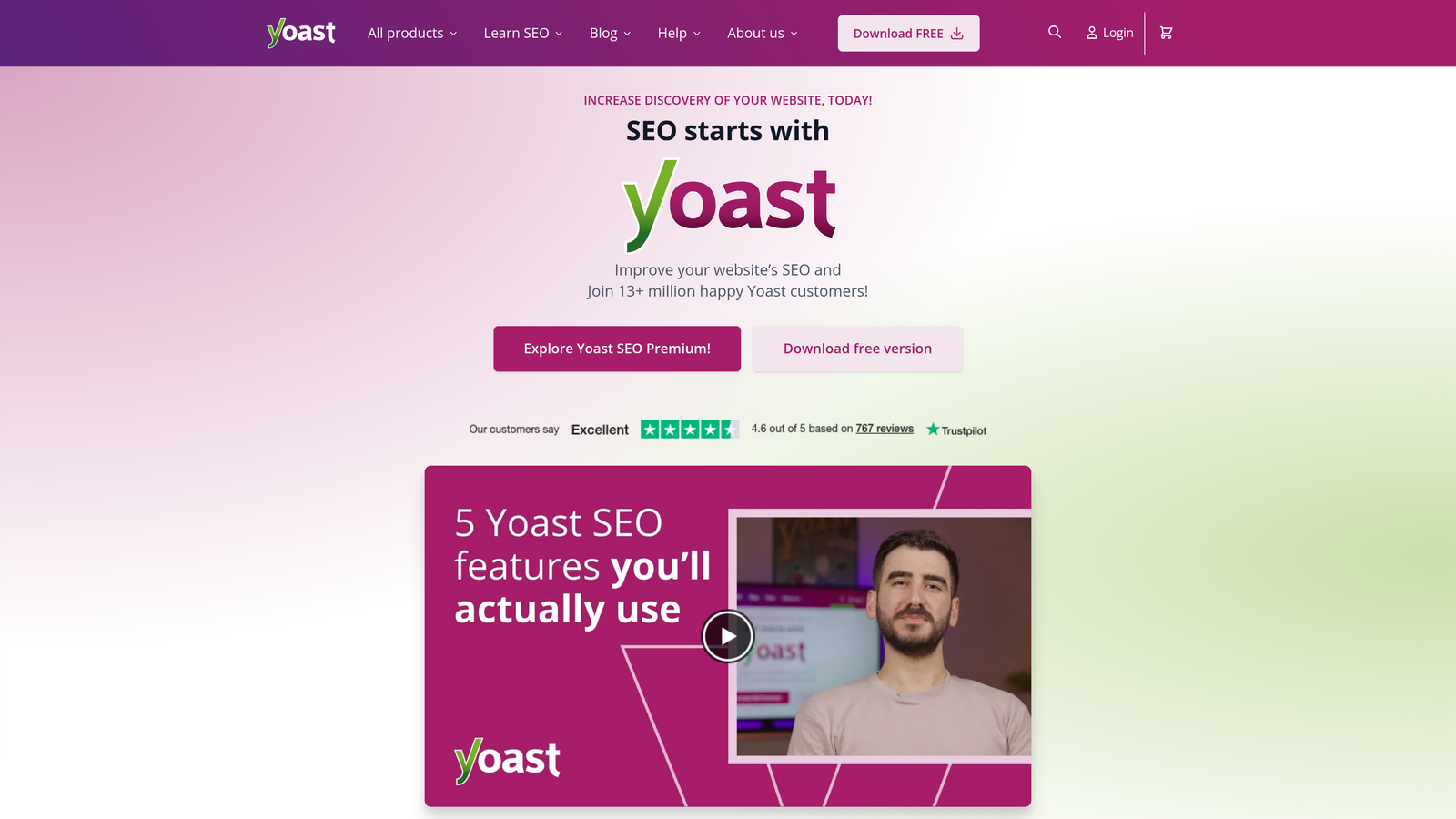
Yoast SEO Premium adds instant indexing capabilities to the most widely-used WordPress SEO plugin, creating a unified optimization and discovery workflow.
Where This Tool Shines
The IndexNow integration works seamlessly with Yoast's content analysis system. As you optimize content using their traffic light scoring system, the plugin automatically handles indexing when you publish, creating a smooth path from draft to search engine awareness.
The redirect manager proves particularly valuable—when you delete or move content, Yoast can notify search engines about the change while simultaneously setting up proper redirects to preserve link equity.
Key Features
IndexNow Integration: Automatic search engine notification on publish and update (Premium feature only).
XML Sitemap Generation: Creates and maintains sitemaps automatically with intelligent URL prioritization.
Redirect Manager: Set up 301 redirects without touching server configuration files.
Internal Linking Suggestions: Recommends relevant internal links as you write to improve crawlability.
Content Optimization: Real-time analysis of readability and SEO factors with actionable suggestions.
Best For
WordPress site owners who value premium support and want indexing bundled with a mature SEO toolkit. Makes sense if you're already using Yoast Free and need the additional features beyond just indexing.
Pricing
$99 per year for a single site license, with multi-site options available.
5. Rank Math SEO
Best for: WordPress users wanting free IndexNow integration plus Google Instant Indexing API support in a single plugin.
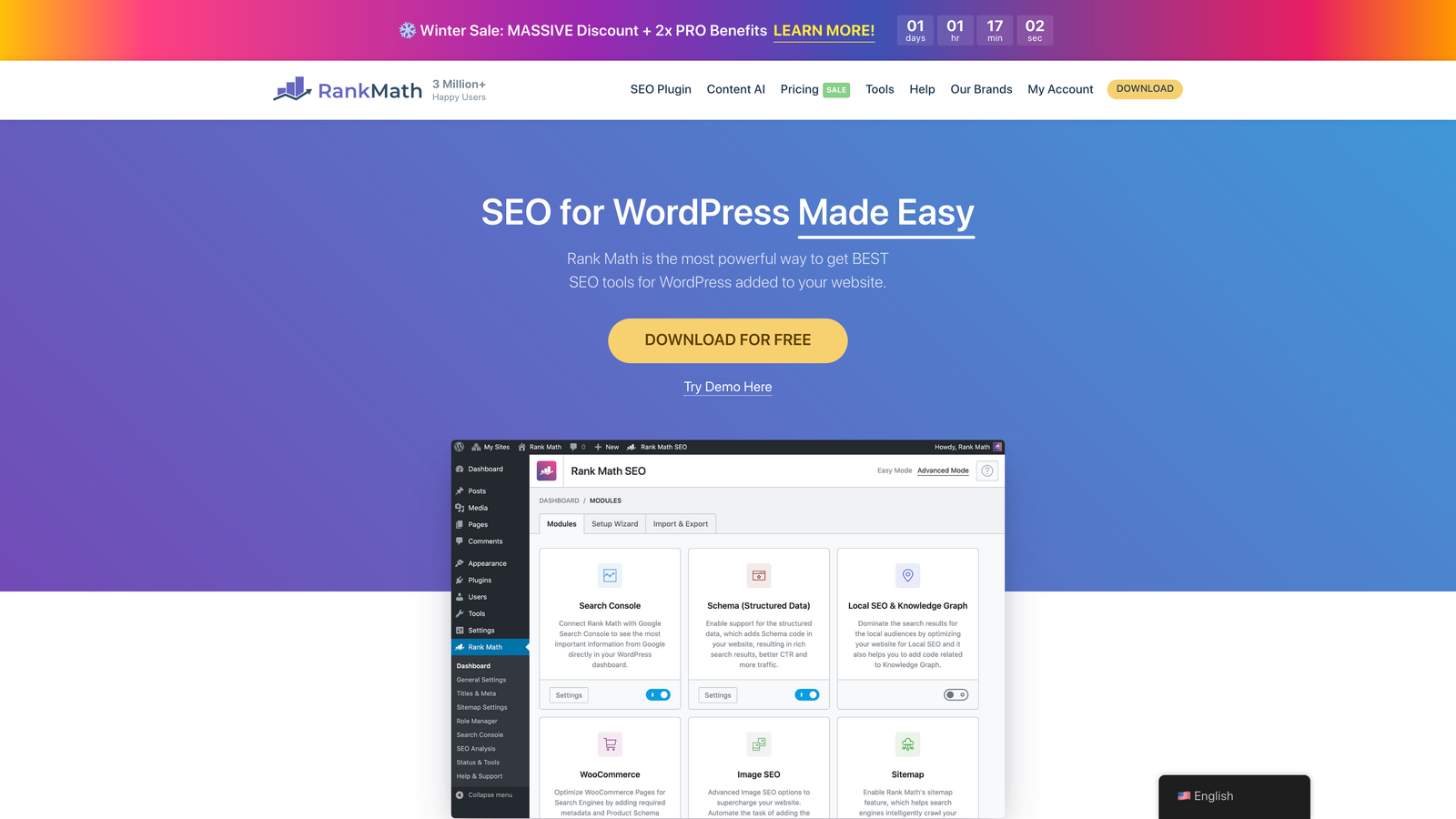
Rank Math SEO offers enterprise-level SEO features in a free plugin, including IndexNow integration that doesn't require upgrading to a paid tier.
Where This Tool Shines
Unlike competitors that paywall indexing features, Rank Math includes IndexNow support in the free version. Even better, it also supports Google's Indexing API for qualifying content types like job postings and livestream events, giving you dual-protocol coverage.
The advanced sitemap options let you create separate sitemaps for different content types and control exactly what gets submitted to search engines, which matters for sites with complex taxonomies or mixed content strategies.
Key Features
Free IndexNow Integration: Instant notifications to supporting search engines without upgrading to Pro.
Google Instant Indexing: Direct API integration for job postings, videos, and livestreams that qualify for priority indexing.
Advanced Sitemap Options: Granular control over sitemap generation with content type segmentation.
Schema Markup Generator: Add structured data to help search engines understand your content context.
SEO Analysis Dashboard: Content scoring and optimization recommendations with competitive analysis features.
Best For
Budget-conscious WordPress users who don't want to compromise on indexing capabilities. Particularly valuable for sites publishing content types that qualify for Google's Indexing API priority treatment.
Pricing
Free version includes IndexNow. Pro version starts at $59 per year for additional features like advanced analytics and priority support.
6. Cloudflare Crawler Hints
Best for: Sites using Cloudflare CDN wanting automatic indexing without installing CMS plugins or writing code.
Cloudflare Crawler Hints implements IndexNow at the edge network level, detecting content changes as they pass through Cloudflare's infrastructure and notifying search engines automatically.
Where This Tool Shines
This solution works regardless of your CMS, framework, or tech stack. Because it operates at the CDN level, you get instant indexing for static sites, headless CMS setups, and custom applications that don't have WordPress-style plugins available.
The edge-level implementation also means reduced server load—Cloudflare handles the IndexNow submissions without creating additional requests to your origin server.
Key Features
Automatic Change Detection: Monitors content changes at the CDN level without requiring site-side code.
CMS-Agnostic: Works with any website architecture, from WordPress to Jamstack to custom applications.
Zero Code Changes: Enable through Cloudflare dashboard without modifying your site's codebase.
Dashboard Integration: Monitor submission status and crawl activity through your existing Cloudflare interface.
Crawl Efficiency: Reduces unnecessary crawler requests by proactively notifying search engines of actual changes.
Best For
Sites already using Cloudflare for CDN or security who want the simplest possible indexing solution. Especially valuable for static site generators, headless CMS setups, and custom applications where traditional plugins aren't an option.
Pricing
Included in all Cloudflare plans, including the free tier.
7. Screaming Frog SEO Spider
Best for: Technical SEO audits identifying why pages aren't getting indexed rather than submitting URLs directly.
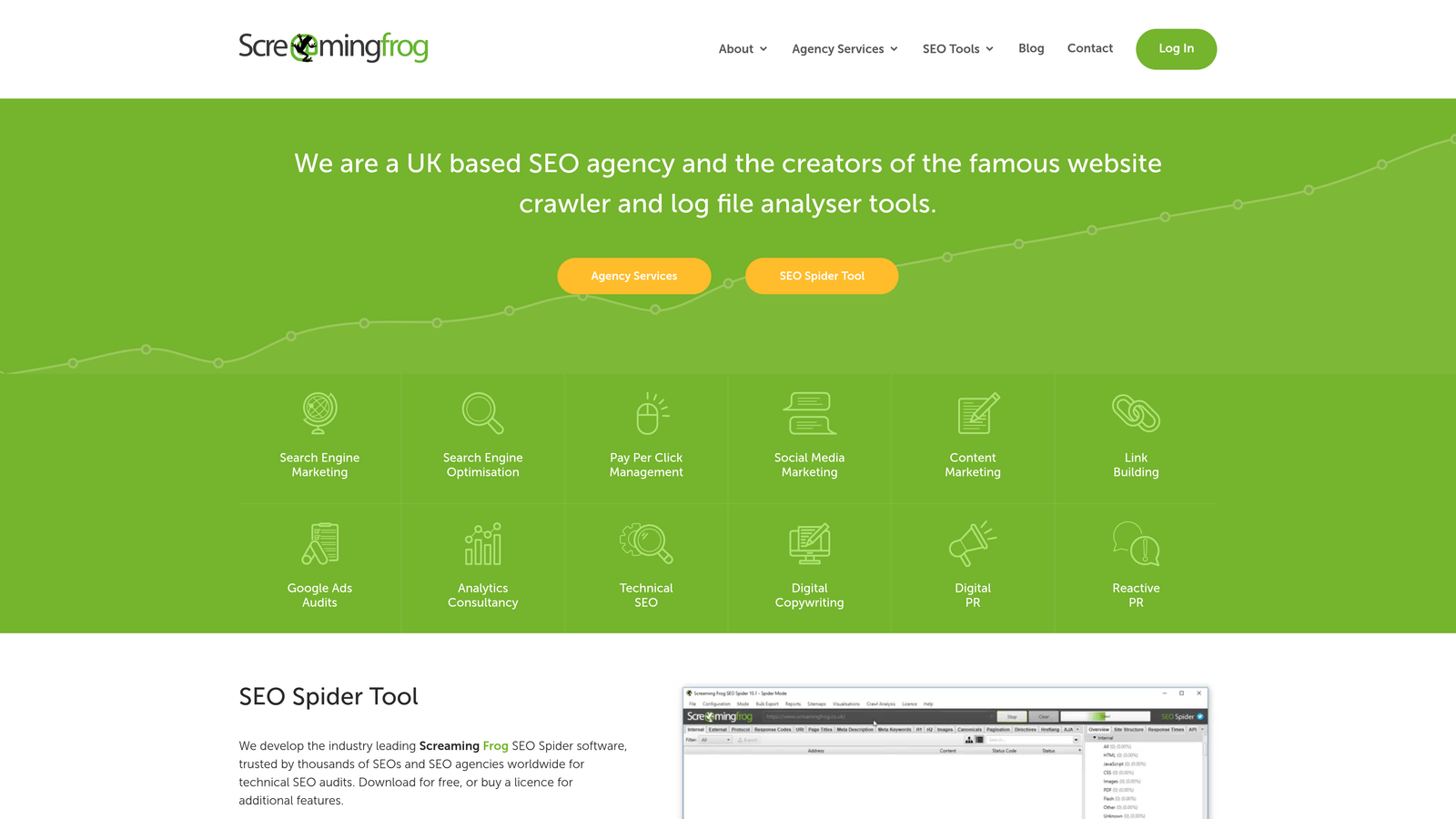
Screaming Frog SEO Spider crawls your website like a search engine would, revealing technical issues that prevent proper indexing before you even think about submission tools.
Where This Tool Shines
Think of it as diagnostic medicine for indexing problems. If you're submitting URLs that never appear in search results, Screaming Frog shows you why—noindex tags you forgot about, canonical loops pointing to non-existent pages, redirect chains that confuse crawlers, or robots.txt rules accidentally blocking important content.
The desktop application gives you complete control over crawl parameters and lets you export findings for deeper analysis or sharing with development teams.
Key Features
Comprehensive Site Crawling: Analyze up to 500 URLs in the free version, unlimited with a license.
Indexing Directive Detection: Identify noindex tags, canonicals, and meta robots configurations blocking indexing.
Broken Link Discovery: Find 404 errors and redirect chains that waste crawl budget and confuse search engines.
Robots.txt Analysis: See exactly what your robots.txt file allows and blocks for different user agents.
Exportable Reports: Generate detailed crawl reports in multiple formats for documentation or team collaboration.
Best For
Technical SEOs and developers troubleshooting why submitted pages aren't appearing in search results. Essential for pre-launch audits and diagnosing indexing drops on established sites.
Pricing
Free for crawling up to 500 URLs. Unlimited crawling license costs £199 per year.
8. Google Search Console
Best for: Monitoring Google indexing status and manually requesting indexing for priority pages.
Google Search Console remains the direct line to Google's index, offering URL inspection, manual indexing requests, and comprehensive coverage reporting.
Where This Tool Shines
While Google hasn't adopted IndexNow, Search Console gives you the next best thing: direct visibility into what Google has indexed, what it's discovered but not indexed yet, and what's blocked. The URL Inspection tool lets you see exactly how Google's crawler views a specific page and request priority crawling for time-sensitive content.
The coverage reports become invaluable when scaling content operations—they show patterns in indexing issues across your site rather than forcing you to check pages one by one.
Key Features
URL Inspection Tool: See how Google views any page and request indexing for updated or new content.
Coverage Reports: Track which pages are indexed, excluded, or experiencing errors at scale.
Sitemap Submission: Submit XML sitemaps and monitor how many submitted URLs actually get indexed.
Core Web Vitals: Monitor page experience signals that can impact indexing priority and rankings.
Mobile Usability: Identify mobile-specific issues that might prevent indexing in Google's mobile-first index.
Best For
Every website targeting Google traffic. Non-negotiable for understanding your Google indexing status and diagnosing coverage problems. Use it alongside automated solutions for complete visibility.
Pricing
Completely free with no usage limits.
9. Oncrawl
Best for: Enterprise sites with complex architectures needing log file analysis and crawl budget optimization.
Oncrawl combines technical SEO crawling with server log analysis, revealing how search engines actually interact with your site versus how you think they should.
Where This Tool Shines
For large sites with hundreds of thousands or millions of pages, crawl budget becomes a real constraint. Oncrawl analyzes your server logs to show which pages Google actually crawls, how often, and where it's wasting resources on low-value URLs. This intelligence lets you optimize site architecture and internal linking to direct crawlers toward your most important content.
The segmentation features let you analyze indexing patterns by content type, section, or custom dimensions—critical for large sites where aggregate metrics hide important problems in specific areas.
Key Features
Log File Analysis: Import server logs to see real crawler behavior and identify crawl budget waste.
Crawl Budget Optimization: Recommendations for improving how search engines allocate crawling resources across your site.
Advanced Segmentation: Analyze indexing and crawling patterns by content type, section, or custom attributes.
Data Studio Integration: Connect findings to Google Data Studio for custom reporting and visualization.
Predictive SEO: Machine learning models that forecast the impact of technical changes before implementation.
Best For
Enterprise sites with complex taxonomies, large page counts, or JavaScript rendering challenges. Most valuable when crawl budget constraints are limiting how quickly new content gets discovered and indexed.
Pricing
Custom pricing based on site size and features needed, typically starting around $500 per month for enterprise deployments.
Making the Right Choice
Your ideal fast indexing solution depends on your technical environment, content velocity, and operational complexity.
For content teams running high-volume publishing operations, Sight AI delivers the most seamless automation by integrating indexing directly into the content creation and publishing workflow. WordPress users have excellent free options—the IndexNow Plugin offers zero-configuration simplicity, while Rank Math adds IndexNow support plus Google's Indexing API for qualifying content types.
If you're already invested in a specific ecosystem, lean into platform-native tools. Cloudflare users get edge-level IndexNow implementation without touching their codebase. Yoast Premium users gain indexing capabilities alongside the SEO features they're already using.
Enterprise sites with complex architectures benefit from diagnostic depth. Screaming Frog identifies the technical blockers preventing indexing before you waste time submitting problematic URLs. Oncrawl takes it further with log file analysis that reveals actual crawler behavior patterns across massive site structures.
Don't overlook the free fundamentals—Google Search Console and Bing Webmaster Tools remain essential for monitoring indexing status and requesting priority crawling when automation isn't enough.
The most effective approach often combines multiple tools: an automated solution for day-to-day publishing, diagnostic tools for troubleshooting, and manual submission access for priority pages. Start with whatever integrates most naturally with your current CMS or tech stack, then layer in additional capabilities as your indexing needs evolve.
But here's what most indexing guides miss: getting pages into search engines is only half the battle. The real opportunity lies in understanding how AI models like ChatGPT, Claude, and Perplexity talk about your brand when users ask questions in your space. Start tracking your AI visibility today and see exactly where your brand appears across top AI platforms—then use those insights to create content that gets cited, not just indexed.