Creating compelling content consistently feels like an impossible task. Between brainstorming ideas, researching topics, writing drafts, editing for clarity, and optimizing for search engines, content creators often find themselves overwhelmed by the sheer volume of work required.
The pressure to publish fresh, engaging content daily across multiple platforms has pushed many teams to their breaking point. Traditional methods—relying solely on manual writing and basic editing tools—simply can't keep pace with modern demands.
The solution lies in leveraging specialized content creation software that streamlines every stage of the content development process. These tools don't replace human creativity—they amplify it. From AI-powered writing assistants that help overcome writer's block to comprehensive platforms that manage entire content workflows, the right software can transform how your team approaches content creation.
This guide examines ten powerful content creation software options that can revolutionize your content strategy. Each tool offers unique strengths, from AI-powered writing assistance to advanced collaboration features, helping you create better content faster than ever before.
1. Sight AI
Best for: Monitoring and optimizing your brand's visibility across AI-powered search platforms
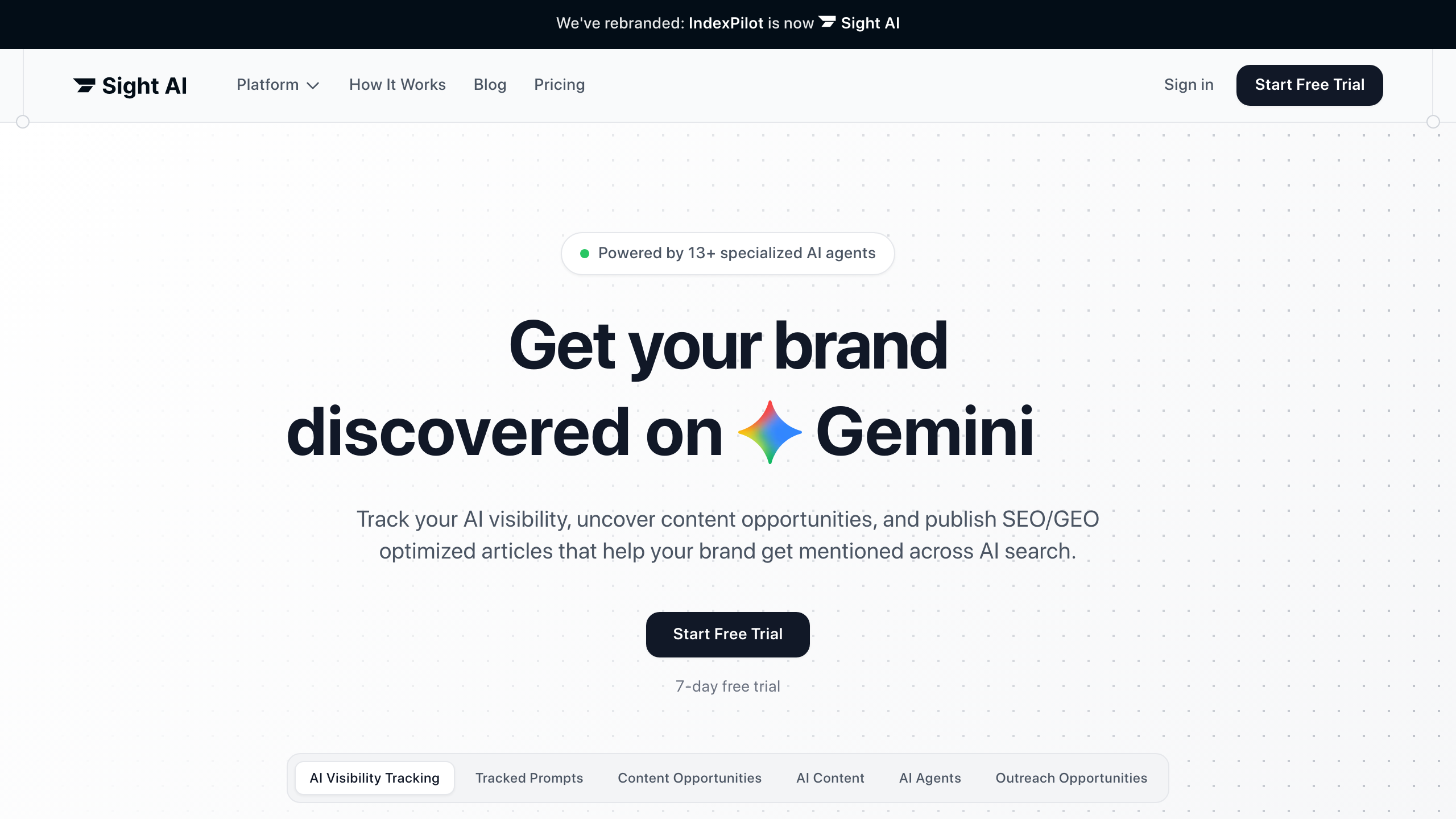
Sight AI addresses a critical gap in modern content strategy: understanding how your content performs in AI-powered search results. As platforms like ChatGPT, Perplexity, and Google's AI Overviews reshape how people discover information, traditional SEO metrics no longer tell the complete story of your content's reach and impact.
Where This Tool Shines
Sight AI transforms how content teams understand their digital presence by tracking brand mentions and content visibility across AI search platforms—a rapidly growing channel that traditional analytics tools completely miss. The platform monitors how frequently AI systems cite your brand, which competitors appear alongside your content, and what topics associate with your brand in AI-generated responses.
This visibility data reveals crucial strategic insights that weren't previously accessible. You can identify content gaps where competitors dominate AI responses, discover unexpected brand associations that AI platforms make, and understand which content formats AI systems prefer when answering user queries in your industry. This intelligence helps content creators optimize specifically for AI visibility rather than relying solely on traditional search engine optimization tactics.
Key Features & Capabilities
AI Visibility Tracking: Monitor how often your brand appears in AI-generated responses across multiple platforms, providing baseline metrics for a new content distribution channel.
Competitive Intelligence: See which competitors appear in AI responses for your target topics, revealing gaps in your content strategy that traditional competitive analysis misses.
Topic Association Analysis: Understand what subjects and contexts AI platforms associate with your brand, helping you identify opportunities to strengthen desired positioning.
Citation Source Tracking: Discover which of your content pieces AI platforms reference most frequently, revealing what content formats and topics perform best in this emerging channel.
Query Performance Monitoring: Track specific questions and topics relevant to your business to see when and how AI platforms mention your brand in responses.
Trend Analysis: Identify shifts in AI visibility over time, helping you measure the impact of content strategy changes on your presence in AI-generated results.
Best For / Ideal Users
Sight AI serves content marketers and SEO professionals who recognize that search behavior is fundamentally changing as users increasingly turn to AI platforms for information. The platform is particularly valuable for brands investing heavily in thought leadership and content marketing who need to understand whether that investment translates into AI visibility.
Organizations in competitive industries where AI platforms influence purchase decisions—SaaS, professional services, B2B technology—will find Sight AI's competitive intelligence especially useful for identifying content opportunities competitors haven't addressed. The tool helps teams move beyond guessing how AI interprets their content and make data-driven decisions about content strategy in this new landscape.
Pricing
Sight AI offers flexible plans designed for businesses of different sizes, from startups monitoring core keywords to enterprises tracking comprehensive brand visibility across AI platforms. Contact their team for pricing tailored to your monitoring needs and query volume.
2. Copy.ai
Best for: Go-to-market teams automating content workflows and scaling GTM processes
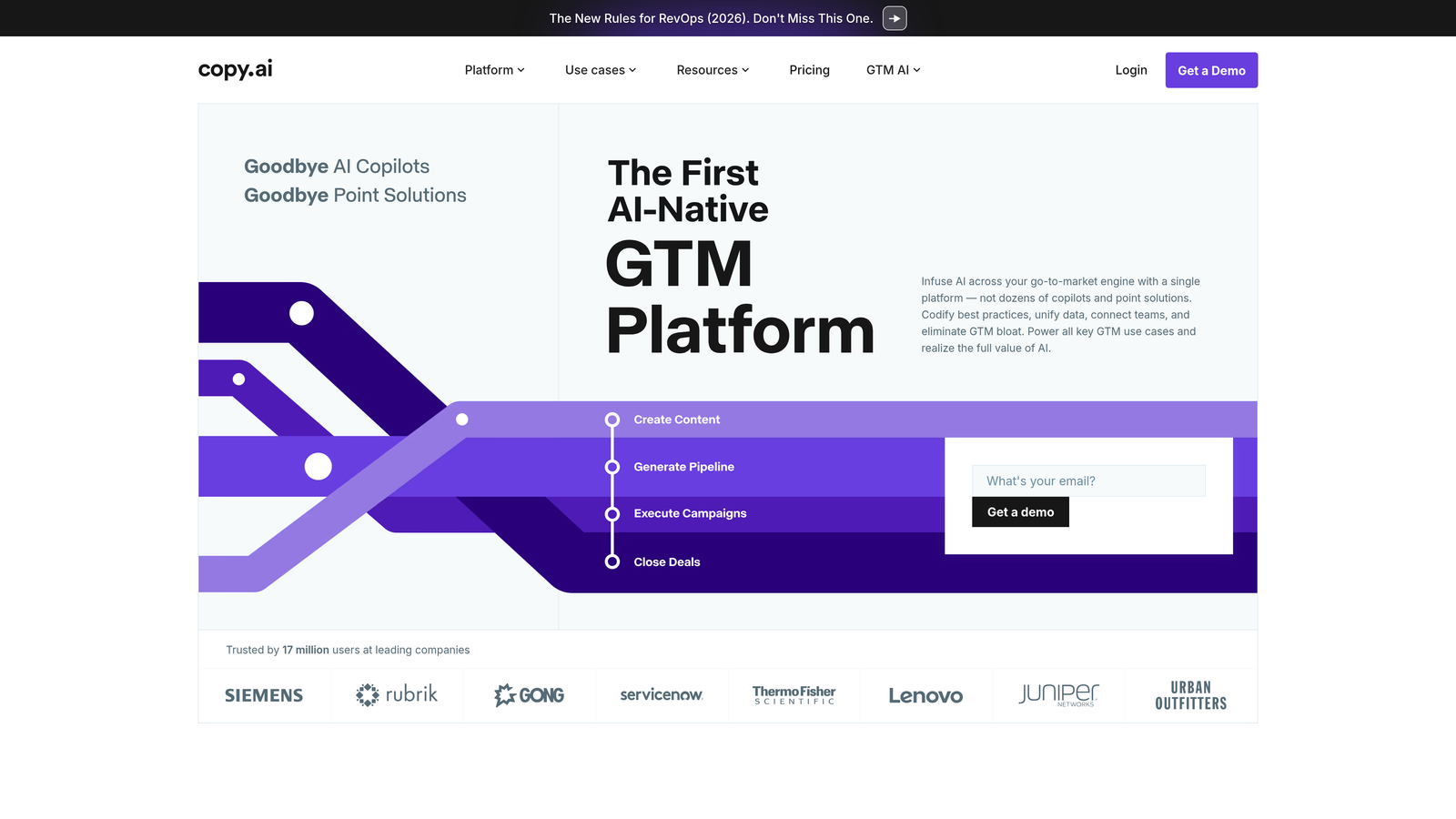
Copy.ai has evolved beyond simple copywriting into the first GTM AI platform that automates hundreds of repetitive tasks across your entire go-to-market engine.
Where This Tool Shines
Copy.ai's transformation into a comprehensive GTM platform sets it apart from traditional content creation tools. Rather than just generating marketing copy, it orchestrates entire go-to-market workflows—from prospecting and content creation to inbound lead processing and account-based marketing campaigns.
The platform's GTM AI Playbook design codifies your best practices into repeatable workflows that teams can execute consistently. This means your proven strategies get embedded into the system, ensuring every team member follows the same high-performing approach whether they're creating content, processing leads, or managing campaigns.
Key Features & Capabilities
Prospecting Cockpit: Centralizes prospect research and outreach preparation with AI-powered insights.
Content Creation Engine: Generates marketing copy, blog posts, and campaign materials aligned with your GTM strategy.
Inbound Lead Processing: Automates lead qualification and routing based on your criteria.
Account Based Marketing: Personalizes content and outreach for target accounts at scale.
Translation + Localization: Adapts content for international markets while maintaining brand voice.
Deal Coaching + Forecasting: Provides AI-driven insights for sales enablement and pipeline management.
Best For / Ideal Users
Copy.ai works best for go-to-market teams at scaling companies who need to coordinate content creation with broader GTM operations. It's particularly valuable for organizations tired of managing dozens of disconnected point solutions and copilots.
Marketing teams that run multi-channel campaigns, sales teams that need personalized outreach at scale, and revenue operations leaders looking to unify their GTM tech stack will find the most value in Copy.ai's integrated approach.
Pricing
Free trial available to explore the platform's capabilities, with paid plans designed for teams scaling their go-to-market operations.
3. Grammarly
Best for: Writing enhancement, grammar checking, and style improvement across all platforms
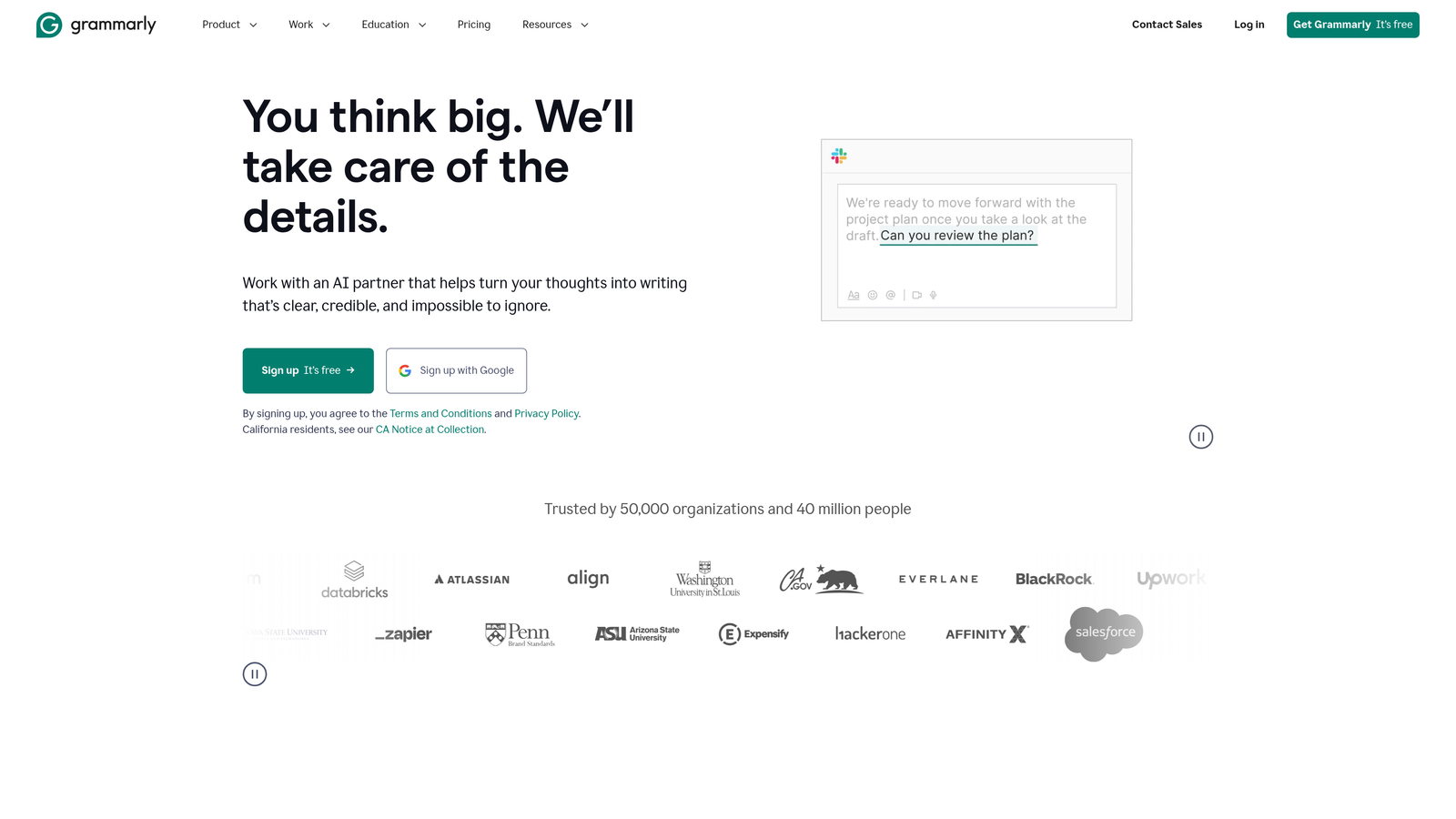
Grammarly has evolved from a simple grammar checker into a comprehensive AI writing assistant that helps improve clarity, engagement, and correctness across all types of content.
Where This Tool Shines
Grammarly's real-time writing suggestions work as you type, catching not just grammar and spelling errors but also suggesting improvements for clarity, conciseness, and engagement. The platform analyzes your writing to ensure it matches your intended audience and purpose, helping you strike the right tone whether you're drafting a professional email or creating social media content.
The browser extension works across virtually every writing platform—from Google Docs to WordPress to LinkedIn—making it a universal writing companion that improves content quality regardless of where you're creating. This seamless integration means you get consistent writing assistance without switching between tools or copying text back and forth.
Key Features & Capabilities
Real-time grammar and spelling correction: Catches errors as you type with context-aware suggestions that understand what you're trying to say.
Tone and clarity analysis: Evaluates how your writing will be perceived and suggests improvements for better reader engagement.
Personalized AI guidance: Learns your writing style and provides tailored recommendations that preserve your voice while improving clarity.
Cross-platform functionality: Works on any app or website through browser extensions and mobile keyboard integration.
Plagiarism detection: Ensures content originality by checking against billions of web pages (Premium feature).
Best For / Ideal Users
Grammarly works for virtually any content creator, from individual bloggers to large content teams. It's especially valuable for non-native English speakers who want to write with confidence, teams with varying writing skill levels who need to maintain professional standards, and organizations that require consistent quality across all communications.
The platform scales effectively from personal use to enterprise teams, with collaboration features that help maintain writing standards across organizations.
Pricing
Free version available with basic grammar and spelling checks, while Grammarly Premium starts at $12 per month for advanced suggestions, tone detection, and plagiarism checking. Enterprise plans offer team management and style guide features.
4. Notion
Best for: Content planning, collaboration, and workflow management in one flexible workspace
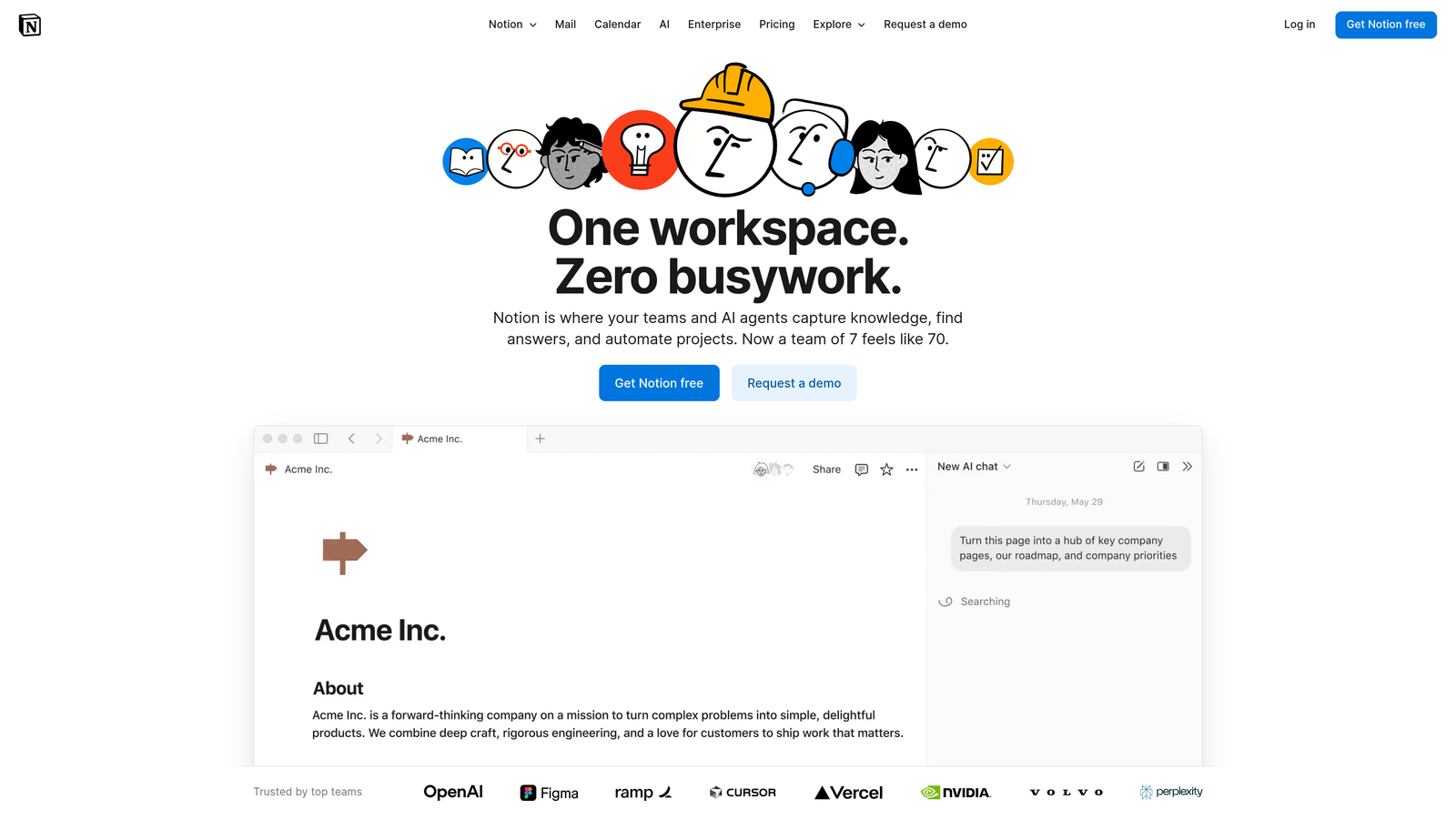
Notion transforms how teams organize their entire content operation by combining note-taking, project management, and content creation into a single adaptable platform that molds to your specific workflow needs.
Where This Tool Shines
Notion's power lies in its ability to function as your content team's central nervous system. Unlike rigid project management tools that force you into predetermined workflows, Notion adapts to how your team actually works. Teams can build custom content calendars, collaborate on drafts in real-time, store research materials, track publishing schedules, and manage editorial workflows—all within one interconnected workspace.
The platform's database functionality sets it apart from basic note-taking apps. You can create sophisticated content organization systems that categorize articles by topic, status, publication date, target keyword, or any custom criteria your team needs. This flexibility means Notion grows with your content operation rather than constraining it.
Key Features & Capabilities
Customizable Databases: Build content calendars, editorial trackers, and resource libraries that match your exact workflow requirements.
Real-Time Collaboration: Multiple team members can edit simultaneously with inline comments and editing permissions that control who can view, edit, or publish content.
Template System: Create standardized templates for different content types—blog posts, social media campaigns, email newsletters—ensuring consistency while maintaining flexibility.
Integration Ecosystem: Connect with Google Drive, Slack, Trello, and other tools your team already uses for seamless workflow continuity.
Web Clipper: Save research articles, competitor content, and inspiration directly into your Notion workspace for easy reference during content creation.
Best For / Ideal Users
Notion excels for content teams that need a centralized command center for planning, creating, and managing content across multiple channels. It's particularly valuable for organizations with complex content workflows involving multiple contributors, approval stages, and content types.
Teams that coordinate across different departments—marketing, product, sales—find Notion's flexibility essential for maintaining visibility into content status and deadlines. The platform works equally well for solo creators who want sophisticated organization and small agencies managing multiple client content calendars.
Pricing
Free plan available for personal use with unlimited pages and blocks. Team plans start at $8 per user per month, adding advanced collaboration features, unlimited file uploads, and version history for professional content operations.
5. Canva
Best for: Visual content creation and design for non-designers
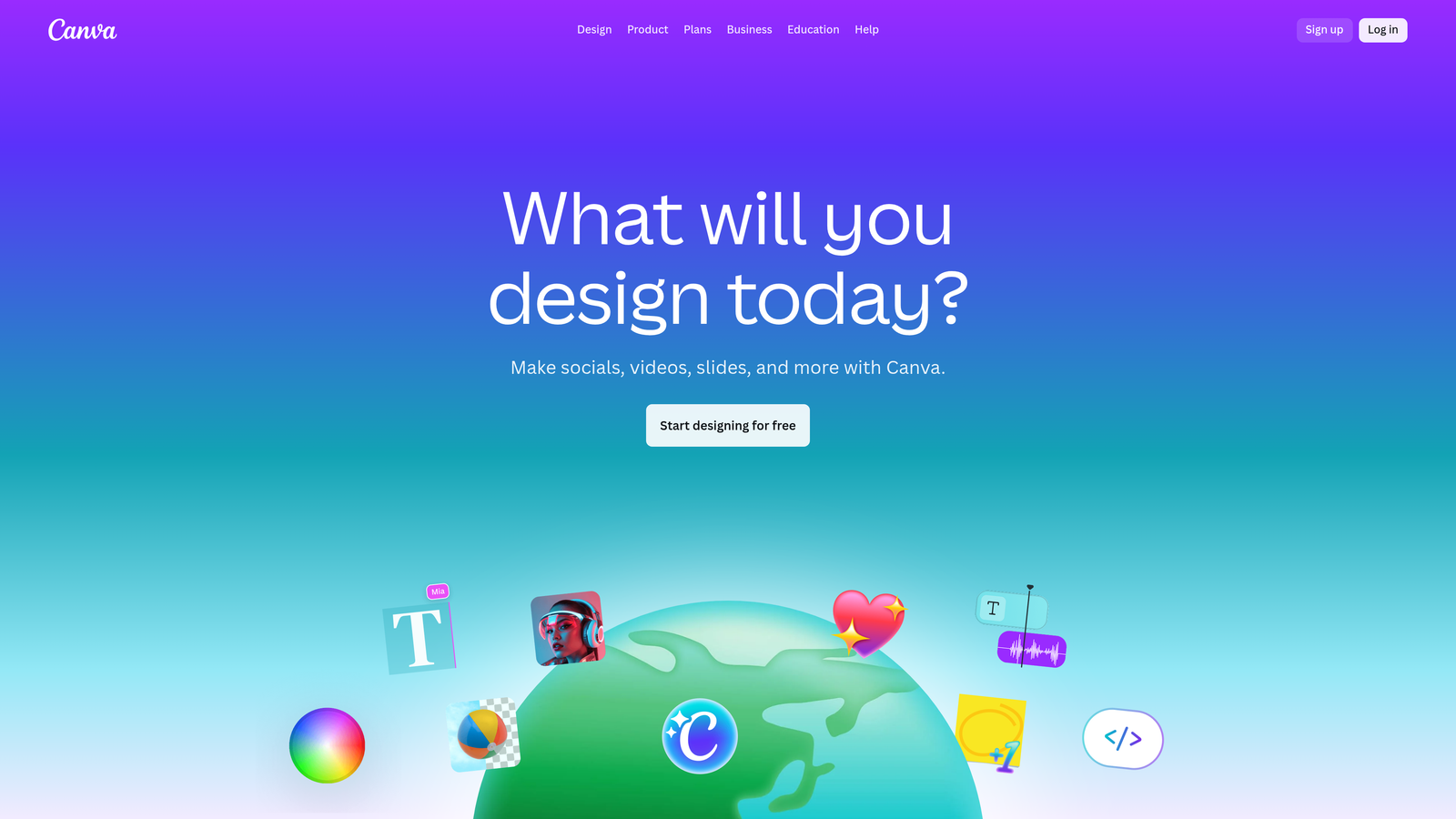
Canva transforms how non-designers create professional visual content by providing an intuitive drag-and-drop interface with thousands of pre-designed templates.
Where This Tool Shines
Canva eliminates the traditional barriers to professional design work. While tools like Adobe Creative Suite require months of training, Canva lets you create polished graphics in minutes. The platform's template library spans every visual content need—social media posts, presentations, infographics, marketing materials, and even video content.
The Brand Kit feature solves a critical challenge for growing teams: maintaining visual consistency across all content. Upload your logos, define your color palette, and set your fonts once—then every team member automatically has access to approved brand assets. This prevents the common problem of different team members creating visuals with mismatched colors or outdated logos.
Key Features & Capabilities
Template Library: Access thousands of professionally designed templates for every content type, from Instagram stories to business presentations.
Brand Kit: Store logos, colors, and fonts in one place for instant access and consistent branding across all designs.
Magic Resize: Instantly adapt any design to different dimensions for various platforms without starting from scratch.
Background Remover: Remove image backgrounds with one click, eliminating the need for complex photo editing software.
Collaboration Tools: Share designs with team members, leave comments, and work together in real-time on visual projects.
Content Planner: Schedule social media posts directly from Canva to multiple platforms, streamlining your publishing workflow.
Best For / Ideal Users
Canva excels for social media managers who need to create daily visual content across multiple platforms. The ability to resize designs instantly means you can create one concept and adapt it for Instagram, Facebook, Twitter, and LinkedIn in seconds rather than hours.
Small business owners and solopreneurs benefit from Canva's accessibility—you can create professional marketing materials without hiring a designer or learning complex software. The platform handles everything from business cards to presentation decks to email headers.
Content marketing teams use Canva to maintain visual consistency while enabling multiple team members to create graphics independently. The Brand Kit ensures everyone stays on-brand, while the collaboration features streamline the review and approval process.
Pricing
Free plan available with basic features and limited templates. Canva Pro starts at $12.99 per month (or $119.99 annually) and includes unlimited premium templates, background remover, Brand Kit, and Magic Resize features.
6. Surfer SEO
Best for: SEO-optimized content creation with data-driven optimization recommendations
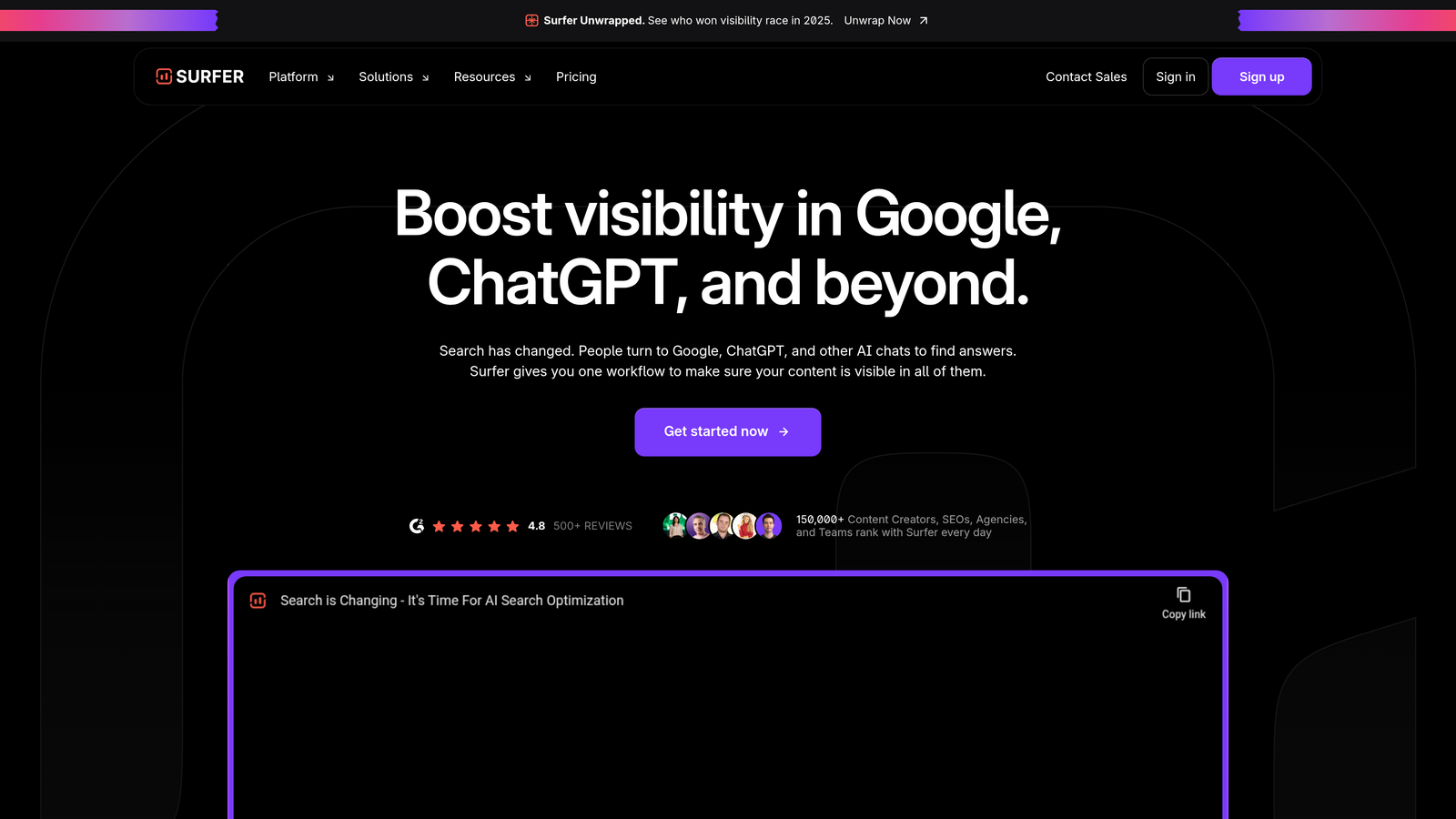
Surfer SEO transforms content optimization from guesswork into a data-driven process by analyzing top-ranking pages and providing specific recommendations for improving your content's search visibility.
Where This Tool Shines
Surfer SEO's content editor analyzes hundreds of ranking signals from top-performing pages for your target keywords, then translates that data into actionable writing guidance. As you write, the platform provides real-time feedback on keyword usage, content structure, and topic coverage—showing exactly where your content stands compared to competitors.
The platform's strength lies in removing the mystery from SEO content creation. Instead of wondering whether you've included enough relevant terms or structured your headings correctly, Surfer gives you a clear optimization score that updates as you write. This immediate feedback helps writers understand what search engines and users expect from high-quality content in their specific niche.
Key Features & Capabilities
Content Editor: Real-time optimization suggestions based on SERP analysis, with scoring system that tracks your progress.
SERP Analyzer: Examines top-ranking pages to identify patterns in content length, keyword usage, and structural elements.
Keyword Research Tool: Discovers content opportunities by analyzing search volume, keyword difficulty, and related terms.
Content Audit: Evaluates existing articles and provides specific recommendations for improving their search performance.
Outline Builder: Generates SEO-friendly content structures by analyzing headings used in top-ranking articles.
Google Docs Integration: Brings optimization suggestions directly into your preferred writing environment for seamless workflow.
Best For / Ideal Users
Surfer SEO works best for content marketers and SEO specialists who create long-form articles and depend on organic search traffic for business growth. The platform is particularly valuable for teams that need to justify content decisions with data and want to ensure their articles compete effectively in search results.
It's ideal for businesses that have moved beyond basic SEO and want sophisticated optimization guidance without needing deep technical expertise. The tool helps bridge the gap between content creation and SEO strategy.
Pricing
Plans start at $69 per month for the Essential plan, with higher tiers offering increased content audits, keyword research capabilities, and team collaboration features for growing content operations.
7. Loom
Best for: Video content creation and screen recording for tutorials and team communication
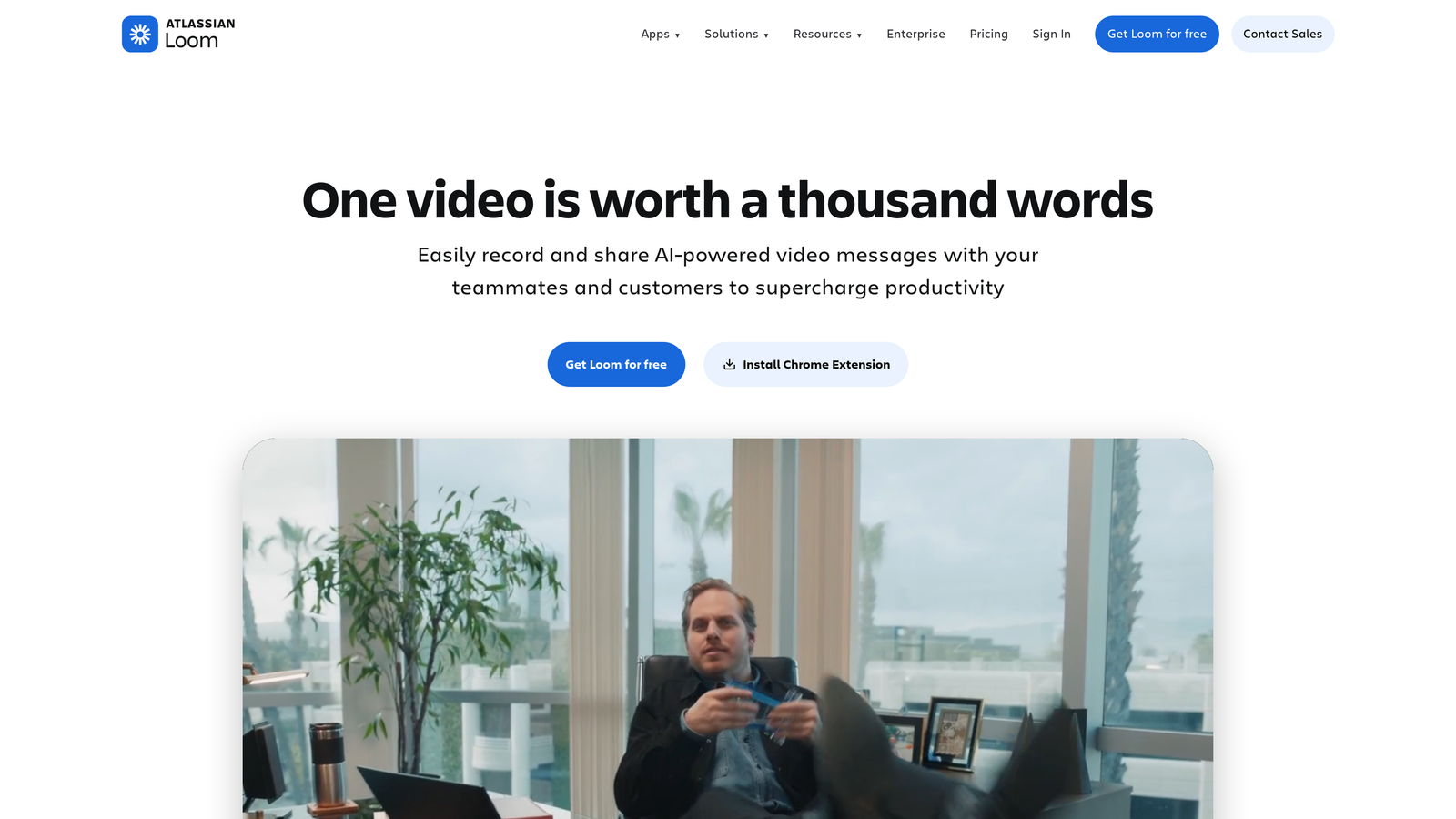
Loom transforms how teams create and share video content by making screen recording as simple as clicking a button—no technical expertise or complex editing software required.
Where This Tool Shines
Loom excels at removing the friction from video content creation. The platform's one-click recording captures your screen, camera, or both simultaneously, making it perfect for creating product demos, tutorial videos, and educational content in minutes rather than hours. What sets Loom apart is how it handles the entire video lifecycle—from recording to sharing to tracking engagement—all within a streamlined interface that anyone can master immediately.
The automatic transcription feature makes every video searchable and accessible, while the built-in editing tools let you trim clips and add custom thumbnails without leaving the platform. For content teams, this means you can create professional-looking video content at scale without dedicating resources to video production specialists or expensive editing software.
Key Features & Capabilities
Lightning-Fast Recording: Capture screen, camera, or both with a single click, starting recordings in seconds without setup complexity.
Automatic Transcription: Every video gets transcribed automatically, making content searchable and accessible while improving SEO value.
Simple Video Editing: Trim unnecessary sections and add custom thumbnails directly in the platform without external editing tools.
Secure Sharing Options: Control access with password protection and expiration dates, ensuring sensitive content stays protected.
Engagement Analytics: Track who watches your videos, how long they watch, and which sections get replayed to understand content effectiveness.
Platform Integration: Embed videos directly in Slack, Gmail, Notion, and other tools your team already uses daily.
Best For / Ideal Users
Loom works exceptionally well for product managers creating feature demonstrations, customer success teams building help resources, and educators developing instructional content. Remote teams find particular value in using Loom to communicate complex ideas that would require lengthy written explanations or multiple meetings.
The platform is ideal for anyone who needs to create explanatory video content quickly without investing time in learning traditional video editing software or managing complex production workflows.
Pricing
Free plan available with basic recording features, while paid plans start at $8 per month for advanced capabilities including longer recording times, custom branding, and enhanced analytics.
8. Buffer
Best for: Social media content scheduling and multi-platform publishing
Buffer is a social media management platform that helps businesses and individuals create, schedule, and share content across multiple social media platforms consistently.

Where This Tool Shines
Buffer's strength lies in its clean, intuitive interface that makes social media management feel effortless rather than overwhelming. The platform's visual content calendar provides a bird's-eye view of your entire social media strategy, making it easy to spot gaps in your posting schedule or identify when you're over-posting on certain platforms.
What sets Buffer apart is its focus on simplicity without sacrificing power. While many social media tools become bloated with features most users never touch, Buffer maintains a streamlined approach that helps teams actually publish consistently rather than getting lost in complex analytics dashboards. The platform's collaboration features include approval workflows that let team members draft posts while managers review and approve before publication, ensuring brand consistency across all social channels.
Key Features & Capabilities
Multi-Platform Publishing: Schedule content across Google Business Profile, X (Twitter), Facebook, and Bluesky from one unified dashboard.
Visual Content Calendar: Drag-and-drop interface for planning and organizing posts with a clear view of your publishing schedule.
Analytics and Insights: Track engagement metrics and identify which content types perform best on each platform.
Team Collaboration Tools: Approval workflows and role-based permissions keep content aligned with brand standards.
Start Page: Build custom link-in-bio pages that drive traffic from social profiles to multiple destinations.
Browser Extension: Share and schedule content directly from any webpage without switching to the Buffer dashboard.
Best For / Ideal Users
Buffer works exceptionally well for small to medium-sized businesses managing multiple social media accounts without dedicated social media teams. It's particularly valuable for solopreneurs and small marketing teams who need to maintain consistent social presence across platforms without spending hours each day on manual posting.
The platform also serves agencies managing social media for multiple clients, as the workspace structure allows clear separation between different brands while maintaining centralized team access.
Pricing
Buffer offers a forever free plan that includes basic scheduling features, making it accessible for individuals and small businesses just starting with social media management. Paid plans begin at $6 per month and unlock additional social accounts, team collaboration features, and advanced analytics capabilities.
9. Airtable
Best for: Content database management and workflow automation for complex content operations
Airtable transforms content management by combining spreadsheet simplicity with database power, creating a flexible system that adapts to any content workflow.
Where This Tool Shines
Airtable excels at connecting the dots between different content elements that traditional spreadsheets can't handle. The platform's relational database structure lets you link content pieces to their authors, track which articles belong to specific campaigns, and see how individual pieces contribute to broader content strategies—all in one view.
The automation capabilities eliminate repetitive tasks that drain content team productivity. When a writer marks an article as "Ready for Review," Airtable can automatically notify editors, update the content calendar, and trigger the next workflow step. This intelligent automation keeps content moving through your pipeline without constant manual updates.
Key Features & Capabilities
Relational Database Structure: Connect content to authors, campaigns, keywords, and performance metrics in ways spreadsheets can't.
Custom Workflow Automations: Trigger actions based on status changes, deadlines, or custom conditions you define.
Multiple View Options: Switch between grid, calendar, kanban, gallery, and timeline views depending on what you need to see.
Form Builder: Collect content ideas, feedback, and requests through customizable forms that feed directly into your database.
Integration Ecosystem: Connect with hundreds of tools including Slack, Google Drive, Zapier, and major marketing platforms.
Best For / Ideal Users
Airtable works best for content teams managing complex workflows with multiple content types, stages, and contributors. It's particularly valuable for agencies juggling multiple clients who need to track different approval processes, brand guidelines, and publishing schedules in one system.
Organizations creating diverse content formats—blogs, videos, podcasts, social media—benefit from Airtable's ability to customize fields and views for each content type while maintaining a unified content calendar.
Pricing
Free plan available for basic use with limited records and automations. Paid plans start at $10 per user per month, unlocking advanced features, increased automation runs, and expanded storage capacity.
10. Hemingway Editor
Best for: Writing clarity and readability improvement for accessible content
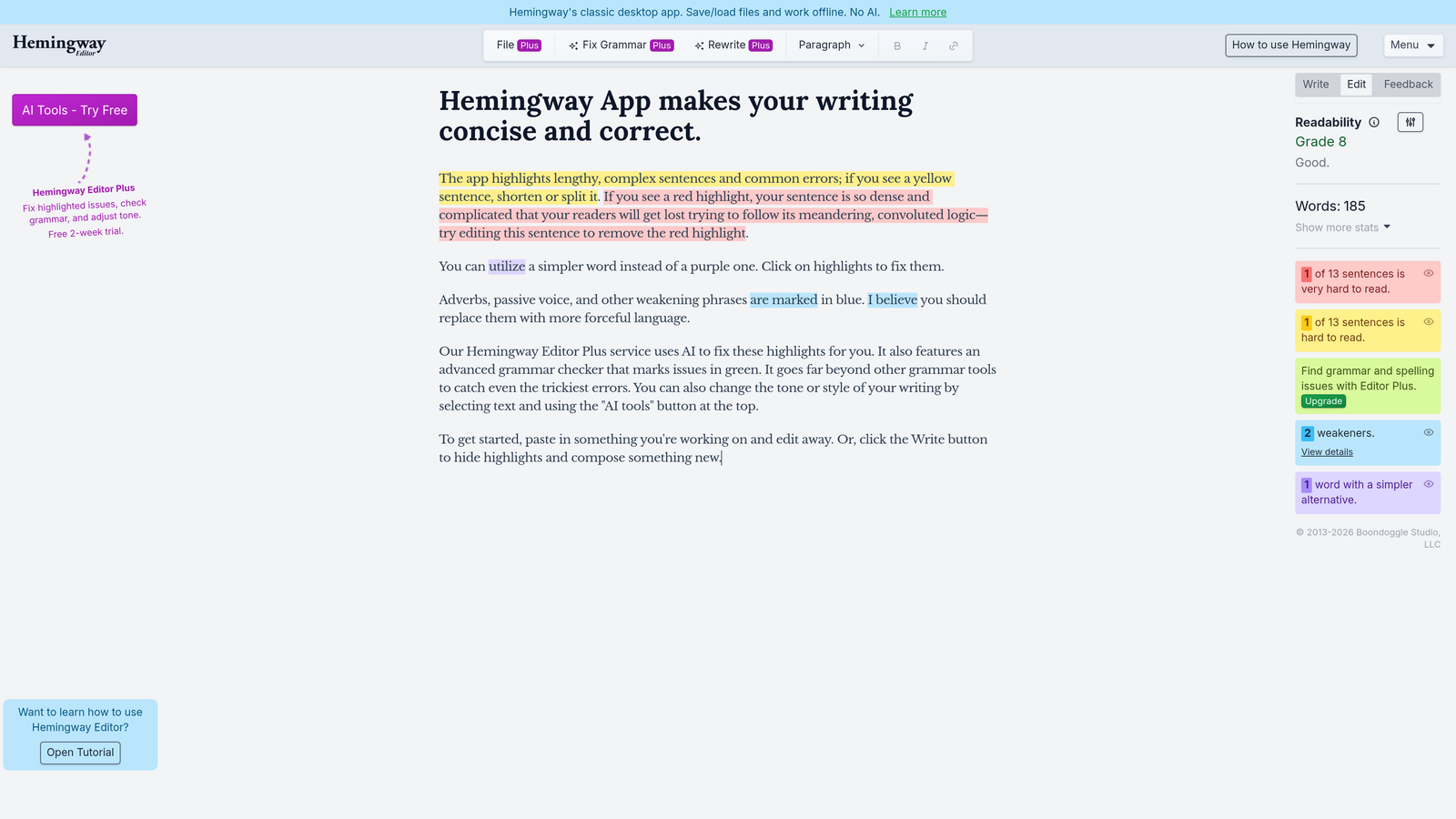
Hemingway Editor strips away writing complexity by highlighting sentences that confuse readers, identifying passive voice, and flagging unnecessary adverbs that weaken your message.
Where This Tool Shines
Hemingway Editor takes a fundamentally different approach than most writing tools. Instead of checking grammar rules or suggesting synonyms, it focuses exclusively on readability—making your writing clear enough that anyone can understand it. The tool uses color-coded highlighting to show exactly where your writing becomes difficult to follow, turning abstract concepts like "clarity" and "conciseness" into concrete, actionable feedback.
This focus on simplicity makes Hemingway particularly valuable for content creators who write about complex topics but need to reach broad audiences. Technical writers explaining software features, healthcare professionals communicating medical information, or financial advisors discussing investment strategies all benefit from Hemingway's ability to identify where expertise turns into jargon that alienates readers.
Key Features & Capabilities
Color-Coded Readability Analysis: Sentences highlighted in yellow are hard to read, red ones are very hard to read, providing instant visual feedback on where to simplify.
Grade Level Assessment: Shows the education level required to understand your writing, helping you target appropriate audiences.
Passive Voice Detection: Identifies sentences using passive construction that weaken your message and suggests active alternatives.
Adverb Flagging: Highlights overused adverbs that often indicate weak verb choices, encouraging stronger, more direct writing.
Distraction-Free Writing Mode: Offers a clean interface that lets you focus on writing without constant interruption from suggestions.
Best For / Ideal Users
Hemingway Editor works best for content creators who need to make complex information accessible to general audiences. Technical writers, educators, healthcare communicators, and anyone translating expert knowledge into reader-friendly content will find immediate value in its readability focus.
The tool is particularly useful for writers who tend toward academic or formal writing styles but need to adapt for broader readership. It's also valuable for non-native English speakers who want to ensure their writing remains clear and direct.
Pricing
The web version is completely free to use with full functionality. The desktop app costs $19.99 as a one-time purchase, offering offline access and direct publishing to WordPress and Medium.
Making the Right Choice
The right content creation software depends entirely on your team's specific needs and workflow challenges. If you're focused on scaling written content while maintaining brand consistency, Jasper's Brand IQ capabilities make it the strongest choice. For teams that need visual content without design expertise, Canva's template library and collaboration features deliver professional results immediately.
SEO-focused content teams will find Surfer SEO's data-driven optimization invaluable for ranking competitively, while organizations managing complex content workflows across multiple departments should consider Notion or Airtable for their organizational capabilities. Social media managers juggling multiple platforms will appreciate Buffer's scheduling simplicity, and anyone creating video content will benefit from Loom's one-click recording and automatic transcription.
The most successful content strategies often combine multiple tools—using Jasper or Copy.ai for initial drafts, Grammarly for refinement, Surfer SEO for optimization, and Canva for visual elements. Start by identifying your biggest content bottleneck, then choose the tool that directly addresses that challenge.
As AI continues reshaping content marketing, tracking how your content performs across both traditional search engines and AI-powered platforms becomes crucial. Start tracking your AI visibility today to understand how your content strategy performs in this evolving landscape and identify opportunities to increase your brand's presence across AI search results.