Your content team is drowning in scattered Google Docs, missed deadlines, and endless Slack threads asking "What's the status on that blog post?" The chaos isn't just frustrating—it's costing you real opportunities while your competitors publish consistently and scale their content operations.
Modern content production demands more than talented writers. You need coordinated workflows across ideation, research, writing, editing, SEO optimization, and publishing. Without proper systems, even the best teams burn out from preventable inefficiencies and miscommunication.
Blog workflow software transforms this chaos into organized, trackable processes that keep everyone aligned. The right platform can cut production time in half while dramatically improving quality and consistency. But with dozens of options available, each excelling in different areas—editorial calendars, collaborative writing, or AI-powered optimization—choosing becomes overwhelming.
We've evaluated the leading solutions to help you find the perfect fit. Whether you're a startup with two writers or an enterprise managing hundreds of monthly pieces, here are the top blog workflow software tools transforming content operations in 2026.
1. Sight AI
Best for: AI-powered content creation and workflow automation for modern content teams
Sight AI represents the cutting edge of blog workflow software, combining traditional project management with advanced artificial intelligence to streamline every aspect of content creation.
Where This Tool Shines
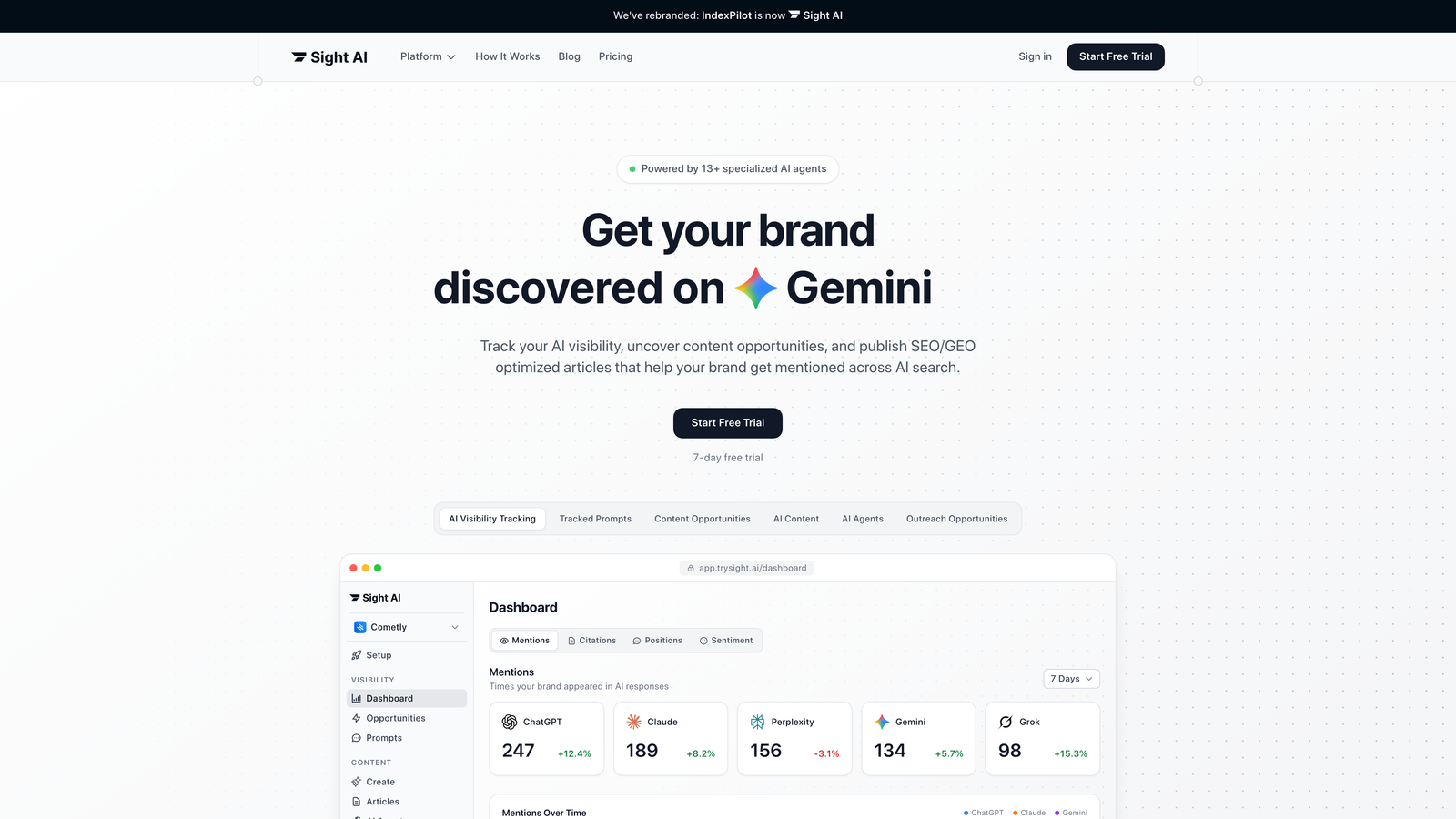
Sight AI stands apart by actively participating in your content workflow rather than just organizing it. The platform's AI Content system deploys 13+ specialized AI agents that work through every stage of article creation—from keyword research and outline generation to SEO optimization and final polish.
What makes this particularly powerful is the autopilot mode that can generate complete, publish-ready articles while you sleep. The system doesn't just track your content—it creates it, optimizes it for both traditional search engines and AI platforms like ChatGPT and Perplexity, then auto-publishes directly to your CMS.
Key Features & Capabilities
AI Visibility Tracking: Monitor how AI models like ChatGPT, Claude, and Perplexity mention your brand across thousands of prompts daily.
13+ AI Agent System: Specialized agents handle research, writing, optimization, and fact-checking for comprehensive content creation.
SEO/GEO Optimization: Content optimized for both traditional search engines and generative engine optimization to capture AI-driven traffic.
Auto-Publishing Integration: Direct publishing to major CMS platforms eliminates manual content transfer steps.
Instant Indexing: IndexNow submissions and always-updated sitemaps ensure search engines discover your content immediately.
Sentiment Analysis: Track not just mentions but how AI models talk about your brand—positive, negative, or neutral.
Best For / Ideal Users
Content teams and marketing agencies focused on scaling organic traffic through AI-optimized content. Particularly valuable for SaaS companies and founders who need to establish AI visibility while maintaining high content velocity.
Perfect for teams wanting to leverage AI without sacrificing quality or brand voice, and for organizations tracking their presence across the emerging landscape of AI search platforms.
Pricing
Offers flexible pricing tiers designed for growing content operations, with plans accommodating solo marketers through enterprise teams managing large-scale content production.
2. CoSchedule
Best for: Marketing teams needing comprehensive content calendar management with social media integration
CoSchedule has established itself as the go-to solution for marketing teams who need to coordinate blog content with broader marketing campaigns.
Where This Tool Shines
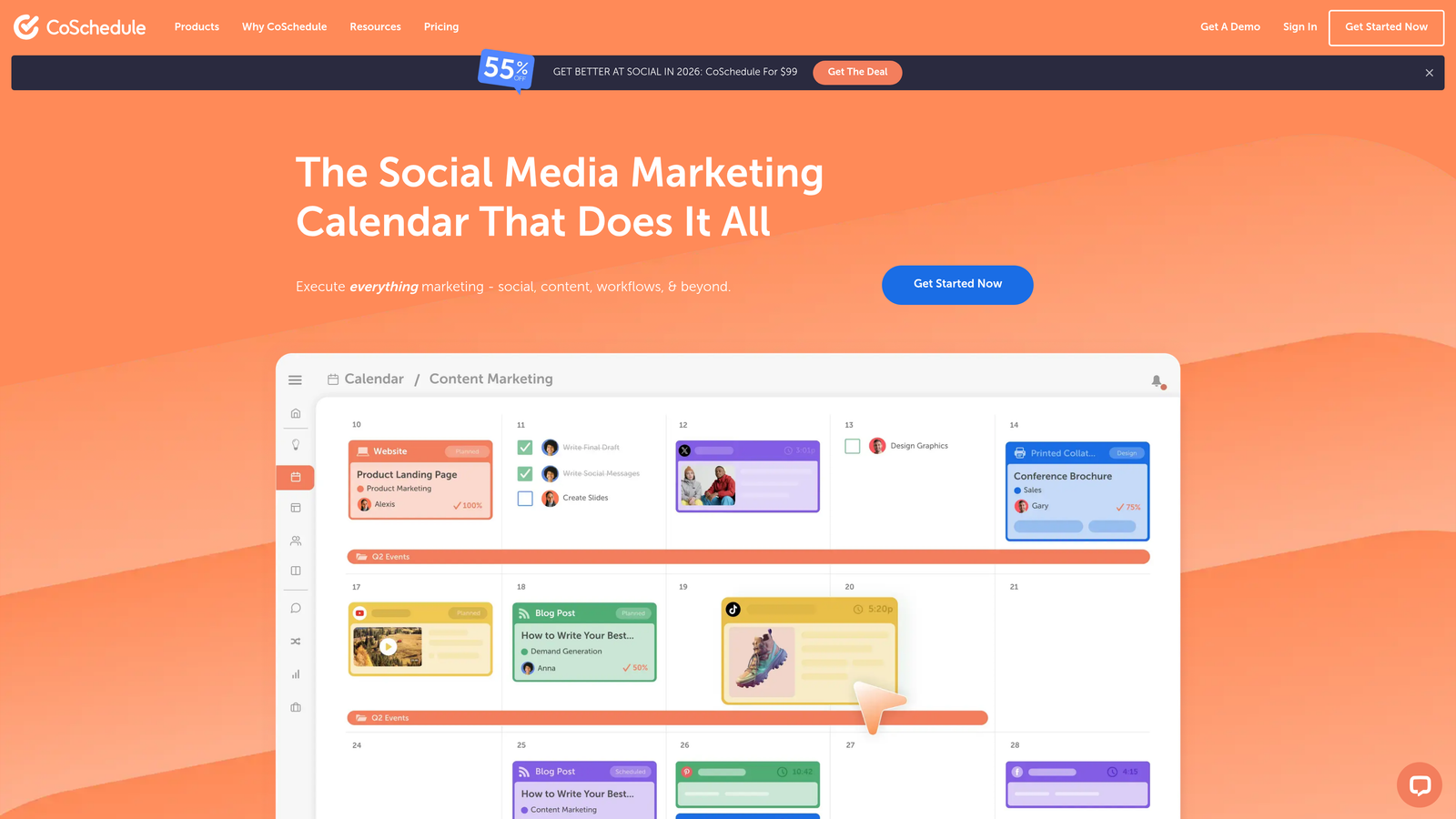
CoSchedule's marketing calendar is unmatched in its ability to visualize content alongside social media posts, email campaigns, and other marketing activities. The platform's strength lies in its holistic approach to marketing workflow, ensuring blog content aligns perfectly with promotional strategies.
Teams love the drag-and-drop calendar interface that makes rescheduling and planning intuitive and visual. The Social Calendar feature lets you create, schedule, and publish social media content while seeing exactly how it coordinates with your blog publishing schedule.
Key Features & Capabilities
Unified Marketing Calendar: View all content, social posts, tasks, and campaigns in a single calendar with multi-channel visibility.
Social Inbox: Respond to DMs, comments, and replies across platforms in one centralized location.
Hire Mia (Collaborative AI-Editor): AI-powered assistant that helps multiply marketing output while maintaining brand voice.
Agency Calendar: Dedicated solution for agencies managing multiple client calendars simultaneously.
Headline Studio: AI-powered tool for optimizing blog post headlines and social media copy.
Best For / Ideal Users
Marketing teams at mid-size to large companies who manage multiple content channels simultaneously. Particularly valuable for teams that need to coordinate blog content with social media, email marketing, and paid advertising campaigns.
Marketing agencies and consultants benefit from the dedicated agency calendar that allows managing multiple client workflows without confusion.
Pricing
CoSchedule offers flexible pricing with the Marketing Calendar starting at $29 per month, with higher tiers providing advanced features like social media automation, AI tools, and team collaboration capabilities.
3. Notion
Best for: Teams wanting maximum customization and all-in-one workspace functionality
Notion has transformed how content teams organize their workflows by combining the flexibility of a database with the simplicity of a document editor.
Where This Tool Shines
Notion's database functionality sets it apart from traditional workflow tools. Teams can create interconnected content tracking systems where writer profiles link directly to their articles, keyword research connects to performance metrics, and style guides live alongside active projects. This relational approach means you're not just tracking tasks—you're building a living knowledge base that grows with your content operations.
The platform excels at serving multiple functions simultaneously. Your content calendar, collaborative writing space, research repository, and team wiki all exist in one place. This eliminates the constant tab-switching that drains productivity and keeps all context readily available when team members need it.
Key Features & Capabilities
Customizable Database Views: Switch between calendar, kanban, table, and gallery views of the same content data, letting different team members work in their preferred format.
Rich Content Editing: Create content briefs, outlines, and drafts with embedded images, videos, code blocks, and file attachments all within the workflow platform.
Template System: Build reusable templates for content briefs, editorial checklists, and publishing workflows to ensure consistency across all projects.
Real-Time Collaboration: Multiple team members can edit simultaneously with inline comments and @mentions for seamless feedback and discussion.
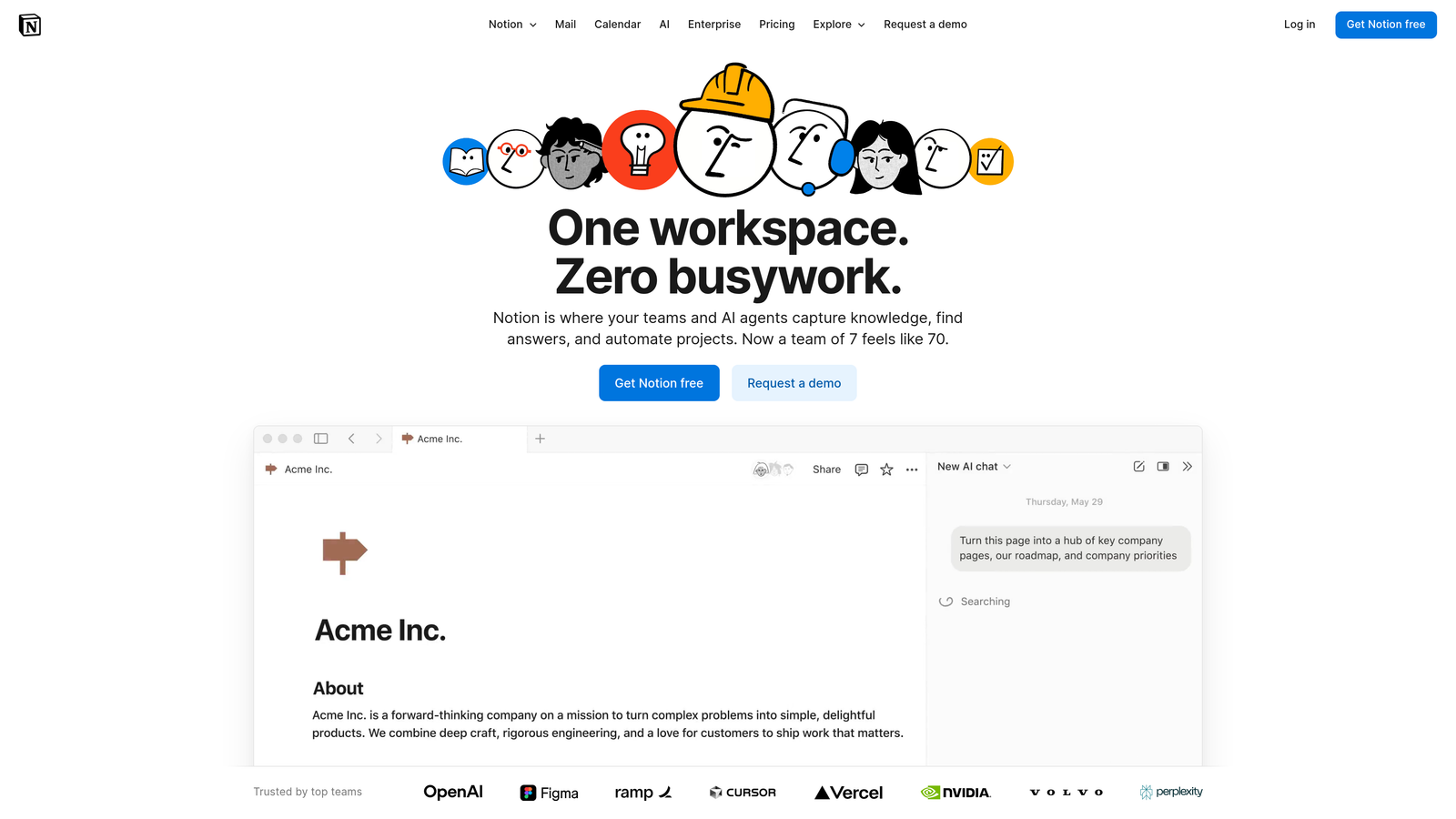
Custom AI Agents: Notion's AI capabilities help automate routine tasks, generate content ideas, and search across your entire workspace to find relevant information instantly.
Best For / Ideal Users
Tech-savvy content teams and startups who want complete control over their workflow design. Perfect for teams that need their workspace to handle both project management and actual content creation, eliminating the need for separate writing and planning tools.
Particularly valuable for remote teams that benefit from having all context, documentation, and active work in one centralized location. The platform scales beautifully from solo creators to enterprise teams managing hundreds of content pieces.
Pricing
Free plan available for individuals and small teams with unlimited pages and blocks. Paid plans start at $8 per user per month, adding features like unlimited file uploads, advanced permissions, and priority support.
4. Asana
Best for: Project-focused teams needing robust task management with content-specific features
Asana brings enterprise-grade project management capabilities to content workflows, offering multiple ways to visualize and track content production.
Where This Tool Shines
Asana's project templates and custom fields make it easy to standardize content workflows across different types of blog posts. The platform excels at dependency management, ensuring that research is completed before writing begins and editing happens before publishing.
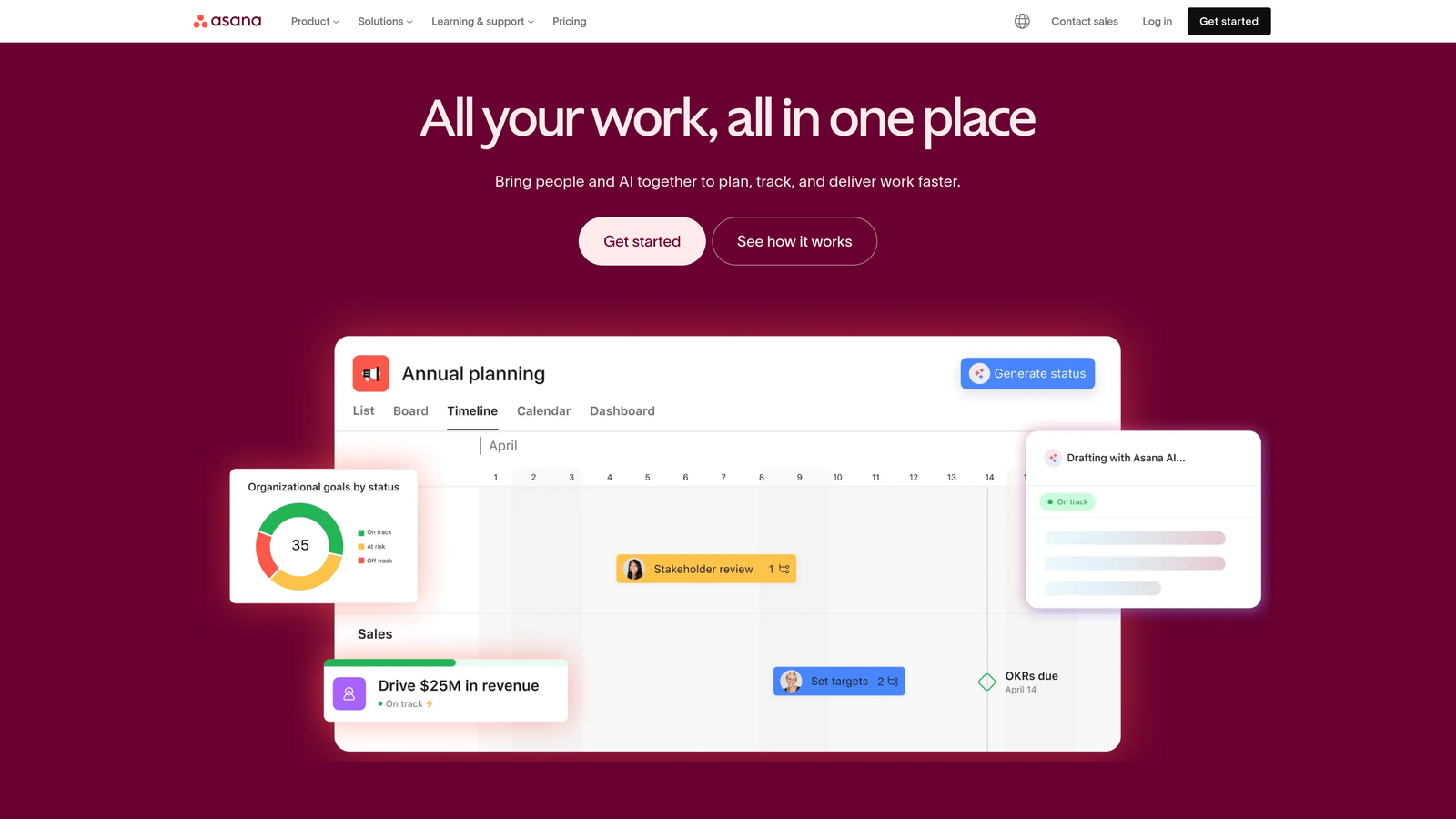
Teams appreciate the multiple view options—timeline, board, list, and calendar—that let different team members work in their preferred style. Writers might prefer the list view for focusing on their assignments, while editors benefit from the timeline view to spot potential bottlenecks before they impact deadlines.
Key Features & Capabilities
Multiple Project Views: Switch between timeline, kanban, calendar, and list views depending on your current task.
Custom Fields for Content Tracking: Add fields for target keywords, word count, content stage, and publication date to track content-specific details.
Automated Task Routing: Set up rules that automatically assign editors when writers mark drafts complete, or notify stakeholders when content enters review.
Workload Management: Visual capacity planning helps prevent team burnout by showing who's overloaded and who has bandwidth.
Proofing Features: Review visual content directly within tasks, leaving comments on specific elements without switching platforms.
Best For / Ideal Users
Content teams that manage complex, multi-step publishing processes with multiple stakeholders. The platform particularly shines for organizations producing different types of content that require varied workflows and approval processes.
Marketing departments at mid-size to large companies find Asana's structure helpful for maintaining consistency across dozens of content pieces monthly. The platform scales well as teams grow, accommodating everything from small editorial teams to enterprise content operations.
Pricing
Free tier available for teams up to 15 members, with premium features starting at $10.99 per user per month. Enterprise plans offer advanced security and administrative controls.
5. Monday.com
Best for: Visual-first teams needing intuitive workflow management with powerful automation
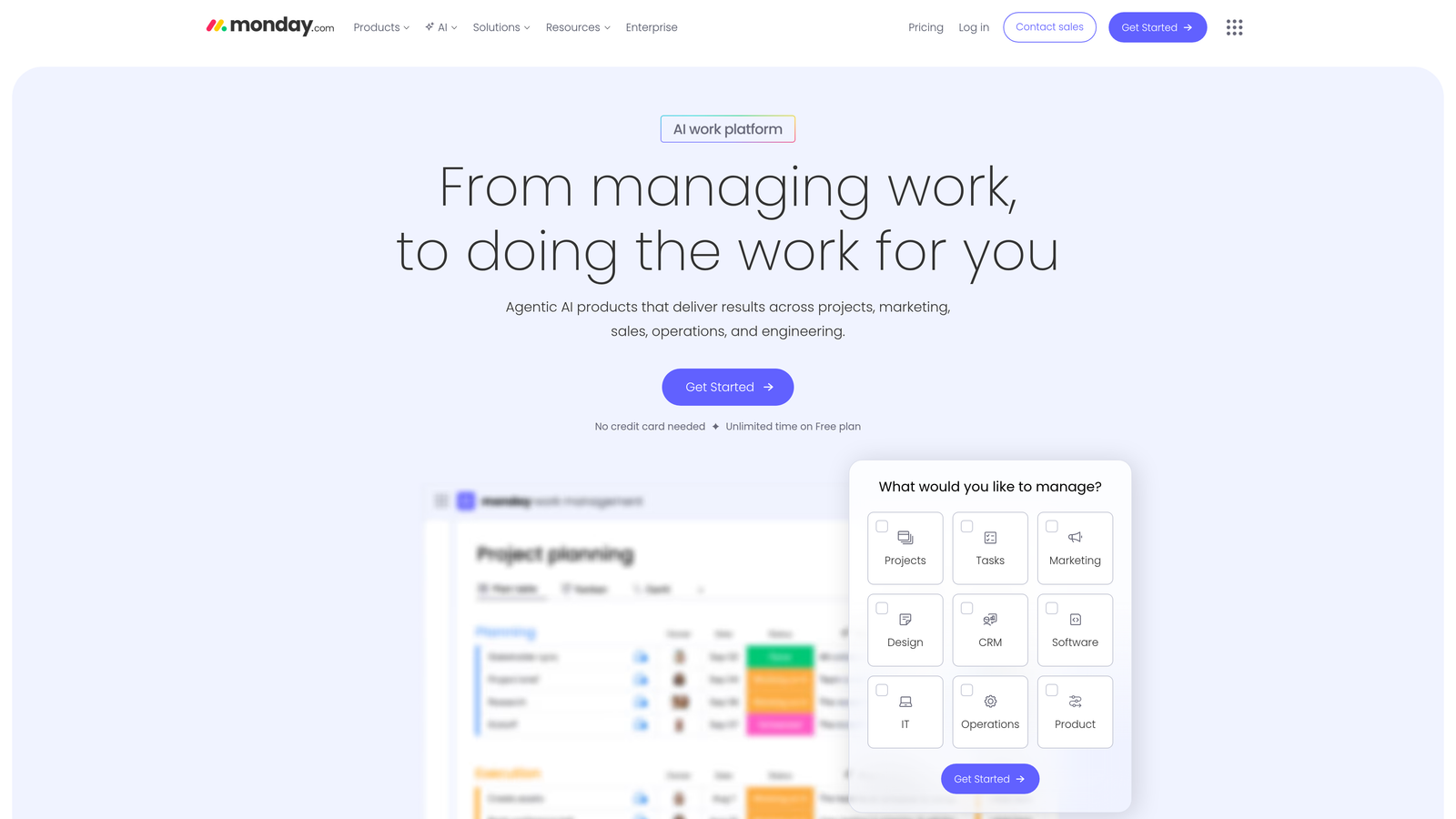
Monday.com transforms content workflow management into a visual experience where status, progress, and bottlenecks are immediately apparent through color-coded boards and dynamic progress tracking.
Where This Tool Shines
Monday.com's visual language speaks louder than status reports. The platform uses customizable color coding to instantly communicate where each blog post sits in your production pipeline—bright green for "Ready to Publish," amber for "In Review," red for "Blocked." This eliminates the constant "what's the status?" questions that plague content teams.
The automation engine is where Monday.com truly differentiates itself. When a writer marks their draft complete, the system automatically assigns the piece to the designated editor, updates the status, adjusts timeline projections, and notifies relevant stakeholders—all without manual intervention. This automated workflow progression eliminates the administrative burden that typically consumes hours each week.
Key Features & Capabilities
Visual Status Tracking: Customizable color coding and progress bars provide instant project health visibility across your entire content calendar.
Workflow Automation: Automated task routing, status updates, and notifications eliminate repetitive manual work and keep content moving through production stages.
Multiple View Options: Switch between kanban boards, timeline views, calendar layouts, and custom dashboards to match different team roles and preferences.
Time Tracking Integration: Built-in time tracking helps teams understand actual production time versus estimates, improving future planning accuracy.
Collaborative Proofing: File sharing with commenting capabilities allows stakeholders to review and provide feedback directly on content assets within the platform.
Custom Dashboard Creation: Role-specific dashboards give writers, editors, and managers exactly the information they need without overwhelming them with irrelevant details.
Best For / Ideal Users
Content teams that think visually and want workflow management that feels intuitive rather than technical. The platform excels for creative agencies managing multiple client content calendars simultaneously, where visual clarity prevents confusion and missed deadlines.
Marketing departments with distributed teams benefit significantly from Monday.com's visual communication style. When team members work across time zones, the color-coded status system provides instant understanding without requiring synchronous communication.
Teams frustrated by manual task routing and status updates find immediate relief. If your current workflow involves constantly reassigning tasks, updating spreadsheets, or sending status emails, Monday.com's automation eliminates these time-consuming activities.
Pricing
Basic plan starts at $8 per user per month with core workflow features. Standard plan at $10 per user per month adds timeline views and automation. Pro plan at $16 per user per month includes advanced automation, time tracking, and custom dashboards for complex content operations.
6. Trello
Best for: Small teams wanting simple, card-based workflow management without complexity
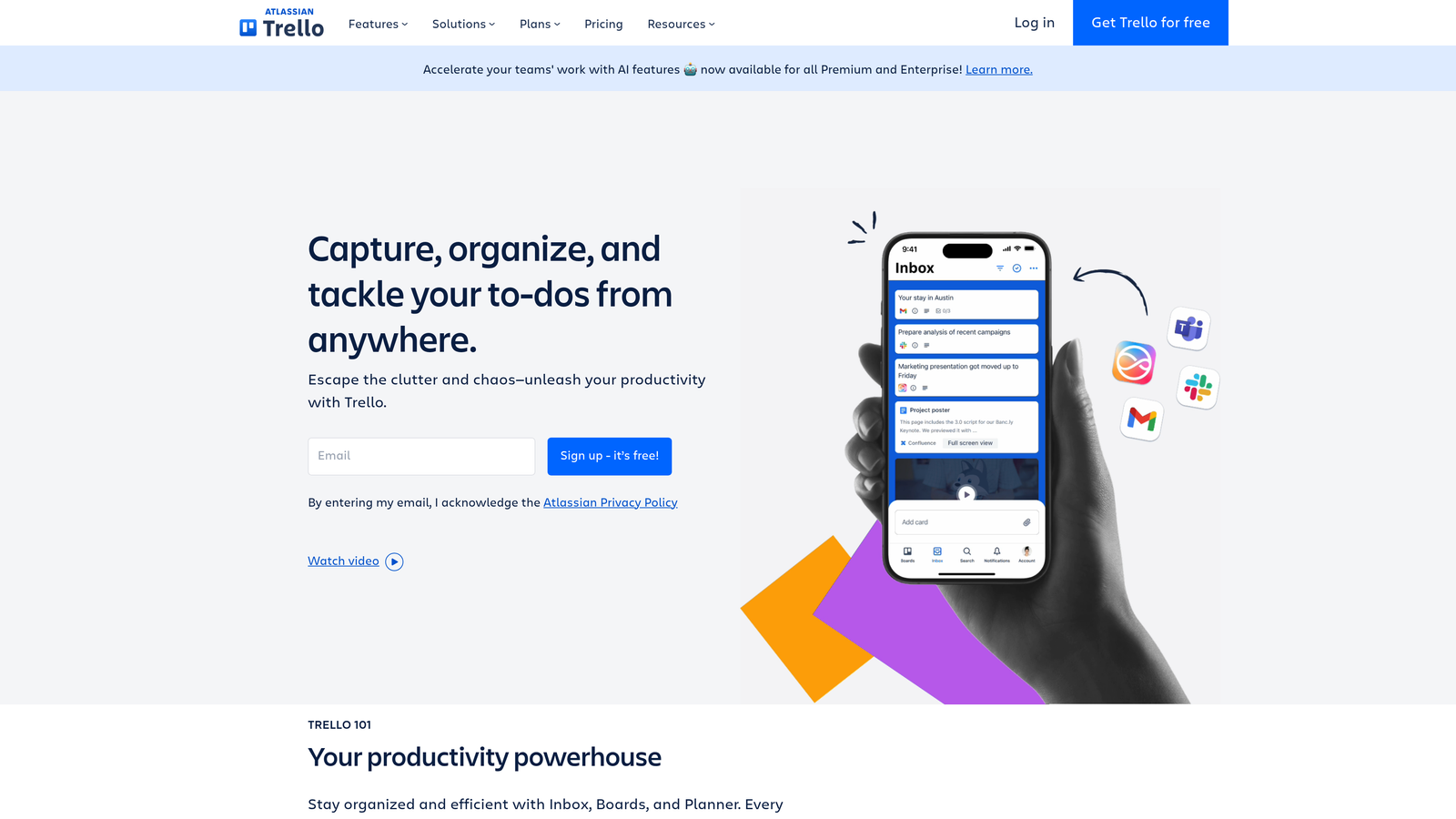
Trello brings kanban-style organization to content workflows through an intuitive card-and-board system that anyone can master in minutes.
Where This Tool Shines
Trello's power lies in its visual simplicity. Create boards for different content projects, add lists for workflow stages like "Ideas," "Drafting," "Review," and "Published," then move cards between lists as content progresses. This tactile approach provides immediate satisfaction and clarity—everyone can see exactly where each piece stands at a glance.
The platform's flexibility allows teams to customize their setup without technical expertise. Add checklists to cards for tracking article components, attach Google Docs for collaborative writing, set due dates with calendar integration, and use labels to categorize content by topic or priority. Teams can mirror to-dos across multiple boards, ensuring important tasks stay visible wherever team members are working.
Key Features & Capabilities
Intuitive Kanban Interface: Drag-and-drop cards between lists to visualize content progression through your workflow stages.
Card Organization System: Each content piece gets a card with checklists, attachments, comments, and due dates for comprehensive tracking.
Team Collaboration Tools: Comment on cards, mention team members with @ tags, and attach files directly from cloud storage services.
Power-Ups for Extension: Add functionality through integrations with tools like Slack, Google Drive, and calendar apps without overwhelming the core experience.
Mobile Accessibility: Full-featured mobile apps let team members update content status and respond to comments from anywhere.
Best For / Ideal Users
Trello excels for small content teams of 2-10 people who need to get organized quickly without investing weeks in software training. It's particularly valuable for freelancers managing multiple client projects, startups formalizing their first content processes, or established teams who've found other tools too complex for their needs.
The platform works best when your workflow has clear, sequential stages and you don't need extensive automation or advanced reporting. If your team values simplicity and visual organization over feature depth, Trello delivers exactly what you need without the bloat.
Pricing
Trello offers a generous free plan that includes unlimited cards and boards with basic Power-Ups, making it risk-free to try. Paid plans start at $5 per user monthly, adding unlimited Power-Ups, advanced checklists, and additional automation. The flexible pricing model means you only pay for what you need as your team grows.
7. Airtable
Best for: Data-driven teams needing spreadsheet power with database functionality for content management
Airtable combines the familiarity of spreadsheets with the power of relational databases, creating a unique solution for content teams who need to track detailed information.
Where This Tool Shines
Airtable excels at connecting related data in ways that traditional project management tools cannot. Teams can link writer profiles to their articles, keyword research to performance metrics, and track relationships between different pieces of content. The platform's multiple view options—grid, calendar, gallery, and kanban—let teams interact with their content data in whatever format works best for their current task.
The real power emerges when you start building linked records. Picture linking each blog post to its assigned writer, target keywords, related articles, and performance metrics—all in one interconnected system. When you update a writer's profile, every article they've written reflects that change instantly. This relational approach transforms content management from simple task tracking into intelligent data analysis.
Key Features & Capabilities
Relational Database Functionality: Link records across tables to create sophisticated data relationships that mirror your actual content ecosystem.
Multiple View Types: Switch between grid, calendar, gallery, kanban, and form views depending on your current workflow needs.
Custom Field Types: Track content-specific data with specialized fields for attachments, checkboxes, ratings, and more.
Collaborative Editing: Real-time updates ensure everyone sees the latest information without version conflicts.
Automation Builder: Create automated workflows that trigger actions based on field changes or time-based rules.
Best For / Ideal Users
Content teams that need to track detailed metadata, manage large content libraries, or analyze content performance data. The platform particularly suits content agencies managing multiple clients, enterprise teams coordinating across departments, and data-driven marketers who want to connect content workflows with analytics.
Teams that think in spreadsheets but need more power will find Airtable's approach intuitive. If you're currently managing content in Excel or Google Sheets and hitting limitations, Airtable provides the natural next step without forcing you to abandon familiar spreadsheet thinking.
Pricing
Free plan available for small teams, with paid plans starting at $10 per user per month for advanced features and increased storage.
8. ClickUp
Best for: Teams wanting an all-in-one solution with extensive customization and feature depth
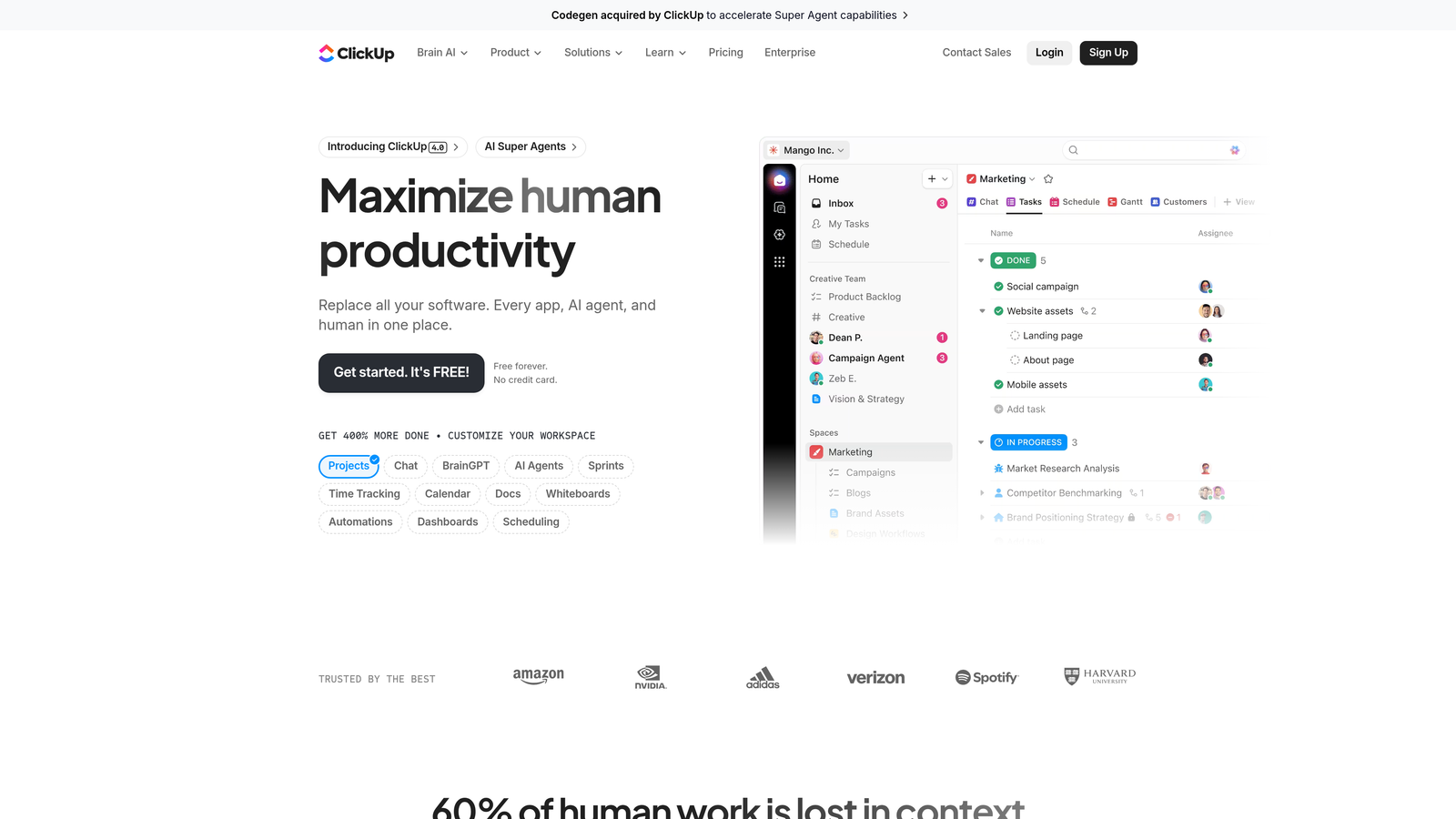
ClickUp positions itself as the one app to replace all others, offering an incredibly comprehensive feature set that can handle everything from content planning to time tracking to goal management.
Where This Tool Shines
ClickUp's hierarchical structure allows teams to organize content at multiple levels—from company-wide content strategies down to individual task checklists. The platform's custom statuses, fields, and automation rules can be configured to match any content workflow perfectly.
Teams particularly appreciate the docs feature, which allows for collaborative writing within the same platform used for project management. This eliminates the constant switching between Google Docs and project tracking tools that plagues many content teams.
Key Features & Capabilities
Hierarchical Organization: Spaces, folders, lists, and tasks create multiple organizational levels for complex content operations.
Multiple View Options: Calendar, board, list, timeline, and unique features like mind maps let each team member work in their preferred style.
Built-in Docs and Wiki: Collaborative writing and knowledge base functionality integrated directly into the workflow platform.
Advanced Time Tracking: Built-in time tracking and reporting help teams understand where content production time actually goes.
Goal Setting and Progress Tracking: Connect individual content pieces to broader strategic objectives and track progress automatically.
Best For / Ideal Users
Content teams that want a single platform for all their workflow needs and don't mind complexity in exchange for comprehensive functionality. The platform works best for larger teams or agencies that can dedicate time to proper setup and training.
ClickUp particularly suits teams that currently use 5+ different tools and want to consolidate into one system. The learning curve is real, but teams that invest in mastering the platform often find they can eliminate multiple subscriptions.
Pricing
Free plan available with basic features, paid plans start at $7 per user per month with unlimited storage and advanced features.
Putting It All Together
The right blog workflow software transforms content chaos into coordinated productivity—but only when it matches your team's actual needs. Sight AI leads the pack for teams ready to leverage AI-powered content creation alongside workflow management, offering unmatched automation that handles everything from ideation to publication. For visual-first teams prioritizing intuitive interfaces, Monday.com delivers powerful automation wrapped in color-coded simplicity. Meanwhile, Notion remains the flexibility champion for tech-savvy teams who want complete control over their workflow design.
Your selection should start with honest assessment. Small teams just getting organized? Trello's simplicity gets you moving immediately. Managing complex multi-stakeholder approvals? Asana's dependency tracking keeps everyone accountable. Need to connect content data across your entire operation? Airtable's relational database approach handles complexity other tools can't touch.
Don't choose based on feature lists alone. The most powerful platform means nothing if your team won't adopt it consistently. Consider technical comfort levels, integration needs with your existing stack, and growth trajectory. Take advantage of free trials, involve your entire team in testing, and remember—the best workflow software feels invisible, eliminating friction while preserving the creative energy that produces exceptional content.
Ready to see how AI can transform your content workflow? Start tracking your AI visibility today and discover how Sight AI's intelligent agents can help your team publish faster while maintaining quality and consistency across every piece of content.