Platforms for automating user-generated content for online products fall into two groups. Review and UGC collection platforms such as Yotpo, Bazaarvoice, Okendo and Trustpilot request, moderate and syndicate customer reviews, photos and Q&A. AI content automation tools such as Sight AI, Copy.ai, Canva, Descript and Synthesia turn that material, plus your catalog data, into product pages, descriptions, visuals and video at scale. Below we compare the 8 core content automation platforms, then show how to combine them for product and UGC workflows.
Content automation does not replace human creativity. It removes the slow, repetitive parts: research, drafting, optimization, scheduling, indexing and quality control. Some tools are strongest at ideas and outlines, some at editing and SEO, and others at distribution and monitoring. Knowing where each one fits is what turns a pile of subscriptions into a working content system. Modern teams use ai blog automation to scale output without lowering quality. After the eight core platforms, we cover specialized AI tools for images, video and audio, and how to automate product and user-generated content.
Quick Comparison: 8 Content Creation Automation Tools
| Tool | Primary Workflow Stage | Standout Capability | Starting Price |
|---|---|---|---|
| Sight AI | Research → writing → SEO → indexing | Automated indexing via IndexNow and sitemap pings | Free trial; custom pricing |
| Jasper | Drafting and brand-consistent copy | Brand IQ voice and style controls | Free trial; tiered plans |
| Copy.ai | GTM workflow automation | Chained multi-step AI workflows | Free plan (2,000 words/month) |
| Writesonic | SEO writing | Real-time SEO scoring | $16/month |
| Surfer SEO | Content optimization | SERP-driven content editor | $89/month |
| ContentKing | Post-publish monitoring | 24/7 real-time change detection | Custom pricing |
| CoSchedule | Planning, scheduling, collaboration | Unified marketing calendar | $29/month |
| Grammarly Business | Quality assurance | Enforced custom style guides | $15/user/month |
1. Sight AI
Best for: End-to-end content creation with AI-powered research, writing, SEO optimization and automated indexing
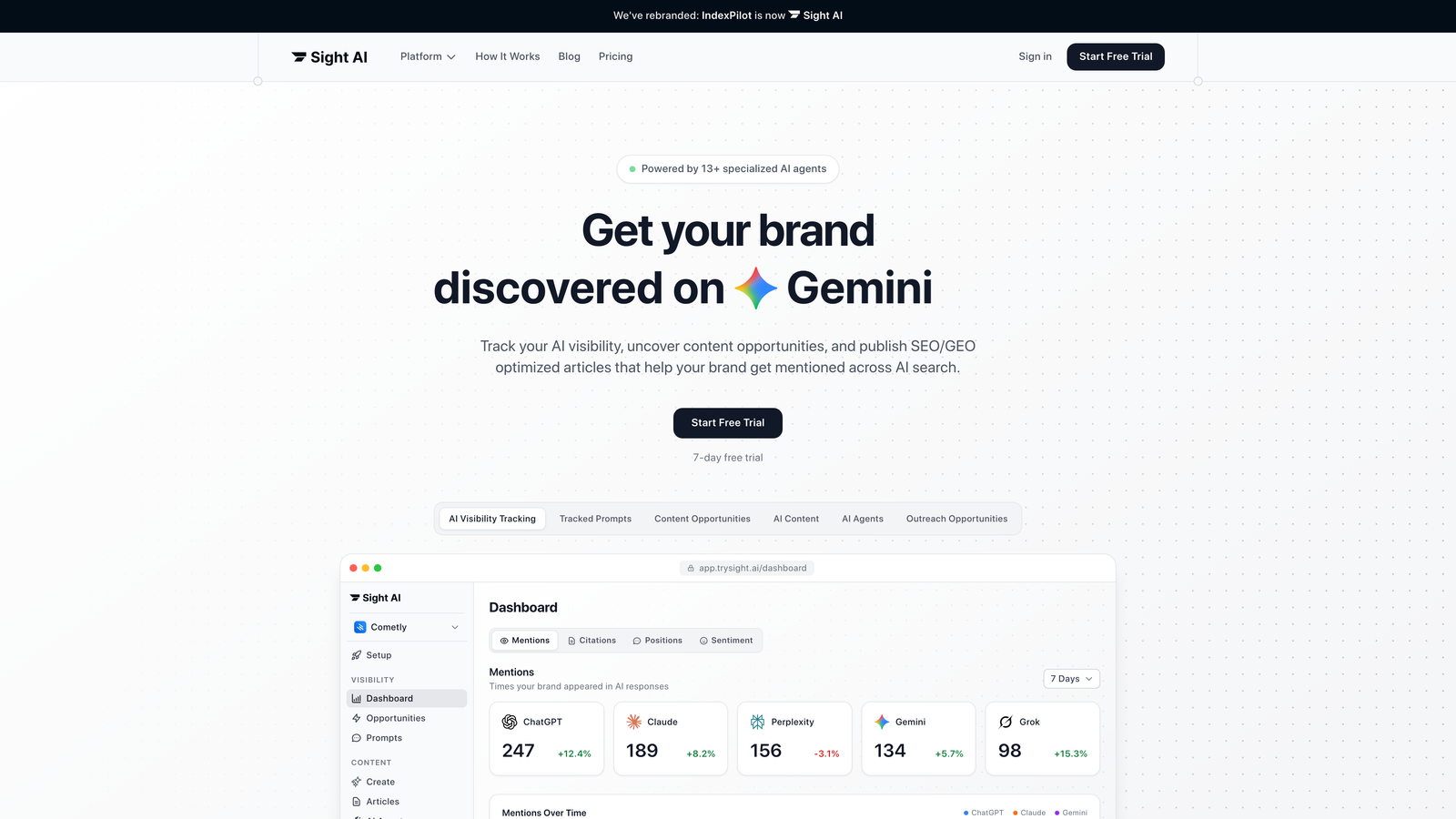
Sight AI represents the next generation of content creation automation. It combines advanced AI research with strategic content planning and SEO optimization.
Where This Tool Shines
Sight AI excels at turning content strategy into execution through its multi-agent AI system. The platform handles everything from competitive research and keyword analysis to content creation and optimization.
What sets it apart is its ability to keep brand voice consistent while producing content that ranks well in search engines. Its research goes beyond surface-level information gathering, providing deeper insights that inform content strategy so every piece serves a strategic purpose.
It also automates the step most writing tools ignore: getting content discovered. Through IndexNow integration and automated sitemap pings, new pages are submitted to search engines as soon as they publish, cutting the wait from weeks to hours. This is useful for product launches, time-sensitive campaigns and topic clusters you want indexed together.
Key Features & Capabilities
AI-Powered Content Research: Synthesizes information from multiple sources to identify patterns and insights for strategic content planning.
Multi-Format Content Generation: Creates blog posts, listicles, how-to guides, social media content and email campaigns while maintaining consistent brand voice across all formats.
Advanced SEO Optimization: Integrates real-time keyword analysis and optimization recommendations directly into the content creation workflow, with internal linking, metadata and URL structure handled automatically.
Automated Indexing: Submits new and updated URLs via IndexNow and sitemap pings, with indexing status visible in the dashboard.
Brand Voice Training: Learns from your existing content to maintain consistency and authenticity across all automated content production.
Performance Tracking: Monitors content effectiveness and provides optimization recommendations based on actual results.
Collaborative Workflows: Enables team coordination with shared workspaces and systematic content management processes.
Best For / Ideal Users
Marketing teams and content agencies that need to scale high-quality content production while keeping a strategic focus. Agencies can run multiple client blogs without a linear increase in headcount. E-commerce teams can generate and index new product or category pages during launch windows.
Teams producing high volumes of content across multiple formats will benefit from a unified approach that removes the need to manage several disconnected tools. As with any AI output, human review remains essential for brand nuance and factual accuracy.
Pricing
Free trial available. Custom pricing is based on content volume and team size. Enterprise solutions are available for larger organizations that need advanced features and dedicated support.
2. Jasper
Best for: AI-powered copywriting and content generation across multiple formats
Jasper is an AI marketing platform that unifies brand experience, accelerates content velocity and automates marketing processes at scale for marketing teams.

Where This Tool Shines
Jasper's Canvas marketing AI editor gives teams an intelligent workspace that understands marketing context. The platform's Brand IQ feature sets it apart: it learns your brand's voice, visual guidelines and messaging frameworks, then applies them consistently across every piece of content it generates.
The tool is especially good at helping marketing teams keep up velocity without sacrificing quality. When you face tight deadlines or run several campaigns at once, Jasper's template library and Marketing IQ automation handle the heavy lifting while you focus on strategic refinement and creative direction. Its LLM-agnostic architecture routes tasks to the most suitable underlying model, which protects teams from being locked into a single AI provider.
Key Features & Capabilities
Canvas Marketing AI Editor: Intelligent workspace that combines writing, editing and optimization in one interface with context-aware suggestions.
Brand IQ: Centralized system for managing brand voice, visual guidelines and messaging consistency across all content outputs.
Marketing IQ: AI-powered automation that streamlines marketing processes and accelerates content production at scale.
Jasper Chat: Conversational AI interface for rapid ideation, research assistance and content refinement through natural dialogue.
AI Image Suite: Integrated image generation that creates visual content aligned with your brand guidelines and content needs.
Best For / Ideal Users
Marketing teams managing multiple campaigns who need diverse content formats with strict brand consistency. The platform particularly suits organizations where many team members contribute content and a unified brand voice is non-negotiable.
Content marketers who want enterprise-grade security alongside quality outputs will appreciate Jasper's infrastructure. The tool scales from small marketing teams to large enterprise operations that need robust collaboration features and administrative controls.
Pricing
Jasper offers a free trial and tiered plans (Creator, Pro and Business). Creator and Pro are self-serve; Business pricing requires contacting sales. It costs more than entry-level AI writers, reflecting its marketing-specific workflows.
3. Copy.ai
Best for: Go-to-market teams automating sales and marketing workflows with AI-powered content generation
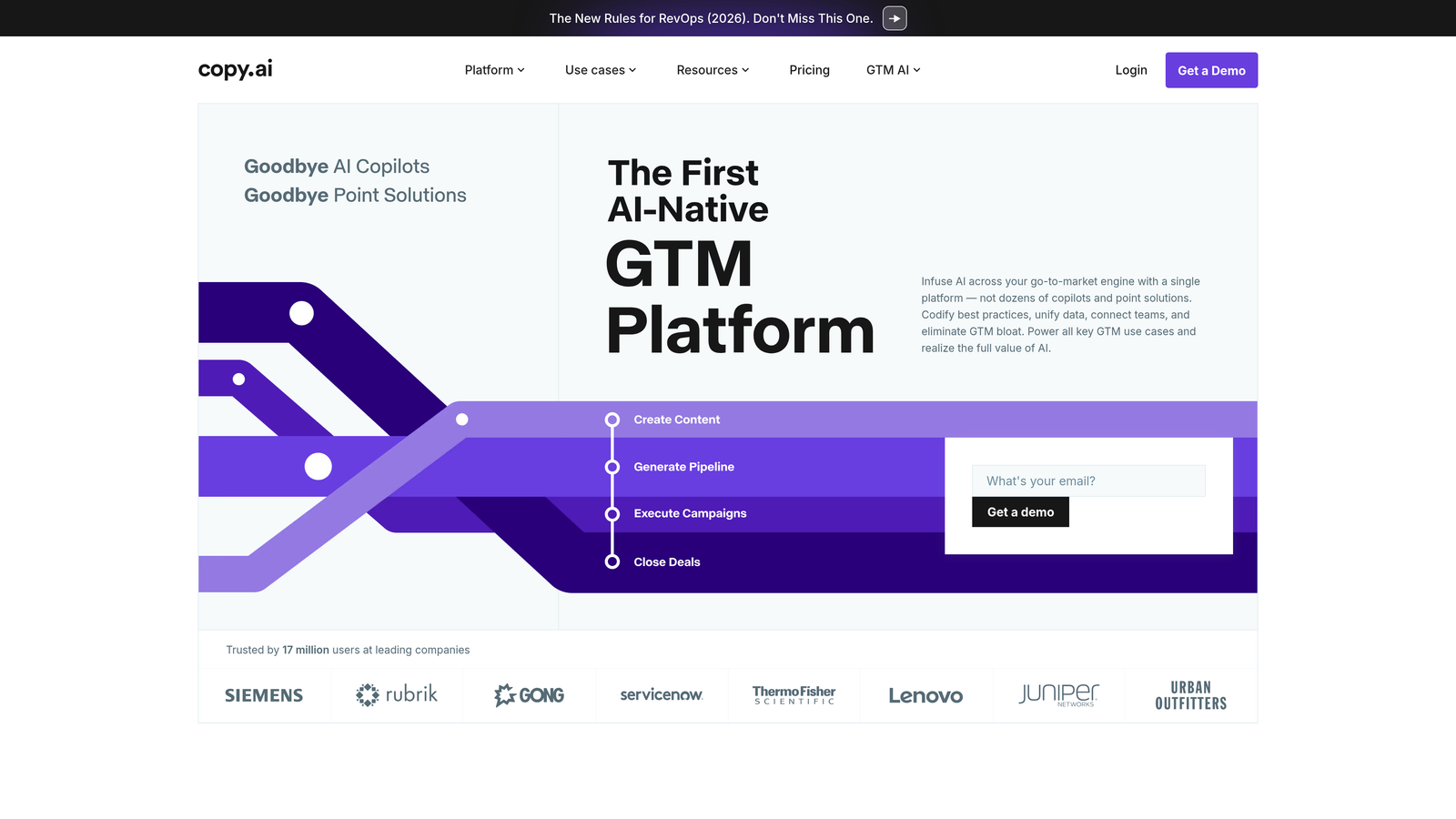
Copy.ai has evolved beyond simple copywriting into a comprehensive GTM (go-to-market) AI platform that automates repetitive tasks across your entire sales and marketing engine.
Where This Tool Shines
Copy.ai's shift to a GTM AI platform sets it apart from traditional content tools. Rather than only generating blog posts or social captions, it automates entire go-to-market workflows, from prospecting and lead processing to deal coaching and content localization. The Prospecting Cockpit helps sales teams personalize outreach at scale, while its content creation capabilities support marketing teams producing high volumes of campaign materials.
The platform targets what the company calls GTM bloat: the chaos of managing dozens of disconnected tools and copilots. By unifying data and codifying best practices in one place, Copy.ai helps teams move faster without sacrificing personalization or quality. Its workflow builder lets non-technical marketers chain multiple AI steps, such as SEO brief, draft article, then social snippets, into a single click, with bulk runs for processing many inputs at once.
Key Features & Capabilities
GTM AI Playbook Design: Create and automate repeatable workflows that codify your team's best practices across sales and marketing processes.
Prospecting Cockpit: Automate personalized outreach and lead engagement with AI-powered prospecting workflows that scale your sales efforts.
Content Creation: Generate marketing content across formats, from email campaigns to social media posts, with AI that maintains brand consistency.
Inbound Lead Processing: Automatically qualify, route and respond to inbound leads to accelerate response times.
Account Based Marketing: Personalize content and outreach for target accounts at scale, making ABM strategies more efficient.
Translation + Localization: Adapt content for global markets with AI-powered translation that maintains brand voice across languages.
Best For / Ideal Users
Go-to-market teams and revenue operations professionals who need to automate repetitive sales and marketing tasks while keeping personalization. Particularly valuable for businesses scaling their GTM motion and consolidating multiple point solutions into one platform.
Pricing
A free-forever plan includes 2,000 words per month. Paid plans add unlimited chat, more workflow credits and API access, with custom enterprise pricing based on team size and automation requirements. Self-serve tier details are less transparent than some competitors.
4. Writesonic
Best for: SEO-optimized content creation with built-in optimization tools
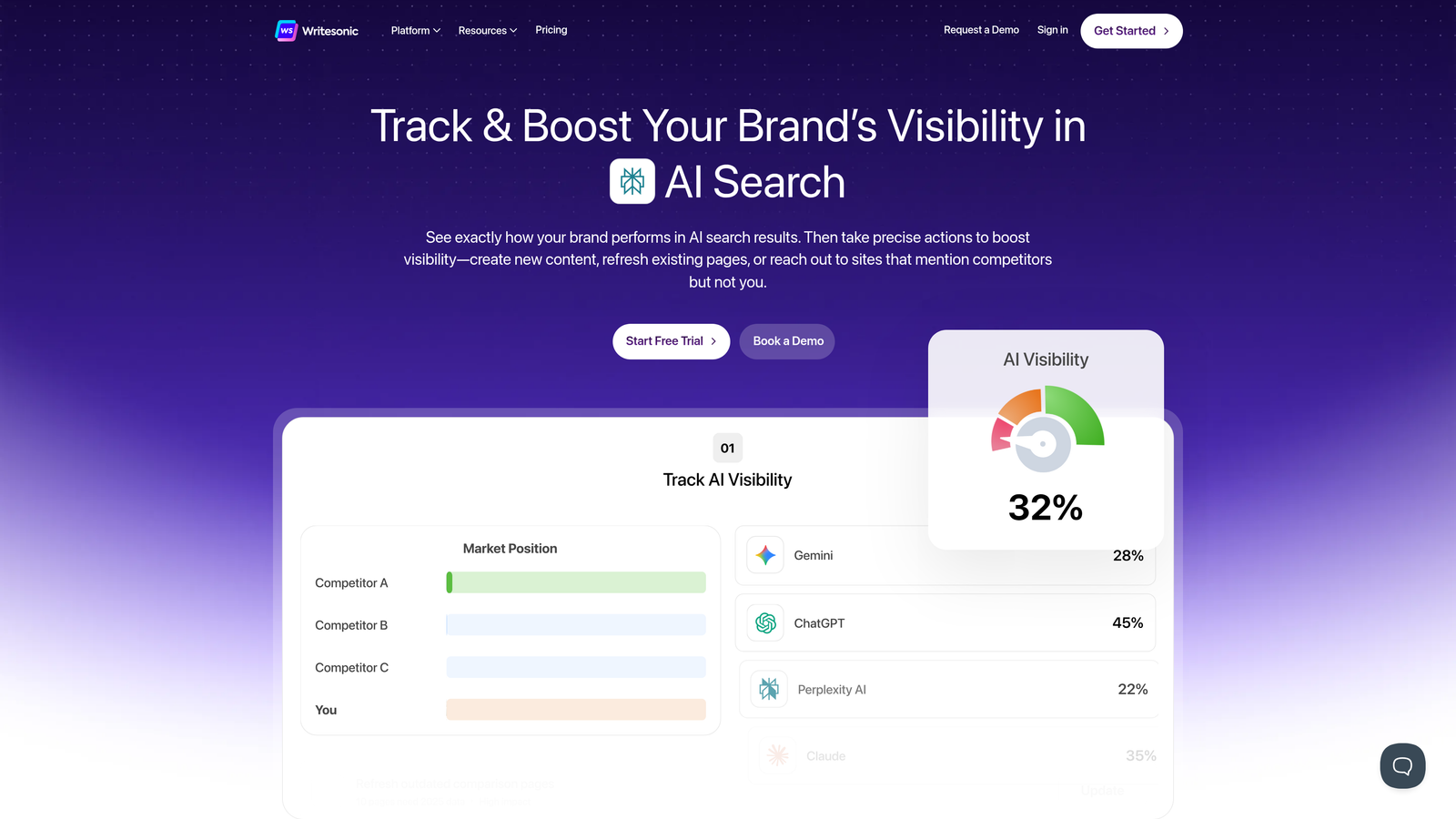
Writesonic combines AI writing with SEO optimization features, helping users create content that performs in search engines while staying readable and engaging.
Where This Tool Shines
Writesonic builds SEO optimization directly into the content creation process, which sets it apart from purely writing-focused tools. The platform analyzes top-ranking content for target keywords and provides guidance on structure, length and optimization opportunities.
Its real-time SEO scoring shows writers how their content is likely to perform in search before publication. The tool is also strong at creating content briefs and outlines that serve as strategic foundations for comprehensive articles, so every piece starts with solid search intent alignment.
Key Features & Capabilities
Real-time SEO optimization and scoring: Get instant feedback on how your content measures up against top-ranking pages.
Competitor content analysis and insights: Understand what is working for top performers in your target keyword space.
Long-form article creation with structured outlines: Build comprehensive content with strategic organization from the start.
Multiple language support for global content creation: Expand your reach with content in various languages.
Fact-checking and citation capabilities: Maintain accuracy and credibility in your content.
Integration with WordPress and other content management systems: Streamline your publishing workflow with direct platform connections.
Best For / Ideal Users
SEO specialists and content marketers who need data-driven guidance during creation rather than after the fact. The platform works well for teams that prioritize search visibility alongside content quality.
Businesses in competitive keyword spaces will value the competitor analysis features, while creators who want to understand search intent before writing will appreciate the planning capabilities.
Pricing
Plans start at $16/month for individual users, with unlimited plans and team options for larger content operations that need higher volume.
5. Surfer SEO
Best for: Data-driven content optimization and SEO-focused content planning
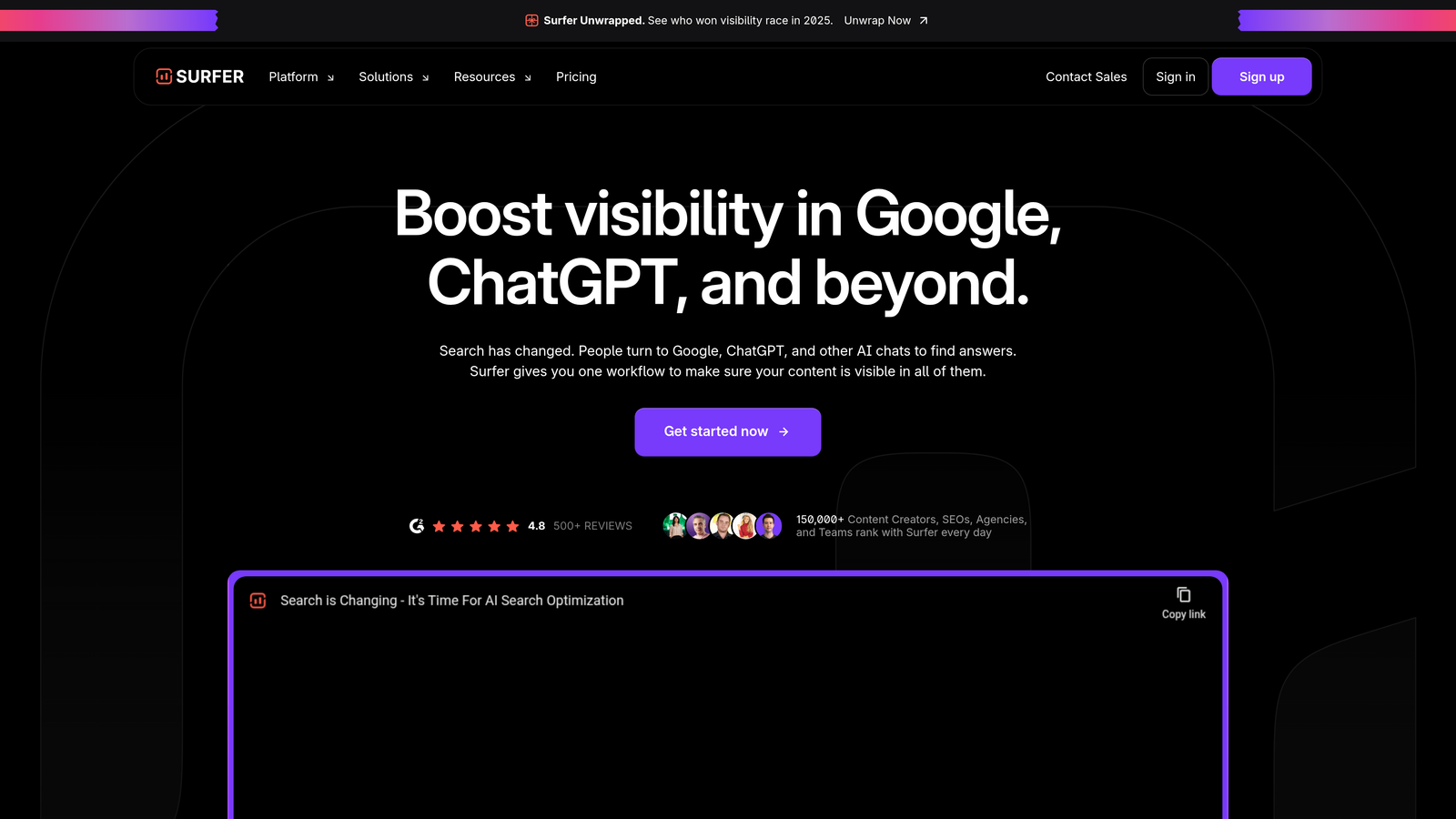
Surfer SEO is an SEO content optimization platform that helps users research, audit, write and optimize content for visibility in both Google and AI chats like ChatGPT.
Where This Tool Shines
Surfer SEO's strength is its SERP analysis, which examines top-ranking pages to produce specific, actionable recommendations. The platform analyzes hundreds of ranking factors, from word count and keyword density to content structure and related topics, giving you a clear roadmap before you write a single word.
Its real-time content editor scores your content as you write. You see immediately how your article compares with top performers, with specific suggestions on where to add keywords, which topics to expand and how to structure the piece for search visibility. The tool helps you understand not just what to write, but how to organize it so both search engines and readers can follow it.
Key Features & Capabilities
SERP Analysis and Competitive Research: Examines top-ranking pages to identify patterns in structure, length and topic coverage that contribute to search success.
Real-Time Content Optimization: Provides live scoring and suggestions as you write, so content meets optimization criteria before publication.
Keyword Research and Content Planning: Identifies related keywords and topics to include, helping you create comprehensive content that addresses user intent.
Content Audit Capabilities: Analyzes existing articles to identify optimization opportunities and prioritize improvement efforts.
AI Content Detector and Humanizer: Helps AI-generated content read naturally while optimizing for both Google and AI chat platforms like ChatGPT.
Automatic Internal Linking: Streamlines connecting related content within your site, improving both SEO and user navigation.
Best For / Ideal Users
SEO professionals and content strategists who need data-driven insights to rank in competitive search environments. The platform suits marketing teams that want to understand the competitive landscape before investing time in content creation.
Content managers working with multiple writers will appreciate Surfer's consistent optimization guidance across team members, so all content meets the same quality and SEO standards.
Pricing
Plans start at $89/month for individual users, with agency and enterprise options for larger teams that need higher content volumes and advanced collaboration features.
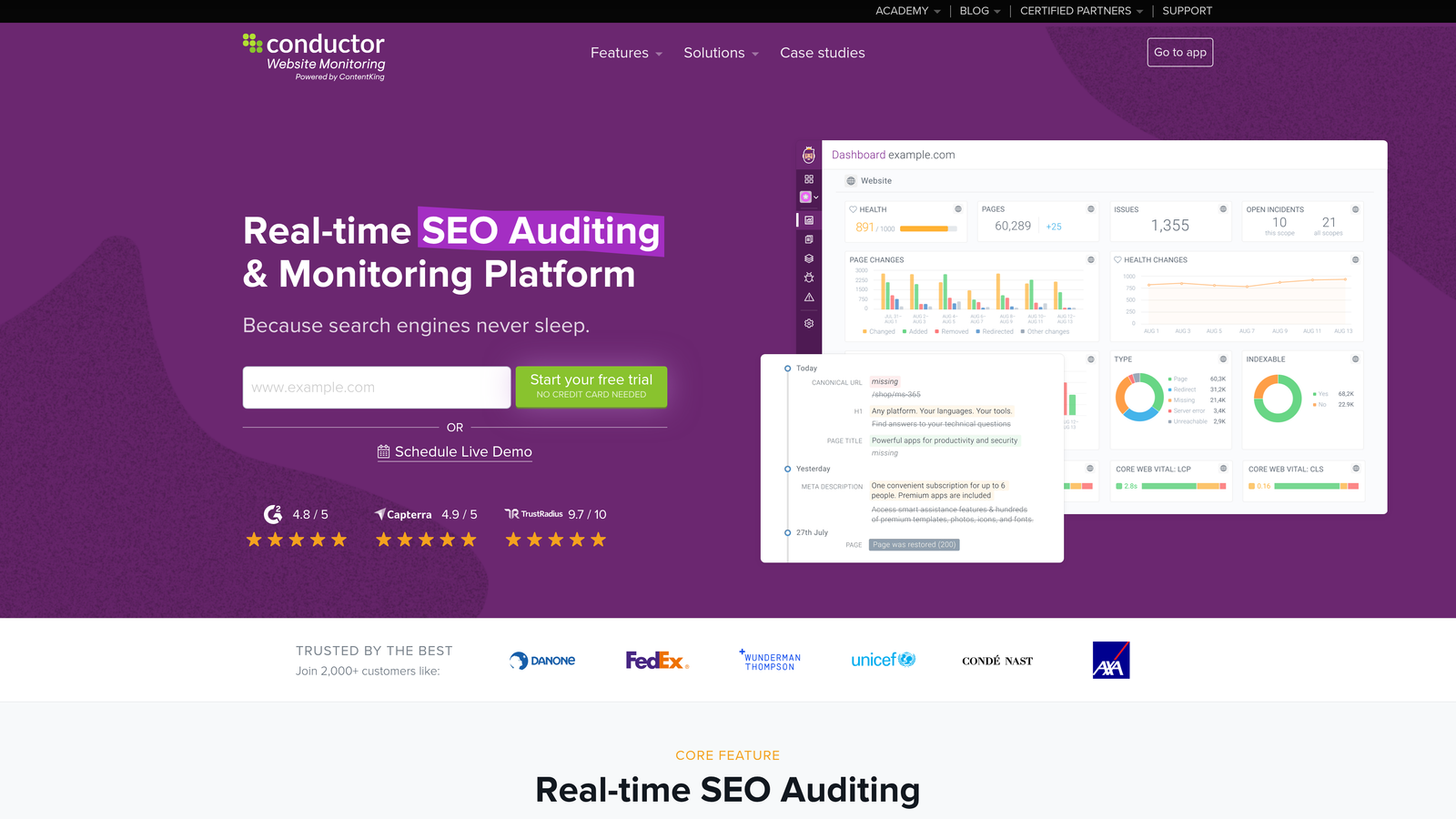
6. ContentKing
Best for: Real-time website monitoring and technical SEO tracking for content performance
ContentKing operates as a continuous monitoring system that tracks every change on your website in real time, alerting you when issues arise that could affect your content's search visibility.
Where This Tool Shines
ContentKing relies on constant monitoring rather than periodic checks. The platform watches your website 24/7, catching issues the moment they occur, whether that is a broken canonical tag, a missing meta description or a sudden redirect chain affecting optimized content.
This real-time approach is particularly valuable for content teams publishing frequently. When you are automating content creation and publishing multiple pieces daily, technical issues can slip through unnoticed. ContentKing acts as a safety net, making sure automated workflows do not create SEO problems that undermine your content's performance.
Key Features & Capabilities
Real-Time Change Detection: Monitors every page modification instantly, alerting you to changes that affect SEO performance.
Technical SEO Auditing: Continuously scans for issues like broken links, duplicate content and indexation problems across your entire site.
Content Change Tracking: Documents every content update with before-and-after comparisons, helping you understand which changes affect rankings.
Alert System: Sends immediate notifications when critical issues arise, allowing a quick response before rankings suffer.
Visual Site Structure: Provides interactive visualizations showing how your content connects and where optimization opportunities exist.
Best For / Ideal Users
Enterprise content teams and SEO agencies managing large websites where manual monitoring is impractical. Particularly valuable for organizations running automated content publishing workflows that need systematic oversight to catch technical issues before they affect performance.
E-commerce sites with thousands of product pages and content-heavy publishers benefit from continuous monitoring that catches problems across large content libraries.
Pricing
Custom pricing based on website size and number of pages monitored, with enterprise solutions for large-scale implementations that need advanced features and dedicated support.
7. CoSchedule
Best for: Content workflow automation and team collaboration management
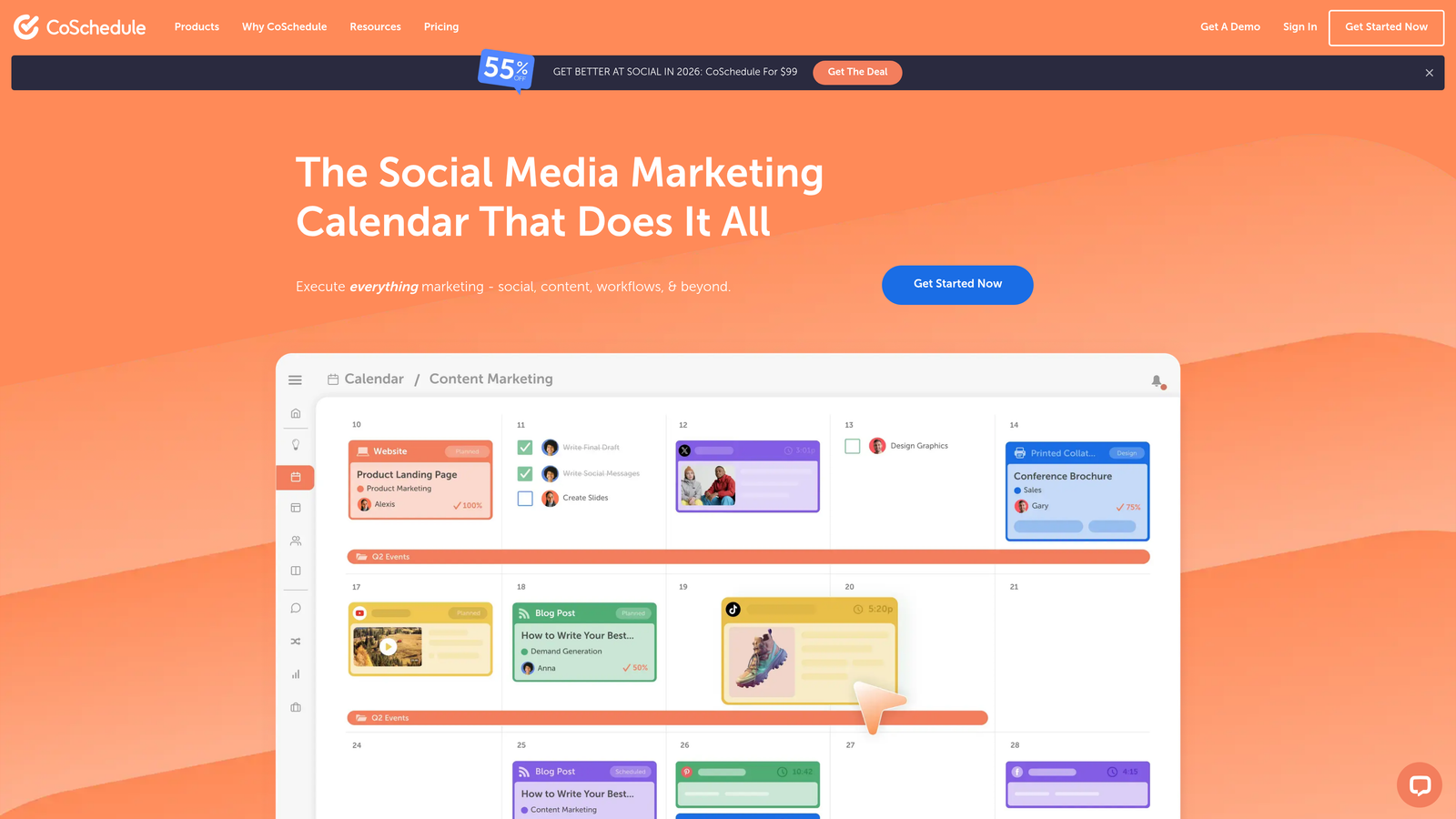
CoSchedule is a marketing calendar platform that unifies social media scheduling, content planning and team task management in a single collaborative workspace.
Where This Tool Shines
CoSchedule solves the coordination problems that slow down marketing teams running multiple content channels at once. Its unified calendar view shows what content publishes when, who owns each task and how campaigns align across channels.
CoSchedule focuses on the human side of content automation: keeping teams aligned and accountable. While many tools automate content creation or optimization, CoSchedule automates the workflow orchestration that often becomes the bottleneck. It is particularly valuable when content success depends on multiple contributors hitting deadlines across social media, blog content and marketing campaigns. For a broader look at scheduling and distribution, see our comparison of content publishing automation tools.
Key Features & Capabilities
Social Calendar: Create, schedule and publish social media content with AI-powered tools that optimize posting times and content performance.
Content Calendar: Centralized view of all marketing tasks, projects and campaigns with drag-and-drop scheduling and team assignment.
Social Inbox: Unified interface for responding to direct messages, comments and replies across multiple social platforms without switching apps.
Hire Mia (Collaborative AI-Editor): AI-powered assistant that provides content suggestions and editing support to multiply marketing output.
Agency Calendar: Features for agencies managing multiple client accounts with separate calendars and team permissions.
Reusable Workflows: Template library for common content processes that can be duplicated and customized, reducing setup time for recurring campaigns.
Best For / Ideal Users
Marketing teams and content agencies coordinating complex workflows across multiple channels and team members. Particularly valuable where content success depends on tight coordination between writers, designers, social media managers and campaign strategists.
The platform works especially well for teams managing long-form content and social media at the same time, where keeping everything aligned prevents duplicate effort and keeps messaging consistent.
Pricing
Plans start at $29/month for small teams, with agency management, additional seats and enterprise-level reporting available for larger organizations.
8. Grammarly Business
Best for: Content quality assurance and brand voice consistency across teams
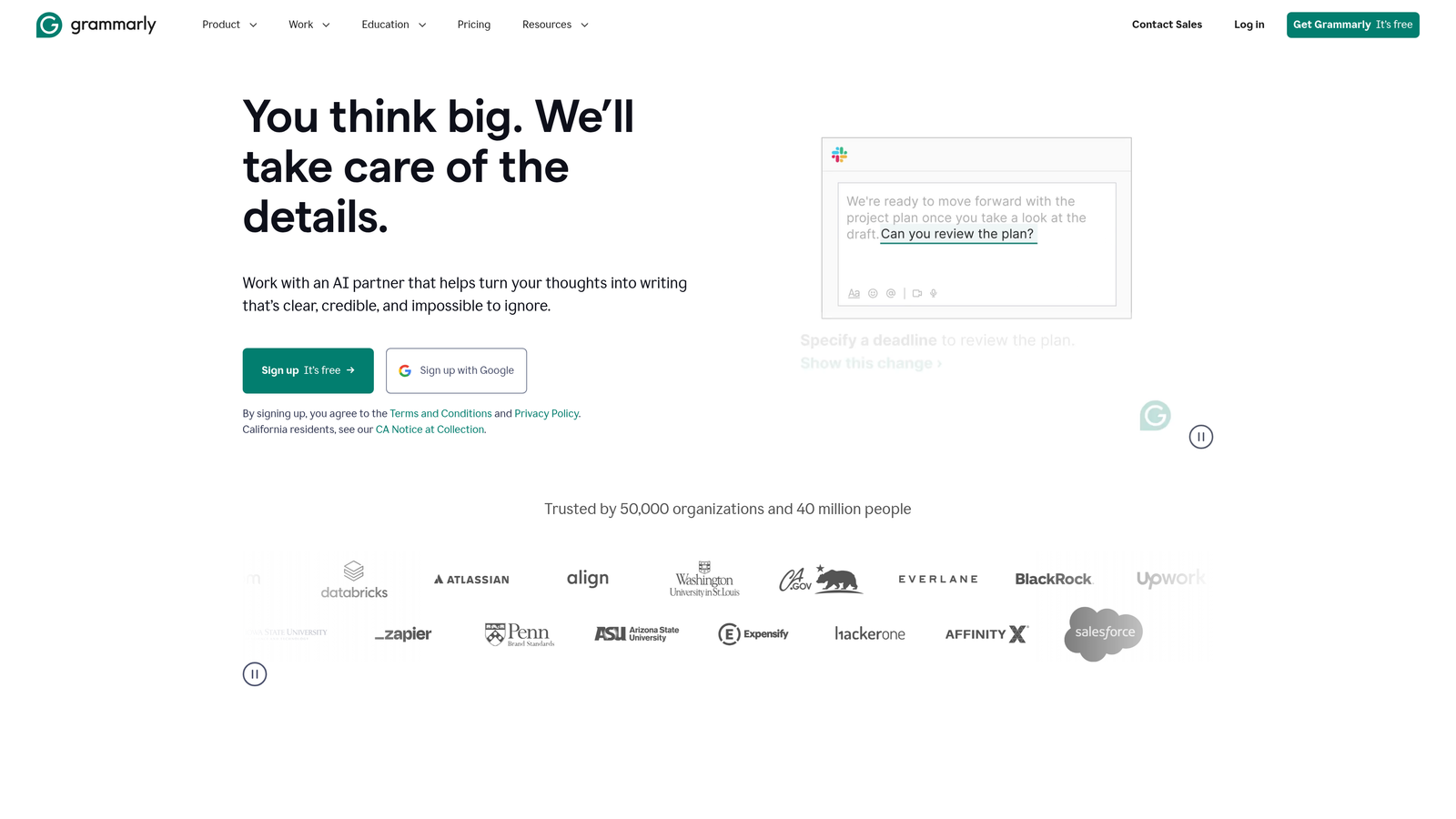
Grammarly Business helps teams maintain content quality standards with real-time editing assistance and brand voice enforcement across writing platforms.
Where This Tool Shines
Grammarly Business catches the subtle inconsistencies that undermine professional content. When many people contribute to your content output, keeping quality and voice consistent becomes hard. The platform acts as a quality control layer wherever your team writes, from Google Docs to email clients to content management systems.
Its main strength is enforcing brand-specific style guidelines automatically. Instead of relying on manual editing or on team members remembering style preferences, Grammarly Business applies your custom rules in real time. This matters most where content quality directly affects brand perception and customer trust.
Key Features & Capabilities
Advanced Writing Analysis: Identifies grammar, spelling, punctuation and style issues with context-aware suggestions that go beyond basic spell-checking.
Brand Voice Consistency: Enforces custom style guides, preferred terminology and tone guidelines across all team content.
Plagiarism Detection: Scans content against billions of web pages to check originality and prevent unintentional duplication.
Team Performance Insights: Provides analytics on common writing issues, improvement trends and team-wide quality metrics for targeted training.
Platform Integration: Works across popular writing environments including Microsoft Office, Google Workspace, Slack and major content management systems.
Custom Style Guide Creation: Lets organizations define specific writing rules, preferred terms and brand guidelines that apply automatically to all team content.
Best For / Ideal Users
Content teams and marketing departments where multiple contributors create customer-facing content and consistency is crucial for brand perception. Useful for organizations that need professional writing standards across team members with varying writing expertise.
Particularly valuable where content quality directly affects customer trust, such as financial services, healthcare and professional services firms.
Pricing
Plans start at $15 per month per user, with enterprise options for larger teams that need advanced administration, centralized billing and dedicated support.
Specialized AI Tools for Visual, Video and Audio Content
The eight platforms above cover text-centric workflows. Most content operations also need visuals, video and audio, where a separate set of creative automation tools does the heavy lifting:
| Tool | What It Automates | Key Consideration |
|---|---|---|
| ChatGPT | Ideation, drafting, research summaries, DALL·E images | Team and Enterprise plans exclude your data from model training |
| Adobe Firefly | Generative Fill in Photoshop, text-to-vector in Illustrator | Trained on licensed content for commercially safe output; credit-based |
| Canva Magic Studio | Social graphics, short video, bulk asset variations from Canva Sheets | Bulk creation requires Pro or Teams |
| Microsoft 365 Copilot | Drafts in Word, decks in PowerPoint, using internal data via Microsoft Graph | Requires a qualifying Microsoft 365 license |
| Descript | Text-based video/podcast editing, filler-word removal, clips, captions | Overdub voice cloning unlimited on Pro |
| Synthesia | AI avatar videos from scripts, dubbing in 80+ languages | Video minutes capped by tier; custom avatars on higher plans |
| Midjourney | High-quality stylized images and short video | Video consumes Fast GPU time quickly |
| Shutterstock AI | Text-to-image with commercial licensing | Indemnification only on enterprise tiers |
| AppSumo | Marketplace for discounted and lifetime-deal AI tools | 60-day refund on most deals; support quality varies |
Automating Product and User-Generated Content
For online stores, automating user-generated content usually means two jobs. The first is collecting reviews, photos, videos and testimonials. The second is turning that material, plus your catalog data, into publishable assets at scale.
Step 1: Collect and moderate UGC
Dedicated review and UGC platforms handle collection. Yotpo, Okendo and Judge.me are common on Shopify; Bazaarvoice and PowerReviews serve larger retailers and syndicate reviews to retail partners; Trustpilot focuses on company and product reviews with Google Seller Ratings eligibility. Typical automations include post-purchase review request emails or SMS timed to delivery, photo and video upload incentives, profanity and spam moderation, and review schema markup so star ratings can appear in search results.
Step 2: Turn UGC and catalog data into content
The tools in this guide cover the second job:
- Product and category pages: Sight AI generates SEO-structured pages and submits them for indexing, so new products are discoverable during launch windows.
- Descriptions and localization: Copy.ai's bulk workflows turn product attributes or review themes into descriptions, emails and ads, then translate them for other markets.
- Visual variations: Canva's bulk creation produces hundreds of personalized or localized creatives from one template and a spreadsheet.
- Video: Descript repurposes customer testimonial footage into captioned social clips; Synthesia produces product demos and explainers without filming.
- Quality and monitoring: Grammarly Business keeps generated copy on-brand, and ContentKing catches technical issues across thousands of product URLs.
Product discovery increasingly happens inside AI assistants as well as search engines; our guide to AI tools for optimizing product visibility covers how to track and improve that side.
Always label AI-assisted content honestly and never fabricate reviews. Authentic customer input should be the raw material, not something AI invents. In the US, the FTC's 2024 rule on fake reviews prohibits AI-generated or otherwise fake consumer reviews and testimonials.
Putting It All Together
Selecting the right content creation automation tools depends on your workflow challenges, team structure and content goals. The most successful implementations usually combine several tools rather than relying on one.
For teams starting with content automation, identify your biggest bottleneck first. If ideation and first drafts are the main challenge, Jasper or Copy.ai provide immediate value. If SEO performance is the main concern, Writesonic or Surfer SEO offer data-driven optimization.
Consider your team's technical expertise and collaboration needs. Non-technical marketers get the fastest wins from template-driven workflow builders like Copy.ai and CoSchedule, which require no code. CoSchedule excels where coordination and workflow management are priorities, while Sight AI suits teams ready for end-to-end automation.
Questions to Ask Before You Buy
- What is our primary content goal? Social visuals (Canva, Adobe), training or product video (Synthesia), or organic traffic from blog content (Sight AI, Jasper)?
- Where is the bottleneck? First drafts (Copy.ai), audio and video post-production (Descript), optimization (Surfer SEO), or waiting for search engines to index new pages (Sight AI)?
- What does the end-to-end workflow look like? Map keyword research, writing, on-page optimization, internal linking, indexing and performance tracking. A standalone writer covers one step; every gap means another tool or manual process that slows publishing cadence.
- How important is speed-to-ranking? In competitive niches and e-commerce, general-purpose writers fall short because they do not address indexing.
- Which ecosystem are we already in? Teams standardized on Adobe or Microsoft 365 get the most from Firefly or Copilot with minimal change management.
Start with one or two tools that address your most pressing needs, then expand your automation toolkit as you identify further opportunities. The best tools handle research, optimization and coordination so your team can focus on strategy, creative development and audience engagement. Start tracking your AI visibility today and discover how the right combination of automation tools can transform your content workflow and results.
Frequently asked questions
Which platforms are available for automating user-generated content for online products?
Use a review or UGC platform (Yotpo, Okendo, Judge.me, Bazaarvoice, PowerReviews or Trustpilot) to collect and moderate reviews, photos and videos. Then use content automation tools such as Sight AI, Copy.ai, Canva, Descript and Synthesia to turn that material into product pages, descriptions, creatives and clips. The section on automating product and user-generated content above walks through both steps.
What is the best content workflow automation tool for non-technical marketers?
Copy.ai and CoSchedule are the easiest starting points because both use templates and visual builders instead of code. Copy.ai chains AI steps such as brief, draft and social snippets into one workflow and runs them in bulk. CoSchedule automates calendars, approvals and recurring campaigns. Sight AI suits teams that want research, writing, SEO and indexing handled in a single platform.
Can content optimization be automated?
Partly. Surfer SEO and Writesonic score drafts against top-ranking pages and suggest keywords, headings and length in real time, and Sight AI applies internal links, metadata and URL structure automatically. ContentKing monitors pages after publishing. Strategic decisions, factual accuracy and brand nuance still need human review, so treat optimization scores as guidance rather than a target to maximize.
Which tools help content get found in AI answer engines like ChatGPT?
Ranking in ChatGPT, Perplexity or Google AI Mode depends on clear, well-structured content that answers specific questions, plus monitoring how AI models mention your brand. Surfer SEO optimizes for both Google and AI chats, while Sight AI tracks brand mentions and prompts across AI platforms and generates content to close visibility gaps.