Creating content at scale without automation is like trying to fill a swimming pool with a teaspoon. Between ideation, writing, editing, optimization, and publishing, modern content teams juggle dozens of tasks that drain time and resources. Automated content workflow tools eliminate these bottlenecks by connecting your content processes into streamlined pipelines—from brief to published article. This guide covers the top tools that help marketers, agencies, and founders automate their content operations while maintaining quality.
We evaluated each tool based on automation depth, integration capabilities, ease of setup, and value for content-focused teams. Here are the top automated content workflow tools for 2026.
1. Sight AI
Best for: Teams needing AI-powered content generation with built-in publishing and indexing automation
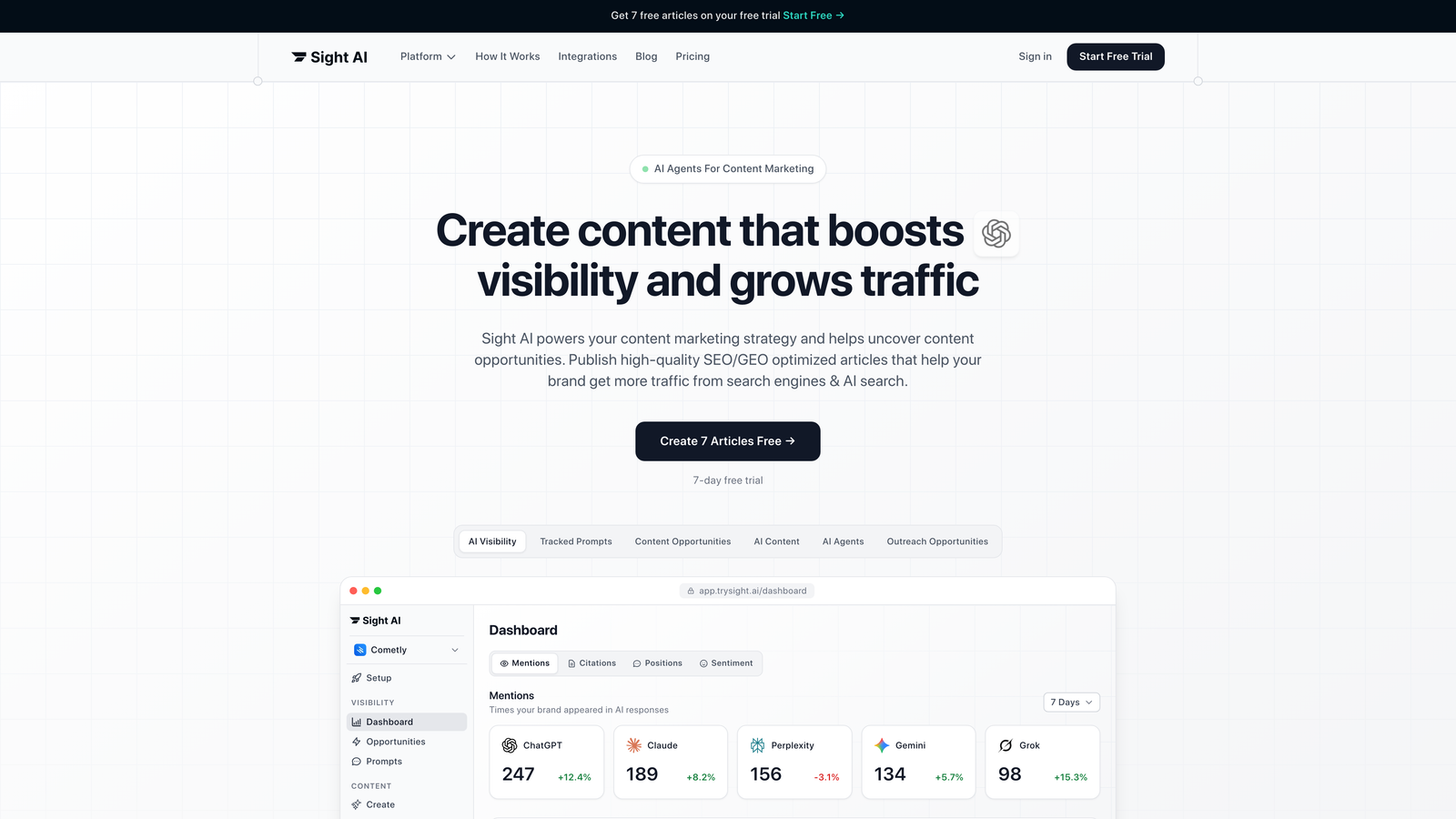
Sight AI is an all-in-one platform that combines AI content generation, automated publishing, and visibility tracking across major AI models.
Where This Tool Shines
Sight AI tackles the entire content pipeline in one platform. Instead of juggling separate tools for writing, optimization, publishing, and tracking, you get 13+ specialized AI agents that handle different content formats—from listicles to comprehensive guides.
The standout feature is Autopilot mode, which generates content hands-free while maintaining quality standards. Combine that with IndexNow integration, and your content gets discovered by search engines immediately after publishing. No waiting days for crawlers to find your new articles.
Key Features
13+ Specialized AI Agents: Different agents optimized for listicles, how-to guides, explainers, and comparison articles.
Autopilot Mode: Set content parameters once and let the system generate articles automatically on your schedule.
IndexNow Integration: Instant search engine notification ensures your content gets indexed within hours, not days.
CMS Auto-Publishing: Direct publishing to your content management system eliminates manual copy-paste workflows.
AI Visibility Tracking: Monitor how ChatGPT, Claude, and Perplexity mention your brand across AI search platforms.
Best For
Marketing teams and agencies focused on organic traffic growth who need to produce SEO-optimized content at scale. Particularly valuable if you're tracking brand mentions across AI platforms while generating content that gets your brand discovered in AI search results.
Pricing
Visit the website for current pricing tiers tailored to different content volume needs.
2. Zapier
Best for: Connecting existing tools into custom content workflows without coding
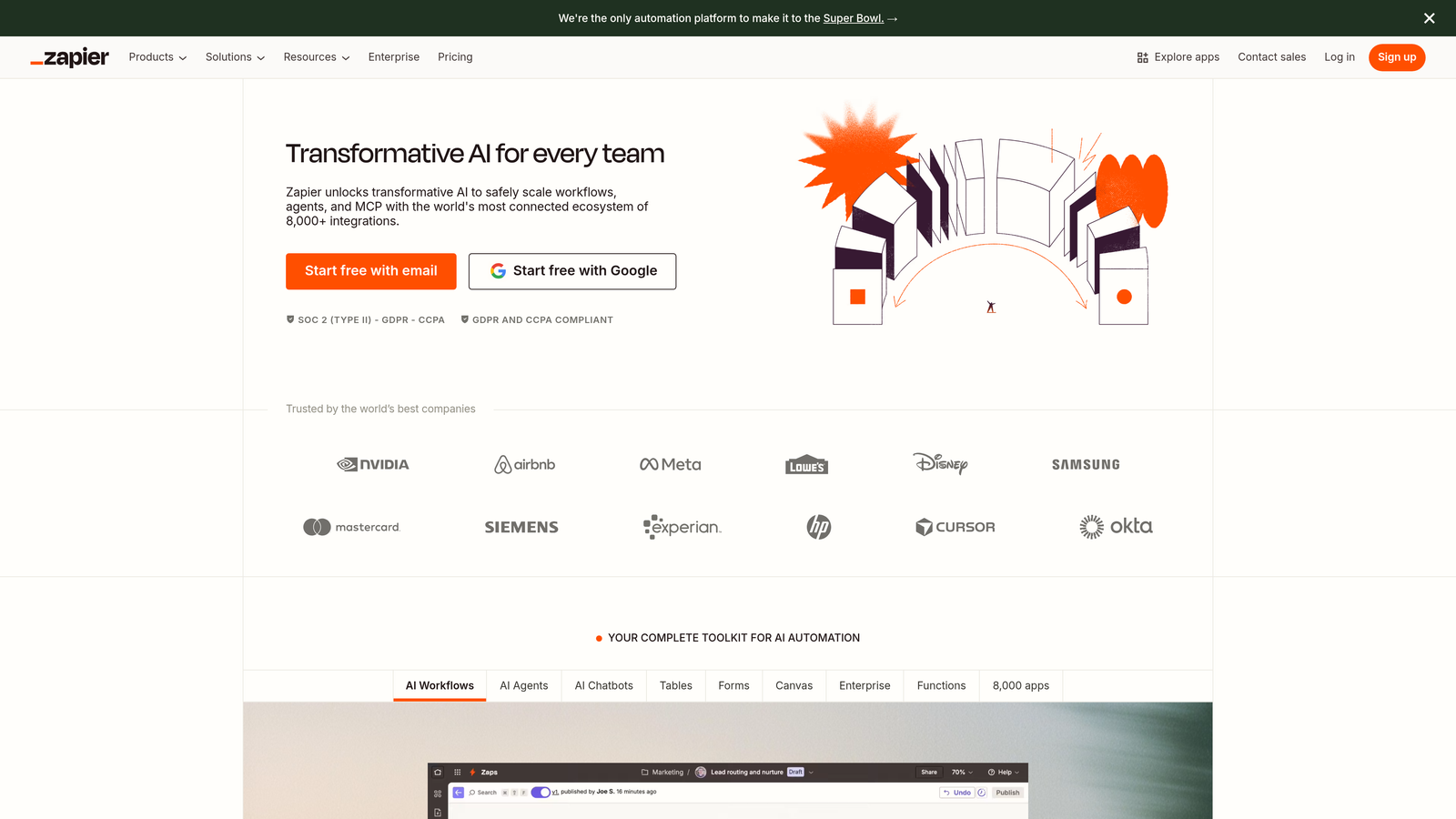
Zapier is a no-code automation platform that connects over 6,000 apps to create custom workflows tailored to your content operations.
Where This Tool Shines
Think of Zapier as the universal translator for your content stack. You already have tools you love—Zapier makes them talk to each other. When a new content brief lands in your project management tool, Zapier can automatically create a Google Doc, notify your writer in Slack, and add the deadline to your calendar.
The real power comes from multi-step Zaps that handle complex sequences. You can build workflows that trigger based on specific conditions, filter results, and branch into different paths depending on the data. No developer required.
Key Features
6,000+ App Integrations: Connect virtually any tool in your content stack, from WordPress to Airtable to social media platforms.
Multi-Step Zaps: Chain multiple actions together to automate entire processes, not just single tasks.
Conditional Logic: Add filters and branching to create intelligent workflows that adapt based on specific criteria.
Scheduled Automations: Set workflows to run at specific times or intervals for recurring content tasks.
Team Collaboration: Share Zaps across your team and manage automation permissions centrally.
Best For
Teams with established tool ecosystems who need to eliminate manual handoffs between platforms. Ideal if you're not ready to switch tools but want to automate the connections between them.
Pricing
Free tier available with basic automations. Paid plans start at $19.99/month with increased task limits and premium features.
3. Monday.com
Best for: Visual content calendar management with status-based automation triggers
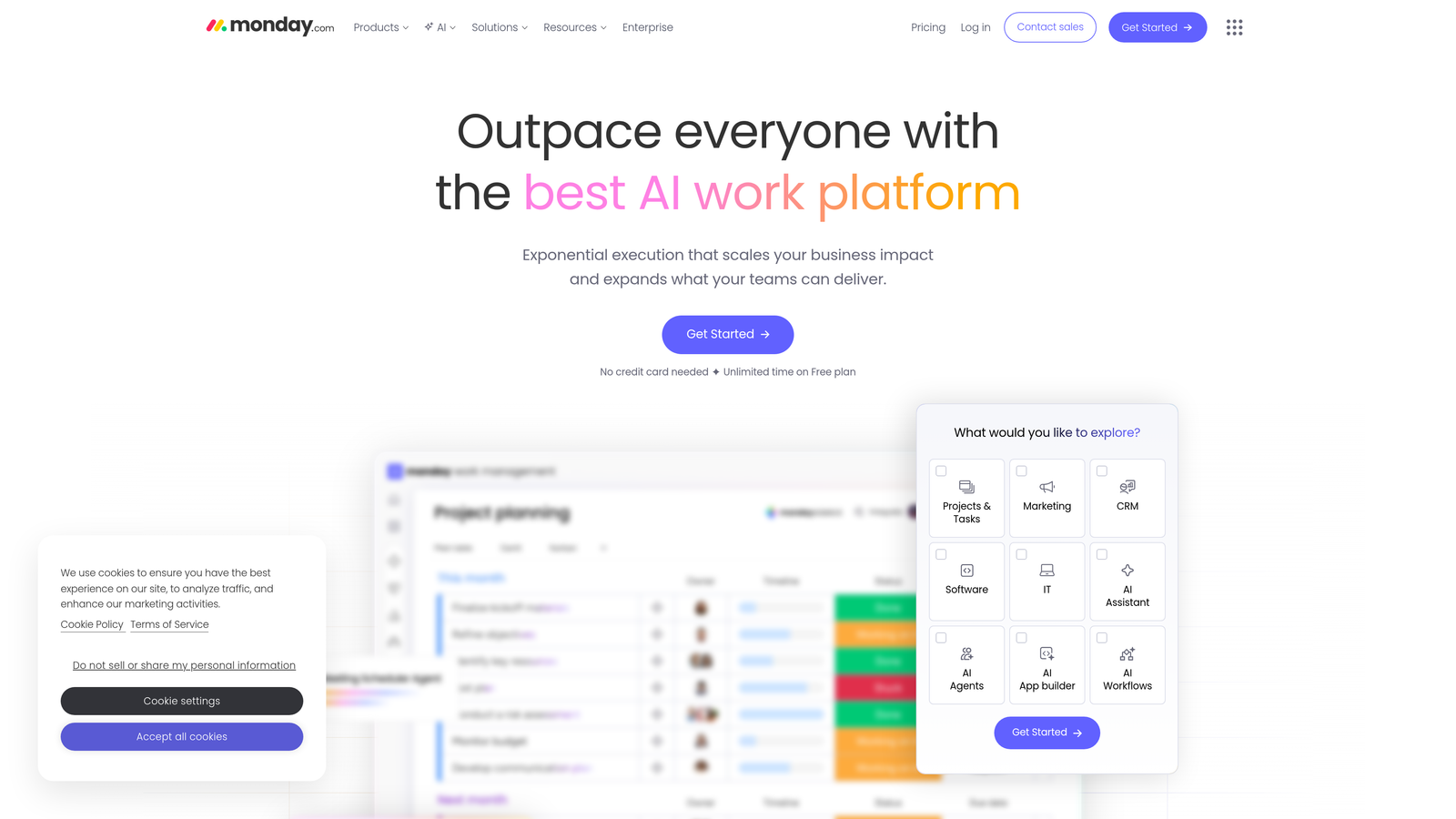
Monday.com is a work operating system that provides visual content calendars with built-in automation recipes for status-based workflows.
Where This Tool Shines
Monday.com excels at giving everyone visibility into content status at a glance. The color-coded boards make it immediately obvious which articles are in draft, which are stuck in review, and which are ready to publish. No more Slack messages asking "what's the status on that article?"
The automation recipes are where efficiency kicks in. When an article moves to "Ready for Edit," Monday.com can automatically assign it to your editor, set a due date, and send notifications. These pre-built recipes require zero technical knowledge to implement.
Key Features
Visual Content Calendar: Multiple view options including timeline, Kanban, and calendar views for different planning perspectives.
Automation Recipes: Pre-built automation templates that trigger based on status changes, due dates, or custom conditions.
Native CMS Integrations: Connect directly to WordPress and other content platforms for streamlined publishing workflows.
Time Tracking: Built-in time tracking helps agencies accurately bill clients and identify workflow bottlenecks.
Client Dashboards: Create read-only views for clients to track content progress without accessing your full workspace.
Best For
Agencies managing multiple client content calendars and teams who need visual project management combined with workflow automation. Particularly strong for operations with clearly defined content stages.
Pricing
Free for up to 2 users. Paid plans start at $9 per seat per month with increasing automation and integration capabilities.
4. Notion + Make.com
Best for: Building completely custom content databases with powerful external automation scenarios
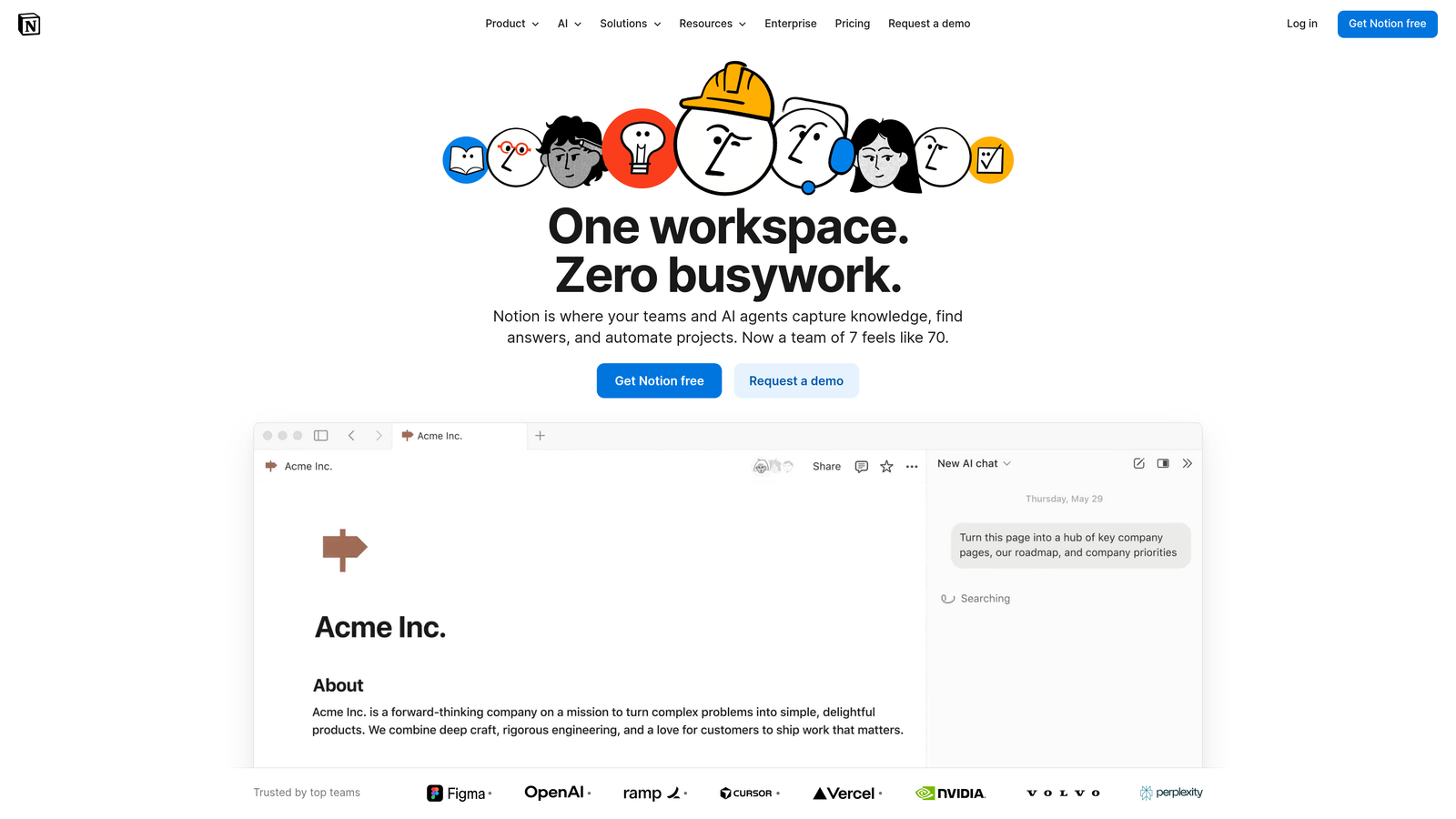
Notion provides flexible content databases that, when combined with Make.com's automation platform, create highly customized workflow systems.
Where This Tool Shines
Notion gives you a blank canvas to design your content operation exactly how you want it. Create databases that track content briefs, research notes, SEO keywords, and publication status—all interconnected with relational links. Add team wikis, style guides, and template libraries in the same workspace.
Make.com (formerly Integromat) takes Notion's flexibility further by connecting it to external tools with sophisticated automation scenarios. When you mark a content piece as "Approved" in Notion, Make.com can trigger a sequence that publishes to WordPress, shares on social media, and updates your analytics dashboard.
Key Features
Customizable Content Databases: Build databases tailored to your exact content workflow with custom fields and properties.
Make.com Integration: Connect Notion to thousands of external tools with visual automation scenarios.
Team Wikis: Centralize style guides, brand guidelines, and process documentation alongside your content calendar.
Template System: Create reusable templates for content briefs that ensure consistency across your team.
API Access: Developer-friendly API enables custom integrations for unique workflow requirements.
Best For
Teams who need complete flexibility to design workflows around their unique processes rather than adapting to pre-built systems. Best for organizations comfortable with some initial setup complexity in exchange for long-term customization.
Pricing
Notion offers a free tier with core features. Make.com starts at $9/month with increasing operation limits on higher tiers.
5. ContentBot
Best for: AI-powered content generation with automated brief-to-draft workflows
ContentBot is an AI writing platform that automates the journey from content brief to first draft using multiple AI models.
Where This Tool Shines
ContentBot focuses specifically on the writing phase of content creation. Feed it a brief with target keywords and topic requirements, and it generates drafts using AI models optimized for different content types. The bulk generation feature is particularly valuable when you need to produce multiple articles on related topics.
The platform includes SEO optimization tools that analyze your content against top-ranking competitors. It suggests keyword placement, readability improvements, and structural changes to help your content rank. The WordPress integration means you can generate, optimize, and publish without leaving the platform.
Key Features
AI Content Generation: Multiple AI models trained on different content styles and formats for varied output.
Automated Brief-to-Draft: Input content requirements and receive complete first drafts ready for editing.
Bulk Content Generation: Create multiple articles simultaneously for content campaigns or topical clusters.
SEO Optimization: Built-in analysis compares your content against ranking competitors and suggests improvements.
WordPress Integration: Direct publishing to WordPress sites eliminates manual content transfer steps.
Best For
Content teams focused primarily on scaling written content production who need AI assistance with drafting but still want human oversight for editing and refinement.
Pricing
Plans start at $19/month with increasing word limits and feature access on higher tiers.
6. CoSchedule
Best for: Unified marketing calendar with automated social media resharing
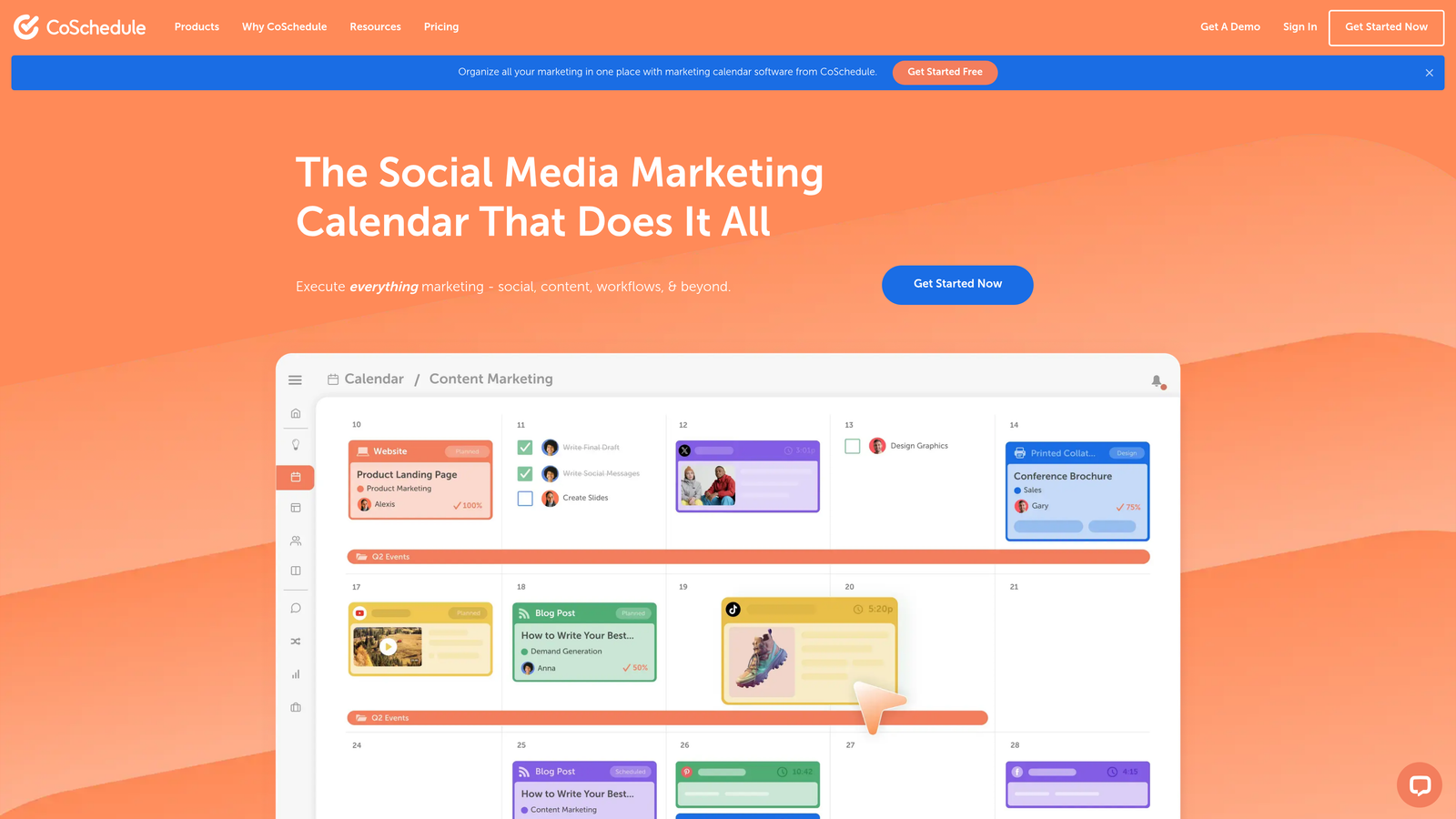
CoSchedule is a marketing calendar platform that combines content scheduling with social automation and team collaboration features.
Where This Tool Shines
CoSchedule gives you a single calendar view across all marketing activities—blog posts, social media, email campaigns, and promotional events. This bird's-eye view prevents scheduling conflicts and helps you identify content gaps before they become problems.
The ReQueue feature automates social media resharing of evergreen content. Instead of manually scheduling the same high-performing posts repeatedly, ReQueue fills empty slots in your social calendar automatically. This keeps your social presence active without constant manual intervention.
Key Features
Unified Marketing Calendar: Single view across all content types and marketing channels for comprehensive planning.
ReQueue Automation: Automatically reshare evergreen content to fill gaps in your social media schedule.
Headline Analyzer: Score headlines before publishing to optimize for engagement and click-through rates.
Task Templates: Create reusable workflow templates for recurring content types to standardize processes.
WordPress and Social Integrations: Direct connections to major platforms for streamlined publishing and scheduling.
Best For
Marketing teams managing content across multiple channels who need to coordinate blog content with social promotion and email campaigns. Particularly valuable for teams publishing consistently and needing to maximize content reach through strategic resharing.
Pricing
Free marketing calendar available. Marketing Suite pricing provided on request based on team size and feature requirements.
7. Airtable
Best for: Flexible database-driven content operations with powerful automation capabilities
Airtable is a database platform that combines spreadsheet simplicity with relational database power for content operations management.
Where This Tool Shines
Airtable treats your content operation as a database rather than a traditional project management tool. This approach unlocks powerful capabilities—link content pieces to writers, topics to keyword research, and published articles to performance metrics. Query and filter your content library in ways that simple task lists can't match.
The automation features trigger based on record changes. When a writer marks an article complete, Airtable can automatically notify your editor, update status fields, and create a follow-up task for publishing. The multiple view options (Kanban, Calendar, Gallery) let different team members interact with the same data in their preferred format.
Key Features
Flexible Database Structure: Create custom fields and relationships that match your exact content workflow and data requirements.
Record-Based Automations: Trigger actions when records are created, updated, or match specific conditions.
Multiple Views: Switch between Kanban, Calendar, Gallery, and Grid views without changing underlying data.
Integration Ecosystem: Connect to thousands of apps through native integrations and Zapier compatibility.
Scripting Capabilities: Use JavaScript for advanced automation scenarios beyond standard triggers and actions.
Best For
Teams with complex content operations who need to track relationships between content pieces, topics, keywords, and performance data. Ideal for organizations that have outgrown simple task management and need database-level organization.
Pricing
Free tier available with basic features. Paid plans start at $20 per seat per month with increasing automation and scripting capabilities.
8. StoryChief
Best for: One-click multi-channel content distribution with built-in collaboration
StoryChief is a content distribution platform that automates publishing across multiple channels from a single content editor.
Where This Tool Shines
StoryChief eliminates the tedious process of manually copying content to different platforms. Write once in StoryChief's editor, then publish simultaneously to your blog, Medium, LinkedIn, and other channels with a single click. Each platform receives properly formatted content optimized for its specific requirements.
The built-in SEO scoring analyzes your content in real-time as you write. Get immediate feedback on keyword usage, readability, and structural elements before publishing. The collaboration features let team members comment, suggest edits, and approve content without leaving the platform.
Key Features
Multi-Channel Publishing: Distribute content to blogs, social media, and content platforms simultaneously from one interface.
Built-In SEO Scoring: Real-time content analysis provides optimization suggestions before you publish.
Content Collaboration: Team commenting, editing suggestions, and approval workflows within the content editor.
Cross-Channel Analytics: Track content performance across all distribution channels in a unified dashboard.
Content Calendar: Visual planning interface for scheduling content across multiple channels and campaigns.
Best For
Content teams publishing to multiple platforms who want to eliminate manual distribution work. Particularly valuable for agencies managing content distribution for multiple clients across diverse channel mixes.
Pricing
Plans start at $100/month for team features with increasing channel connections and collaboration capabilities on higher tiers.
9. Surfer SEO
Best for: Real-time SEO optimization automation integrated into your content creation workflow
Surfer SEO is an SEO optimization platform that provides real-time content scoring and automated optimization suggestions.
Where This Tool Shines
Surfer SEO automates the research phase of SEO content creation. Instead of manually analyzing top-ranking competitors, Surfer does it automatically and provides a data-driven content brief. You get specific recommendations on word count, keyword usage, headings, and related terms to include.
The real-time content editor integrates with Google Docs and WordPress, scoring your content as you write. Watch your optimization score increase as you implement suggestions. The content planner uses keyword clustering to identify topic opportunities and help you build comprehensive content strategies around related searches.
Key Features
Real-Time Content Scoring: Live optimization feedback as you write shows exactly how your content compares to top-ranking pages.
Google Docs and WordPress Extensions: Optimize content directly in your preferred writing environment without platform switching.
Content Planner: Automated keyword clustering identifies topical opportunities and content gaps in your strategy.
SERP Analyzer: Detailed analysis of ranking factors for any keyword helps inform content strategy decisions.
AI Writing Assistant: Generate content sections based on SEO recommendations while maintaining optimization scores.
Best For
SEO-focused content teams who need to ensure every published piece is optimized for search rankings. Particularly valuable for teams producing content in competitive niches where optimization details significantly impact visibility.
Pricing
Plans start at $89/month with increasing content editor credits and feature access on higher tiers.
Finding Your Perfect Workflow Automation
Choosing the right automated content workflow tool depends on where your biggest bottlenecks live. For AI-powered content generation with built-in publishing automation, Sight AI offers the most streamlined path from ideation to indexed content. Teams with established tool stacks benefit from Zapier's universal connectivity, while agencies managing multiple clients often prefer Monday.com's visual project management.
For SEO-focused operations, combining Surfer SEO with your existing stack delivers optimization automation without disrupting established workflows. Teams needing maximum flexibility gravitate toward Notion paired with Make.com for completely custom automation scenarios.
Start by mapping your current content process. Identify the manual steps consuming the most time—is it the writing phase, the handoffs between team members, or the publishing and distribution process? Select tools that specifically address those friction points rather than trying to automate everything at once.
The shift toward AI-assisted content creation has made tools with native AI capabilities increasingly valuable for teams focused on organic traffic growth. But automation without visibility into results creates a different problem. You need to know not just that content is being published, but whether it's actually driving the outcomes you need.
Stop guessing how AI models like ChatGPT and Claude talk about your brand—get visibility into every mention, track content opportunities, and automate your path to organic traffic growth. Start tracking your AI visibility today and see exactly where your brand appears across top AI platforms.