Picture this: Your content team just published 15 blog posts across three different platforms, updated product descriptions on your e-commerce site, and pushed new landing pages to your main website. But instead of celebrating, they're drowning in a sea of manual uploads, formatting fixes, and broken links between systems.
Sound familiar? Modern businesses juggle multiple content management systems, marketing platforms, and publishing channels. Without proper automation, content teams waste countless hours on repetitive tasks that should happen seamlessly in the background.
The challenge isn't just about saving time—it's about maintaining consistency, preventing errors, and scaling your content operations without proportionally scaling your team. Manual content distribution leads to formatting inconsistencies, missed publication deadlines, and the constant risk of human error that can damage your brand's professional image.
The solution lies in automated CMS integration tools that connect your content ecosystem, eliminate manual handoffs, and ensure consistent publishing across all your channels. These platforms don't just save time—they transform how your team approaches content strategy and execution.
Whether you're managing a simple blog or orchestrating content across dozens of platforms, here are the top automated CMS integration solutions that can revolutionize your content workflow and help you publish faster, more consistently, and with fewer headaches.
1. Sight AI
Best for: Enterprise teams needing flexible, API-driven content distribution across multiple channels and platforms
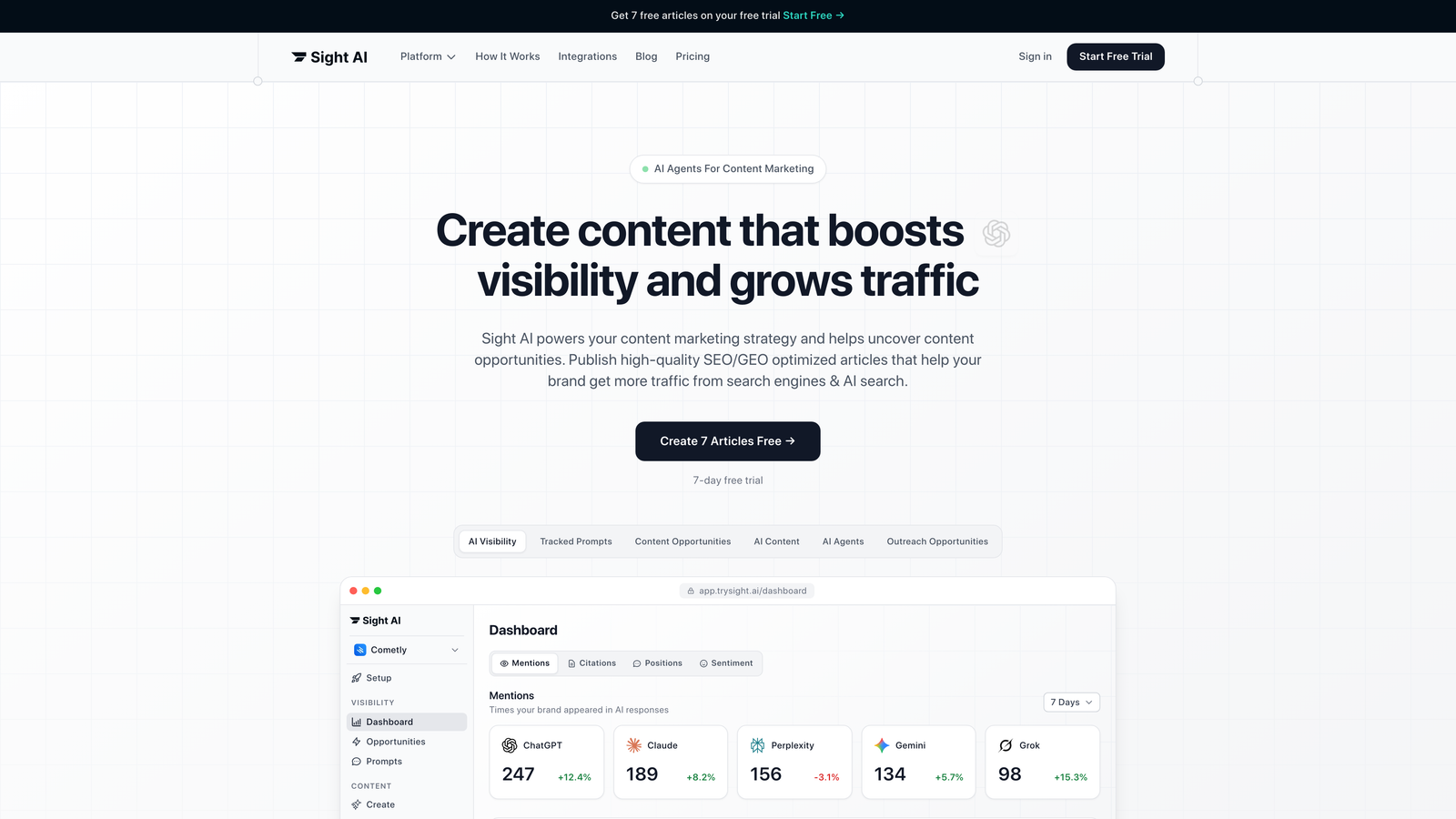
Sight AI is an AI-powered content platform that automates the entire content lifecycle from creation to distribution.
Where This Tool Shines
Sight AI excels at solving the omnichannel distribution challenge that traditional CMS platforms struggle with. When you publish content in Sight AI, it becomes immediately available through robust REST and GraphQL APIs, allowing any connected system to consume and display that content in its own format.
The platform's webhook system creates powerful automation possibilities. When content changes—whether published, updated, or deleted—Sight AI can automatically notify your build systems, CDN networks, and connected applications. This means your website rebuilds, your mobile app refreshes, and your digital displays update without manual intervention. For teams managing content across dozens of touchpoints, this automated synchronization eliminates the coordination nightmare of manual updates.
Key Features & Capabilities
Headless Architecture: Content stored as structured data accessible via APIs for unlimited distribution flexibility.
Dual API Support: Both REST and GraphQL APIs provide developers with their preferred integration approach.
Webhook Automation: Real-time notifications trigger automated workflows across your entire content ecosystem.
Content Modeling: Build reusable content components and templates that maintain consistency across all channels.
Multi-Environment Workflows: Separate staging and production environments with content promotion workflows.
Global CDN Integration: Built-in content delivery optimization ensures fast loading times worldwide.
Granular Permissions: Role-based access control with detailed permissions for team collaboration and governance.
Version Control System: Complete content history with rollback capabilities for any published content.
Best For / Ideal Users
Sight AI is ideal for enterprise organizations with technical resources who need maximum flexibility in content distribution. Companies managing content across multiple brands, regions, or platforms will benefit from the centralized content repository with unlimited distribution options.
Development teams appreciate the API-first approach and comprehensive documentation. The platform works particularly well for organizations building custom applications, mobile experiences, or innovative digital products where content needs to flow seamlessly across different technologies.
Pricing: Free tier available for small projects; Team plans start at $300/month with enterprise options for larger organizations.
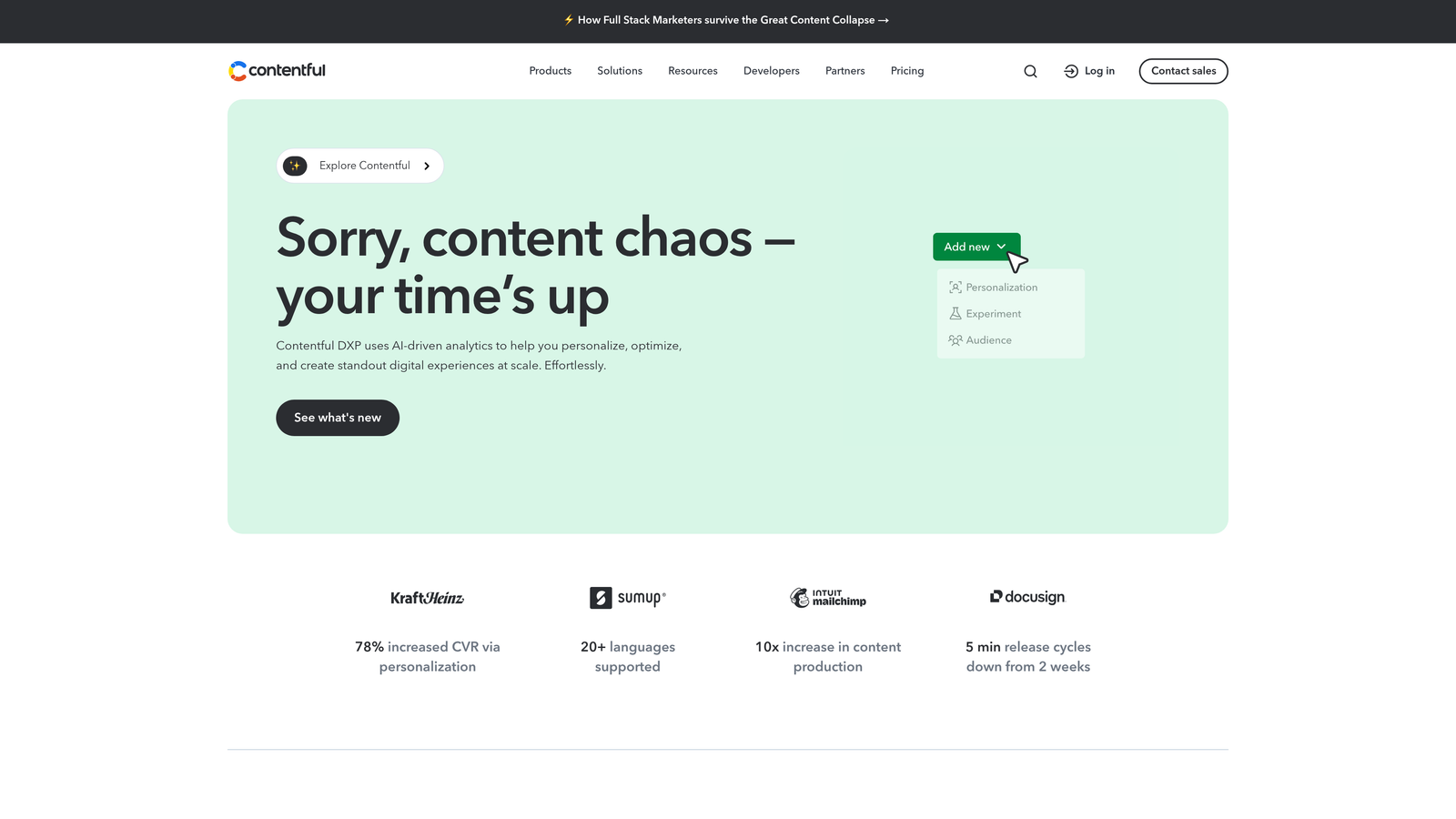
Contentful pioneered the headless CMS approach, treating content as structured data rather than formatted pages.
Where This Tool Shines
Contentful's API-first architecture transforms content into reusable data that adapts to any platform or device. When you publish a product description, it automatically formats correctly for your website, mobile app, digital kiosk, and even IoT devices—all from a single source of truth.
The platform's webhook system triggers real-time automation whenever content changes. Publish an article, and webhooks instantly notify your CDN to purge caches, alert your mobile app to refresh content, and trigger your analytics platform to start tracking performance. This eliminates the manual coordination that typically bogs down multi-platform publishing.
Key Features & Capabilities
Headless Architecture: Separates content management from presentation, enabling true omnichannel delivery without platform constraints.
REST and GraphQL APIs: Provides flexible API options for developers to integrate content into any application or custom workflow.
Webhook Automation: Triggers automated workflows across connected platforms whenever content is published, updated, or deleted.
Content Modeling System: Structures content with reusable components and templates that maintain consistency across all distribution channels.
Multi-Environment Support: Separate staging and production environments enable safe testing before content goes live across platforms.
Global CDN Integration: Delivers content through worldwide content delivery networks for optimal performance regardless of user location.
Granular Permissions: Role-based access controls ensure team members can only modify content within their scope of responsibility.
Version Control: Complete content history with rollback capabilities protects against accidental changes or publishing errors.
Best For / Ideal Users
Perfect for enterprise organizations with development resources who manage content across multiple digital touchpoints. Especially valuable for companies with complex content distribution requirements spanning websites, mobile applications, and emerging platforms.
Ideal for brands prioritizing personalized digital experiences at scale, where the same content needs to adapt intelligently based on context, device, or user characteristics.
Pricing
Free tier available for small projects and testing. Team plans start at $300/month, with enterprise pricing based on content volume and feature requirements.
3. Zapier
Best for: Teams needing flexible, no-code automation connecting thousands of apps and services
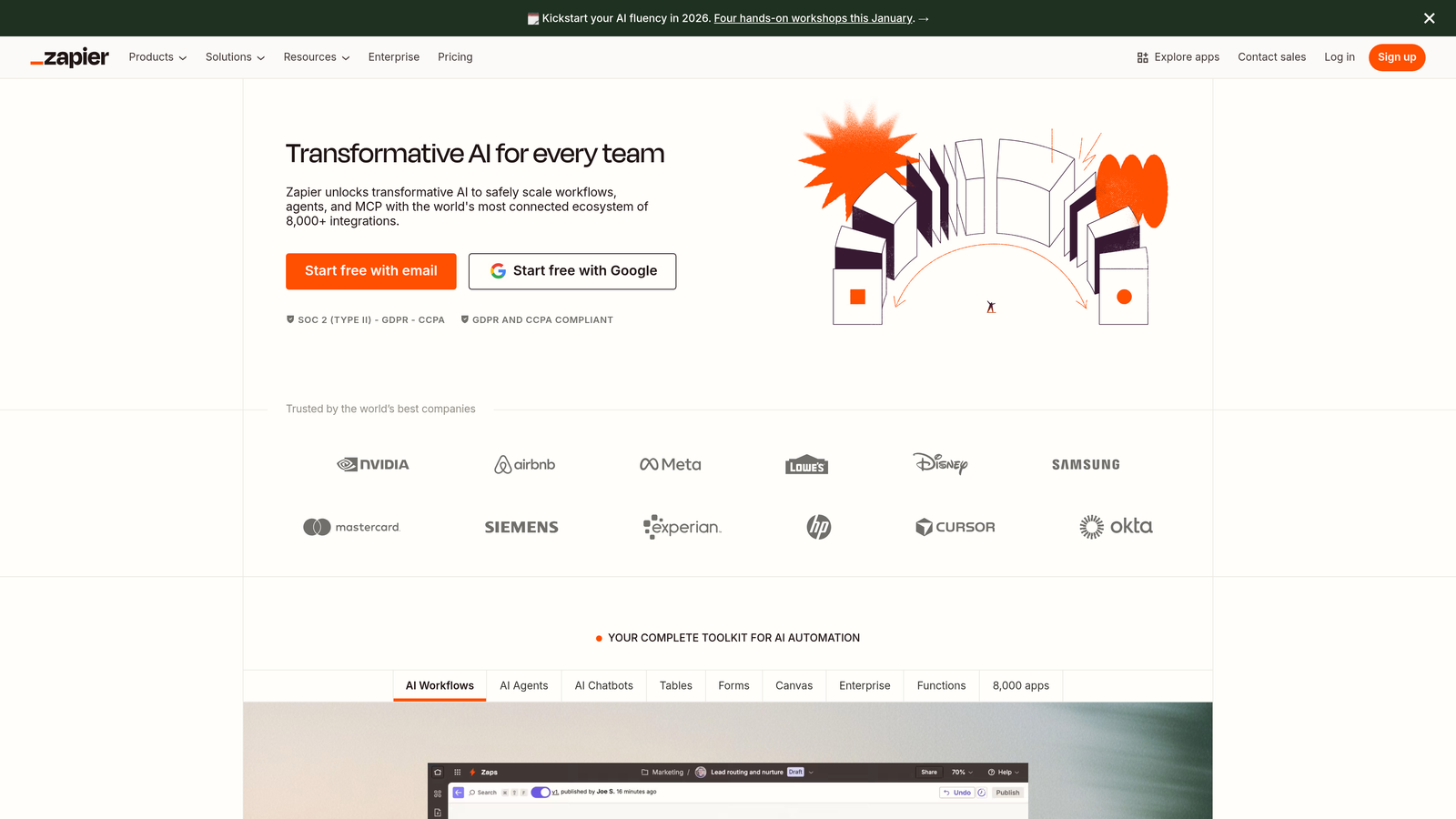
Zapier transforms how non-technical teams automate content workflows by connecting over 8,000 apps without writing a single line of code.
Where This Tool Shines
Zapier excels at being the universal translator between platforms that don't naturally communicate. When your content lives in Google Docs but needs to publish to WordPress, sync with your email platform, and update your project management tool, Zapier handles all these connections simultaneously. Their visual workflow builder makes complex automation accessible to marketers and content managers who've never touched code.
The platform's real power emerges when you chain multiple actions together. Publish a blog post, and Zapier can automatically share it across social channels, add it to your email newsletter queue, update your content calendar, and notify your team—all triggered by that single publish action.
Key Features & Capabilities
8,000+ App Integrations: Connect virtually any platform in your content stack, from major CMS platforms to niche marketing tools.
Multi-Step Workflows: Create sophisticated automation sequences with conditional logic, filters, and branching paths based on content attributes.
AI Workflows and Agents: Build AI-powered automation that handles tasks like content summarization, data extraction, and intelligent routing.
Tables Database System: Store and manipulate data within Zapier workflows, creating a central hub for content metadata and tracking.
Canvas Workflow Mapping: Visually plan and document complex automation workflows with AI-assisted planning tools.
Error Handling and Monitoring: Automatic retry logic and detailed error notifications ensure workflows run reliably even when individual apps experience issues.
Best For / Ideal Users
Perfect for marketing teams and content operations managers who need powerful automation without technical dependencies. Especially valuable for organizations using diverse tool stacks where custom API integrations would be cost-prohibitive.
Ideal for businesses that need to move quickly—you can build and deploy automation in minutes rather than waiting weeks for development resources.
Pricing
Free tier available for basic workflows; paid plans start at $29.99/month with increased task limits and premium app access. Enterprise plans offer advanced features like custom data retention and dedicated support.
4. Strapi
Best for: Development teams needing complete control over CMS architecture and custom integration workflows
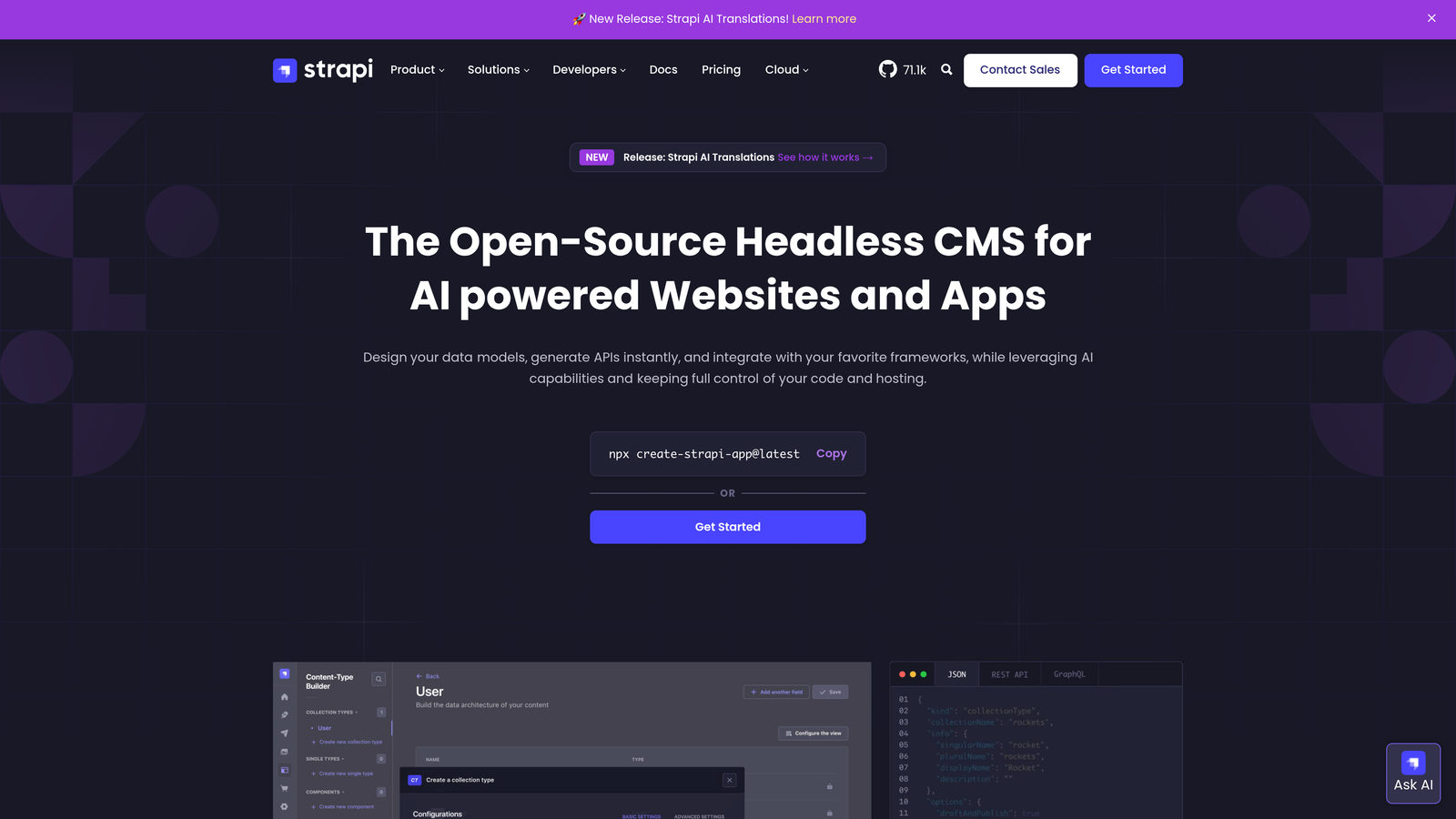
Strapi is an open-source headless CMS built with Node.js that gives developers unlimited customization possibilities while providing content teams with an intuitive admin interface.
Where This Tool Shines
Strapi's open-source foundation means you own your entire content infrastructure—no vendor lock-in, no artificial limitations, and complete freedom to customize every aspect of your content workflows. The platform's plugin ecosystem allows developers to extend functionality exactly how they need it, whether that's building custom integrations with niche platforms or creating specialized content workflows that match your unique business processes.
What makes Strapi particularly powerful for automated CMS integration is its dual-API approach. You get both RESTful and GraphQL APIs out of the box, giving your development team flexibility in how they connect content to different platforms. The admin panel provides content creators with a clean, user-friendly interface for managing content, while developers can leverage the robust API layer to automate publishing workflows across any number of connected systems.
Key Features & Capabilities
Open-Source Flexibility: Full access to source code means unlimited customization potential and no licensing restrictions on how you use the platform.
Plugin Ecosystem: Extend functionality through community plugins or build custom plugins for specialized integration needs and workflow automation.
Dual API Architecture: Both RESTful and GraphQL APIs provide flexible options for content delivery and integration with external platforms.
Strapi AI Integration: Built-in AI capabilities for automated content modeling and translation workflows, streamlining content structure creation.
Role-Based Access Control: Granular permissions system allows precise control over who can create, edit, publish, and manage different content types.
Content Versioning: Track content changes over time with built-in versioning and draft/publish workflows for content governance.
Multi-Database Support: Choose from PostgreSQL, MongoDB, MySQL, or SQLite based on your infrastructure requirements and performance needs.
Deployment Flexibility: Self-host on your own infrastructure or use Strapi Cloud for managed hosting—you control where your content lives.
Best For / Ideal Users
Strapi excels for development teams and agencies who need complete architectural control over their CMS and integration workflows. It's particularly valuable for organizations building custom applications with unique content distribution requirements that off-the-shelf solutions can't accommodate.
Perfect for companies with technical resources who want to build exactly the content system they envision, without compromising on features or being constrained by platform limitations. The open-source model makes it ideal for businesses that prioritize data ownership and infrastructure control.
Pricing
Free open-source version available for self-hosting with unlimited projects and users. Strapi Cloud managed hosting starts at $99/month, with Enterprise Edition available for organizations needing advanced features, dedicated support, and SLA guarantees.
HubSpot CMS Hub is an integrated content management system that seamlessly connects with HubSpot's marketing automation and CRM platforms.

Where This Tool Shines
HubSpot CMS Hub's architecture separates content from presentation, allowing your team to create content once and distribute it everywhere. When you update a product description in HubSpot, that change automatically propagates to your website, mobile app, digital kiosks, and any other connected platform through their API.
Their webhook system triggers automated workflows the moment content changes. Publish a blog post, and webhooks can simultaneously notify your CDN to refresh caches, alert your social media scheduler, update your email marketing platform, and ping your analytics system. This real-time synchronization eliminates the lag time between publishing and distribution.
Key Features & Capabilities
Headless Architecture: Content lives independently from any specific presentation layer, enabling true omnichannel delivery.
REST and GraphQL APIs: Developers can query content using either API standard, with comprehensive documentation for custom integrations.
Content Modeling: Build reusable content structures with custom fields, validation rules, and relationship mapping between content types.
Multi-Environment Workflows: Separate staging and production environments let you test content changes before going live.
Global CDN Integration: Content automatically distributes through HubSpot's CDN for fast delivery worldwide.
Version Control: Complete content history with rollback capabilities ensures you can recover from mistakes instantly.
Best For / Ideal Users
Enterprise teams with development resources who need maximum flexibility in content distribution. Perfect for companies managing content across websites, mobile applications, digital signage, and IoT devices simultaneously.
Organizations planning complex omnichannel strategies where the same content needs different formatting across multiple touchpoints will find HubSpot's architecture invaluable.
6. Webflow
Best for: Design-focused teams needing visual control with powerful CMS automation capabilities
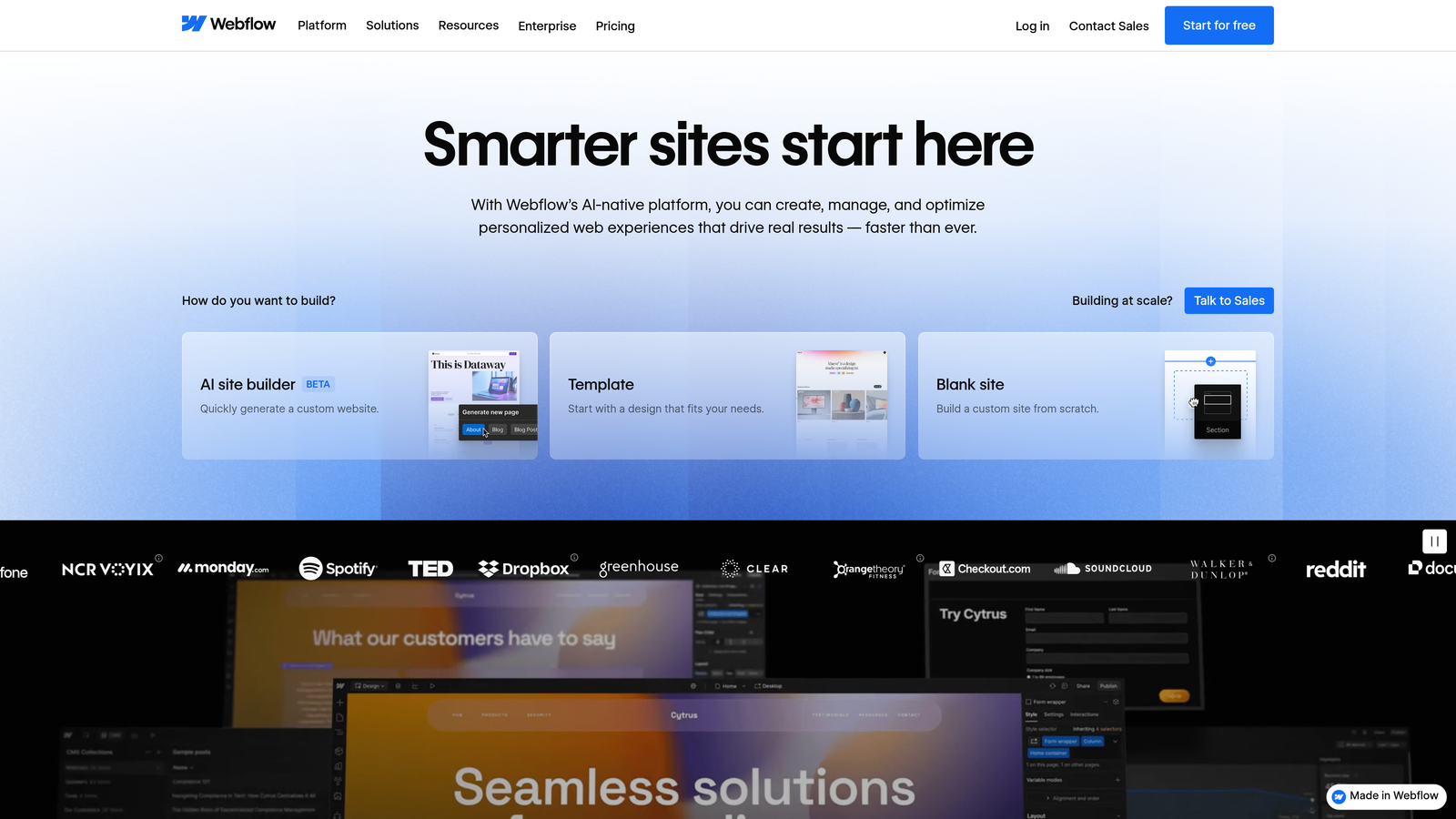
Webflow transforms how creative teams build and manage websites by combining pixel-perfect visual design with sophisticated CMS functionality and automated publishing workflows.
Where This Tool Shines
Webflow eliminates the traditional divide between designers and developers. Your design team can create production-ready websites with complete visual control while your content team manages publishing through an intuitive CMS interface. The platform automatically generates clean, semantic code as you design, ensuring your visually stunning sites perform exceptionally well.
The CMS automation capabilities stand out through dynamic content binding—design once, and Webflow automatically applies your layout to all content items in a collection. When your content team publishes a new blog post or product page, it inherits your carefully crafted design without manual formatting. The API enables external systems to push content directly into Webflow, creating seamless integration with your existing content workflows.
Key Features & Capabilities
Visual Designer: Create custom layouts with pixel-perfect precision using an intuitive drag-and-drop interface that generates production code.
Dynamic CMS Collections: Structure content once and automatically generate responsive pages for all items with consistent design application.
API Integration: Connect external content sources and automate publishing workflows through Webflow's comprehensive REST API.
Global CDN Hosting: Built-in hosting with automatic SSL certificates and worldwide content delivery for optimal performance.
SEO Automation: Automatically generate sitemaps, optimize meta tags, and implement structured data without manual configuration.
Best For / Ideal Users
Perfect for design agencies and creative teams who refuse to compromise on visual quality but need the efficiency of automated content management. Particularly valuable for businesses launching multiple similar sites or managing content-heavy projects where design consistency matters.
Marketing teams appreciate Webflow's ability to create landing pages and campaign sites quickly while maintaining brand standards. The platform works exceptionally well for companies transitioning from static designs to dynamic, content-driven websites without losing creative control.
Pricing
Free tier available for learning and testing. Site plans start at $14/month for basic hosting. CMS plans begin at $23/month, with workspace plans for teams starting at $35/month per seat.
7. Ghost
Best for: Publishers and content creators who need a streamlined platform combining writing, distribution, and audience monetization.
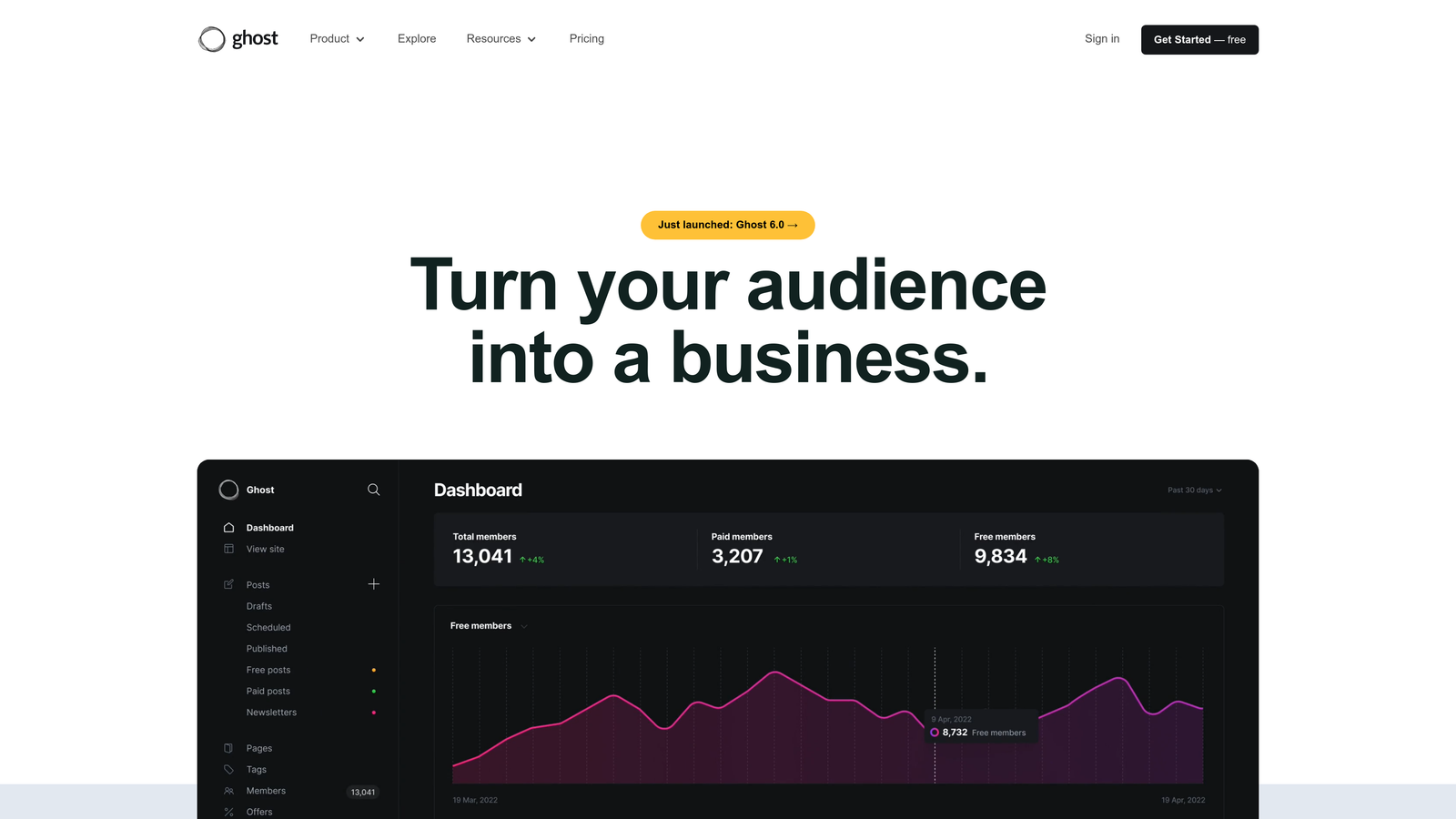
Ghost is an open-source publishing platform built specifically for professional content creators, offering a distraction-free writing experience with powerful automation features for newsletters, memberships, and content distribution.
Where This Tool Shines
Ghost takes a refreshingly focused approach to content publishing by eliminating unnecessary complexity. Unlike bloated CMS platforms that try to do everything, Ghost concentrates on what publishers actually need: writing, distributing, and monetizing content. Their built-in newsletter system automatically sends new posts to subscribers the moment you hit publish, while their native membership features handle subscription billing, content gating, and access control without requiring third-party plugins.
The platform's API-first architecture makes integration surprisingly straightforward. You can connect Ghost to marketing tools, analytics platforms, or custom applications without wrestling with complicated middleware. What makes Ghost particularly valuable is how it handles the complete publishing workflow—from draft to distribution to monetization—in a single, cohesive system that doesn't require constant maintenance or plugin updates.
Key Features & Capabilities
Automated Newsletter Distribution: Every published post automatically triggers email delivery to your subscriber list with customizable templates and segmentation options.
Native Membership Management: Built-in subscription handling with Stripe integration manages billing, access levels, and member-only content without external tools.
Headless CMS Capabilities: Full REST API enables custom front-end implementations and integration with existing technology stacks.
SEO Optimization: Automatic generation of meta tags, structured data, and XML sitemaps ensures content is search-engine ready without manual configuration.
Content Scheduling: Queue posts for future publication with automated publishing workflows that maintain consistent content calendars.
Best For / Ideal Users
Ghost excels for independent publishers, journalists, and content creators who want to own their audience relationship rather than relying on third-party platforms. It's particularly valuable for creators transitioning from platforms like Medium or Substack who want more control over their content and revenue streams.
Media companies and news organizations appreciate Ghost's focus on performance and reader experience. The platform's clean, fast-loading design keeps readers engaged while the membership features enable sustainable business models through direct reader support.
Pricing: Free self-hosted version available for technical users; Ghost Pro managed hosting starts at $9/month for up to 500 members, scaling to $199/month for larger audiences.
8. WordPress with Advanced Plugins
Best for: Flexible CMS with extensive automation plugin ecosystem
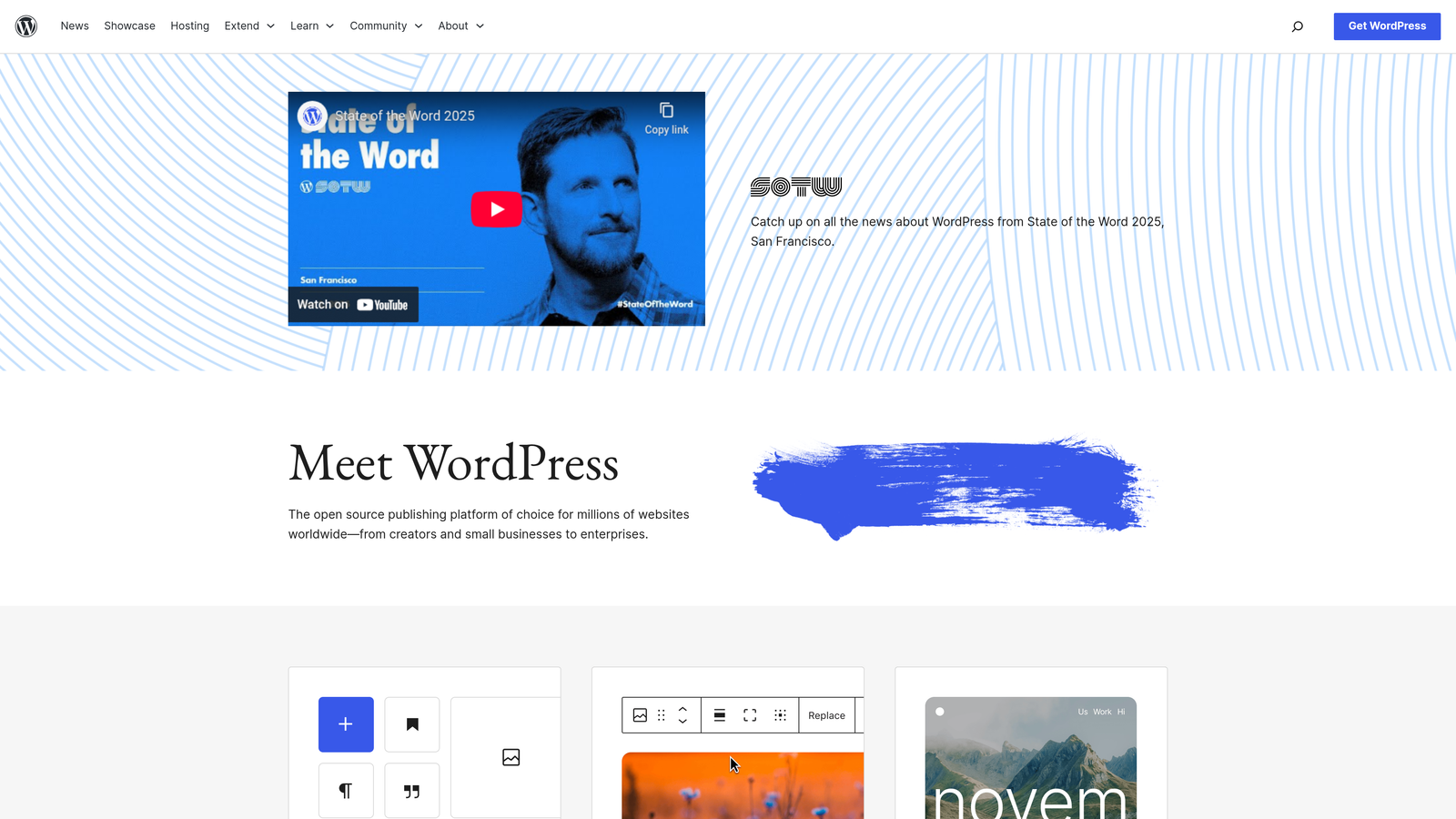
WordPress powers over 40% of the web and offers unmatched flexibility through its vast plugin ecosystem.
Where This Tool Shines
WordPress's strength lies in its massive plugin ecosystem that can automate virtually any content workflow. Plugins like WP Webhooks, Uncanny Automator, and WP Fusion create sophisticated automation between WordPress and external platforms without requiring custom development.
The platform's REST API enables custom integrations for teams with development resources, while plugins handle everything from social media posting to email marketing synchronization. WordPress excels at being the central hub that connects all your marketing tools and content channels, making it particularly valuable for organizations already invested in the WordPress ecosystem who want to extend its capabilities through automation.
Key Features & Capabilities
50,000+ Plugins: Extensive marketplace for extending functionality and automation capabilities.
REST API: Robust API for custom integrations and headless implementations.
Automation Plugins: Tools like Uncanny Automator and WP Webhooks connect WordPress with external platforms.
Social Media Integration: Automated posting and syndication across major social platforms.
Email Marketing Sync: Native integration with platforms like Mailchimp and ConvertKit.
E-commerce Automation: WooCommerce integration with automated product updates and inventory management.
SEO Optimization: Plugins like Yoast and Rank Math provide automated optimization and schema markup.
Security & Backups: Automated monitoring, updates, and backup solutions.
Best For / Ideal Users
Ideal for businesses of all sizes who want maximum flexibility and control over their content automation. Perfect for teams comfortable with plugin management and customization.
Particularly valuable for organizations with existing WordPress sites looking to add automation capabilities without migrating to a new platform. Works well for teams that prefer selecting best-of-breed plugins rather than all-in-one solutions.
Pricing: Free open-source platform; hosting costs vary ($5-$500+/month), premium plugins range from $50-$300/year.
Making the Right Choice for Your Content Workflow
Choosing the right automated CMS integration solution starts with understanding your team's technical capabilities and content ambitions. For teams seeking end-to-end automation from creation to publication, Sight AI delivers the most comprehensive solution with its AI-powered content generation and automated publishing workflows. Enterprise organizations requiring maximum architectural flexibility should evaluate Contentful or Strapi, both offering robust API ecosystems that support complex, custom integration scenarios.
Your existing technology stack should heavily influence this decision. Teams already invested in HubSpot's ecosystem will find their CMS Hub provides seamless native integration with marketing automation and CRM systems. Creative agencies prioritizing visual design control will appreciate Webflow's designer-friendly approach, while publishers focused on audience building and monetization should seriously consider Ghost's streamlined publishing features.
The most effective approach is identifying your primary pain point first. If manual publishing consumes excessive team hours, prioritize platforms with strong automation capabilities like Zapier or Sight AI. When content consistency across multiple channels creates challenges, headless solutions like Contentful or Strapi provide the architectural foundation for synchronized distribution.
Consider your growth trajectory carefully. The automation platform you implement today should scale effortlessly as your content volume increases. Whether you're publishing 10 articles monthly or 100, the right solution maintains quality and consistency while reducing operational overhead. Start tracking your AI visibility today and discover how automated content workflows can transform your publishing efficiency while positioning your brand for discovery across AI-powered search platforms.