The best automated blog posting software depends on where your content originates. If you want SEO articles written, published to your CMS and submitted for indexing without manual steps, an AI content platform such as Sight AI covers the whole pipeline. If you already write content elsewhere, integration tools like Zapier or Make, or CMS-native schedulers like Jetpack, HubSpot and Ghost, automate the publishing step. Ecommerce brands on Shopify or WooCommerce usually pair an AI content tool with their store's blog or use a Zapier or Make connector.
Manual copy-paste publishing drains hours from a marketing week and introduces formatting errors. We evaluated each tool on five criteria: CMS compatibility, scheduling flexibility, AI content capabilities, indexing features and pricing transparency. Solo founders and agencies running dozens of client sites can use these criteria to find the right fit.
Quick comparison
| Tool | Type | Writes content | Auto-publishes to CMS | Free tier |
|---|---|---|---|---|
| Sight AI | AI content and publishing platform | Yes | Yes, with IndexNow | Free trial |
| Jetpack | WordPress plugin | No | WordPress only | Yes |
| Zapier | Integration platform | Via connected AI apps | Yes, through connectors | Yes |
| CoSchedule | Editorial calendar | No | WordPress | Yes |
| Contentful | Headless CMS | No | Native, plus API | Yes |
| Buffer | Social scheduler | No | No (social distribution only) | Yes |
| HubSpot CMS Hub | CMS with CRM | Limited AI assist | Native | Yes |
| Ghost | Publishing platform | No | Native, plus newsletter | Self-hosted |
| Make | Integration platform | Via connected AI apps | Yes, through modules and webhooks | Yes |
1. Sight AI
Best for: AI-generated SEO content with automatic publishing and instant search engine indexing
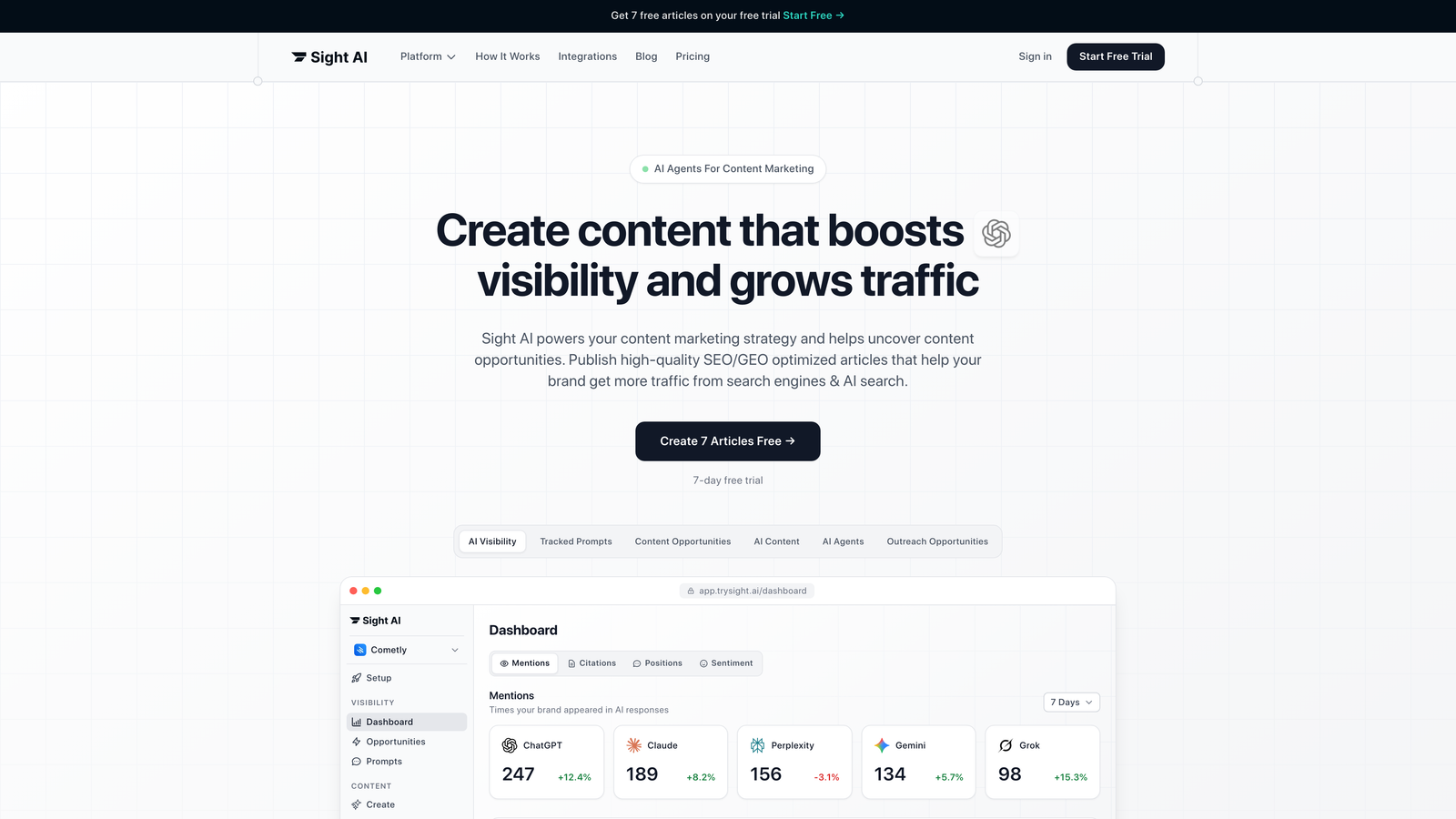
Sight AI combines content generation, CMS publishing and search indexing in one automated workflow built for organic traffic growth.
Where This Tool Shines
The platform's 13+ specialized AI agents handle content types from listicles to technical guides. They generate SEO- and GEO-optimized content intended to get your brand mentioned on AI search platforms like ChatGPT and Perplexity. Its main differentiator is the IndexNow integration: when your content publishes, the platform notifies search engines immediately so they can discover it sooner.
Autopilot Mode removes manual intervention entirely. You set your content calendar and publishing preferences, and the system handles generation, optimization and deployment without daily oversight. Agencies managing multiple client sites no longer need to log into each CMS separately.
Key Features
13+ AI Agents: Specialized agents for different content types, including listicles, how-to guides, explainers and comparison articles.
Auto-Publishing: Direct integration with WordPress, Webflow and other CMS platforms for hands-off content deployment.
IndexNow Integration: Automatic sitemap updates and search engine notification for faster indexing and organic visibility.
AI Visibility Tracking: Monitor how AI models like ChatGPT, Claude and Perplexity mention your brand across queries.
Autopilot Mode: Set content schedules and let the system handle generation, optimization and publishing without manual intervention.
Best For
Marketing teams scaling organic traffic through AI-optimized content, agencies managing multiple client blogs, and founders who want one tool to automate their content pipeline from creation to indexing.
Pricing
A free trial with core features is available. Paid plans offer scalable options for growing teams and agencies.
2. WordPress Auto-Publish (Jetpack)
Best for: Native WordPress scheduling with built-in social sharing automation
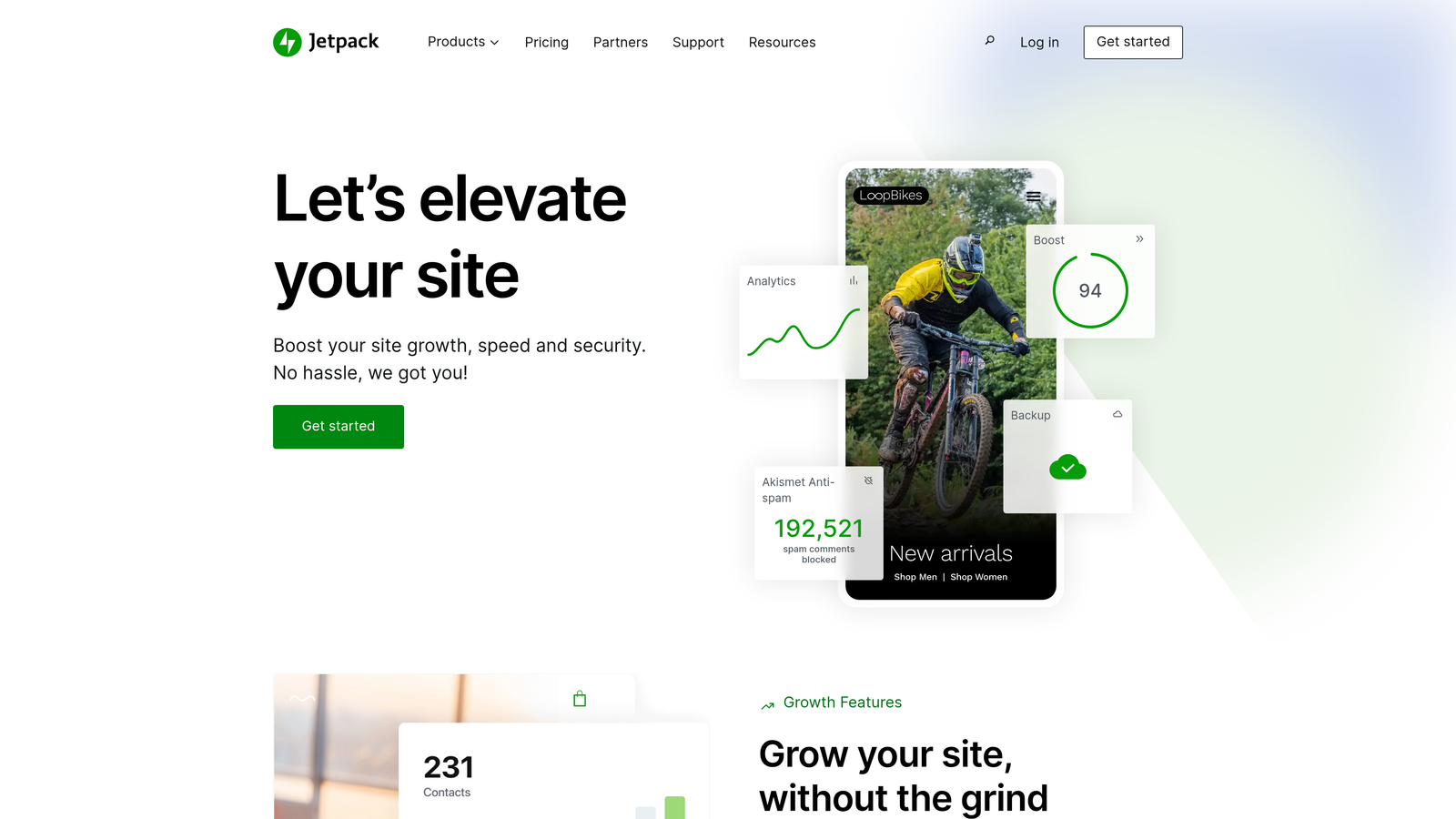
Jetpack extends WordPress with automated publishing features, social distribution and performance monitoring in a single plugin suite.
Where This Tool Shines
If you already run WordPress, Jetpack's social sharing feature (formerly Publicize, now Jetpack Social) removes the need for a separate social scheduling tool. You schedule a blog post once, and it shares automatically to your connected social accounts at publish time. Timezone support lets content go live at the right moment wherever your team is located.
The built-in stats dashboard shows real-time traffic data without a Google Analytics integration. WordPress-focused publishers get straightforward automation that works as a natural extension of the CMS, with no new platform to learn.
Key Features
Post Scheduling: Built-in calendar with timezone support for precise publish timing across global audiences.
Social Auto-Sharing: Automatic social media sharing to connected accounts when posts go live.
Cross-Platform Distribution: One-click sharing to major social networks without leaving WordPress.
Performance Monitoring: Site stats and traffic analytics built directly into the WordPress dashboard.
Security Features: Backup, malware scanning and downtime monitoring in higher-tier plans.
Best For
WordPress site owners who want native automation without added complexity, bloggers managing social distribution from a single dashboard, and small teams that value simplicity over advanced workflow customization.
Pricing
The free tier includes basic features. Jetpack Complete, at $24.92/month at the time of writing, adds full social sharing, automated backups and security scanning.
3. Zapier
Best for: Custom cross-platform workflows connecting content tools to any CMS
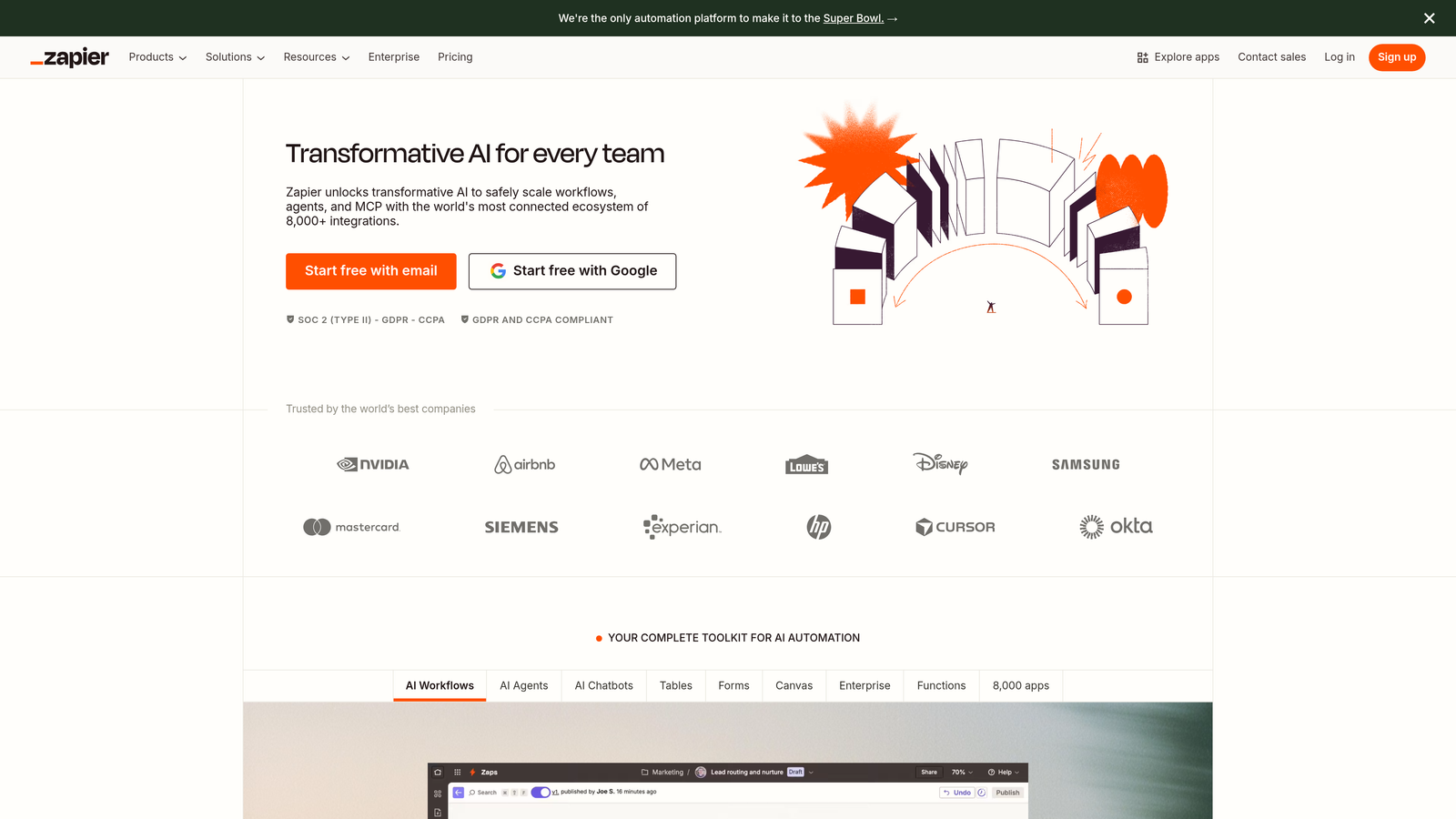
Zapier connects content creation tools to publishing platforms with no-code automation across 6,000+ apps.
Where This Tool Shines
Zapier's strength is connecting tools that don't integrate natively. A single trigger can pull content from Google Docs, format it with Formatter tools, push it to WordPress, notify your team in Slack and update your content calendar in Airtable. Multi-step Zaps with conditional logic handle complex publishing scenarios that rigid platforms can't accommodate.
Pre-built Zaps for WordPress, Webflow, Ghost and Shopify let you deploy automation in minutes. With a scheduled trigger, you can queue content in a spreadsheet and publish posts automatically at set intervals, which keeps your publishing cadence consistent without manual work.
Key Features
6,000+ App Integrations: Connect almost any content tool to any CMS or publishing platform.
Multi-Step Workflows: Chain actions together with conditional logic for complex automation scenarios.
Scheduled Triggers: Set time-based triggers and delay actions for precise publishing control.
Formatter Tools: Transform content format, extract data and manipulate text before publishing.
Pre-Built Templates: Start with proven Zaps for common publishing workflows and customize them as needed.
Best For
Teams whose content tools need custom integration, agencies managing diverse client tech stacks, and marketers who want to build their own publishing workflows without developer resources.
Pricing
The free tier includes 100 tasks per month. The Starter plan, at $19.99/month, raises the limit to 750 tasks and adds multi-step Zaps and premium app access.
4. CoSchedule
Best for: Editorial teams managing content calendars with WordPress integration
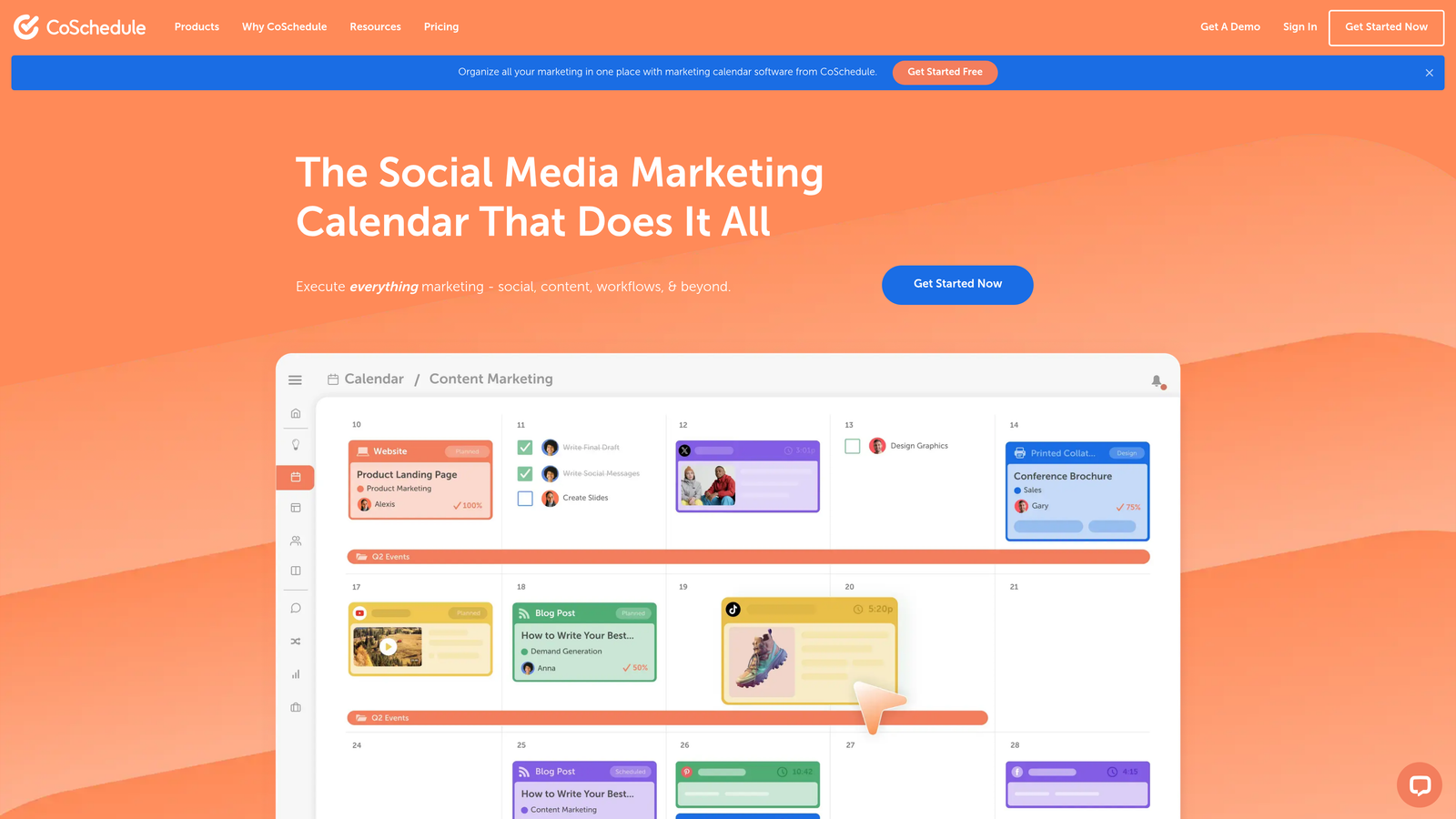
CoSchedule centralizes content planning, scheduling and social promotion in a visual marketing calendar built for collaborative teams.
Where This Tool Shines
The drag-and-drop calendar shows editorial teams their entire content pipeline at a glance. You can move posts between dates, spot gaps in your publishing schedule, and coordinate blog content with email campaigns and social promotions in one interface. The WordPress plugin publishes directly from CoSchedule, so there's no switching between planning and execution tools.
ReQueue automatically reshares your best-performing content to social channels to fill gaps in your social calendar. Approval workflows make sure content passes the required review stages before going live. This matters for agencies handling client content and for brands with strict compliance requirements.
Key Features
Visual Marketing Calendar: Drag-and-drop interface showing blog posts, social campaigns and marketing activities on one timeline.
ReQueue Automation: Social resharing that automatically promotes top-performing content to fill schedule gaps.
WordPress Plugin: Direct publishing from CoSchedule to WordPress without switching platforms.
Team Collaboration: Approval workflows, task assignments and comment threads for coordinated content production.
Social Scheduling: Plan and automate social promotion alongside blog publishing for integrated campaigns.
Best For
Content teams coordinating multiple contributors and approval stages, agencies managing editorial calendars for several clients, and marketing departments that plan blog content as part of broader campaigns.
Pricing
The Marketing Calendar is free for individual users. The Marketing Suite starts at $29 per user per month and includes full collaboration and automation features.
5. Contentful
Best for: Enterprise content operations requiring API-driven publishing and multi-environment workflows
Contentful provides headless CMS infrastructure with scheduled publishing, webhook automation and structured content modeling for complex publishing architectures.
Where This Tool Shines
A headless architecture separates content management from presentation, so you can publish the same blog post to your website, mobile app and email newsletter from a single source. Webhooks trigger external systems when content publishes. You can use them to notify your indexing service, update your analytics dashboard or sync content to a CDN automatically.
Multi-environment workflows let you preview content in staging before pushing it to production, which is important for enterprises where publishing mistakes are costly. Content modeling keeps blog data consistently structured, which makes it easier to repurpose content across channels and maintain quality at scale.
Key Features
Scheduled Publishing: Set precise publish and unpublish timestamps with timezone support for global content coordination.
Webhook Triggers: Automatically notify external systems when content publishes for integrated automation workflows.
Content Modeling: Structure blog data with custom fields and relationships for consistent, reusable content.
Multi-Environment Publishing: Preview content in staging environments before deploying to production.
API-First Architecture: Publish content to any platform via REST or GraphQL APIs without CMS lock-in.
Best For
Enterprises publishing content across multiple channels, development teams building custom publishing workflows, and companies that need strict content governance and approval processes.
Pricing
The free tier supports small projects. The Team plan starts at $489/month for production use and adds higher content limits and environment support.
6. Buffer
Best for: Social-first content distribution with queue-based scheduling
Buffer automates social media posting with queue management, link-in-bio pages and cross-platform analytics for tracking content performance.

Where This Tool Shines
With the queue system, you load content in bulk and Buffer spaces posts throughout the day according to your posting schedule, so you don't have to schedule each post by hand. The Start Page feature creates a link-in-bio landing page that showcases your latest blog posts. This helps drive traffic from Instagram and TikTok, where direct links in posts aren't supported.
The analytics dashboard consolidates performance data from all connected social channels and shows which blog posts generate the most engagement, so you don't need to check each platform's analytics separately. The browser extension lets you add blog content to your Buffer queue from any webpage.
Key Features
Queue-Based Scheduling: Load content in bulk and let Buffer space posts across your scheduled times.
Start Page: Create link-in-bio landing pages showcasing your latest blog content for platforms without direct linking.
Cross-Platform Analytics: One dashboard showing post performance across all connected social channels.
Browser Extension: Add blog content to your Buffer queue from any webpage without switching tabs.
Team Collaboration: Multiple users can contribute to queues with role-based permissions and approval workflows.
Best For
Content creators focused on social distribution, bloggers driving traffic from Instagram and TikTok, and small teams running social presence across several platforms without a dedicated social media manager.
Pricing
The free tier supports 3 social channels with basic scheduling. The Essentials plan, at $6 per channel per month, adds unlimited scheduled posts and analytics.
7. HubSpot CMS Hub
Best for: Integrated marketing automation with CRM-triggered content delivery
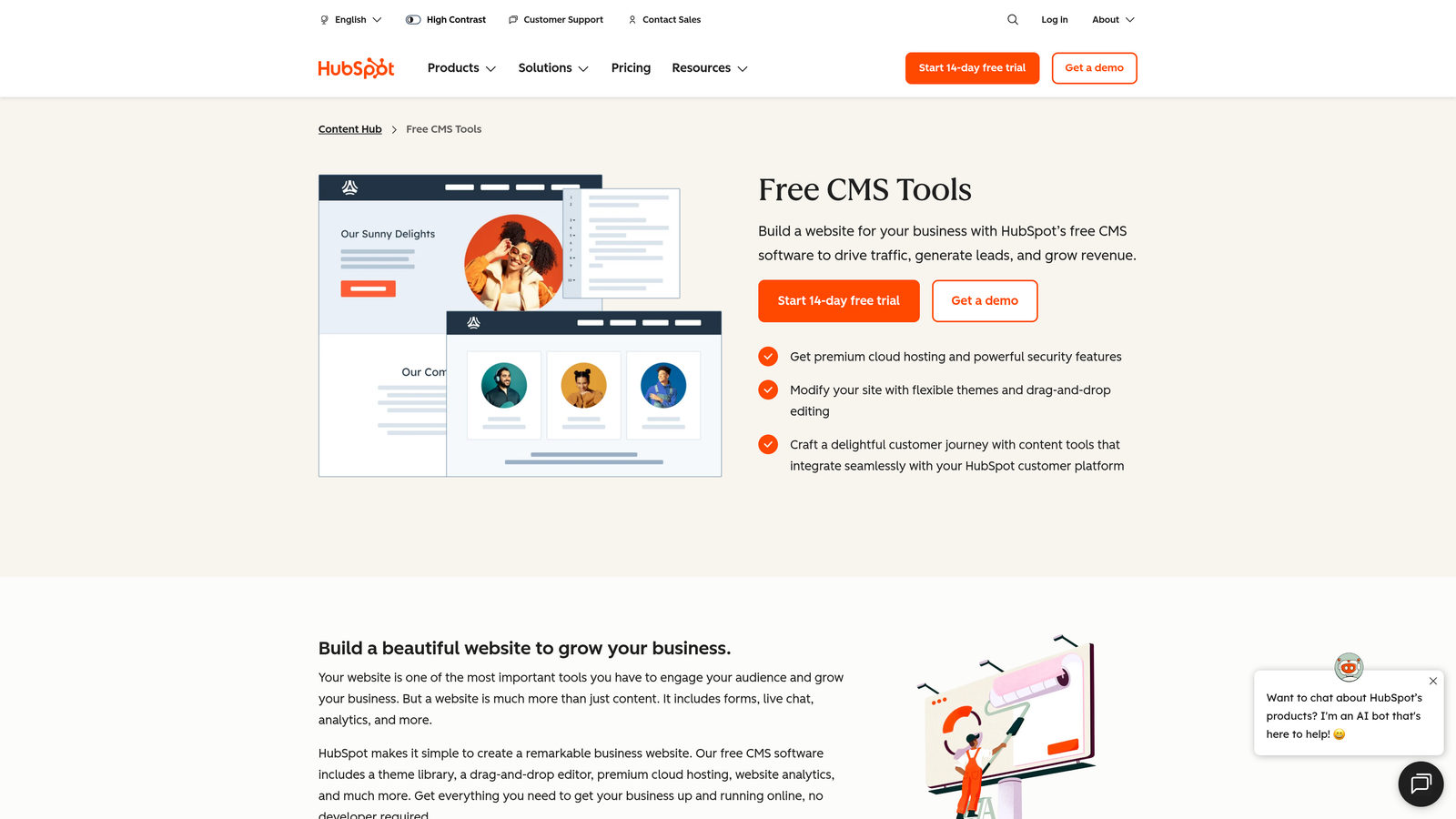
HubSpot CMS Hub combines blog publishing with marketing automation, SEO tools and CRM integration for personalized content experiences.
Where This Tool Shines
Smart content personalization adapts blog posts based on visitor attributes stored in your CRM. You can show different calls-to-action to prospects and customers, or tailor content by industry, company size or lifecycle stage. Marketing automation workflows can also trigger content delivery. For example, a workflow can email a blog post to contacts who meet specific criteria or display targeted content when a lead reaches a certain score.
The SEO recommendations panel analyzes your blog posts in real time and suggests improvements to meta descriptions, heading structure and keyword use. Because the blog sits in the same platform as your email marketing, landing pages and CRM, attribution tracking shows which blog posts contribute to pipeline and revenue.
Key Features
Built-In Blog Scheduling: Native publishing calendar with timezone support and draft management.
Smart Content Personalization: Adapt blog content dynamically based on CRM data and visitor attributes.
SEO Recommendations: Real-time optimization suggestions for meta descriptions, headings and keyword usage.
Marketing Automation Triggers: Deliver content automatically based on CRM events, lead scores or workflow conditions.
Integrated Analytics: Track blog performance alongside email, landing pages and revenue attribution in one dashboard.
Best For
Marketing teams already using HubSpot's CRM and automation tools, companies that prioritize personalized content, and organizations tracking content's impact on pipeline and revenue.
Pricing
HubSpot's free tools include basic blog functionality. CMS Hub Starter, at $25/month, adds scheduling and SEO tools. The Professional and Enterprise tiers add advanced automation and personalization.
8. Ghost
Best for: Newsletter-focused publishers with built-in membership and subscription features
Ghost offers modern publishing infrastructure with native email delivery, scheduled posting and membership management for creators who earn revenue through subscriptions.
Where This Tool Shines
Every blog post can be sent automatically as a newsletter email, so you don't need a separate email marketing tool. The editor's clean interface keeps the focus on writing rather than complex formatting. Scheduled publishing includes timezone support, so content goes live at the right time for a global audience.
Membership features let you gate premium content behind paid subscriptions without a third-party paywall service. Ghost handles payment processing, subscription management and member access control natively. Publishers building direct audience relationships through email and paid content can run the entire stack on one platform.
Key Features
Native Email Integration: Blog posts can be sent automatically as newsletter emails to subscribers.
Scheduled Publishing: Set publish times with timezone support for consistent content delivery.
Membership Management: Built-in subscription and payment processing for monetizing premium content.
Clean Editor: Distraction-free writing interface focused on content creation rather than complex formatting.
Self-Hosting Option: Deploy on your own infrastructure for full control and no platform subscription, though you pay for and maintain your own hosting.
Best For
Independent publishers building email audiences, creators monetizing through subscriptions, and bloggers who want newsletter functionality built in rather than a separate email platform.
Pricing
The self-hosted version is free but requires technical setup. Ghost(Pro) managed hosting starts at $9/month for small sites and scales with traffic and member count.
9. Make (formerly Integromat)
Best for: Complex multi-step publishing workflows with advanced conditional logic
Make provides visual automation building with branching logic, data transformation and webhook integration for sophisticated publishing scenarios.
Where This Tool Shines
The visual scenario builder displays your entire automation workflow as a flowchart, which makes complex logic easier to understand and debug than text-based configuration. Branching paths route content differently depending on conditions. For example, a scenario can publish a post immediately if it contains certain keywords, or send it for approval if it exceeds a word count threshold.
HTTP and webhook modules connect to any API, even when Make has no pre-built integration, which covers edge cases that rigid platforms can't. Data transformation tools let you change content format, extract specific fields and restructure data before publishing. This is essential when the tools you're connecting use incompatible data structures.
Key Features
Visual Scenario Builder: Flowchart interface showing automation logic with drag-and-drop module connections.
Branching Logic: Route content through different paths based on conditions, content attributes or external data.
HTTP/Webhook Modules: Connect to any API or webhook endpoint without pre-built integrations.
Data Transformation: Filter, format and restructure content before publishing to match destination requirements.
Scheduled and Instant Triggers: Run scenarios on a schedule or trigger them immediately when conditions are met.
Best For
Technical marketers building custom publishing workflows, agencies with unusual client requirements, and teams connecting tools without native integrations who need more control than simpler platforms offer.
Pricing
The free tier includes 1,000 operations per month. The Core plan, at $9/month, raises the limit to 10,000 operations and adds premium features and apps.
Making the Right Choice
The right automated blog posting software depends on where content creation happens and how complex your publishing workflow is. Sight AI fits teams that want AI-generated SEO content with automatic publishing and instant indexing, because the entire pipeline from content creation to search engine notification runs in one platform. Agencies managing multiple client sites avoid coordinating separate tools for writing, publishing and indexing. If AI writing quality is your main concern, our comparison of automated article writing services covers that part of the pipeline in more depth.
Zapier and Make suit teams connecting tools that don't integrate natively. If your content starts in Google Docs, needs approval in Asana and publishes to a custom CMS, these integration platforms fill the gaps. Make's visual builder and branching logic handle more complex scenarios, while Zapier's larger app library and pre-built templates get simpler workflows running faster.
CoSchedule fits editorial teams coordinating multiple contributors across approval stages. Its visual calendar and WordPress integration suit content operations where planning and collaboration matter as much as automation. Ghost is built for newsletter-focused publishers who want blogging and email delivery on one platform.
HubSpot makes sense if you already use its CRM and marketing automation, because the blog integration lets you personalize content and track its impact on pipeline. For enterprises publishing across multiple channels, Contentful's headless, API-first architecture lets you distribute content anywhere. To automate distribution beyond the blog itself, see our guide to content publishing automation tools.
Successful automation setups share one goal: reducing friction between content creation and publication. Manual copy-paste workflows waste time and also introduce errors and inconsistency. The right automation tool removes those friction points so you can focus on content strategy instead of repetitive publishing tasks.
Frequently asked questions
What's the best ecommerce marketing software for automating blog posts?
For SEO-driven ecommerce blogs, use an AI content platform that publishes straight to your store's CMS and requests indexing, such as Sight AI. Then add an integration tool for any gaps. Shopify stores without a native connector can use Zapier or Make to push drafts into the Shopify blog. WooCommerce stores can rely on WordPress-native publishing. If your marketing already runs on HubSpot, its CMS ties blog posts to CRM and revenue data.
Can I publish blog posts instantly without WordPress maintenance?
Yes. Managed platforms such as Ghost(Pro), HubSpot CMS Hub and Webflow handle hosting, updates and security for you, so there are no plugins or core updates to manage. Combined with a tool that publishes automatically through the platform's API, posts go live the moment they're approved. Headless options like Contentful suit teams with developers. Ghost(Pro) is usually the fastest low-maintenance option for a standalone blog.
Is automated blog posting bad for SEO?
Automation itself is not a ranking factor. Google evaluates the quality of the content, not how it was published. Problems arise when automation is used to mass-publish thin, duplicate or unreviewed AI text. Keep a human review step, target real search intent, and add internal links and structured headings. Faster indexing through sitemaps or IndexNow helps search engines discover new posts sooner, but it doesn't make weak content rank.
What's the difference between automated blog posting and automated social media posting?
Automated blog posting creates or schedules articles on your own site through your CMS. Automated social media posting distributes links and snippets to networks like LinkedIn or Instagram. Tools such as Buffer and Jetpack's social sharing cover the second job. Sight AI, Ghost and HubSpot cover the first. Many teams combine one tool of each type.
Stop guessing how AI models like ChatGPT and Claude talk about your brand—get visibility into every mention, track content opportunities, and automate your path to organic traffic growth. Start tracking your AI visibility today and see exactly where your brand appears across top AI platforms.