Publishing blog content manually across multiple platforms drains hours from your marketing week—time better spent on strategy and analysis. Automated blog posting software eliminates the tedious copy-paste workflow by connecting your content creation process directly to your CMS, scheduling posts, and even triggering indexing automatically. Whether you're a solo founder managing a company blog or an agency handling dozens of client sites, the right automation tool transforms content operations from a bottleneck into a streamlined system.
We evaluated these tools based on CMS compatibility, scheduling flexibility, AI content capabilities, indexing features, and pricing transparency to help you find the perfect fit for your workflow.
1. Sight AI
Best for: AI-generated SEO content with automatic publishing and instant search engine indexing
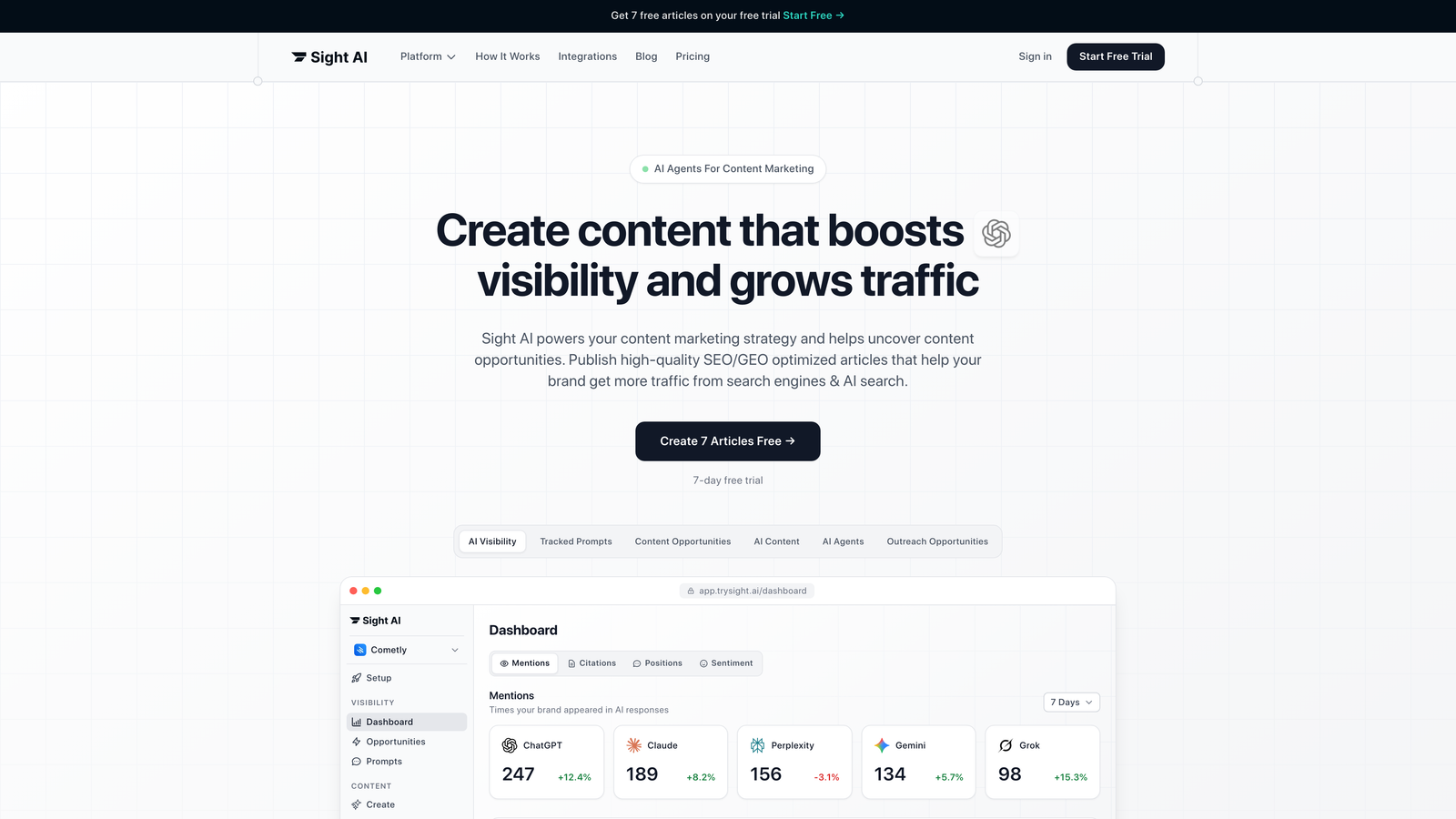
Sight AI combines content generation, CMS publishing, and search indexing into a single automated workflow designed for organic traffic growth.
Where This Tool Shines
The platform's 13+ specialized AI agents handle everything from listicles to technical guides, generating SEO and GEO-optimized content that gets your brand mentioned across AI search platforms like ChatGPT and Perplexity. What sets it apart is the IndexNow integration—your content doesn't just publish automatically, it notifies search engines immediately for faster discovery.
The Autopilot Mode removes manual intervention entirely. Set your content calendar, configure your publishing preferences, and the system handles generation, optimization, and deployment without requiring daily oversight. For agencies managing multiple client sites, this eliminates the repetitive task of logging into different CMS platforms.
Key Features
13+ AI Agents: Specialized agents for different content types including listicles, how-to guides, explainers, and comparison articles.
Auto-Publishing: Direct integration with WordPress, Webflow, and other CMS platforms for hands-off content deployment.
IndexNow Integration: Automatic sitemap updates and search engine notification for faster indexing and organic visibility.
AI Visibility Tracking: Monitor how AI models like ChatGPT, Claude, and Perplexity mention your brand across queries.
Autopilot Mode: Set content schedules and let the system handle generation, optimization, and publishing without manual intervention.
Best For
Marketing teams focused on scaling organic traffic through AI-optimized content, agencies managing multiple client blogs, and founders who want to automate their content pipeline from creation to indexing without juggling multiple tools.
Pricing
Free trial available with access to core features. Paid plans start at competitive SaaS pricing with scalable options for growing teams and agencies.
2. WordPress Auto-Publish (Jetpack)
Best for: Native WordPress scheduling with built-in social sharing automation
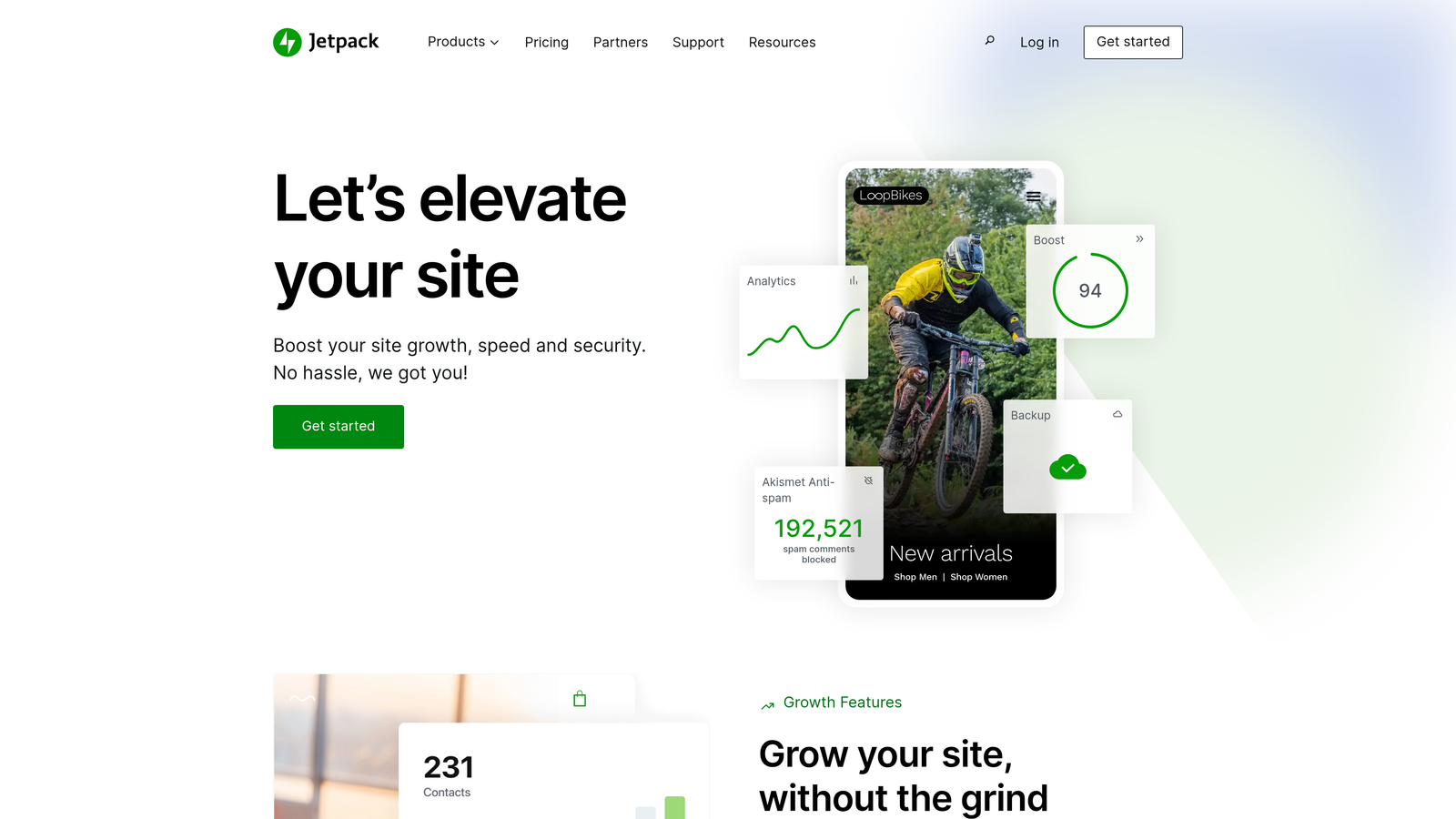
Jetpack extends WordPress with automated publishing features, social distribution, and performance monitoring in a single plugin suite.
Where This Tool Shines
If you're already running WordPress, Jetpack's Publicize feature eliminates the need for separate social scheduling tools. Schedule your blog post once, and it automatically shares to connected Twitter, Facebook, LinkedIn, and Tumblr accounts at publish time. The timezone support ensures your content goes live at optimal times regardless of where your team is located.
The built-in stats dashboard shows real-time traffic data without requiring Google Analytics integration. For WordPress-focused publishers who want straightforward automation without learning new platforms, Jetpack delivers native functionality that feels like a natural extension of the CMS.
Key Features
Post Scheduling: Built-in calendar with timezone support for precise publish timing across global audiences.
Publicize Automation: Automatic social media sharing to connected accounts when posts go live.
Cross-Platform Distribution: One-click sharing to major social networks without leaving WordPress.
Performance Monitoring: Site stats and traffic analytics built directly into the WordPress dashboard.
Security Features: Includes backup, malware scanning, and downtime monitoring in higher-tier plans.
Best For
WordPress site owners who want native automation without adding complexity, bloggers managing social distribution from a single dashboard, and small teams prioritizing simplicity over advanced workflow customization.
Pricing
Free tier includes basic features. Jetpack Complete at $24.92/month adds full Publicize capabilities, automated backups, and security scanning.
3. Zapier
Best for: Custom cross-platform workflows connecting content tools to any CMS
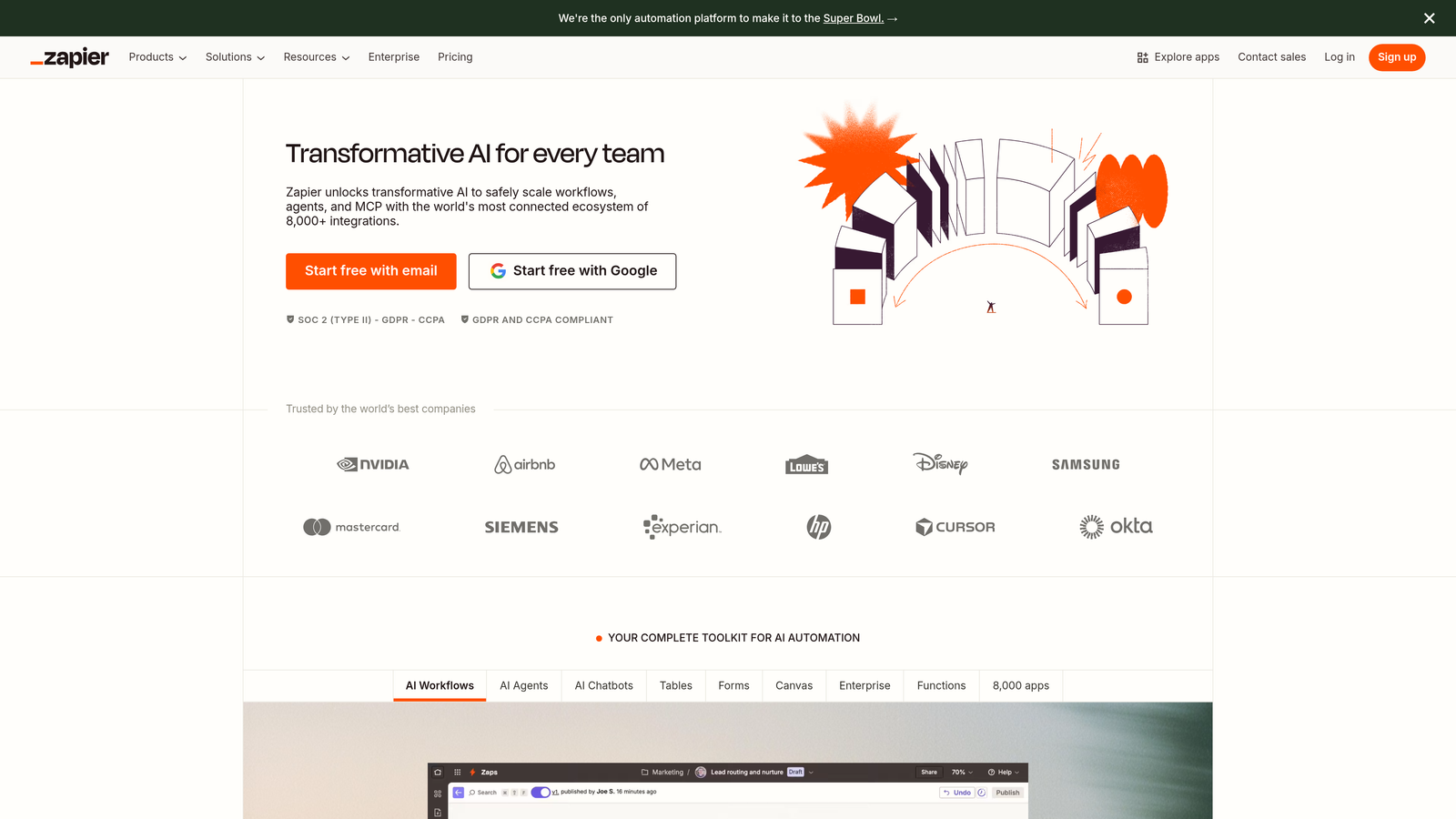
Zapier bridges the gap between content creation tools and publishing platforms with no-code automation across 6,000+ apps.
Where This Tool Shines
The power lies in connecting disparate tools that don't natively integrate. Pull content from Google Docs, format it with Formatter tools, push it to WordPress, notify your team in Slack, and update your content calendar in Airtable—all triggered by a single action. Multi-step Zaps with conditional logic handle complex publishing scenarios that rigid platforms can't accommodate.
Pre-built Zaps for WordPress, Webflow, Ghost, and Shopify mean you can deploy automation in minutes rather than hours. The scheduled trigger feature lets you queue content in a spreadsheet and automatically publish posts at specified intervals, perfect for maintaining consistent publishing cadence without manual intervention.
Key Features
6,000+ App Integrations: Connect virtually any content tool to any CMS or publishing platform.
Multi-Step Workflows: Chain actions together with conditional logic for complex automation scenarios.
Scheduled Triggers: Set time-based triggers and delay actions for precise publishing control.
Formatter Tools: Transform content format, extract data, and manipulate text before publishing.
Pre-Built Templates: Start with proven Zaps for common publishing workflows and customize as needed.
Best For
Teams using multiple content tools that need custom integration, agencies managing diverse client tech stacks, and marketers who want flexibility to build unique publishing workflows without developer resources.
Pricing
Free tier includes 100 tasks per month. Starter plan at $19.99/month increases to 750 tasks with multi-step Zaps and premium app access.
4. CoSchedule
Best for: Editorial teams managing content calendars with WordPress integration
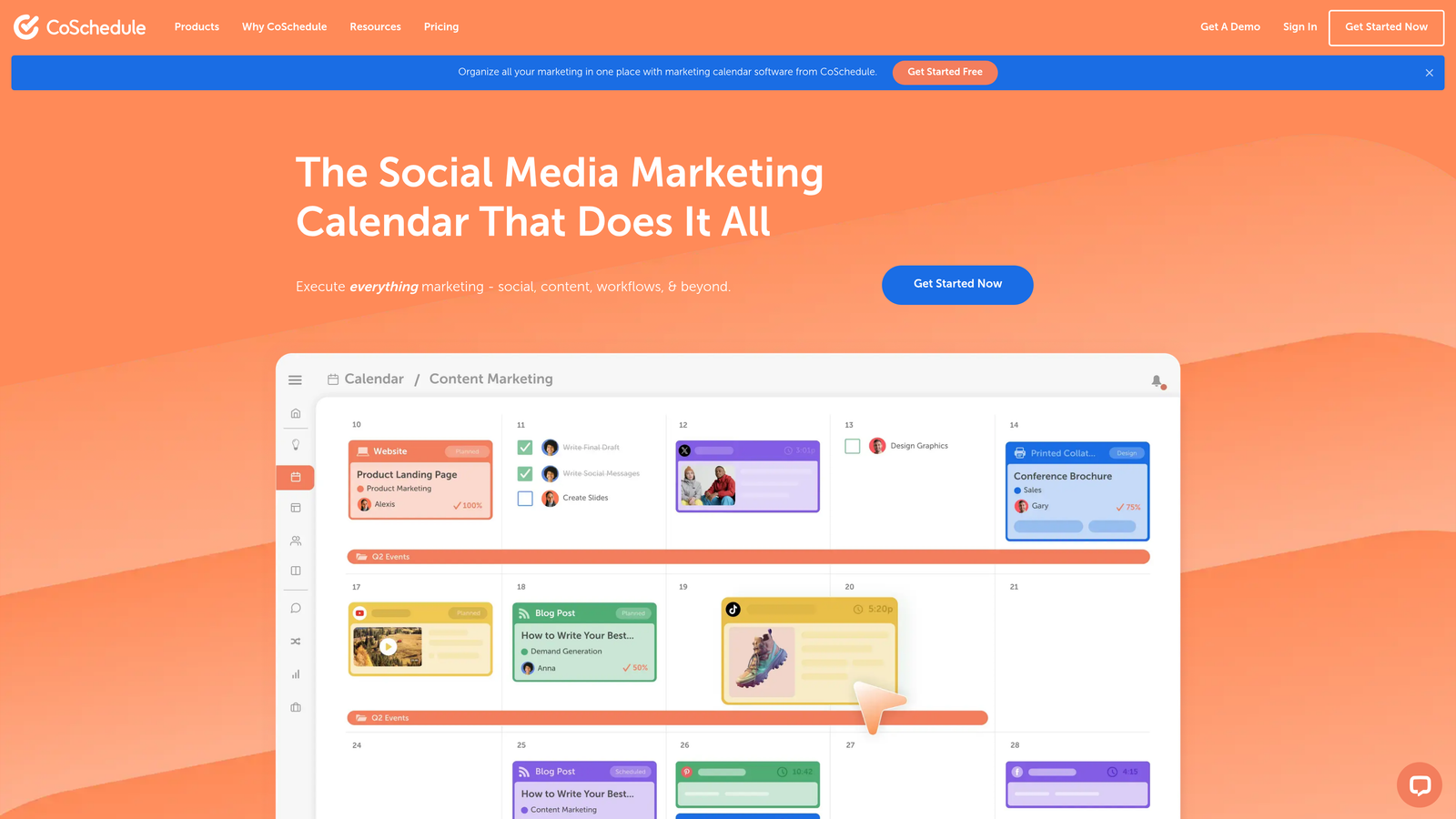
CoSchedule centralizes content planning, scheduling, and social promotion in a visual marketing calendar built for collaborative teams.
Where This Tool Shines
The drag-and-drop calendar view gives editorial teams a bird's-eye view of their entire content pipeline. Move posts between dates, see gaps in your publishing schedule, and coordinate blog content with email campaigns and social promotions in one interface. The WordPress plugin publishes directly from CoSchedule, eliminating the context-switching between planning and execution.
ReQueue automatically reshares your best-performing content to social channels, filling gaps in your social calendar without manual curation. Approval workflows ensure content passes through necessary review stages before going live, critical for agencies managing client content or brands with strict compliance requirements.
Key Features
Visual Marketing Calendar: Drag-and-drop interface showing blog posts, social campaigns, and marketing activities in unified timeline.
ReQueue Automation: Intelligent social resharing that automatically promotes top-performing content to fill schedule gaps.
WordPress Plugin: Direct publishing from CoSchedule to WordPress without switching platforms.
Team Collaboration: Approval workflows, task assignments, and comment threads for coordinated content production.
Social Scheduling: Plan and automate social promotion alongside blog publishing for integrated campaigns.
Best For
Content teams coordinating multiple contributors and approval stages, agencies managing editorial calendars for multiple clients, and marketing departments integrating blog content with broader campaign planning.
Pricing
Marketing Calendar available free for individual users. Marketing Suite starts at $29 per user per month with full collaboration and automation features.
5. Contentful
Best for: Enterprise content operations requiring API-driven publishing and multi-environment workflows
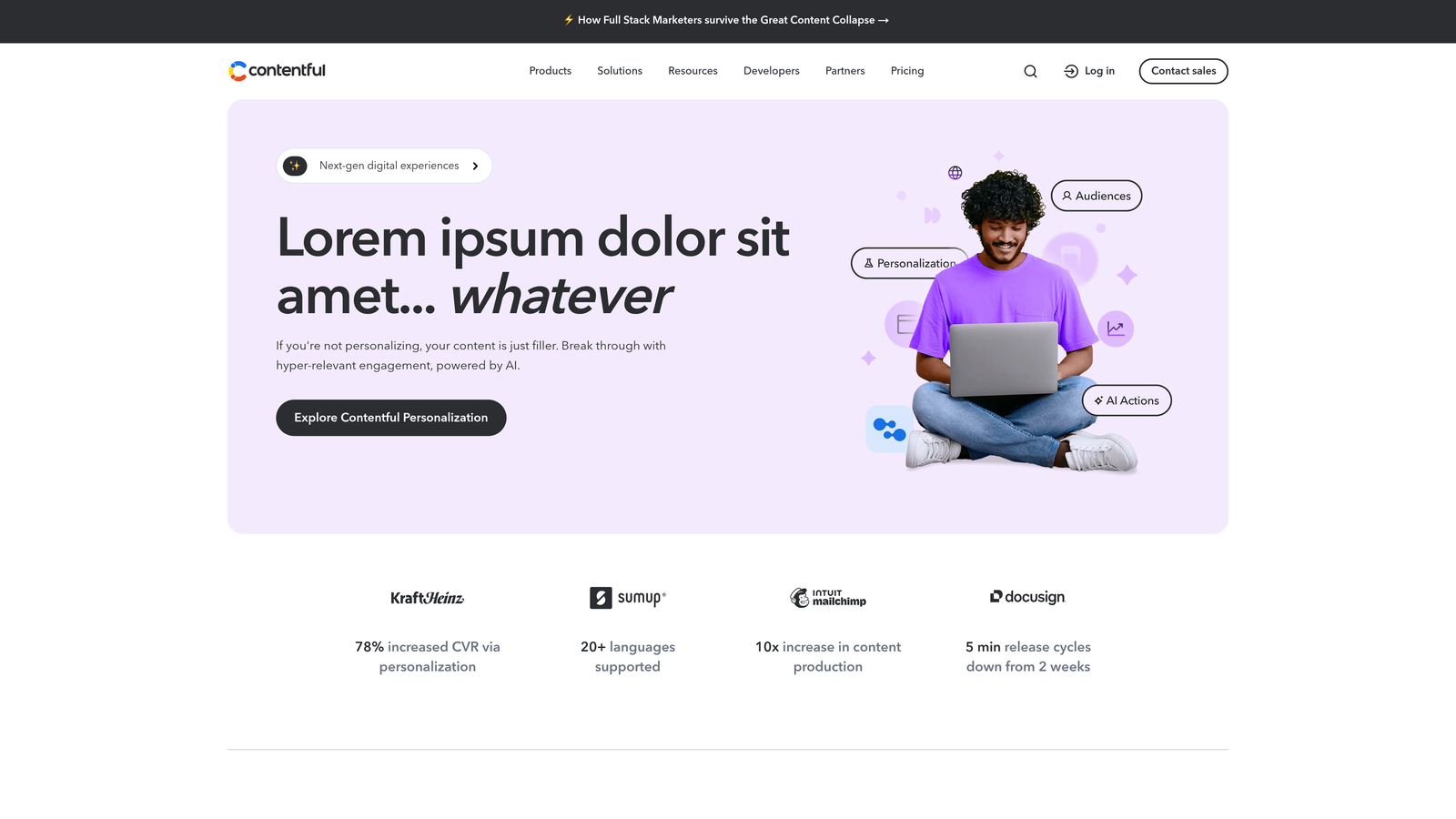
Contentful provides headless CMS infrastructure with scheduled publishing, webhook automation, and structured content modeling for complex publishing architectures.
Where This Tool Shines
Headless architecture separates content management from presentation, letting you publish the same blog post to your website, mobile app, and email newsletter from a single source. Webhooks trigger external systems when content publishes—notify your indexing service, update your analytics dashboard, or sync content to a CDN automatically.
Multi-environment workflows let you preview content in staging before pushing to production, critical for enterprises where publishing mistakes have significant consequences. Content modeling structures blog data consistently, making it easier to repurpose content across channels and maintain quality standards at scale.
Key Features
Scheduled Publishing: Set precise publish and unpublish timestamps with timezone support for global content coordination.
Webhook Triggers: Automatically notify external systems when content publishes for integrated automation workflows.
Content Modeling: Structure blog data with custom fields and relationships for consistent, reusable content.
Multi-Environment Publishing: Preview content in staging environments before deploying to production.
API-First Architecture: Publish content to any platform via REST or GraphQL APIs without CMS lock-in.
Best For
Enterprise organizations publishing content across multiple channels, development teams building custom publishing workflows, and companies requiring strict content governance and approval processes.
Pricing
Free tier supports small projects. Team plan starts at $489/month for production use with higher content limits and environment support.
6. Buffer
Best for: Social-first content distribution with queue-based scheduling
Buffer automates social media posting with queue management, link-in-bio pages, and cross-platform analytics for content performance tracking.

Where This Tool Shines
The queue system lets you load content in bulk and Buffer automatically spaces posts throughout the day based on your optimal posting schedule. Instead of manually scheduling each post, drop content into the queue and let the system handle timing. The Start Page feature creates a link-in-bio landing page showcasing your latest blog posts, perfect for driving traffic from Instagram and TikTok where direct links aren't supported.
The analytics dashboard consolidates performance data across all connected social channels, showing which blog posts generate the most engagement without jumping between platform-specific analytics tools. The browser extension lets you share blog content to your Buffer queue directly from any webpage.
Key Features
Queue-Based Scheduling: Load content in bulk and let Buffer automatically space posts throughout optimal times.
Start Page: Create link-in-bio landing pages showcasing your latest blog content for platforms without direct linking.
Cross-Platform Analytics: Unified dashboard showing post performance across all connected social channels.
Browser Extension: Share blog content to your Buffer queue directly from any webpage without switching tabs.
Team Collaboration: Multiple users can contribute to queues with role-based permissions and approval workflows.
Best For
Content creators focused on social distribution, bloggers driving traffic from Instagram and TikTok, and small teams managing social presence across multiple platforms without dedicated social media managers.
Pricing
Free tier supports 3 social channels with basic scheduling. Essentials plan at $6 per channel per month adds unlimited scheduled posts and analytics.
7. HubSpot CMS Hub
Best for: Integrated marketing automation with CRM-triggered content delivery
HubSpot CMS Hub combines blog publishing with marketing automation, SEO tools, and CRM integration for personalized content experiences.
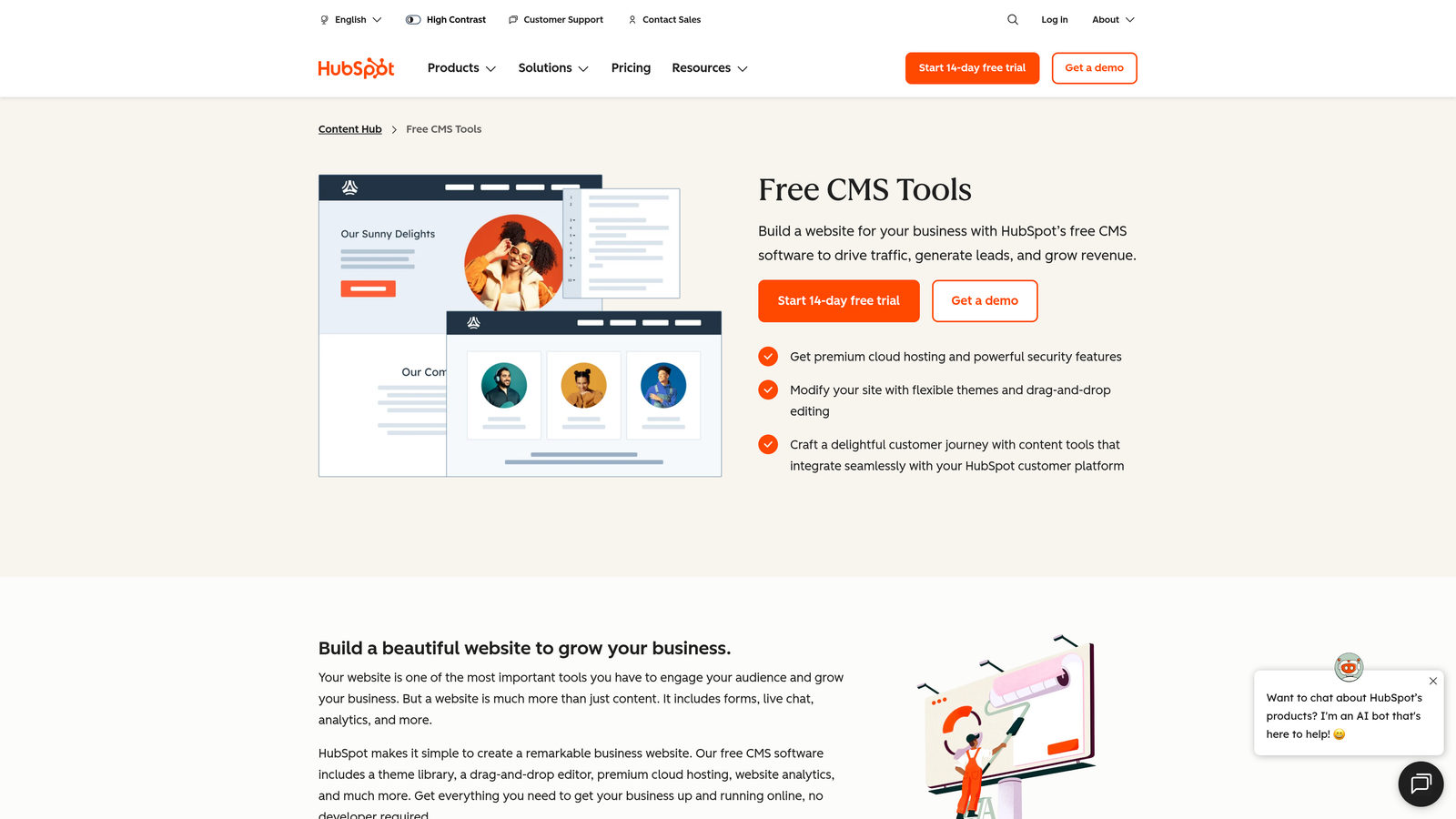
Where This Tool Shines
Smart content personalization adapts blog posts based on visitor attributes stored in your CRM. Show different calls-to-action to prospects versus customers, or customize content based on industry, company size, or lifecycle stage. Marketing automation workflows can trigger content delivery—automatically email a blog post to contacts who meet specific criteria or display targeted content when leads reach certain scores.
The SEO recommendations panel analyzes your blog posts in real-time, suggesting improvements for meta descriptions, heading structure, and keyword optimization. Because blogging lives inside the same platform as your email marketing, landing pages, and CRM, attribution tracking shows exactly which blog posts contribute to pipeline and revenue.
Key Features
Built-In Blog Scheduling: Native publishing calendar with timezone support and draft management.
Smart Content Personalization: Dynamically adapt blog content based on CRM data and visitor attributes.
SEO Recommendations: Real-time optimization suggestions for meta descriptions, headings, and keyword usage.
Marketing Automation Triggers: Automatically deliver content based on CRM events, lead scores, or workflow conditions.
Integrated Analytics: Track blog performance alongside email, landing pages, and revenue attribution in unified dashboard.
Best For
Marketing teams using HubSpot's CRM and automation tools, companies prioritizing personalized content experiences, and organizations tracking content's impact on pipeline and revenue generation.
Pricing
Free tools include basic blog functionality. CMS Hub Starter at $25/month adds scheduling and SEO tools. Professional and Enterprise tiers scale with advanced automation and personalization.
8. Ghost
Best for: Newsletter-focused publishers with built-in membership and subscription features
Ghost delivers modern publishing infrastructure with native email delivery, scheduled posting, and membership management for content creators monetizing through subscriptions.
Where This Tool Shines
Every blog post automatically converts into a newsletter email, eliminating the need for separate email marketing tools. The editor's clean interface removes distractions, focusing on writing rather than wrestling with complex formatting options. Scheduled publishing includes timezone support, ensuring content goes live at optimal times for your global audience.
Membership features let you gate premium content behind paid subscriptions without adding third-party paywall services. The platform handles payment processing, subscription management, and member access control natively. For publishers building direct audience relationships through email and paid content, Ghost consolidates the entire stack into one platform.
Key Features
Native Email Integration: Every blog post automatically becomes a newsletter email sent to subscribers.
Scheduled Publishing: Set publish times with timezone support for consistent content delivery.
Membership Management: Built-in subscription and payment processing for monetizing premium content.
Clean Editor: Distraction-free writing interface focused on content creation rather than complex formatting.
Self-Hosting Option: Deploy on your own infrastructure for complete control and zero recurring platform fees.
Best For
Independent publishers building email audiences, content creators monetizing through subscriptions, and bloggers who want integrated newsletter functionality without managing separate email platforms.
Pricing
Self-hosted version free with technical setup required. Ghost(Pro) managed hosting starts at $9/month for small sites, scaling with traffic and member count.
9. Make (formerly Integromat)
Best for: Complex multi-step publishing workflows with advanced conditional logic
Make provides visual automation building with branching logic, data transformation, and webhook integration for sophisticated publishing scenarios.
Where This Tool Shines
The visual scenario builder shows your entire automation workflow as a flowchart, making complex logic easier to understand and debug than text-based configurations. Branching paths let you route content differently based on conditions—publish immediately if the post contains certain keywords, or send for approval if it exceeds a word count threshold.
HTTP and webhook modules connect to any API, even if Make doesn't have a pre-built integration. This flexibility handles edge cases that rigid platforms can't accommodate. Data transformation tools let you manipulate content format, extract specific fields, and restructure data before publishing—critical when connecting tools with incompatible data structures.
Key Features
Visual Scenario Builder: Flowchart interface showing automation logic with drag-and-drop module connections.
Branching Logic: Route content through different paths based on conditions, content attributes, or external data.
HTTP/Webhook Modules: Connect to any API or webhook endpoint without pre-built integrations.
Data Transformation: Filter, format, and restructure content before publishing to match destination requirements.
Scheduled and Instant Triggers: Run scenarios on time-based schedules or trigger immediately when conditions are met.
Best For
Technical marketers building custom publishing workflows, agencies with unique client requirements, and teams connecting tools without native integrations who need more control than simpler platforms provide.
Pricing
Free tier includes 1,000 operations per month. Core plan at $9/month increases to 10,000 operations with access to premium features and apps.
Making the Right Choice
Your ideal automated blog posting software depends on where content creation happens and how complex your publishing workflow needs to be. Sight AI excels when you want AI-generated SEO content with automatic publishing and instant indexing—the entire pipeline from content creation to search engine notification happens in one platform. For agencies managing multiple client sites, this eliminates the overhead of coordinating separate tools for writing, publishing, and indexing.
Zapier and Make serve teams connecting diverse tools that don't natively integrate. If your content starts in Google Docs, needs approval in Asana, and publishes to a custom CMS, these integration platforms bridge the gaps. Make's visual builder and branching logic handle more complex scenarios, while Zapier's larger app library and pre-built templates get simpler workflows running faster.
CoSchedule fits editorial teams coordinating multiple contributors across approval stages. The visual calendar and WordPress integration work well for content operations where planning and collaboration matter as much as automation. Ghost targets newsletter-focused publishers who want blogging and email delivery in one platform without juggling separate tools.
HubSpot makes sense when you're already using their CRM and marketing automation—the blog integration lets you personalize content and track its impact on pipeline. For enterprise organizations publishing across multiple channels, Contentful's headless architecture and API-first approach provide the flexibility to distribute content anywhere.
The common thread across successful automation implementations is reducing friction between content creation and publication. Manual copy-paste workflows don't just waste time—they create opportunities for errors and inconsistency. The right automation tool eliminates those friction points, letting you focus on content strategy rather than repetitive publishing tasks.
Stop guessing how AI models like ChatGPT and Claude talk about your brand—get visibility into every mention, track content opportunities, and automate your path to organic traffic growth. Start tracking your AI visibility today and see exactly where your brand appears across top AI platforms.