You've just finished crafting the perfect blog post. It's optimized, engaging, and ready to drive traffic. But now comes the tedious part – logging into your CMS, formatting everything correctly, adding images, setting SEO fields, and hitting publish. Then repeating this process for every piece of content across multiple websites.
What if you could eliminate this bottleneck entirely?
Auto publish to CMS tools have revolutionized how content creators, marketers, and agencies manage their publishing workflows. These solutions connect your content creation process directly to your content management system, enabling seamless publication across multiple platforms without manual intervention. The benefits extend far beyond time savings – you're creating a scalable system that maintains consistency, reduces human error, and allows your team to focus on strategy rather than administrative tasks.
Whether you're managing a single blog or orchestrating content across dozens of client websites, the right auto-publishing solution can transform your workflow. Here are the top tools that streamline content publication from creation to live status.
1. Sight AI
Best for: AI-powered content creation with direct CMS publishing for SEO-focused businesses
Sight AI combines intelligent content generation with seamless CMS integration, making it the premier choice for businesses looking to scale their content operations while maintaining quality and SEO optimization.

Where This Tool Shines
Sight AI excels at creating a complete content pipeline from ideation to publication. The platform uses advanced AI to generate ai articles that are specifically optimized for search engines and your target audience.
What sets it apart is the intelligent publishing workflow that automatically formats content according to your CMS requirements, adds proper meta tags, and schedules publication for optimal timing. The system learns from your content performance to continuously improve both content quality and publishing strategies.
Key Features & Capabilities
AI-Powered Content Generation: Creates SEO-optimized articles using multiple AI agents that work together to produce comprehensive, search-friendly content.
Direct CMS Integration: Connects seamlessly with WordPress, Webflow, and custom CMS platforms for one-click publishing without manual content transfer.
Automated Meta Tag Insertion: Automatically generates and inserts title tags, meta descriptions, and schema markup to maximize search visibility.
Performance Tracking: Monitors content performance and provides optimization suggestions based on actual results and engagement metrics.
Multi-Site Publishing: Manages multiple websites from a single dashboard with brand-specific customization for each property.
Best For / Ideal Users
Perfect for digital marketing agencies managing multiple client websites who need to maintain consistent publishing schedules while ensuring every piece of content is optimized for search visibility.
SaaS companies and content-driven businesses that require scalable content operations will find the AI-powered generation combined with automated publishing eliminates bottlenecks in their content workflow.
SEO-focused organizations benefit from the platform's emphasis on search optimization throughout the entire content creation and publishing process.
Pricing
Offers flexible plans starting with basic automation features, scaling to enterprise solutions with unlimited publishing and advanced AI capabilities tailored to high-volume content operations.
2. Buffer
Best for: Social media-focused auto-publishing with basic blog integration
Buffer is a social media management platform that helps businesses and individuals create, schedule, and share content across multiple social media platforms consistently.

Where This Tool Shines
Buffer excels at creating a unified workspace for social media management while offering practical blog content distribution. The platform's visual content calendar gives you complete visibility into your posting schedule across platforms like Facebook, Twitter, Google Business Profile, and Bluesky.
What makes Buffer particularly valuable is its forever free plan that provides genuine utility without forcing upgrades. The platform's strength lies in turning blog content into social media momentum through RSS feed integration that automatically shares new posts across your social channels, extending your content's reach without manual effort.
Key Features & Capabilities
Publish: Plan and schedule content across multiple social media platforms from a single dashboard.
Analyze: Measure performance and turn insights into growth with built-in analytics tracking.
Community: Engage with your audience directly through the platform's community management tools.
Collaborate: Work together seamlessly from planning to publishing with team features.
Start Page: Build a custom link-in-bio page to drive traffic from social profiles.
Best For / Ideal Users
Buffer is trusted by over 100,000 businesses and individuals who prioritize social media distribution alongside basic blog publishing automation. The platform works particularly well for small to medium businesses, social media managers, and content creators who need reliable cross-platform scheduling without complexity.
Teams managing multiple social accounts benefit from Buffer's streamlined workflow that reduces the time spent switching between platforms. The collaboration features make it practical for agencies handling client accounts or marketing teams coordinating campaigns.
Pricing
Buffer offers a forever free plan that provides core functionality without time limits. Paid plans unlock additional features, advanced analytics, and expanded scheduling capabilities for teams requiring more sophisticated automation.
3. Zapier
Best for: Custom automation workflows connecting any content source to any CMS
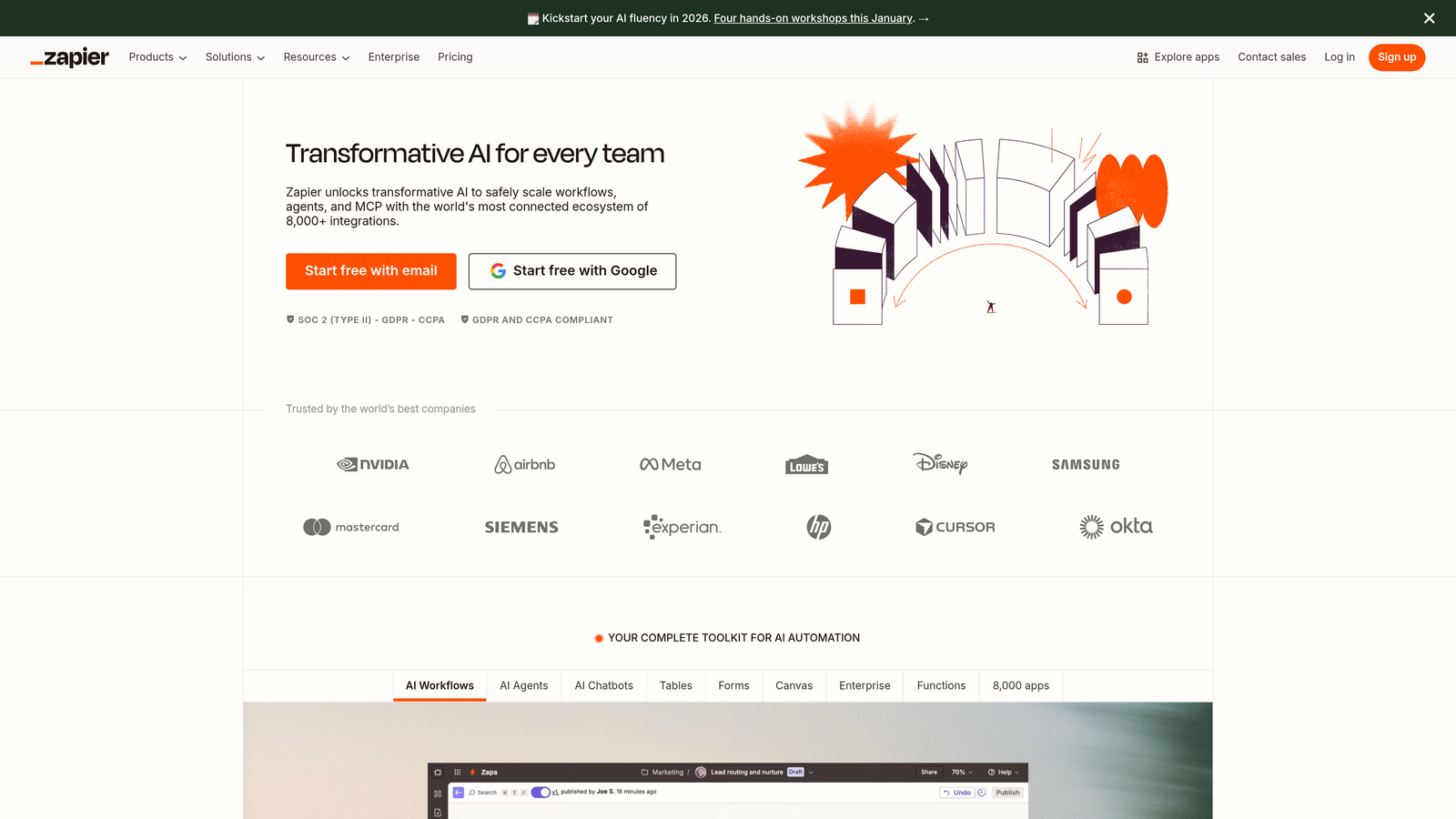
Zapier transforms how businesses approach content publishing by serving as the universal connector between virtually any content creation tool and publishing platform.
Where This Tool Shines
Zapier's real power emerges when you need to connect tools that weren't designed to work together. Unlike platforms built for specific publishing scenarios, Zapier gives you the building blocks to create exactly the workflow your business needs.
The platform excels at handling complex, multi-step publishing sequences. You might trigger a workflow when content appears in Google Docs, automatically format it according to your style guide, add images from Dropbox, insert SEO metadata from a spreadsheet, and publish to WordPress—all without touching a single button. Advanced users leverage conditional logic to route different content types to appropriate destinations or apply specific formatting based on content characteristics.
Key Features & Capabilities
8,000+ App Integrations: Connect virtually any content tool to any CMS platform, from WordPress and Webflow to custom-built systems.
Multi-Step Workflows: Build sophisticated automation sequences with up to 100 steps, including data transformation and conditional branching.
AI Workflows & Agents: Create intelligent automation that adapts to content characteristics and makes decisions based on predefined rules.
Tables Database: Store and manage content data within Zapier, enabling complex publishing logic and content libraries.
Error Handling: Automatic notifications and retry logic prevent silent failures and ensure reliable publishing.
Best For / Ideal Users
Zapier suits technically-minded marketers who need flexibility beyond what specialized tools offer. It's particularly valuable for agencies managing diverse client tech stacks, where each client uses different combinations of content tools and CMS platforms.
Teams with unique workflow requirements—like content that needs approval in Slack before publishing, or posts that pull data from multiple sources—find Zapier indispensable. The platform works well for businesses that have already invested in specific tools and need to connect them rather than replace them.
Pricing
Free plan includes 100 tasks per month with basic features. Paid plans start at $19.99/month for 750 tasks, scaling to enterprise solutions with unlimited workflows and premium support.
4. CoSchedule
Best for: Marketing teams managing complex editorial calendars with integrated publishing automation
CoSchedule combines editorial planning, team collaboration, and automated publishing into a unified marketing calendar platform designed for teams coordinating content across multiple channels.
Where This Tool Shines
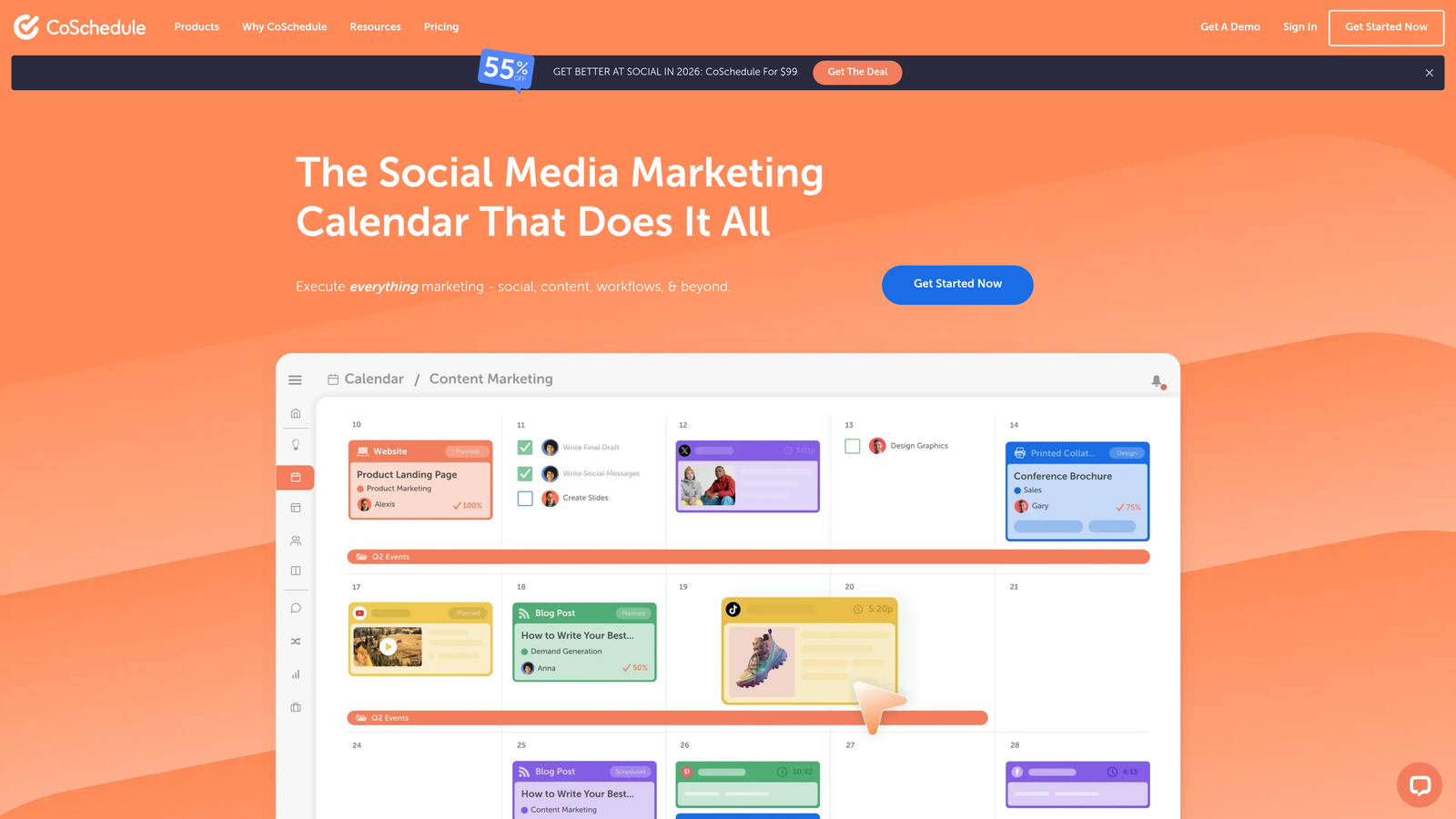
CoSchedule excels at giving marketing teams complete visibility into their content pipeline while automating the publishing process. The platform's strength lies in its ability to function as both a project management system and a publishing automation tool, allowing teams to plan campaigns months in advance while ensuring every piece of content publishes exactly when scheduled.
The editorial calendar provides a bird's-eye view of all marketing activities, making it easy to spot gaps, avoid conflicts, and maintain consistent publishing cadence. Teams can drag and drop content to reschedule, assign tasks to specific team members, and track progress from initial ideation through final publication without switching between multiple tools.
Key Features & Capabilities
Social Calendar: Create, schedule, and publish social media content with AI-powered tools that optimize posting times and content performance.
Content Calendar: Centralized view of all tasks, projects, and campaigns with drag-and-drop scheduling and team collaboration features.
Hire Mia (AI Editor): Collaborative AI assistant that helps multiply marketing output by assisting with content creation and optimization.
Headline Studio: AI-powered headline writing tool that analyzes and scores headlines to maximize click-through rates.
Social Inbox: Unified inbox for responding to DMs, comments, and replies across all connected social platforms.
Best For / Ideal Users
Perfect for marketing teams and agencies managing multiple clients who need to coordinate complex editorial processes involving multiple stakeholders, approval workflows, and publication channels. The platform particularly benefits organizations that require tight coordination between content creation, social media, and campaign execution.
Content marketers who value strategic planning alongside execution will appreciate the ability to see months of content at a glance while maintaining granular control over individual tasks and deadlines.
Pricing
Plans start at $29/month for basic calendar and social media features, with advanced automation, team collaboration, and agency-specific features available in higher-tier plans starting at $79/month.
5. IFTTT
Best for: Simple trigger-based automation for personal blogs and small businesses
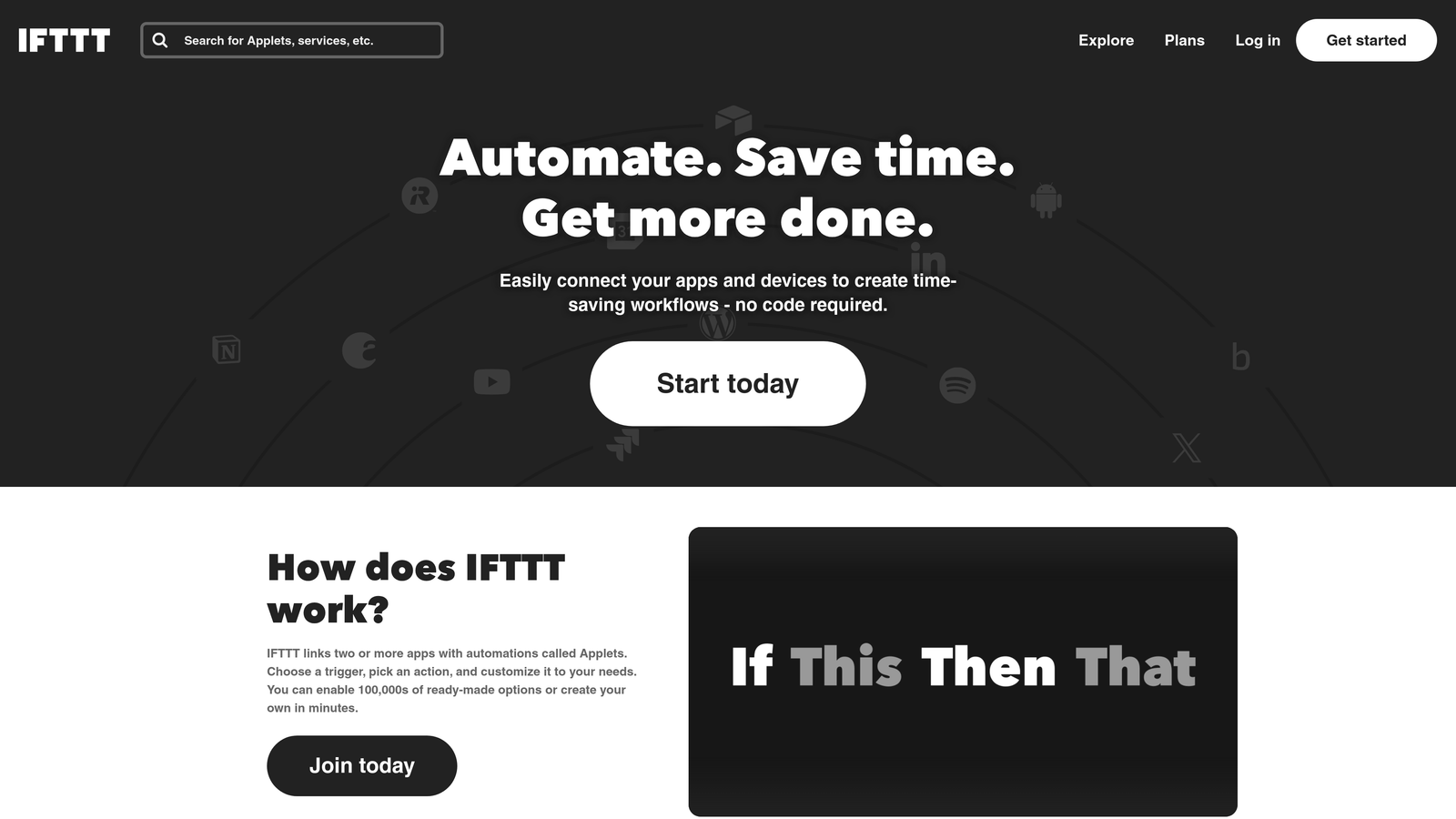
IFTTT brings automation to anyone who can click a button, transforming complex publishing workflows into simple "if this happens, then do that" connections.
Where This Tool Shines
IFTTT's genius lies in making automation feel effortless. While enterprise platforms overwhelm with features, IFTTT strips automation down to its essence: triggers and actions. The platform's library of pre-built "applets" means you can set up content automation in minutes, not hours.
The mobile app transforms your phone into a publishing command center. Location-based triggers can automatically publish content when you arrive at your office. Time-based automation ensures your blog posts go live at optimal times, even when you're sleeping. For solo creators managing multiple platforms, this simplicity becomes a superpower.
Key Features & Capabilities
Pre-Built Applet Library: Thousands of ready-made automations connect popular services without configuration.
Trigger-Action Framework: Simple if-then logic makes automation accessible to non-technical users.
Mobile Automation: iOS and Android apps enable on-the-go content management and publishing.
Platform Integrations: Connects with WordPress, Blogger, Medium, Twitter, Facebook, and 1000+ other services.
Webhook Support: Advanced users can create custom integrations with any web service.
Real-World Applications
Picture this workflow: You save a draft in Google Docs, IFTTT detects the new file, formats the content, and publishes it to your WordPress blog. Or your Instagram post automatically becomes a blog entry with the image and caption. These simple connections eliminate repetitive tasks that consume hours each week.
The platform excels at cross-posting strategies. Publish once to your primary platform, and IFTTT distributes that content across your entire digital presence. Email newsletters trigger blog posts. RSS feed updates share to social media. Cloud storage uploads become published articles.
Practical Limitations
IFTTT's simplicity comes with trade-offs. Complex multi-step workflows require the Pro plan. Advanced formatting options are limited compared to specialized publishing tools. High-volume operations may hit execution speed limits.
The platform works best for straightforward automation scenarios. If you need conditional logic, data transformation, or sophisticated content manipulation, tools like Zapier offer more flexibility. But for basic publishing automation, IFTTT's simplicity is actually its strength.
Best For / Ideal Users
Perfect for individual bloggers who want automation without complexity. Small business owners managing personal brands across multiple platforms. Content creators who need reliable, simple automation that just works. Anyone intimidated by enterprise automation platforms but wanting to escape manual publishing drudgery.
Pricing
Free plan includes unlimited applets with basic features. Pro plan at $3.99/month adds multi-step applets, faster execution speeds, and advanced query capabilities for power users.
6. Hootsuite
Best for: Enterprise social media management with blog content distribution capabilities
Hootsuite brings comprehensive social media management together with content publishing automation in a unified dashboard designed for teams managing multiple channels.

Where This Tool Shines
Hootsuite excels at enterprise-level social coordination while providing solid blog content distribution features. The platform's real strength lies in its ability to manage dozens of social accounts from a single interface while automatically syndicating blog content across these channels.
The dashboard provides real-time social insights that help teams understand what content resonates with their audience. When you publish a new blog post, Hootsuite can automatically create customized social posts for each platform, adjusting format and messaging to match each channel's best practices.
Key Features & Capabilities
Multi-Platform Publishing: Schedule and publish content across all major social networks from one centralized dashboard.
RSS Feed Integration: Automatically share new blog posts to social channels as soon as they're published on your website.
Team Collaboration Tools: Approval workflows ensure content quality before publication, with role-based permissions for different team members.
Social Listening: Monitor brand mentions and industry conversations to inform content strategy and identify engagement opportunities.
Content Library: Organize and manage brand assets, approved messaging, and reusable content templates in one accessible location.
Advanced Analytics: Track performance across all channels with customizable reports that prove social ROI and inform optimization decisions.
Best For / Ideal Users
Large organizations and marketing agencies managing multiple brand accounts benefit most from Hootsuite's enterprise capabilities. The platform suits teams that need robust approval workflows and detailed analytics alongside automated content distribution.
Financial services, real estate firms, and professional services organizations find particular value in Hootsuite's compliance features and client management tools. Small businesses with simpler needs may find the platform more complex than necessary.
Pricing
Plans start at $99/month for small teams managing up to 10 social accounts. Enterprise solutions offer custom pricing with unlimited users, advanced security features, and dedicated support for large organizations.
7. Mailchimp
Best for: Email marketing automation with blog content syndication and integrated campaign management
Mailchimp has evolved far beyond its email marketing roots into a comprehensive marketing automation platform that bridges the gap between content creation and multi-channel distribution.
Where This Tool Shines
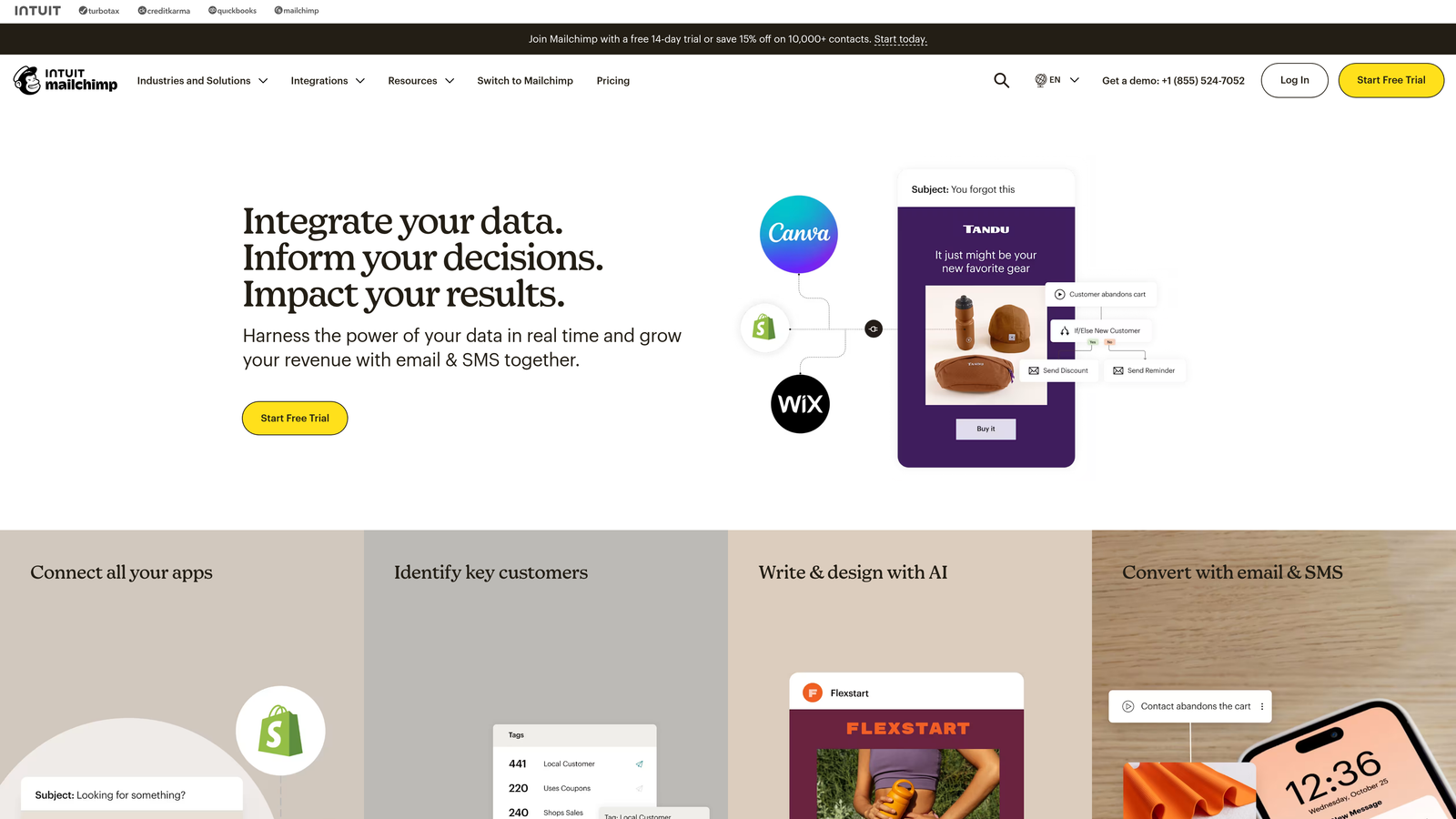
Mailchimp's automation capabilities create cohesive marketing campaigns that automatically distribute blog content through email newsletters, social media posts, and targeted advertising. The platform excels at turning blog content into email campaigns that reach segmented audiences based on subscriber behavior and preferences.
The customer journey builder enables sophisticated automation sequences that trigger content publication based on subscriber actions, seasonal events, or custom triggers. This means your blog content doesn't just sit on your website—it actively reaches your audience through the channels where they're most engaged.
Key Features & Capabilities
RSS-to-Email Automation: Automatically sends new blog posts to subscribers without manual intervention.
Social Media Publishing: Schedules and publishes content across Facebook, Instagram, and Twitter from one dashboard.
Customer Journey Builder: Creates complex automation workflows that distribute content based on subscriber behavior.
Landing Page Integration: Automatically updates landing pages with fresh blog content to maintain relevance.
Audience Segmentation: Targets specific subscriber groups with relevant content based on interests and engagement history.
Best For / Ideal Users
Perfect for e-commerce businesses that need to coordinate product launches with content marketing, organizations prioritizing email as their primary distribution channel, and marketing teams looking to create integrated campaigns that span email, social media, and web content.
The platform works particularly well for businesses with established email lists who want to maximize the value of their blog content through automated distribution to engaged subscribers.
Pricing
Free plan available for up to 500 contacts with basic email marketing features. Standard plan starts at $10/month with advanced automation, while Premium plans offer enhanced segmentation and multivariate testing capabilities.
8. WordPress Auto-Publishing Plugins
Best for: WordPress-specific automation with extensive customization options
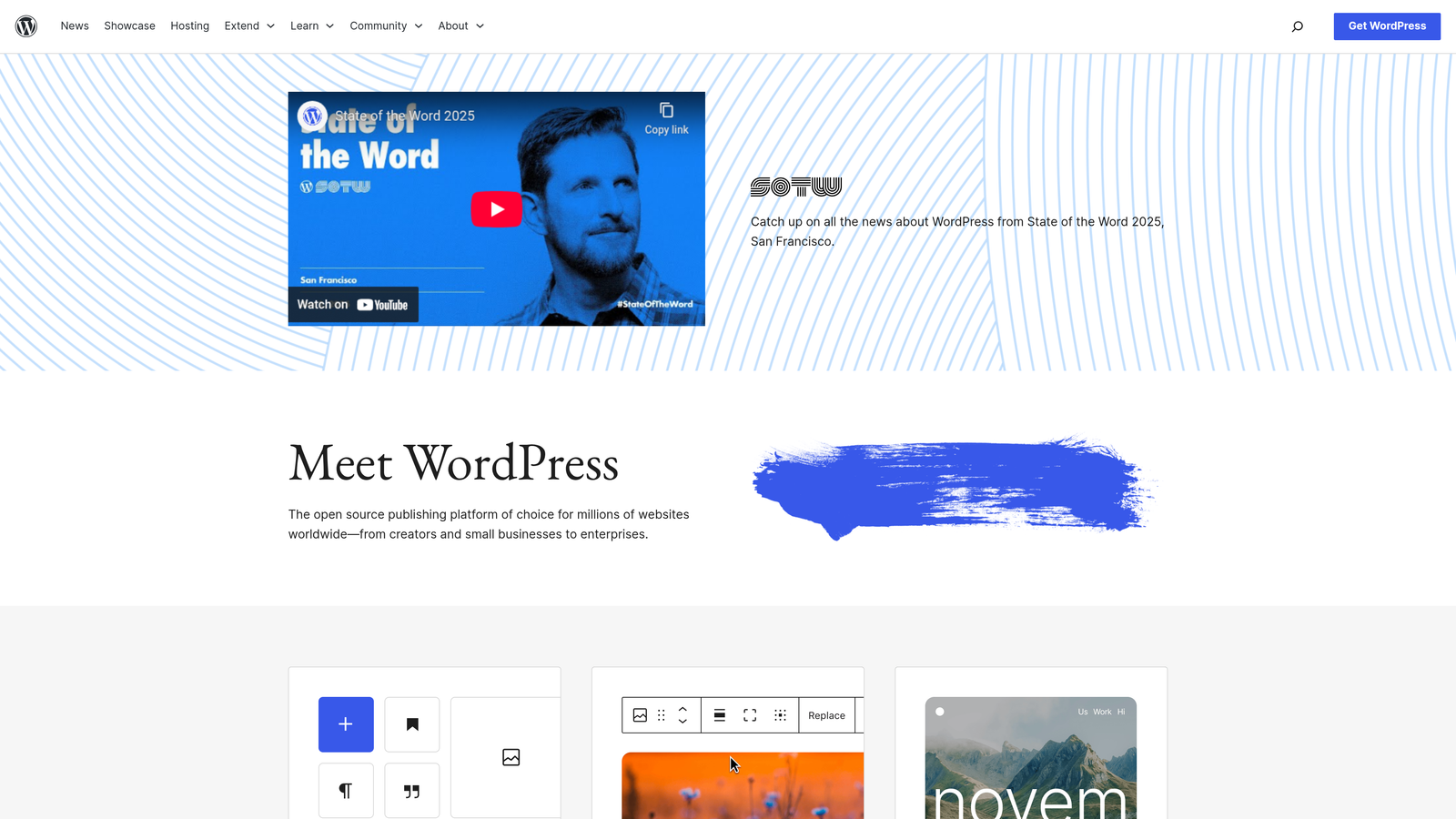
WordPress Auto-Publishing Plugins provide native CMS integration with powerful automation features specifically designed for WordPress websites and multi-site networks.
Where This Tool Shines
WordPress plugins like WP Scheduled Posts, Blog2Social, and PublishPress Future excel at providing deep integration with WordPress functionality that external platforms simply can't match. These tools tap directly into WordPress's core architecture, working seamlessly with your existing theme, custom post types, taxonomies, and user role systems.
The real advantage comes from native integration. Unlike external platforms that push content through APIs, these plugins operate inside WordPress itself, giving you complete control over every aspect of the publishing process. They handle complex scenarios like automatic content import from RSS feeds, scheduled post recycling for evergreen content, and sophisticated timezone management that accounts for daylight saving changes across different regions.
Key Features & Capabilities
Native WordPress Integration: Full compatibility with themes, plugins, and custom post types without external dependencies.
Advanced Scheduling System: Timezone support, daylight saving adjustments, and recurring publication schedules for consistent content flow.
Content Import Automation: RSS feed integration and external API connections that automatically create posts from various sources.
Multi-Site Network Publishing: Centralized control for publishing across multiple WordPress installations from a single dashboard.
SEO Plugin Integration: Automatic coordination with Yoast, Rank Math, and other SEO tools for optimized metadata insertion.
Best For / Ideal Users
WordPress-focused agencies managing multiple client sites benefit enormously from these plugins' multi-site capabilities. Bloggers running several WordPress properties can centralize their publishing workflows without juggling multiple logins.
Organizations requiring deep customization of their publishing workflows within the WordPress ecosystem find these plugins indispensable. The ability to create custom post types, apply specific taxonomies, and integrate with existing WordPress infrastructure makes them ideal for complex content operations.
Technical teams comfortable with WordPress development can extend these plugins with custom code, creating highly specialized automation workflows that match exact business requirements.
Pricing
Many plugins offer free versions with basic scheduling and automation features. Premium versions typically range from $29-$199 annually depending on features, site licenses, and support levels. Multi-site licenses and agency packages are available at higher price points.
Putting It All Together
The right auto publish to CMS tool transforms content operations from a manual bottleneck into a scalable system. For businesses prioritizing AI-driven content creation with sophisticated CMS integration, Sight AI delivers the most comprehensive solution—combining intelligent generation with automated publishing that learns from performance data. If social media distribution is your primary focus, Buffer and Hootsuite provide proven platforms with robust scheduling capabilities.
For custom workflows connecting multiple tools, Zapier offers unmatched flexibility through its extensive integration library, while IFTTT serves simpler automation needs with minimal setup. CoSchedule excels when editorial calendar management and team collaboration are priorities, and WordPress-specific plugins provide deep customization for those operating within that ecosystem.
The future of content publishing isn't just about saving time—it's about creating systems that actively improve performance through analytics, optimization suggestions, and adaptive learning. Whether you're managing a single blog or orchestrating content across multiple platforms, implementing automated publishing eliminates administrative overhead and lets your team focus on strategy and creativity.
Most platforms offer free trials or freemium plans, making it easy to test integration with your existing workflow before committing. Start with a solution that matches your current needs but can scale with your growth. Start tracking your AI visibility today and discover how intelligent automation can transform your content operations into a consistent, results-driven system.