Publishing content manually across multiple platforms drains hours from your week—time better spent on strategy and optimization. Auto-publishing tools eliminate this bottleneck by pushing content directly to your CMS the moment it's ready, whether that's WordPress, Webflow, or a headless system.
This roundup covers the top solutions for automating your content-to-CMS workflow, from AI-powered platforms that generate and publish in one step to dedicated automation tools that connect your existing stack. We evaluated each tool on CMS compatibility, ease of setup, publishing flexibility, and how well it integrates with content creation workflows.
Here are the top tools to auto-publish content to your CMS.
1. Sight AI
Best for: End-to-end content automation from AI generation to CMS publishing with built-in indexing
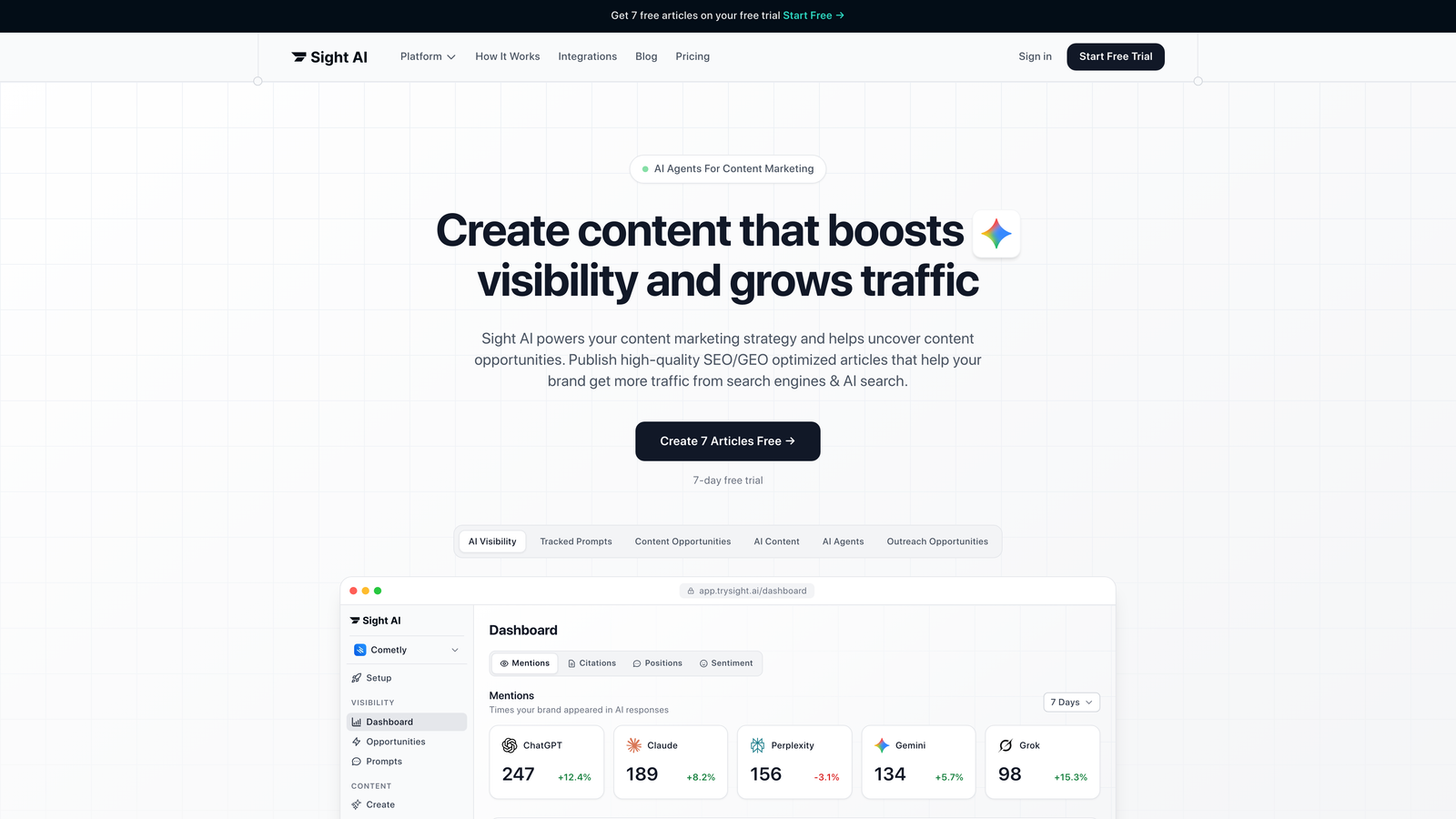
Sight AI is an AI-powered content platform that combines content generation with native CMS auto-publishing and automated search engine indexing.
Where This Tool Shines
Sight AI eliminates the gap between content creation and publication by handling both in a single workflow. The platform's 13+ specialized AI agents generate SEO and GEO-optimized articles, then push them directly to WordPress or Webflow with one click.
What sets it apart is the IndexNow integration that notifies search engines immediately when content goes live, plus automated sitemap updates that keep your site architecture current. This means faster indexing and quicker organic traffic impact compared to manual publishing workflows.
Key Features
One-Click CMS Publishing: Direct integration with WordPress and Webflow for instant content deployment without manual copy-paste.
13+ AI Content Agents: Specialized agents for listicles, guides, explainers, and other content types with built-in SEO/GEO optimization.
IndexNow Integration: Automatic notification to Bing, Yandex, and other search engines the moment content publishes.
Automated Sitemap Updates: Keeps XML sitemaps current without manual intervention or plugin configuration.
Autopilot Mode: Hands-off content production that generates, optimizes, and publishes on a schedule you define.
Best For
Marketing teams and agencies that want to collapse content creation and publishing into a single automated workflow. Particularly valuable if you're focused on organic traffic growth and need both AI-generated content and seamless CMS integration without managing multiple tools.
Pricing
See pricing page for current plans tailored to content volume and team size.
2. Zapier
Best for: Connecting diverse apps and triggering CMS publishing from multiple content sources
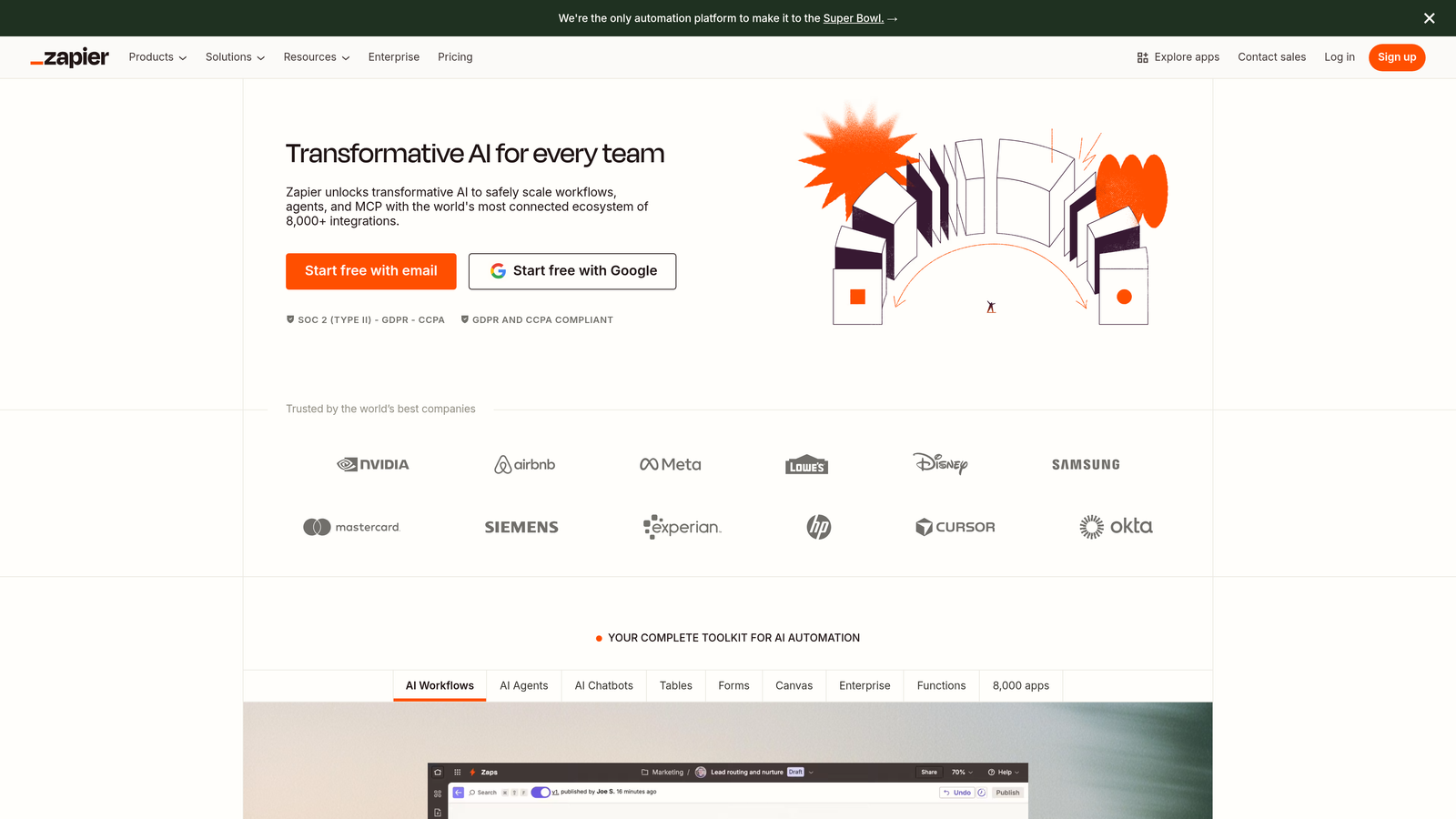
Zapier is a no-code automation platform that connects over 5,000 apps, including all major CMS platforms.
Where This Tool Shines
Zapier's massive integration library makes it the Swiss Army knife of content automation. You can trigger WordPress publishing from Google Docs edits, push Airtable records to Webflow, or publish Ghost articles when Slack messages contain specific keywords.
The multi-step Zap builder with filters and conditional logic means you can create sophisticated publishing rules without writing code. If your content workflow involves multiple tools and platforms, Zapier bridges them all with a visual interface that non-technical marketers can master.
Key Features
5,000+ App Integrations: Connect virtually any content source to any CMS platform through pre-built integrations.
Multi-Step Zaps: Chain multiple actions together with conditional logic and filters for complex publishing workflows.
Major CMS Support: Native integrations for WordPress, Webflow, Ghost, Medium, and headless CMS platforms like Contentful.
Scheduled Triggers: Set up time-based publishing or use webhooks for real-time content deployment.
Error Handling: Built-in retry logic and notifications when publishing workflows encounter issues.
Best For
Teams with complex, multi-tool content stacks who need to connect disparate systems without developer resources. Ideal if your content originates in tools like Google Docs, Notion, or Airtable and you want automated CMS publishing without API coding.
Pricing
Free tier available with 100 tasks per month. Paid plans start at $19.99/month with increased task limits and premium features.
3. Make
Best for: Visual workflow automation with complex branching logic and cost-effective scaling
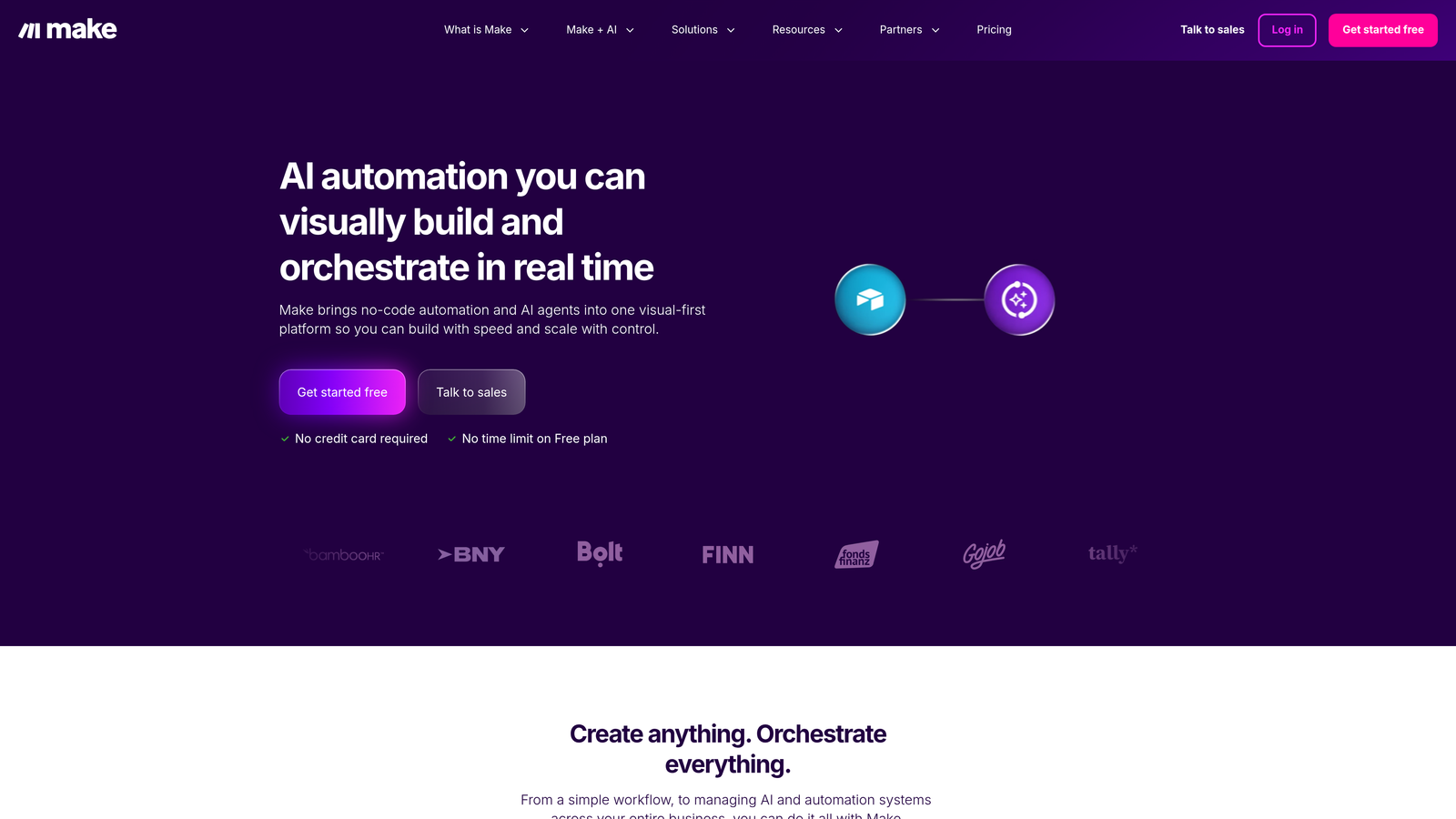
Make is a visual automation platform designed for multi-step content publishing workflows with advanced conditional logic.
Where This Tool Shines
Make's visual scenario builder uses a flowchart interface that makes complex workflows easier to understand and debug than text-based automation. You can see exactly how content flows from source to CMS, with branches for different content types, approval stages, or publishing destinations.
The platform offers more operations per dollar than Zapier, making it a cost-effective choice for high-volume publishing. Native CMS modules for WordPress, Webflow, and Contentful include granular control over post metadata, taxonomies, and custom fields.
Key Features
Visual Scenario Builder: Flowchart-style interface with drag-and-drop modules for building complex automation without code.
Cost-Effective Operations: More operations included per pricing tier compared to competitors, reducing costs at scale.
Native CMS Modules: Direct integrations with WordPress, Webflow, Contentful, and other platforms with full field mapping.
Error Handling: Built-in retry mechanisms and error routes to handle failed publishing attempts gracefully.
Data Transformation: Built-in functions for formatting, parsing, and transforming content before publishing.
Best For
Marketing operations teams that need sophisticated automation with branching logic for content approval workflows, multi-language publishing, or conditional routing to different CMS instances. Best when you're publishing hundreds of pieces monthly and need cost-effective scaling.
Pricing
Free tier available with 1,000 operations per month. Paid plans start at $9/month with increased operation limits and advanced features.
4. Jetpack
Best for: WordPress-native scheduling and social auto-sharing with minimal setup complexity
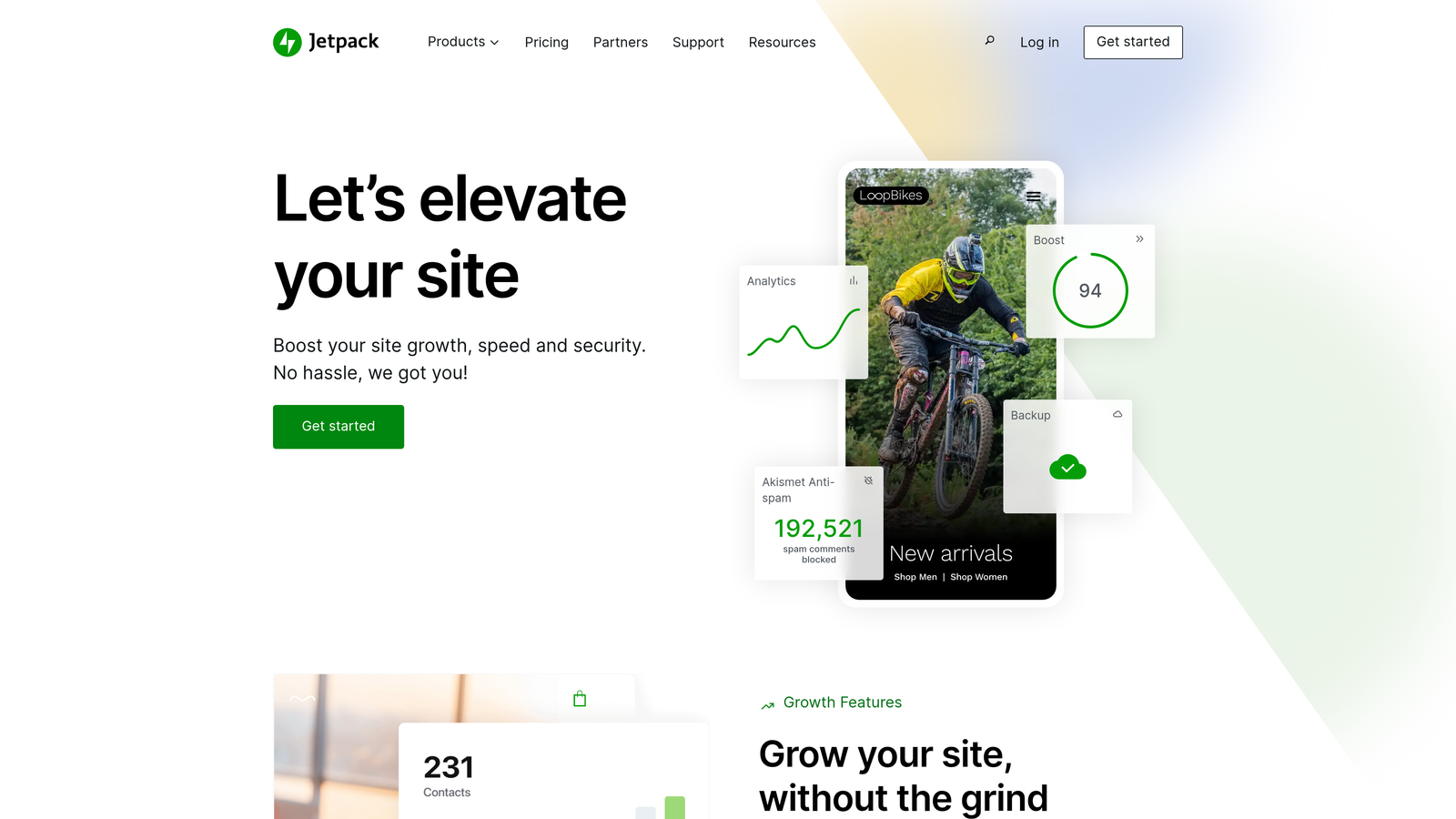
Jetpack is a WordPress plugin suite that includes built-in publishing automation and social media distribution.
Where This Tool Shines
Jetpack lives directly inside WordPress, eliminating the need to connect external automation platforms. The moment you publish a post, Jetpack can automatically share it to Facebook, Twitter, LinkedIn, and Tumblr without leaving your dashboard.
The editorial calendar view gives you a visual timeline of scheduled posts, making it easy to plan content cadence and avoid publishing gaps. Because it's a native WordPress solution, there's no API authentication or webhook configuration—just install, connect social accounts, and you're publishing automatically.
Key Features
Native WordPress Integration: No external platforms or API connections required—everything runs inside your WordPress admin.
Social Auto-Posting: Automatically share new posts to connected social media accounts the moment they publish.
Editorial Calendar: Visual timeline view of scheduled posts with drag-and-drop rescheduling capabilities.
Site Backup Included: Real-time or daily backups protect your content alongside publishing automation.
Security Features: Brute force protection and downtime monitoring bundled with publishing tools.
Best For
WordPress-exclusive publishers who want simple scheduling and social distribution without managing external automation tools. Particularly valuable for solo bloggers and small teams who need reliable publishing automation with minimal technical overhead.
Pricing
Free tier available with basic features. Paid plans start at $4.77/month with expanded social sharing, backup, and security capabilities.
5. n8n
Best for: Self-hosted automation with full data control and unlimited operations
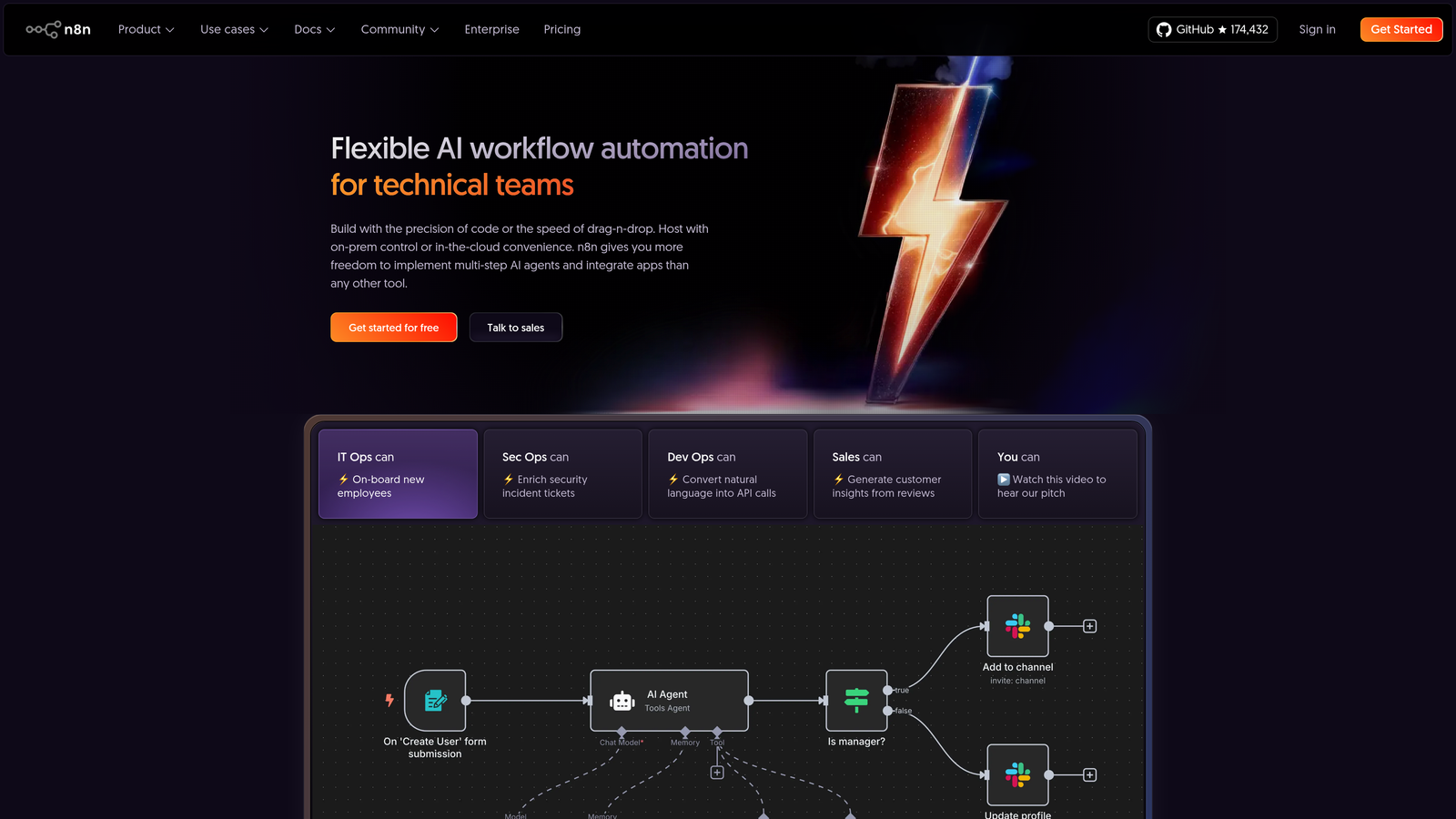
n8n is an open-source workflow automation tool that can be self-hosted or used as a cloud service.
Where This Tool Shines
n8n gives you complete ownership of your automation infrastructure through self-hosting. Your content never touches third-party servers, making it ideal for enterprises with strict data governance requirements or publishers handling sensitive information.
The self-hosted version has no operation limits, meaning you can publish thousands of articles monthly without escalating costs. Custom JavaScript and Python code nodes let developers build sophisticated content transformations and validation logic that pre-built integrations can't handle.
Key Features
Self-Hosted or Cloud: Deploy on your own infrastructure for full data control or use the managed cloud version for convenience.
400+ Integrations: Pre-built nodes for WordPress, Webflow, Ghost, Contentful, and other major CMS platforms.
Custom Code Nodes: Write JavaScript or Python directly in workflows for advanced content processing and validation.
No Operation Limits: Self-hosted version has unlimited workflow executions, ideal for high-volume publishing.
Version Control: Export workflows as JSON for Git-based version control and team collaboration.
Best For
Development teams and enterprises that need complete control over automation infrastructure, have strict data residency requirements, or publish at volumes where per-operation pricing becomes prohibitive. Best when you have technical resources to manage self-hosting.
Pricing
Free for self-hosted deployment. Cloud version starts at $20/month with managed infrastructure and support.
6. CoSchedule
Best for: Marketing calendar management with WordPress publishing and team collaboration workflows
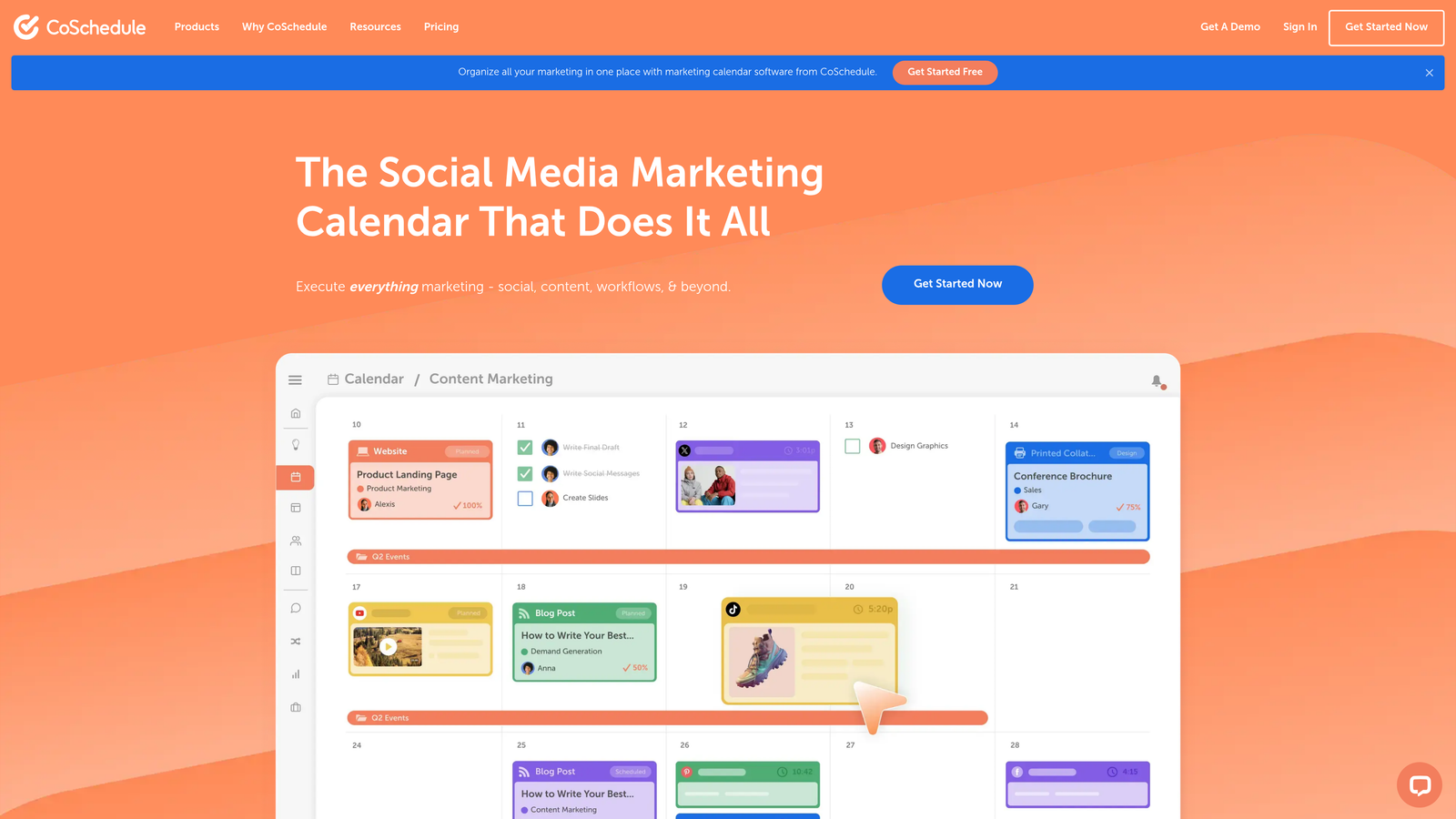
CoSchedule is a marketing calendar platform that combines content planning with WordPress integration and automated scheduling.
Where This Tool Shines
CoSchedule treats your content calendar as the central hub for all marketing activity. The drag-and-drop interface makes it easy to visualize publishing cadence across weeks or months, then push posts directly to WordPress without leaving the calendar view.
ReQueue automatically reshares evergreen content on social media, extending the life of published articles without manual intervention. Team collaboration features like approval workflows and task assignments make it particularly valuable for agencies managing multiple client sites or editorial teams with complex review processes.
Key Features
Drag-and-Drop Calendar: Visual marketing calendar with drag-and-drop scheduling for blog posts, social media, and campaigns.
WordPress Plugin: Direct publishing integration that pushes scheduled content to WordPress at designated times.
ReQueue Automation: Automatically reshares evergreen blog content to social media on an optimized schedule.
Team Workflows: Built-in approval processes, task assignments, and collaboration tools for editorial teams.
Social Media Integration: Schedule social promotion alongside blog publishing for coordinated content launches.
Best For
Marketing teams and agencies that need a unified view of all content activity with built-in collaboration tools. Ideal when you're managing multiple WordPress sites or coordinating blog publishing with social media campaigns and need everyone working from the same calendar.
Pricing
Free marketing calendar available with basic features. Marketing Suite pricing available on request based on team size and feature requirements.
7. ContentStudio
Best for: Multi-channel publishing across blogs and social platforms from a single dashboard
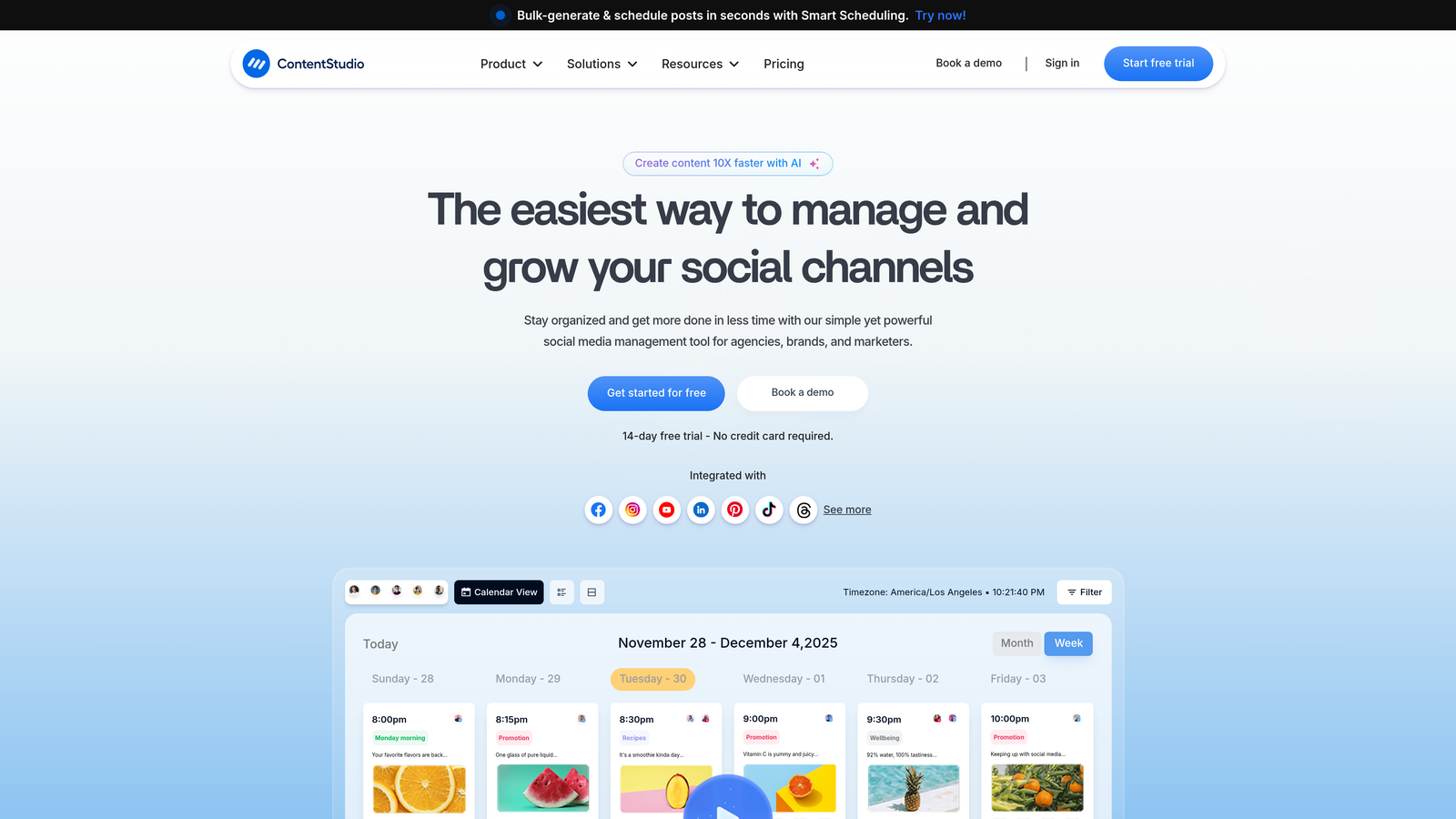
ContentStudio is a unified content management platform that handles WordPress, Medium, and social media publishing.
Where This Tool Shines
ContentStudio treats blog and social publishing as one integrated workflow. Write a post once, then publish it to WordPress, Medium, and multiple social platforms simultaneously with platform-specific formatting and optimization.
The content discovery tools help you find trending topics and curate relevant articles to share alongside your original content. AI-powered caption and hashtag suggestions take the guesswork out of social optimization, while the unified calendar shows exactly when content goes live across every channel.
Key Features
Unified Dashboard: Manage blog posts, social media, and content curation from a single interface without platform switching.
WordPress and Medium Publishing: Direct integration for publishing long-form content to both platforms with one click.
AI Caption Generation: Automatically generate platform-optimized captions and hashtag suggestions for social distribution.
Content Discovery: Built-in tools for finding trending topics and curating relevant articles to share with your audience.
Multi-Account Management: Publish to multiple WordPress sites and social accounts from a single workspace.
Best For
Content marketers and social media managers who need to publish across blog platforms and social channels without juggling multiple tools. Particularly valuable for personal brands and small teams distributing content to WordPress, Medium, and social media simultaneously.
Pricing
Plans start at $25/month with tiered pricing based on number of social accounts and team members.
8. Publii
Best for: Desktop-based static site publishing with one-click deployment to multiple hosting platforms
Publii is a desktop CMS application that generates static sites and deploys them to GitHub Pages, Netlify, S3, or SFTP servers.
Where This Tool Shines
Publii runs entirely on your desktop with no server or database required. You write and preview content locally, then deploy to your hosting platform with a single click. The static site output means blazing-fast page loads and zero server maintenance.
Because everything happens on your machine, you maintain complete privacy and control over content before it goes live. The built-in SEO optimization and performance features ensure published sites rank well and load quickly without plugin configuration or technical optimization work.
Key Features
Desktop Application: No server required—runs entirely on Windows, Mac, or Linux for offline content creation.
One-Click Deployment: Push sites to GitHub Pages, Netlify, Amazon S3, Google Cloud, or any SFTP server instantly.
Static Site Generation: Outputs optimized HTML files for maximum performance and security with no database vulnerabilities.
Built-in SEO: Automatic meta tags, sitemaps, and structured data without plugins or manual configuration.
Privacy-Focused: No data leaves your computer until you explicitly deploy, ideal for sensitive content workflows.
Best For
Developers, agencies, and publishers who want the simplicity of static sites with the convenience of a CMS interface. Perfect for documentation sites, marketing sites, or blogs where you want maximum performance and security without WordPress complexity.
Pricing
Free and open-source with no licensing fees or usage limits.
9. Sanity
Best for: Headless CMS with real-time API and webhook-based publishing to custom frontends
Sanity is a headless CMS platform that provides content APIs and webhook notifications for automated publishing to any frontend framework.
Where This Tool Shines
Sanity separates content management from presentation, giving developers complete control over how and where content appears. The real-time API with GROQ queries means content updates flow instantly to Next.js, Gatsby, Nuxt, or custom applications without manual deployment.
Webhook notifications trigger on publish events, letting you automate builds, cache invalidation, and content distribution to CDNs or multiple frontends. The customizable content studio adapts to your editorial workflow rather than forcing you into predefined templates.
Key Features
Real-Time Content API: Instant content delivery through APIs with GROQ query language for flexible data fetching.
Webhook Notifications: Trigger automated builds, deployments, or custom publishing workflows when content changes.
Framework Integration: Official plugins for Next.js, Gatsby, Nuxt, Eleventy, and other modern frontend frameworks.
Customizable Studio: Build custom editorial interfaces tailored to your content model and team workflow.
Structured Content: Portable text format ensures content works across web, mobile, and future platforms.
Best For
Development teams building custom publishing platforms, multi-channel content distribution systems, or applications where content needs to flow to mobile apps, web platforms, and digital displays simultaneously. Best when you have frontend developers who want complete control over presentation.
Pricing
Free tier available for small projects. Paid plans start at $99/month with increased API limits and advanced features.
Making the Right Choice
Your ideal auto-publishing solution depends on where content originates and how technical your team is.
For end-to-end automation that handles both content creation and CMS publishing, Sight AI collapses the entire workflow into a single platform with built-in indexing. If you're generating content with AI and want it live on WordPress or Webflow immediately, this eliminates the multi-tool complexity entirely.
Budget-conscious teams with existing content workflows should look at Make or n8n. Make offers visual automation at $9/month with generous operation limits, while n8n's self-hosted version provides unlimited operations for free if you have technical resources to manage infrastructure.
WordPress-exclusive publishers can keep things simple with Jetpack's native integration, which handles scheduling and social sharing without external platforms. For teams managing editorial calendars across multiple sites, CoSchedule adds collaboration workflows and approval processes that standalone automation tools lack.
Developers building custom publishing platforms will find Sanity's headless architecture and webhook system more flexible than traditional CMS auto-publishing. The real-time API and framework integrations support complex multi-channel distribution that goes beyond simple blog posting.
The common thread across all these tools is eliminating manual publishing bottlenecks. Whether you choose an all-in-one platform or connect specialized tools, automating the content-to-CMS workflow frees your team to focus on strategy, optimization, and creating content that actually drives results.
Stop guessing how AI models like ChatGPT and Claude talk about your brand—get visibility into every mention, track content opportunities, and automate your path to organic traffic growth. Start tracking your AI visibility today and see exactly where your brand appears across top AI platforms.