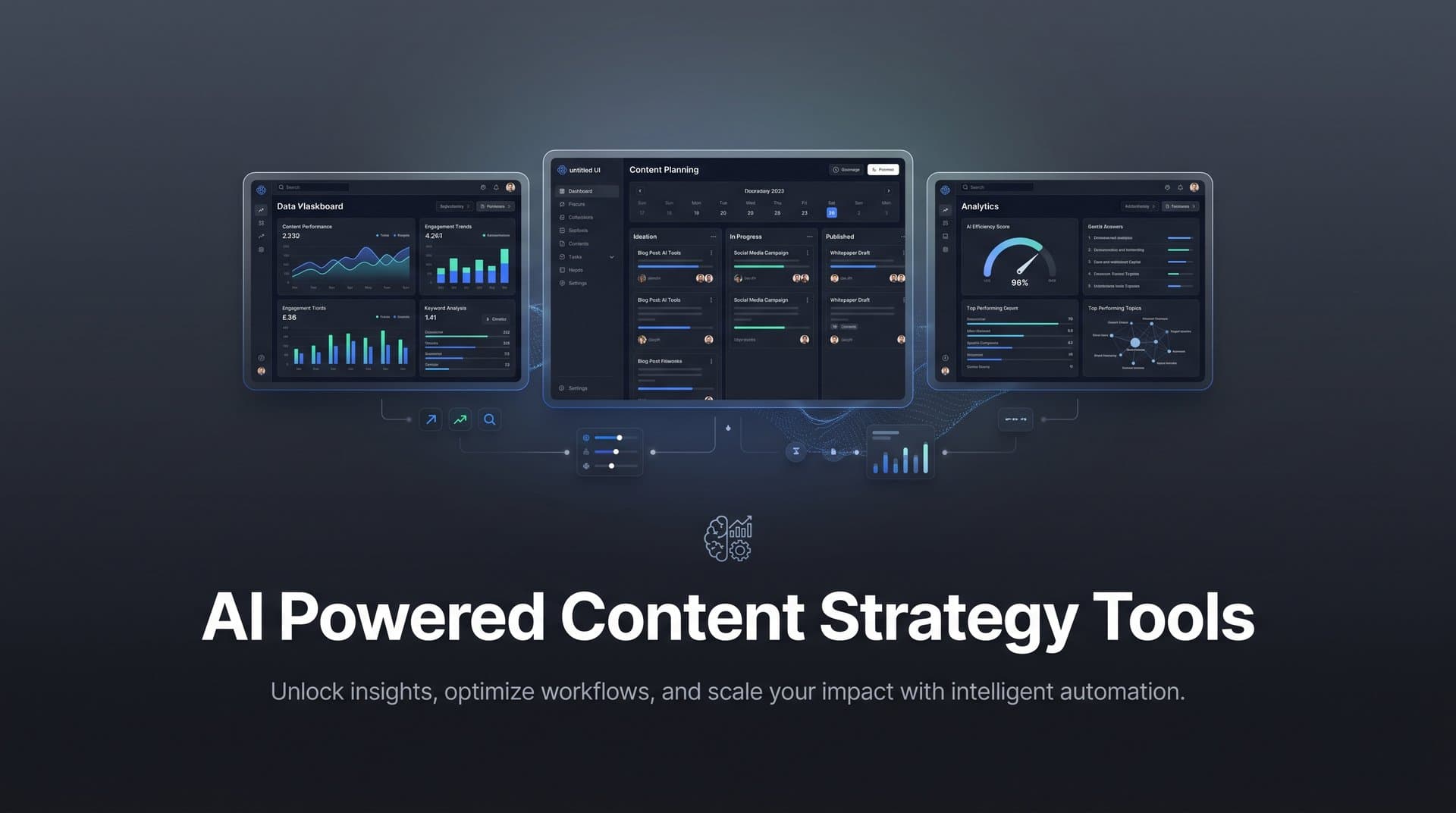
Managing a content calendar manually is like trying to conduct an orchestra while playing every instrument yourself. AI-powered content calendar tools now handle the heavy lifting—predicting optimal posting times, suggesting content gaps, automating scheduling, and even generating content ideas based on trending topics and audience behavior.
Whether you're a solo marketer juggling multiple channels or an agency managing dozens of client accounts, the right AI calendar tool can transform your workflow from chaotic to strategic. We evaluated these tools based on AI capabilities, ease of use, integration options, and value for different team sizes.
1. Sight AI
Best for: Marketers who want content generation, automated publishing, and AI visibility tracking in one platform.
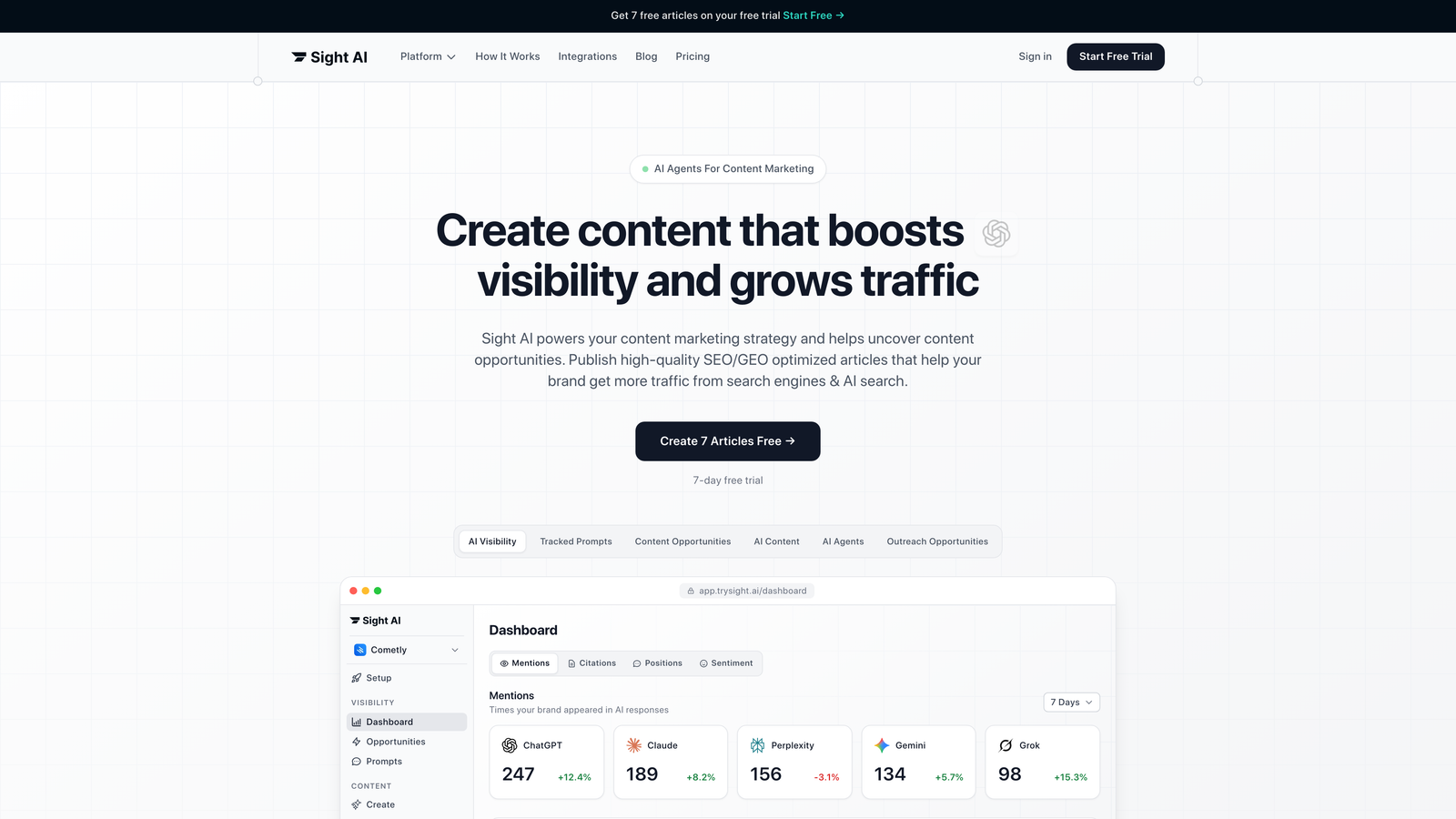
Sight AI combines content calendar functionality with something most tools completely miss: tracking how AI models like ChatGPT and Perplexity actually mention your brand.
Where This Tool Shines
The platform's unique angle is connecting content strategy to AI visibility. While other tools help you schedule posts, Sight AI shows you where your brand appears (or doesn't appear) when people ask AI models for recommendations. This insight directly informs what content you should create next.
The Autopilot Mode handles the tedious parts of content calendars—scheduling, publishing to your CMS, and even triggering IndexNow for faster search engine indexing. You're not just planning content; you're executing a strategy informed by real AI behavior data.
Key Features
AI Content Writer with 13+ Agents: Specialized agents generate SEO and GEO-optimized articles, from listicles to in-depth guides.
Autopilot Mode: Automated content scheduling and publishing directly to your website without manual intervention.
AI Visibility Tracking: Monitor brand mentions across ChatGPT, Claude, Perplexity, and other AI platforms with sentiment analysis.
CMS Auto-Publishing: Direct integration with IndexNow for immediate content indexing and faster organic discovery.
Strategic Content Gaps: Identify topics where competitors appear in AI responses but you don't, revealing content opportunities.
Best For
Marketing teams and agencies focused on organic traffic growth who need both content production and visibility into how AI models represent their brand. Particularly valuable if you're optimizing for AI search alongside traditional SEO.
Pricing
Contact for custom pricing based on your team size and needs. Plans are designed for marketers, founders, and agencies with varying content volumes.
2. CoSchedule
Best for: Small to mid-size marketing teams needing AI headline optimization and intelligent scheduling recommendations.
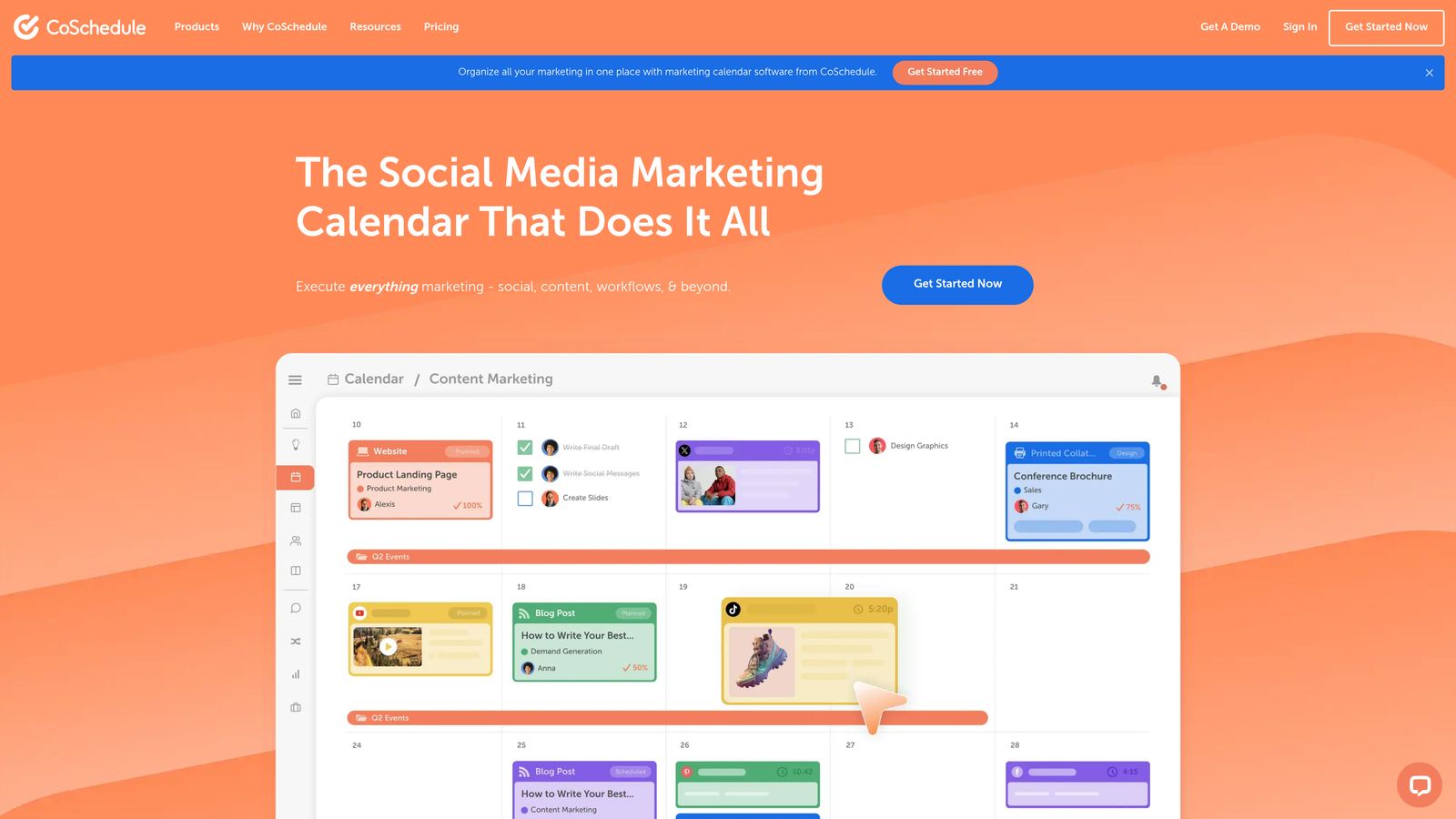
CoSchedule built its reputation on making content calendars actually usable, then added AI features that genuinely improve your content before it goes live.
Where This Tool Shines
Headline Studio is the standout feature. It analyzes your headlines using AI, scores them for engagement potential, and suggests specific improvements. Think of it as having a seasoned editor review every title before you publish.
The Best Time Scheduling feature uses historical engagement data to recommend when your audience is most likely to interact with content. No more guessing whether Tuesday morning or Thursday afternoon performs better—the AI tells you based on your actual audience behavior.
Key Features
Headline Studio: AI-powered headline scoring with actionable suggestions to improve click-through rates.
Best Time Scheduling: Automatic recommendations for optimal posting times based on audience engagement patterns.
Marketing Suite: Unified calendar for blog posts, social media, and email campaigns with team collaboration tools.
ReQueue: Automatically reshares your best-performing social content to fill calendar gaps without manual effort.
Social Media Integration: Direct publishing to major platforms with preview and approval workflows.
Best For
Content marketers and small teams who want a straightforward calendar with AI enhancements that actually improve content quality. The free calendar option makes it accessible for solopreneurs testing the waters.
Pricing
Free calendar available for basic planning. Marketing Suite starts at $29 per user monthly, with additional features at higher tiers.
3. Sprinklr
Best for: Enterprise organizations managing global campaigns across dozens of channels with complex approval workflows.
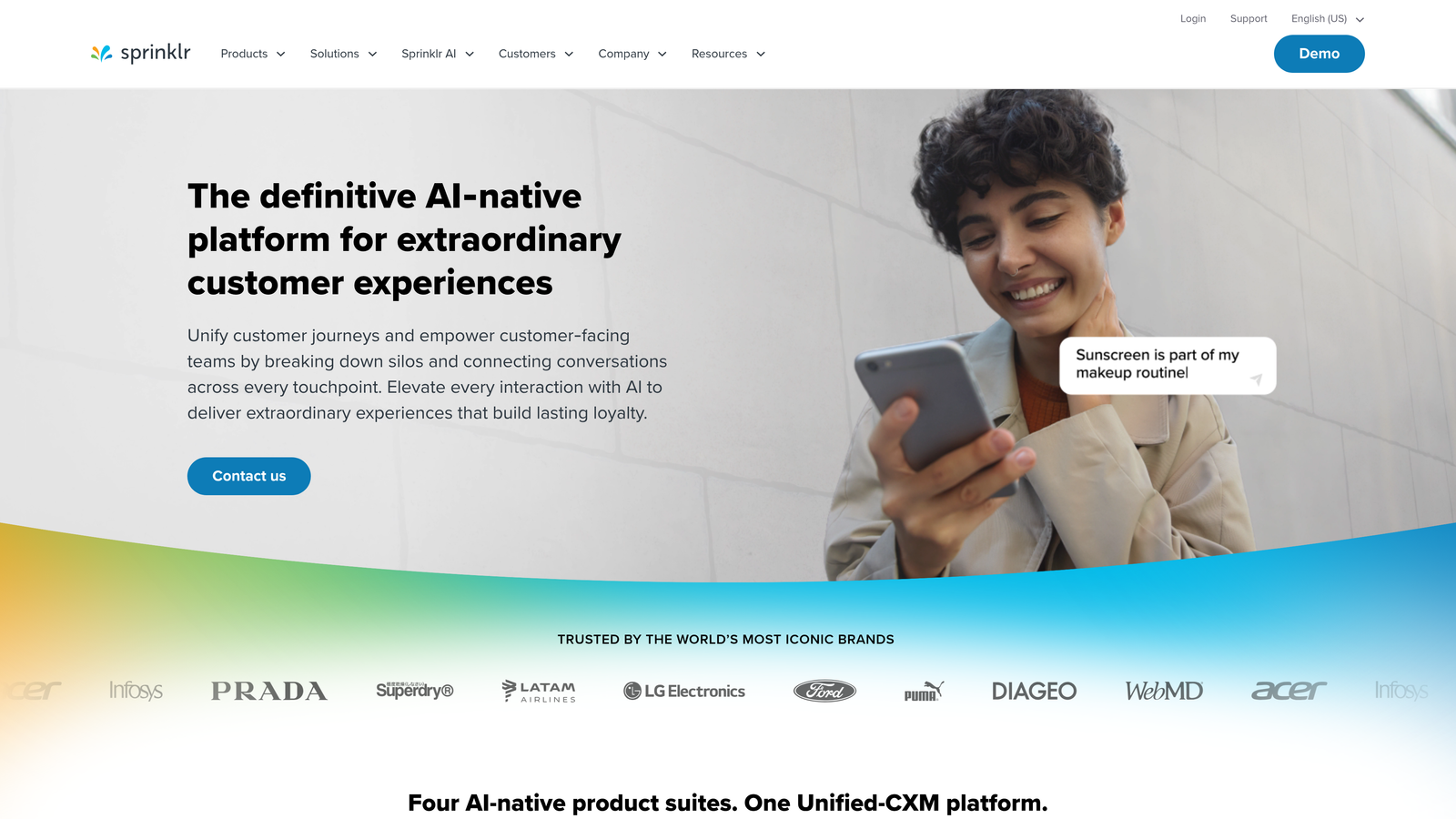
Sprinklr is the enterprise heavyweight that treats content calendars as part of a unified customer experience platform.
Where This Tool Shines
Sprinklr's AI doesn't just schedule content—it predicts performance before you publish. The predictive analytics engine analyzes historical data across your 30+ connected channels to forecast how new content will perform, helping you prioritize what actually moves metrics.
For global brands, the localization features are game-changing. You can plan a campaign in one region and the AI suggests adaptations for other markets, considering cultural nuances and local engagement patterns. This is content calendar management at scale.
Key Features
AI Content Recommendations: Suggests topics, formats, and messaging based on what's resonating with your audience segments.
Unified Calendar Across 30+ Channels: Manage social media, paid advertising, email, SMS, and more from a single view.
Predictive Performance Analytics: Forecast content performance before publishing using historical engagement data.
Global Campaign Coordination: Plan campaigns with automatic localization suggestions for different markets and regions.
Advanced Governance: Multi-level approval workflows with role-based permissions for enterprise compliance.
Best For
Large enterprises and global brands with complex content operations spanning multiple regions, channels, and stakeholder groups. The platform assumes you have dedicated teams managing different aspects of content.
Pricing
Enterprise pricing only, with custom quotes based on your organization's size, channel requirements, and feature needs. Expect significant investment.
4. Planable
Best for: Agencies and marketing teams managing multiple client brands with visual collaboration workflows.
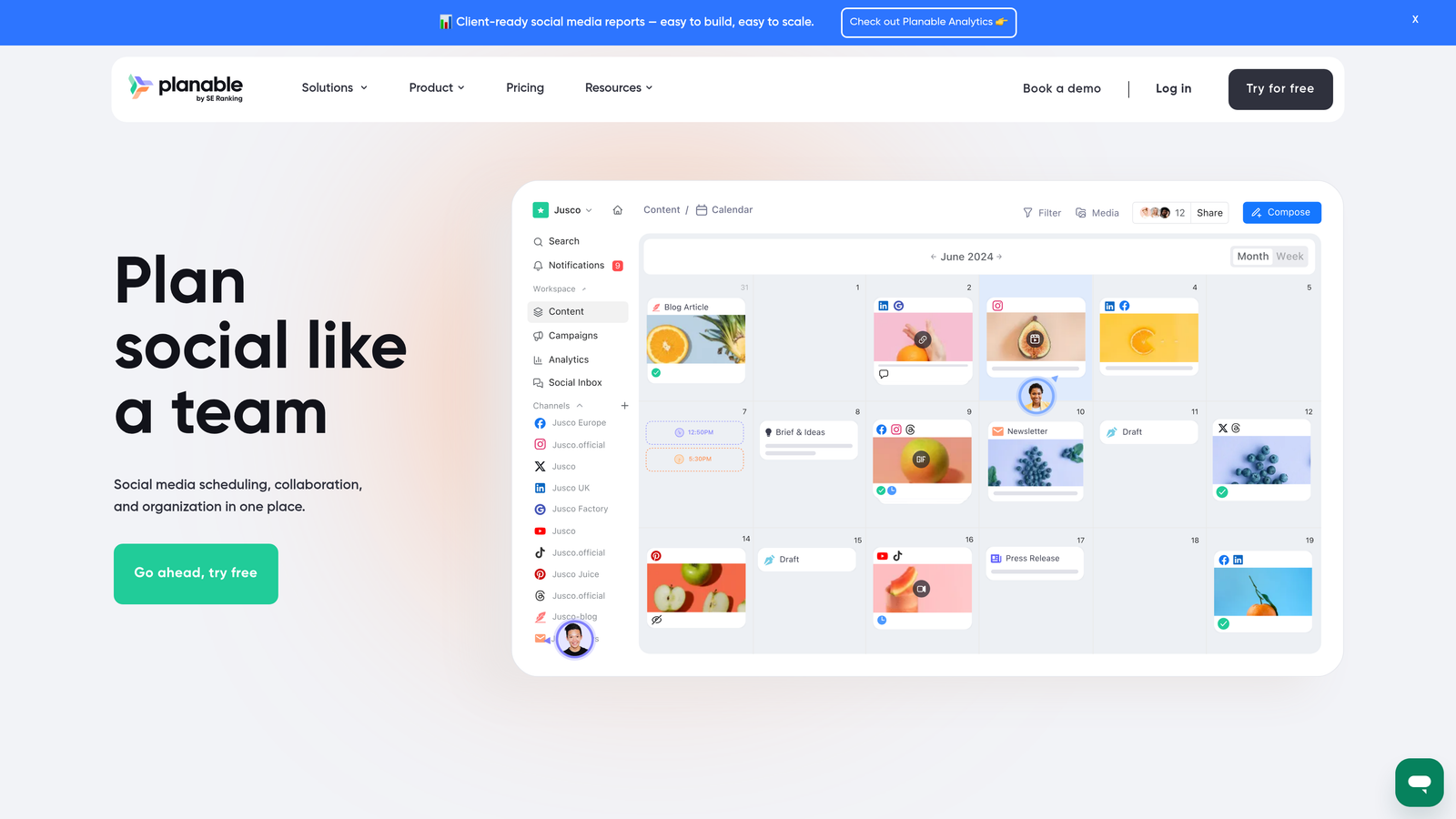
Planable approaches content calendars as a visual collaboration space where everyone can see exactly what's happening without endless email threads.
Where This Tool Shines
The visual calendar interface makes it instantly clear what's scheduled, what's in review, and what needs attention. You can drag and drop content between dates, duplicate successful posts across brands, and see how your calendar looks at a glance.
For agencies, the workspace separation is critical. Each client gets their own space with separate calendars, team members, and approval workflows. No risk of accidentally publishing Client A's content to Client B's channels—a surprisingly common problem with less organized tools.
Key Features
Visual Drag-and-Drop Calendar: Intuitive interface that makes rescheduling and planning feel natural rather than tedious.
AI Content Suggestions: Get recommendations for improving captions, headlines, and post copy before publishing.
Multi-Level Approval Workflows: Set up custom review processes with different stakeholders for different content types.
Multi-Brand Workspaces: Separate calendars and teams for each client or brand you manage.
Real-Time Collaboration: Comment threads on individual posts keep feedback organized and actionable.
Best For
Marketing agencies juggling multiple client accounts and internal teams who need visual clarity on what's planned across all brands. The collaboration features prevent the chaos that comes with rapid client growth.
Pricing
Free plan available for basic features. Paid plans start at $11 per user monthly, with agency-specific tiers for managing multiple workspaces.
5. ContentStudio
Best for: Content marketers who need AI-powered discovery and curation alongside scheduling capabilities.
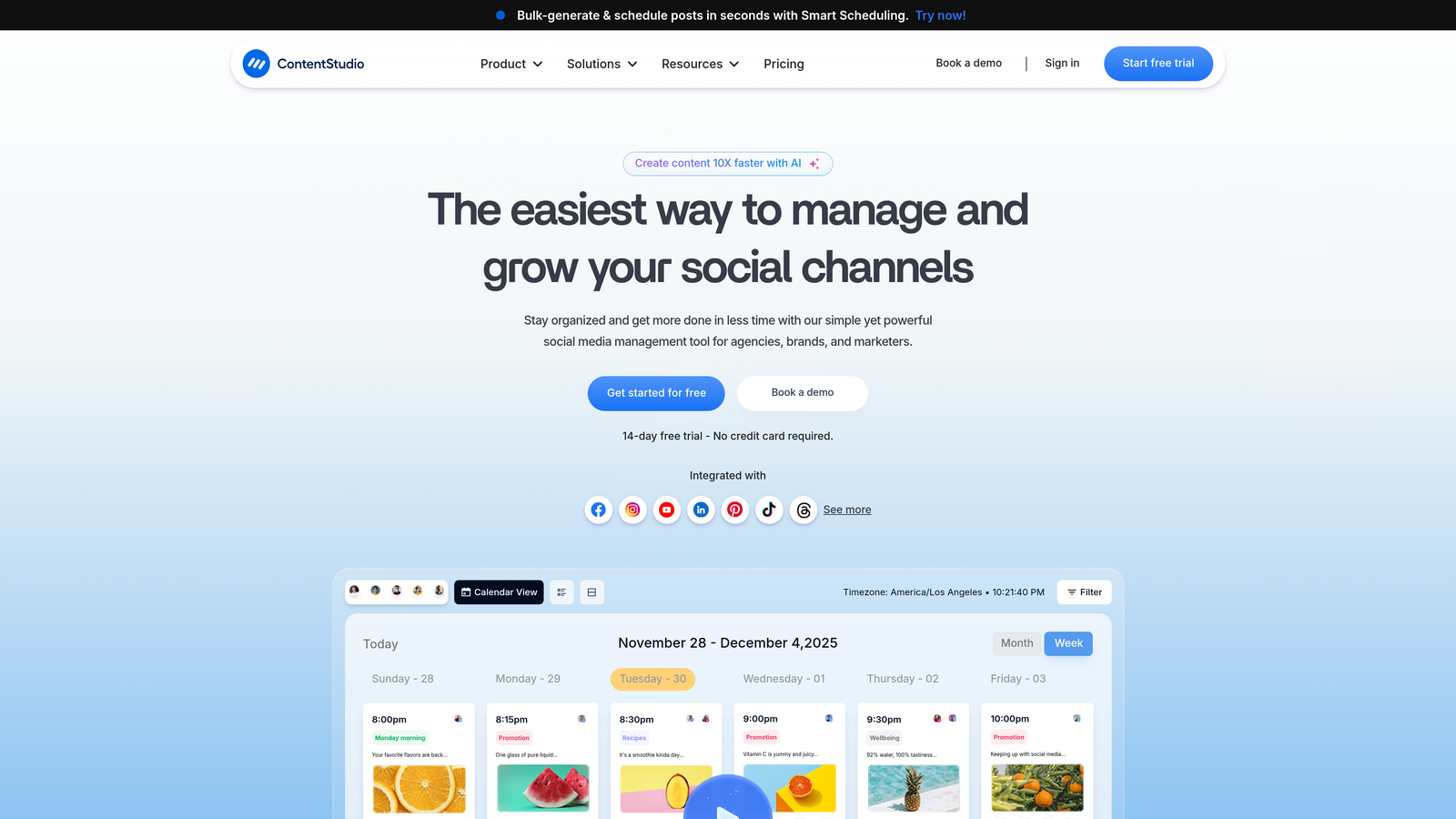
ContentStudio combines content calendar functionality with discovery tools that surface trending topics and shareable content from across the web.
Where This Tool Shines
The AI content discovery engine continuously monitors industry sources, news sites, and social platforms to surface trending topics relevant to your niche. Instead of staring at a blank calendar wondering what to post, you get a feed of timely content ideas that are already gaining traction.
The curation features let you share third-party content with your own commentary, keeping your calendar full even when you're not creating original content. The AI suggests optimal times to share curated content based on when your audience engages most.
Key Features
AI Content Discovery: Automatically surfaces trending topics and popular content in your industry for timely posting.
Content Curation Tools: Share and schedule third-party content with custom commentary to maintain posting consistency.
Multi-Channel Publishing: Schedule to social platforms, blogs, and other channels from a unified calendar interface.
AI Caption and Hashtag Generation: Get suggestions for engaging captions and relevant hashtags based on your content.
Analytics Dashboard: Track performance across all channels to identify what content types resonate most.
Best For
Solo marketers and small teams who struggle with consistent content ideation and want a mix of original and curated content. Particularly useful for industries where staying current with trends is critical.
Pricing
Individual plans start at $25 monthly. Agency plans with additional features and client management capabilities are available at higher tiers.
6. Lately
Best for: Teams creating long-form content who want to automatically repurpose it into dozens of social posts.
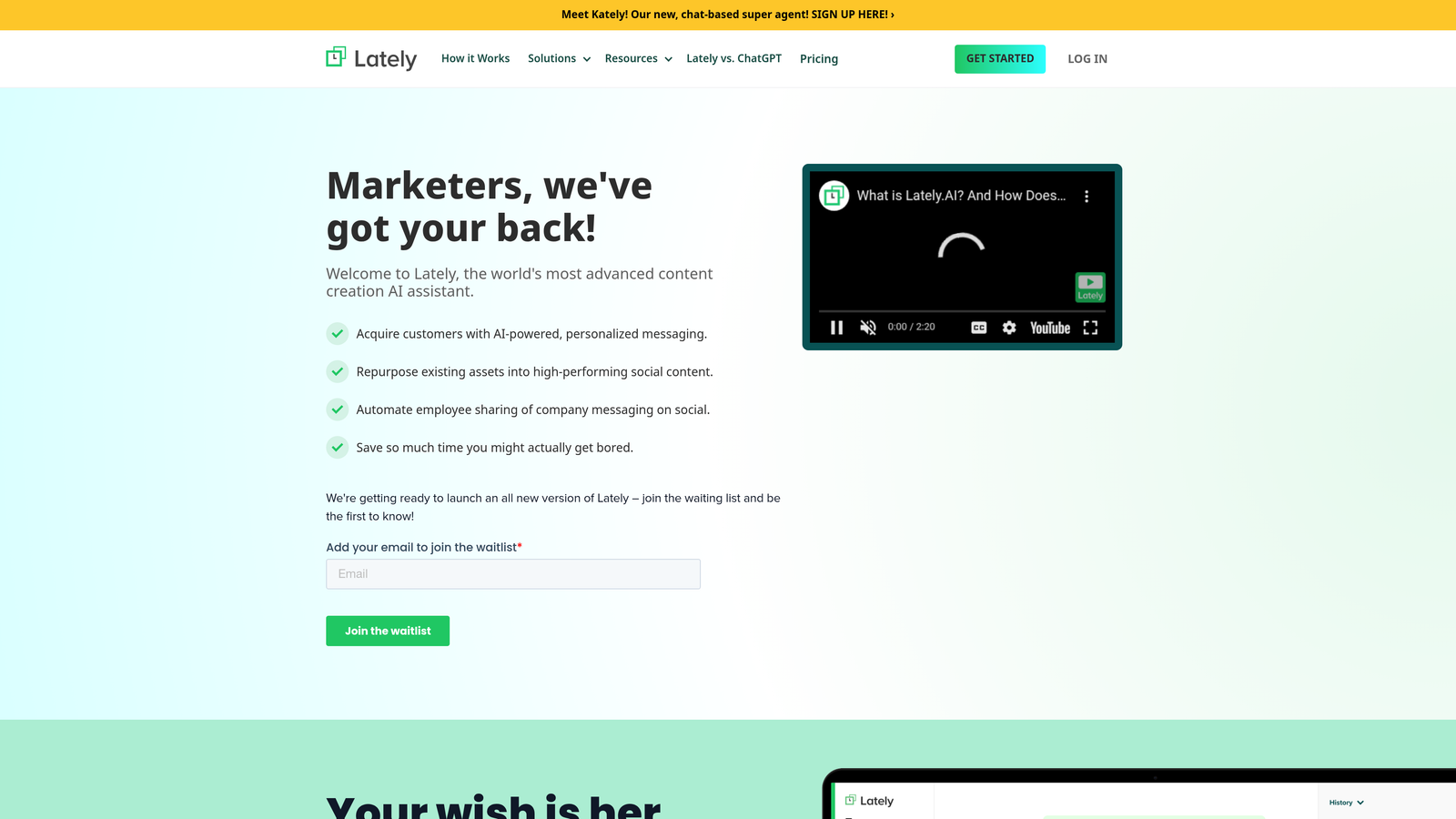
Lately takes a fundamentally different approach—it learns your brand voice and then atomizes long-form content into social media posts that sound like you wrote them.
Where This Tool Shines
The AI learns from your existing content to understand your brand voice, tone, and messaging patterns. Feed it a blog post, podcast transcript, or video, and it generates dozens of social media posts that maintain your voice while highlighting different angles and quotes.
This solves the problem of creating one piece of content and then manually extracting social posts from it. Lately does this automatically, filling your content calendar with posts that actually sound like your brand rather than generic AI-generated fluff.
Key Features
Brand Voice Learning: AI analyzes your existing content to replicate your specific tone, style, and messaging approach.
Automatic Content Atomization: Transforms long-form content into dozens of social posts highlighting different angles and quotes.
Video and Audio Transcription: Converts podcasts, webinars, and videos into text-based social content automatically.
Performance-Based Optimization: The AI learns which generated posts perform best and adjusts future suggestions accordingly.
Calendar Scheduling with AI Timing: Recommends optimal posting times based on when your atomized content is most likely to engage.
Best For
Content creators and marketing teams producing regular long-form content (blogs, podcasts, videos) who need to maximize social media reach without manually creating every post. The brand voice learning makes this especially valuable for personal brands.
Pricing
Plans start at $49 monthly for individual creators. Enterprise plans with additional features and team collaboration tools are available for larger organizations.
7. StoryChief
Best for: Content teams who want AI writing assistance and SEO optimization built into their calendar workflow.
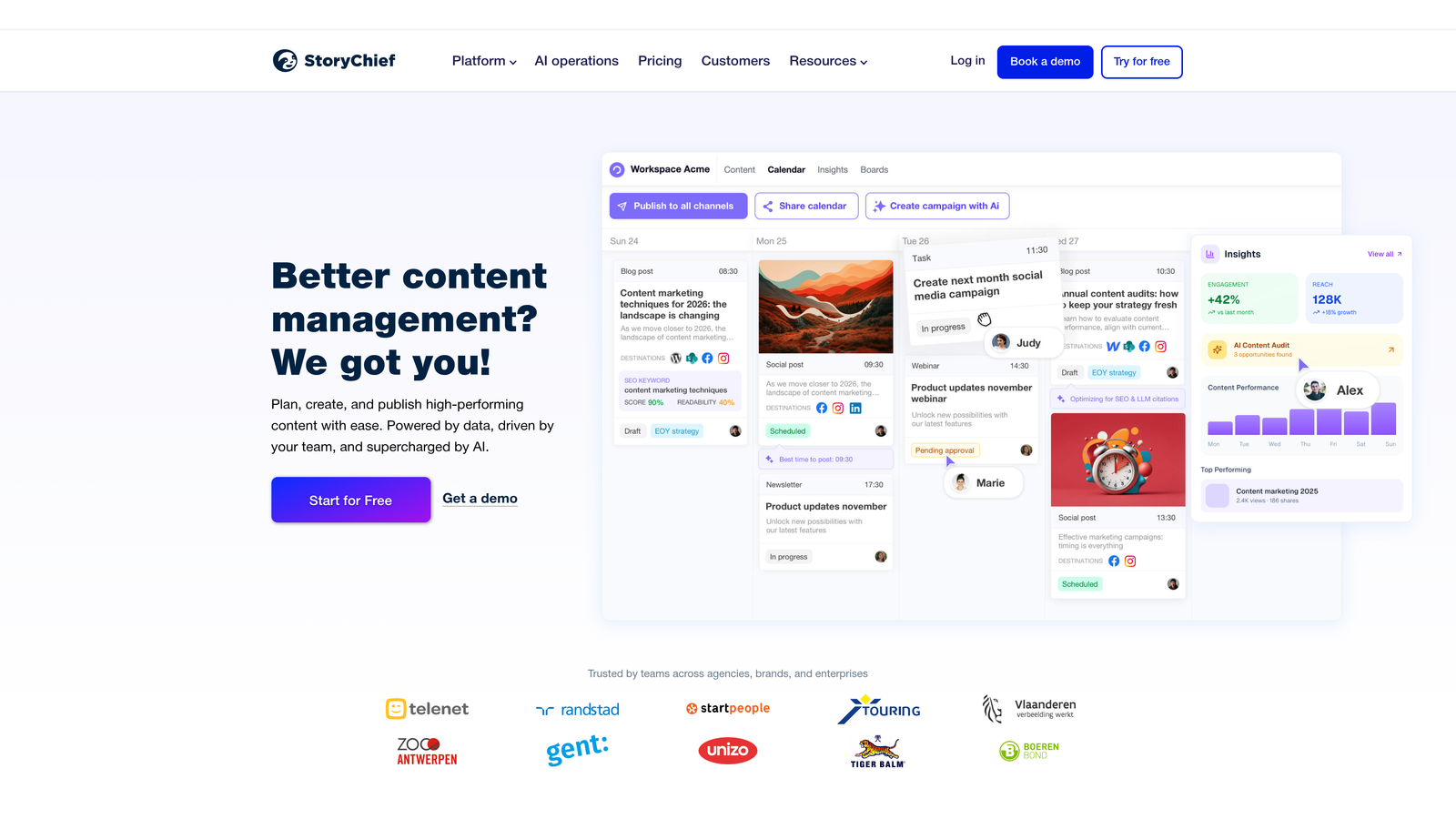
StoryChief integrates content creation, optimization, and distribution into a single platform where your calendar drives the entire process.
Where This Tool Shines
The AI Power Mode acts as a writing assistant directly within your content calendar. You're not just scheduling posts—you're creating them with AI suggestions for improvements, tone adjustments, and SEO optimization happening in real-time as you write.
The built-in SEO scoring analyzes your content before publishing and suggests specific improvements to increase search visibility. You see exactly what's missing—meta descriptions, keyword density, readability issues—without switching to separate SEO tools.
Key Features
AI Power Mode: In-platform writing assistance with suggestions for content improvements, tone adjustments, and structure optimization.
Built-In SEO Scoring: Real-time analysis of content with specific recommendations to improve search engine rankings.
Multi-Channel Publishing: Publish to your CMS, social media, and other platforms directly from the calendar interface.
Collaboration and Approval Workflows: Team members can draft, review, and approve content without leaving the platform.
Cross-Channel Analytics: Track performance of published content across all channels from a unified dashboard.
Best For
Marketing teams who create original content regularly and want writing assistance, SEO optimization, and distribution managed from a single tool. The free plan makes it accessible for small teams testing integrated workflows.
Pricing
Free plan available with limited features. Paid plans start at $40 monthly with increased publishing limits and advanced collaboration features.
8. Loomly
Best for: Small marketing teams who want AI post ideas and optimization tips without enterprise complexity.
Loomly focuses on making social media calendars simple and effective, with AI features that suggest what to post rather than overwhelming you with options.
Where This Tool Shines
The AI-generated post ideas feature monitors trending topics, upcoming holidays, and industry events to suggest timely content for your calendar. You're never staring at a blank calendar wondering what to post next—Loomly provides a starting point based on what's relevant right now.
The optimization tips analyze each post before publishing and suggest improvements—better hashtags, more engaging copy, optimal image dimensions. Think of it as having a social media expert review every post without the overhead of hiring one.
Key Features
AI Post Idea Generation: Suggests timely content based on trending topics, holidays, and industry events relevant to your brand.
Post Optimization Tips: Analyzes each post and recommends improvements for hashtags, copy, and visual elements.
Visual Calendar and List Views: Switch between calendar and list formats depending on how you prefer to plan content.
Approval Workflows with Commenting: Team members can review, comment, and approve posts before they go live.
UTM Tracking and Link Shortening: Automatically track campaign performance with UTM parameters and shortened links.
Best For
Small marketing teams and agencies managing social media for a handful of brands who want AI assistance without complex setup or steep learning curves. The straightforward interface means new team members can contribute immediately.
Pricing
Plans start at $32 monthly for two users with 10 social accounts. Pricing scales based on team size and number of social accounts managed.
9. Monday.com
Best for: Teams who want to customize a content calendar within a broader work management platform.
Monday.com isn't specifically a content calendar tool, but its flexibility and AI automations make it surprisingly powerful for content planning when configured correctly.
Where This Tool Shines
The AI automations handle repetitive workflow tasks—when a content piece moves to "Ready for Review," it automatically notifies the right team member and creates a deadline. When a post is approved, it triggers the next step in your publishing workflow without manual intervention.
The customization means you can build a content calendar that matches your exact workflow rather than adapting to how a tool thinks you should work. Need custom fields for content type, target audience, and SEO keywords? Add them. Want timeline views alongside calendar views? Configure both.
Key Features
AI Workflow Automations: Set up triggers that automatically move content through your review and publishing process.
Customizable Calendar and Timeline Views: Configure exactly how you want to visualize your content pipeline and deadlines.
200+ Integrations: Connect to marketing tools, social platforms, analytics, and other systems your team already uses.
Content Calendar Templates: Pre-built templates get you started quickly, then customize to match your workflow.
Task Assignments and Deadlines: Assign content pieces to team members with automatic reminders and deadline tracking.
Best For
Marketing teams who want a content calendar integrated with broader project management and who have the technical comfort to configure custom workflows. The flexibility comes with a setup learning curve.
Pricing
Free plan available for individuals. Paid plans start at $9 per seat monthly, with pricing increasing based on features and team size.
Making the Right Choice
For content teams serious about AI visibility and SEO optimization, Sight AI offers a unique combination of content generation and brand monitoring that most calendar tools completely lack. You're not just scheduling content—you're tracking how AI models like ChatGPT and Perplexity actually mention your brand, which directly informs what content you should create next.
Enterprise teams with complex global operations will find Sprinklr's comprehensive platform worth the investment. The predictive analytics and localization features justify the cost when you're coordinating campaigns across dozens of markets and channels.
Agencies managing multiple clients should prioritize Planable for its visual collaboration features and workspace separation. The ability to drag and drop content while maintaining clear boundaries between client accounts prevents the chaos that comes with rapid growth.
Small marketing teams often find the best balance of features and affordability with Loomly or CoSchedule. Both offer AI enhancements that genuinely improve content quality without overwhelming complexity or enterprise pricing.
Whatever you choose, the key is matching the tool's AI strengths to your specific workflow gaps. Are you struggling with content ideation? Look for strong discovery and suggestion features. Need better timing? Prioritize tools with AI scheduling optimization. Want to maximize reach from existing content? Consider atomization and repurposing capabilities.
The content calendar tools that succeed in 2026 aren't just digital planners—they're AI-powered systems that actively improve your content strategy, predict what will work, and automate the tedious parts of execution. The question isn't whether to use AI in your content calendar, but which AI capabilities align with where your team needs the most help.
Start tracking your AI visibility today and see exactly where your brand appears across top AI platforms. Stop guessing how AI models like ChatGPT and Claude talk about your brand—get visibility into every mention, track content opportunities, and automate your path to organic traffic growth.